10 Best Acer Laptops in the Philippines 2026 | Buying Guide Reviewed by IT Specialist
Is your old laptop hindering you from doing more, like playing games, watching HD movies, or running applications at once? Maybe it's a sign that you need a brand-new laptop. Among the many laptop brands you can choose from, Acer is one of the most well-known ones—and it is for a good reason. Acer is known for producing bang-for-your-buck laptops.
They're affordable, considering the number of features they pack in each laptop. If you're new to the world of Acer, you'll find that there are simply so many models to choose from! But you don't have to worry, as we've made a list of well-researched recommendations, a buying guide fact-checked by IT Specialist JC Rogelio, and so much more! Just scroll down to see what's in store for you.

JC Rogelio is first and foremost a fan of upgrading and modifying computers. Due to his passion, he earned a degree in Information Technology from a university specializing in the field. He is tech-savvy and likes to research computer trends. He was a former employee of a Fortune 500 company in the Philippines and now has over 3 years of experience in the IT/Engineering field in Dubai.

Our recommendation articles are carefully researched and crafted by the mybest Philippines team of writers and editors. To stay true to our company’s mission and vision to help users’ selection process easier, we also collaborate with experts from various fields to ensure that our content stays factual and useful.
The expert oversees the Buying Guide only, and does not determine the products and services featured.
Why You Can Trust Us
Every mybest article is crafted with hours of in-depth research and interviews with experts. Each month, we are continually expanding our database of products based on our research. By emphasizing user insight and reliable information, we deliver trustworthy content to readers.
How to Choose an Acer Laptop – Buying Guide
Here are some key points to consider:
- Choose the right processor for your needs
- To get clearer images, know your graphics card
- Check the RAM capacity for multi-tasking
- Consider the type of storage for a smooth user experience
- For gamers and movie buffs, note the specifications of the display
- Lighter laptops are more portable
- Check if your storage drive is upgradeable
For more detailed information, read through our buying guide below.
Choose the Right Processor for Your Needs
The processor is an important component that determines your laptop’s performance. A more powerful processor allows you to run heavy applications, like triple-A games, photo editors, and video editors. If you see yourself using these apps quite often, then the first thing you should look at is the laptop’s processor. Now, let’s take a closer look.
Octa-Core Processors Can Handle Intensive Tasks
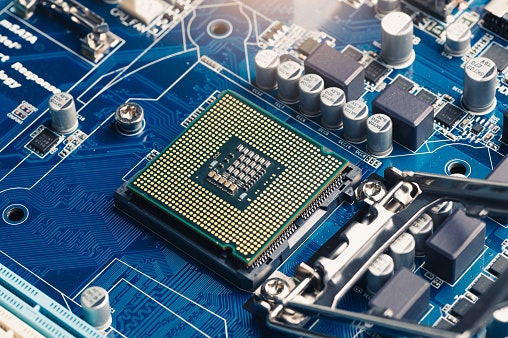
Most laptops have a range of four to eight cores. The safest option would be to go for the higher number, which is eight. Besides, many laptops on the market already have octa-core processors. If you are on a tight budget, you don’t have to worry, because a quad-core processor should be enough for lighter tasks.
Higher Clock Speeds Are Ideal for Power Users
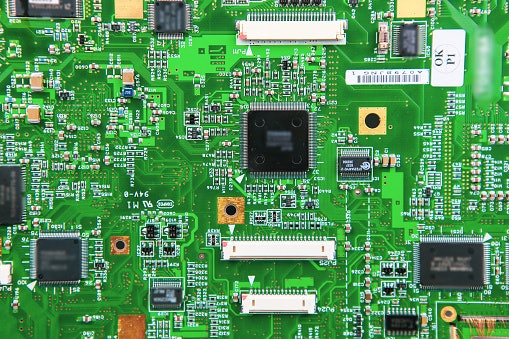
After looking at the number of cores, you have to look at the clock speed. This is usually represented in terms of gigahertz (GHz). For computer processors, the highest number for clock speeds is found in the range of 3.5-4.0 GHz. While this isn’t a must-have in most laptops, power users should definitely consider this specification.
To Get Clearer Images, Know Your Graphics Card
The graphics card is responsible for displaying the images on your screen. There are two types: the dedicated graphics card and the integrated graphics card.
Dedicated Graphics Cards Give You Superior Graphics
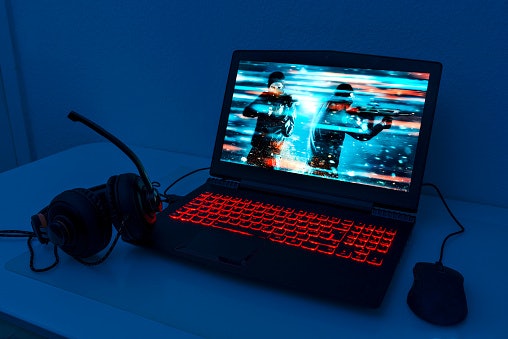
If your laptop’s graphics really matter to you, then you absolutely need a dedicated graphics card. Whether you want to play the latest games, edit short films, or fine-tune multiple photos from a photoshoot more efficiently, a dedicated graphics card is what you should look for.
The most common ones are the Nvidia GeForce series and the AMD Radeon RX series. For those who want the best of the best in the Nvidia GeForce, go for the 3000 series. And if your laptop comes with a Radeon RX graphics card, the 6000 series would be the prime choice.
For Affordability, Go for Integrated Graphics Cards

Not everyone needs a dedicated graphics card. Also, it can be more expensive. If you don’t use graphically demanding applications, then you’ll get more of your money’s worth with an integrated graphics card.
The most common ones you’ll find are Intel Integrated Graphics and AMD Vega. While these aren’t as powerful as dedicated graphics cards, they’ve become increasingly competitive these past few years. In fact, they are still perfectly capable of handling casual games and the occasional video editing.
Check the RAM Capacity for Multi-Tasking

There are people who love working with multiple tabs open. If you’re one of them, you might want to double-check the RAM capacity of your laptop before finalizing your purchase. While 4 GB of RAM will usually be enough for basic needs, getting at least 8 GB will be ideal for intensive multi-tasking.
Consider the Type of Storage for a Smooth User Experience
There are two types of storage drives that are available in laptops: solid-state drives and hard disk drives. Considering the amount of storage should be a given, so it’s a must that you know the differences between these two.
Choose SSDs for Faster Speeds

In case you didn’t know yet, the type of storage drive also determines how fast your laptop can run. Solid-state drives or SSDs are preferable if you want the fastest loading speeds and little to no lagging. Do take note that these are often more expensive and have lower storage capacities compared to HDDs.
HDDs Are More Affordable

Hard disk drives have been around much longer than solid-state drives and typically come at a more affordable price. They’re usually available in higher storage capacities that can go as high as 1 TB. However, these drives are much slower in comparison to SSDs. If that doesn’t concern you so much, then choosing HDDs would still be a wise choice.
For Gamers and Movie Buffs, Note the Specifications of the Display
Having a brilliant laptop display isn’t a must for some people, especially if they’re looking to use it simply for school or work. There are others, however, who love to unwind by watching their favorite movies and playing games. If you belong to this category, always check the quality of your display.
A High Resolution Display Offers a Better Viewing Experience

Who doesn’t love clear displays? If you want a high-quality display, then note the resolution of the screen. Having a resolution of at least 1080p will suffice for sharp and clear images. That way, you get to appreciate the visuals of your movie and get a richer and more immersive experience.
Higher Refresh Rates Are Best for Gamers

To get ahead of your opponents, it’s best to go for higher refresh rates. What exactly does a high refresh rate provide? A snappy gaming experience. Represented by the unit of Hertz (Hz), the refresh rate refers to the number of times your screen produces a new image in one second.
It's recommended to go for a refresh rate of at least 144 Hz for gaming. And if you're not satisfied with that, Acer has laptops that have an impressive refresh rate of 300 Hz. For the non-gamers, the average refresh rate of 60 Hz is already acceptable.
Lighter Laptops Are More Portable

The main reason a lot of us choose a laptop over a desktop computer is because of portability. While all laptops are portable by definition, a lighter laptop is easier to carry around, especially when you want to place it inside your bag.
Though the weight may be subjective, a weight of less than 4 lbs (1.8 kg) should be light enough to put inside your backpack, depending on your tolerance. When in doubt, check the weight of your current laptop so you can estimate how light your new laptop will be.
Check if Your Storage Drive Is Upgradeable
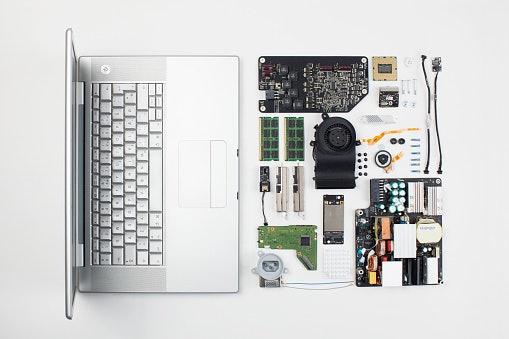
It’s likely that in a few years’ time, you’ll find that your storage is full. Of course, an alternative is buying an external storage drive. But did you know that some laptops allow you to upgrade your storage drive? Just check the specifications sheet, and you’ll see if the drive is soldered or not. If it’s soldered, you'll be unable to upgrade your storage.
10 Best Acer Laptops to Buy Online
| Products | Image | Click to purchase | Popularity | Details | ||||||
|---|---|---|---|---|---|---|---|---|---|---|
Processor | Graphics Card | RAM | Storage | Display | Weight | |||||
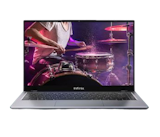
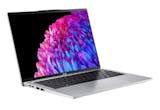
1 | Swift Laptop|SF14-51-553D Acer |  | No.1 | Intel® Core™ Ultra 5 228V | Intel® Arc™ Graphics | 32 GB | 1 TB | 14.5" 2880 × 1800 (WQXGA+), 16:10 Aspect Ratio, High-Brightness (400 Nits) CineCrystal™ | 1.28 kg | |
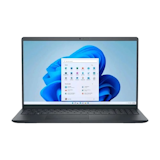
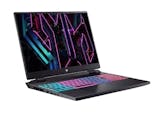
2 | Helios Neo Slim 16S|PHN16S-71-72WE Acer |  | No.2 | Intel® Core™ Ultra 7 255HX | NVIDIA® GeForce RTX™ 5060 | 16 GB | 512 GB | 16" WQXGA (2560 × 1600) OLED, 16:10 Aspect Ratio, 240Hz Refresh Rate, 400 Nits, VESA True Black HDR 500 Certified, DCI-P3 100% | unknown | |
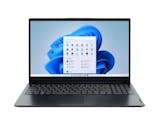
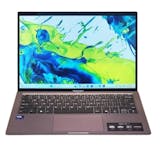
3 | Swift Go Laptop|SFG14-73-73VB Acer |  | No.3 | Intel® Core™ Ultra 7 155H | Intel® Arc™ Graphics | 16 GB | 512 GB | Intel® Arc™ Graphics | 1.3 kg | |
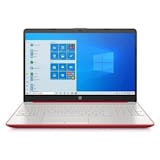
4 | Aspire Go 14|AG14-71M-55Q4 Acer |  | No.4 | Intel® Core™ Ultra 5 115U | Intel® Arc™ Graphics | 8 GB, 16 GB | 512 GB | 14.0" WUXGA (1920 × 1200) IPS, 16:10 Aspect Ratio, Acer ComfyView™ (Matte/Anti-glare) | 1.35–1.45 kg | |
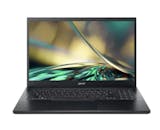
5 | Aspire 7|A715-59G-56W7 Acer |  | No.5 | Intel Core i5-12450H | NVIDIA GeForce RTX 3050 | 16 GB | 512 GB | 15.6" Full HD (1920 × 1080) IPS, 144Hz Refresh Rate, Acer ComfyView | 1.99 kg | |
6 | Aspire Lite|AL15-36P-32XP Acer |  | No.6 | Intel® Core™ 3 N355 | Integrated Intel® UHD Graphics | 8 GB | 512 GB | 14.0" WUXGA (1920 x 1200) IPS, 16:10 Aspect Ratio, Acer ComfyView™ | 1.17 kg | |
7 | Aspire Lite|AL14-45P-R9UE Acer |  | No.7 | AMD Ryzen 3-5400U | AMD Radeon Graphics (Vega 6) | 8 GB | 512 GB | 14" WUXGA (1920 × 1200) IPS, 16:10, Acer ComfyView™ LED-Backlit | 1.3 kg | |
8 | Swift GO|SFG14-01-X2PX Acer |  | No.8 | Qualcomm® Snapdragon™ X Plus X1P-42-100 | Qualcomm® Adreno™ X1-45 GPU | 16 GB | 1 TB | 14.5" WUXGA (1920 × 1200), IPS Technology, 16:10 Aspect Ratio | 1.32 kg | |
9 | Aspire Go|AG14-71M-58JD Acer |  | No.9 | Intel® Core™ Ultra 5 115U | Intel® Arc™ Graphics | 16 GB | 512 GB | 14.0" WUXGA (1920 × 1200) IPS, 16:10 Aspect Ratio, Acer ComfyView™ Matte | 1.5 kg | |
10 | Travelmate P2|TMP214-53-324K Acer |  | No.10 | Intel Core i3-1115G4 | Integrated Iris Xe-LP Graphics G4 | 8 GB | 500 GB + 128 GB | 14" HD (1366 × 768) FHD (1920 × 1080), Acer ComfyView, LED-Backlit | 1.625 kg | |

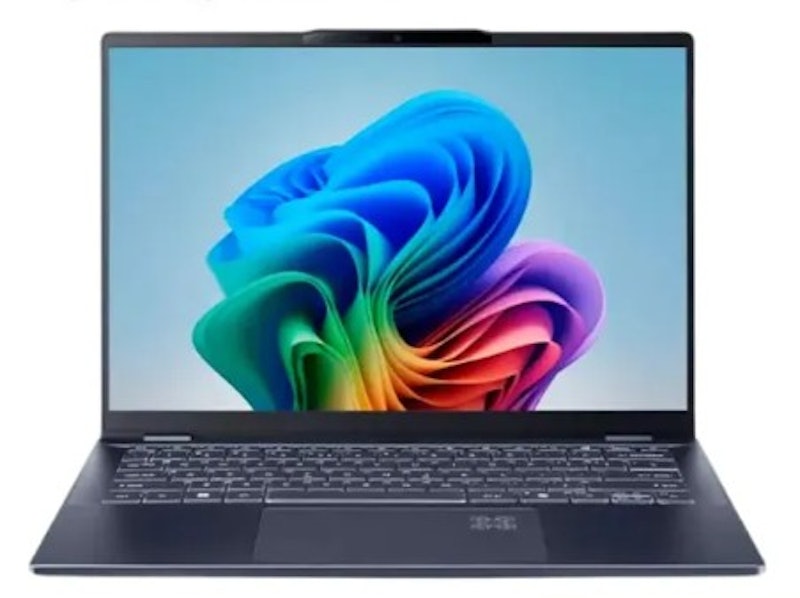
AcerSwift Laptop | SF14-51-553D
Features and benefits:
Reviews mention:
Several love the stunning OLED screen for its vibrant and crisp colors. Many praise the Intel Core Ultra 5 for its snappy performance. People appreciate the massive 32 GB of RAM for seamless multitasking.
| Processor | Intel® Core™ Ultra 5 228V |
|---|---|
| Graphics Card | Intel® Arc™ Graphics |
| RAM | 32 GB |
| Storage | 1 TB |
| Display | 14.5" 2880 × 1800 (WQXGA+), 16:10 Aspect Ratio, High-Brightness (400 Nits) CineCrystal™ |
| Weight | 1.28 kg |
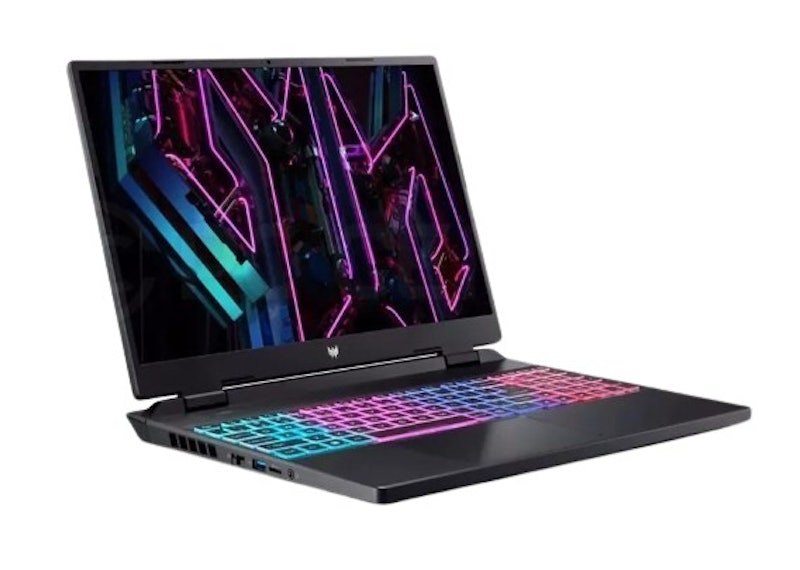
AcerHelios Neo Slim 16S | PHN16S-71-72WE
Reviews mention:
Many find the vibrant 16-inch display incredibly immersive for intense gaming sessions. People love the blazing fast processing speed of the Intel Ultra 7 chip. Several appreciate how the RTX 5060 graphics card delivers silky smooth frame rates.
| Processor | Intel® Core™ Ultra 7 255HX |
|---|---|
| Graphics Card | NVIDIA® GeForce RTX™ 5060 |
| RAM | 16 GB |
| Storage | 512 GB |
| Display | 16" WQXGA (2560 × 1600) OLED, 16:10 Aspect Ratio, 240Hz Refresh Rate, 400 Nits, VESA True Black HDR 500 Certified, DCI-P3 100% |
| Weight | unknown |
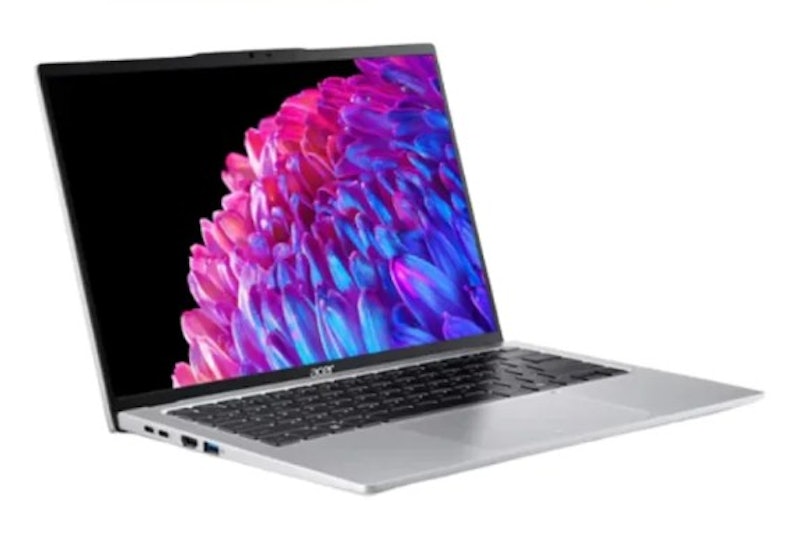
Acer Swift Go Laptop | SFG14-73-73VB
Features and benefits:
Reviews mention:
People appreciate the lightweight and highly portable chassis, noting that it is easy to carry for daily commutes and travel. Many highlight the vivid display quality for both creative work and media consumption. Several also note that the keyboard and trackpad feel responsive and comfortable during extended typing sessions.
| Processor | Intel® Core™ Ultra 7 155H |
|---|---|
| Graphics Card | Intel® Arc™ Graphics |
| RAM | 16 GB |
| Storage | 512 GB |
| Display | Intel® Arc™ Graphics |
| Weight | 1.3 kg |
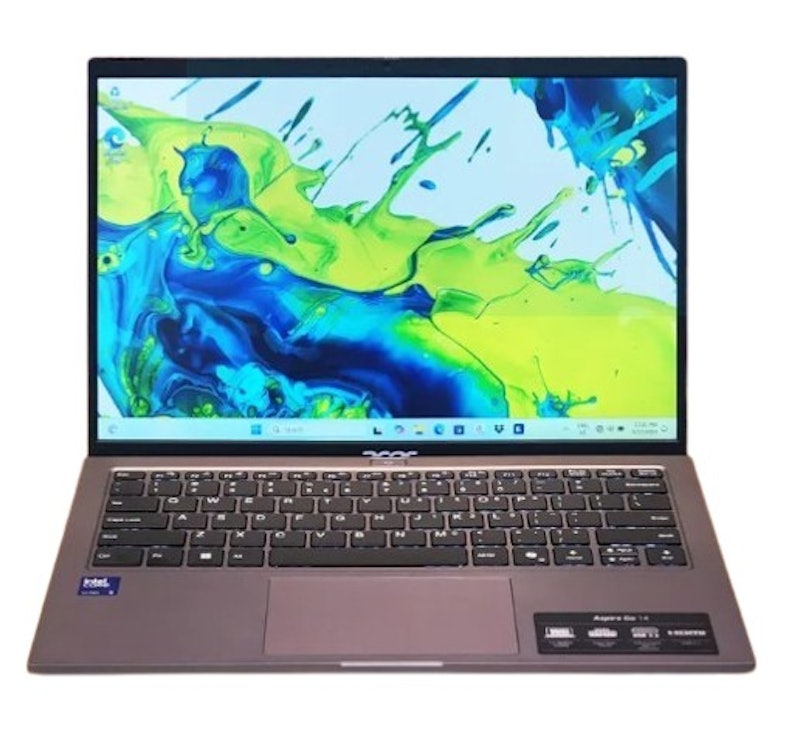
AcerAspire Go 14 | AG14-71M-55Q4
Reviews mention:
Several praise the crisp, clear 14-inch display for watching movies. Many love how the Intel Core Ultra 5 processor handles daily tasks. People value the lightweight gray chassis for commuting and easy travel.
| Processor | Intel® Core™ Ultra 5 115U |
|---|---|
| Graphics Card | Intel® Arc™ Graphics |
| RAM | 8 GB, 16 GB |
| Storage | 512 GB |
| Display | 14.0" WUXGA (1920 × 1200) IPS, 16:10 Aspect Ratio, Acer ComfyView™ (Matte/Anti-glare) |
| Weight | 1.35–1.45 kg |
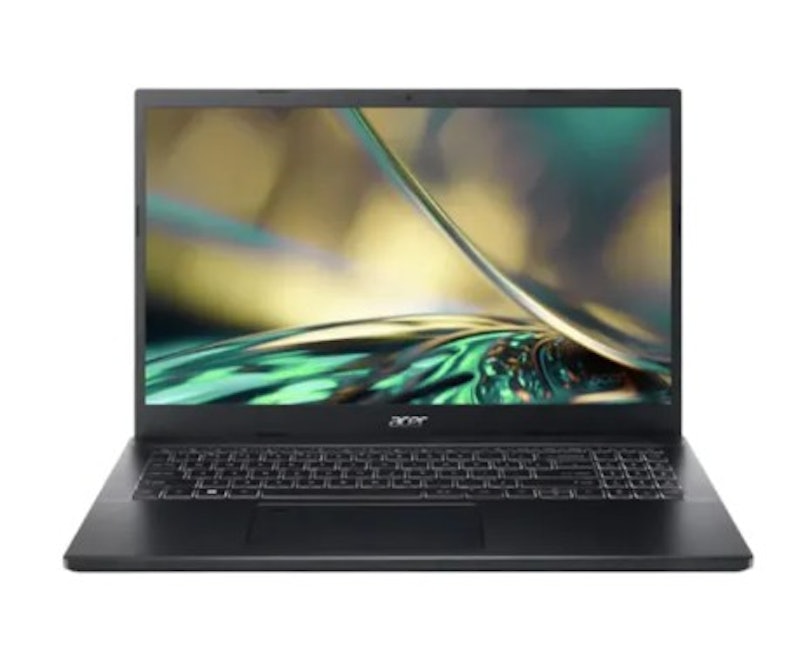
Features and benefits:
Reviews mention:
Many love the smooth, responsive visuals provided by the high 144Hz refresh rate display. People appreciate how easily the robust hardware handles demanding multitasking workloads. Several note the fast boot-up times thanks to the efficient solid-state drive.
| Processor | Intel Core i5-12450H |
|---|---|
| Graphics Card | NVIDIA GeForce RTX 3050 |
| RAM | 16 GB |
| Storage | 512 GB |
| Display | 15.6" Full HD (1920 × 1080) IPS, 144Hz Refresh Rate, Acer ComfyView |
| Weight | 1.99 kg |
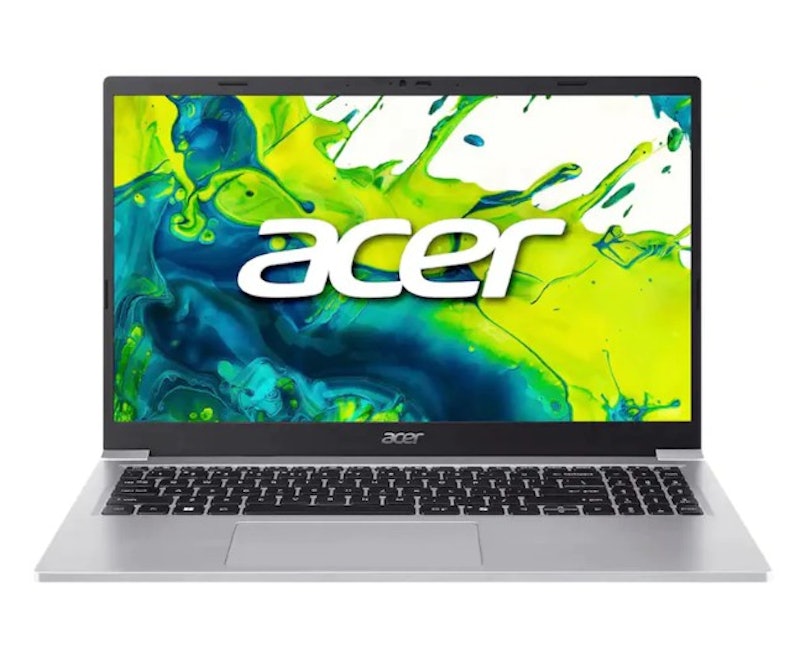
| Processor | Intel® Core™ 3 N355 |
|---|---|
| Graphics Card | Integrated Intel® UHD Graphics |
| RAM | 8 GB |
| Storage | 512 GB |
| Display | 14.0" WUXGA (1920 x 1200) IPS, 16:10 Aspect Ratio, Acer ComfyView™ |
| Weight | 1.17 kg |
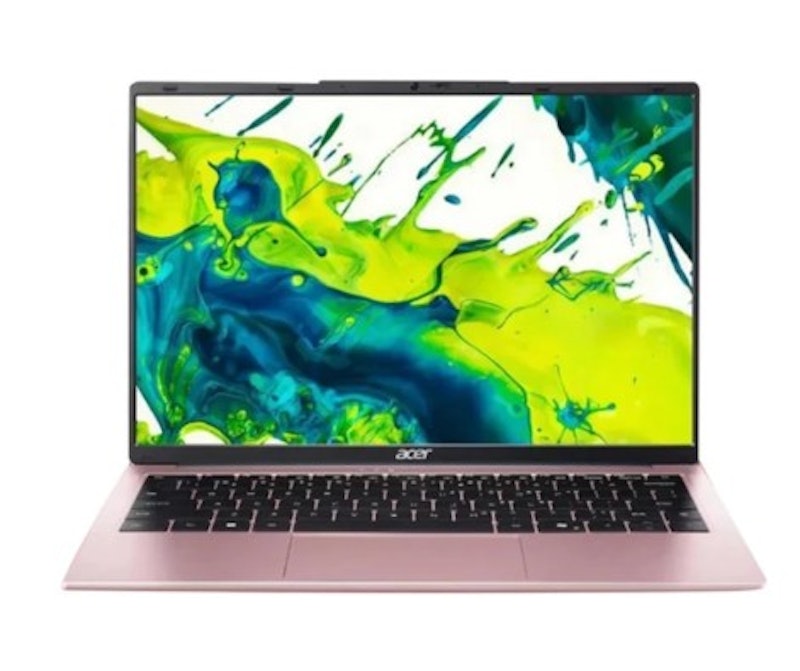
Reviews mention:
Several commend the excellent value offered by this budget-friendly, sleek laptop. Many find the lightweight design incredibly convenient for carrying around daily. People enjoy the comfortable keyboard layout for effortless typing and working.
| Processor | AMD Ryzen 3-5400U |
|---|---|
| Graphics Card | AMD Radeon Graphics (Vega 6) |
| RAM | 8 GB |
| Storage | 512 GB |
| Display | 14" WUXGA (1920 × 1200) IPS, 16:10, Acer ComfyView™ LED-Backlit |
| Weight | 1.3 kg |
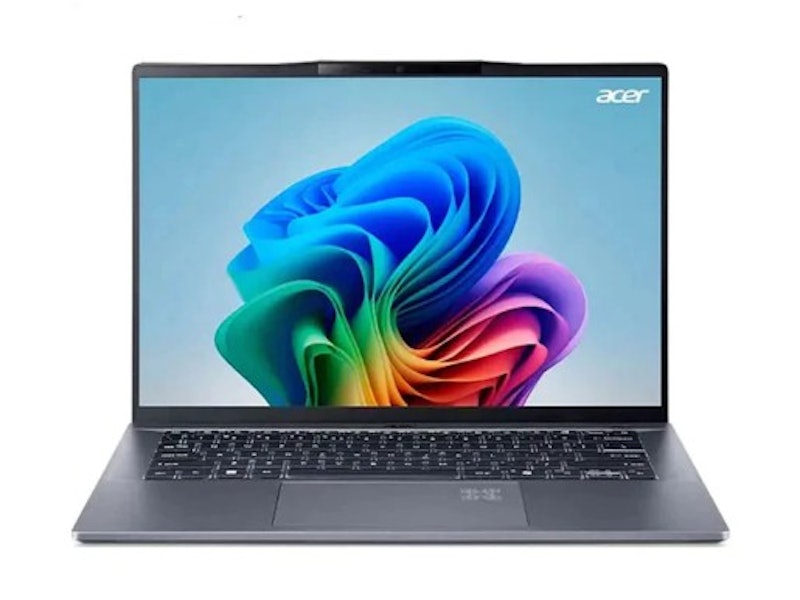
Features and benefits:
Reviews mention:
Many report that the exceptional battery life easily lasts through an entire workday. People value the pre-installed Microsoft Office suite for instant, out-of-the-box productivity. Several note the integrated Qualcomm AI features make multitasking feel completely seamless.
| Processor | Qualcomm® Snapdragon™ X Plus X1P-42-100 |
|---|---|
| Graphics Card | Qualcomm® Adreno™ X1-45 GPU |
| RAM | 16 GB |
| Storage | 1 TB |
| Display | 14.5" WUXGA (1920 × 1200), IPS Technology, 16:10 Aspect Ratio |
| Weight | 1.32 kg |

Features and benefits:
Reviews mention:
People state the keyboard feels comfortable for typing long essays. Many note the sleek chassis looks very modern and professional. Several value the excellent performance given its very affordable price.
| Processor | Intel® Core™ Ultra 5 115U |
|---|---|
| Graphics Card | Intel® Arc™ Graphics |
| RAM | 16 GB |
| Storage | 512 GB |
| Display | 14.0" WUXGA (1920 × 1200) IPS, 16:10 Aspect Ratio, Acer ComfyView™ Matte |
| Weight | 1.5 kg |

Reviews mention:
Several appreciate the dual storage setup for combining high capacity with fast speed. Many find the eleventh generation processor highly reliable for managing daily office tasks. People love the extensive choice of physical ports available on this specific model.
| Processor | Intel Core i3-1115G4 |
|---|---|
| Graphics Card | Integrated Iris Xe-LP Graphics G4 |
| RAM | 8 GB |
| Storage | 500 GB + 128 GB |
| Display | 14" HD (1366 × 768) FHD (1920 × 1080), Acer ComfyView, LED-Backlit |
| Weight | 1.625 kg |
Frequently Asked Questions
Below are some of the most asked questions on the web answered by the mybest team.
Is Acer a Good Laptop Brand?
Established in 1976, Acer is one of the most famous laptop brands around the world. They offer laptops for everyone—Predator for high-end gaming, Nitro for budget gaming, Swift for lightweight laptops, and Aspire for casual use.
These are good-value laptops, as they are much more affordable compared to their competitors. Although they're known for being a budget brand, Acer does not compromise on the quality of their laptops. In fact, many of their products have won multiple awards for design and excellence.
How Much Do Acer Laptops Cost?
Though Acer laptops are generally affordable, prices may vary depending on the tech specs of the unit. You can get a basic laptop for less than PHP20,000, but if you want one that has a lot of features, the price can go up to PHP170,000. But do check their promos and sales to save on costs!
How to Reset Acer Laptop?
To reset your Acer laptop, first, shut down your device. Turn on your laptop again, and when you see the Acer logo on the screen, press the Alt and F10 keys simultaneously. Wait for the Choose an Option page to appear and click Troubleshoot. Choose Reset your PC or Reset this PC, then click Remove everything.
After your laptop restarts, select Just remove my files or Fully clean my drive, depending on your needs. Click Restart or Reset, wait for your laptop to restart again, and follow the instructions on the screen to set up your device. While these instructions may work for most Acer laptops, do search your laptop's model number online for more specific information.
Other Laptop Brands to Choose From
Acer isn't the only high-quality laptop that you can find on the market. There are so many options to choose from out there. If you want to try out a different brand, you'll surely find one in the links below!


Author: Andrei Merino
Editor, Re-editor: R. Umlas, Aprille Jarcia
How We Chose and Ranked Our Product Recommendations
Our buying guide was carefully researched and crafted by the mybest team of writers and editors, in collaboration with the expert featured in this article. We used the buying guide as a basis for choosing and ranking the product recommendations, and we looked at reviews and ratings from different E-commerce sites like Lazada, Shopee, and more.
The descriptions of each product are referenced from content available on manufacturer, brand, and e-commerce sites.