10 Best Laptops Below 20k in the Philippines 2026 | Lenovo, Asus, and More
A laptop below PHP 20k is a budget-friendly computer built for everyday tasks like online classes, document writing, and video calls. At this price range, specifications vary widely between laptop models, so knowing which features matter most, such as processor, RAM, and battery life, helps you avoid a laptop that struggles with daily use.
This guide walks through what to check before buying, including specs, screen size, and battery life, and then ranks the best options available on Lazada and Shopee. Whether you're a student, freelancer, or first-time buyer, you'll find a laptop that fits your workload and budget.

Hazel is a content planner and writer dedicated to simplifying your online shopping experience. With a passion for research and a keen eye for quality, she digs into the details to bring you trustworthy and insightful buying guides you can rely on.
Why You Can Trust Us
Every mybest article is crafted with hours of in-depth research and interviews with experts. Each month, we are continually expanding our database of products based on our research. By emphasizing user insight and reliable information, we deliver trustworthy content to readers.
How to Choose an Affordable Laptop - Buying Guide
Specs vary significantly among laptops below PHP 20k, so knowing what to prioritize is essential before you buy. Here are six points to check when choosing the best laptop below PHP 20k.
Match the Laptop's Processor and RAM to Your Actual Workload
A laptop below PHP 20k that handles video calls just fine might struggle when you open too many browser tabs, so knowing your typical workload beforehand saves you from a slow, frustrating experience later.
For Browsing and MS Office Only: Look for a Laptop with Intel Core i3 or Pentium with 8 GB RAM

Not every laptop needs to be a powerhouse, especially if your day mostly revolves around Google Classroom, emails, and typing up reports. Students and light users benefit most from a laptop below PHP 20k with an Intel Core i3 or Pentium processor paired with 8 GB RAM, which comfortably handles browsing, video calls, and MS Office apps like Word and Excel.
It won't power through demanding programs, but for everyday academic or office tasks, this combination keeps things running smoothly without unnecessary lag or overheating.
For Multitasking or Light Coding: Go for a Laptop With 16 GB RAM or Higher

Sometimes, one task isn't the whole story, especially if you like keeping several apps open at once. Freelancers, remote workers, and students dabbling in light coding will appreciate laptops below PHP 20k with 16 GB RAM or higher, as they allow smoother multitasking between browser tabs, code editors, and office apps without the system slowing down.
It's a small upgrade that makes a noticeable difference once your workload gets a little heavier than basic browsing.
Confirm the Laptop's Operating System Matches Your Software Needs
Before comparing specs, it's worth pausing on something just as important: the operating system a laptop below PHP 20k runs on. This affects which apps you can install and how familiar the overall experience will feel, so it deserves consideration alongside processor and RAM.
Windows 11 for Full Software Compatibility and MS Office

Most Filipino students and professionals will find this the safer, more familiar choice. Windows 11 supports a wide range of software, including the full MS Office suite, making it ideal for schoolwork, freelance projects, and remote jobs that require specific desktop programs.
A laptop below PHP 20k with Windows 11 also allows more flexibility down the line, since most apps and tools used in the Philippines are built with Windows compatibility in mind, whether for office work or personal projects at home.
ChromeOS for Lightweight, Browser-Based Tasks Only

Some users genuinely don't need much beyond an internet connection, and that's fine too. ChromeOS works well for readers who mainly browse, stream, or use web-based apps like Google Docs, since it's lightweight and starts up quickly.
Just keep in mind that laptops below PHP 20k with ChromeOS don't support most traditional desktop software, so they're best suited for students or casual users rather than those who need specific installed programs for work or school.
Choose a Laptop Screen Size That Fits Student or On-the-Go Use
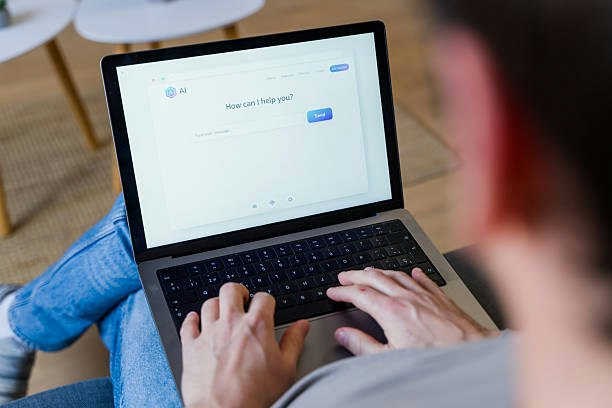
Screen size might seem like a minor detail, but it shapes your everyday comfort more than you'd expect. It affects everything from how easy the laptop is to carry to how much space you have for actual work.
- 14-inch Laptops: Portable and ideal for daily commuting, especially for students and workers moving between home, school, or the office often
- 15.6-inch Laptops: Suitable for a larger workspace at home or in the office, giving you more visual room for documents or spreadsheets
Either size works well as long as it matches how and where you'll be using your laptop most.
Look for at Least 6–8 Hours of Laptop Battery Life for Uninterrupted Use

Nothing derails productivity quite like a laptop dying in the middle of a class or a work call. Battery life matters especially in the Philippines, where brownouts and limited outlet access are common realities for students and remote workers alike.
Aim for a laptop below PHP 20k with at least 6 to 8 hours of battery life so it can realistically last through a school day or a work shift without needing a recharge. This gives you enough buffer for online classes, meetings, or errands without constantly hunting for a plug.
Check the Laptop's Available Ports for Your Accessories and Peripherals
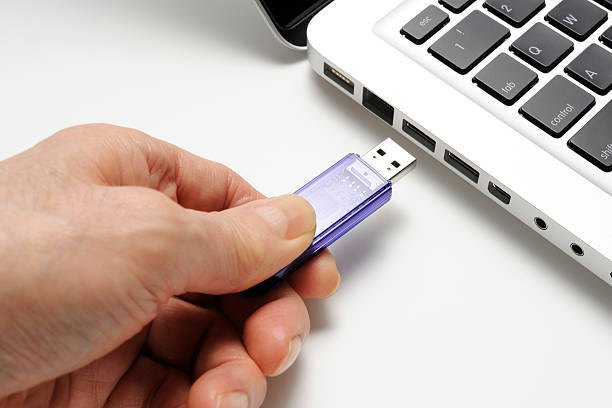
It's easy to overlook ports until you actually need one that isn't there. Laptops below PHP 20k sometimes trim down on connectivity to keep costs low, so it's worth checking what's included before buying.
Look for a mix of USB-A and USB-C ports, an HDMI port for external monitors, and a headphone jack at a minimum. If you regularly use a mouse, flash drive, or printer, having enough ports on hand means fewer dongles and adapters cluttering your setup.
Consider Laptop Display Quality if You Plan to Stream or Play Light Games

Not every laptop below PHP 20k is built with visuals in mind, but some come surprisingly close. If streaming shows or playing casual games is part of your routine, prioritize a laptop below PHP 20k with a Full HD (1920x1080) display for sharper, clearer visuals compared to standard HD screens.
IPS panels are also worth considering, as they offer better color accuracy and wider viewing angles. Just keep expectations realistic, as laptops below PHP 20k aren't built for demanding or graphics-heavy games.
10 Best Laptops Below 20k to Buy Online
| Products | Image | Click to purchase | Popularity | Details | ||||||||
|---|---|---|---|---|---|---|---|---|---|---|---|---|
Processor | RAM | Storage | Operating System | Display | Battery Life | Connectivity Ports | Graphics | |||||
1 | 12.5-Inch ThinkPad |X280 Lenovo |  | No.1 | Intel Core i5-8250U or Intel Core i7-8550U | 16 GB | 1,000 GB | Pre-Installed Windows 11 Pro | 12.5-Inch Screen With 1920 × 1080 IPS Resolution | 13 Hours | 2 USB 3.0 (Type-A), 2 USB Type-C (One Supporting Thunderbolt 3), Full-Sized HDMI, Ethernet Extension Connector, MicroSD Card Reader, Audio Combo Jack | Intel UHD Graphics 620 | |
2 | 13.3-Inch ThinkPad Ultrabook Laptop |X13 / X390 Lenovo |  | No.2 | Intel Core i5-8265U | 8 GB | 256 GB | Pre-Installed Windows 10 Pro | 13.3-Inch Screen With 1920 × 1080 Resolution | 14 Hours | USB 3.0, USB Type-C, HDMI, Ethernet Extension Connector, MicroSD Card Reader, Audio | Intel UHD Graphics | |
3 | 14-Inch Intel Core i5 8265U Laptop |  | No.3 | Intel Core i5-8265U | 8 GB | 256 GB | Pre-Installed Windows 10 | 14-Inch Screen With 1920 × 1080 Resolution | 8 Hours | USB 3.0, USB Type-C, HDMI, Audio, SD Card Reader | Intel UHD Graphics 620 | |
4 | 11.6-Inch Chromebook Laptop |C204MA-YB02-GR Asus |  | No.4 | Intel Celeron N4020 | 4 GB | 32 GB | Pre-Installed ChromeOS | 11.6-Inch Screen With 1366 × 768 HD Resolution | 10 Hours | 2 USB 3.0, 2 USB Type-C Ports, MicroSD Card Reader, Audio | Intel UHD Graphics 600 | |
5 | 14-Inch Chromebook Laptop |HP 14 HP |  | No.5 | Intel Celeron N4500 | 4 GB | 64 GB | Pre-Installed ChromeOS | 14-Inch Screen With 1366 × 768 HD Resolution | 11 Hours | 2 USB Type-A, 1 USB Type-C, HDMI, Audio | Intel UHD Graphics | |
6 | 15.6-Inch HD Office Laptop AIODIY |  | No.6 | Intel N100 | 16 GB | 512 GB | Pre-Installed Windows 11 | 15.6-Inch Screen FHD Display | 6 Hours | USB 3.0, USB 2.0, USB Type-C, HDMI, TF Card Slot, Audio | Intel UHD Graphics | |
7 | Intel Core i7 14.1-Inch Gaming Laptop |  | No.7 | Intel Core i7-1255U | 12 GB | 512 GB | Pre-Installed Windows 11 | 14-Inch Screen With 1920 × 1080 Resolution | 4–6 Hours | USB 3.0, USB Type-C, HDMI, Audio, TF Card Slot | Intel Iris Xe Graphics | |
8 | 14-Inch AMD Laptop |NLR100 30E162, NLR100 30E082 NingMei |  | No.8 | AMD 3020e | 8 GB / 16 GB | 256 GB | Pre-Installed Windows 11 | 14-Inch Screen With 1920 × 1080 IPS Resolution | 6 Hours | USB 3.0, USB Type-C, Mini HDMI, TF Card Slot, Audio | AMD Radeon Graphics | |
9 | 15.6-Inch Factory Laptop Asus |  | No.9 | Intel Core i5-10210U | 12 GB | 512 GB | Pre-Installed Windows 11 | 5.6-Inch Screen With 1920 × 1080 IPS Resolution | 6 Hours | USB 3.0, USB 2.0, USB Type-C, HDMI, SD Card Reader, Audio | Intel UHD Graphics | |
10 | Intel Core i7/i9 Gaming Laptop |  | No.10 | Intel Core i7-7500U / Intel Core i9-8950HK | 16 GB | 512 GB | Pre-Installed Windows 11 Pro | 14.1-Inch Screen / 15.6-Inch Screen | 4–6 Hours | USB Type-A, USB Type-C, HDMI, Audio, LAN/Ethernet, SD Card Slot or Card Reader, Wi-Fi, and Bluetooth | Intel HD Graphics 620 | |

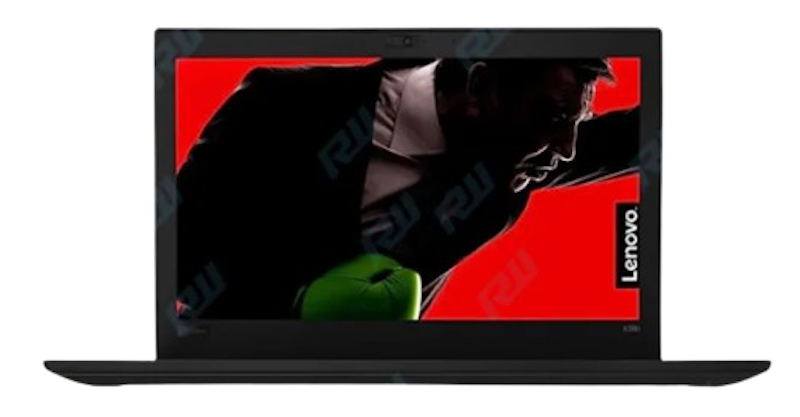
| Processor | Intel Core i5-8250U or Intel Core i7-8550U |
|---|---|
| RAM | 16 GB |
| Storage | 1,000 GB |
| Operating System | Pre-Installed Windows 11 Pro |
| Display | 12.5-Inch Screen With 1920 × 1080 IPS Resolution |
| Battery Life | 13 Hours |
| Connectivity Ports | 2 USB 3.0 (Type-A), 2 USB Type-C (One Supporting Thunderbolt 3), Full-Sized HDMI, Ethernet Extension Connector, MicroSD Card Reader, Audio Combo Jack |
| Graphics | Intel UHD Graphics 620 |
Lenovo 13.3-Inch ThinkPad Ultrabook Laptop | X13 / X390
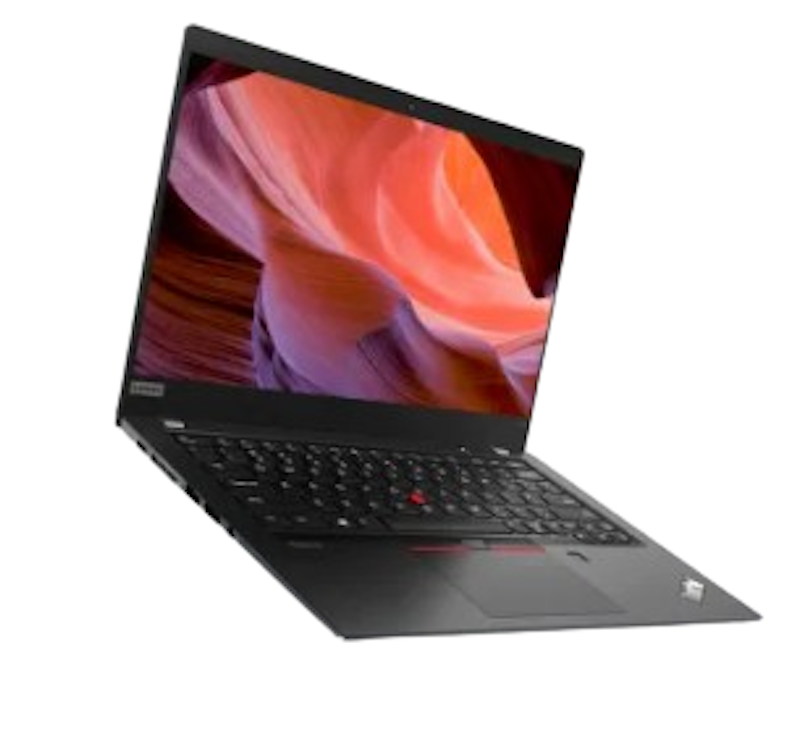
| Processor | Intel Core i5-8265U |
|---|---|
| RAM | 8 GB |
| Storage | 256 GB |
| Operating System | Pre-Installed Windows 10 Pro |
| Display | 13.3-Inch Screen With 1920 × 1080 Resolution |
| Battery Life | 14 Hours |
| Connectivity Ports | USB 3.0, USB Type-C, HDMI, Ethernet Extension Connector, MicroSD Card Reader, Audio |
| Graphics | Intel UHD Graphics |
14-Inch Intel Core i5 8265U Laptop
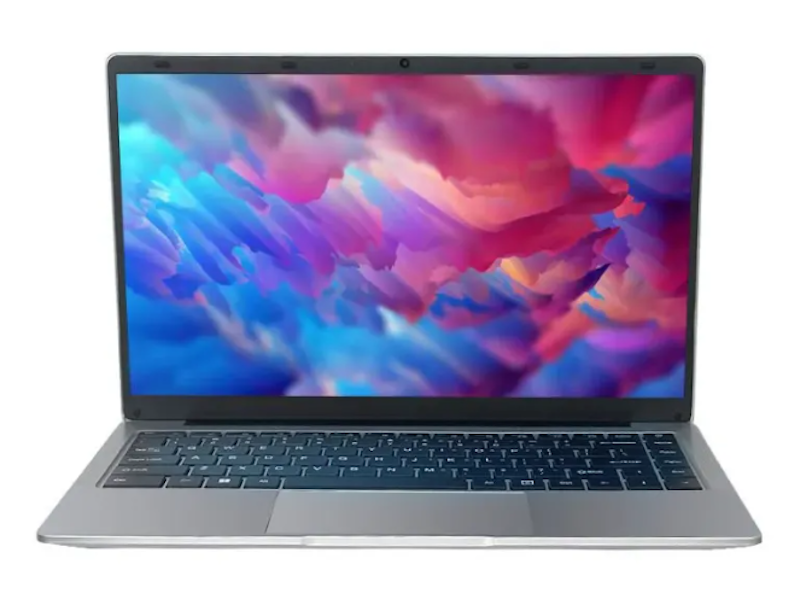
| Processor | Intel Core i5-8265U |
|---|---|
| RAM | 8 GB |
| Storage | 256 GB |
| Operating System | Pre-Installed Windows 10 |
| Display | 14-Inch Screen With 1920 × 1080 Resolution |
| Battery Life | 8 Hours |
| Connectivity Ports | USB 3.0, USB Type-C, HDMI, Audio, SD Card Reader |
| Graphics | Intel UHD Graphics 620 |
Asus 11.6-Inch Chromebook Laptop | C204MA-YB02-GR
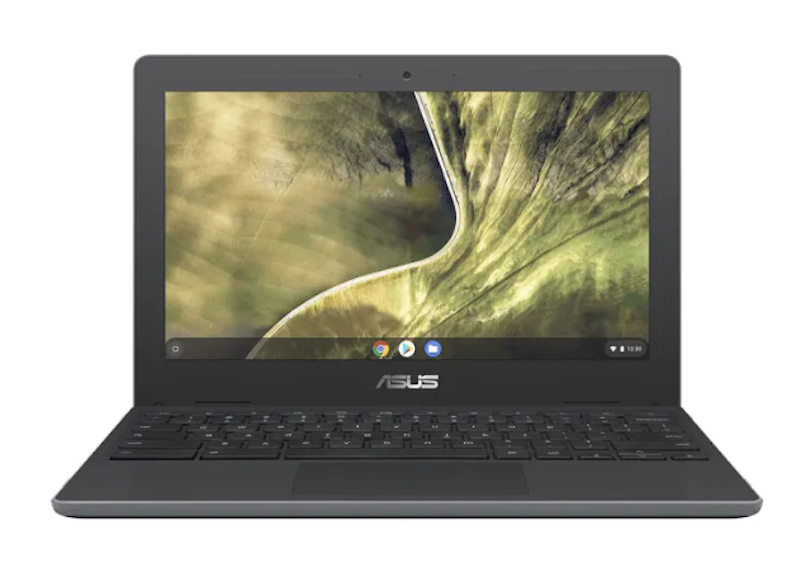
| Processor | Intel Celeron N4020 |
|---|---|
| RAM | 4 GB |
| Storage | 32 GB |
| Operating System | Pre-Installed ChromeOS |
| Display | 11.6-Inch Screen With 1366 × 768 HD Resolution |
| Battery Life | 10 Hours |
| Connectivity Ports | 2 USB 3.0, 2 USB Type-C Ports, MicroSD Card Reader, Audio |
| Graphics | Intel UHD Graphics 600 |
HP 14-Inch Chromebook Laptop | HP 14
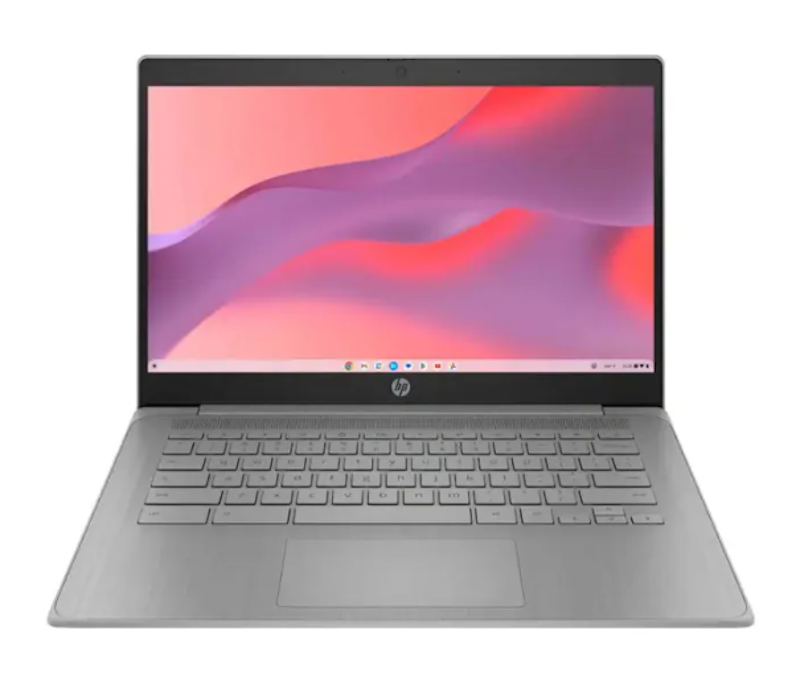
A full-size island-style keyboard with clickpad and multi-touch gesture support makes typing and navigation comfortable for extended home or school use
| Processor | Intel Celeron N4500 |
|---|---|
| RAM | 4 GB |
| Storage | 64 GB |
| Operating System | Pre-Installed ChromeOS |
| Display | 14-Inch Screen With 1366 × 768 HD Resolution |
| Battery Life | 11 Hours |
| Connectivity Ports | 2 USB Type-A, 1 USB Type-C, HDMI, Audio |
| Graphics | Intel UHD Graphics |
AIODIY 15.6-Inch HD Office Laptop
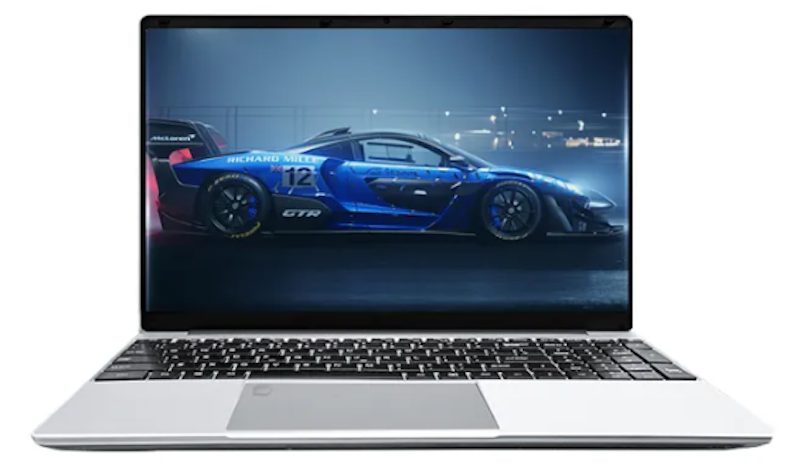
At 15.6 inches, the display gives enough screen area for side-by-side windows during work tasks or an immersive view when playing games after hours
| Processor | Intel N100 |
|---|---|
| RAM | 16 GB |
| Storage | 512 GB |
| Operating System | Pre-Installed Windows 11 |
| Display | 15.6-Inch Screen FHD Display |
| Battery Life | 6 Hours |
| Connectivity Ports | USB 3.0, USB 2.0, USB Type-C, HDMI, TF Card Slot, Audio |
| Graphics | Intel UHD Graphics |
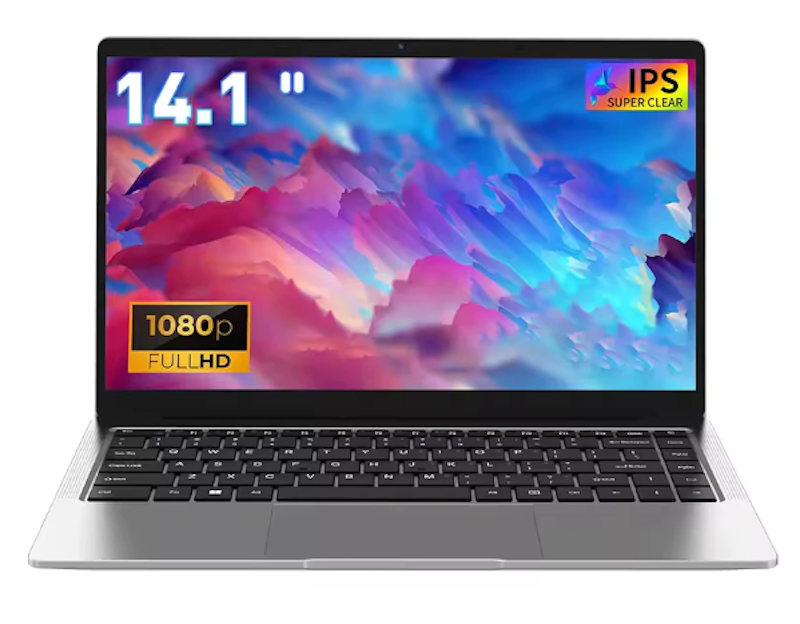
| Processor | Intel Core i7-1255U |
|---|---|
| RAM | 12 GB |
| Storage | 512 GB |
| Operating System | Pre-Installed Windows 11 |
| Display | 14-Inch Screen With 1920 × 1080 Resolution |
| Battery Life | 4–6 Hours |
| Connectivity Ports | USB 3.0, USB Type-C, HDMI, Audio, TF Card Slot |
| Graphics | Intel Iris Xe Graphics |
NingMei14-Inch AMD Laptop | NLR100 30E162, NLR100 30E082
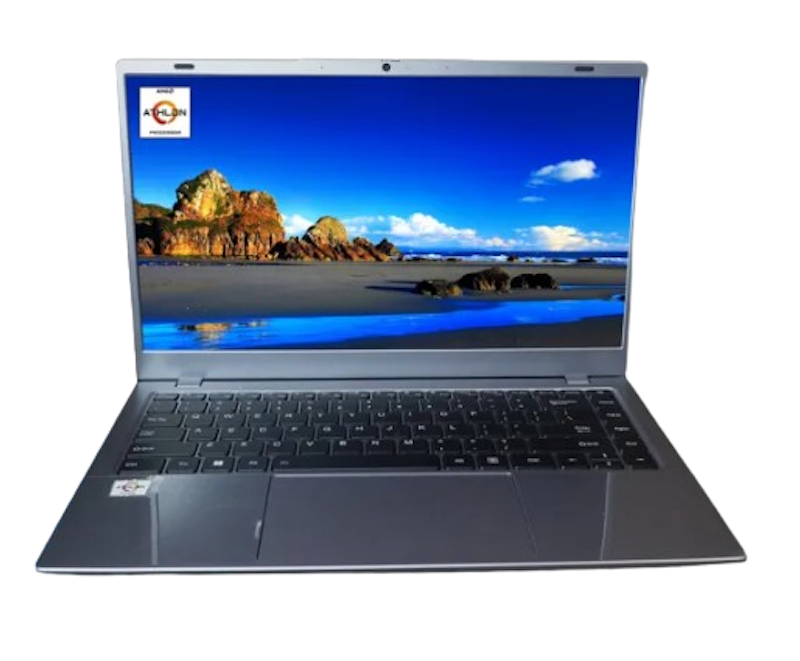
| Processor | AMD 3020e |
|---|---|
| RAM | 8 GB / 16 GB |
| Storage | 256 GB |
| Operating System | Pre-Installed Windows 11 |
| Display | 14-Inch Screen With 1920 × 1080 IPS Resolution |
| Battery Life | 6 Hours |
| Connectivity Ports | USB 3.0, USB Type-C, Mini HDMI, TF Card Slot, Audio |
| Graphics | AMD Radeon Graphics |
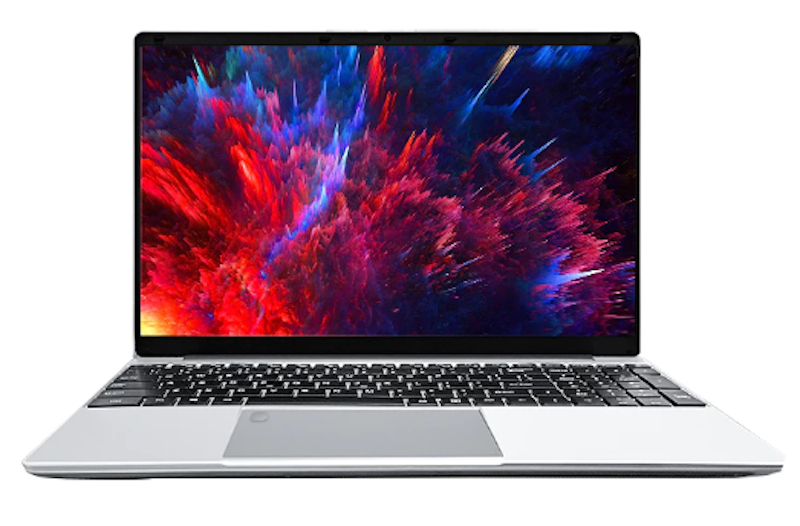
| Processor | Intel Core i5-10210U |
|---|---|
| RAM | 12 GB |
| Storage | 512 GB |
| Operating System | Pre-Installed Windows 11 |
| Display | 5.6-Inch Screen With 1920 × 1080 IPS Resolution |
| Battery Life | 6 Hours |
| Connectivity Ports | USB 3.0, USB 2.0, USB Type-C, HDMI, SD Card Reader, Audio |
| Graphics | Intel UHD Graphics |
Intel Core i7/i9 Gaming Laptop
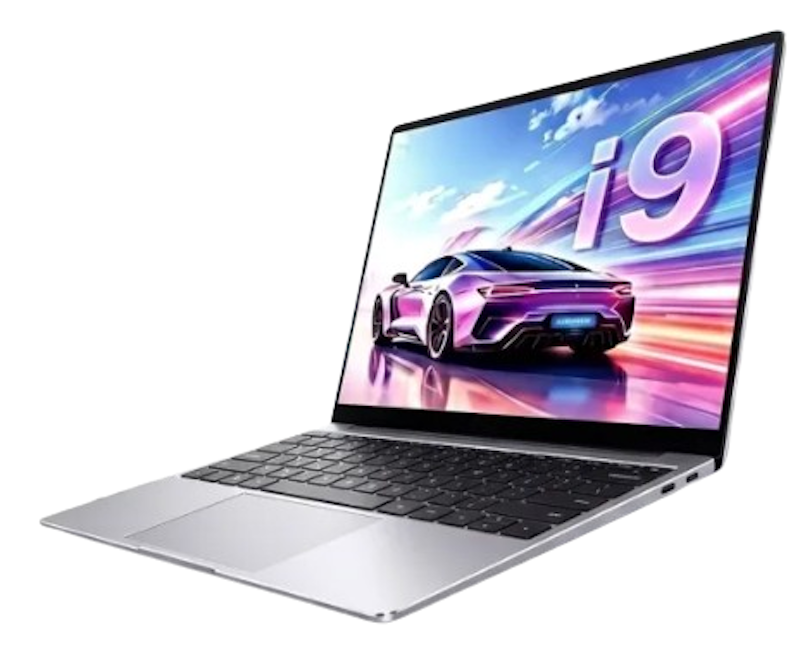
| Processor | Intel Core i7-7500U / Intel Core i9-8950HK |
|---|---|
| RAM | 16 GB |
| Storage | 512 GB |
| Operating System | Pre-Installed Windows 11 Pro |
| Display | 14.1-Inch Screen / 15.6-Inch Screen |
| Battery Life | 4–6 Hours |
| Connectivity Ports | USB Type-A, USB Type-C, HDMI, Audio, LAN/Ethernet, SD Card Slot or Card Reader, Wi-Fi, and Bluetooth |
| Graphics | Intel HD Graphics 620 |
Frequently Asked Questions
Below are some of the most asked questions on the web answered by the mybest team.
Are Laptops Below PHP 20k Good Enough for Students?
Yes, a laptop below PHP 20k can handle the core needs of student life, including online classes, research, typing papers, and joining video calls on platforms like Google Classroom and Zoom. Most laptops below PHP 20k offer enough power for everyday academic work, though they're not built for design- or programming-intensive courses. If you're a student sticking to typical coursework, a laptop below PHP 20k with at least 8 GB RAM is a safe and practical choice.
Can Laptops Below PHP 20k Handle Work Tasks Like Microsoft Office and Emails?
For the most part, yes. Laptops below PHP 20k can manage everyday office tasks such as Word, Excel, PowerPoint, emails, and general web browsing without much trouble. Performance stays smooth as long as you avoid running too many programs at once, since limited RAM can slow things down under heavy multitasking. If your work mostly involves documents, spreadsheets, and communication tools, a laptop with 8 GB RAM and an updated operating system like Windows 11 should serve you well.
Are Laptops Below PHP 20k Good for Gaming or Coding?
Not really, at least not for anything demanding. Laptops below PHP 20k typically use entry-level processors like Intel Core i3 or Pentium, which can run lightweight code editors and casual browser games but will struggle with heavier IDEs, compiling large projects, or modern AAA titles. If gaming or serious coding is your main priority, consider stretching your budget to the PHP 25,000 to PHP 30,000 range instead, where you'll find better processors and dedicated graphics options.
What Should I Check Before Buying a Secondhand Laptop Below PHP 20k?
Buying a secondhand laptop for PHP 20k or less can get you stronger specs for your budget, but a few checks go a long way. Look at battery health, since older units often hold less charge than advertised, and inspect the screen and keyboard for visible wear. It also helps to check the seller's ratings and return policy on platforms like Lazada or Shopee before finalizing your purchase. Before buying secondhand, always ask the seller for details on the battery's health and photos of the actual unit.
Can Laptops Below PHP 20K Be Upgraded in the Future?
Some laptops below PHP 20k allow upgrades, such as adding more RAM or swapping in a larger SSD, while others come with sealed, non-upgradable components. This varies by brand and model, so it's not something to assume across the board. Before purchasing, check the product listing or ask the seller directly whether the RAM and storage are upgradable, especially if you're planning to use the laptop for several years.
How Long Can I Expect a Laptop Below PHP 20k to Last?
With proper care, a budget laptop can realistically last two to four years for everyday use. Battery health and build quality play a big role in how long it stays reliable, and simple habits like keeping the system updated and relying on cloud storage instead of maxing out local storage can help extend its lifespan. To get the most out of your laptop below PHP 20k, avoid running heavy programs continuously and give it occasional rest between long sessions.
More Affordable Gadgets for Work or School
Choosing a laptop below PHP 20k is a smart move for basic work or school needs, but the right accessories can make it even more useful. Budget-friendly gadgets can enhance productivity, comfort, and overall usability for studying, working from home, or attending online classes. Below are more affordable tech recommendations that pair well with entry-level laptops.


How We Chose and Ranked Our Product Recommendations
The descriptions of each product are referenced from content available on manufacturer, brand, and e-commerce sites.