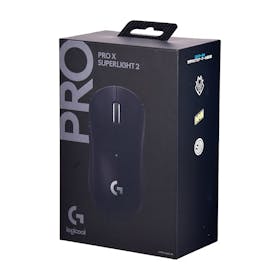
Logitech G Pro X Superlight 2 Wireless Gaming Mouse Review for the Philippines: Pros and Cons After Testing
Logitech’s lightest gaming mouse to date, the Logitech G PRO X SUPERLIGHT 2, is designed for serious competitive play. It’s gained praise online for its precise, responsive control. At the same time, some users point out that you can’t change the DPI with a single button press and that the price is on the higher side. If you’re unsure whether it’s worth the investment, you’re not alone.
To find out how it really performs, we tested it based on the following four key criteria:
Ease of Use
Ease of Aiming
Button Sensitivity
Customizability
We also compared it with other popular gaming mice, including new releases and best-selling models from various brands. Based on our hands-on testing, we’ll break down its real strengths and weaknesses in detail.

Logitech Gaming Mouse G Pro X Superlight 2 Test Review

Our recommendation articles are carefully researched and crafted by the mybest Philippines team of writers and editors. To stay true to our company’s mission and vision to help users’ selection process easier, we also collaborate with experts from various fields to ensure that our content stays factual and useful.
Conclusion: A Versatile Lightweight Mouse for Competitive Play
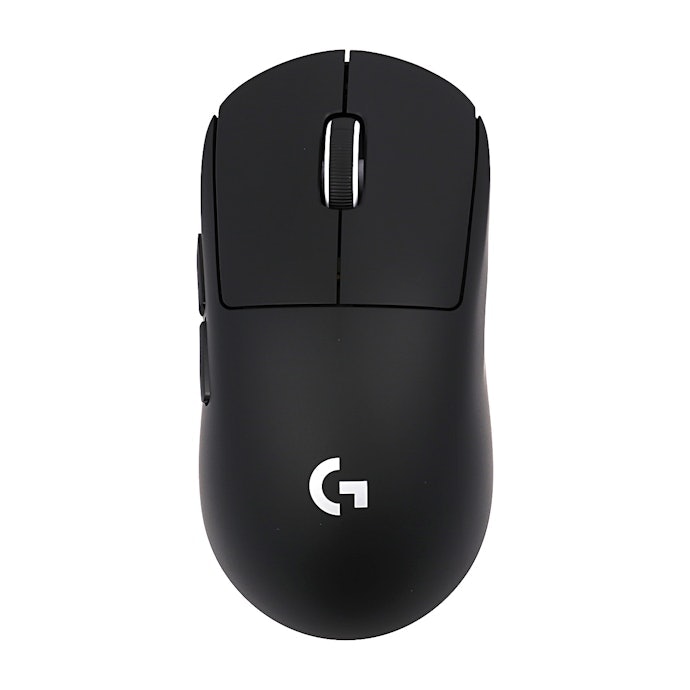
The Logitech G PRO X SUPERLIGHT 2 is ideal for gamers who want a lightweight mouse that supports different grip styles, including palm, claw, and fingertip grip. Its symmetrical shape makes it easier to adapt to various hand sizes, and most testers found it comfortable and well-balanced during gameplay.
At just 60g, it delivers excellent control for FPS and TPS games without feeling unstable. Clicks are crisp and responsive, enabling smooth, precise input. Tracking performance is highly customizable, with a polling rate of up to 8000 Hz and DPI adjustable up to 44,000 in fine increments. However, DPI changes require the companion app, as there’s no one-touch button.
Battery life lasts up to 95 hours, making it reliable for extended gaming sessions. That said, the side buttons may feel slightly far for users with smaller hands, and the scroll wheel spins very lightly, which could lead to accidental inputs if assigned to in-game skills.
The main drawback is the price. At around ₱7,999 (at time of writing), it sits firmly in the premium tier. While trusted by professional players, budget-conscious buyers in the Philippines may want to compare more affordable gaming mouse options before making a decision.
What Is the Logitech G Pro X Superlight 2 Gaming Mouse?

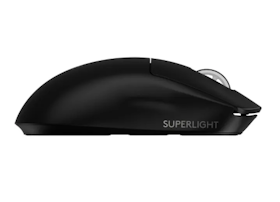
The Logitech G PRO X SUPERLIGHT 2 is a high-end gaming mouse model that further evolves the Logitech G “PRO Series,” developed in collaboration with top professional esports players worldwide. It is marketed as the lightest and most advanced gaming mouse in Logitech G’s history.
This model newly features the hybrid “LIGHTFORCE” switch, combining the crisp click feel of the previous SUPERLIGHT’s mechanical switch with the fast response of optical switches. It is designed to deliver high-speed response and precise accuracy for competitive gaming.
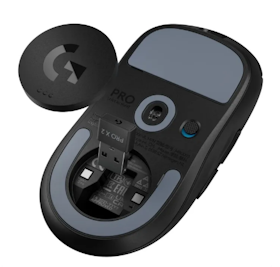
It comes with five buttons. To ensure smoother movement, the underside of the mouse features low-friction PTFE feet for improved glide performance. Every detail is engineered with competitive play in mind.
The mouse supports USB Type-C charging and offers up to 95 hours of battery life on a full charge. It is available in three colors: Black, White, and Pink. Below are the key specifications:
- Dimensions: 63.5 mm (W) × 40.0 mm (D) × 125.0 mm (H)
Weight: Approx. 60 g
Connectivity: Wireless
Warranty: 2 years
Logitech is a Swiss-based computer peripherals brand known globally for its gaming lineup under Logitech G. The brand sponsors professional esports teams and offers a wide range of gaming mice, including entry-level models like the G304 and professional-grade options such as the G903 HERO.
What’s the Difference Between the Previous SUPERLIGHT Model?
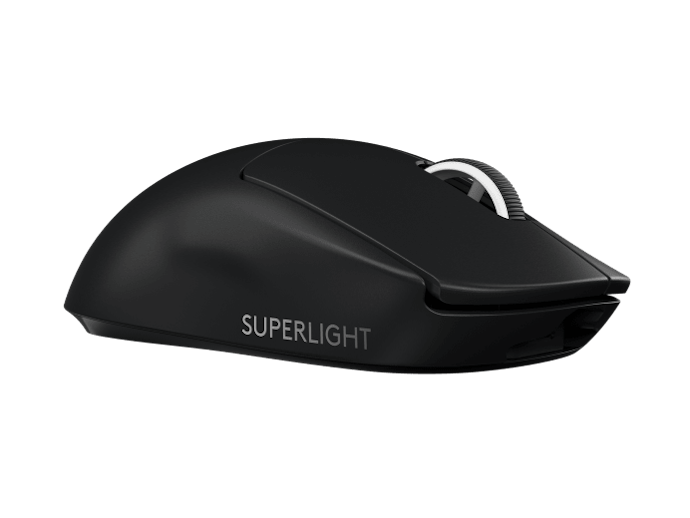
The main differences between the previous SUPERLIGHT and the new SUPERLIGHT 2 come down to three areas: the sensor, polling rate, and adjustment features.
The sensor has been upgraded from the HERO sensor to the more advanced HERO 2 sensor, which captures mouse movements with greater precision. The polling rate, which indicates how frequently the mouse reports data to the computer per second, has also increased from a maximum of 1,000Hz to up to 8,000Hz.
In terms of customization, the previous model allowed DPI adjustments in increments of 50. The new model offers finer control, with adjustments in increments of 5. It also now supports lift-off distance (LOD) adjustment, which determines how high the mouse can be lifted from the desk before tracking stops. The weight has been reduced as well, from 63g to 60g, making it even lighter than before.
Logitech G Pro X Superlight 2 Gaming Mouse Review: Honest Pros and Cons After Testing
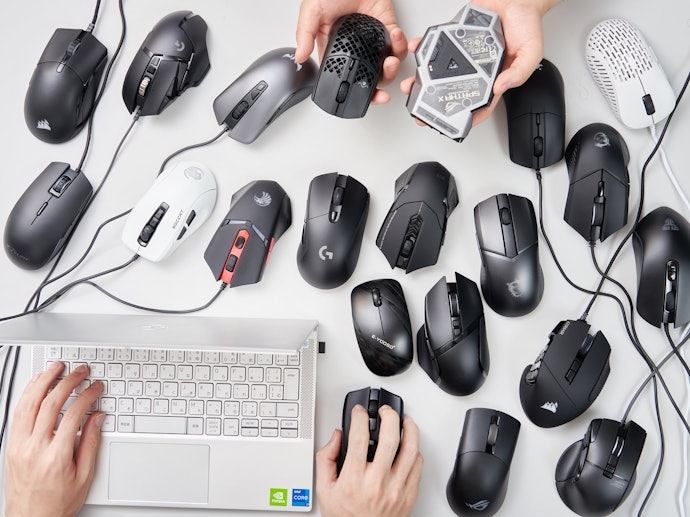
All product tests
were conducted in-house at mybest

Top 4 Pros of the Logitech G Pro X Superlight 2
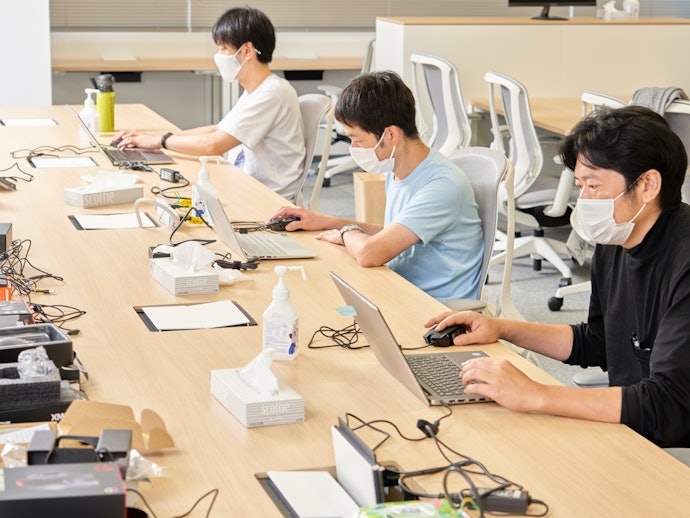
After testing the Logitech G PRO X SUPERLIGHT 2, we found four standout strengths. If you’re considering buying this gaming mouse, be sure to read through to see if it’s the right fit for your setup.
Excellent for FPS and TPS Games: Lightweight Design With Precise Control

In actual gameplay, the 60g lightweight design stood out for how easy it was to control. Some ultra-light mice we tested felt almost too light and harder to stop accurately, but this one strikes a better balance. Testers said they could aim naturally and land their shots where they intended. It really does feel responsive and controlled, making it a strong match for FPS and TPS players.
That said, a few testers felt the glide was slightly too smooth. If you prefer more resistance when moving your mouse, switching to different mouse feet can help adjust the feel.
Tester Comments on Aiming Performance:
“There’s very little friction with the mouse pad, and since it’s not heavy, I could move it smoothly with minimal effort.”
“It’s very light and glides easily. The movement is fast but doesn’t overshoot. I could aim where I wanted without overcorrecting.”
“The weight feels just right. I could move and stop it exactly how I wanted.”
Comfortable for Palm, Claw, and Fingertip Grip: Compact Yet Easy to Hold

The mouse is designed to work well with a variety of grip styles. With dimensions of 63.5 mm (W) × 40.0 mm (D) × 125.0 mm (H), it’s large enough to feel stable in a palm grip but not so big as to feel bulky. While testers with different hand sizes had slightly different impressions, most found it comfortable regardless of grip style.
Some other mice we have tested only suited one grip type, but this model is more flexible. Its symmetrical shape also makes it easy to use whether you’re left- or right-handed.
Tester Comments on Grip Comfort:
“It’s slightly on the larger side, but since I have bigger hands, it fits me perfectly. The surface feels smooth with a subtle sheen, and the texture is very comfortable.”
“The symmetrical shape fits securely even with a palm grip. It was easy to make precise movements.”
“It’s very easy to use with a claw grip, and the smooth texture feels good in the hand. The flat, neutral shape makes it likely to satisfy a wide range of users.”
Responsive, Lightweight Clicks With Clear Tactile Feedback
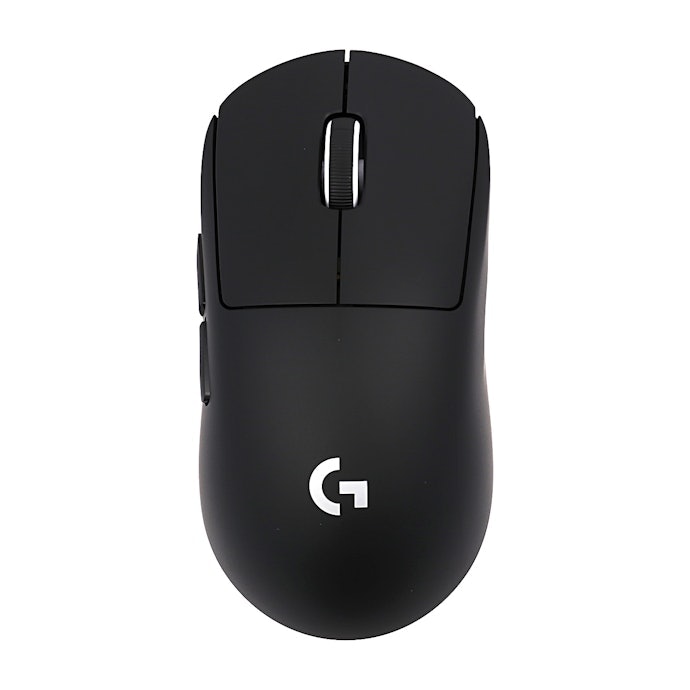
The clicks feel light and allow for quick, responsive inputs. Some models we tested had clicks that felt muted or lacked clear feedback, but this one delivers a distinct, satisfying press. Testers noted that it felt comfortable and reliable during gameplay, making it easy to react quickly in fast-paced matches.
Tester Comments on Click Feel:
- “It’s not too stiff and doesn’t trigger accidental clicks. The weight feels just right. The click feels responsive and fast.”
“There’s a clear, crisp click without feeling too heavy or too light, which makes it comfortable to use.”
“The click sound is fairly noticeable, but during gameplay it wasn’t distracting. It also feels less likely to cause accidental clicks.”
Fine-Tuned Precision and Long Battery Life for Competitive Play
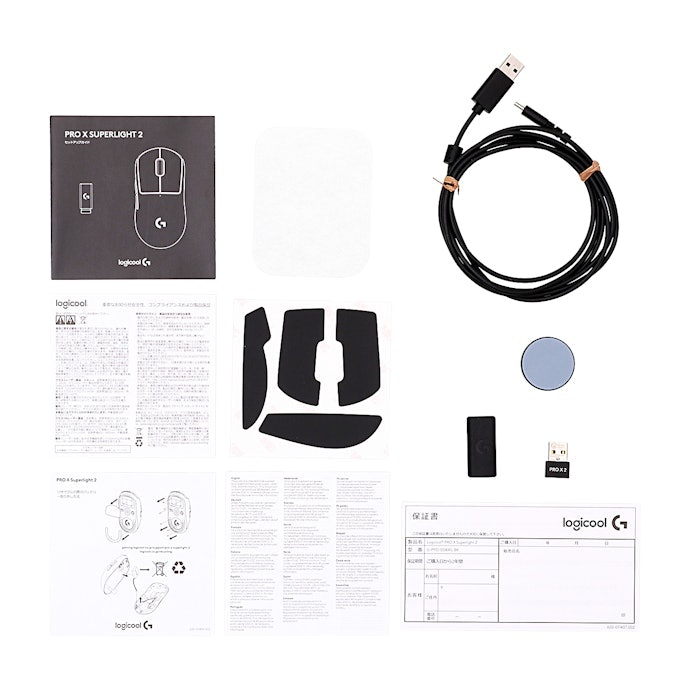
One of its biggest strengths is its high level of customization. It features Logitech’s most advanced gaming sensor, the HERO 2 sensor, designed for exceptional precision. DPI, which determines how far the cursor moves when you move the mouse, can be adjusted up to 44,000 in increments of 5. This allows you to fine-tune sensitivity based on your playstyle.
The polling rate, which affects tracking smoothness, can be set up to 8,000Hz. While many competing models max out at 1,000Hz, the higher setting enables more precise and responsive movements, especially in competitive scenarios.
Battery life is also impressive. Some mice we compared lasted only around 60 hours per charge, but this model delivers up to 95 hours of use. It’s a strong option for gamers who prefer fewer charging interruptions.
It also supports POWERPLAY wireless charging (sold separately), allowing the mouse to charge continuously during gameplay or while resting on a compatible charging mat.
Key Specifications:
Connectivity: Wireless
Maximum Battery Life: 95 hours
Sensor: HERO 2 Sensor
Polling Rate: Up to 8,000Hz
DPI: Up to 44,000
3 Things to Consider Before Buying the Logitech G Pro X Superlight 2

The Logitech G PRO X SUPERLIGHT 2 has plenty of strengths, but we also found a few potential drawbacks worth noting. If you’re thinking about buying it, it’s best to research carefully before deciding.
Price Is on the Premium Side Compared to the Previous Model
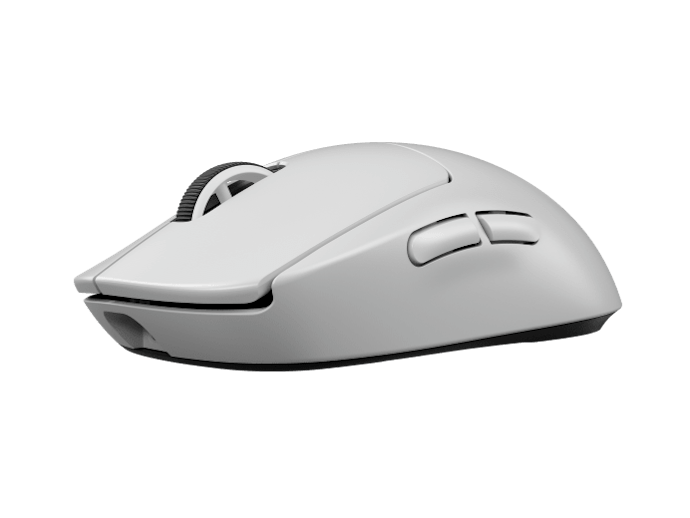
As many users have pointed out, the price is one of its main drawbacks. While some gaming mice in the Philippines are available at significantly lower price points, the Logitech G PRO X SUPERLIGHT 2 sits firmly in the premium tier.
Compared to the previous SUPERLIGHT model, the newer version is noticeably more expensive. While it offers upgraded features such as the HERO 2 sensor and higher polling rate, the price increase may make budget-conscious gamers hesitate.
Although it remains a popular choice among professional players, those looking for better value may want to compare prices carefully before purchasing.
Side Buttons May Be Hard to Reach; Scroll Wheel Feels Light
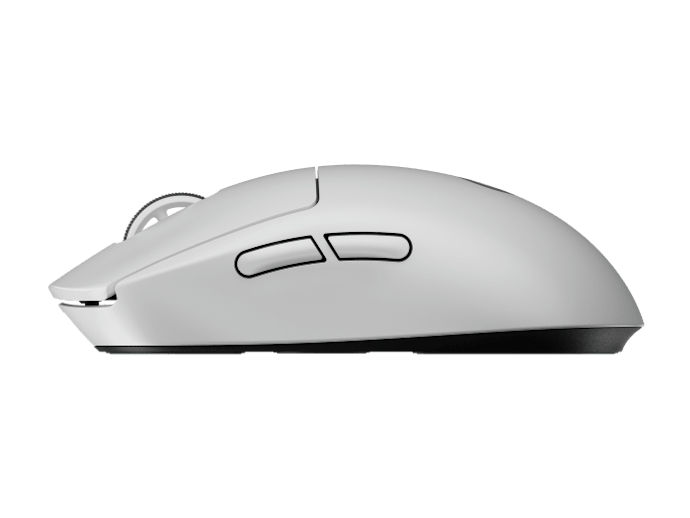
The side buttons are positioned slightly farther back, which may make them harder to reach for users with smaller hands. While the click feel itself is solid and accidental presses are unlikely, some testers noted that “the buttons feel small” and “the placement doesn’t quite fit.”
Tester Comments on Side Buttons:
“The click feel is good, but since the buttons are placed farther back, they were harder to reach with smaller hands.”
“They’re small and positioned far back, and the shape makes them slightly difficult to press.”
“The buttons are narrow and could be slightly larger. They’re light enough to press repeatedly, but the smaller size may make them harder to use during gameplay.”
We also noticed that the scroll wheel rotates very easily. The light resistance may increase the risk of accidental inputs. Some testers mentioned that it might be better to assign weapon switching or similar functions to other buttons instead.
Tester Comments on Scroll Wheel:
“It turns with very little force. A bit more resistance would help reduce accidental inputs.”
“Since it rotates so lightly and doesn’t have a firm step feel, making single-step adjustments can be difficult.”
“The wheel click feels shallow, and it seems easy to press unintentionally.”
No Dedicated DPI Button; Requires G HUB for Adjustments
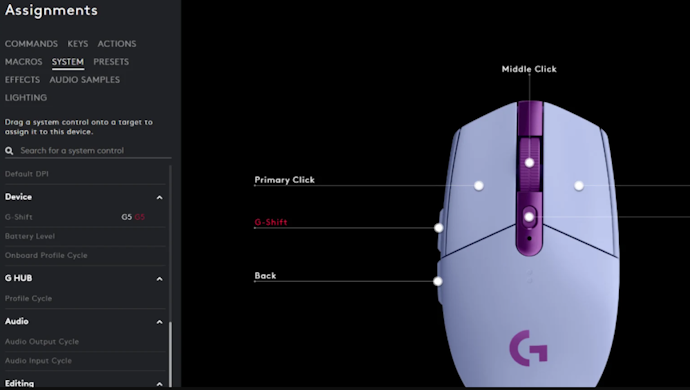
As some reviews have pointed out, DPI cannot be changed with a single button press. Adjustments must be made through the G HUB software. If you switch between gaming and work settings regularly, having to open the app each time may feel inconvenient.
Some competing models include a dedicated DPI button on the mouse itself, allowing faster on-the-fly changes. If quick DPI switching is important to you, this is something to consider.
Another drawback is the G HUB software itself. The setup process can feel complicated, and some users may encounter connection issues without clear explanations. If you’re not familiar with the software, troubleshooting may take extra time and effort.
Logitech Gaming Mouse G Pro X Superlight 2 Product Details
- Lightforce hybrid switches and lightning-fast response, which combines optical and mechanical technology for ultra-crisp, instant clicks
- Hero 2 sensor that delivers up to 32,000 DPI for flawless tracking across any surface
- Superlight design weighs under 60 g, minimizing fatigue during long gaming sessions
- Lag-free lightspeed connection ensures smooth, uninterrupted gameplay
Reviews mention:
Gamers highlight its unbelievably lightweight feel and responsive clicks that make aiming and flicking effortless. Many note its battery efficiency and consistent wireless performance even in competitive matches. A few users mention wishing for more color variants, but most agree it’s a solid upgrade for serious players.
| Polling rate | 8000 |
|---|---|
| Sensitivity | 44000 DPI |
| Tracking Speed | 888 IPS |
| Acceleration | 88 G |
| Connectivity | 2.5 GHz Wireless, Wired USB-C |
| Buttons | 5 |
| Weight | 60 g |
Where to Buy the Logitech G Pro X Superlight 2 Gaming Mouse in the Philippines

The Logitech G PRO X SUPERLIGHT 2 is available through Logitech’s official website and authorized retailers in the Philippines. Purchases typically include a 2-year warranty for added peace of mind.
It is widely available on major e-commerce platforms such as Shopee and Lazada, including listings from official Logitech flagship stores and authorized sellers. Prices may vary depending on promotions, vouchers, and platform discounts, so it’s worth comparing deals before purchasing. If you have platform vouchers or reward points, buying through Shopee or Lazada can sometimes offer better value.
Check Out More Gaming Accessories From Logitech
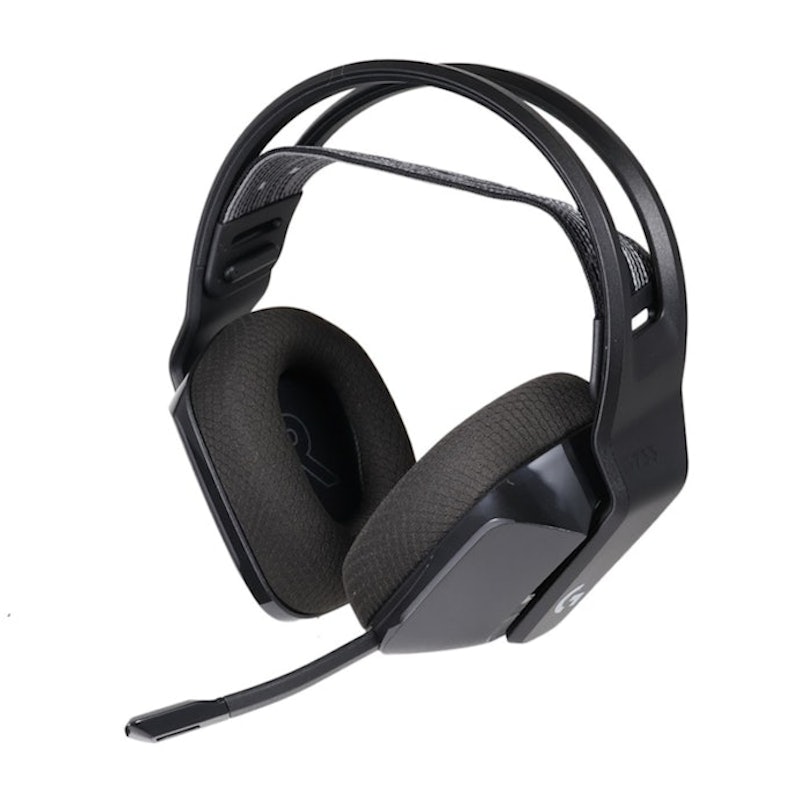
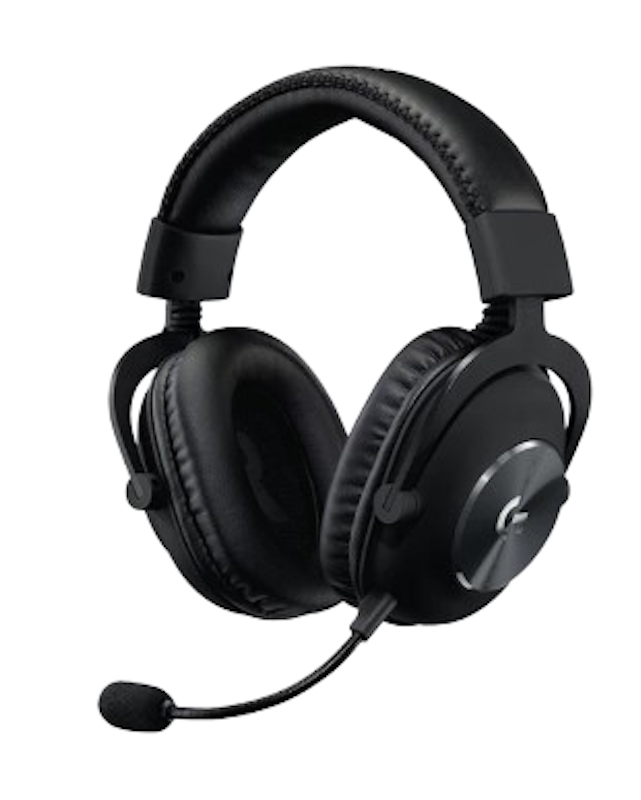
Logitech offers a wide selection of gaming gear to match your play style. From gaming mice to mousepads and headsets, they’ve got Filipino gamers covered. Check out more of our top picks below.


| Polling rate | 1000 Hz |
|---|---|
| Sensitivity | 12,000 DPI |
| Tracking Speed | 400 IPS |
| Acceleration | 40 G |
| Connectivity | Wireless 2.4 GHz (Lightspeed) |
| Buttons | 6 |
| Weight | 99 g |