Logitech 304 LIGHTSPEED Wireless Gaming Mouse Review: Pros and Cons After Testing
The Logitech G304 LIGHTSPEED Wireless Gaming Mouse stands out with its vibrant color lineup and has gained a reputation for being “lightweight and easy to use.” Still, some users say the side buttons can be hard to press and the tracking isn’t always consistent, which might make you think twice before buying.
To find out how it truly performs, we tested this mouse based on the following four key criteria:
- Ease of Use
- Aiming Performance
- Clicking & Button Responsiveness
- Level of Customization
We compared it with other popular gaming mice, including the latest models and top-selling options from various brands. Based on our hands-on testing, we’ll walk you through the real pros and cons in detail.

Logitech 304 Lightspeed Test Review

Our recommendation articles are carefully researched and crafted by the mybest Philippines team of writers and editors. To stay true to our company’s mission and vision to help users’ selection process easier, we also collaborate with experts from various fields to ensure that our content stays factual and useful.
Conclusion: Heavier Feel at 99 g, but Excellent Value for a Wireless Mouse
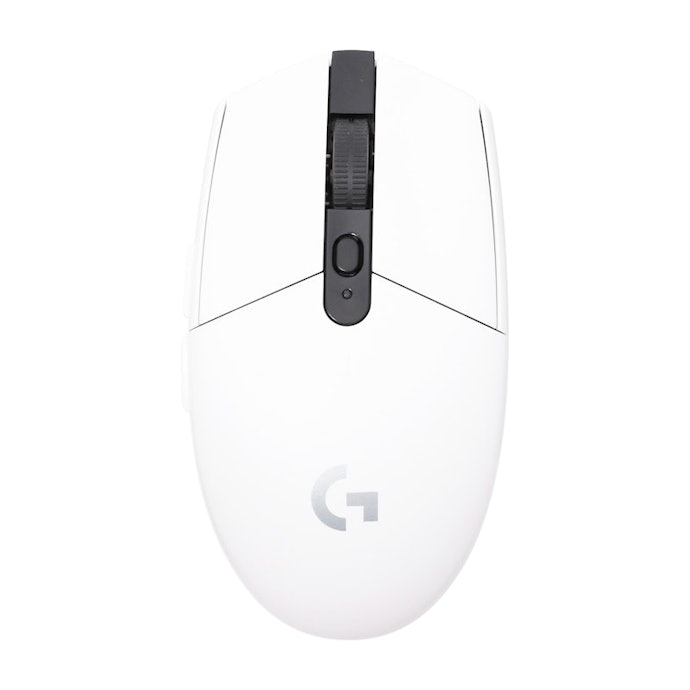
The Logitech G304 LIGHTSPEED Wireless Gaming Mouse has a noticeable weight, which can make precise movements harder and cause faster hand fatigue. Compared with lighter models under 60 g, this 99 g mouse feels more solid and heavy. Its AA battery design allows up to 250 hours of use, which is a strong advantage, but the added weight may feel tiring during long gaming sessions.
When 10 testers tried FPS games, aiming performance received mixed reviews. Its low center of gravity made quick, delicate movements harder, and we couldn’t fully dismiss user feedback saying its tracking accuracy feels “not quite there.” The compact size also makes it less ideal for palm grip users with larger hands, though it works better for claw grip users.
Click feedback is light and shallow, which some testers liked, but it may lead to accidental presses. The scroll wheel feels stiff, and the small side buttons were also noted as hard to press.
On the positive side, customization is solid. DPI ranges from 200 to 12,000, adjustable in 50-step increments, including popular FPS settings like 400, 800, and 1,600 DPI. The polling rate reaches 1,000 Hz, which is more than enough for smooth real-world gaming.
Priced around ₱1,700, it’s one of the most affordable wireless gaming mice we tested. With stable wireless performance, it’s a good choice for budget-conscious gamers. However, if you prefer a lightweight mouse for faster, more precise control, other options may suit you better.
What Is the Logitech G304 LIGHTSPEED Wireless Gaming Mouse?

A gaming mouse is designed to offer better control and sensor precision than a standard mouse. Many models also allow button customization, letting users assign complex actions or shortcuts. This makes them especially useful for games that require precise movements, such as FPS and MMO titles.
The Logitech G304 LIGHTSPEED Wireless Gaming Mouse features the brand’s HERO sensor, which focuses on high performance and power efficiency. Combined with Logitech’s LIGHTSPEED wireless technology, it delivers a stable connection with minimal lag. According to the manufacturer, it can run for up to 250 hours on just one AA battery.
It comes with six fully customizable buttons. By downloading the dedicated software, Logitech G HUB, you can assign different functions and adjust settings to suit your play style.
- Price: Around ₱1,700 (approximate price based on figures from EC sites)
- Release Date: August 10, 2018
- Connection Type: Wireless
- Number of Buttons: 6
- Minimum DPI: 200 DPI
- Maximum DPI: 12,000 DPI
- DPI Adjustment Steps: 50 DPI increments
- DPI Switching: Yes
- Maximum Polling Rate: 1,000 Hz
- Macro Support: Yes (via dedicated software)
Available in Five Colors. The G Series Also Offers Gaming Keyboards and Mouse Pads
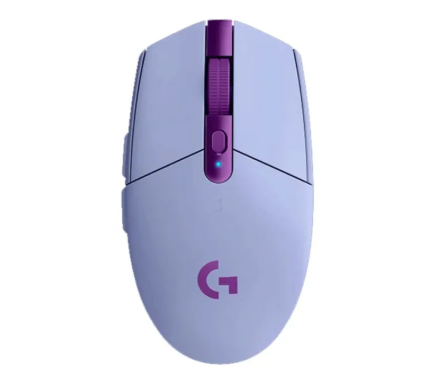
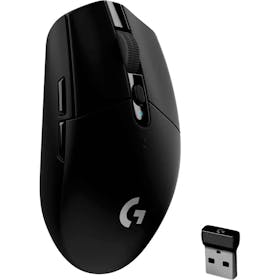
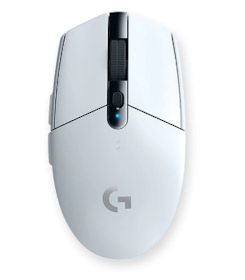
The Logitech G304 LIGHTSPEED is available in five color options: White, Lilac, Black, Blue, and Mint. Some of these feature bright, eye-catching tones, allowing you to choose a style that matches your gaming setup and personal preference. Availability depends on the retailer.
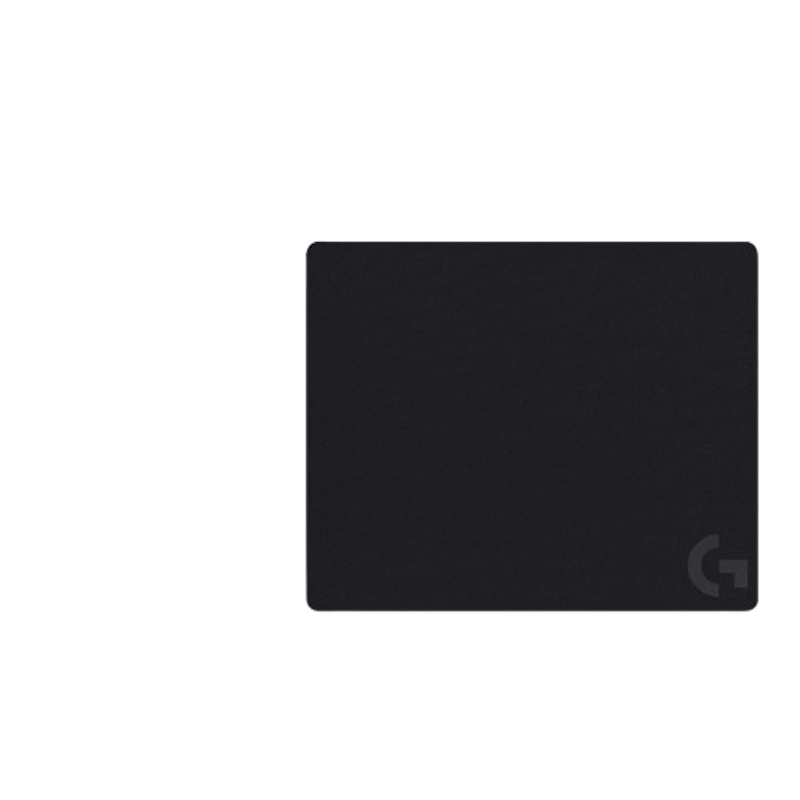
The G Series lineup includes not only wireless models but also wired options like the G403 (G403h), which features a rubber grip for added control. This makes it easy to find a mouse that suits your specific needs. For a more comfortable gaming experience, Logitech also recommends pairing it with gaming accessories such as the G213 Prodigy keyboard and the G240 mouse pad.
Logitech 304 Lightspeed Wireless Gaming Mouse Review: Honest Pros and Cons After Testing
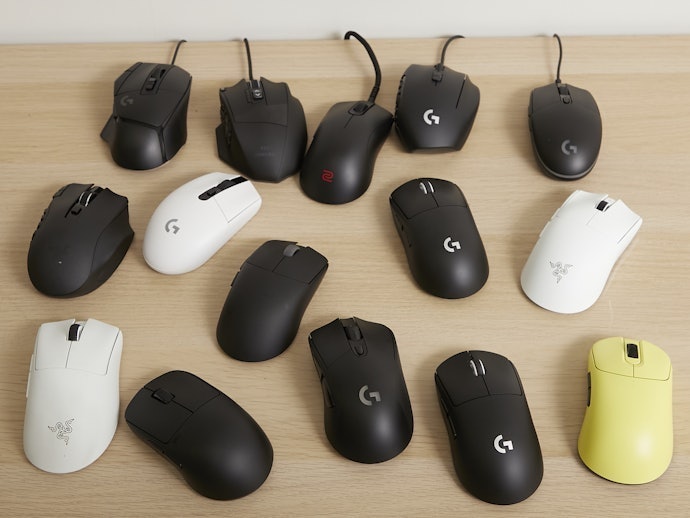
All product tests
were conducted in-house at mybest

Two Key Strengths of the Logicool G304 LIGHTSPEED Wireless Gaming Mouse
After comparing this model with other popular gaming mice, we found that the Logitech G304 LIGHTSPEED Wireless Gaming Mouse stands out for two main reasons. We’ll explain each of these strengths in detail, so if you’re considering buying one, be sure to read on.
Fine-Tuned Customization for FPS Games, With 50-Step DPI Control

In terms of customization, this mouse performs well for FPS games that require precise control. Using the dedicated Logitech G HUB software, all buttons can be customized to match your preferred settings and play style.
The DPI is adjustable from 200 to 12,000 in 50-step increments and supports popular FPS settings like 400, 800, and 1,600 DPI. The DPI button is placed on the top of the mouse, making it easy to switch sensitivity during gameplay.
The polling rate supports up to 1,000 Hz. While some high-end models offer higher rates, the difference beyond 1,000 Hz is minimal in real use, so performance remains smooth and responsive for gaming.
Excellent Value in the ₱1,700 Range for a Wireless Gaming Mouse

One of its biggest advantages is its affordability compared with other wireless gaming mice. Many models we compared sell closer to the mid-to-high price range of peripherals in the Philippines, while the G304 LIGHTSPEED generally retails for around ₱1,500–₱1,800 locally, making it a much more accessible choice for gamers on a budget.
Despite the lower price, the wireless connection remains stable and reliable. For gamers who want a solid wireless gaming mouse without spending too much, this model is a strong contender.
Three Potential Drawbacks With the Logitech G304 LIGHTSPEED Wireless Gaming Mouse
While the Logitech G304 LIGHTSPEED Wireless Gaming Mouse has clear strengths, there were also a few drawbacks we noticed during testing. If you’re thinking of buying it, it’s worth checking these points first so you know what to expect.
Heavier at 99 g With Battery, Less Suited for Long Gaming Sessions
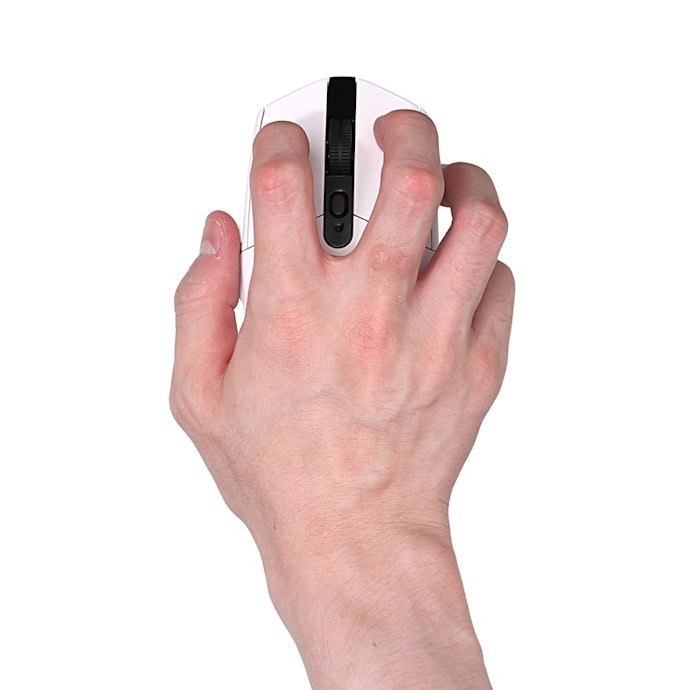
When we tested ease of use, the results didn’t fully match claims that it feels “light and easy to handle.” With the AA battery installed, the mouse weighs 99 g, making smooth, quick movements harder. This is heavier than the average of the models we compared, which was around 84 g at the time of writing, and may cause hand fatigue during long sessions.
Many modern gaming mice now weigh 50–60 g, and models under 60 g tended to feel easier to control in our tests. That said, weight preference varies, and users who prefer a more stable feel may still appreciate mice around 70 g or heavier.
While it’s wireless, the mouse uses a replaceable AA battery. Battery life is rated at up to 250 hours, which translates to about three to four months of use for players who game a few hours per day.
Compact Design May Affect Aiming Precision
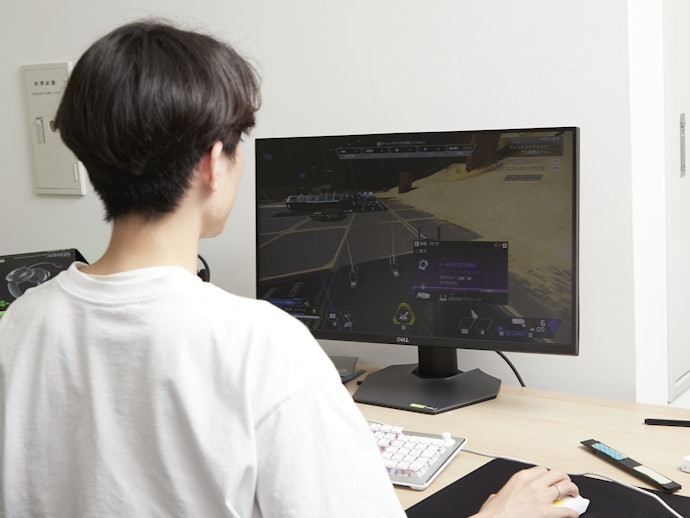
When 10 male PC gamers in their 20s tested the mouse while playing Apex Legends and Valorant, aiming performance received mixed ratings. In line with user feedback saying the tracking accuracy feels “not quite there,” the mouse’s heavier feel made quick, precise movements harder for some players.
Compared with other tested models that balanced smooth glide with easy stopping, only 4 out of 10 testers were satisfied. Opinions were split. Some felt it slid too easily and was hard to stop, while others liked the added weight for better control. Because it uses an AA battery, the center of gravity sits lower, which several testers said made the mouse feel less agile.
While the fit in hand wasn’t uncomfortable, only 2 testers were satisfied with the grip feel. The compact size left excess space for many palm grip users. Overall, this mouse is better suited for claw grip users, where the palm rests lightly and control comes more from the fingers.
Tester comments on aiming performance:
“It moves smoothly, but that also makes fine aim adjustments harder because it doesn’t stop easily.”
“It’s heavier, so it stops where you want it to, without feeling overly stiff.”
“The weight helps when stopping, and it slides smoothly enough to aim comfortably.”
“Because it’s heavy, even small movements require more force and can overshoot.”
Light Click Feel Could Cause Misclicks

Half of the testers were satisfied with the light click feel, but the shallow feedback makes accidental presses more likely compared with mice that have firmer, more tactile clicks.
The mouse has a standard six-button layout with two main buttons, a scroll wheel and DPI switch, and forward/back buttons on the left. However, the side buttons are small, and only one tester was satisfied with them. Several testers agreed they are hard to press, which could affect fast skill inputs in FPS games.
For the scroll wheel, only 3 out of 10 testers were satisfied. While it offers clear steps, the wheel feels stiff and not very smooth. On the plus side, the heavier movement helps it stop precisely, which can be useful for weapon switching.
Tester comments on click and button responsiveness:
“The clicks are light and comfortable, and rapid firing wasn’t difficult.”
“The click feels shallow but firm, with a bottomed-out sensation.”
“The buttons are light, though a wider shape would make quick presses easier.”
“The scroll wheel feels a bit stiff and harder to rotate.”
Logitech 304 Lightspeed Product Details
Features and benefits:
- Lightspeed wireless delivers a lag-free gaming experience
- Hero sensor offers precise tracking with adjustable DPI up to 12,000
- Compact and lightweight at only 99 g for easy portability
- Long battery life with up to 250 hours of continuous gameplay
Reviews mention:
Gamers highlight its excellent performance for the price, praising the responsive Lightspeed wireless connection that feels as fast as wired. Many mention its compact size and lightweight build make it ideal for travel and long sessions, though some note it might be a bit small for larger hands. The Hero sensor accuracy and long-lasting battery life are frequently applauded, with users appreciating not having to recharge or swap batteries too often.
| Polling rate | 1000 Hz |
|---|---|
| Sensitivity | 12,000 DPI |
| Tracking Speed | 400 IPS |
| Acceleration | 40 G |
| Connectivity | Wireless 2.4 GHz (Lightspeed) |
| Buttons | 6 |
| Weight | 99 g |
Where You Can Buy the Logitech G304 LIGHTSPEED Wireless Gaming Mouse?

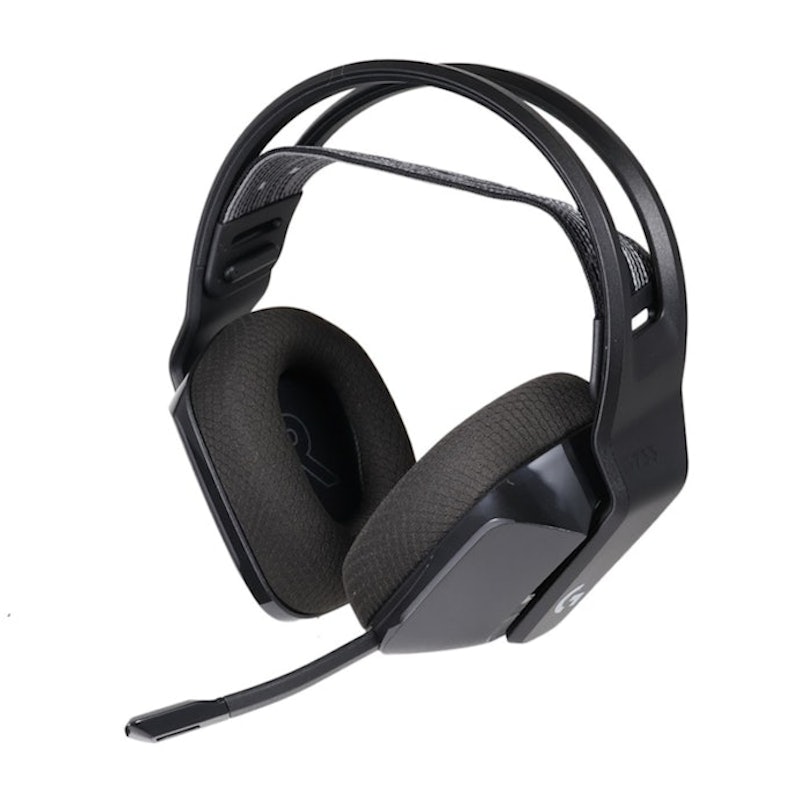
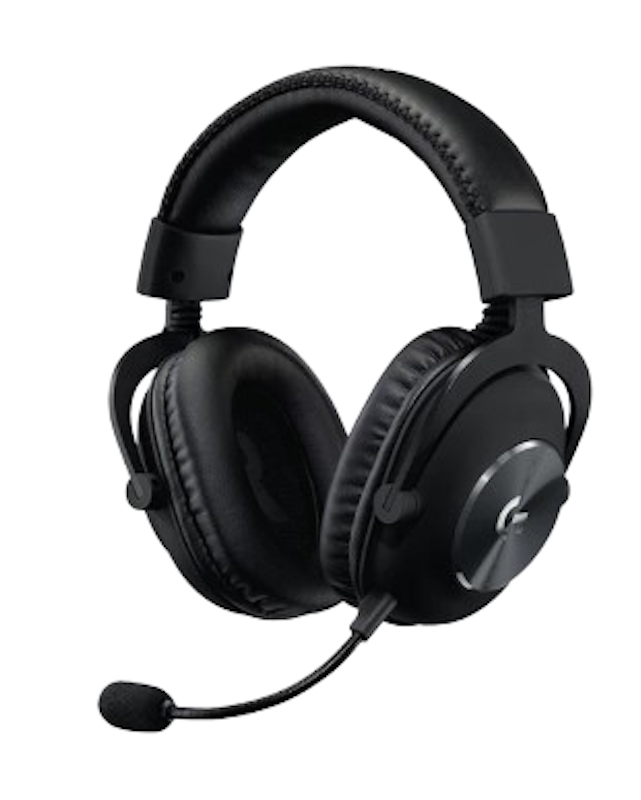
The Logitech G304 LIGHTSPEED Wireless Gaming Mouse is available on the official online store. For a more immersive gaming experience, pairing it with a gaming headset from the same brand is also worth considering.
It’s also sold on major online marketplaces like Lazada and Shopee. Prices and shipping fees vary by retailer, so it’s a good idea to compare options in advance to find the best deal.
More Logitech Products to Check Out for Your Setup
Logitech has a wide array of gaming gear for your setup, including different gaming mouse lineups.