10 Best Gaming CPUs in the Philippines 2026 | Ryzen 7 7800X3D, Ryzen 7 9800X3D, and More
Building or upgrading a gaming PC starts with choosing the right CPU. It directly affects how smoothly your games run, as well as how well your system handles multitasking, streaming, and other everyday tasks. Whether you play occasionally or game daily, the processor you choose can significantly impact your overall experience.
The good news is that finding a suitable gaming CPU is now easier than ever through platforms like Lazada and Shopee, where you can browse a wide selection of processors. This guide will help you compare the best gaming CPUs available in the Philippines, covering key factors such as performance, compatibility, and cooling requirements so you can choose one that fits your setup and budget.

As a content planner, Jemanuel is fully committed to making sure that consumers can figure out the best choices with ease and convenience. He is always eager to learn new things and is always on the lookout for the latest market and industry trends that can help you make your research much easier.
Why You Can Trust Us
Every mybest article is crafted with hours of in-depth research and interviews with experts. Each month, we are continually expanding our database of products based on our research. By emphasizing user insight and reliable information, we deliver trustworthy content to readers.
Does the CPU or GPU Matter More When It Comes to a Gaming PC?
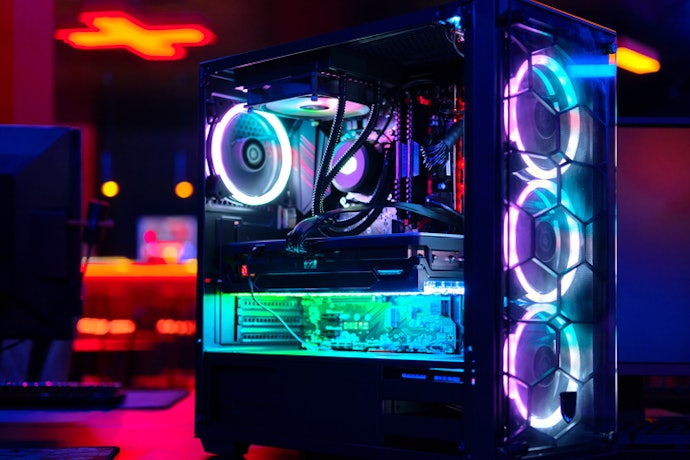
Both the CPU and GPU are important for gaming, but they serve different roles. To put it simply, the GPU handles rendering and produces the visuals on screen, while the CPU manages game logic, AI, physics, and background tasks. Most games rely more on the GPU for performance, so upgrading your graphics card often leads to more noticeable improvements. However, a weak CPU can still limit your GPU’s performance, so for most setups, aiming for a balanced combination of both ensures more consistent gameplay.
How to Choose a Gaming CPU – Buying Guide
Choosing a gaming CPU can feel overwhelming with so many options and specs to choose from. This buying guide highlights the key factors to consider to help you pick a processor that fits your gaming needs.
Choose a CPU With Enough Cores for Smooth Modern Gaming
Modern games require a CPU capable of handling multiple tasks simultaneously, making core count an important factor. Choosing a processor with enough cores helps ensure smoother gameplay and better overall performance.
For Most Games, a CPU With at Least 6-8 Cores Is Recommended

For most gaming PCs, mid-range CPUs with 6 to 8 cores already provide smooth performance across a wide range of modern titles. These processors can handle open-world games, online multiplayer, and everyday tasks without noticeable slowdowns. Choosing within this range also helps you avoid overspending on extra cores that many games still do not fully use. Higher core counts become more beneficial if you plan to stream, record gameplay, or run multiple applications alongside your games.
For Competitive and High-FPS Games, Look for Strong Single-Core Performance
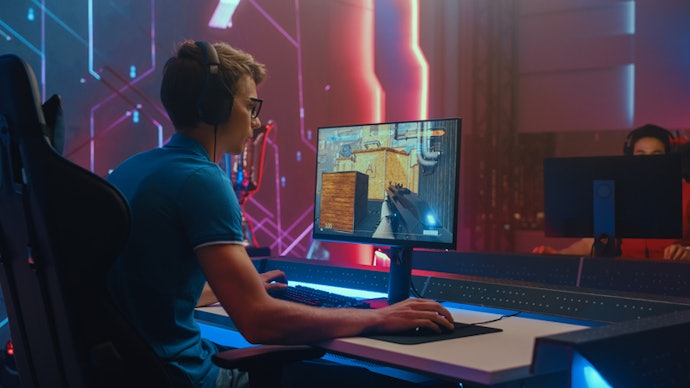
Games that prioritize high frame rates, such as first-person shooters and MOBAs, rely more on single-core performance than total core count. A CPU with strong single-core speed can deliver faster response times, smoother animations, and more stable high frame rates, especially when paired with a capable GPU. This is important for competitive play, where even small performance gains can improve responsiveness. When comparing options, look at clock speeds and single-core benchmarks rather than focusing only on core count.
If You Stream or Multitask While Gaming, Consider CPUs With 12 or More Threads

If you stream, record gameplay, or run apps like Discord, OBS, or browsers in the background, a CPU with 12 or more threads can handle the added workload more efficiently. More threads allow your processor to divide tasks more effectively, reducing the risk of frame drops or stuttering during gameplay. This is especially helpful for content creators or users who frequently multitask, as it maintains both gaming performance and overall system responsiveness.
Select CPUs With Proven 1080p Benchmarks to Compare Real-World Performance
Before buying, search for side-by-side 1080p benchmarks of your shortlisted CPUs from trusted review sites or YouTube channels. Look for tests using the same GPU and similar settings so the comparison is fair. This makes it easier to identify which option offers better performance for your budget, especially when choosing between closely priced models.
Pick CPUs That Are Compatible With Your Motherboard and RAM
Compatibility is just as important as performance when choosing a CPU. Checking the key factors below ensures your system will work properly and helps you avoid costly mistakes during your build or upgrade.
CPUs That Support DDR4 or DDR5 Memory + PCIe 4.0 or 5.0 for Modern PC Compatibility
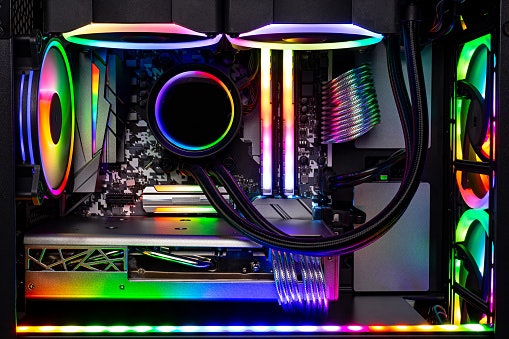
Check whether your CPU supports DDR4 or DDR5 memory, and make sure it matches your motherboard and RAM. DDR5 offers higher speeds and better long-term value, but DDR4 is still more affordable and widely available. Also, look for CPUs with PCIe 4.0 or 5.0 support so you can fully use faster SSDs and newer graphics cards. This helps ensure your build stays compatible with newer components over time.
CPUs That Match Your Motherboard Socket (AM4, AM5, or Intel LGA) for Easy Installation
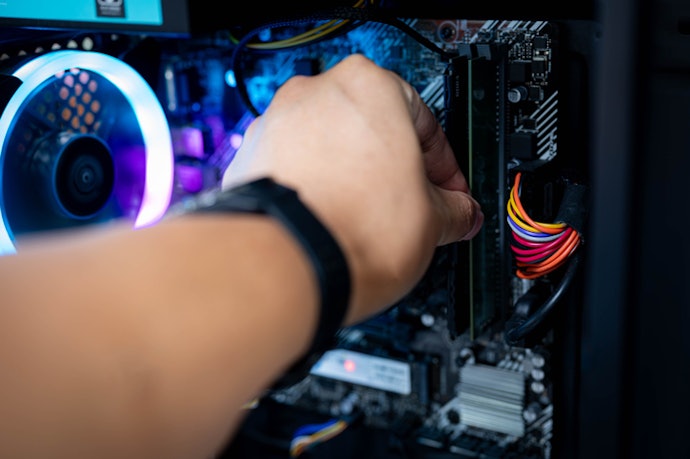
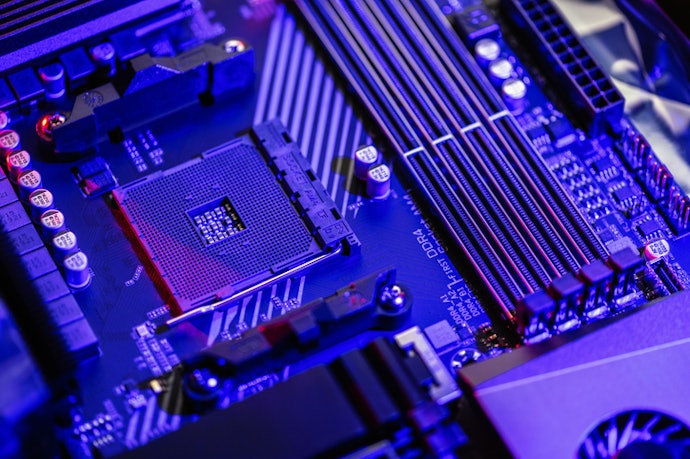
Always confirm your motherboard’s socket type before choosing a CPU. AMD processors use AM4 or AM5 sockets, while Intel uses LGA sockets, and these are not interchangeable. If you’re upgrading, selecting a CPU that's compatible with your existing motherboard can save money and simplify installation. If not, be prepared to upgrade both the CPU and motherboard together to avoid compatibility issues.
Opt for CPUs With Around 65–105W Power Consumption for Easier Cooling

To keep temperatures stable, pair your CPU with a reliable cooler and ensure your case has good airflow. This helps maintain consistent performance and prevents overheating during long gaming sessions.
10 Best Gaming CPU to Buy Online
| Products | Image | Click to purchase | Popularity | Details | ||||||
|---|---|---|---|---|---|---|---|---|---|---|
Cores / Threads | 1080p Gaming | Memory Support | PCIe Support | Socket | Thermal Design Power (TDP) | |||||
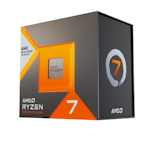
1 | Ryzen 7 7800X3D AMD |  | No.1 | 8C / 16T | DDR5 | PCIe 5.0 | AM5 | 120 W | ||
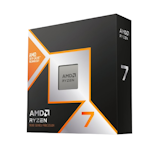
2 | Ryzen 7 9800X3D AMD |  | No.2 | 8C / 16T | DDR5 | PCIe 5.0 | AM5 | 120 W | ||
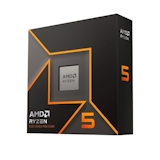
3 | Ryzen 5 9600X AMD |  | No.3 | 6C / 12T | DDR5 | PCIe 5.0 | AM5 | 65 W | ||
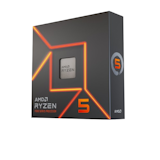
4 | Ryzen 5 7600X AMD |  | No.4 | 6C / 12T | DDR5 | PCIe 5.0 | AM5 | 105 W | ||
5 | Ryzen 7 7700 AMD |  | No.5 | 8C / 16T | DDR5 | PCIe 5.0 | AM5 | 65 W | ||
6 | Ryzen 5 7500F AMD |  | No.6 | 6C / 12T | DDR5 | PCIe 5.0 | AM5 | 65 W | ||
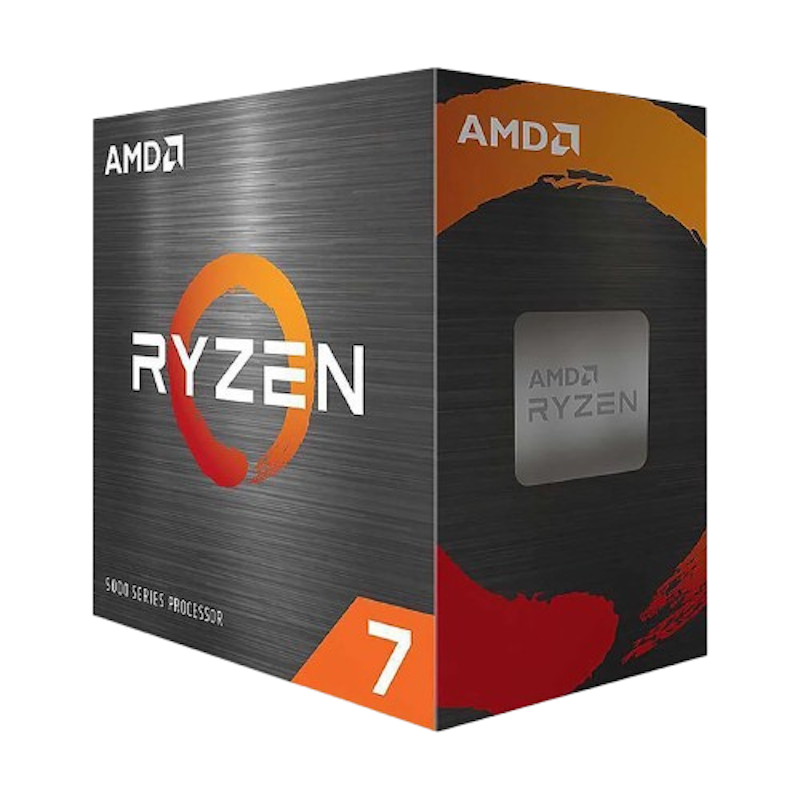
7 | Ryzen 7 5700X AMD |  | No.7 | 8C / 16T | DDR4 | PCIe 4.0 | AM4 | 65 W | ||
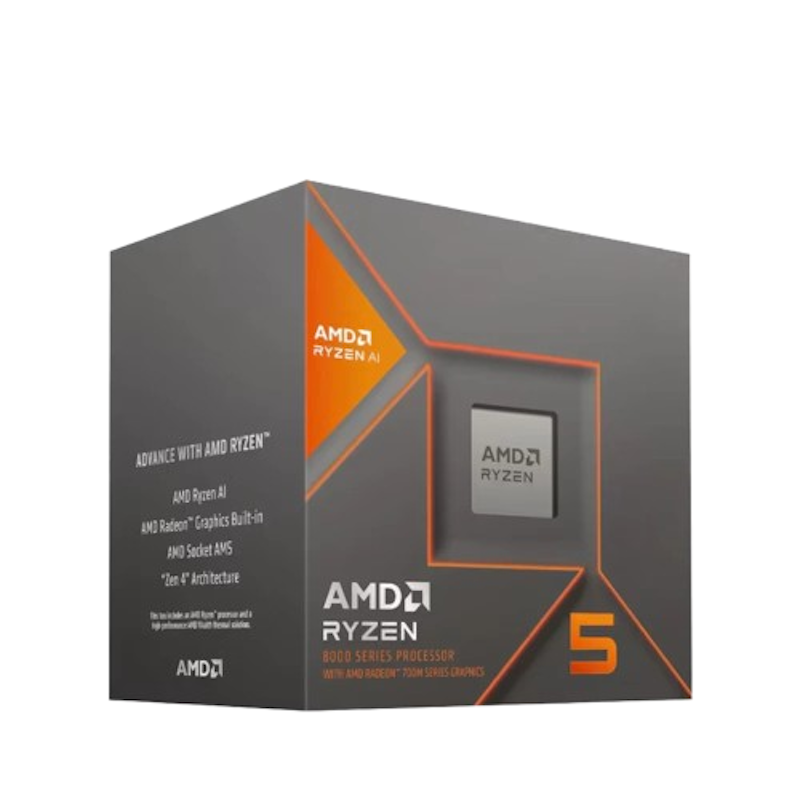
8 | Ryzen 5 8600G AMD |  | No.8 | 6C / 12T | DDR5 | PCIe 4.0 | AM5 | 65 W | ||
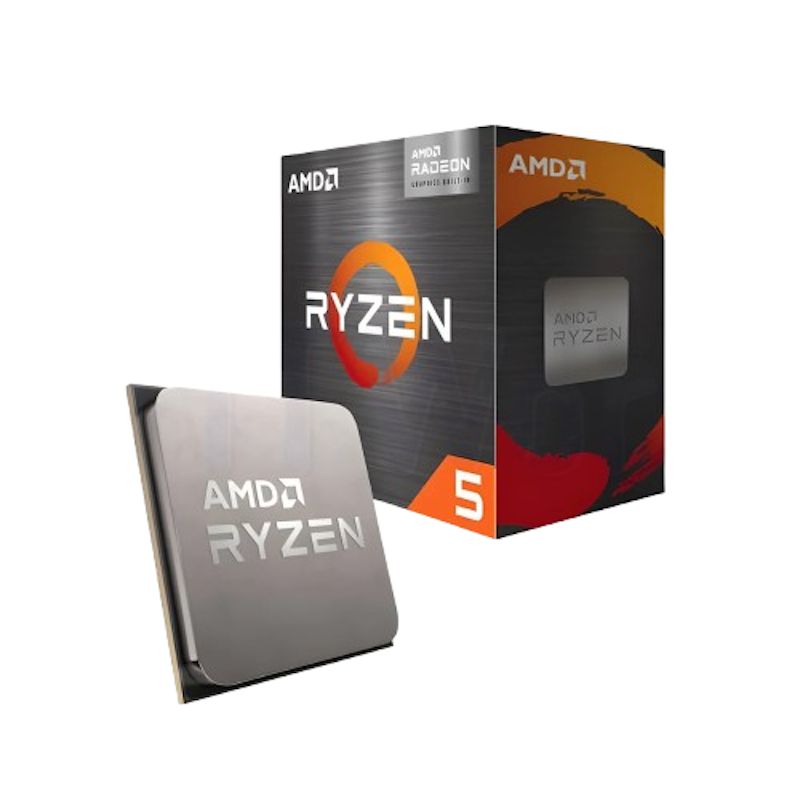
9 | Ryzen 5 5600GT AMD |  | No.9 | 6C / 12T | DDR4 | PCIe 3.0 | AM4 | 65 W | ||
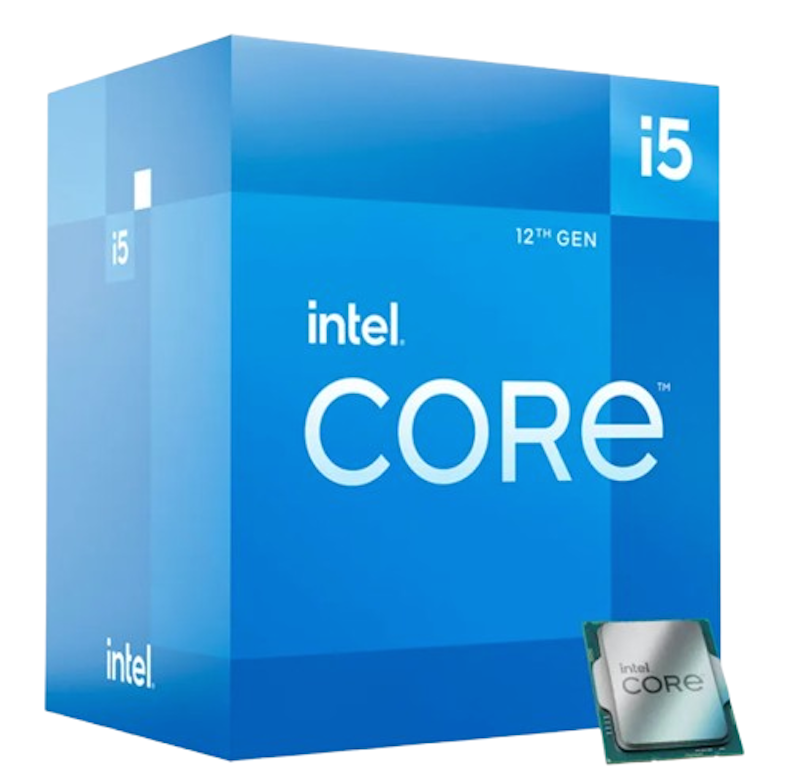
10 | Core i5-14400 Intel |  | No.10 | 10C / 16T | DDR5 | PCIe 5.0 | FCLGA1700 | 65 W | ||

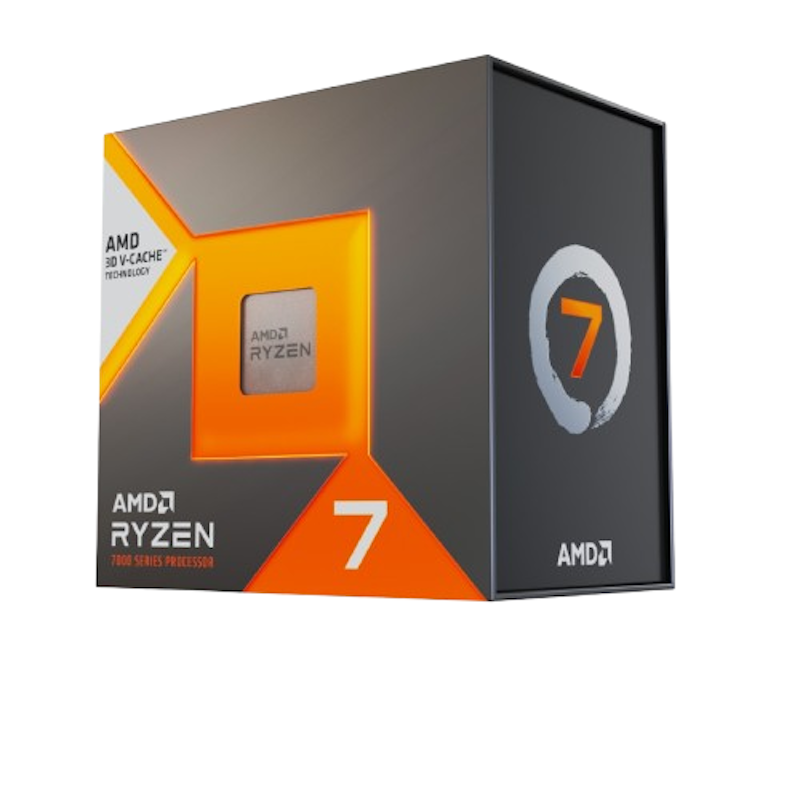
Reviews mention:
Owners praise the chip's ability to maintain high, stable FPS in esports and online shooters without requiring top-tier GPU headroom. Many highlight its smooth performance in 1080p competitive titles, noting that it provides a balanced experience without the 'overkill' of 16-core chips while still handling modern games with ease.
| Cores / Threads | 8C / 16T |
|---|---|
| 1080p Gaming | |
| Memory Support | DDR5 |
| PCIe Support | PCIe 5.0 |
| Socket | AM5 |
| Thermal Design Power (TDP) | 120 W |
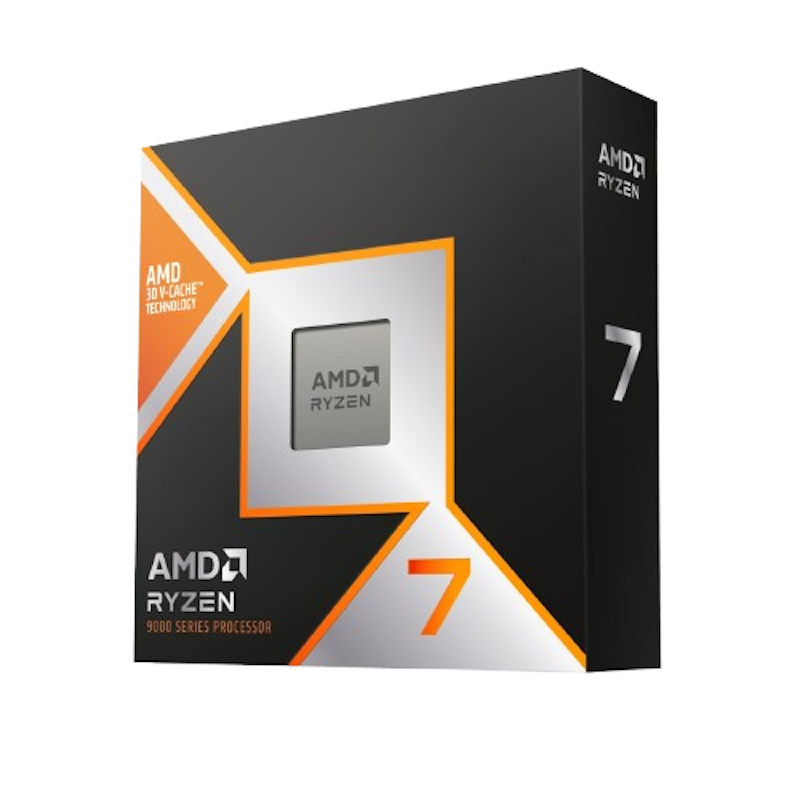
Reviews mention:
Many users report higher 1080p frame rates compared to earlier 7000-series processors, especially in CPU-sensitive titles. It’s also widely noted to pair well with high-refresh esports monitors, with several describing a noticeably smoother and more responsive feel than CPUs without 3D V-Cache.
| Cores / Threads | 8C / 16T |
|---|---|
| 1080p Gaming | |
| Memory Support | DDR5 |
| PCIe Support | PCIe 5.0 |
| Socket | AM5 |
| Thermal Design Power (TDP) | 120 W |
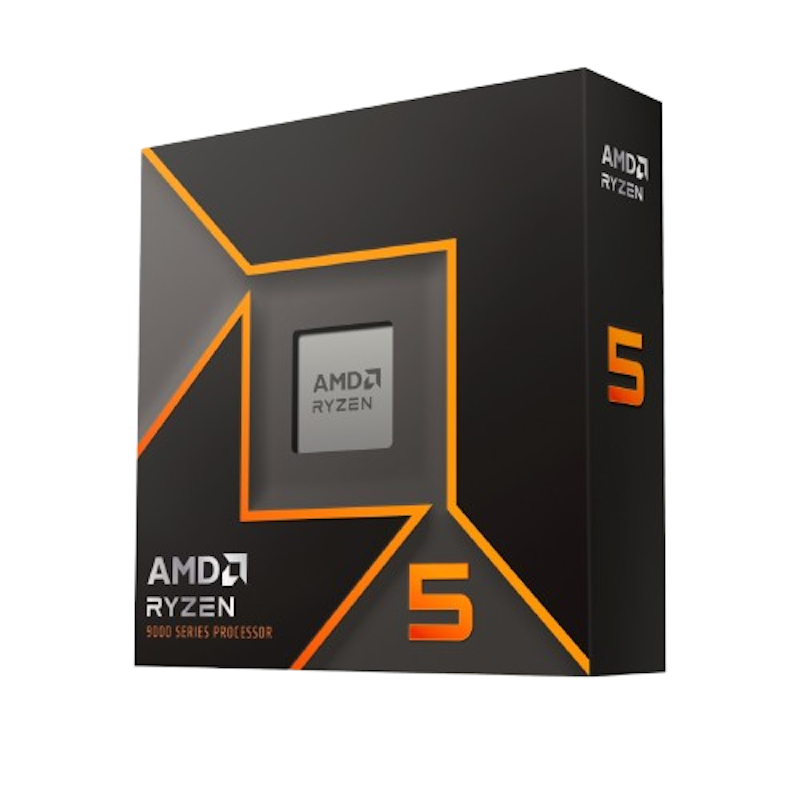
Reviews mention:
Users highlight its strong value for 1080p builds, noting smooth performance in modern AAA games when paired with mid-range GPUs. It’s also seen as easy to build around with budget AM5 boards and DDR5 memory, while remaining responsive for everyday tasks.
| Cores / Threads | 6C / 12T |
|---|---|
| 1080p Gaming | |
| Memory Support | DDR5 |
| PCIe Support | PCIe 5.0 |
| Socket | AM5 |
| Thermal Design Power (TDP) | 65 W |
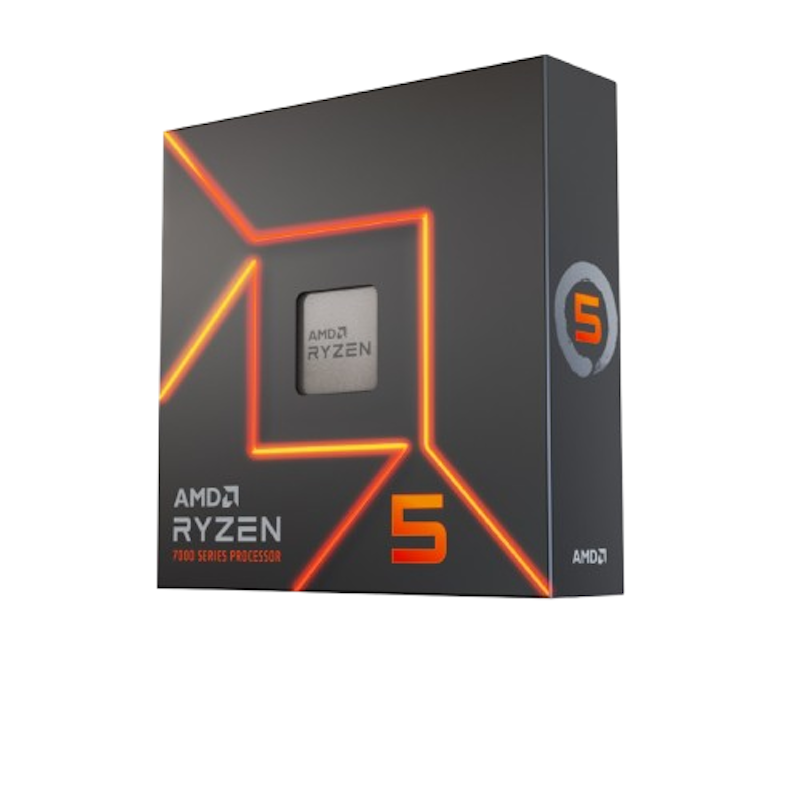
Reviews mention:
Many highlight how well it complements mid-range GPUs, delivering fluid performance in esports titles. It’s often recommended for first-time AM5 builds, with users noting smooth day-to-day responsiveness and straightforward compatibility with DDR5 components.
| Cores / Threads | 6C / 12T |
|---|---|
| 1080p Gaming | |
| Memory Support | DDR5 |
| PCIe Support | PCIe 5.0 |
| Socket | AM5 |
| Thermal Design Power (TDP) | 105 W |
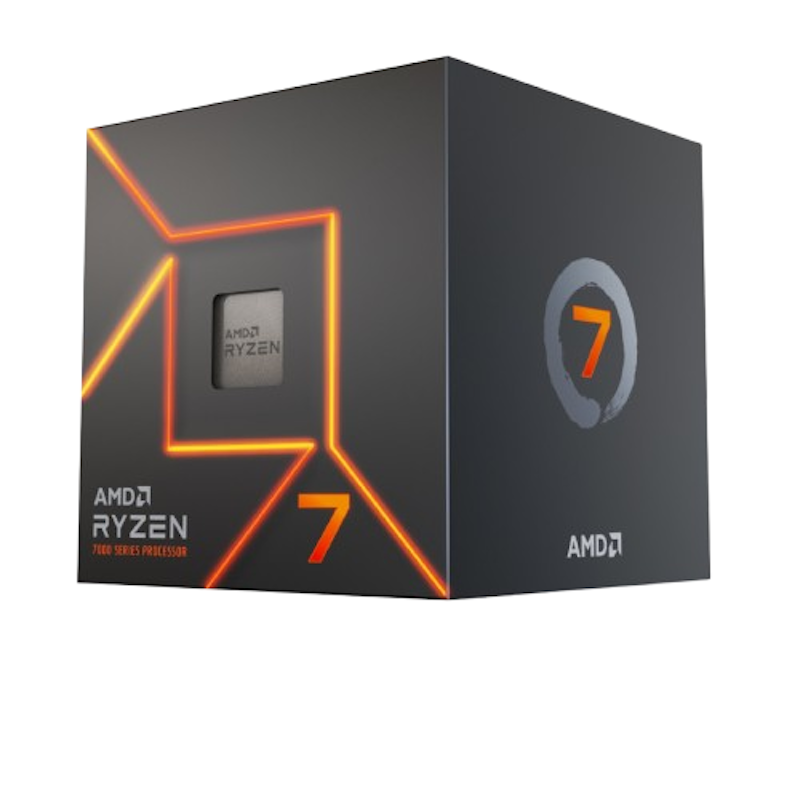
Reviews mention:
Reviewers appreciate its flexibility for budget builds, especially when starting without a dedicated GPU. The integrated graphics handle light gaming and daily tasks well, while overall performance remains stable for multitasking and scales nicely once paired with a mid-range GPU.
| Cores / Threads | 8C / 16T |
|---|---|
| 1080p Gaming | |
| Memory Support | DDR5 |
| PCIe Support | PCIe 5.0 |
| Socket | AM5 |
| Thermal Design Power (TDP) | 65 W |
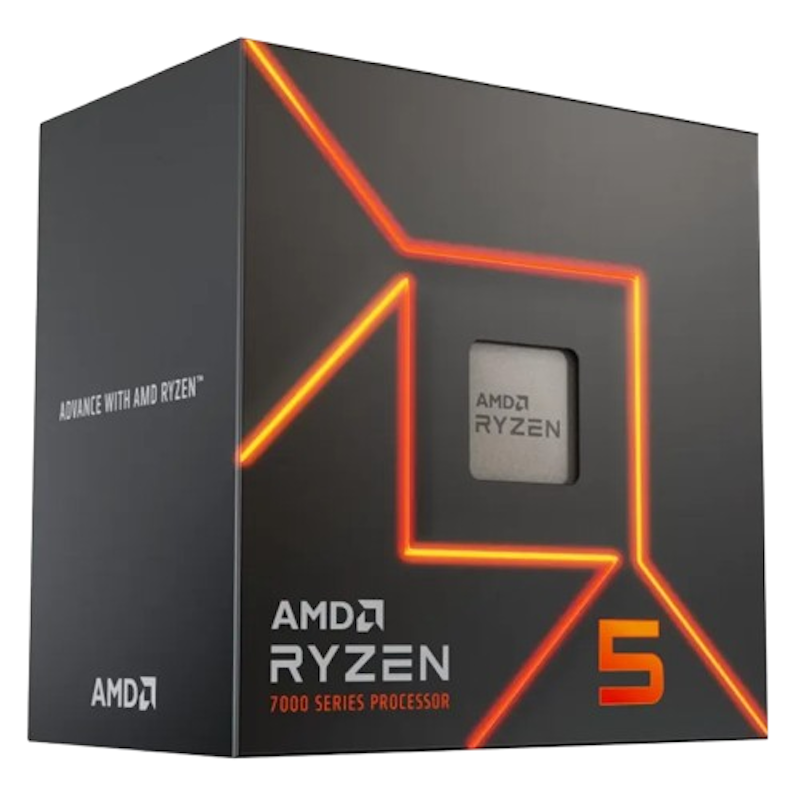
Reviews mention:
Gamers highlight its strong 1080p performance when matched with mid‑tier GPUs, calling it a good value‑oriented CPU. Others note that it’s ideal for those who plan to use a dedicated GPU from the start. Several builders praise its smooth results in popular online titles.
| Cores / Threads | 6C / 12T |
|---|---|
| 1080p Gaming | |
| Memory Support | DDR5 |
| PCIe Support | PCIe 5.0 |
| Socket | AM5 |
| Thermal Design Power (TDP) | 65 W |
Reviews mention:
Buyers appreciate its reliability for 1080p gaming, especially when paired with mid‑tier GPUs. They note that it’s a good upgrade from older 6‑core AM4 CPUs. Several reviewers also highlight its smooth streaming and background‑task handling.
| Cores / Threads | 8C / 16T |
|---|---|
| 1080p Gaming | |
| Memory Support | DDR4 |
| PCIe Support | PCIe 4.0 |
| Socket | AM4 |
| Thermal Design Power (TDP) | 65 W |
Reviews mention:
PC builders note that it’s one of the best “no‑GPU‑yet” choices for 1080p casual gaming, running esports titles at playable frame rates. Some highlight its versatility for school or office PCs that can be easily upgraded with a dedicated graphics card. Others also praise its strong iGPU leap over previous‑gen APUs.
| Cores / Threads | 6C / 12T |
|---|---|
| 1080p Gaming | |
| Memory Support | DDR5 |
| PCIe Support | PCIe 4.0 |
| Socket | AM5 |
| Thermal Design Power (TDP) | 65 W |
Reviews mention:
Many users find it sufficient for 720p–1080p esports and older AAA games at medium or low settings. People appreciate its balance between price and performance. Several note its reliability for daily use when a separate GPU is not in the budget.
| Cores / Threads | 6C / 12T |
|---|---|
| 1080p Gaming | |
| Memory Support | DDR4 |
| PCIe Support | PCIe 3.0 |
| Socket | AM4 |
| Thermal Design Power (TDP) | 65 W |
Reviews mention:
Many note that it’s a solid 1080p partner for mid‑range GPUs, delivering smooth results in mainstream titles. People highlight its versatility for both gaming and productivity. Reviewers praise its compatibility with current DDR5 and PCIe 5.0 platforms.
| Cores / Threads | 10C / 16T |
|---|---|
| 1080p Gaming | |
| Memory Support | DDR5 |
| PCIe Support | PCIe 5.0 |
| Socket | FCLGA1700 |
| Thermal Design Power (TDP) | 65 W |
Frequently Asked Questions
Below are some of the most asked questions on the web answered by the mybest team.
Do More CPU Cores Always Mean Better Gaming Performance?
Not necessarily. More CPU cores do not automatically lead to better gaming performance because most games are not designed to fully use very high core counts. Instead, performance depends on how well a game utilizes available resources, which is why some CPUs with fewer but faster cores can still perform just as well or even better.
Can Gaming CPUs Run Competitive and AAA Games Smoothly?
Yes. Most modern Intel and AMD CPUs handle both competitive and AAA titles well. The key is pairing your processor with a capable GPU and enough RAM. A CPU with at least 6 to 8 cores and strong single-core speed keeps frame rates consistent across both game types.
How Long Can a Gaming CPU Stay Relevant for New Games?
A solid mid-range to high-end CPU stays relevant for around 4 to 6 years. CPUs with 8 or more cores and strong single-core performance age better. Pairing your processor with modern RAM and a capable GPU also helps extend its useful lifespan for newer game releases.
Do You Need a Separate CPU Cooler for Gaming?
It depends on your CPU. Stock coolers work for light use, but long gaming sessions generate more sustained heat. If you use a high-TDP processor or a high-performance game for extended periods, a dedicated air cooler or an all-in-one liquid cooler is a practical investment for stable performance.
Build a Complete Gaming Setup
Pair your gaming CPU with the right components for the best performance. Check out our top picks for gaming motherboards, graphics cards, and gaming RAM to complete your build.


How We Chose and Ranked Our Product Recommendations
Our buying guide was carefully researched and crafted by the mybest team of writers and editors. We used the buying guide as a basis for choosing and ranking the product recommendations, and we looked at reviews and ratings from different E-commerce sites like Lazada, Shopee, and more.
The descriptions of each product are referenced from content available on manufacturer, brand, and e-commerce sites.