
10 Best Laptops for Video Editing in the Philippines 2026 | Buying Guide Reviewed by Video Editor
Nowadays, you don’t need a whole production studio or an expensive PC with intricate software to edit videos. A powerful laptop that weighs just a few pounds is more than up to the task of creating and editing videos for you. Whether you’re a film student, a hardworking employee, a content creator, or splicing together the footage you took on your family celebration, you deserve the best laptop for video editing.
There are many things you have to consider when shopping for a laptop that meets your specific video editing needs. There are specs a video editing laptop has that regular laptops don’t. If this all sounds confusing or overwhelming for you, don’t worry! We’ve placed our 10 recommendations of the best laptops for video editing, as well as a buying guide reviewed by video editor Mau Regodon to help you choose the best one for you!

A video editor and freelance producer who has worked for Solar Entertainment, Nickelodeon, Amplify, and Intake. Loves working on fun and informative video content for social media and TV.

Our recommendation articles are carefully researched and crafted by the mybest Philippines team of writers and editors. To stay true to our company’s mission and vision to help users’ selection process easier, we also collaborate with experts from various fields to ensure that our content stays factual and useful.
The expert oversees the Buying Guide only, and does not determine the products and services featured.
Why You Can Trust Us
Every mybest article is crafted with hours of in-depth research and interviews with experts. Each month, we are continually expanding our database of products based on our research. By emphasizing user insight and reliable information, we deliver trustworthy content to readers.
Advantages of a Video Editing Laptop

There are many advantages to buying a video editing laptop. The difference mainly lies with the performance and features of the laptop. It carries a much higher specification that is more capable of processing larger data. A video editing laptop also has a fast processor with a high-resolution display and also contains bigger storage with strong discrete graphics.
Laptops for video editing have a great central processing unit (CPU) and graphics processing unit (GPU). They also boast a larger screen with an amazing screen resolution to help you scrutinize the details of your work. Opting for a laptop instead of a desktop also allows you to comfortably work anywhere.
How to Choose a Laptop for Video Editing - Buying Guide
Here are some key points to consider:
- Determine the minimum specifications for a video editing laptop
- Choose a laptop with at least 8 hours of battery life for uninterrupted editing sessions
- Know the editing software you're using to identify which laptop best suits you
- Check your laptop's weight and dimensions
- Look at its available ports for better connectivity
For more detailed information, read through our buying below.
Determine the Minimum Specifications for a Video Editing Laptop
Video editing requires a high-performing laptop to help things run smoothly. This means your laptop needs to have great specs to ensure that your program, encoding, and rendering will work better. Having an idea about the minimum specifications of the units you're interested in helps you narrow down your laptop options.
Go for a Processor With a Mimimum of 6 Cores to Take Productivity to the Next Level

A great central processing unit (CPU) is needed to ensure that your applications are running smoothly. Getting laptops with a higher processor core ensures that your laptop can take on the programs you need to run for video editing as well as allow you to multitask across different applications. A 6-core CPU at minimum would ensure a smooth editing process with little to no lags.
Pick a GPU With At Least 4 GB of Memory for Better Encoding and Rendering

Rendering edited videos can take time, and some of us just don't have the patience for it. With a graphics processing unit (GPU), it is faster and easier to render videos in HD formats. Suppose you are editing with DaVinci Resolve Studio. In that case, it might be handy to have an external GPU along with the single or integrated one on your laptop to run the program properly.
Aim for 256 to 512 GB of Storage to Avoid Frame Drops

Video editing takes up a lot of storage space, especially if you like importing and editing 4k videos. Aside from investing in a hard drive, make sure that the laptop you're about to buy has decent storage space or allows you to upgrade it in case you may need to in the future. Go for a minimum of 512 GB solid-state drives for your internal storage.
Opt for a Minimum of 16 GB RAM to Ensure Your Laptop Runs Smoothly

The random-access memory or RAM is where your laptop stores its short-term memory. These are things you need to perform the task you're doing in real-time. Having at least 16 GB of RAM is necessary for video editing. If you want a more high-quality video, you'll need a bigger RAM.
Get A Laptop With a UHD Screen Resolution for Better Color Grading and Crisp Image Quality

Screen quality is essential in editing videos since you want to ensure that you can see every frame so that your colors are accurate. It always helps to have a bigger screen with better resolution. It is also ideal to find laptops with ultra-high-definition (UHD) display because it offers crisp images and high video resolutions.
Go for a video editing laptop with at least 1080p resolution for a high-definition display. Aside from that, you can also consider finding a laptop with an IPS display because they produce more accurate colors and have better viewing angles.
Choose a Laptop With At Least 8 Hours of Battery Life for Uninterrupted Editing Sessions

People choose laptops for their portability, and part of the appeal is that they don't need to be plugged in at all times, especially considering the extra weight the charger is when you have to pack it with you.
Finding a laptop with long battery life is essential in order for you to maximize the use of your laptop. Your laptop's battery affects your laptop's performance, and exhaustive editing will require a plugged-in laptop.
Know the Editing Software You're Using to Identify Which Laptop Best Suits You

Before choosing a laptop, it is also essential to know the programs you’re going to use to know what specifications the program requires for it to run smoothly. The most common video editing software is Adobe Premiere Pro, which is used by both beginners and pros. It’s a program that can easily run on any laptop with specifications for video editing.
iMovie and Final Cut Pro are also popular editing software. iMovie is the best editor for beginners, while Final Cut Pro is the more refined and professional version of that. Both software programs were created by Apple to be used on Mac devices only, so if you prefer using them, buying a MacBook is the way to go.
Check Your Laptop's Weight and Dimensions

Laptops are all about portability and efficiency. The dimensions and weight of your laptop need to be suited to your lifestyle and work life. Smaller laptops can weigh around 2.5 pounds, and the biggest would weigh more than 5 pounds. To know which laptop to get, consider if you want to carry it everywhere or if you would mostly sit in front of your desk.
The sizes of laptops range from 11 to 18 inches. Of course, smaller laptops are thinner and lighter, but they can also skimp on some specs. The best laptops that combine portability and great specs are those beginning at 13-14 inches.
The most popular video editing laptops are the 15-inch units because they come with a larger screen but can also easily be carried to places. However, if you will be using the laptop mainly in your workstation, you can go for one that measures 17-18 inches.
Look At Its Available Ports for Better Connectivity

A laptop's port selection can vary from one to many, with the USB Type-C port being the most important of them all. Video editing takes a lot of back and forth between devices, especially when storing them in external hardware.
A critical port that you need to have on your laptop is a USB Type-C port, wherein you can easily connect a USB hub in case you need more ports in the future. Two other ports that are just as important are your HDMI, which allows your laptop to connect to a larger screen, and an Ethernet to connect directly to your wired connection.
10 Best Laptops for Video Editing to Buy Online
| Products | Image | Click to purchase | Popularity | Details | |||||||||
|---|---|---|---|---|---|---|---|---|---|---|---|---|---|
Processor | GPU | Storage | RAM | Screen Resolution | Battery Life | Dimensions | Weight | Ports | |||||
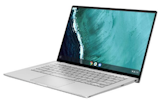
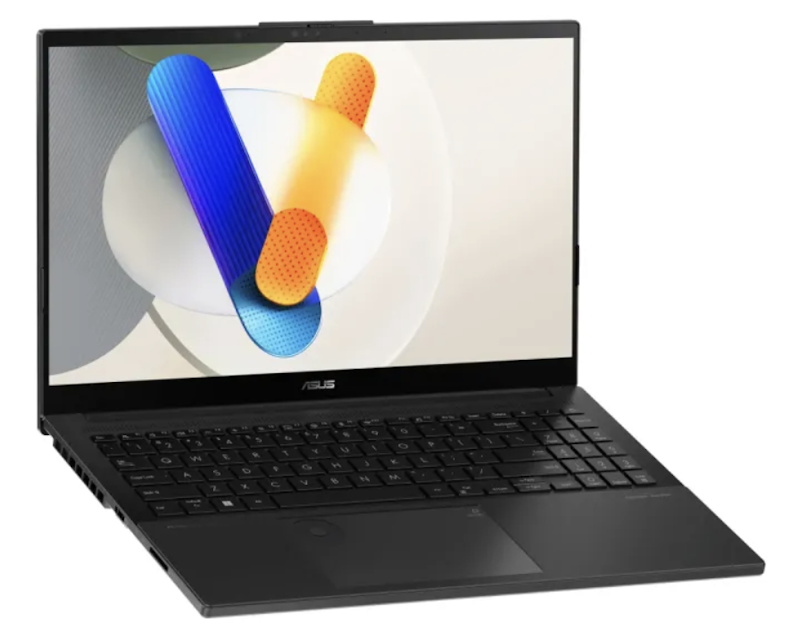
1 | Vivobook Pro 15 OLED ASUS |  | No.1 | Intel Core Ultra 9 285H | 4 GB | 2 TB | 24 GB | 3K 120 Hz | 60 mAh | 15" | 1800 g | USB-C Thunderbolt 4, HDMI, SD 4.0 | |
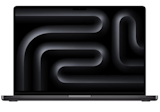
2 | MacBook Pro 16-inch M4 Pro Apple |  | No.2 | Apple M4 Pro 14-core | 20 GB | 512 GB | 24 GB | 3456 x 2234 | 100 mAh | 16" | 2150 g | Thunderbolt 5, HDMI, SDXC, MagSafe | |
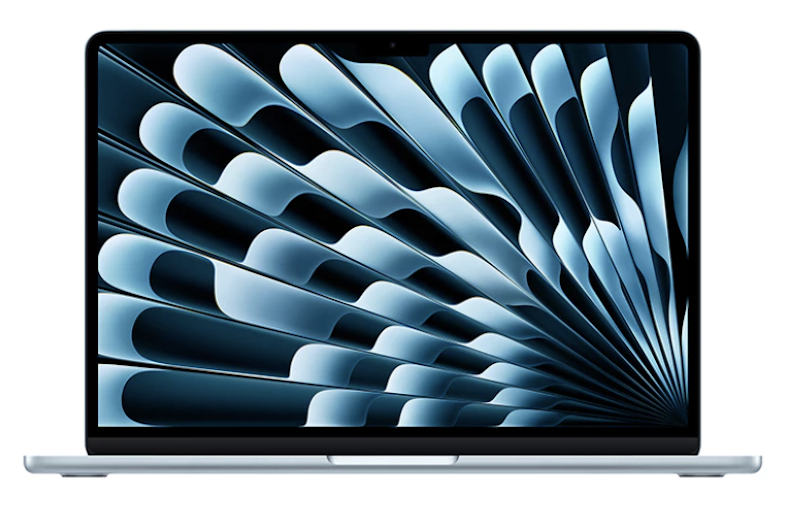
3 | 13-inch M4 chip with 10-core CPU and 10-core GPU, 24GB, 512GB SSD |MacBook Air Apple |  | No.3 | Apple M4 10-core | 8 GB | 256 GB | 16 GB | 2560 x 1664 | 52 mAh | 13" | 1240 g | 2x Thunderbolt 4, MagSafe, Headphone | |
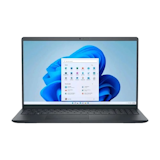
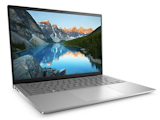
4 | Laptop |Inspiron 5430 Dell |  | No.4 | Intel Core i7-1355U | 2 GB | 512 GB | 16 GB | 1920 x 1080 | 54 mAh | 14" | 1600 g | USB-C, 2x USB-A, HDMI, SD Card | |
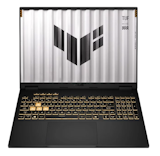
5 | TUF F16 Gaming Laptop ASUS |  | No.5 | Intel Core i5-13450HX | 8 GB | 512 GB | 16GB | 1920 x 1200 165 Hz | 90 mAh | 16" | 2200 g | Thunderbolt 4, 3x USB-A, HDMI 2.1, RJ45 | |
6 | Victus 15.6 Gaming Laptop HP |  | No.6 | Intel Core i5-13420H | 6 GB | 512 GB | 16 GB | 1920 x 1080 144 Hz | 70 mAh | 15.6" | 2300 g | USB-C, 2x USB-A, HDMI, RJ45 | |
7 | Predator Helios Neo Slim 16 Acer |  | No.7 | Intel Core i9-14900HX | 8 GB | 1 TB | 32 GB | 2560 x 1600 | 90 mAh | 16" | 2600 g | Thunderbolt 4, USB-A, HDMI 2.1, Mini DP | |
8 | LOQ 15IAX9E Laptop|i5-12450HX Lenovo |  | No.8 | Intel Core i5-12450HX | 6 GB | 512 GB | 16 GB | 1920 x 1080 | 60 mAh | 15.6" | 2400 g | USB-C, 3x USB-A, HDMI, RJ45 | |
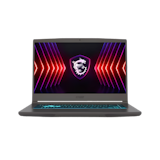
9 | Katana 15 HX B14WGK-251PH MSI |  | No.9 | Intel Core i7-14650HX | 8 GB | 512 GB | 16 GB | 2560 x 1440 165 Hz | 65 mAh | 15.6" | 2250 g | USB-C DP, 2x USB-A, HDMI, RJ45 | |
10 | Legion Slim 5|15IRX10 Lenovo |  | No.10 | Intel Core i7-14700HX | 8 GB | 1 TB | 16 GB | 2560 x 1600 160 Hz OLED | 80 mAh | 15" | 2100 g | Thunderbolt 4, USB-C, HDMI 2.1, RJ45 | |

Reviews mention:
Many find the OLED vibrancy transforms photo adjustments with lifelike tones visible even under office fluorescents. People note lag-free timeline scrubbing in editing software thanks to generous memory and storage. Several appreciate whisper-quiet operation during focused late afternoons.
| Processor | Intel Core Ultra 9 285H |
|---|---|
| GPU | 4 GB |
| Storage | 2 TB |
| RAM | 24 GB |
| Screen Resolution | 3K 120 Hz |
| Battery Life | 60 mAh |
| Dimensions | 15" |
| Weight | 1800 g |
| Ports | USB-C Thunderbolt 4, HDMI, SD 4.0 |

Reviews mention:
People say exports finish noticeably quicker than previous generations while staying cool under desk lamps. Several appreciate instant iCloud syncing across devices for mobile editing on trains. Many find the display calibration aids accurate client proofs without color surprises.
| Processor | Apple M4 Pro 14-core |
|---|---|
| GPU | 20 GB |
| Storage | 512 GB |
| RAM | 24 GB |
| Screen Resolution | 3456 x 2234 |
| Battery Life | 100 mAh |
| Dimensions | 16" |
| Weight | 2150 g |
| Ports | Thunderbolt 5, HDMI, SDXC, MagSafe |
Apple 13-inch M4 chip with 10-core CPU and 10-core GPU, 24GB, 512GB SSD | MacBook Air
Reviews mention:
Many mention that battery life is excellent and that it stays cool and silent during use. People appreciate the 24 GB RAM for handling many apps and browser tabs at once without slowdown. Several describe the 512 GB SSD as quick and roomy enough for apps, files, and media.
| Processor | Apple M4 10-core |
|---|---|
| GPU | 8 GB |
| Storage | 256 GB |
| RAM | 16 GB |
| Screen Resolution | 2560 x 1664 |
| Battery Life | 52 mAh |
| Dimensions | 13" |
| Weight | 1240 g |
| Ports | 2x Thunderbolt 4, MagSafe, Headphone |
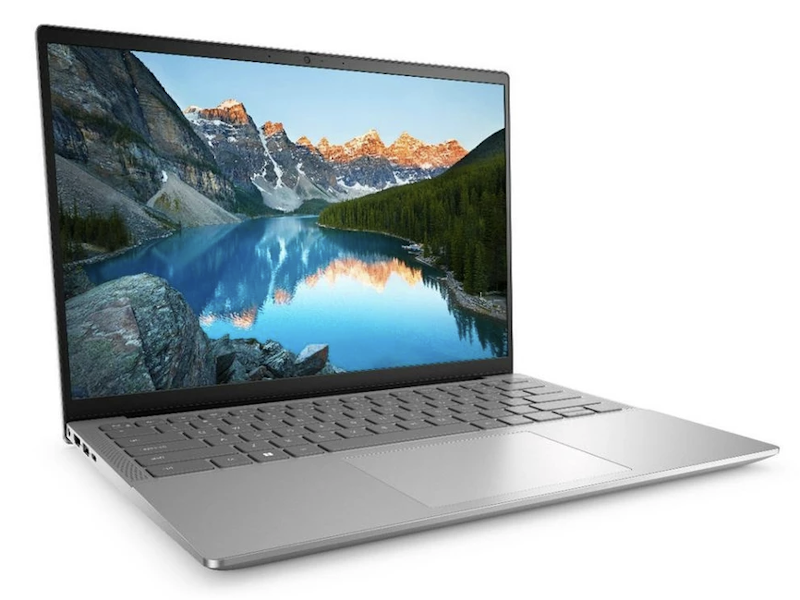
| Processor | Intel Core i7-1355U |
|---|---|
| GPU | 2 GB |
| Storage | 512 GB |
| RAM | 16 GB |
| Screen Resolution | 1920 x 1080 |
| Battery Life | 54 mAh |
| Dimensions | 14" |
| Weight | 1600 g |
| Ports | USB-C, 2x USB-A, HDMI, SD Card |
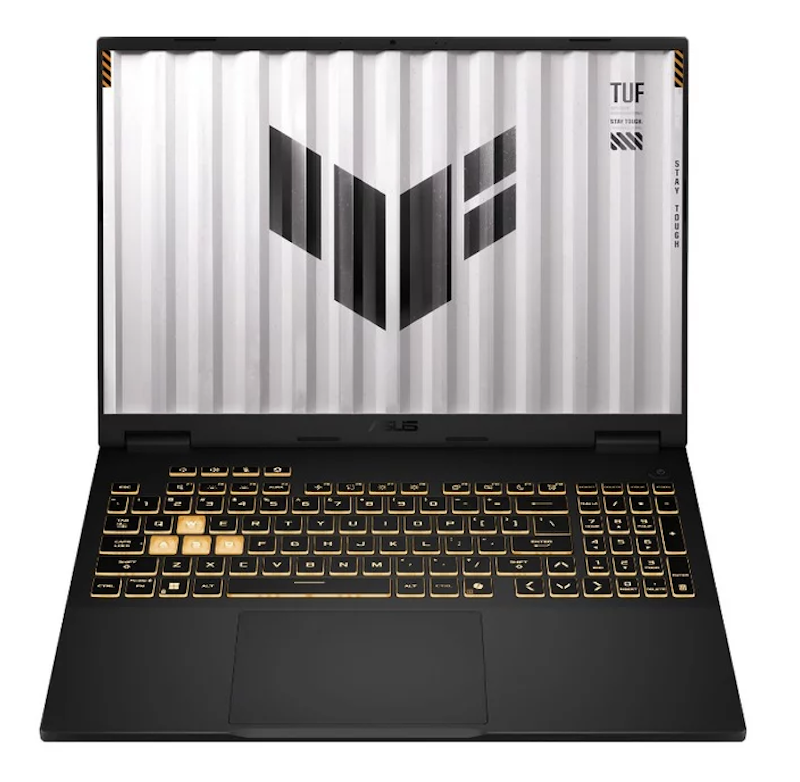
Reviews mention:
People note fluid target tracking in shooters thanks to high refresh without ghosting. Several appreciate thermal headroom preventing drops during team practice hours. Many find customizable backlighting perfect for dim LAN gatherings.
| Processor | Intel Core i5-13450HX |
|---|---|
| GPU | 8 GB |
| Storage | 512 GB |
| RAM | 16GB |
| Screen Resolution | 1920 x 1200 165 Hz |
| Battery Life | 90 mAh |
| Dimensions | 16" |
| Weight | 2200 g |
| Ports | Thunderbolt 4, 3x USB-A, HDMI 2.1, RJ45 |
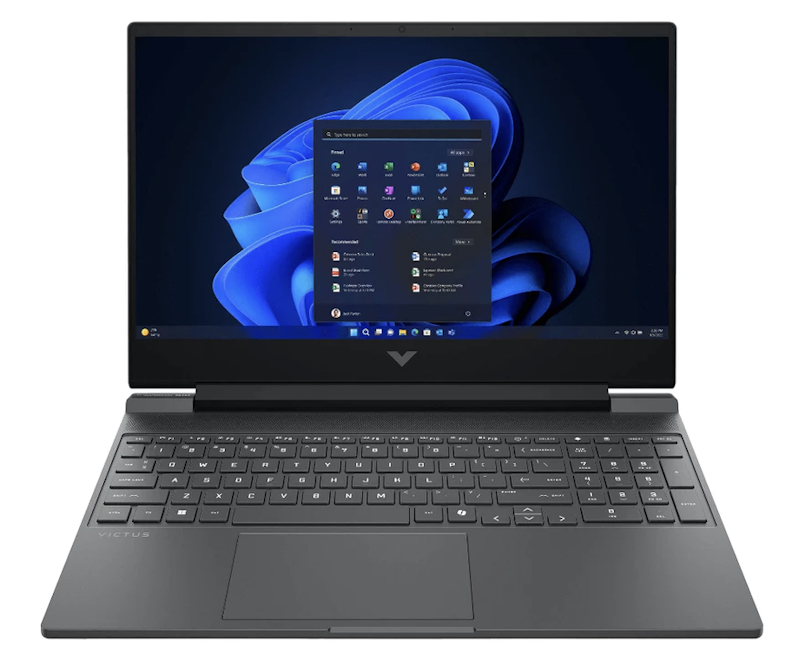
Reviews mention:
Several appreciate rapid map loads cutting downtime between ranked matches. Some mention reduced blur easing aim during after-work unwind sessions. Many find speakers adequate for squad coordination sans headphones.
| Processor | Intel Core i5-13420H |
|---|---|
| GPU | 6 GB |
| Storage | 512 GB |
| RAM | 16 GB |
| Screen Resolution | 1920 x 1080 144 Hz |
| Battery Life | 70 mAh |
| Dimensions | 15.6" |
| Weight | 2300 g |
| Ports | USB-C, 2x USB-A, HDMI, RJ45 |

Reviews mention:
Many find locked high FPS in open worlds without detail compromises. People note vivid scenes drawing players deeper during weekend escapes. Several highlight subdued acoustics permitting evening sessions roommate-friendly.
| Processor | Intel Core i9-14900HX |
|---|---|
| GPU | 8 GB |
| Storage | 1 TB |
| RAM | 32 GB |
| Screen Resolution | 2560 x 1600 |
| Battery Life | 90 mAh |
| Dimensions | 16" |
| Weight | 2600 g |
| Ports | Thunderbolt 4, USB-A, HDMI 2.1, Mini DP |
LenovoLOQ 15IAX9E Laptop | i5-12450HX

Reviews mention:
Buyers appreciate the backlit keyboard for late-night study sessions without straining eyes. Several note solid value for college users balancing assignments, browsing, and Mobile Legends without overheating quickly.
| Processor | Intel Core i5-12450HX |
|---|---|
| GPU | 6 GB |
| Storage | 512 GB |
| RAM | 16 GB |
| Screen Resolution | 1920 x 1080 |
| Battery Life | 60 mAh |
| Dimensions | 15.6" |
| Weight | 2400 g |
| Ports | USB-C, 3x USB-A, HDMI, RJ45 |

Reviews mention:
People note comfortable 1440p play surprising at this tier. Several appreciate wide gamut assisting side photo retouches. Many find key feedback blending work typing and macros seamlessly.
| Processor | Intel Core i7-14650HX |
|---|---|
| GPU | 8 GB |
| Storage | 512 GB |
| RAM | 16 GB |
| Screen Resolution | 2560 x 1440 165 Hz |
| Battery Life | 65 mAh |
| Dimensions | 15.6" |
| Weight | 2250 g |
| Ports | USB-C DP, 2x USB-A, HDMI, RJ45 |
LenovoLegion Slim 5 | 15IRX10
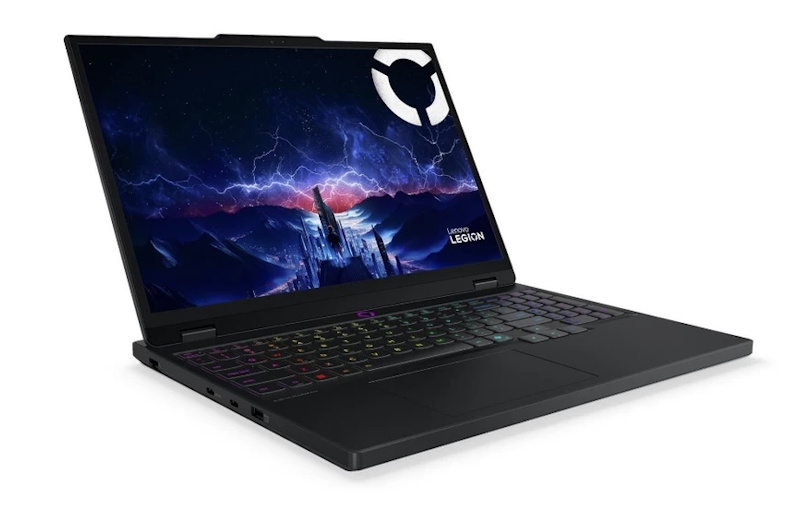
Reviews mention:
Many find infinite contrast heightening tense moments visually. Several note minimal noise suiting apartment grinding hours. People appreciate versatile ports streamlining monitor switches.
| Processor | Intel Core i7-14700HX |
|---|---|
| GPU | 8 GB |
| Storage | 1 TB |
| RAM | 16 GB |
| Screen Resolution | 2560 x 1600 160 Hz OLED |
| Battery Life | 80 mAh |
| Dimensions | 15" |
| Weight | 2100 g |
| Ports | Thunderbolt 4, USB-C, HDMI 2.1, RJ45 |
Frequently Asked Questions
Below are some of the most asked questions on the web answered by the mybest team.
Can You Use Any Laptop to Edit High-Quality Videos?
The minimum capacity of RAM you should need for video editing is 8 GB, and unless you're only performing low-end video editing, a laptop with a graphics card goes a long way for editing high-quality videos. For professional-quality video editing, it's best to have access to a laptop with excellent CPU performance, fast RAM, and high screen resolution.
Can You Use Gaming Laptop for Video Editing?
Video editing software usually needs strong multi-core processors in order to ensure a smooth process with little lag and issues. Recent software usually relies more on the GPU power of a laptop. Gaming laptops typically have a powerful GPU and CPU that can run any video editing software. It helps that gaming laptops also come with high speed, huge memory, and fast processing power.
Accessories for Your Laptop
Laptops are convenient to use because they're light and portable and most importantly, they get the job done. You can level up your laptop experience with accessories that make your life easier. Check out the links below for more laptop accessories.


Author: Angelica Sy
Re-editor: Andi Sanchez
How We Chose and Ranked Our Product Recommendations
Our buying guide was carefully researched and crafted by the mybest team of writers and editors, in collaboration with the expert featured in this article. We used the buying guide as a basis for choosing and ranking the product recommendations, and we looked at reviews and ratings from different E-commerce sites like Lazada, Shopee, and more.
The descriptions of each product are referenced from content available on manufacturer, brand, and e-commerce sites.