10 Best Lightweight Laptops in the Philippines 2026 | Buying Guide Reviewed by IT Specialist
Carrying a laptop during your long commute or while strolling around the campus could easily strain your back, so you may want to opt for a thin and lightweight laptop that can keep up with your pace. It's a good thing many brands have launched lightweight laptop models designed for maximum portability.
Aside from its build, let's dive deeper into the different specifications you'll need from your portable computer. To help you get past the heavy tech jargon, we've compiled a buying guide, fact-checked by IT Specialist JC Rogelio, that has all the information you need. We've also created a list of the 5 best lightweight laptops available for purchase online, so you can get yours today!

JC Rogelio is first and foremost a fan of upgrading and modifying computers. Due to his passion, he earned a degree in Information Technology from a university specializing in the field. He is tech-savvy and likes to research computer trends. He was a former employee of a Fortune 500 company in the Philippines and now has over 3 years of experience in the IT/Engineering field in Dubai.

Our recommendation articles are carefully researched and crafted by the mybest Philippines team of writers and editors. To stay true to our company’s mission and vision to help users’ selection process easier, we also collaborate with experts from various fields to ensure that our content stays factual and useful.
The expert oversees the Buying Guide only, and does not determine the products and services featured.
Why You Can Trust Us
Every mybest article is crafted with hours of in-depth research and interviews with experts. Each month, we are continually expanding our database of products based on our research. By emphasizing user insight and reliable information, we deliver trustworthy content to readers.
How to Choose a Lightweight Laptop - Buying Guide
Here are some key points to consider:
- Inspect the laptop’s screen size and weight
- Determine the laptop’s specifications based on your needs
- Ensure your laptop has a large battery capacity
- Check out what ports are built-in to the laptop
For more detailed information, read through our buying guide below.
Inspect the Laptop’s Screen Size and Weight

It needs no explanation that a smaller laptop equals an overall lighter body. Laptop brands, however, have managed to work their way around this. Now, ultra-light laptops come in a range of different sizes. To give you a better idea of what lightweight is, look for ones that weigh around 3 pounds, or about 1.4 kilograms.
For students and employees who work with light-powered applications and use their laptops mainly for web browsing, a screen size of 11 to 13 inches is ideal. These are often the most affordable models in the market, which is great if you are working around a tight budget.
For graphic designers and gamers who prefer to work with larger screen sizes, look for ones that go from 14 to 16 inches. This should be enough to run multiple apps or professional software programs with ease.
Determine the Laptop’s Specifications Based on Your Needs
Walking into a gadget shop can be fairly daunting to any first-time buyer. Oftentimes, you are bombarded with sales pitches filled with tech jargon that can make choosing a model difficult. But worry not, as we’ve got you covered! Check out the list where we've provided simple definitions of the basic parts found in a laptop's internal hardware.
Think About the Laptop’s Operating System
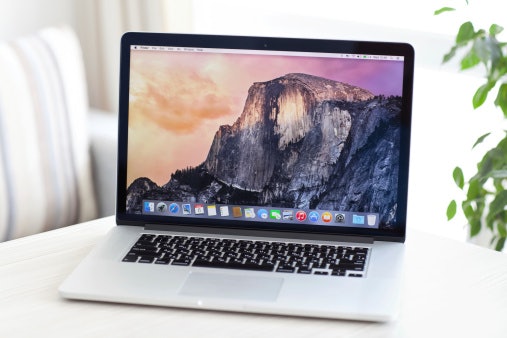
The macOS is only available on laptops from Apple and comes at a relatively high price point. If you are willing to shell out some money, you’ll surely be getting a piece of great quality equipment. Among the three, it has the most simple interface, so even first-time users won’t have trouble finding their way around the device.
The Chrome OS is created by Google and is what runs a specific type of laptop called Chromebooks. Many brands like Acer, Asus, and Samsung carry their own line of Chromebooks for their users. This type is ideal for employees and students who use a lot of apps from Google, such as Drive, Docs, and Sheets.
Opt for a Reliable CPU to Make Sure Your Laptop Runs Smoothly
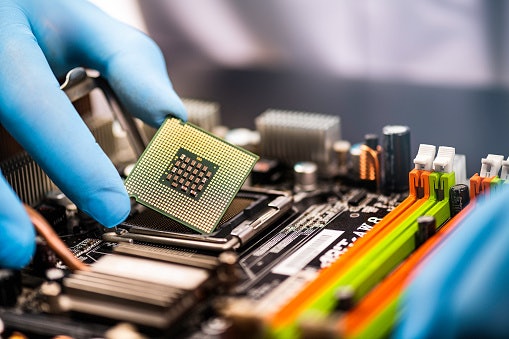
The CPU is the main processor that runs your laptop. When you turn on your computer and enter a command, the CPU receives this input, understands what it means, and proceeds to send a response. Needless to say, it plays a big role in any electronic device.
The most popular and reliable CPU today is the Intel processor. You can choose between three variations, but the i5 and i7 models are your best bet. The latest generation is currently available in the 10th gen chips. You’ll also most likely encounter different core options. For this, just remember that more cores mean better efficiency.
Pick Between an Integrated or a Dedicated Graphics Card
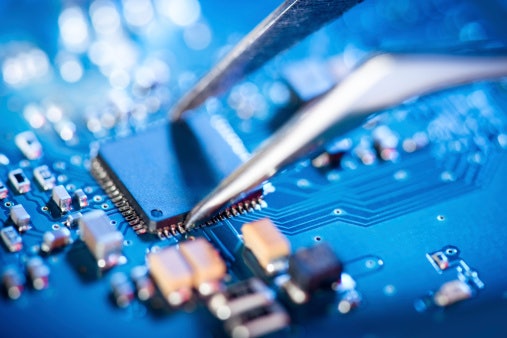
The graphics processing unit, or GPU, is synonymous with your laptop's video or graphics card. They work together with the CPU and are in charge of loading up all the images and videos that you see on your screen. They can also handle other computing tasks to ease your CPU's load.
A graphics card can either share a memory with your CPU or be completely separate. Getting a dedicated GPU, however, is only necessary if you are running video games with heavy graphics. For daily use, the integrated graphics card should suffice.
Get a Laptop With Sufficient Storage Space for Your Files
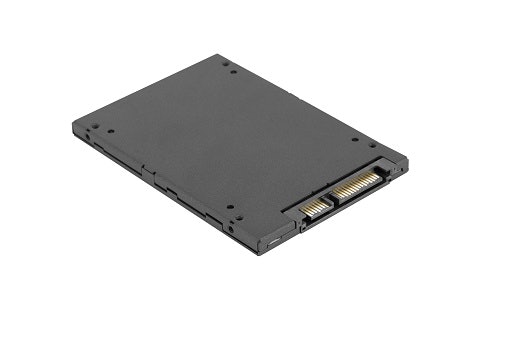
In simple terms, SSDs and HDDs are the same, with the latter being the predecessor. They perform two main jobs, which are to boot the computer and store all your long-term data. SSDs are preferred even if they come with hefty price tags as they perform at much faster speeds.
For most people, a simple 256 GB storage capacity should be enough. Thanks to the availability and convenience of cloud storage, paying for large internal memories has become less of a priority. If you do, however, prefer to have your files available offline, splurge on SSDs that are 1 to 2 TBs.
Aim for a Minimum of 8 GB RAM to Handle Multitasking and Heavy Apps
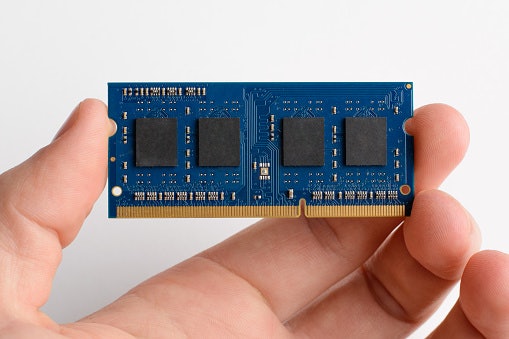
Your laptop’s RAM, or random access memory, is like a mini storage that your computer uses to quickly get to the data it needs. In most cases, you only need a small capacity of RAM as it just stores the data for a short period of time.
When you open a game or browse through the internet, the laptop loads that data onto the RAM to let you seamlessly move through open tabs. Once you’re done and the app is closed, your RAM is automatically cleared, ready for your next move.
Nowadays, the minimum RAM requirement for laptops is 8 GB. This should be enough for regular and daily use. For running heavy apps like editors or games, you can splurge on RAMs that are 16 GB or higher.
Ensure Your Laptop Has a Large Battery Capacity
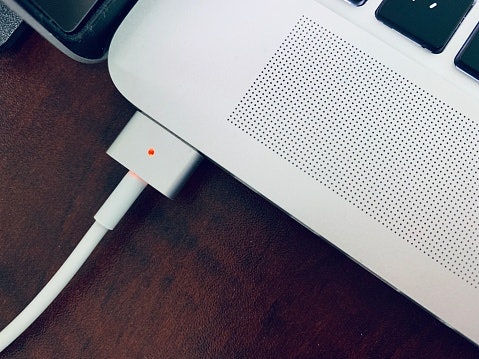
Another big factor that contributes to your laptop's portability is its battery capacity. You'd need to find a laptop that has a battery pack that can hold at least 10 hours' worth of power if you want to spend the whole day without charging.
It's important to remember that advertised stats such as the battery life are tested with most settings turned down. This means that the laptop is running at bare minimum capacity, usually with minimum brightness and the Wi-Fi turned off. It is safe to assume that the advertised battery life is a couple of hours less in the actual setting.
Check Out What Ports Are Built-In to the Laptop

Also, most users nowadays prefer to use an external mouse and keyboard instead of the built-in keyboard and trackpad. This is either to reduce the laptop's wear and tear or to be able to prop it up onto a cooling pad or laptop stand. Whatever your reason may be, you can opt to get the external accessories with Bluetooth connectivity to lessen wire clutter.
If you work around external memory cards or hard drives, you can choose to get yourself a separate adaptor instead. This lets you use just one USB port to connect your other laptop accessories. Since it can be detached, you can easily bring it with you on the go.
10 Best Lightweight Laptops to Buy Online
| Products | Image | Click to purchase | Popularity | Details | ||||
|---|---|---|---|---|---|---|---|---|
Weight | CPU | Storage | RAM | |||||
1 | MacBook Air 13-Inch M4|10CPU-8GPU-16G-512G Apple |  | No.1 | 1.24 kg | Apple M4 Chip | 512 GB | 24 GB | |
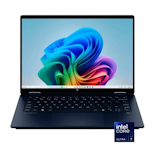
2 | OmniBook X Flip 14" HP |  | No.2 | 1.4 kg | Intel Core Ultra 7 256V | 1 TB | 16 GB | |
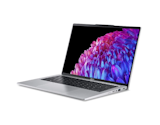
3 | Swift Go 14 SFG14-73 Acer |  | No.3 | 1.3 kg | Intel Core Ultra 7 155H | 512 GB | 16 GB | |
4 | Zenbook 14 Asus |  | No.4 | 1.2 kg | Intel Core Ultra 9 285H | 512 GB | 16 GB | |
5 | Vivobook S 14 OLED M5406UA Asus |  | No.5 | 1.45 kg | Intel Core Ultra 7 256V | 512 GB | 16 GB | |
6 | ThinkBook 14 Lenovo |  | No.6 | 1.5 kg | Intel Core U5 Or U7 (Gen 2) | 1 TB | 32 GB | |
7 | Pavilion Plus 14 2025 Ultra5 HP |  | No.7 | 1.42 kg | Intel Core Ultra 5 125H | 1 TB | 16 GB | |
8 | Vivobook Go 14|E1404FA-NK611WSM Asus |  | No.8 | 1.46 kg | Intel Celeron N4500 | 128 GB | 16 GB | |
9 | 13.3-Inch ThinkPad Ultrabook Laptop |X13 / X390 Lenovo |  | No.9 | 1.3 kg | Intel Core I5-8250U | 512 GB | 16 GB | |
10 | AL14-42P-R8ST Acer |  | No.10 | 1.3 kg | AMD Ryzen 3 5300U | 512 GB | 8 GB | |

AppleMacBook Air 13-Inch M4 | 10CPU-8GPU-16G-512G

| Weight | 1.24 kg |
|---|---|
| CPU | Apple M4 Chip |
| Storage | 512 GB |
| RAM | 24 GB |
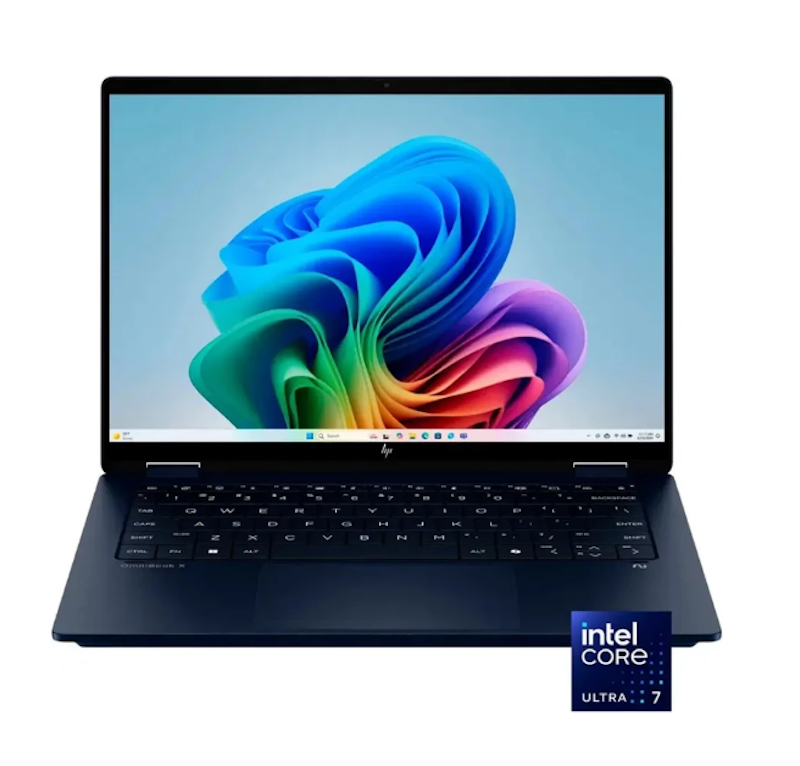
| Weight | 1.4 kg |
|---|---|
| CPU | Intel Core Ultra 7 256V |
| Storage | 1 TB |
| RAM | 16 GB |

| Weight | 1.3 kg |
|---|---|
| CPU | Intel Core Ultra 7 155H |
| Storage | 512 GB |
| RAM | 16 GB |
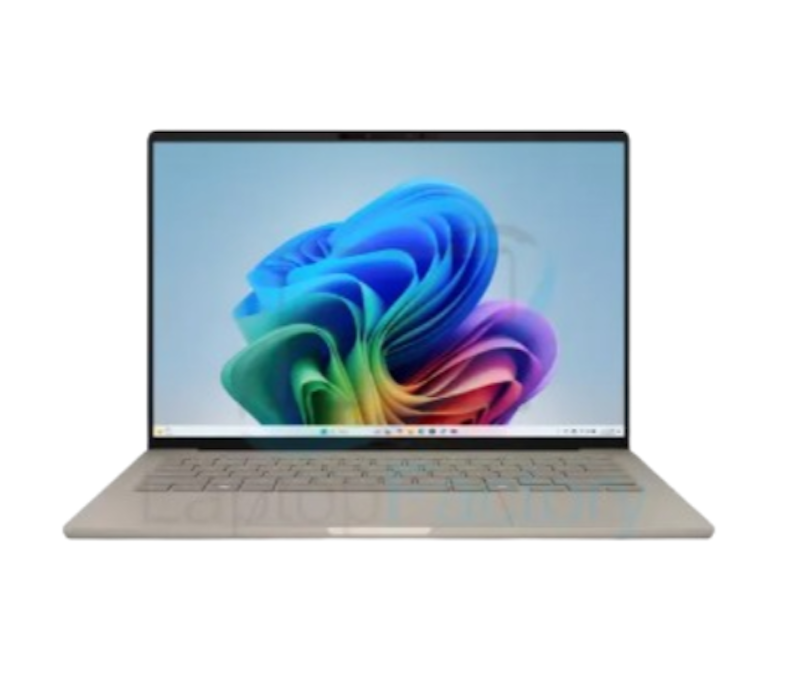
| Weight | 1.2 kg |
|---|---|
| CPU | Intel Core Ultra 9 285H |
| Storage | 512 GB |
| RAM | 16 GB |

| Weight | 1.45 kg |
|---|---|
| CPU | Intel Core Ultra 7 256V |
| Storage | 512 GB |
| RAM | 16 GB |

| Weight | 1.5 kg |
|---|---|
| CPU | Intel Core U5 Or U7 (Gen 2) |
| Storage | 1 TB |
| RAM | 32 GB |

| Weight | 1.42 kg |
|---|---|
| CPU | Intel Core Ultra 5 125H |
| Storage | 1 TB |
| RAM | 16 GB |
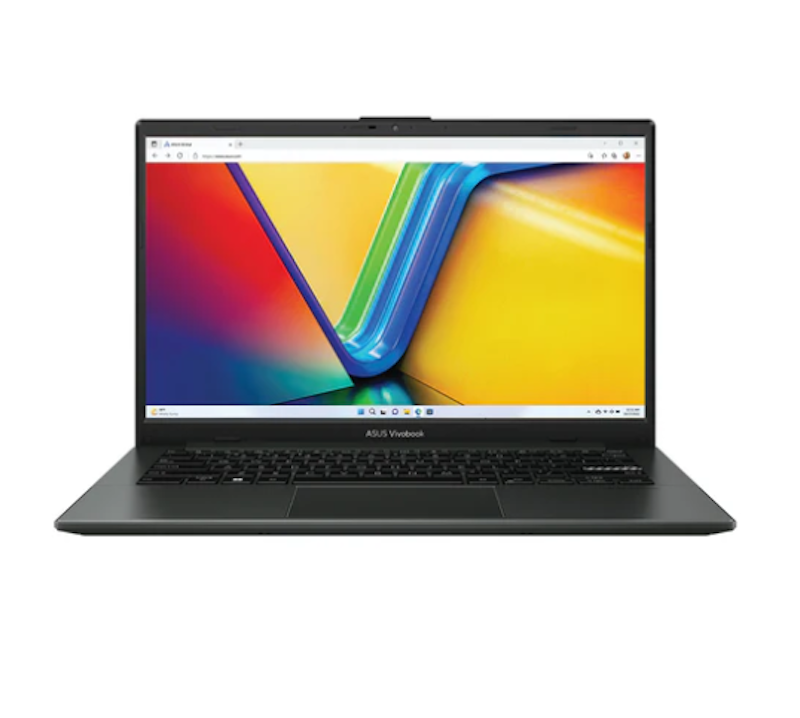
| Weight | 1.46 kg |
|---|---|
| CPU | Intel Celeron N4500 |
| Storage | 128 GB |
| RAM | 16 GB |
Lenovo 13.3-Inch ThinkPad Ultrabook Laptop | X13 / X390
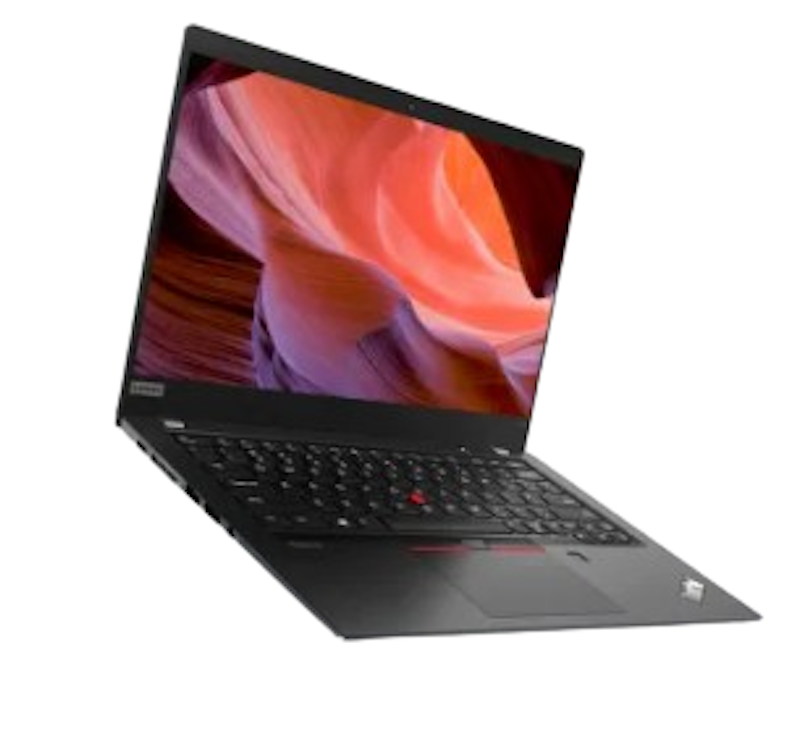
| Weight | 1.3 kg |
|---|---|
| CPU | Intel Core I5-8250U |
| Storage | 512 GB |
| RAM | 16 GB |

| Weight | 1.3 kg |
|---|---|
| CPU | AMD Ryzen 3 5300U |
| Storage | 512 GB |
| RAM | 8 GB |
Frequently Asked Questions
Below are some of the most asked questions on the web answered by the mybest team.
What Is the Best Lightweight Laptop to Buy?
The best lightweight laptop to buy will depend on your needs and how you’ll be using your laptop. For instance, some laptops are more high-end, but if you’re not going to be able to maximize its specs, then you’re not going to make the most of it. You may also check out our top 10 list to help you determine the laptop that is right for you.
What Is the Best Lightweight Laptops for Students?
Asus’ BR1100F is specifically designed for students. Its rugged design makes it durable enough for students who can be quite clumsy when handling electronic devices. It can be converted into a tablet for easy learning. Plus, it is equipped with noise-reduction and cancellation technologies, making it ideal for online classes.
Among the other laptops on our top 10 list, the Acer Swift 3, is suited for busy college students who handle a lot of schoolwork. And, on the budget side, the Teclast F7 Plus is a great starter laptop, as well as the Asus Chromebook C223 if you’re on a really tight budget and need a laptop in a pinch.
More Laptop Options to Choose From
On the lookout for more laptop options? Check out our other articles to help you find the right one for school, work, or even gaming! Feel free to browse through our top 10 lists below.


Author: Roxanne A.
Editor and Re-editor: Aprille Jarcia and J. Cuizon
How We Chose and Ranked Our Product Recommendations
Our buying guide was carefully researched and crafted by the mybest team of writers and editors, in collaboration with the expert featured in this article. We used the buying guide as a basis for choosing and ranking the product recommendations, and we looked at reviews and ratings from different E-commerce sites like Lazada, Shopee, and more.
The descriptions of each product are referenced from content available on manufacturer, brand, and e-commerce sites.