
10 Best 4K Gaming Monitors in the Philippines 2026 | KOORUI, AOC, and More
Gaming has become a popular pastime and profession for many Filipinos, whether you're into competitive esports or open-world adventures. A 4K gaming monitor delivers sharp visuals and smooth gameplay, enhancing your overall experience. The right monitor can make a significant difference in how you enjoy games and perform during intense matches.
Thanks to online platforms like Lazada and Shopee, finding the best 4K gaming monitor for your setup is now a convenient and straightforward process. In this guide, we'll share our top recommendations and explain what to look for when choosing the right 4K gaming monitor in the Philippines.

As a content planner, Jemanuel is fully committed to making sure that consumers can figure out the best choices with ease and convenience. He is always eager to learn new things and is always on the lookout for the latest market and industry trends that can help you make your research much easier.
Why You Can Trust Us
Every mybest article is crafted with hours of in-depth research and interviews with experts. Each month, we are continually expanding our database of products based on our research. By emphasizing user insight and reliable information, we deliver trustworthy content to readers.
Understand How 4K Gaming Monitors Differ From 1440p Models

That being said, the tradeoff is performance. Running games at 4K requires more powerful hardware than running games at 1440p. Your GPU needs to push four times more pixels, so frame rates drop unless you have high-end components. Choose 4K if you value stunning graphics and have a capable gaming rig to support it.
How to Choose a 4K Gaming Monitor – Buying Guide
With numerous options available, selecting the ideal 4K gaming monitor requires understanding which features are most important for your specific needs. This guide will help you navigate the key specifications and features to find a monitor that fits your gaming style and budget.
Select a 4K Gaming Monitor Based on Your Refresh Rate Needs
The refresh rate determines how smoothly your visuals appear during gameplay. Higher refresh rates reduce motion blur, making fast movements appear cleaner. Match the refresh rate to your gaming habits and GPU capabilities for optimal results.
Aim for 144Hz for Balanced Gaming or 240Hz for Competitive Play
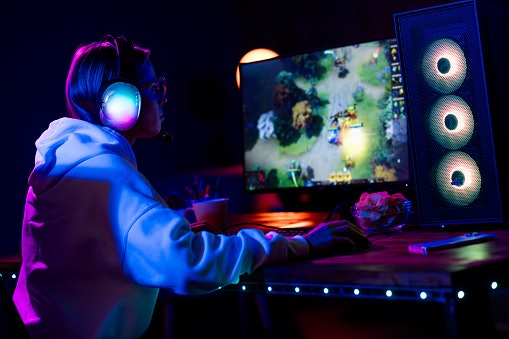
240Hz models are designed for competitive players who need every advantage. They make tracking enemies and reacting faster easier in titles like Valorant or Call of Duty. These monitors cost more and require high-end GPUs to reach their full potential, so consider your priorities before upgrading.
Check If Your GPU Can Handle High Frame Rates at 4K

GPUs like the RTX 4070 or RX 7800 XT are recommended for 120-144Hz 4K gaming. For 240Hz displays, you'll need flagship cards like the RTX 4090. Lower-end GPUs work better with 60Hz 4K monitors, which are ideal for media consumption and casual gaming at high resolution.
Opt for Adaptive Sync Technologies for a Smoother Experience

Most modern monitors support one or both technologies. G-SYNC works best with NVIDIA GPUs, while FreeSync is designed for AMD graphics cards. Many displays now offer compatibility with both, so check your GPU brand and choose a monitor that matches your hardware for the best experience.
Go for Low Response Times (1–5 ms) to Reduce Input Lag

Most 4K gaming monitors today offer response times of 1-2 ms, especially models featuring OLED or high-refresh IPS panels. These are ideal for shooters, racing games, and esports titles. Response times above 5 ms are acceptable for casual gaming or single-player adventures, where speed is less critical.
Match the Monitor Size to Your Gaming Setup
Screen size affects your viewing comfort and gaming experience. The ideal monitor size depends on your desk space and the distance at which you sit while playing. Choosing the proper size ensures you see details without straining your eyes or neck.
Choose a 27–32 Inch Display for a Balanced Mix of Gaming and Productivity

At 4K resolution, pixel density on 27-32 inch displays is high, meaning images look sharp without needing scaling. These monitors are compatible with most desk setups and viewing distances. They also offer better ergonomics than larger screens, reducing neck strain during long gaming sessions.
Go for 34 Inches and Above if You Want an Ultra-Wide 4K Monitor for Full Immersion

The downside is limited desk space and high costs. These monitors are larger and more expensive, and not all games support ultra-wide resolutions natively. Ensure your games and hardware support this format before making an investment. They're also great for multitasking, giving you room to run multiple windows side by side.
Pick the Right Panel Type According to Your Playstyle
Panel type determines color quality, contrast, and response speed. Different panels offer unique strengths for gaming performance. Understanding these differences helps you choose a monitor that matches your preferred games and visual priorities.
IPS Panels: Best Color Accuracy and Wide Viewing Angles
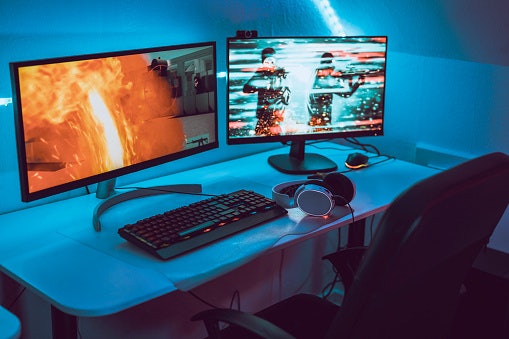
Response times on IPS panels have improved, making them suitable for competitive gaming too. They cost more than VA panels, but the image quality and flexibility make them a popular choice. If you value balanced performance across gaming and productivity, IPS is a safe bet.
VA Panels: Great for Deep Blacks and High Contrast

The tradeoff is slower response times and narrower viewing angles. Colors may shift slightly when viewed from the side. For gamers who primarily play story-driven games or watch movies, VA panels offer excellent value with rich visuals and a good price-to-performance ratio.
OLED Panels: Delivers Perfect Blacks and Ultra-Fast Response Times

The main concerns are price and burn-in risk. OLED monitors cost significantly more, and static images left on screen for long periods can cause permanent damage. If you play a variety of content and are willing to invest, OLED delivers unmatched picture quality and gaming performance.
Check Connectivity Options for Device Flexibility

Multiple ports let you connect consoles, PCs, and other devices without constantly swapping cables. Some monitors also include USB-C ports for laptops and charging. Check your GPU and console outputs to ensure they match your monitor's inputs before making a purchase.
10 Best 4K Gaming Monitors to Buy Online
| Products | Image | Click to purchase | Popularity | Details | |||||||
|---|---|---|---|---|---|---|---|---|---|---|---|
Resolution | Refresh Rate | Response Time | Adaptive Sync | Panel Type | Screen Size | Connectivity Options | |||||
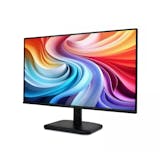
1 | Gaming Monitor|G2741L KOORUI |  | No.1 | 4K | 160Hz | 1ms | FreeSync、G-Sync | IPS | 27-Inch | HDMI、Display Port、Audio | |
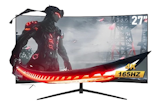
2 | 4K Monitor|N07 KOORUI |  | No.2 | 4K | 60Hz | 5ms | FreeSync、OD Accelerated、G-Sync | IPS | 27-Inch | HDMI、Display Port、Audio | |
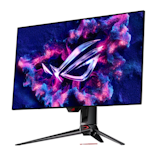
3 | 4K Monitor |U32V5N AOC |  | No.3 | 4K | 60Hz | 4ms | VA | 32-Inch | HDMI、Display Port | ||
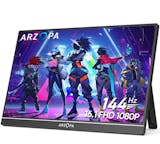
4 | MOBIUZ EX271U BenQ |  | No.4 | 4K | 165Hz | 1ms | FreeSync | IPS | 27-Inch | HDMI、Display Port、USB-C、USB-A Ports | |
5 | Smart Monitor M7 M70F Samsung |  | No.5 | 4K | 60Hz | 4ms | VA | 32-Inch | HDMI、USB-C | ||
6 | TUF Gaming Monitor|VG27UQ1A ASUS |  | No.6 | 4K | 160Hz | 1ms | FreeSync、G-Sync | IPS | 27-Inch | HDMI、Display Port、Audio | |
7 | 4K Monitor|A27Ui Xiaomi |  | No.7 | 4K | 60Hz | 6ms | IPS | 27-Inch | HDMI、Display Port、USB-C、USB 2.0、Audio | ||
8 | 4K HDR Monitor|AN-270W04K Anmite |  | No.8 | 4K | 60Hz | 5ms | FreeSync、G-Sync | IPS | 27-Inch | HDMI、Display Port、Audio | |
9 | PC Monitor 27/24/22/19 Inch Expose |  | No.9 | 4K | 165Hz | 1ms | FreeSync | IPS | 27-Inch | HDMI、VGA | |
10 | IPS Gaming Monitor KAMPEON |  | No.10 | 4K | 144Hz | 1ms | FreeSync | IPS | 27-Inch | HDMI、Display Port | |


Reviews mention:
Users note strong color accuracy and sharp visuals, making it suitable for both gaming and content work. Some buyers mention occasional limited module firmware updates and wish for more ergonomic stand adjustments. A few also look for better availability and local stock timing.
| Resolution | 4K |
|---|---|
| Refresh Rate | 160Hz |
| Response Time | 1ms |
| Adaptive Sync | FreeSync、G-Sync |
| Panel Type | IPS |
| Screen Size | 27-Inch |
| Connectivity Options | HDMI、Display Port、Audio |

Features and benefits:
Reviews mention:
Buyers often highlight this monitor’s vibrant 4K picture quality and great value for its price. Some wish it had built-in speakers, but many still consider it a premium display with impressive color accuracy and clear visuals.
| Resolution | 4K |
|---|---|
| Refresh Rate | 60Hz |
| Response Time | 5ms |
| Adaptive Sync | FreeSync、OD Accelerated、G-Sync |
| Panel Type | IPS |
| Screen Size | 27-Inch |
| Connectivity Options | HDMI、Display Port、Audio |
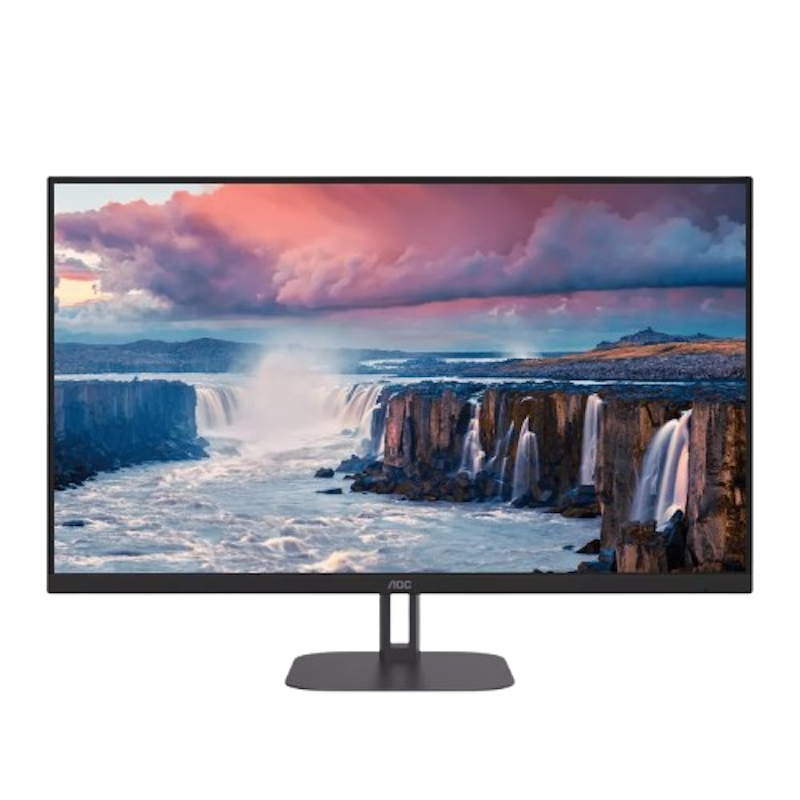
Reviews mention:
Users like the large 4K screen for its crisp image and roomy workspace. Some mention the stand takes up space and want built-in speakers. Many buyers highlight solid value for a 4K monitor in this size, especially for home and mixed-use setups.
| Resolution | 4K |
|---|---|
| Refresh Rate | 60Hz |
| Response Time | 4ms |
| Adaptive Sync | |
| Panel Type | VA |
| Screen Size | 32-Inch |
| Connectivity Options | HDMI、Display Port |
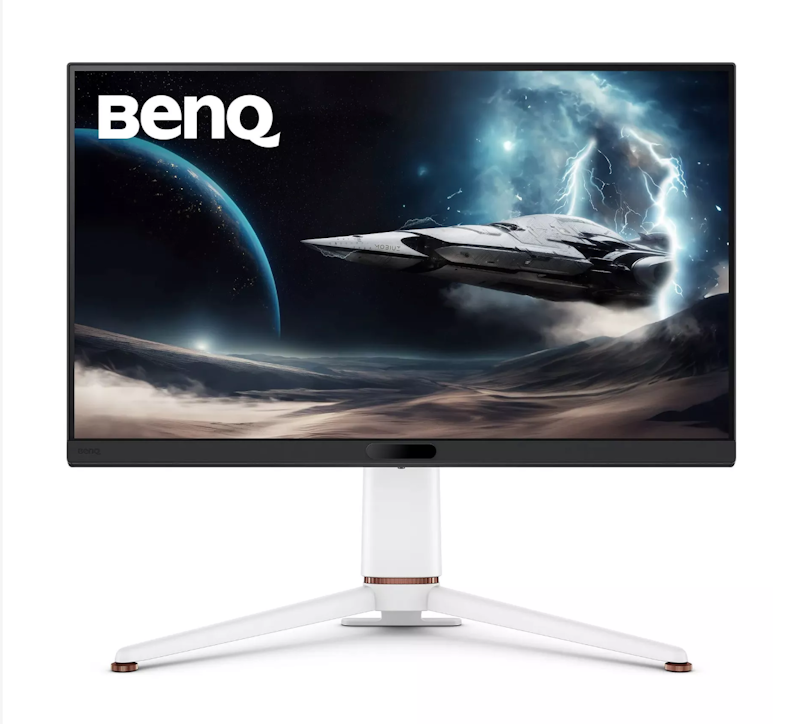
Reviews mention:
Buyers praise the bright, sharp display and smooth gameplay with minimal lag. The built-in speakers get positive remarks for clear sound. Some mention limited stand adjustability and occasional remote quirks, but overall value and features are highly regarded.
| Resolution | 4K |
|---|---|
| Refresh Rate | 165Hz |
| Response Time | 1ms |
| Adaptive Sync | FreeSync |
| Panel Type | IPS |
| Screen Size | 27-Inch |
| Connectivity Options | HDMI、Display Port、USB-C、USB-A Ports |
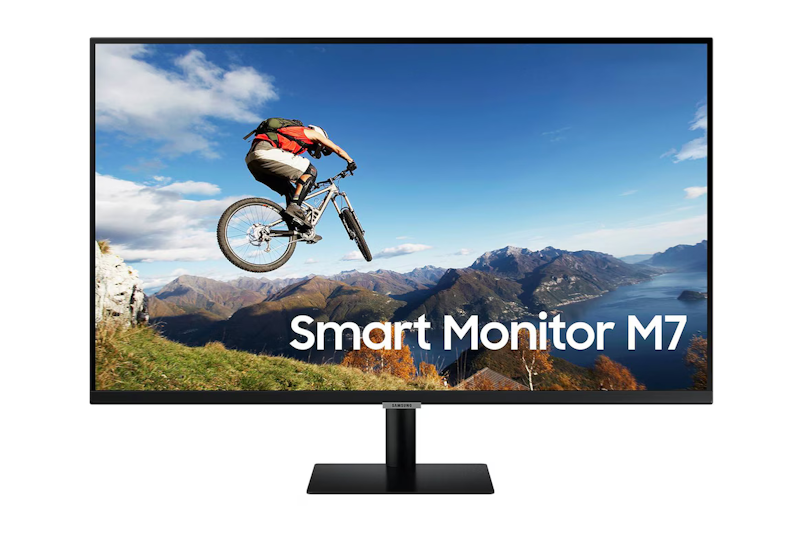
Features and benefits:
Reviews mention:
Reviewers highlight the clear 4K display and smart monitor features suited for both work and entertainment. Many like its wireless connectivity for clutter-free setups and find it great as an extended monitor. Some wish for faster refresh rates, but most consider it a versatile pick.
| Resolution | 4K |
|---|---|
| Refresh Rate | 60Hz |
| Response Time | 4ms |
| Adaptive Sync | |
| Panel Type | VA |
| Screen Size | 32-Inch |
| Connectivity Options | HDMI、USB-C |
ASUSTUF Gaming Monitor | VG27UQ1A

Reviews mention:
Players and critics praise sharp visuals and smooth gameplay, noting fast refresh rates and low input lag. Some mention HDR brightness could improve, and the stand is basic but sturdy. Overall, the monitor scores highly for performance and value.
| Resolution | 4K |
|---|---|
| Refresh Rate | 160Hz |
| Response Time | 1ms |
| Adaptive Sync | FreeSync、G-Sync |
| Panel Type | IPS |
| Screen Size | 27-Inch |
| Connectivity Options | HDMI、Display Port、Audio |
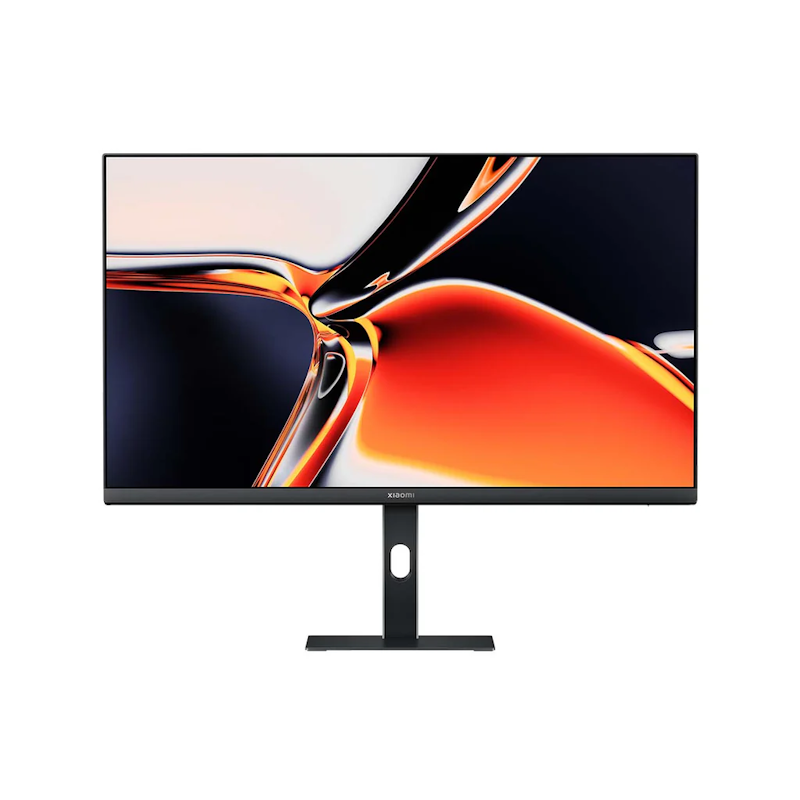
Features and benefits:
Reviews mention:
Users praise its sharp 4K visuals and value for money, calling it great for creative tasks like photo editing. Some note the 60Hz refresh rate isn’t ideal for fast-paced gaming, but many appreciate the USB-C connectivity and adjustable stand for convenient, comfortable use.
| Resolution | 4K |
|---|---|
| Refresh Rate | 60Hz |
| Response Time | 6ms |
| Adaptive Sync | |
| Panel Type | IPS |
| Screen Size | 27-Inch |
| Connectivity Options | HDMI、Display Port、USB-C、USB 2.0、Audio |

Reviews mention:
Owners praise the large, high-resolution display for vibrant colors and wide viewing angles suitable for work and entertainment. A few note desires for a higher refresh rate or built-in speakers and mention firmware updates improving GPU compatibility. It is generally seen as a solid value for a 27-inch 4K IPS monitor.
| Resolution | 4K |
|---|---|
| Refresh Rate | 60Hz |
| Response Time | 5ms |
| Adaptive Sync | FreeSync、G-Sync |
| Panel Type | IPS |
| Screen Size | 27-Inch |
| Connectivity Options | HDMI、Display Port、Audio |
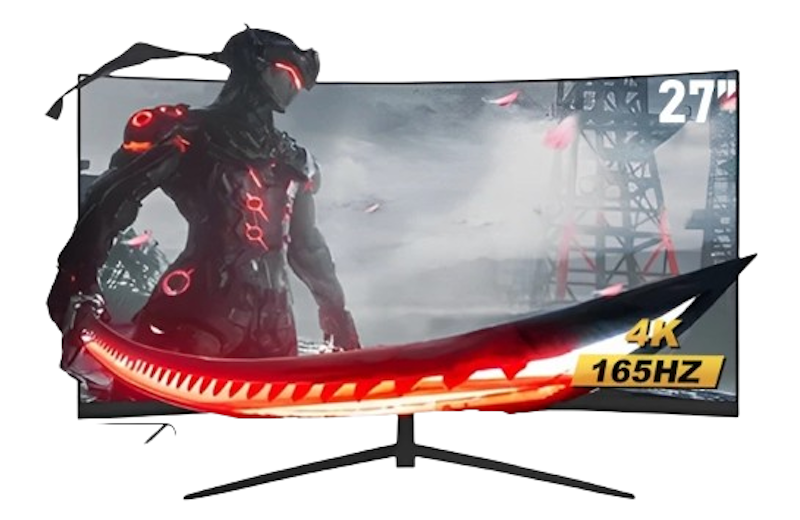
| Resolution | 4K |
|---|---|
| Refresh Rate | 165Hz |
| Response Time | 1ms |
| Adaptive Sync | FreeSync |
| Panel Type | IPS |
| Screen Size | 27-Inch |
| Connectivity Options | HDMI、VGA |

Reviews mention:
Users generally praise the sharp image quality, smooth performance, and eye comfort features. Some wish for more ergonomic options, but overall, it is highly rated for gaming and extended use.
| Resolution | 4K |
|---|---|
| Refresh Rate | 144Hz |
| Response Time | 1ms |
| Adaptive Sync | FreeSync |
| Panel Type | IPS |
| Screen Size | 27-Inch |
| Connectivity Options | HDMI、Display Port |
Frequently Asked Questions
Below are some of the most asked questions on the web answered by the mybest team.
Is There a Noticeable Difference Between Refresh Rates?
Yes, the difference between 60Hz and 144Hz is clear. Movements look smoother, and fast-paced games feel more responsive. Jumping from 144Hz to 240Hz is less dramatic but still beneficial for competitive players who need every edge.
Do All Games Support 4K Resolution?
Most modern games support 4K resolution natively. Older titles may require manual settings adjustments or mods. Check game specifications before purchasing a 4K monitor to ensure compatibility with your library.
Are 4K Gaming Monitors Also Suitable for Console Gaming?
Yes, 4K monitors are compatible with the PlayStation 5 and Xbox Series X. Both consoles support 4K resolution and high refresh rates. Ensure the monitor supports HDMI 2.1 for the optimal experience with next-gen consoles.
Enhance Your Gaming Experience
Pair your 4K gaming monitor with a powerful gaming PC, responsive keyboard, and precision mouse for the best results. Discover our top picks to complete and professionalize your gaming setup.


How We Chose and Ranked Our Product Recommendations
The descriptions of each product are referenced from content available on manufacturer, brand, and e-commerce sites.