
10 Best Portable Monitors in the Philippines 2026 | Arzopa, Asus, and More
A portable monitor is a versatile tool that enhances productivity and entertainment, whether you need a second screen for work, a compact display for gaming, or a convenient setup for streaming movies. Unlike traditional monitors, these lightweight screens are easy to carry, making them perfect for those who switch between locations.
With features like Full HD resolution, IPS displays, and USB-C connectivity, portable monitors offer excellent visuals and seamless compatibility with laptops, gaming consoles, and smartphones. In this article, we’ve rounded up the best portable monitors available on Lazada and Shopee, along with a buying guide to help you find the right one.

Our recommendation articles are carefully researched and crafted by the mybest Philippines team of writers and editors. To stay true to our company’s mission and vision to help users’ selection process easier, we also collaborate with experts from various fields to ensure that our content stays factual and useful.
Why You Can Trust Us
Every mybest article is crafted with hours of in-depth research and interviews with experts. Each month, we are continually expanding our database of products based on our research. By emphasizing user insight and reliable information, we deliver trustworthy content to readers.
How to Choose a Portable Monitor - Buying Guide
Aside from considering your budget and the brands available on the market, here is a list of the factors you should look into when purchasing a portable monitor. Read carefully and take note of the crucial details.
Pick a Screen Size and Aspect Ratio That Suit Your Needs

One essential thing to check when picking a portable monitor is the screen size, which would depend on your primary use case. For work and multitasking, you must get a display of at least 14 inches. A larger screen provides more viewing space, allowing you to comfortably view side-by-side documents, spreadsheets, and browser tabs.
Screen size also ties directly into aspect ratio. Current models of portable monitors typically utilize the standard 16:9 widescreen format, fitting widescreen content like movies and shows natively without awkward black bars.
Choose the Panel Type and Color Accuracy for Vibrant Visuals

Another factor to consider is the screen type, as it affects display quality. AMOLED panels are known for delivering deep blacks, while IPS displays offer good brightness and wide viewing angles. Between the two, IPS is a practical choice for those who enjoy outdoor browsing or cafe-hopping.
For tasks like photo and video editing, you should also check the monitor's color accuracy and color gamut. 100% sRGB is suitable for everyday work and browsing, while wider coverage such as DCI-P3 is more suitable for professional content creation.
Choose at Least Full HD Resolution for Clearer Visuals

Screen resolution determines how sharp your monitor display looks. While some portable monitors come with 720p resolution, opt for at least 1080p (1920 × 1080) Full HD for clearer text, images, and fine details. This is usually enough for everyday work, browsing, and entertainment while also helping keep power consumption manageable. If you work with photos, videos, or other detailed content, consider 2K or 4K models for a sharper, more detailed display.
Prioritize a Higher Refresh Rate for Fluid and Lag-free Motion
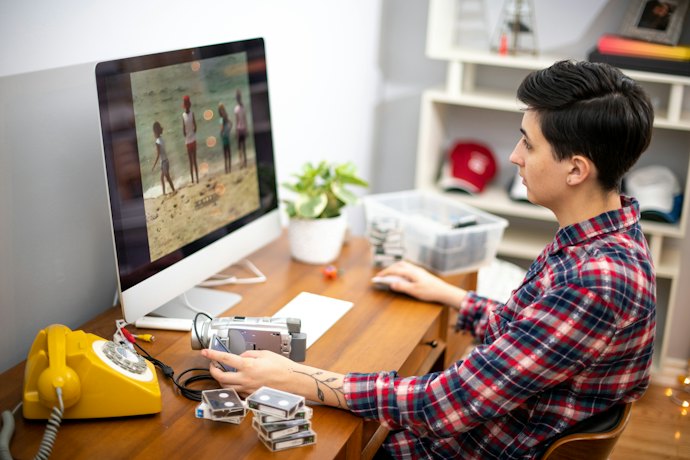
The refresh rate, measured in Hertz (Hz), dictates how many times per second your display updates the image. While standard 60 Hz panels for portable monitors can handle basic tasks, going for a monitor with at least a 75 Hz or higher refresh rate can provide smoother scrolling, video playback, and casual gaming. Higher refresh rates, alternatively, are ideal for video editors and content creators as they eliminate motion blur, reduce input lag, and showcase higher frame rates accurately.
Make Sure the Connectivity and Power Requirements Match
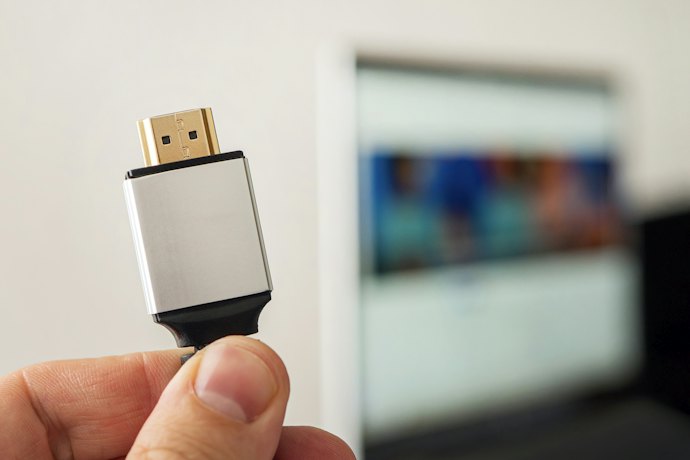
Check whether the monitor's ports are compatible with the devices you plan to connect. USB-C is convenient for compatible laptops, phones, and tablets because it can carry video and power through one cable, but your device's USB-C port must support video output. HDMI or mini-HDMI can also be useful for devices without compatible USB-C video output, including some gaming consoles.
Also check how the monitor receives power. Some models can draw power through USB-C, while others require a separate power source. If you want a simpler setup, consider models with pass-through charging, while monitors with built-in batteries can be useful when working away from an outlet.
Opt for a Lightweight Design with Flexible Mounting Options
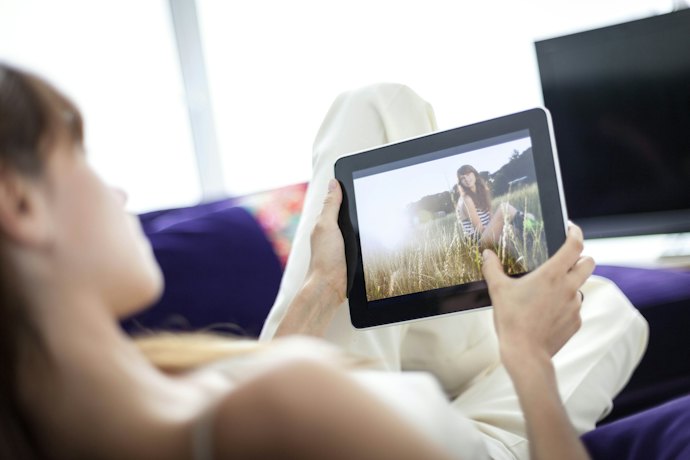
To ensure your portable monitor fits effortlessly into your laptop bag without adding bulk during commutes or travel, go for one with a slim profile and low weight. This allows you to set up a dual-screen workstation anywhere without physical strain.
You should also check its setup and mounting options. Look for models with built-in kickstands, foldable magnetic covers, or VESA-compatible mounting holes. These features let you adjust the viewing angle, switch between portrait and landscape modes, or mount the monitor for a more organized desk setup.
Get Portable Monitors with Added Features for Enhanced Usability
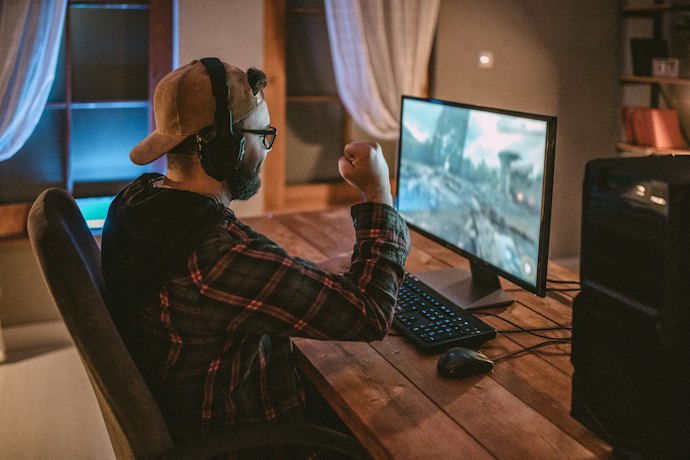
Extra features can improve convenience, but prioritize those that match your needs. Touchscreen support is useful for compatible devices, presentations, and creative work, while built-in speakers are convenient for watching videos or joining calls without carrying separate speakers. You can also consider HDR for compatible content and eye-care features if you spend long periods viewing the screen.
10 Best Portable Monitors to Buy Online
| Products | Image | Click to purchase | Popularity | Details | |||||||
|---|---|---|---|---|---|---|---|---|---|---|---|
Screen Type | Screen Resolution | Refresh Rate | Power Consumption | Connectivity Options | Screen Size | Other Features | |||||
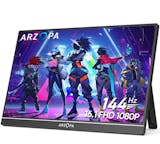
1 | 16.1'' 144Hz Portable Gaming Monitor|Z1FC ARZOPA |  | No.1 | IPS | 1920 x 1080 (Full HD) | 144 Hz | 10 W | USB-C, HDMI | 16.1 inches | 106% sRGB Color Gamut, 300 Nits Brightness, 1000:1 Contrast Ratio, 8-bit Display Color, 2×1w Built-in Speakers, 13MS Response Time, Freesync Support, Aluminum Alloy Design, Portrait & Landscape Modes | |
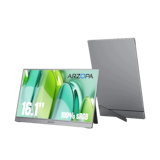
2 | 16.1" Kickstand Portable Monitor|Z1C-Gray Arzopa |  | No.2 | IPS | 1920 x 1080 (Full HD) | 60 Hz | 8 W | USB-C, Micro HDMI | 16.1 inches | 100% sRGB IPS Panel, Integrated Kickstand | |
3 | 16" 2.5K Portable Monitor|Z1RC Arzopa |  | No.3 | IPS | 2560 x 1600 (QHD) | 60 Hz | 12 W | USB-C, Micro HDMI | 16 inches | 123% sRBG Color Gamut, 1200:1 Contrast Ratio, 16:10 Aspect Ratio, 1.7 lbs Weight, Aluminum Finish, Portrait & Landscape Stand, Supports Business Travel Use | |
4 | ZenScreen 16" Portable Monitor|MB169CK Asus |  | No.4 | IPS | 1920 x 1080 (Full HD) | 60 Hz | 8 W | USB-C | 16 inches | Auto-Rotation | |
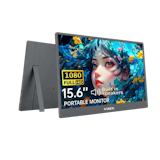
5 | 15.6" Portable Monitor|N16P60 Nvision |  | No.5 | IPS | 1920 x 1080 (Full HD) | 60 Hz | 10 W | USB-C, Micro HDMI | 15.6 inches | 178° Wide Viewing Angle | |
6 | 16.1inch Portable Monitor Expose |  | No.6 | IPS | 1920 x 1080 (Full HD) | 144 Hz | unknown | USB-C, Micro HDMI | 16.1 inches | 3-in-1 Display Mode, Built In Speakers | |
7 | 18.5 Inch Portable Monitor HGFRTEE |  | No.7 | IPS | 1920 x 1080 (Full HD) | 120 Hz | unknown | USB-C | 18.5 inches | 100% sRGB, 1000:1 Contrast Ratio | |
8 | 15.6" Portable Monitor|MP165 E6 MSI PRO |  | No.8 | IPS | 1920 x 1080 (Full HD) | 60 Hz | unknown | USB-C | 15.6 inches | 178° Wide Viewing Angle, Built In Speakers | |
9 | 14" Laptop Extender IPS Monitor|N14X1 Nvision |  | No.9 | IPS | 1920 x 1080 (Full HD) | 60 Hz | 10-15 W | USB-C, HDMI | 14 inches | Slim, Lightweight | |
10 | 15.6" Portable Monitor Kampeon |  | No.10 | IPS | 1920 x 1080 (Full HD) | 75 Hz | 10-15 W | USB-C, HDMI | 15.6 inches | Touchscreen, Headphone Jack | |

ARZOPA16.1'' 144Hz Portable Gaming Monitor | Z1FC

| Screen Type | IPS |
|---|---|
| Screen Resolution | 1920 x 1080 (Full HD) |
| Refresh Rate | 144 Hz |
| Power Consumption | 10 W |
| Connectivity Options | USB-C, HDMI |
| Screen Size | 16.1 inches |
| Other Features | 106% sRGB Color Gamut, 300 Nits Brightness, 1000:1 Contrast Ratio, 8-bit Display Color, 2×1w Built-in Speakers, 13MS Response Time, Freesync Support, Aluminum Alloy Design, Portrait & Landscape Modes |
Arzopa16.1" Kickstand Portable Monitor | Z1C-Gray
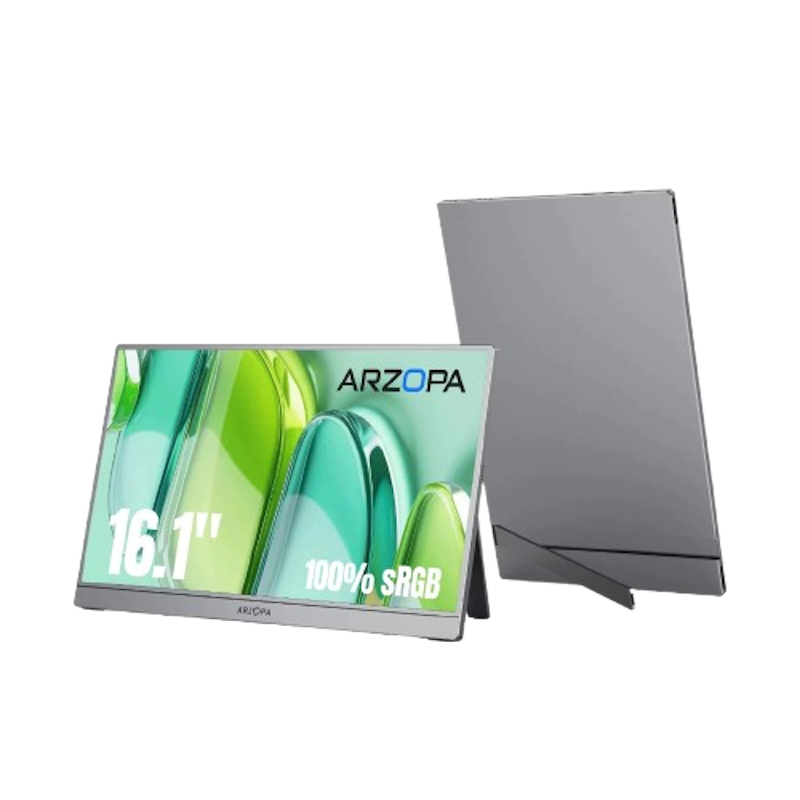
| Screen Type | IPS |
|---|---|
| Screen Resolution | 1920 x 1080 (Full HD) |
| Refresh Rate | 60 Hz |
| Power Consumption | 8 W |
| Connectivity Options | USB-C, Micro HDMI |
| Screen Size | 16.1 inches |
| Other Features | 100% sRGB IPS Panel, Integrated Kickstand |
Arzopa16" 2.5K Portable Monitor | Z1RC
| Screen Type | IPS |
|---|---|
| Screen Resolution | 2560 x 1600 (QHD) |
| Refresh Rate | 60 Hz |
| Power Consumption | 12 W |
| Connectivity Options | USB-C, Micro HDMI |
| Screen Size | 16 inches |
| Other Features | 123% sRBG Color Gamut, 1200:1 Contrast Ratio, 16:10 Aspect Ratio, 1.7 lbs Weight, Aluminum Finish, Portrait & Landscape Stand, Supports Business Travel Use |
AsusZenScreen 16" Portable Monitor | MB169CK
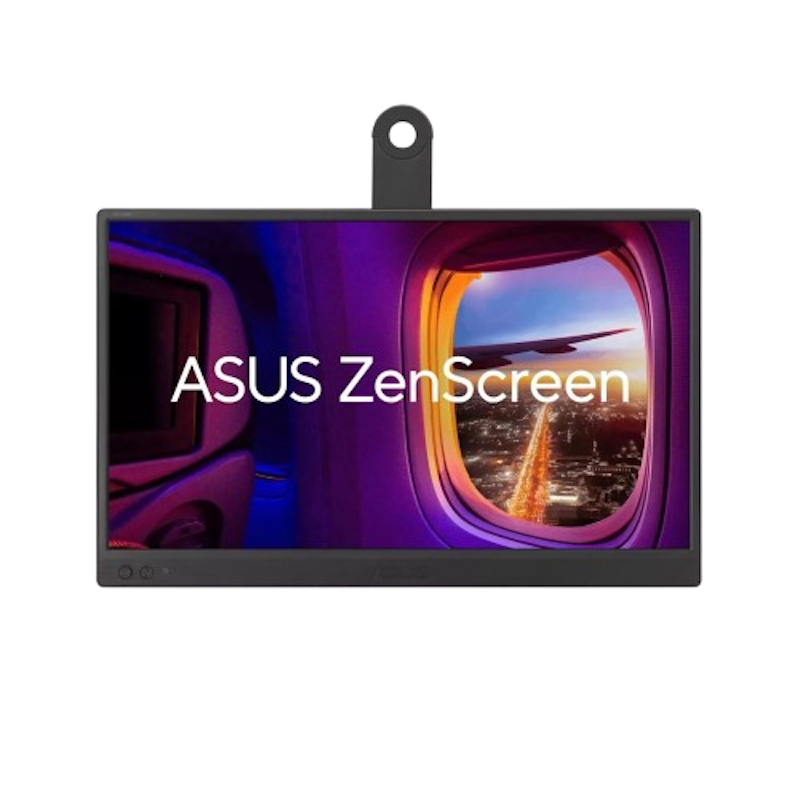
| Screen Type | IPS |
|---|---|
| Screen Resolution | 1920 x 1080 (Full HD) |
| Refresh Rate | 60 Hz |
| Power Consumption | 8 W |
| Connectivity Options | USB-C |
| Screen Size | 16 inches |
| Other Features | Auto-Rotation |
Nvision15.6" Portable Monitor | N16P60
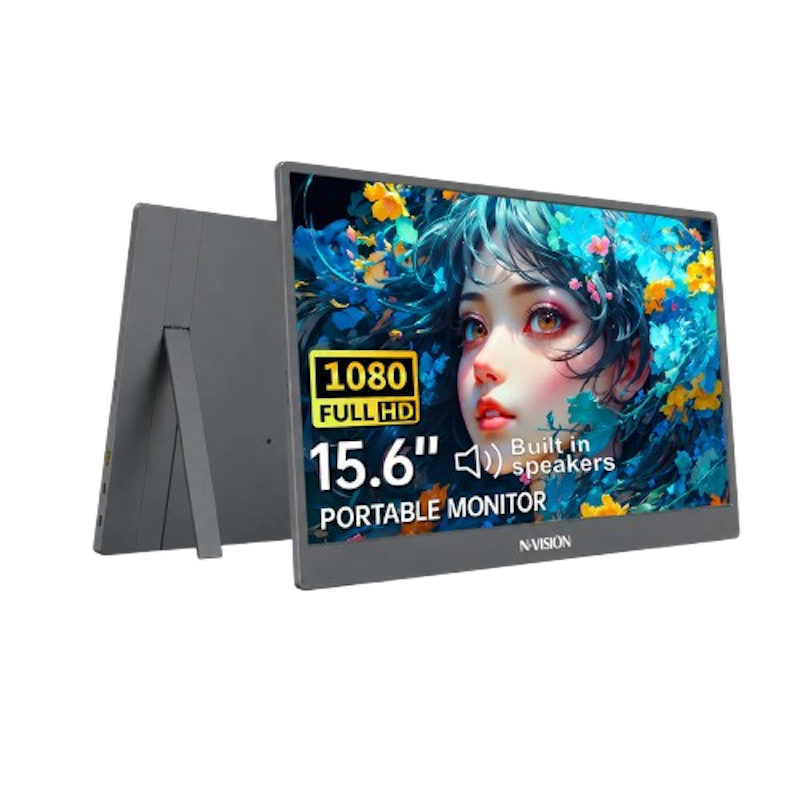
| Screen Type | IPS |
|---|---|
| Screen Resolution | 1920 x 1080 (Full HD) |
| Refresh Rate | 60 Hz |
| Power Consumption | 10 W |
| Connectivity Options | USB-C, Micro HDMI |
| Screen Size | 15.6 inches |
| Other Features | 178° Wide Viewing Angle |
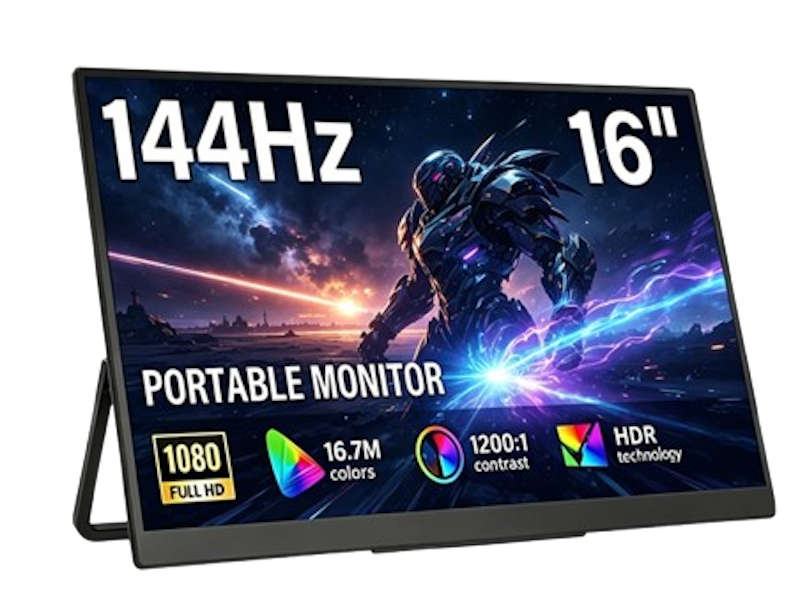
| Screen Type | IPS |
|---|---|
| Screen Resolution | 1920 x 1080 (Full HD) |
| Refresh Rate | 144 Hz |
| Power Consumption | unknown |
| Connectivity Options | USB-C, Micro HDMI |
| Screen Size | 16.1 inches |
| Other Features | 3-in-1 Display Mode, Built In Speakers |
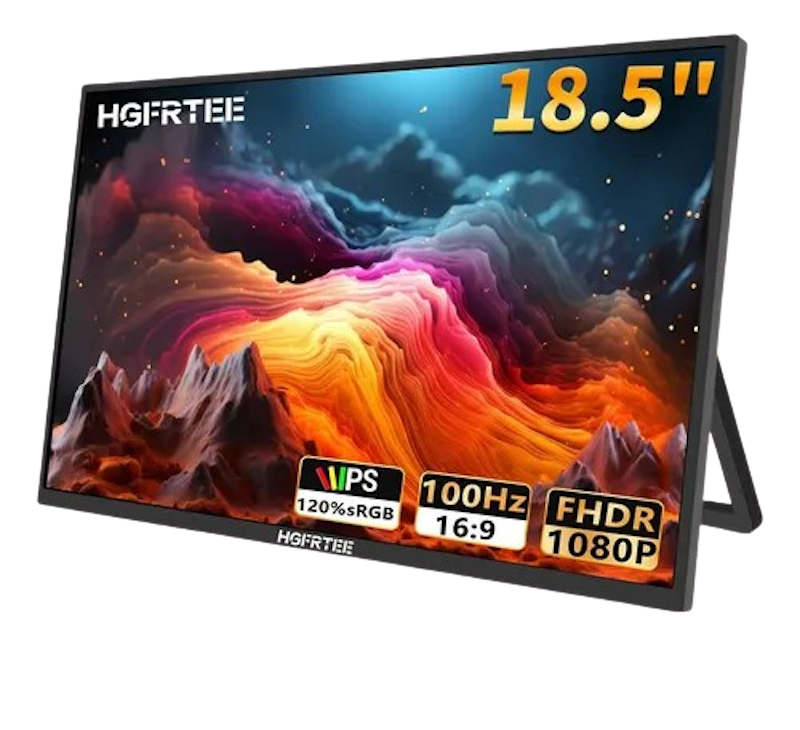
| Screen Type | IPS |
|---|---|
| Screen Resolution | 1920 x 1080 (Full HD) |
| Refresh Rate | 120 Hz |
| Power Consumption | unknown |
| Connectivity Options | USB-C |
| Screen Size | 18.5 inches |
| Other Features | 100% sRGB, 1000:1 Contrast Ratio |
MSI PRO15.6" Portable Monitor | MP165 E6
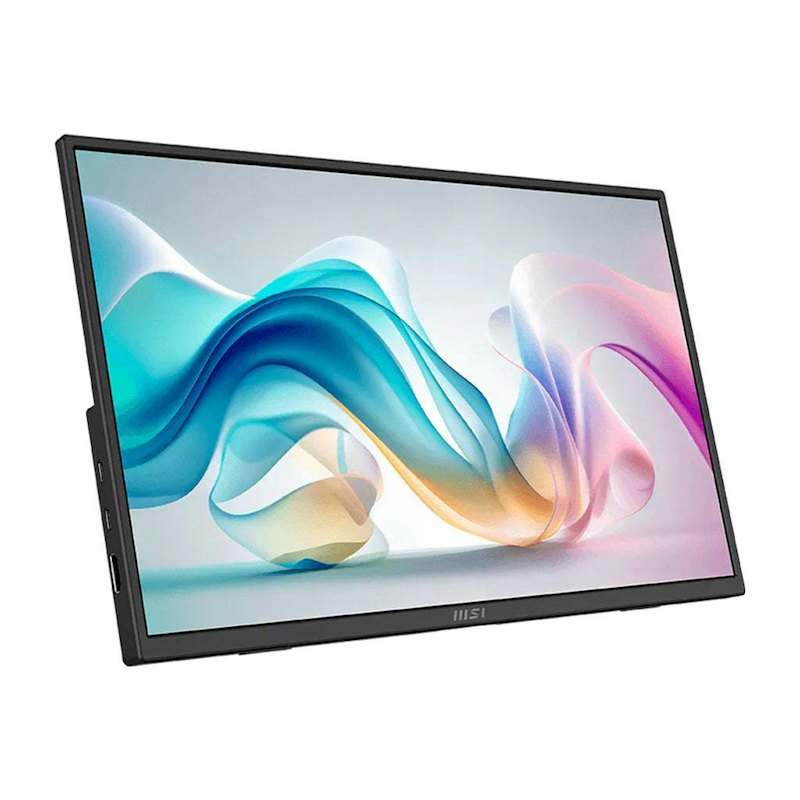
| Screen Type | IPS |
|---|---|
| Screen Resolution | 1920 x 1080 (Full HD) |
| Refresh Rate | 60 Hz |
| Power Consumption | unknown |
| Connectivity Options | USB-C |
| Screen Size | 15.6 inches |
| Other Features | 178° Wide Viewing Angle, Built In Speakers |
Nvision14" Laptop Extender IPS Monitor | N14X1
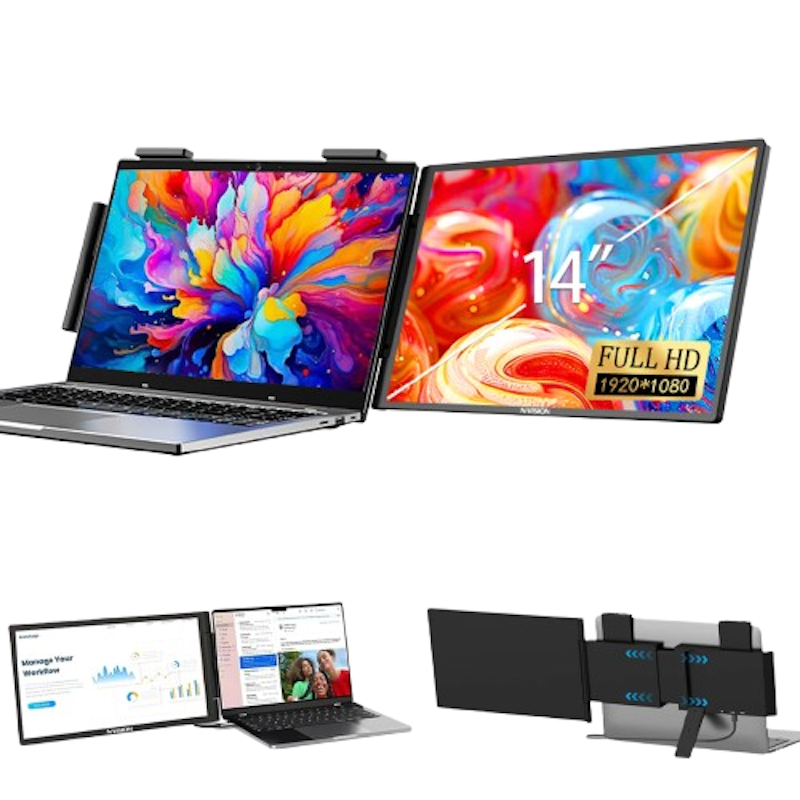
| Screen Type | IPS |
|---|---|
| Screen Resolution | 1920 x 1080 (Full HD) |
| Refresh Rate | 60 Hz |
| Power Consumption | 10-15 W |
| Connectivity Options | USB-C, HDMI |
| Screen Size | 14 inches |
| Other Features | Slim, Lightweight |

| Screen Type | IPS |
|---|---|
| Screen Resolution | 1920 x 1080 (Full HD) |
| Refresh Rate | 75 Hz |
| Power Consumption | 10-15 W |
| Connectivity Options | USB-C, HDMI |
| Screen Size | 15.6 inches |
| Other Features | Touchscreen, Headphone Jack |
Frequently Asked Questions
Below are some of the most asked questions on the web answered by the mybest team.
How to Pick a Portable Monitor for Working On the Go?
To pick the best portable monitor for mobile work, you should prioritize a lightweight design paired with a screen size of at least 14 inches for comfortable multitasking. You must also go for an IPS display with Full HD 1080p resolution to ensure crisp text and clear visibility in bright cafes. Additionally, ensure that it has versatile dual USB-C ports with power delivery and a built-in kickstand to enjoy seamless single-cable connectivity and effortless setup.
Can I Connect a Portable Monitor to My Laptop?
Yes, you can easily connect a portable monitor to almost any laptop using a single USB-C cable that handles both video signals and power delivery. If your laptop lacks a full-featured USB-C port, you can use a mini-HDMI, a standard HDMI connection, or an adapter for the display output alongside an additional USB cable to supply power. This plug-and-play compatibility can help you expand your desktop workspace instantly.
Is a Portable Monitor Recommended for Playing Games?
Absolutely! A portable monitor is an excellent compact display choice for console or mobile gaming on the go. When choosing a gaming model, just make sure to pick one with a fast response time and a refresh rate of at least 75Hz or even 120Hz+ for competitive play to minimize motion blur and input lag.
Combined with built-in stereo speakers and USB-C connectivity for devices like the Nintendo Switch, PlayStation, Xbox, or laptops, it provides a portable, immersive gaming setup.
More Gadgets to Upgrade Your Home Office Setup
Whether you're working from home, enrolled in an online class, complete your setup by upgrading some of your peripherals. For sure, these items will make your daily routine more exciting. Click the links below and read more of your buying guides and product recommendations!


Summary
Whether you are constantly moving between workstations or planning to watch movies with the family, portable monitors are handy in almost any situation. They are lightweight, compact, and offer many features so you can produce the best multimedia materials.
We hope our buying guide has helped you determine which portable monitor is worth investing in. Feel free to share your reviews and feedback on the portable monitor you have purchased.
Author: Roel Pillas Malubay
The descriptions of each product are referenced from content available on manufacturer, brand, and e-commerce sites.