10 Best OLED Monitors in the Philippines 2026 | Alienware, MSI, Asus, and More
If you want a monitor with stunning visuals, deep blacks, and vibrant colors, OLEDs are becoming popular among gamers, creatives, and productivity users. Unlike traditional LED screens, OLED pixels light up individually, offering sharper images, smoother motion, and excellent contrast that make content stand out.
Shopping for the best OLED monitor in the Philippines is easier with platforms like Shopee and Lazada offering many trusted brands. Whether for gaming or design, these sites let you compare features, read reviews, and find deals.

Veronica is a content planner and writer who loves exploring diverse topics and industries. With a focus on SEO and reader engagement, she enjoys crafting well-researched content that shares knowledge and inspires audiences. She is passionate about connecting with readers through informative writing that helps support their decision-making.
Why You Can Trust Us
Every mybest article is crafted with hours of in-depth research and interviews with experts. Each month, we are continually expanding our database of products based on our research. By emphasizing user insight and reliable information, we deliver trustworthy content to readers.
How Does OLED Compare to IPS Monitors?
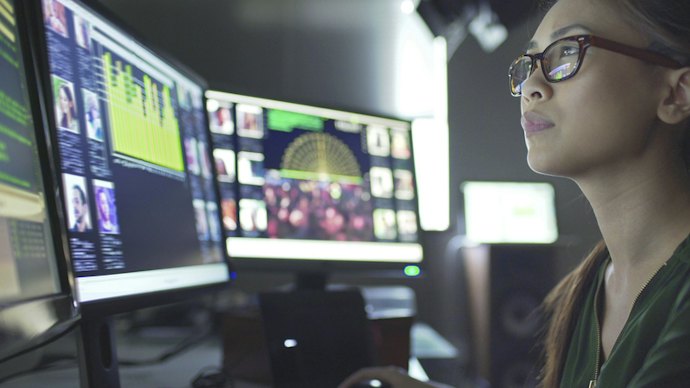
OLED monitors are worth the investment if you value vibrant colors, deep blacks, and fast response times for gaming or creative work. Compared to traditional IPS panels, OLED pixels emit their own light, delivering unmatched visual depth and motion clarity.
And while IPS monitors remain significantly more affordable, offer more consistent brightness, and carry zero risk of burn-in, OLED provides the ultimate visual performance. An OLED display is worth the premium if you want the best possible image quality for HDR media, immersive single-player games, or precise color grading.
How to Choose an OLED Monitor - Buying Guide
Select the Best Screen Size and Form Factor for Your Space

Choosing the right screen size depends on your workspace and primary usage. 27″ to 32″ monitors are a practical choice for standard desks, balancing screen space with comfortable viewing distances. Larger 42″ to 48″ displays provide a more immersive, TV-like experience and work well for spacious setups, media consumption, and multitasking.
Form factor also affects how you use the monitor. Flat-screen monitors are a versatile choice for everyday tasks and color-sensitive work. Meanwhile, curved and ultrawide monitors provide more horizontal screen space and can keep more of the display within your field of view. They're particularly useful for multitasking, video editing, and immersive gaming.
Match OLED Monitor Resolution to Your Viewing Preference
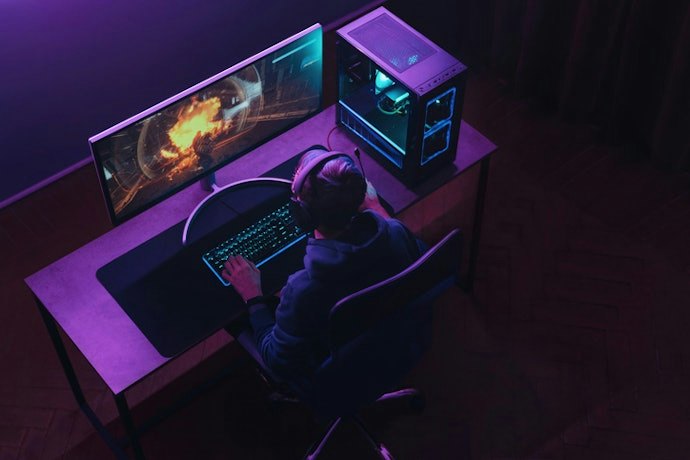
Screen resolution determines pixel count, affecting image sharpness, text clarity, and fine detail. Higher resolutions produce crisper images but require more graphics processing power. Choose one based on your desired detail and your computer's hardware. Common options include:
- 1080p (FHD): Less demanding and suitable for high frame rates, but less common for OLED monitors.
- 1440p (QHD): Balances sharpness and performance for gaming and everyday use.
- 4K (UHD): Delivers the most detail for high-end gaming, creative work, and media.
For most OLED monitors, 1440p and 4K are the most practical options. Consider 1440p if you prioritize smooth performance, or 4K if you want sharper visuals and have hardware that can handle the higher resolution.
Check Refresh Rates and Response Times for Smooth and Clear Motion
For Smoother Motion: Choose a Refresh Rate of 120 Hz or Higher
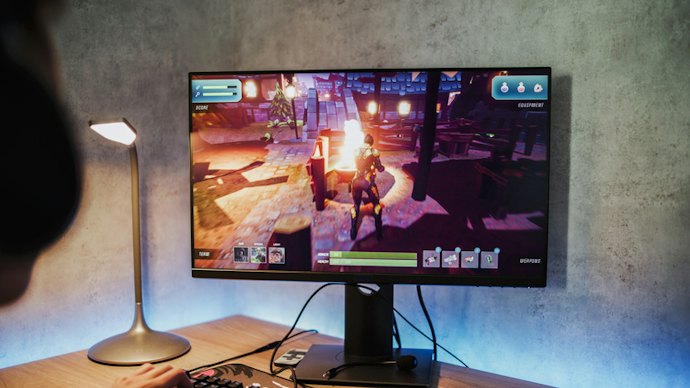
A higher refresh rate means the screen updates more times per second, resulting in smoother motion and less blur during fast-paced content such as gaming and sports. A 120 Hz or higher refresh rate is a good target for smoother visuals than a standard 60 Hz display.
For competitive gaming, consider 240 Hz, 360 Hz, or higher if your PC can consistently deliver high frame rates. Some OLED monitors also offer dual-mode features, allowing you to switch between higher resolutions at lower refresh rates and lower resolutions at higher refresh rates.
For Clearer Motion: Pick a Response Time of 0.03ms or Lower
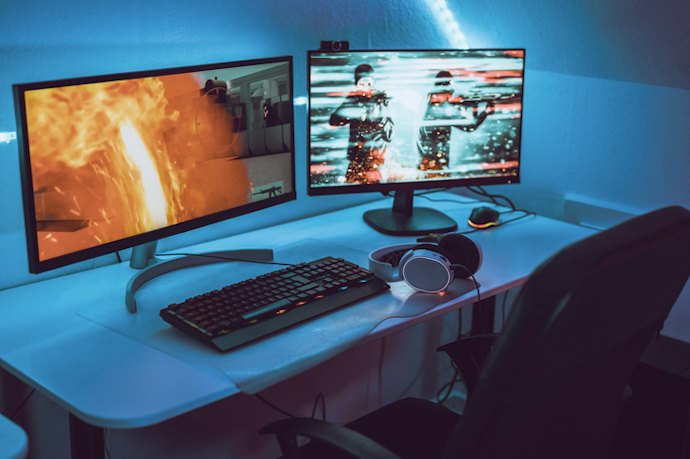
Response time measures how quickly pixels change from one color to another. A 1 ms or lower response time can help reduce ghosting and trailing during fast-moving games and videos.
OLED panels already have very fast pixel response compared with many LCD monitors, so you generally don't need to prioritize extremely low advertised figures such as 0.03 ms. Instead, consider response time alongside refresh rate and other factors that affect overall gaming performance.
Look for Accurate Colors and HDR Support for Better Visual Quality
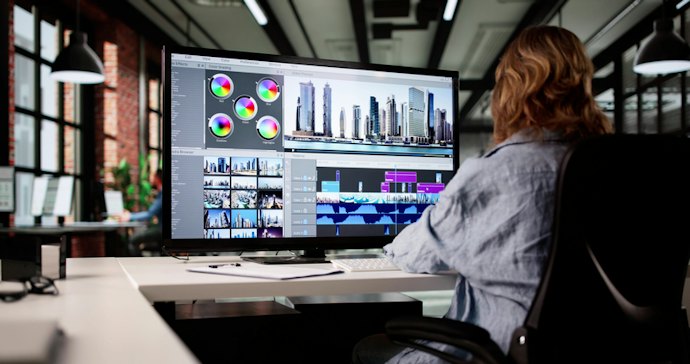
Color accuracy and HDR support can make games, videos, and creative work look more vibrant and realistic. For general use, look for wide color-gamut coverage, while creators should prioritize high DCI-P3 coverage and factory calibration for more accurate colors.
For HDR, look for VESA DisplayHDR True Black certification, which takes advantage of OLED's ability to produce deep blacks and high contrast. Also check peak brightness, as higher brightness can make HDR highlights more vivid.
Get an OLED Monitor with the Right Connection to Work with Your Devices
Check the available ports to ensure they support your preferred resolution, refresh rate, and devices. Look for these essential connection types:
DisplayPort: Ideal for PCs, especially for high-resolution and high-refresh-rate gaming.
HDMI 2.1: Recommended for modern gaming PCs and consoles, especially for 4K at 120 Hz or higher.
USB-C with Power Delivery: Useful for laptops, allowing display, data, and charging through one cable.
For added flexibility, choose a monitor with multiple input options if you plan to connect several devices.
Prioritize Anti-Burn-In Features for Extended Usage
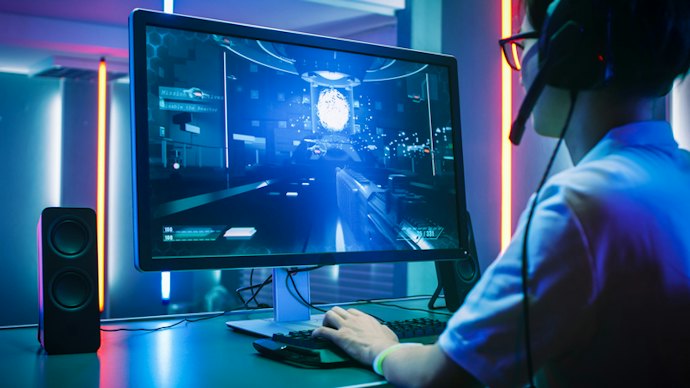
OLED monitors are known for their exceptional color and contrast, but they can be susceptible to burn-in, especially if static images are displayed for extended periods. Modern displays, fortunately, take advantage of built-in safeguards to mitigate this issue.
Pixel Shifting: Periodically shifts the display image by a few pixels to distribute light wear evenly across adjacent subpixels.
Auto-Dimming: Automatically lowers brightness on stationary UI elements to reduce localized pixel heat and current stress.
Refresh Cycles: Calibrates voltage output across the panel during idle periods to smooth out minor pixel variance.
You can further reduce the risk by using a screen saver, setting a shorter display sleep timer, and avoiding maximum brightness for extended periods. Also, check the manufacturer's warranty for burn-in coverage, as terms vary by brand and model.
10 Best OLED Monitors to Buy Online
| Products | Image | Click to purchase | Popularity | Details | ||||||||
|---|---|---|---|---|---|---|---|---|---|---|---|---|
Screen Size | Refresh Rate | Response Time | Connectivity Options | Color Gamut | Sync Features | Resolution | Burn-In Protection | |||||
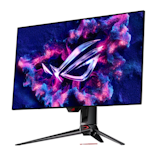
1 | ROG Swift 26.5" OLED QHD 480 Hz |PG27AQDP Asus |  | No.1 | 26.5 in | 480 Hz | 0.03 ms | HDMI 2.1, DisplayPort 1.4, USB-A 3.2 Gen 1, Headphone Out | 99% DCI-P3 | FreeSync, G-Sync | 2560 × 1440 | ||
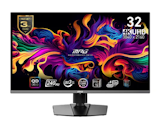
2 | 31.5" QD-OLED Gaming Monitor |MPG 321URX MSI |  | No.2 | 31.5 in | 240 Hz | 0.03 ms | HDMI 2.1, DisplayPort 1.4, USB-B 2.0, USB-A 2.0, USB-C, Headphone Out | 99% DCI-P3, 97% Adobe RGB, 138% sRGB | Adaptive-Sync, G-Sync | 3840 × 2160 | ||
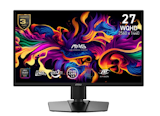
3 | 26.5" QD-OLED X24 Gaming Monitor|MAG 272QP MSI |  | No.3 | 26.5 in | 240 Hz | 0.03 ms | HDMI 2.1, DisplayPort 1.4 | 99% DCI-P3, 98% Adobe RGB, 138% sRGB | FreeSync, G-Sync, Adaptive-Sync | 2560 × 1440 | ||
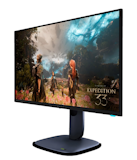
4 | 27" OLED Gaming Monitor |AW2725D/AW2725DF/AW2725Q/AW2725QF/AW2726DL Alienware |  | No.4 | 27 in | 360 Hz | 0.03 ms | HDMI 2.1, DisplayPort 1.4 | 99.3% DCI-P3 | FreeSync, G-Sync | 2560 × 1440 | ||
5 | ROG Strix 27" OLED |XG27AQDMES Asus |  | No.5 | 26.5 in | 240 Hz | 0.03 ms | HDMI 2.1 x 2, DisplayPort 1.4 DSC x 1, Earphone Jack | 99% DCI-P3 | FreeSync, G-Sync, Adaptive-Sync | 2560 × 1440 | ||
6 | Odyssey Curved 34" OLED Gaming Monitor |G8 G85SD UWQHD Samsung |  | No.6 | 34 in | 175 Hz | 0.03 ms | Micro HDMI 2.1, Mini DisplayPort 1.4, USB-C, Wi-Fi 5, Bluetooth 5.2 | 99% DCI-P3 | FreeSync, G-Sync, Adaptive-Sync | 3440 × 1440 | ||
7 | 4K QD-OLED Plus 32- and 27-inch Monitor |S3225QC/S2725QS Dell |  | No.7 | 32 in / 27 in | 120 Hz | 4 ms / 5 ms (Typical) | HDMI 2.1, DisplayPort 1.4, USB-C, USB-A 3.2 Gen 1, Audio Out | 99% sRGB | 3840 × 2160 | |||
8 | 15.6'' and 13.3'' OLED Portable Monitor Uperfect |  | No.8 | 15.6 in / 13.3 in | 1 ms | HDMI, USB-C | 149.1% sRGB | 3456 × 2160 | ||||
9 | 27" QD-OLED |MO27Q2A Gigabyte |  | No.9 | 27 in | 280 Hz | 0.03 ms | HDMI 2.1, DisplayPort 1.4, USB-B, USB-A 3.2 Gen 1, USB-C, Headphone Jack | 99% DCI-P3 | FreeSync, G-Sync | 2560 × 1440 | ||
10 | Odyssey 49" OLED |G95SD DQHD Samsung |  | No.10 | 49 in | 240 Hz | 0.03 ms | HDMI 2.1, DisplayPort 1.4, USB-A 3.2 Gen 1, USB-C | 99% DCI-P3 | FreeSync, G-Sync | 5120 × 1440 | ||

Asus ROG Swift 26.5" OLED QHD 480 Hz | PG27AQDP
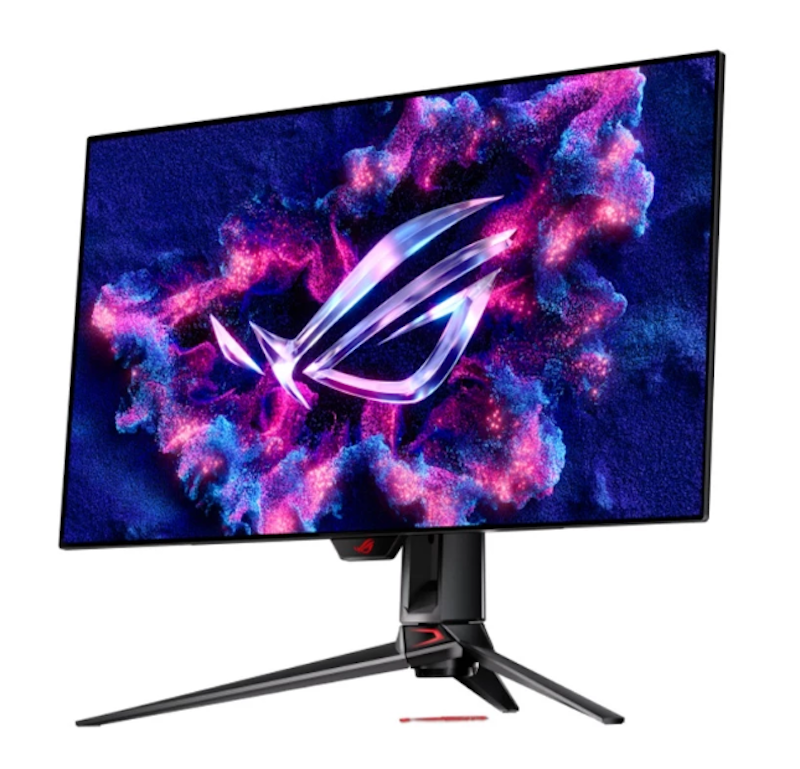
The 0.03 ms GTG response time means motion trails are virtually eliminated, keeping fast-action scenes cleaner than most competing panels can manage
| Screen Size | 26.5 in |
|---|---|
| Refresh Rate | 480 Hz |
| Response Time | 0.03 ms |
| Connectivity Options | HDMI 2.1, DisplayPort 1.4, USB-A 3.2 Gen 1, Headphone Out |
| Color Gamut | 99% DCI-P3 |
| Sync Features | FreeSync, G-Sync |
| Resolution | 2560 × 1440 |
| Burn-In Protection |
MSI 31.5" QD-OLED Gaming Monitor | MPG 321URX
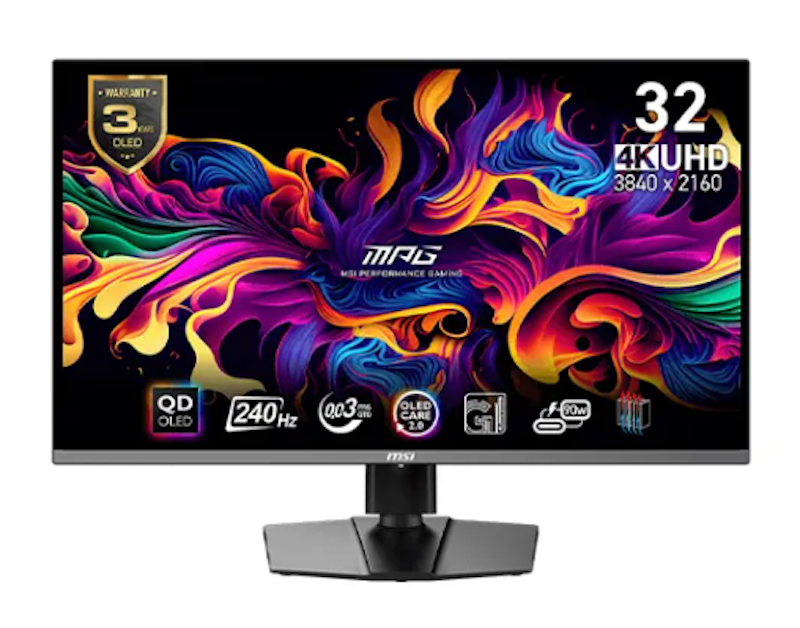
| Screen Size | 31.5 in |
|---|---|
| Refresh Rate | 240 Hz |
| Response Time | 0.03 ms |
| Connectivity Options | HDMI 2.1, DisplayPort 1.4, USB-B 2.0, USB-A 2.0, USB-C, Headphone Out |
| Color Gamut | 99% DCI-P3, 97% Adobe RGB, 138% sRGB |
| Sync Features | Adaptive-Sync, G-Sync |
| Resolution | 3840 × 2160 |
| Burn-In Protection |
MSI 26.5" QD-OLED X24 Gaming Monitor | MAG 272QP
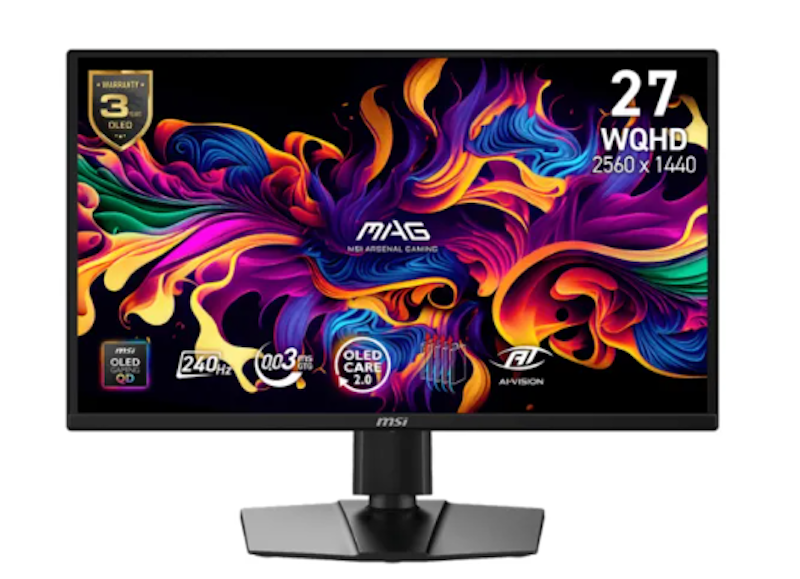
| Screen Size | 26.5 in |
|---|---|
| Refresh Rate | 240 Hz |
| Response Time | 0.03 ms |
| Connectivity Options | HDMI 2.1, DisplayPort 1.4 |
| Color Gamut | 99% DCI-P3, 98% Adobe RGB, 138% sRGB |
| Sync Features | FreeSync, G-Sync, Adaptive-Sync |
| Resolution | 2560 × 1440 |
| Burn-In Protection |
Alienware 27" OLED Gaming Monitor | AW2725D/AW2725DF/AW2725Q/AW2725QF/AW2726DL
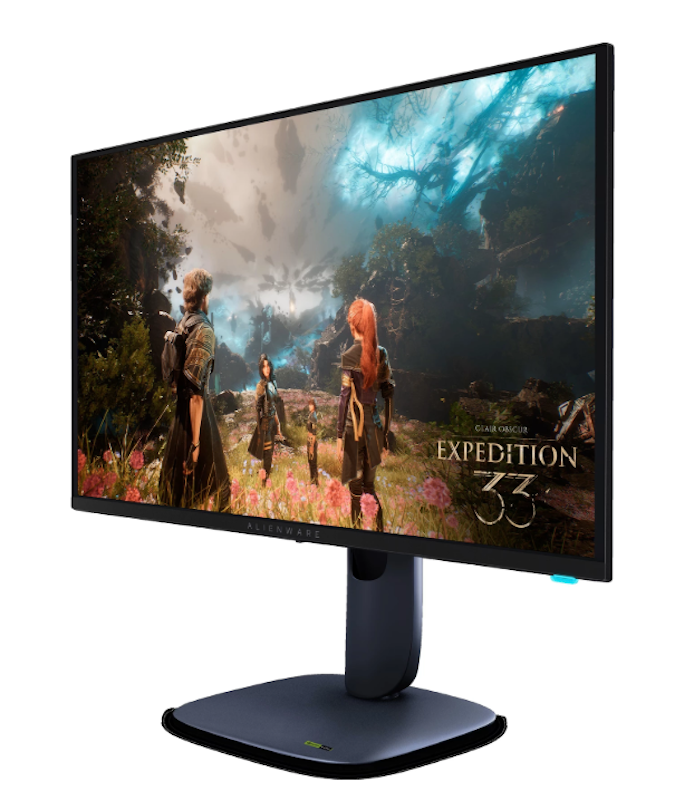
Positioned as a more affordable entry into QD-OLED gaming monitors, the AW2725DF brings quantum dot color and OLED contrast to players who want panel quality without paying flagship prices
| Screen Size | 27 in |
|---|---|
| Refresh Rate | 360 Hz |
| Response Time | 0.03 ms |
| Connectivity Options | HDMI 2.1, DisplayPort 1.4 |
| Color Gamut | 99.3% DCI-P3 |
| Sync Features | FreeSync, G-Sync |
| Resolution | 2560 × 1440 |
| Burn-In Protection |
Asus ROG Strix 27" OLED | XG27AQDMES
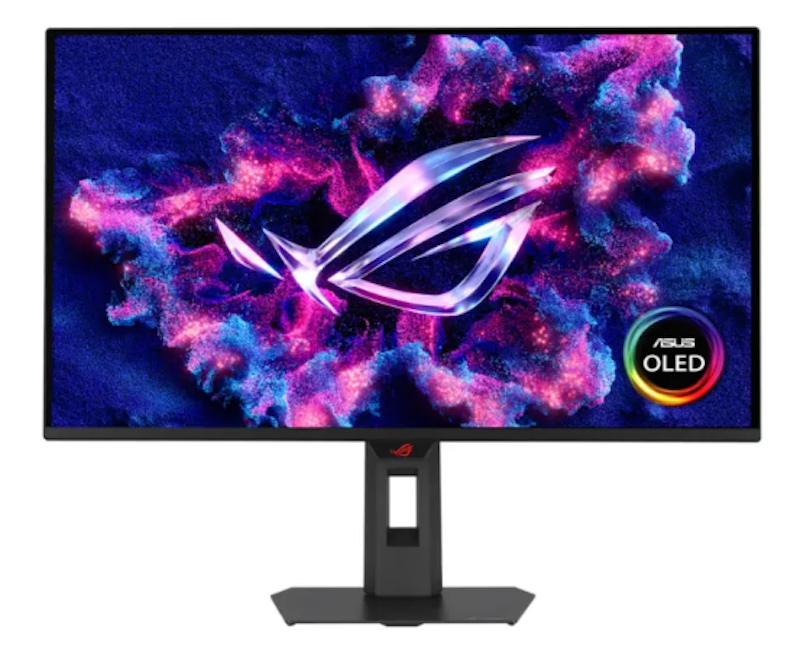
The neo proximity sensor detects when no user is present and switches the screen to black, reducing the risk of static image burn-in over long gaming sessions
| Screen Size | 26.5 in |
|---|---|
| Refresh Rate | 240 Hz |
| Response Time | 0.03 ms |
| Connectivity Options | HDMI 2.1 x 2, DisplayPort 1.4 DSC x 1, Earphone Jack |
| Color Gamut | 99% DCI-P3 |
| Sync Features | FreeSync, G-Sync, Adaptive-Sync |
| Resolution | 2560 × 1440 |
| Burn-In Protection |
Samsung Odyssey Curved 34" OLED Gaming Monitor | G8 G85SD UWQHD
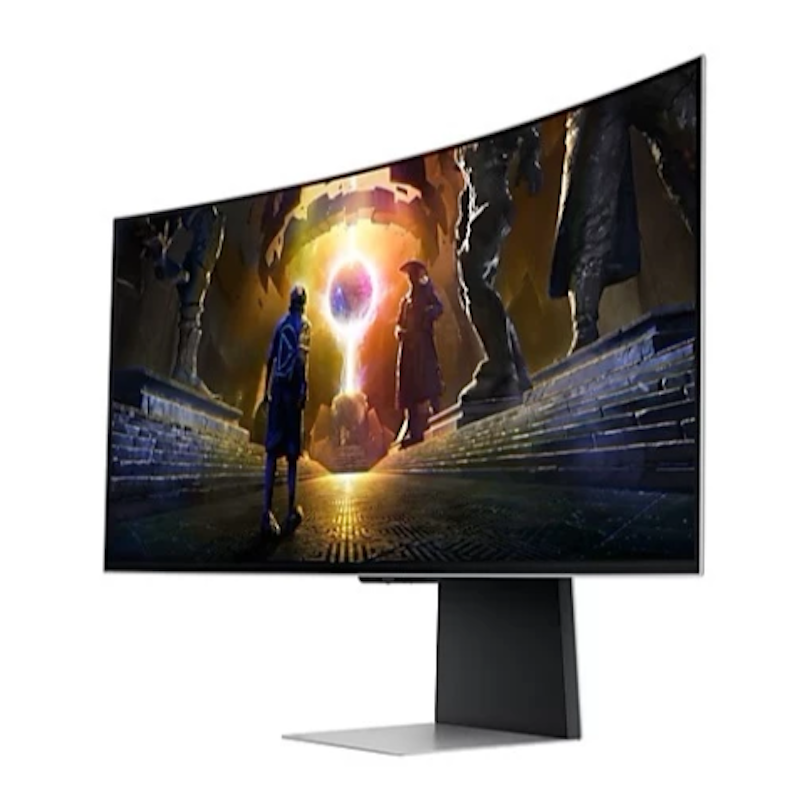
A 175 Hz refresh rate paired with G-Sync compatibility eliminates screen tearing during fast gameplay, keeping motion smooth whether you are playing shooters or racing titles
| Screen Size | 34 in |
|---|---|
| Refresh Rate | 175 Hz |
| Response Time | 0.03 ms |
| Connectivity Options | Micro HDMI 2.1, Mini DisplayPort 1.4, USB-C, Wi-Fi 5, Bluetooth 5.2 |
| Color Gamut | 99% DCI-P3 |
| Sync Features | FreeSync, G-Sync, Adaptive-Sync |
| Resolution | 3440 × 1440 |
| Burn-In Protection |
Dell 4K QD-OLED Plus 32- and 27-inch Monitor | S3225QC/S2725QS
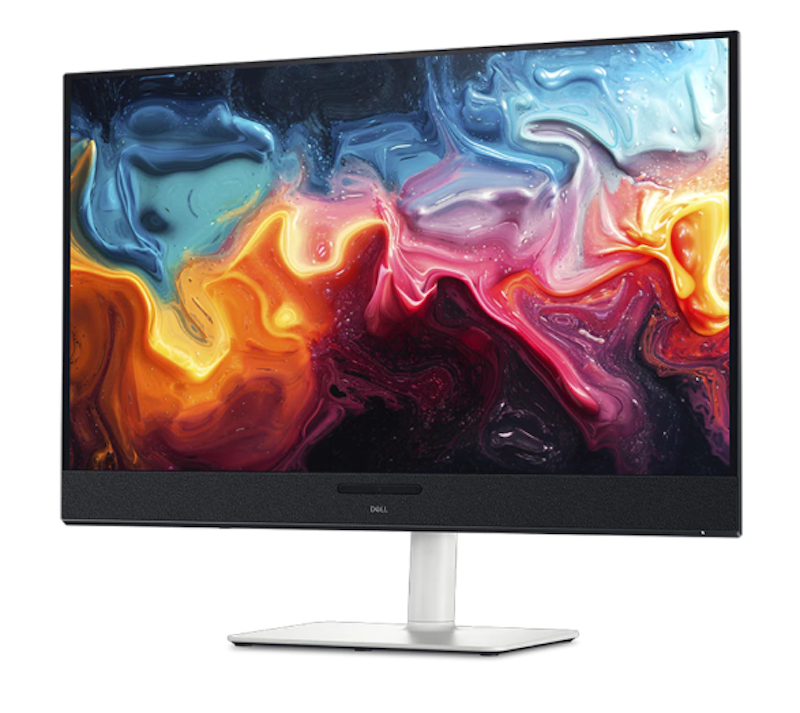
The upstream USB-C port handles video input and supports up to 90 W of power delivery simultaneously, so a single cable connects your laptop and charges it at the same time
| Screen Size | 32 in / 27 in |
|---|---|
| Refresh Rate | 120 Hz |
| Response Time | 4 ms / 5 ms (Typical) |
| Connectivity Options | HDMI 2.1, DisplayPort 1.4, USB-C, USB-A 3.2 Gen 1, Audio Out |
| Color Gamut | 99% sRGB |
| Sync Features | |
| Resolution | 3840 × 2160 |
| Burn-In Protection |
Uperfect 15.6'' and 13.3'' OLED Portable Monitor
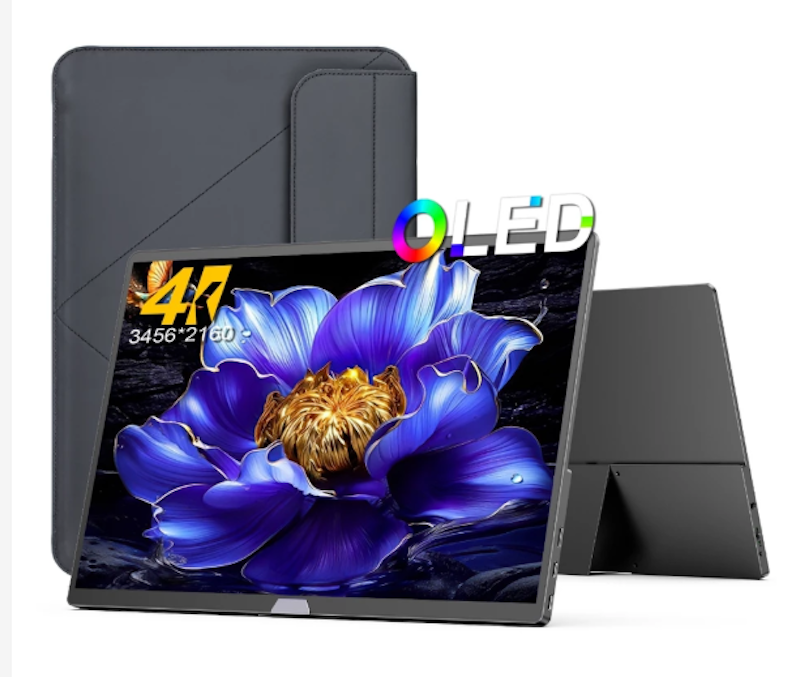
| Screen Size | 15.6 in / 13.3 in |
|---|---|
| Refresh Rate | |
| Response Time | 1 ms |
| Connectivity Options | HDMI, USB-C |
| Color Gamut | 149.1% sRGB |
| Sync Features | |
| Resolution | 3456 × 2160 |
| Burn-In Protection |
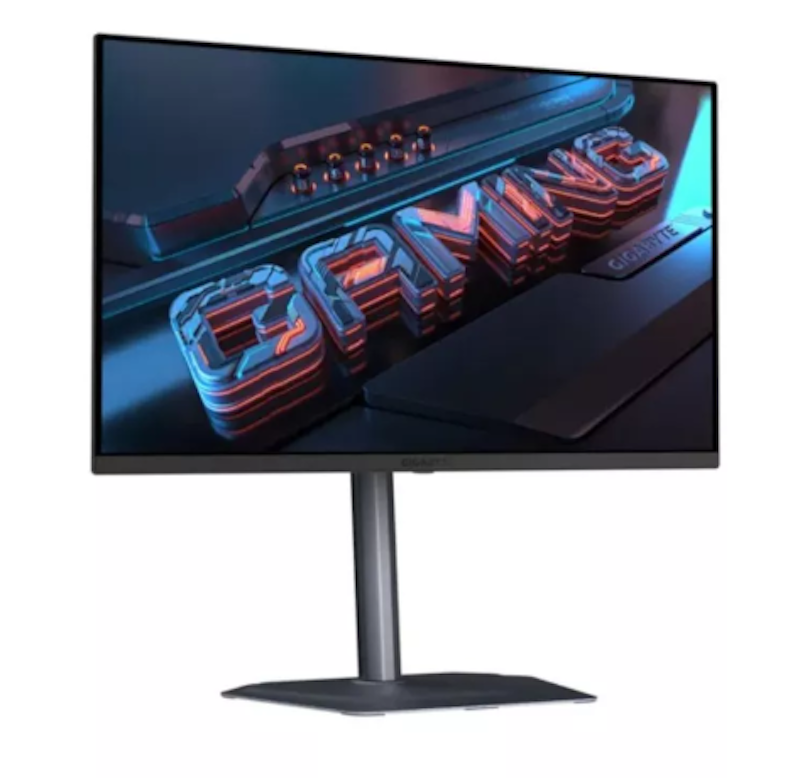
| Screen Size | 27 in |
|---|---|
| Refresh Rate | 280 Hz |
| Response Time | 0.03 ms |
| Connectivity Options | HDMI 2.1, DisplayPort 1.4, USB-B, USB-A 3.2 Gen 1, USB-C, Headphone Jack |
| Color Gamut | 99% DCI-P3 |
| Sync Features | FreeSync, G-Sync |
| Resolution | 2560 × 1440 |
| Burn-In Protection |
Samsung Odyssey 49" OLED | G95SD DQHD
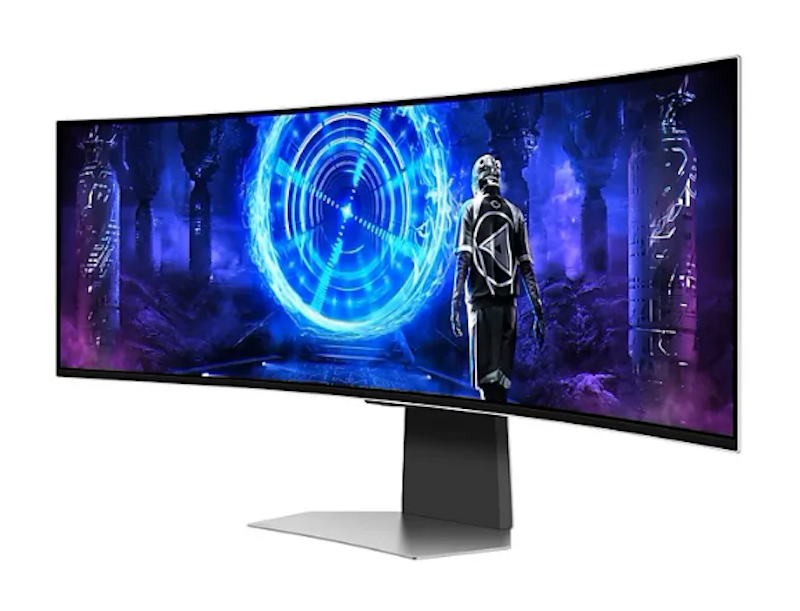
| Screen Size | 49 in |
|---|---|
| Refresh Rate | 240 Hz |
| Response Time | 0.03 ms |
| Connectivity Options | HDMI 2.1, DisplayPort 1.4, USB-A 3.2 Gen 1, USB-C |
| Color Gamut | 99% DCI-P3 |
| Sync Features | FreeSync, G-Sync |
| Resolution | 5120 × 1440 |
| Burn-In Protection |
Frequently Asked Questions
Does OLED Consume More Power?
Are OLED Monitors Good for Gaming?
How Long Do OLED Panels Typically Last?
OLED vs Mini-LED Monitors: Which Is for Me?
Mini-LED is often more affordable and less prone to burn-in, but OLED still leads in contrast and color vibrancy. Choosing between the two depends on your usage, such as gaming, media consumption, or professional design work.
Explore Related Accessories and Monitors


How We Chose and Ranked Our Product Recommendations
The descriptions of each product are referenced from content available on manufacturer, brand, and e-commerce sites.