10 Best Monitor Speakers in the Philippines 2026 | Yamaha, KRK, and More
With countless options available on Lazada and Shopee, from compact models to full-on studio monitor speakers, choosing the right one can be confusing. In this guide, we’ll show you how to pick the best monitor speaker for music production and share our top recommendations available in the Philippines.

Hazel is a content planner and writer dedicated to simplifying your online shopping experience. With a passion for research and a keen eye for quality, she digs into the details to bring you trustworthy and insightful buying guides you can rely on.
Why You Can Trust Us
Every mybest article is crafted with hours of in-depth research and interviews with experts. Each month, we are continually expanding our database of products based on our research. By emphasizing user insight and reliable information, we deliver trustworthy content to readers.
What’s the Difference Between Monitor Speakers and Bookshelf Speakers?
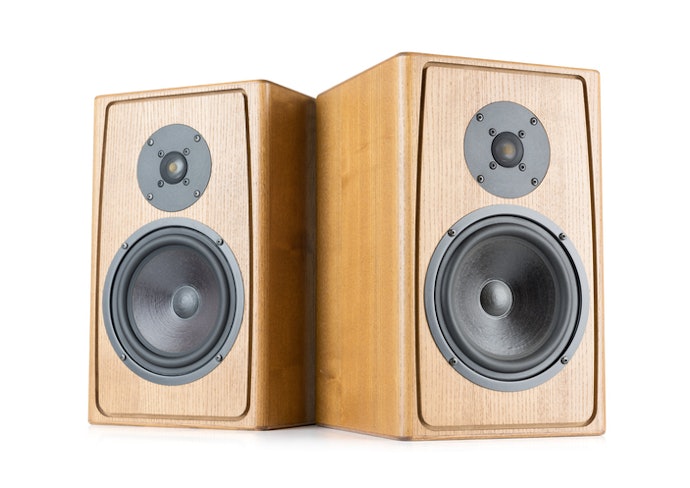
At first glance, monitor speakers and bookshelf speakers may look alike, but they serve very different purposes. If you're deciding between the two for your setup, it’s important to understand how they’re designed to perform.
Monitor speakers are built for precision, offering a flat and neutral sound that reveals every detail in your mix, perfect for music production and editing. Bookshelf speakers, meanwhile, are tuned to enhance sound for casual listening, adding warmth or bass to make music more enjoyable rather than accurate.
How to Choose a Monitor Speaker - Buying Guide
To help you choose the right monitor speaker, we’ve listed the key factors to consider—perfect whether you’re mixing, editing audio, or just starting your music production journey.
Choose Active Monitor Speakers With Built-In Amplifiers for an Easier Setup
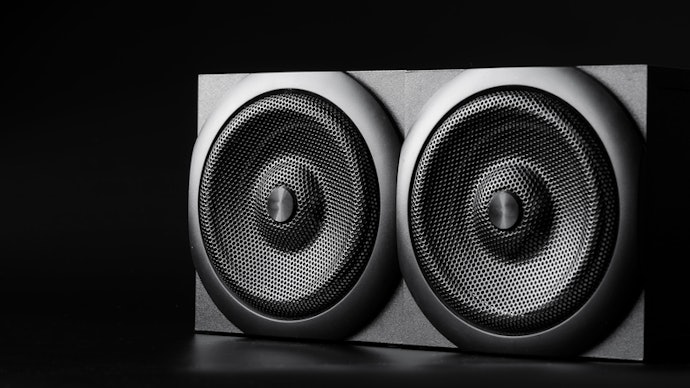
If you're new to audio production or just want a hassle-free setup, this is a great place to start. One of the easiest ways to simplify your home studio is by choosing active monitor speakers, also known as powered speakers.
Active monitors don’t require a separate amplifier, making them beginner-friendly and space-saving. Just plug them into your audio interface, mixer, or laptop, and you're ready to go. When shopping online, check product listings for terms like ‘powered’ or ‘active’ to ensure you’re getting the right type.
Select the Right Driver Size for Your Room and Application
For Small Rooms and Desktop Setups: 3–5 Inches
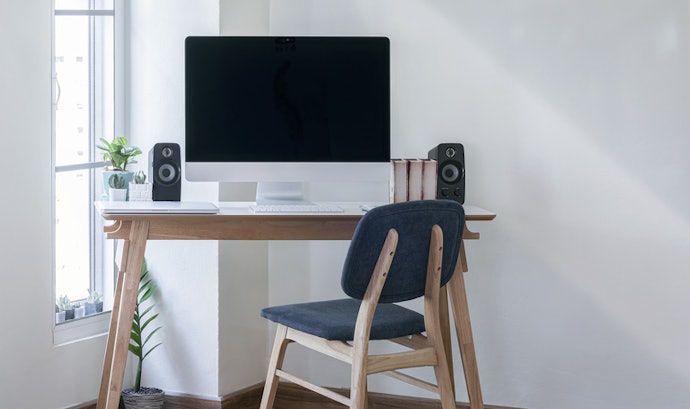
If you’re working with a limited space, don’t worry, as there are plenty of monitor speakers built just for that. Models with 3- to 5-inch drivers are designed for nearfield listening, meaning they sound best when you're sitting close, perfect for tight setups.
These models are compact and less likely to overwhelm your space with bass, which is ideal for untreated or echo-prone rooms. Despite their size, many still offer excellent clarity for vocals, synths, and acoustic recordings. They're also easier to position on your desk, and you’ll find a good number of options online under ₱10,000—great for those building a setup on a budget.
For Larger Rooms or Mixing Studios: 6.5–8 Inches
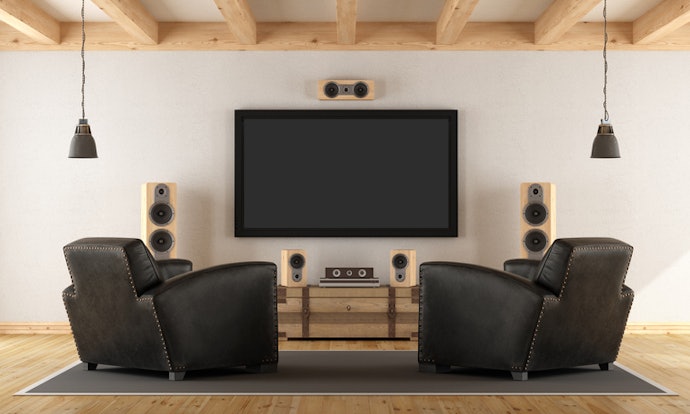
Having a bit more space gives you the flexibility to upgrade your setup. Monitor speakers with 6.5- to 8-inch drivers are well-suited for dedicated studios or rooms where you sit farther from the speakers.
They offer fuller sound and better low-end, which is essential for accurately mixing tracks with bass-heavy elements like kick drums or synths. These larger models also provide more headroom and detail, helping you make precise mix decisions.
Check the Input Ports and Make Sure They're Compatible With Your Gear
For Laptops or Basic Setups: Look for USB, AUX, RCA, or TRS
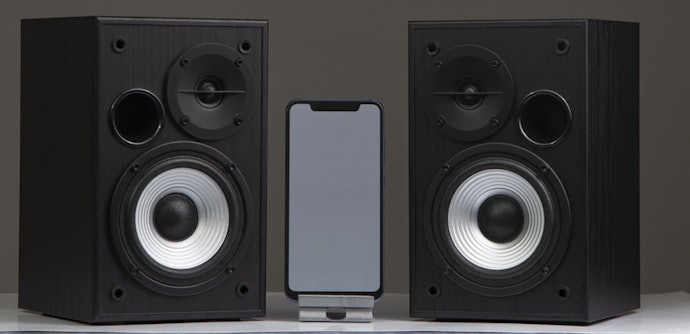
Working with a laptop or a beginner setup? Go for monitor speakers with USB, AUX, RCA, or TRS inputs. These ports work well for plug-and-play setups and basic audio interfaces. These input types are often found on entry-level or desktop monitor speakers, so you’ll find plenty of compatible options online. Just make sure the cables are included, or budget a little extra to get the right ones separately.
For Professional Audio Gear: Choose XLR or ¼-Inch TRS Inputs
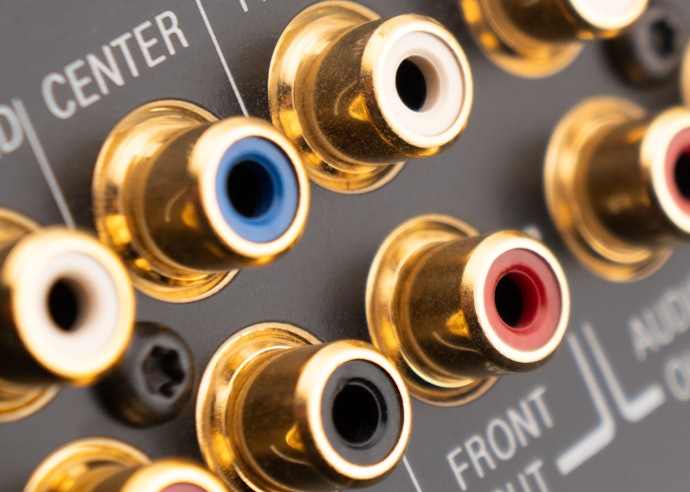
If you're working with audio interfaces, mixers, or pro-level gear, you’ll want monitor speakers with XLR or ¼-inch TRS inputs. These ports are standard for balanced audio connections, which help reduce noise and interference.
This is especially important if your studio is loaded with gear or cables that could introduce unwanted hums or buzz. Investing in the right input compatibility ensures cleaner audio and fewer troubleshooting headaches during mixing.
Look for Volume and EQ Controls to Adjust Sound Easily
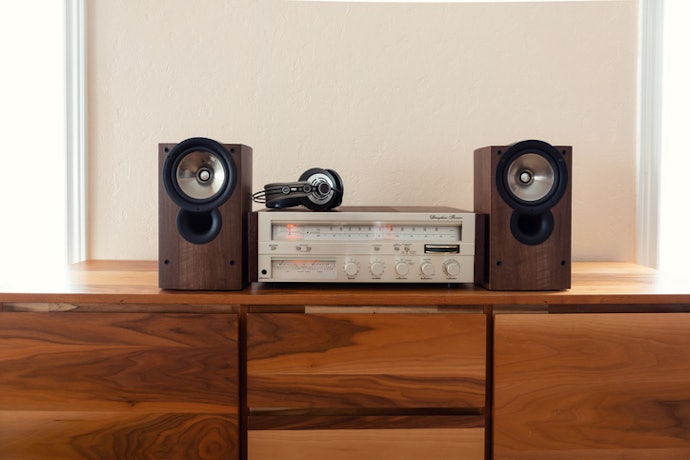
Room acoustics aren’t always ideal, especially in home studios. That’s why having volume and EQ controls on your monitor speakers can be a big help when fine-tuning your setup. These built-in controls let you adjust the sound to better match your room, like cutting overly boomy bass or brightening up the highs.
They’re usually located on the back panel, so be sure to check product images or descriptions online. It’s a simple feature that can make a noticeable difference in your daily workflow. When shopping online, check if the product photos or listings mention ‘room control’ or ‘EQ tuning’.
Prioritize Accurate Sound With Low Distortion and Noise
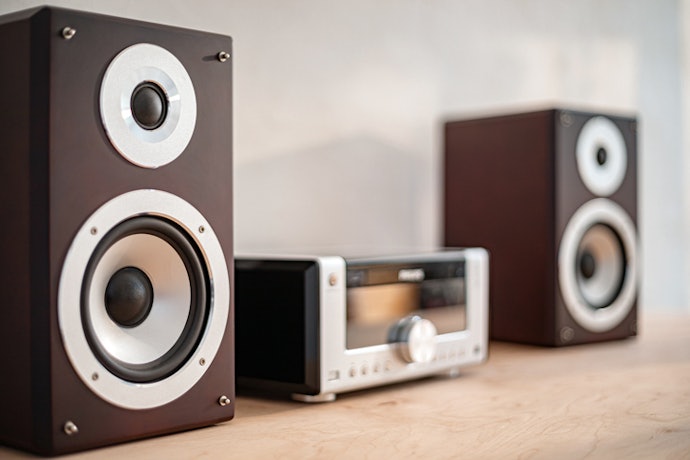
At the heart of every great mix is accurate sound. Look for monitor speakers that offer a flat frequency response and low distortion, so you hear your track exactly as it is, without any boosts or dips in the audio.
This matters whether you’re editing vocals or layering instruments. Low-noise models help you catch mixing errors early, without being misled by artificial boosts in bass or treble. Many trusted brands like Yamaha, KRK, and Behringer are known for delivering this kind of studio-grade precision at accessible price points.
Watch Sound Tests and Check Reviews From Studio Users
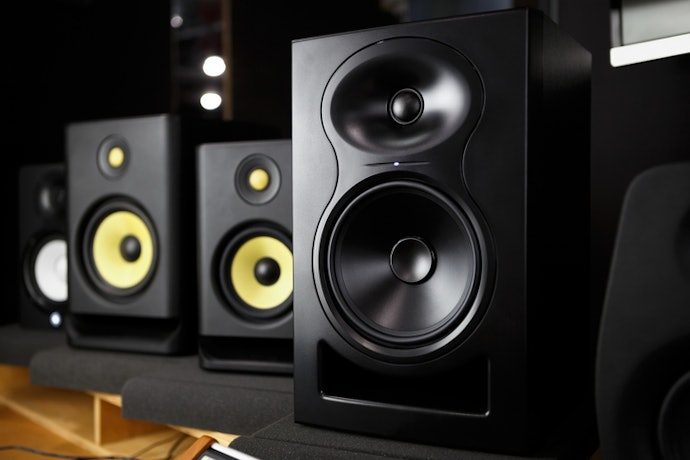
Taking some time to check reviews can really help you avoid buying the wrong monitor speaker. It’s a simple step, but it gives you a clearer idea of how a product actually performs in real home studio setups.
Try searching “[Model Name] sound test” on YouTube to hear how the speaker sounds across different genres. You can also check verified buyer reviews on Lazada and Shopee for local insights on sound quality, build, and ease of use. These real-world experiences offer valuable tips you won’t always find in specs alone.

10 Best Monitor Speakers to Buy Online
| Products | Image | Click to purchase | Popularity | Details | ||||
|---|---|---|---|---|---|---|---|---|
With Built-In Amplifiers | Input Ports | Has Volume and EQ Controls | Low Distortion and Noise | |||||
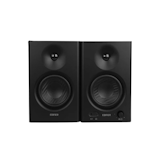
1 | Speaker Studio Monitor|MR4 Edifier |  | No.1 | TRS, RCA, AUX | ||||
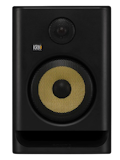
2 | RP7G5 7 ROKIT 7 Generation Five 7" Powered Studio Monitor Speaker KRK |  | No.2 | XLR/TRS Combo | ||||
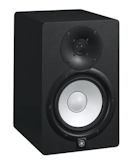
3 | HS7 2-Way Powered Studio Monitor Yamaha |  | No.3 | XLR, TRS | ||||
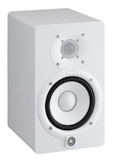
4 | HS5 5" 70W Powered Studio Monitor Speaker Yamaha |  | No.4 | XLR, TRS | ||||
5 | RP8G5 ROKIT 8 Generation Five 8" Powered Studio Monitor Speaker KRK |  | No.5 | XLR/TRS Combo | ||||
6 | RP5G5 ROKIT 5 Generation Five 5" Powered Studio Monitor Speaker KRK |  | No.6 | XLR/TRS Combo | ||||
7 | MR3 Bluetooth Monitor Speaker Edifier |  | No.7 | TRS, RCA, AUX, Bluetooth | ||||
8 | Eris E4.5 BT: Active Media Reference Monitors with Bluetooth PreSonus |  | No.8 | TRS, RCA, AUX, Bluetooth | ||||
9 | MediaOne M30 Powered Studio Monitors Speaker Samson |  | No.9 | RCA | ||||
10 | M50 Studio Monitor Speaker Samson |  | No.10 | RCA, AUX | ||||

EdifierSpeaker Studio Monitor | MR4
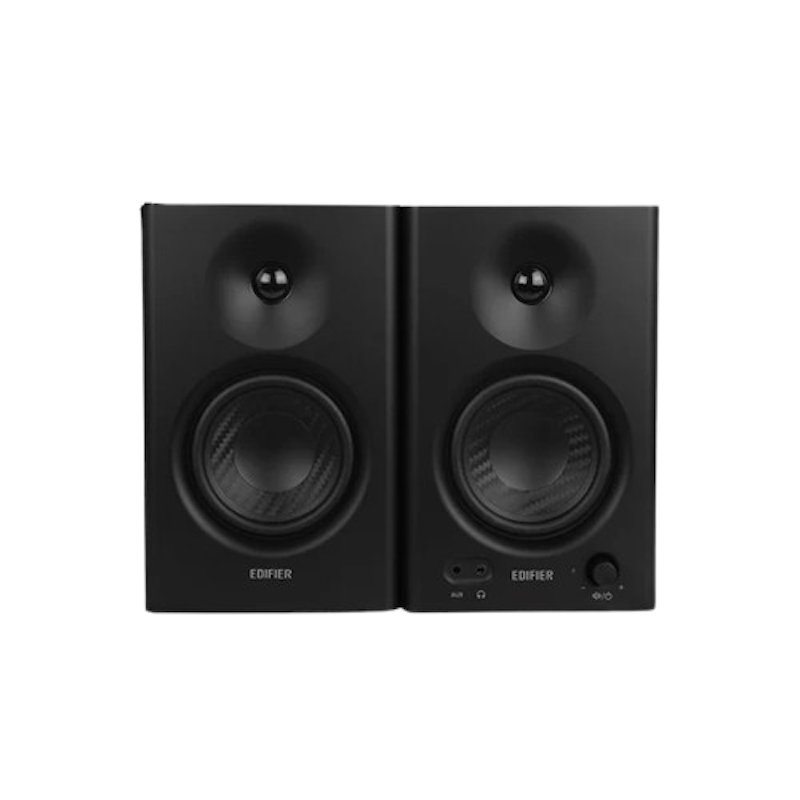
| With Built-In Amplifiers | |
|---|---|
| Input Ports | TRS, RCA, AUX |
| Has Volume and EQ Controls | |
| Low Distortion and Noise |
KRKRP7G5 7 ROKIT 7 Generation Five 7" Powered Studio Monitor Speaker
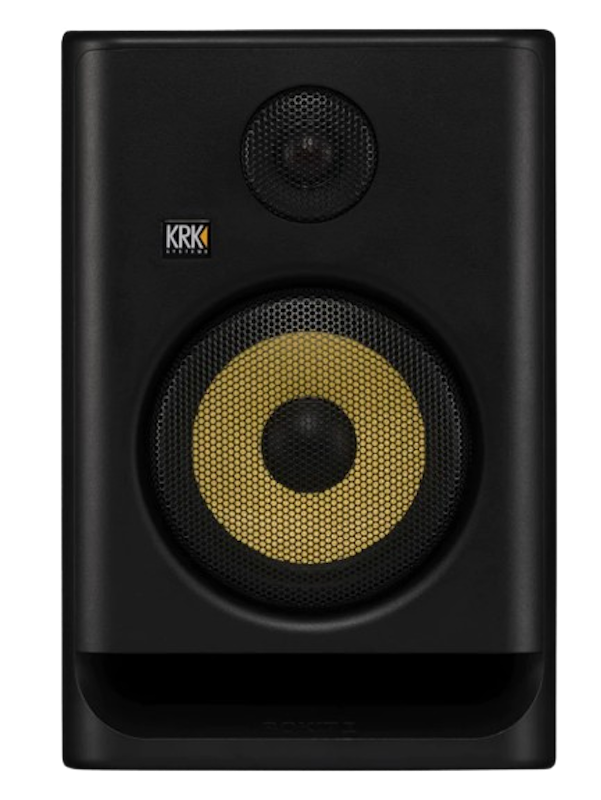
| With Built-In Amplifiers | |
|---|---|
| Input Ports | XLR/TRS Combo |
| Has Volume and EQ Controls | |
| Low Distortion and Noise |
YamahaHS7 2-Way Powered Studio Monitor
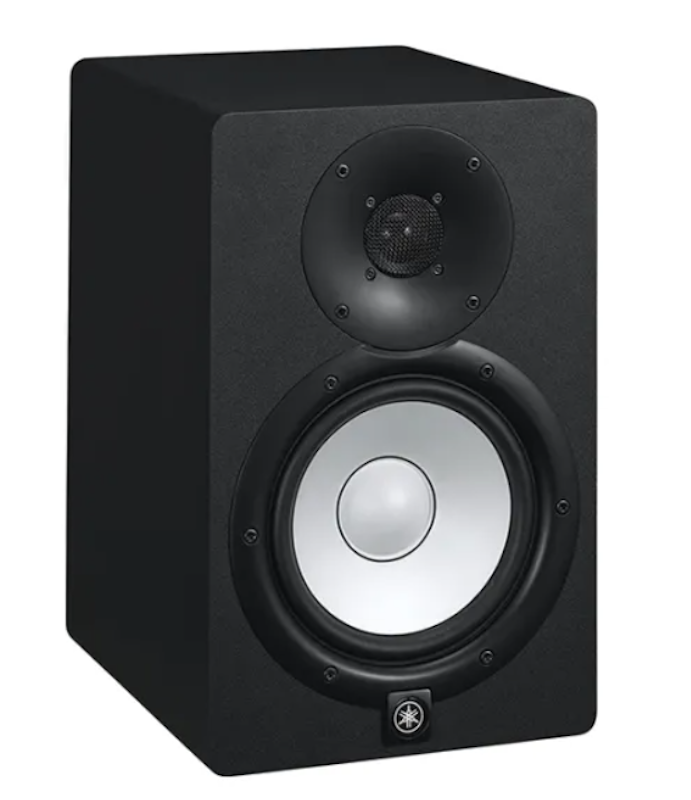
| With Built-In Amplifiers | |
|---|---|
| Input Ports | XLR, TRS |
| Has Volume and EQ Controls | |
| Low Distortion and Noise |
YamahaHS5 5" 70W Powered Studio Monitor Speaker
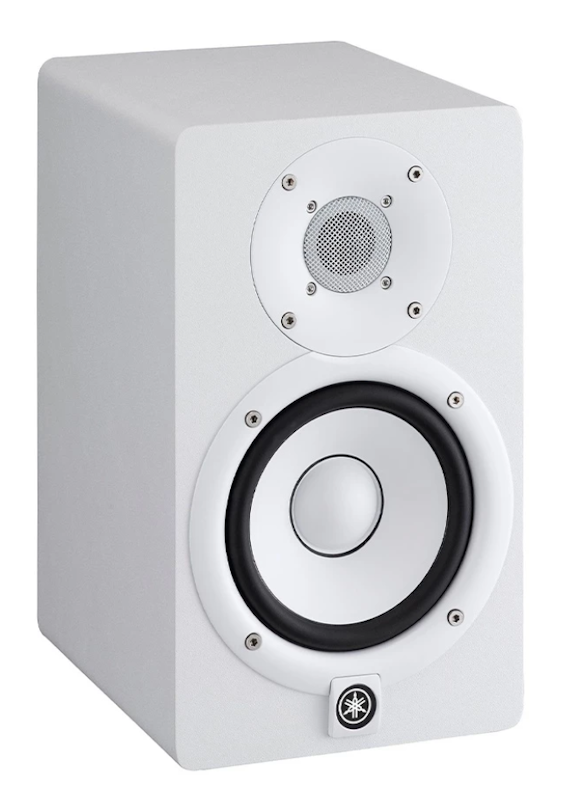
| With Built-In Amplifiers | |
|---|---|
| Input Ports | XLR, TRS |
| Has Volume and EQ Controls | |
| Low Distortion and Noise |
KRKRP8G5 ROKIT 8 Generation Five 8" Powered Studio Monitor Speaker
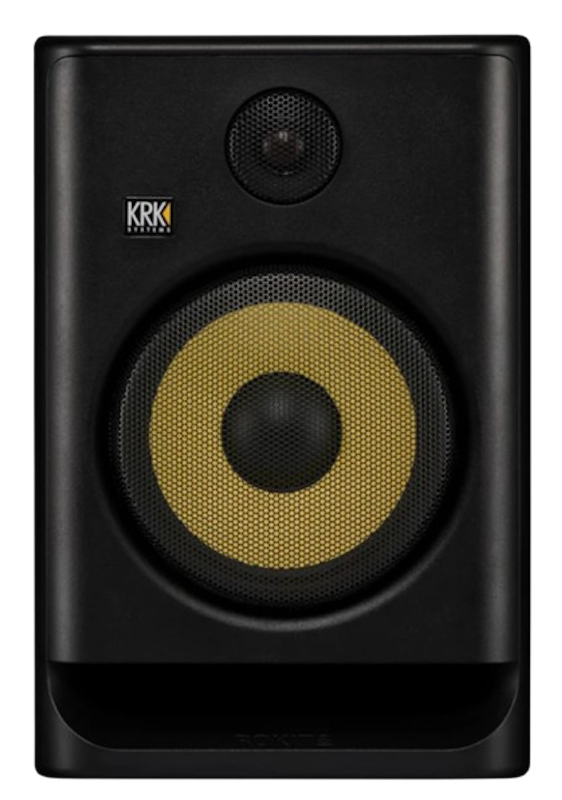
| With Built-In Amplifiers | |
|---|---|
| Input Ports | XLR/TRS Combo |
| Has Volume and EQ Controls | |
| Low Distortion and Noise |
KRKRP5G5 ROKIT 5 Generation Five 5" Powered Studio Monitor Speaker
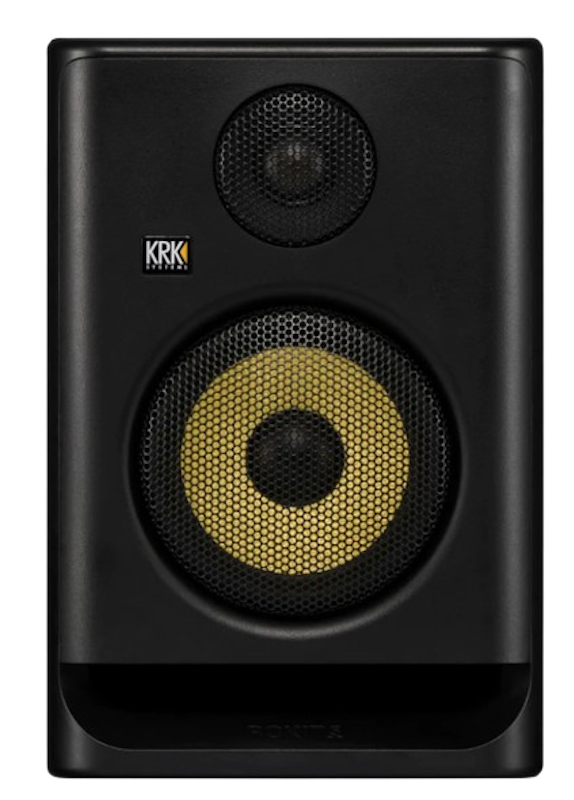
| With Built-In Amplifiers | |
|---|---|
| Input Ports | XLR/TRS Combo |
| Has Volume and EQ Controls | |
| Low Distortion and Noise |
EdifierMR3 Bluetooth Monitor Speaker
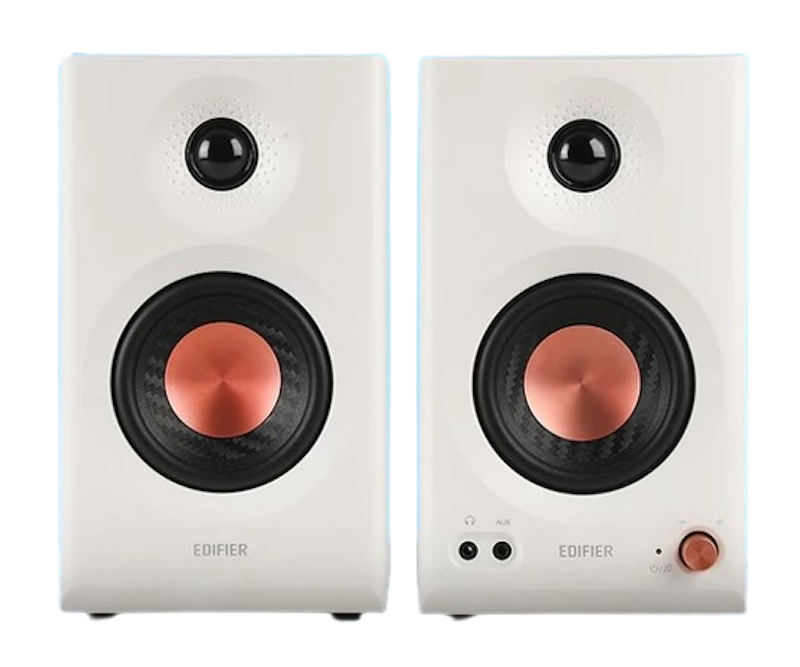
| With Built-In Amplifiers | |
|---|---|
| Input Ports | TRS, RCA, AUX, Bluetooth |
| Has Volume and EQ Controls | |
| Low Distortion and Noise |
PreSonusEris E4.5 BT: Active Media Reference Monitors with Bluetooth
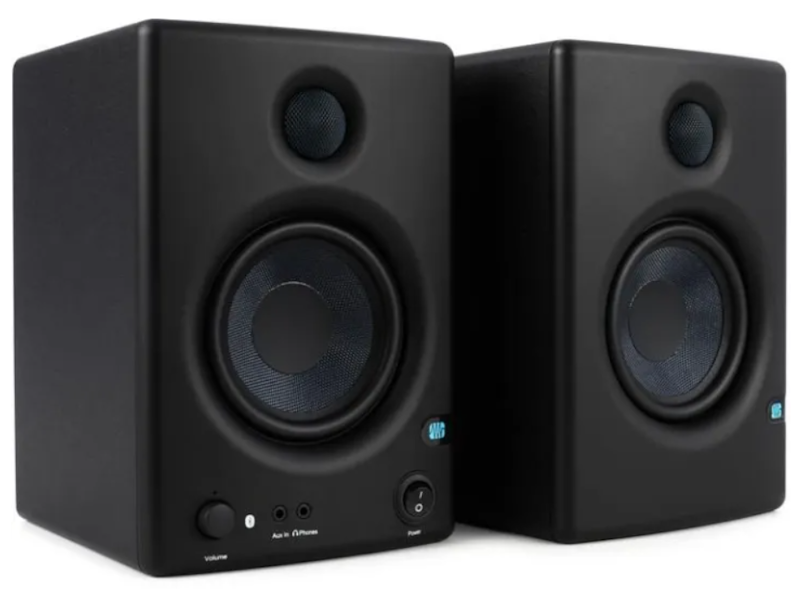
| With Built-In Amplifiers | |
|---|---|
| Input Ports | TRS, RCA, AUX, Bluetooth |
| Has Volume and EQ Controls | |
| Low Distortion and Noise |
SamsonMediaOne M30 Powered Studio Monitors Speaker
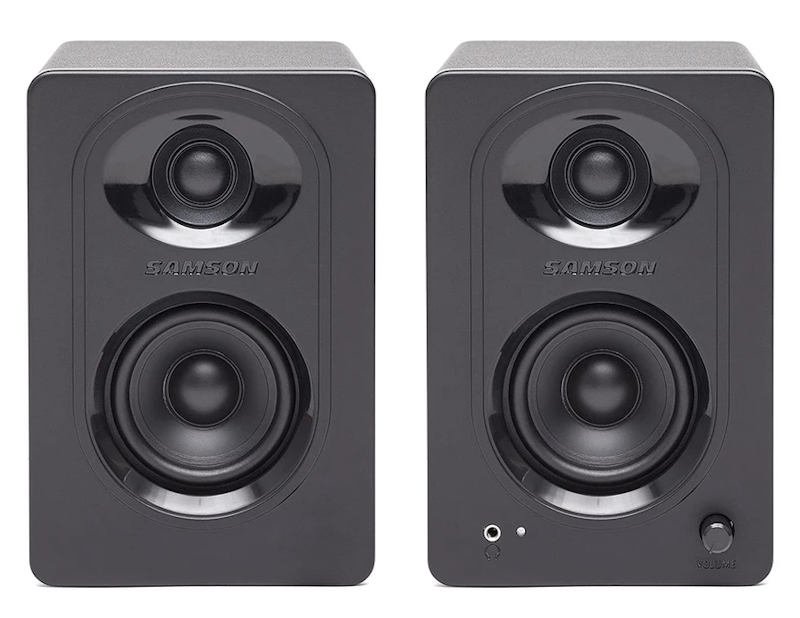
| With Built-In Amplifiers | |
|---|---|
| Input Ports | RCA |
| Has Volume and EQ Controls | |
| Low Distortion and Noise |
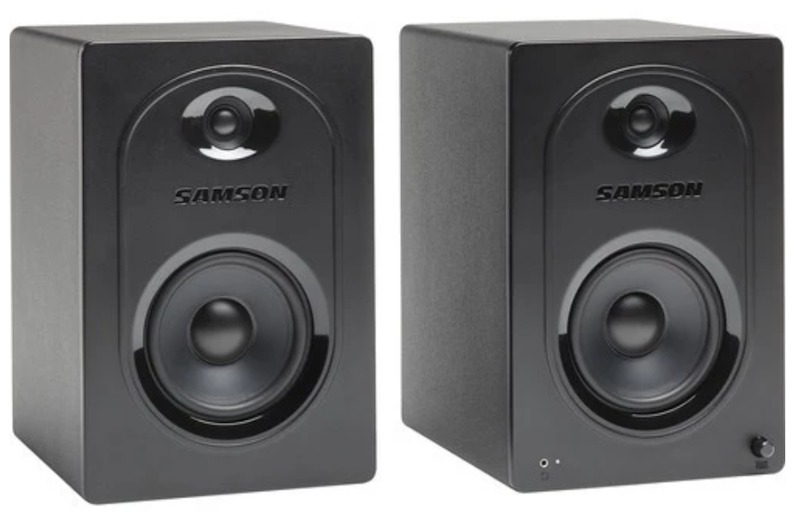
| With Built-In Amplifiers | |
|---|---|
| Input Ports | RCA, AUX |
| Has Volume and EQ Controls | |
| Low Distortion and Noise |
Frequently Asked Questions
Where Should I Place My Monitor Speakers for Best Sound Quality?
Are Monitor Speakers Good for Listening to Music?
Can I Use Monitor Speakers for Gaming or Watching Movies?
What Should I Do if My Monitor Speakers Are Not Producing Sound?
Hear Every Detail With Game-Changing Audio Gear
Great sound doesn't stop with monitor speakers. Explore more expert-curated picks to elevate your audio experience, whether you're working, unwinding, or diving into your favorite content.


How We Chose and Ranked Our Product Recommendations
The descriptions of each product are referenced from content available on manufacturer, brand, and e-commerce sites.