10 Best Webcams in the Philippines 2026 | Buying Guide Reviewed by IT Specialist
With the plethora of products in the market, choosing the best webcam surely can be quite daunting. So, whether you're looking for a 720p, 1080p, or 4k webcam with additional features such as a built-in mic and ring light, this article has a list of our recommended webcams that you may be interested in. We also included a buying guide, checked by IT specialist JC Rogelio, to help you choose the right webcam for you.

JC Rogelio is first and foremost a fan of upgrading and modifying computers. Due to his passion, he earned a degree in Information Technology from a university specializing in the field. He is tech-savvy and likes to research computer trends. He was a former employee of a Fortune 500 company in the Philippines and now has over 3 years of experience in the IT/Engineering field in Dubai.

Our recommendation articles are carefully researched and crafted by the mybest Philippines team of writers and editors. To stay true to our company’s mission and vision to help users’ selection process easier, we also collaborate with experts from various fields to ensure that our content stays factual and useful.
The expert oversees the Buying Guide only, and does not determine the products and services featured.
Why You Can Trust Us
Every mybest article is crafted with hours of in-depth research and interviews with experts. Each month, we are continually expanding our database of products based on our research. By emphasizing user insight and reliable information, we deliver trustworthy content to readers.
How to Choose a Webcam - Buying Guide
Here are some key points to consider:
- Choose the image quality that meets your requirements
- Select the field of view that is sufficient for your needs
- Opt for the most convenient installation method for you
- Check the operating system required to ensure compatibility
- Look for additional features for more value
- Consider your budget
For more detailed information, read through our buying guide below.
Choose the Image Quality That Meets Your Requirements
Perhaps one of the most important concerns for anyone trying to buy a webcam is the quality of the image output. Here are the factors to check out to enjoy quality images from your chosen webcam.
A Higher Pixel Count Delivers High-Quality Images
Webcams are similar to digital cameras, where a higher pixel count means better quality images. You need to look at the specifications of a camera to know if it can produce a better image quality. It is best to pick a model with a resolution that matches your requirements.
A 720p webcam is decent enough to deliver high-definition video capture, but a 1080p or a 4k webcam would deliver sharper video captures and images. It is also important to check the maximum resolution the software or application can take. For example, 720p for HD in Skype, while Zoom can handle 1080p in full HD.
Keep in mind that the higher the number of pixels, the larger the amount of data are sent over a network. That is why it may not be advisable to use a high pixel webcam only to call a friend through Skype. This can cause your device to slow down because of the amount of data processing, and it eats up a lot of bandwidth in the process.
High Frame Rates Between 30-60 FPS Allow Smoother Recordings and Clearer Images

Webcams with higher frame rates can deliver smoother images. If you want to seamlessly record or stream video content, your target frame per second should be around 30 to 60. This will ensure that every individual frame on the clip is displayed clearly.
For a casual video call, 15 to 30 frames per second should suffice. However, you must consider if your computing device will be able to handle the amount of data it must process for higher frames rates.
Select the Field of View That Is Sufficient for Your Needs

The webcam's field of view (FOV) determines how much area can be seen or captured. For personal use, or if you're alone, 90° is enough. Meanwhile, choose 180° if you want a wider angle view or if you're setting up the camera in a conference room and want to show multiple people.
Opt for the Most Convenient Installation Method for You

People who buy webcams usually connect them to a computer, yet some intend to use it differently. Others prefer to install them on walls or ceilings and use them for CCTV or live streaming. Whatever way you choose to use the webcam, you must figure out its installation requirements. Wired webcams offer less latency and better stability than wireless ones, so it is wiser to go for wired ones.
Check the Operating System Required to Ensure Compatibility

To avoid running into compatibility problems, it's important to check the webcam's operating system requirements. Most work on both Windows and Mac operating systems, but some do not support Linux and macOS. Also, not all webcams work on any OS version, so take note of its OS version requirement to use it without problems.
Look for Additional Features for More Value
To get the best out of your webcam, look into its additional features. To name a few, below are the features that you should also consider.
A Built-In Microphone Offers More Convenience

Due to the pandemic, many students have now shifted to online classes. The same can be said for office workers and freelancers. During conferences and on-site virtual meetings, a webcam with a built-in microphone works perfectly, as it allows everyone to speak and be heard like in a normal meeting.
However, note that some built-in microphones cannot properly reproduce the sound it captures. If you need one with better sound quality, go for a webcam that comes with two or dual microphones on both sides of the lens. Compared to a webcam with one built-in mic, this can capture natural stereo audio and pick up the clear sound even in a crowded place.
A Built-in Ring Light Provides Better Lighting

A built-in ring light reduces shadows, minimizes blemishes, and enhances overall clarity. It usually comes with multiple light settings, which you can easily adjust using its buttons. This way, you'll be able to create the ideal lightings for your setting, and you won't have to purchase a separate bulky ring light to look your best on your video chats and online meetings.
Consider Your Budget

It is always an important decision to choose a product that is within your budget. Although you can purchase some webcams at a low price, keep in mind that you can't expect too much from their performance or features.
You should also take into consideration your primary use for the webcam. If you intend on using it for quick video calls, then you don't necessarily have to get an expensive model. One that has an average quality should be enough to do its job.
10 Best Webcams to Buy Online
| Products | Image | Click to purchase | Popularity | Details | ||||||||
|---|---|---|---|---|---|---|---|---|---|---|---|---|
Resolution | Frame Rate | Field of View | Installation Type | Operating System Compatibility | Built-in Microphone | Built-in Ring Light | Additional Features | |||||
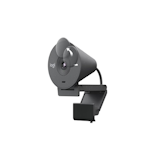
1 | Brio 300 Full HD Webcam Logitech |  | No.1 | 1080p | 30 FPS | 70 Degrees | Clip-On | Windows, macOS, ChromeOS | Integrated Privacy Shutter, Anti-Reflective Coating | |||
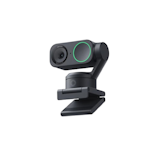
2 | Link 2 AI 4K Webcam Insta360 |  | No.2 | 4K | 60 FPS | 79.5 Degrees | Clip-On, Tripod, Built-In | Windows, macOS | Auto Framing, Gesture Control, Deskview Mode | |||
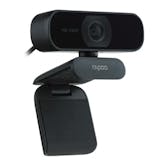
3 | FHD Webcam |C280 Rapoo |  | No.3 | 2K | 30 FPS | 85 Degrees | Clip-On | Windows, macOS, Linux | Integrated Privacy Shutter, 360° Rotation | |||
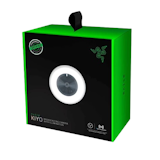
4 | Kiyo Webcam Razer |  | No.4 | 1080p | 60 FPS | 81.6 Degrees | Clip-On, Tripod | Windows | Auto Focus | |||
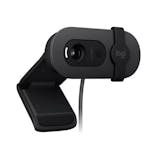
5 | Brio 100 Logitech |  | No.5 | 1080p | 30 FPS | 58 Degrees | Clip-On | Windows, macOS, ChromeOS | Integrated Privacy Shutter | |||
6 | HD 720p Webcam |C270 Logitech |  | No.6 | 720p | 30 FPS | 60 Degrees | Clip-On | Windows, macOS, ChromeOS | Auto Light Correction | |||
7 | Cyberlens UHD 4K Webcam|GW911 Redragon |  | No.7 | 4K | 60 FPS | 90 Degrees | Clip-On | Windows, macOS, Linux, ChromeOS | Integrated Privacy Shutter, Intelligent Auto Focus, Light Adjustment | |||
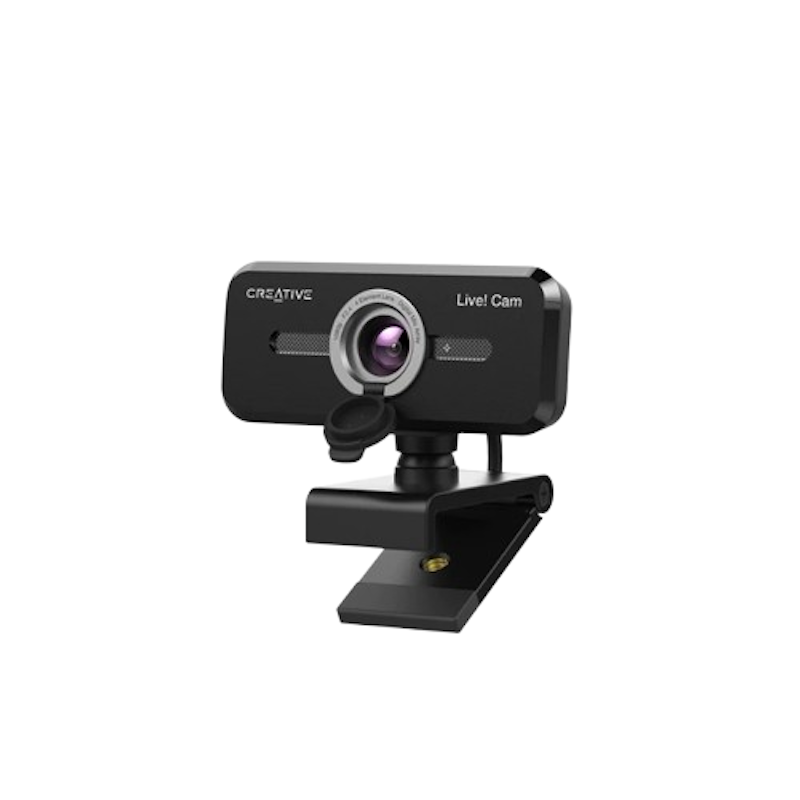
8 | Live! Cam Sync 1080p V2 Creative |  | No.8 | 1080p | 30 FPS | 77 Degrees | Clip-On, Tripod | Windows, macOS | Integrated Privacy Shutter, 360° Horizontal Rotation | |||
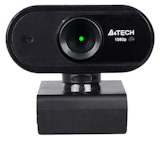
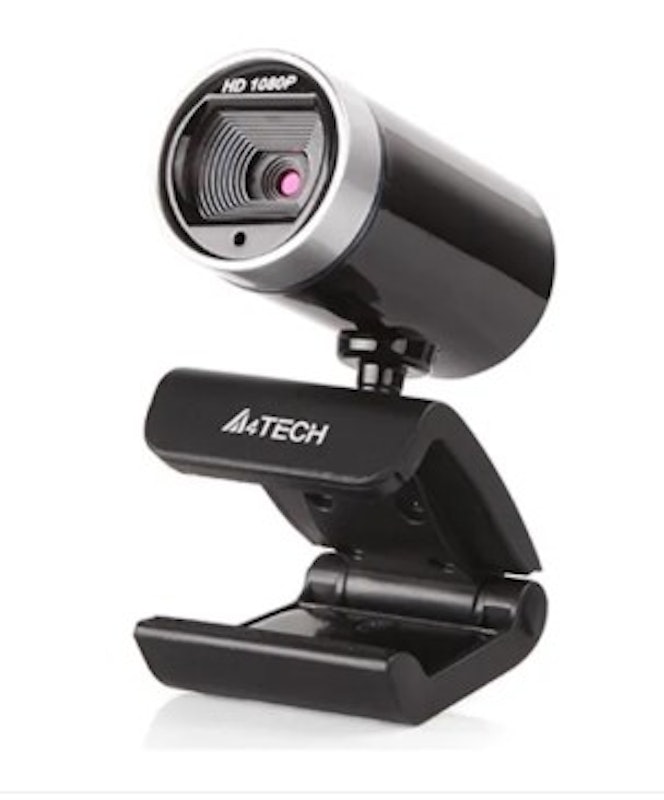
9 | WebCam|PK-910H A4Tech |  | No.9 | 1080p | 30 FPS | 70 Degrees | Clip-On | Windows, macOS, Linux, ChromeOS | Anti-Glare Coating, 360° Swivel | |||
10 | Full HD 1080p |PK-925H A4Tech |  | No.10 | 1080p | 30 FPS | 70 Degrees | Clip-On, Tripod | Windows, macOS, Linux, ChromeOS | Anti-Glare Coating | |||


Reviews mention:
In many reviews, the webcam is considered to be a staple for professional calls. It boasts a crisp video quality and effective auto light balance even in dim rooms, perfect for even late night video conferences. The built-in mic performs well for solo use without needing extras. Some reviewers note the fixed 70-degree view works best for single-person setups, with a few of them wishing for wider angles.
| Resolution | 1080p |
|---|---|
| Frame Rate | 30 FPS |
| Field of View | 70 Degrees |
| Installation Type | Clip-On |
| Operating System Compatibility | Windows, macOS, ChromeOS |
| Built-in Microphone | |
| Built-in Ring Light | |
| Additional Features | Integrated Privacy Shutter, Anti-Reflective Coating |
Reviews mention:
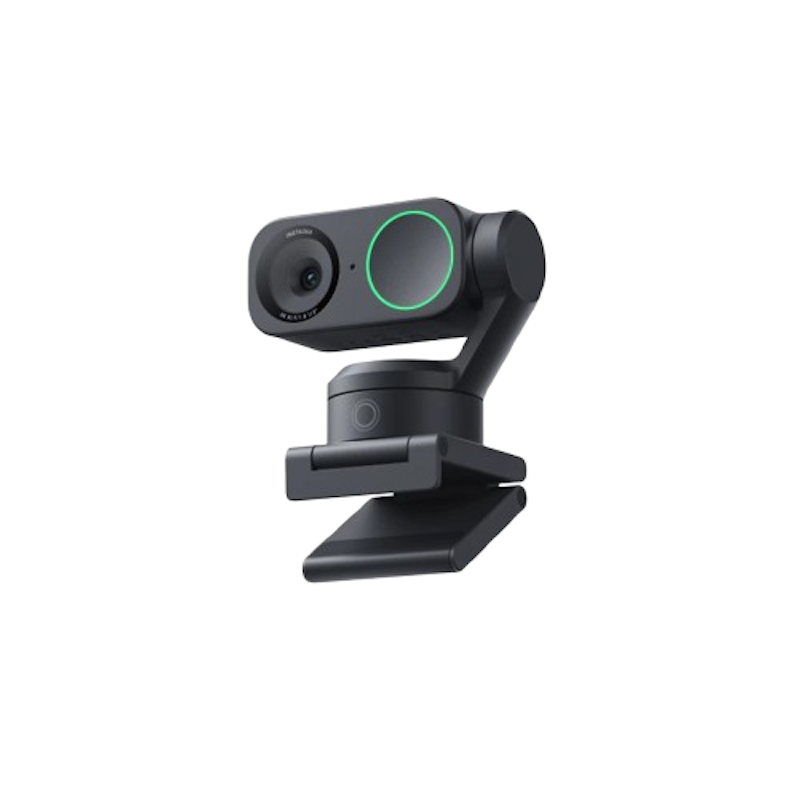
As expected from this brand, this webcam has a sharp image quality, reliable AI tracking even from a distance, and excellent low-light performance that buyers find useful for both live streaming and meetings. Plenty of buyers appreciate the easy setup, vibrant colors, and clear built-in audio for gaming and calls. Some buyers, on the other hand, note the higher price and occasional audio-video sync issues or preference for external mics.
| Resolution | 4K |
|---|---|
| Frame Rate | 60 FPS |
| Field of View | 79.5 Degrees |
| Installation Type | Clip-On, Tripod, Built-In |
| Operating System Compatibility | Windows, macOS |
| Built-in Microphone | |
| Built-in Ring Light | |
| Additional Features | Auto Framing, Gesture Control, Deskview Mode |

Reviews mention:
Plenty of e-commerce buyers find this webcam to be noticeably clearer than their laptop’s built‑in camera, especially for Zoom, Google Meet, and online classes. They also appreciate the built‑in privacy cover and the wide angle when multiple people are on screen. A few note that the microphone is good enough for casual use but recommend an external mic if they need higher‑quality audio for streaming or recording.
| Resolution | 2K |
|---|---|
| Frame Rate | 30 FPS |
| Field of View | 85 Degrees |
| Installation Type | Clip-On |
| Operating System Compatibility | Windows, macOS, Linux |
| Built-in Microphone | |
| Built-in Ring Light | |
| Additional Features | Integrated Privacy Shutter, 360° Rotation |
Reviews mention:
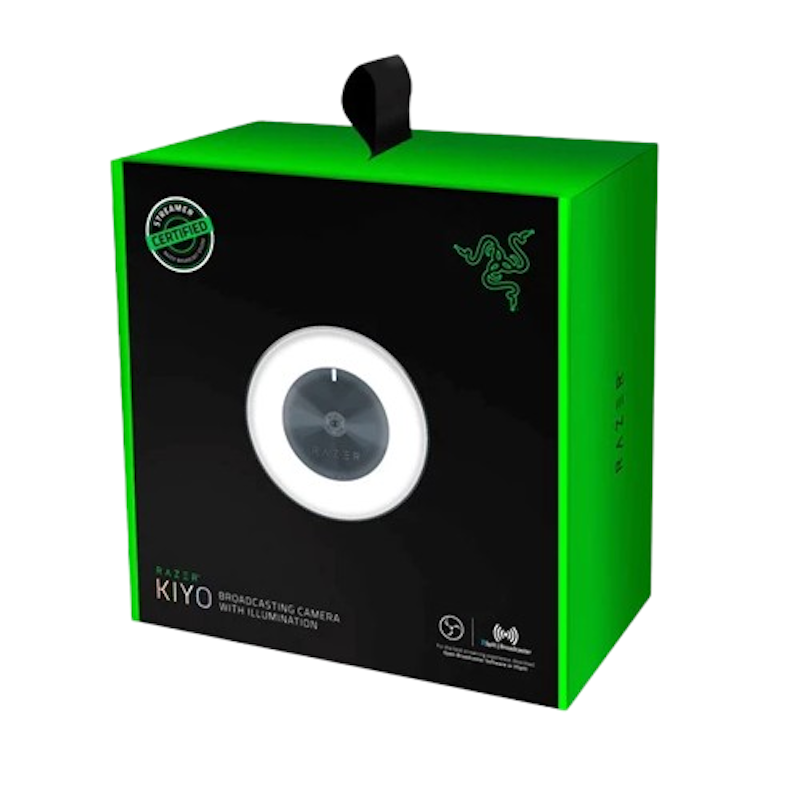
For entry-level streaming and low-light video calls, this is the webcam shoppers recommend. The device has a bright ring light and easy plug-and-play setup that's foolproof to anyone. A lot of buyers also note significant improvements over built-in laptop cameras in quality and dim light performance. Some report occasional connection issues or prefer external mics after moderate use, though others find it reliable long-term.
| Resolution | 1080p |
|---|---|
| Frame Rate | 60 FPS |
| Field of View | 81.6 Degrees |
| Installation Type | Clip-On, Tripod |
| Operating System Compatibility | Windows |
| Built-in Microphone | |
| Built-in Ring Light | |
| Additional Features | Auto Focus |

Reviews mention:
Users mentioned great image quality for its price, ideal for video conferencing on platforms like Zoom and Teams. Customers appreciate that the simple plug-and-play setup works with many video calling platforms. However, a fixed focus lens reduces image sharpness and framing flexibility.
| Resolution | 1080p |
|---|---|
| Frame Rate | 30 FPS |
| Field of View | 58 Degrees |
| Installation Type | Clip-On |
| Operating System Compatibility | Windows, macOS, ChromeOS |
| Built-in Microphone | |
| Built-in Ring Light | |
| Additional Features | Integrated Privacy Shutter |
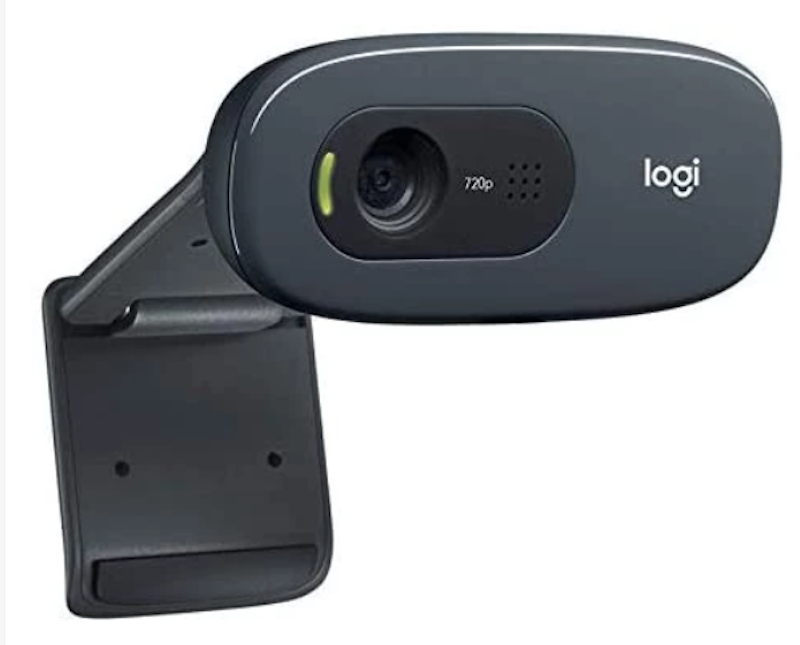
| Resolution | 720p |
|---|---|
| Frame Rate | 30 FPS |
| Field of View | 60 Degrees |
| Installation Type | Clip-On |
| Operating System Compatibility | Windows, macOS, ChromeOS |
| Built-in Microphone | |
| Built-in Ring Light | |
| Additional Features | Auto Light Correction |

Reviews mention:
Shoppers love this webcam's clear and smooth video quality and clear built-in microphones. They rely on this webcam for everyday use and highly recommend it for online classes, meetings, and live streaming. Both the easy setup and the practical privacy cover make this device a winner for plenty of shoppers. Some of them advise that to fully enjoy the 4K quality, a fast and stable internet connection and capable device are important.
| Resolution | 4K |
|---|---|
| Frame Rate | 60 FPS |
| Field of View | 90 Degrees |
| Installation Type | Clip-On |
| Operating System Compatibility | Windows, macOS, Linux, ChromeOS |
| Built-in Microphone | |
| Built-in Ring Light | |
| Additional Features | Integrated Privacy Shutter, Intelligent Auto Focus, Light Adjustment |
Reviews mention:
Many buyers recommend the webcam for daily calls in particular. It delivers a clear, detailed quality, both in its video and sound. A lot of them also appreciate the wide angle, especially for small group calls, though a few note that it can show more of the room than they’d like if the background is cluttered. Shoppers like that setup is straightforward over USB, while some mention they would prefer more image tuning options directly on the device instead of using software controls.
| Resolution | 1080p |
|---|---|
| Frame Rate | 30 FPS |
| Field of View | 77 Degrees |
| Installation Type | Clip-On, Tripod |
| Operating System Compatibility | Windows, macOS |
| Built-in Microphone | |
| Built-in Ring Light | |
| Additional Features | Integrated Privacy Shutter, 360° Horizontal Rotation |
Reviews mention:
The webcam's main selling point buyers all mention is the price point being easy on the wallet, but still giving a solid performance. From its clear, decent-quality video to the serviceable built-in microphone, this webcam is perfect for online classes, meetings, and casual streaming. It also boasts a simple plug-and-play setup that a lot of users find useful, but some of them note that the fixed focus and standard 30 fps frame rate are best suited for normal desk use rather than fast motion or professional content creation.
| Resolution | 1080p |
|---|---|
| Frame Rate | 30 FPS |
| Field of View | 70 Degrees |
| Installation Type | Clip-On |
| Operating System Compatibility | Windows, macOS, Linux, ChromeOS |
| Built-in Microphone | |
| Built-in Ring Light | |
| Additional Features | Anti-Glare Coating, 360° Swivel |
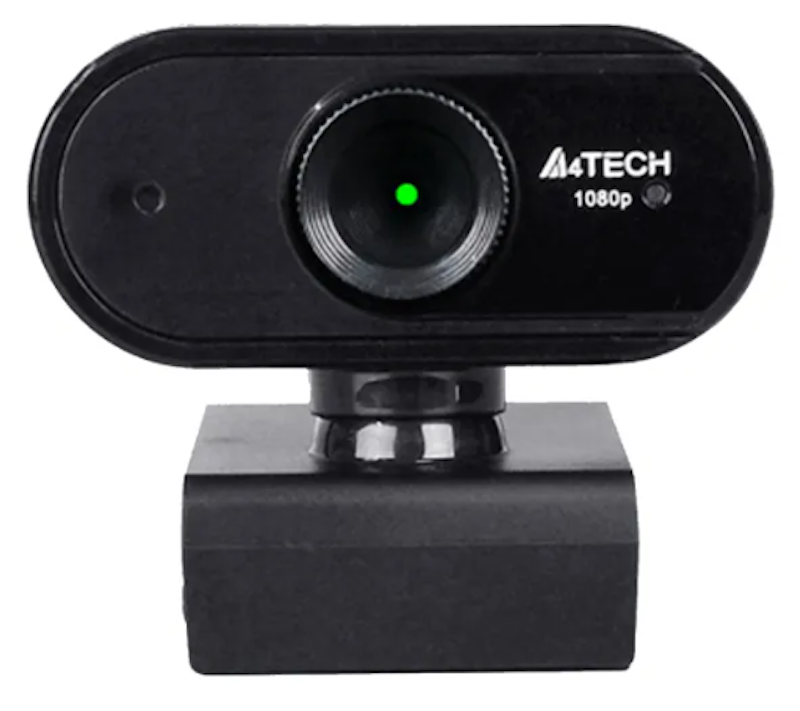
| Resolution | 1080p |
|---|---|
| Frame Rate | 30 FPS |
| Field of View | 70 Degrees |
| Installation Type | Clip-On, Tripod |
| Operating System Compatibility | Windows, macOS, Linux, ChromeOS |
| Built-in Microphone | |
| Built-in Ring Light | |
| Additional Features | Anti-Glare Coating |
Frequently Asked Questions
Below are some of the most asked questions on the web answered by the mybest team.
Can a Webcam Be Hacked?
Using malware that grants access to your device and files, hackers can have total control of your webcam and take photos and record videos whenever they want. If you notice that the indicator light is flickering abnormally, and you often get a notification that your camera is in use when you try to use it, it's better to take action and make sure that your webcam's privacy is secure.
To protect you and your device from webcam intrusions, beware of phishing, install a reliable antivirus, ensure that your firewall is always enabled, and use a VPN whenever you connect to public Wi-Fi networks. Also, use a webcam cover or unplug your webcam when not in use.
Why Is My Camera Blurry?
There can be many reasons why your camera is blurry. Your camera might be going in and out of focus, and to fix it, try adjusting the lens if possible or turn off the autofocus feature in the settings. If you're experiencing laggy image and movement in video chat, then you might have a poor internet connection.
However, if your cam appears to be foggy and dust particles are visible, your camera's lens might be dirty. You can clean it using a soft-bristled brush and wipe the lens in a circular motion using a lens tissue or a cleaning cloth with a few drops of lens cleaning solution.
What to Do When Webcam Is Not Working?
- Unplug and replug the webcam from the computer. You can also try replugging it into a different USB port or plug the webcam on a different computer to see if it will work
- If unplugging and replugging did not work, uninstall and reinstall the webcam driver on your device's settings. Also, update the driver to the latest version, and install the webcam's dedicated software to check its settings
- If you have an antivirus installed, see if the software prevents the camera from launching
- If your device has a built-in camera, make sure you enable the external webcam on your device's settings to use it instead of the built-in one
- If the problem persists after trying all troubleshooting options, your webcam might be defective, and you need a new one
Complete Your WFH Set Up
Whether you need accessories to complete your WFH or home classroom setup, we've got more buying guides and product recommendations for you. Check out our links down below.


Re-editors: C. Lacson, Erika Ceguerra
How We Chose and Ranked Our Product Recommendations
Our buying guide was carefully researched and crafted by the mybest team of writers and editors, in collaboration with the expert featured in this article. We used the buying guide as a basis for choosing and ranking the product recommendations, and we looked at reviews and ratings from different E-commerce sites like Lazada, Shopee, and more.
The descriptions of each product are referenced from content available on manufacturer, brand, and e-commerce sites.