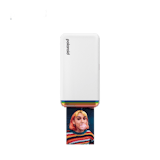
10 Best Mobile Photo Printers in the Philippines 2026 | Xiaomi, Fujifilm, and More
Mobile photo printers are compact devices that let you print photos directly from your smartphone and other compatible devices. Most models connect via Bluetooth and come with companion apps for adding filters, stickers, frames, and other creative effects. Whether you want a portable photo printer for travel, journaling, or scrapbooking, these handy devices make it easy to turn digital photos into physical prints.
In this guide, we’ll explain how to choose a mobile photo printer based on print size, resolution, smartphone compatibility, portability, and useful features. We’ll also round up some of the best portable photo printers available in the Philippines, including options you can find on Shopee and Lazada.

Our recommendation articles are carefully researched and crafted by the mybest Philippines team of writers and editors. To stay true to our company’s mission and vision to help users’ selection process easier, we also collaborate with experts from various fields to ensure that our content stays factual and useful.
Why You Can Trust Us
Every mybest article is crafted with hours of in-depth research and interviews with experts. Each month, we are continually expanding our database of products based on our research. By emphasizing user insight and reliable information, we deliver trustworthy content to readers.
How to Choose a Mobile Photo Printer - Buying Guide
Choose a Photo Size That Fits Your Needs
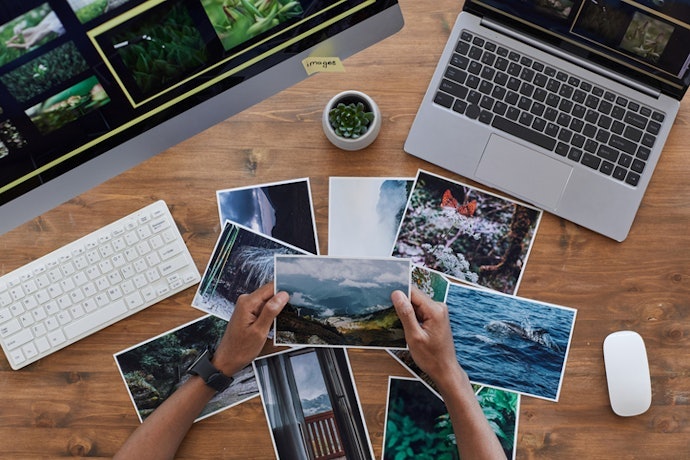
Mobile photo printers support different print sizes, with 2 × 3-inch prints being common for pocket photos, stickers, journaling, and scrapbooking. Some models can produce larger 3 × 4-inch or 4 × 6-inch photos, which are better suited for photo albums, frames, and displays
Smaller prints are easier to carry and work well for creative projects, while larger sizes are better if you want your photos to stand out. Check the supported paper size before buying to make sure it matches how you plan to use your prints.
Pick a Printer With High Print Resolution for Clear Photos
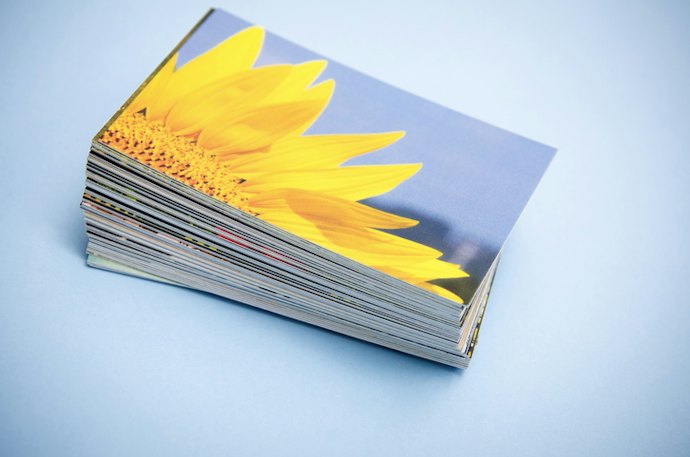
Consider the printer's resolution in DPI if you want sharp and detailed photos. Higher resolution can produce clearer images, especially for photos with fine details and text. Look for a printer with at least 300 x 300 DPI; anything lower may make your prints look soft or pixelated, especially with faces and text.
If color accuracy matters to you, consider dye-sublimation (4PASS) models, which generally produce richer, more consistent colors than basic ZINK printers. Before buying, check the listed resolution and print method, then look at sample photos or user reviews to assess the actual print quality.
Make Sure It's Compatible With Your Smartphone
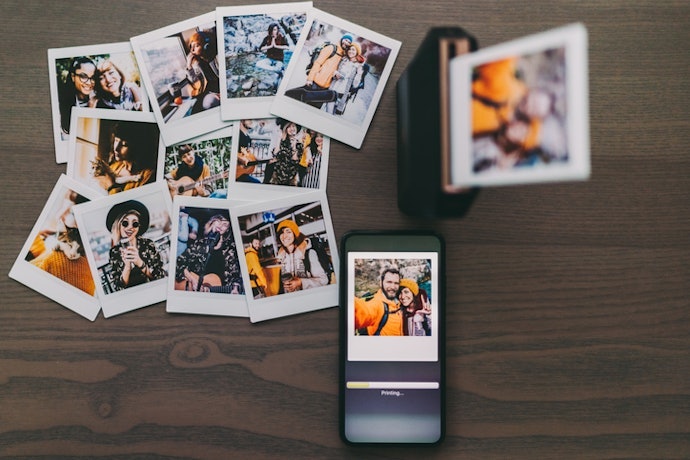
It's also important to check whether the printer requires a dedicated app and whether the app is available for your device. If several people will use the printer, consider a model that supports multiple smartphone connections for more convenient photo sharing and printing.
Opt for a Lightweight Printer With Long Battery Life for Portability

If you're looking for a portable photo printer for travel, choose a compact and lightweight model weighing around 500 g or less that can easily fit inside a bag. Smaller pocket-sized printers are convenient for bringing to trips, parties, and gatherings, while slightly larger models may be better suited for desk use.
Battery life matters just as much: look for a model that can print at least 20 to 30 photos per charge to avoid frequent recharging during trips or events. Check the product listing for its weight, dimensions, and estimated prints per charge, and opt for USB-C charging if you want to recharge it conveniently with a power bank.
Consider Photo Customization Features Like Filters and Collages
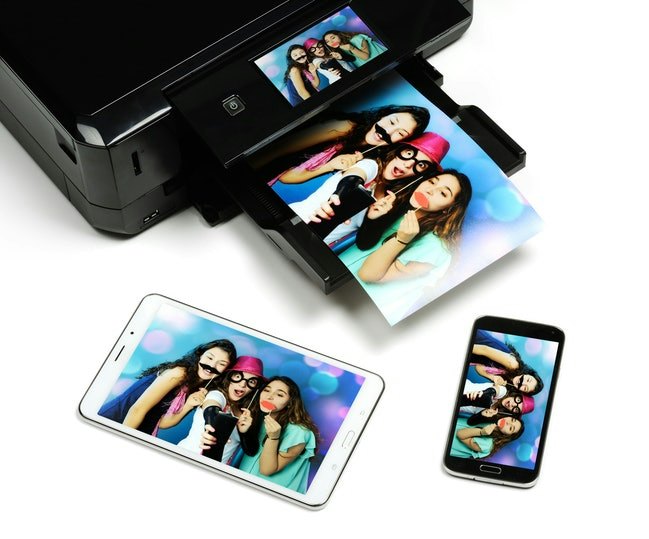
Extra features can make a mobile photo printer more versatile for different activities. If you enjoy journaling or scrapbooking, look for models that support sticker-backed photo paper so you can easily attach your prints to pages and projects.
Companion apps may also offer filters, frames, stickers, collages, templates, and AR effects for customizing photos before printing. These features can be especially useful if you want a portable photo printer for stickers or creative projects.
10 Best Mobile Photo Printers to Buy Online
| Products | Image | Click to purchase | Popularity | Details | |||||
|---|---|---|---|---|---|---|---|---|---|
Best For | Paper Size | Connectivity Options | Key Features | Net Weight | |||||
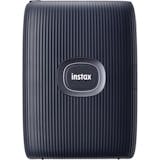
1 | Instax Mini Link 3 Smartphone Printer Fujifilm |  | No.1 | Wallet or Mini Photos | 2x3-Inch | Bluetooth | Filters, Frames, Collage, 3D AR Effects, Stickers, Video Printing | 210 g | |
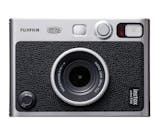
2 | Instax Mini Evo Fujifilm |  | No.2 | Wallet or Mini Photos | 2.1 x 3.4-Inch | Bluetooth | Bordered/Borderless Printing, Filters, Frames, Borders, Built-In Flash, Effects, Print Finishes, Creative Layouts, Retro Style, Video Printing | 285 g | |
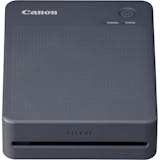
3 | Photo Printer|Selphy QX20 Canon |  | No.3 | Wallet or Mini Photos、Personal Use | 72 x 85 mm, 54 x 85 mm | WiFi | Filters, Stamps, Creative Layouts, Frames | 500 g | |
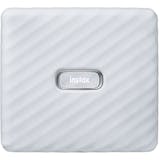
4 | Instax Link Wide Smartphone Printer Fujifilm |  | No.4 | Standard Prints、Personal Use | 62 x 99 mm | Bluetooth | Bordered/Borderless Printing, Beauty Edits, Filters, Frames, Borders, Templates, Collage, Split Pictures, Audio Recording With QR Code Playback, Effects, Print Finishes, QR Code Photo Sharing, Stamps, Creative Layouts, Video Printing, Photo Sticker Templates, Stickers | 340 g | |
5 | Hi-Print Generation 2 Pocket Photo Printer Polaroid |  | No.5 | Wallet or Mini Photos、Personal Use | 54.0 x 86.0 mm | Bluetooth | Bordered/Borderless Printing, Laminated Finish, Beauty Edits, Filters, Borders, Templates, Collage, Split Pictures, Effects, Print Finishes, Creative Layouts, Photo Sticker Templates, Stickers | 255 g | |
6 | Portable Photo Printer |Pro Xiaomi |  | No.6 | Wallet or Mini Photos、Personal Use | 2x3-Inch | Bluetooth | AR Scanning, Multi-Person Sharing, Photo Sticker Templates | 300 g | |
7 | Retro Photo Printer|Mini 2 Kodak |  | No.7 | Wallet or Mini Photos、Personal Use | 2.1 x 3.4-Inch | Easy NFC, Bluetooth | Filters, Frames, Collage, Stickers, Bordered/Borderless Printing | 182 g | |
8 | Selphy Photo Printer|CP1500 Canon |  | No.8 | Home Use、Personal Use | 100.0 x 148.0 mm, 22.0 x 17.3 mm, 54.0 x 86.0 mm, 49.9 x 66.6 mm, 91.3 x 121.7 mm, 50 x 50 mm | Wi-Fi, USB-C | Filters, Effects, Print Finishes , Stickers, QR Code Photo Sharing | 850 g | |
9 | Mini 3 RETRO Portable Photo Printer Kodak |  | No.9 | Wallet or Mini Photos | 3x3-Inch | Bluetooth, NFC Wireless Connection | Bordered/Borderless Printing, Filters, Stickers, Retro Style | 370 g | |
10 | Ace Pro 2 Pocket Printer Insta360 |  | No.10 | Wallet or Mini Photos | 3x3-Inch | Bluetooth | Bordered/Borderless Printing, Laminated Finish, Filters, Frames, Borders, Effects, Print Finishes, QR Code Photo Sharing, Creative Layouts, Retro Style | 288.8 g | |

Fujifilm Instax Mini Link 3 Smartphone Printer
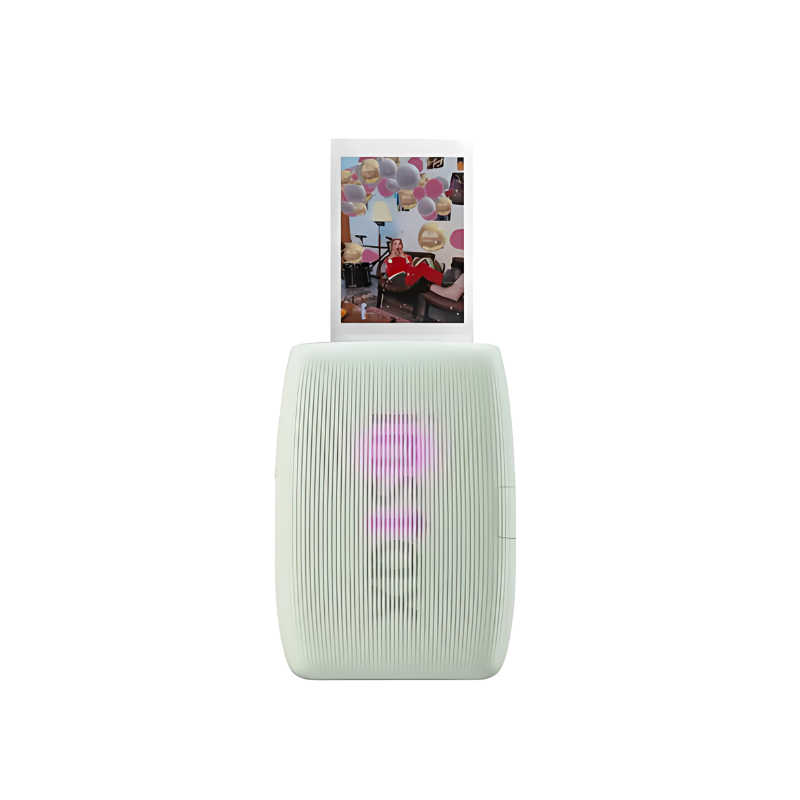
| Best For | Wallet or Mini Photos |
|---|---|
| Paper Size | 2x3-Inch |
| Connectivity Options | Bluetooth |
| Key Features | Filters, Frames, Collage, 3D AR Effects, Stickers, Video Printing |
| Net Weight | 210 g |

| Best For | Wallet or Mini Photos |
|---|---|
| Paper Size | 2.1 x 3.4-Inch |
| Connectivity Options | Bluetooth |
| Key Features | Bordered/Borderless Printing, Filters, Frames, Borders, Built-In Flash, Effects, Print Finishes, Creative Layouts, Retro Style, Video Printing |
| Net Weight | 285 g |
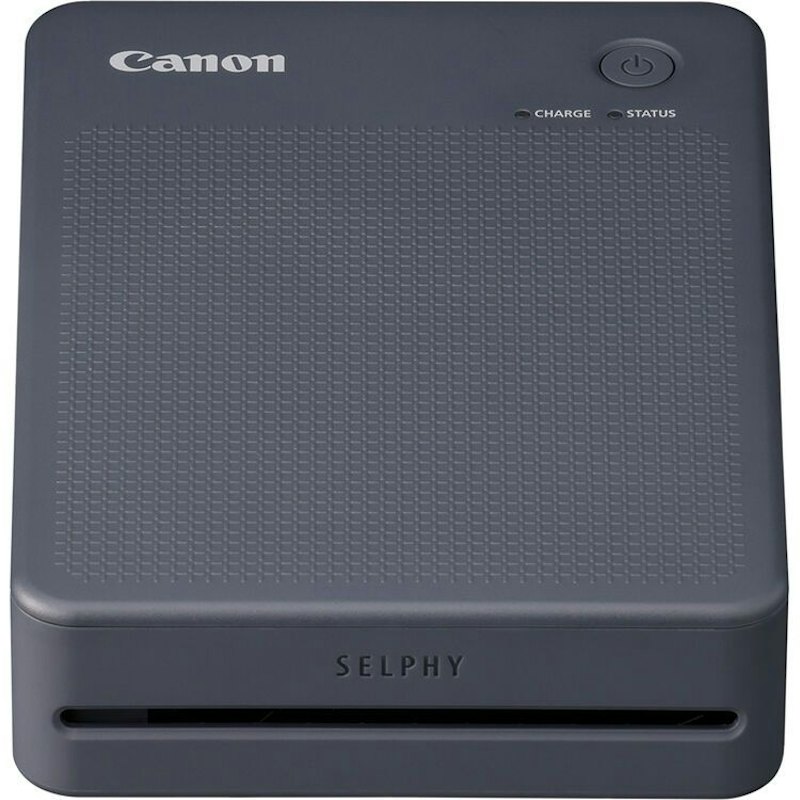
| Best For | Wallet or Mini Photos、Personal Use |
|---|---|
| Paper Size | 72 x 85 mm, 54 x 85 mm |
| Connectivity Options | WiFi |
| Key Features | Filters, Stamps, Creative Layouts, Frames |
| Net Weight | 500 g |
FujifilmInstax Link Wide Smartphone Printer
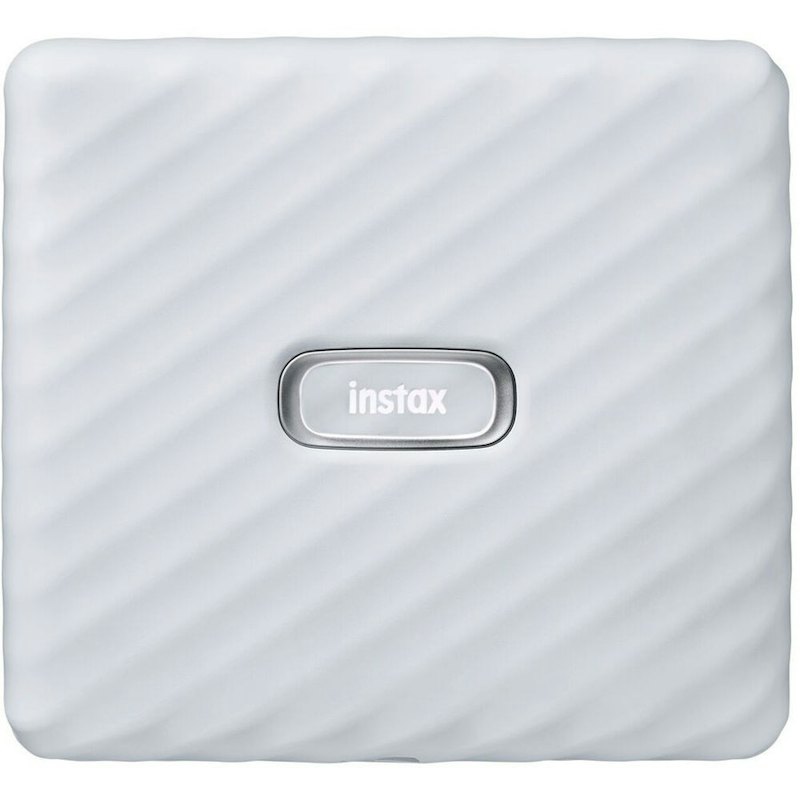
| Best For | Standard Prints、Personal Use |
|---|---|
| Paper Size | 62 x 99 mm |
| Connectivity Options | Bluetooth |
| Key Features | Bordered/Borderless Printing, Beauty Edits, Filters, Frames, Borders, Templates, Collage, Split Pictures, Audio Recording With QR Code Playback, Effects, Print Finishes, QR Code Photo Sharing, Stamps, Creative Layouts, Video Printing, Photo Sticker Templates, Stickers |
| Net Weight | 340 g |
PolaroidHi-Print Generation 2 Pocket Photo Printer
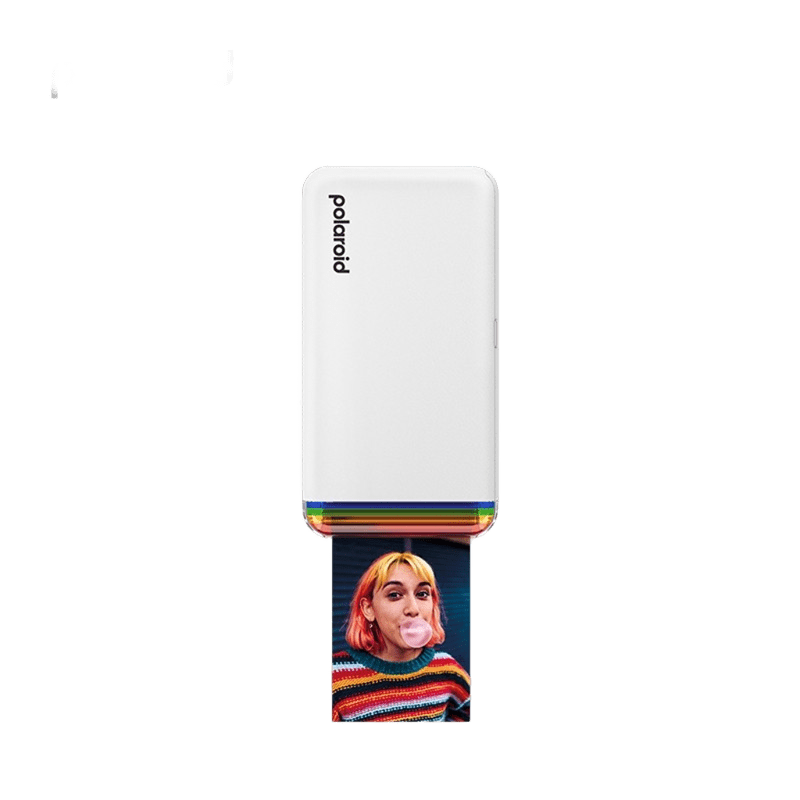
| Best For | Wallet or Mini Photos、Personal Use |
|---|---|
| Paper Size | 54.0 x 86.0 mm |
| Connectivity Options | Bluetooth |
| Key Features | Bordered/Borderless Printing, Laminated Finish, Beauty Edits, Filters, Borders, Templates, Collage, Split Pictures, Effects, Print Finishes, Creative Layouts, Photo Sticker Templates, Stickers |
| Net Weight | 255 g |
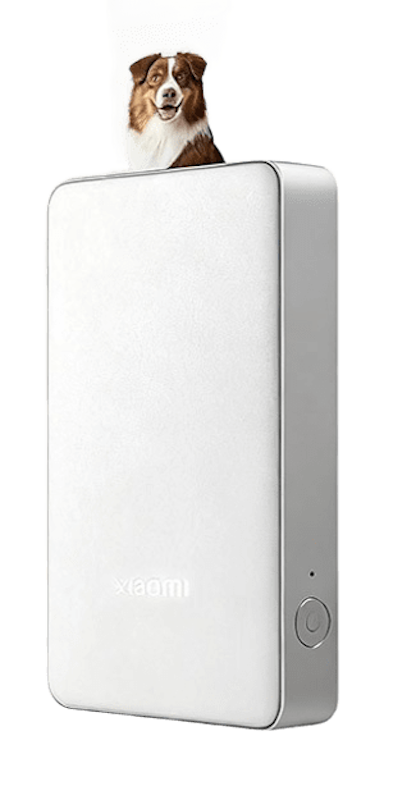
| Best For | Wallet or Mini Photos、Personal Use |
|---|---|
| Paper Size | 2x3-Inch |
| Connectivity Options | Bluetooth |
| Key Features | AR Scanning, Multi-Person Sharing, Photo Sticker Templates |
| Net Weight | 300 g |
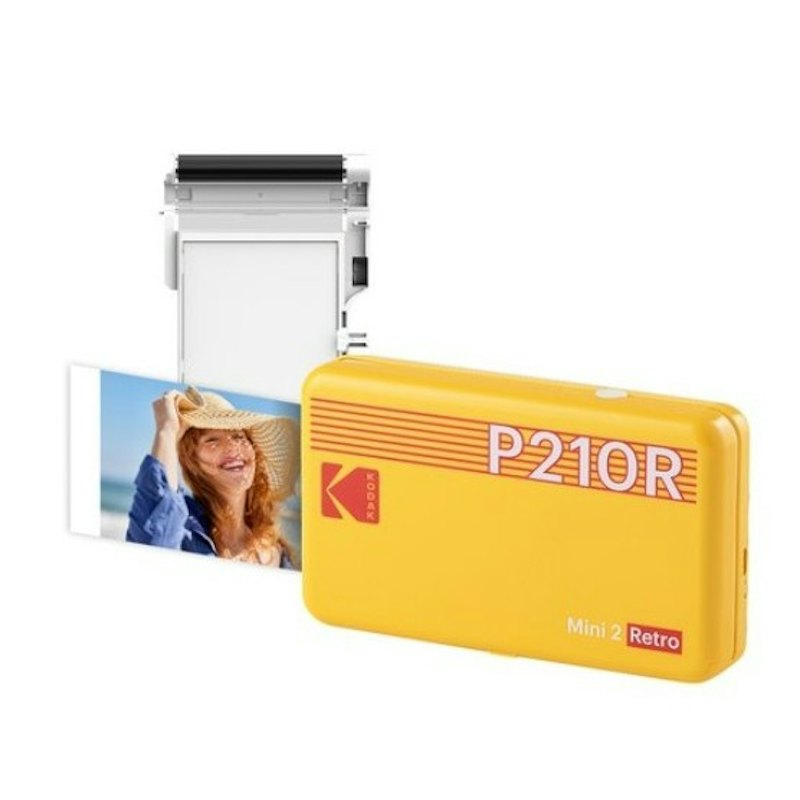
| Best For | Wallet or Mini Photos、Personal Use |
|---|---|
| Paper Size | 2.1 x 3.4-Inch |
| Connectivity Options | Easy NFC, Bluetooth |
| Key Features | Filters, Frames, Collage, Stickers, Bordered/Borderless Printing |
| Net Weight | 182 g |
Canon Selphy Photo Printer | CP1500
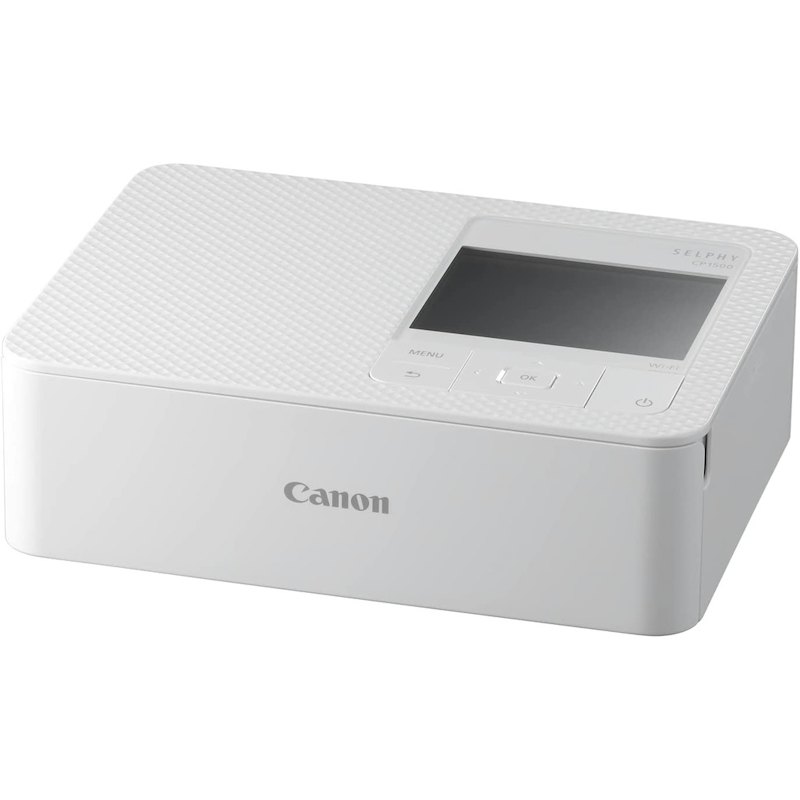
| Best For | Home Use、Personal Use |
|---|---|
| Paper Size | 100.0 x 148.0 mm, 22.0 x 17.3 mm, 54.0 x 86.0 mm, 49.9 x 66.6 mm, 91.3 x 121.7 mm, 50 x 50 mm |
| Connectivity Options | Wi-Fi, USB-C |
| Key Features | Filters, Effects, Print Finishes , Stickers, QR Code Photo Sharing |
| Net Weight | 850 g |
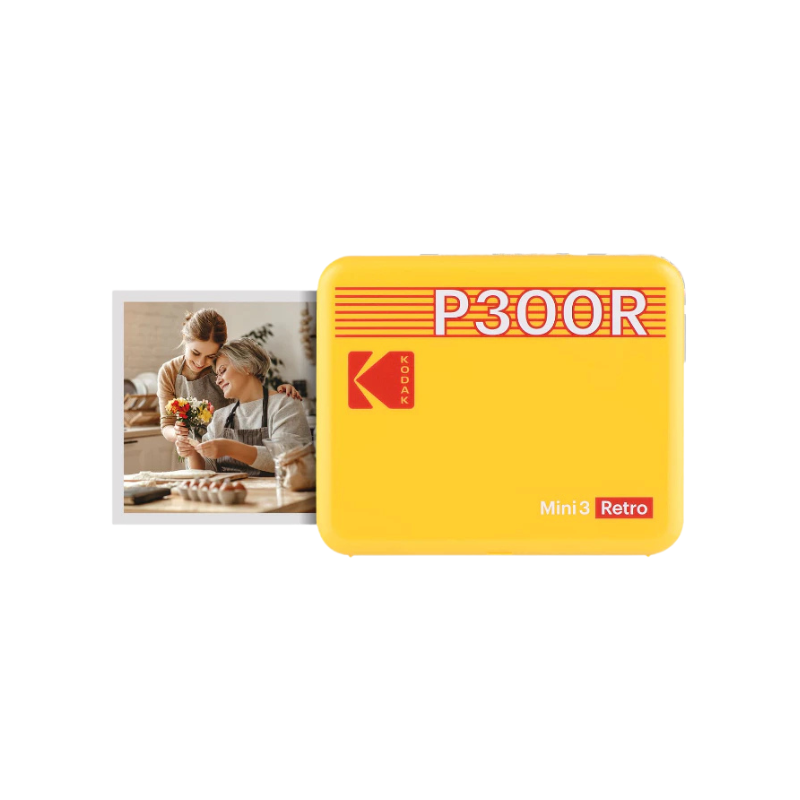
| Best For | Wallet or Mini Photos |
|---|---|
| Paper Size | 3x3-Inch |
| Connectivity Options | Bluetooth, NFC Wireless Connection |
| Key Features | Bordered/Borderless Printing, Filters, Stickers, Retro Style |
| Net Weight | 370 g |
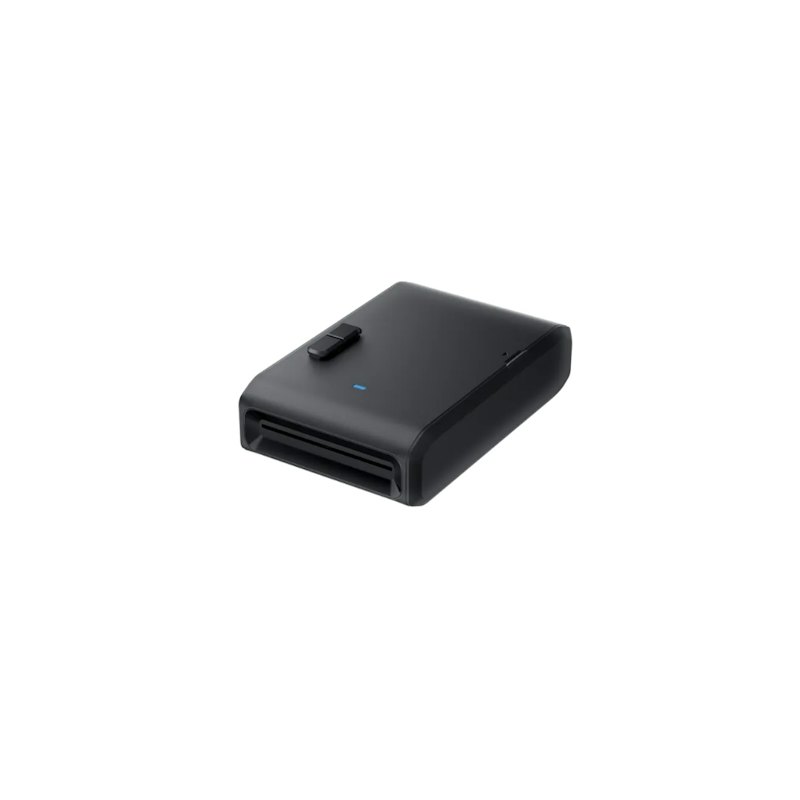
| Best For | Wallet or Mini Photos |
|---|---|
| Paper Size | 3x3-Inch |
| Connectivity Options | Bluetooth |
| Key Features | Bordered/Borderless Printing, Laminated Finish, Filters, Frames, Borders, Effects, Print Finishes, QR Code Photo Sharing, Creative Layouts, Retro Style |
| Net Weight | 288.8 g |
Frequently Asked Questions
Can I Print Directly From Social Media Apps?
Do Mobile Photo Printers Work Without Wi-Fi or Bluetooth?
How Long Do Printed Photos Last?
Related Products to Capture and Print Your Memories


How We Chose and Ranked Our Product Recommendations
The descriptions of each product are referenced from content available on manufacturer, brand, and e-commerce sites.