
10 Best HDMI Splitters in the Philippines 2026
An HDMI splitter is a handy tool if you want to connect one device, like a laptop, gaming console, or streaming box, to multiple displays at the same time. Whether you’re setting up a home theater, sharing content on two TVs, or using it for presentations, the right splitter helps you enjoy smooth video and audio without constantly switching cables.
You can easily find different types of HDMI splitters on popular online platforms like Lazada and Shopee, but the many options can feel overwhelming. To help you choose the one that best fits your needs, we’ve prepared a simple guide along with answers to common questions about HDMI splitters.

David is a law graduate (LL.B) who has a sharp eye for details and a strong passion for helping others make smarter decisions. Since he joined mybest in 2020, he’s been working on buying guides that make it easier to find the best products—whether they’re everyday essentials or unique finds. Apart from his work at mybest, David has also written for Grotto Network, a digital platform from the University of Notre Dame, and has experience as a special educational needs assistant. These roles have helped him hone his ability to connect with people and make complex topics more relatable and easy to understand. His love for nature and moments of reflection keep him grounded, and this thoughtful perspective shines through in every article he writes for mybest.
Why You Can Trust Us
Every mybest article is crafted with hours of in-depth research and interviews with experts. Each month, we are continually expanding our database of products based on our research. By emphasizing user insight and reliable information, we deliver trustworthy content to readers.
How to Choose a HDMI Splitter - Buying Guide
Choosing the right HDMI splitter depends on how you plan to use it and the devices you already have. To make sure you get one that fits your setup, here are the key points to look out for.
Choose the Right Number of Output Ports for Your Setup
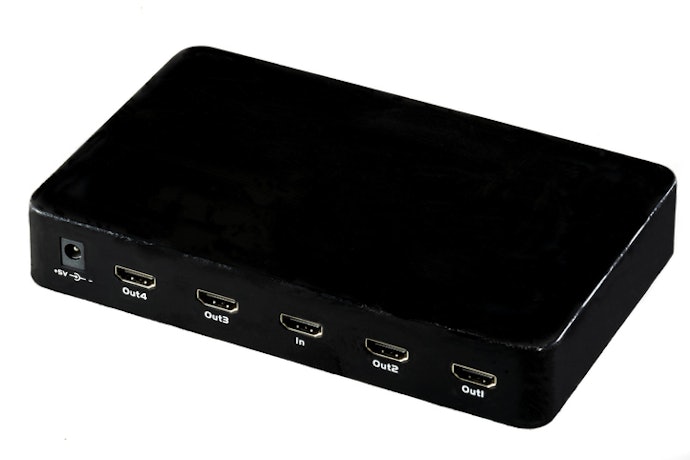
The first thing to consider when buying an HDMI splitter is how many screens or devices you plan to connect. Splitters have different numbers of output ports, so choosing the right one can prevent you from upgrading too soon.
- 1x2 splitters - good for connecting a single source to two displays, like a TV and a monitor.
- 1x4 splitters - useful if you need to connect to more screens, such as multiple TVs in different rooms.
- Larger splitters (like 1x8 or more) - often used in offices, schools, or professional setups where the same content needs to be displayed on several screens.
Think about both your current needs and possible future use. If you know you might add more displays later, getting a splitter with extra ports can be more cost-effective in the long run.
Match the Splitter to Your Display’s Maximum Resolution
Resolution affects picture clarity, so it is important to choose a splitter that supports the highest resolution of your connected devices. This way, you can enjoy the best video quality without unnecessary limitations.
Choose 1080p Support for Basic HD Setup
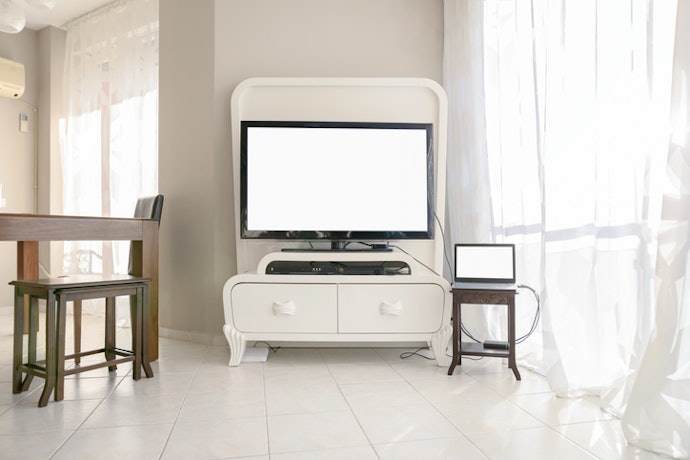
If you primarily use standard Full HD TVs or monitors, a splitter that supports 1080p is enough. This resolution is still widely used and provides clear and sharp visuals for everyday viewing, streaming, or presentations. It is also more affordable, so you don’t need to overspend if your devices don’t go beyond Full HD.
Just make sure that both your source and display are designed for 1080p. If you try to use this type of splitter on a 4K display, the image will still show up, but you won’t be taking advantage of your TV’s higher resolution.
Go for 4K Support if You Have Ultra HD Displays
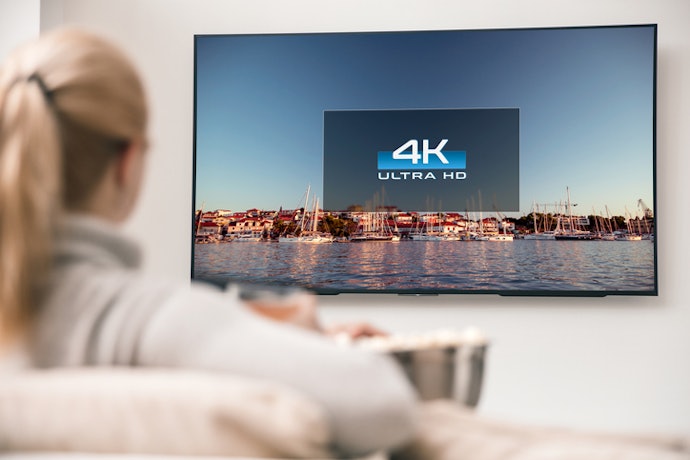
For newer TVs, gaming monitors, or projectors that support Ultra HD, it’s better to pick a splitter with 4K compatibility. This ensures you get the crisp details, vibrant colors, and smoother picture quality that your devices are capable of. If you often stream high-resolution movies or play graphics-heavy games, a 4K-ready splitter will help you make the most out of your setup.
Do check whether the splitter supports 4K at the refresh rate you need, especially for gaming or fast-paced content. Some models only support 4K at 30Hz, which may look less smooth compared to 60Hz or higher.

Check the Refresh Rate: Pick 60Hz for Everyday Use and 120Hz for Gaming or Fast Motion
Refresh rate makes a big difference in how smooth your videos and games look. For most users, a splitter that supports 60Hz is enough for movies, TV shows, or general screen mirroring.
However, if you are into gaming or fast-paced sports viewing, look for a splitter that can handle 120Hz or higher. This helps reduce motion blur and makes movements feel more fluid, which is especially important for competitive gaming or action-heavy content.
Choose a Splitter That Fits Your Existing Equipment
Not all HDMI splitters are the same, so it is best to check compatibility with your devices before buying. Paying attention to specific features will save you from common issues like missing audio or blocked playback.
Check for HDCP Support to Avoid Playback Issues
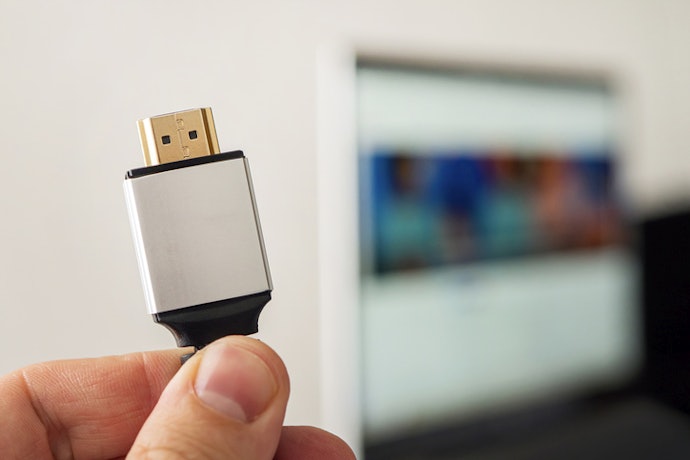
Some content, such as movies or shows from streaming platforms and Blu-ray discs, is protected by HDCP (High-bandwidth Digital Content Protection). If your splitter does not support HDCP, you may see a blank screen or an error message when playing this content. Choosing a splitter with HDCP support ensures that your protected videos play without interruptions.
Look for Audio Format Support for Optimal Sound Quality
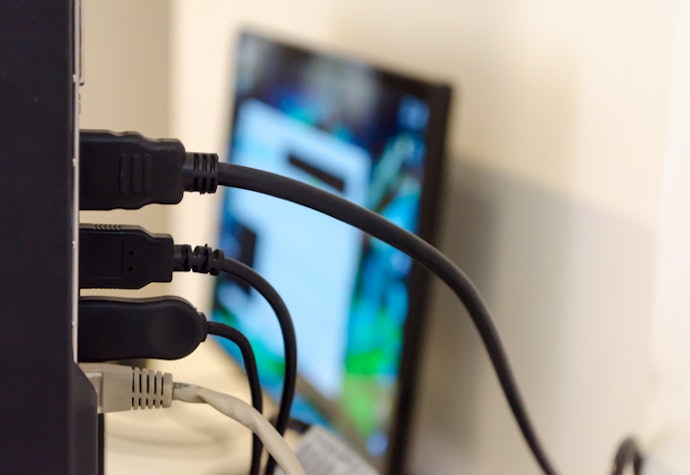
Video quality is not the only factor to think about. If you are connecting your splitter to a soundbar or AV receiver, check whether it supports advanced audio formats like Dolby TrueHD or DTS-HD. This way, you get immersive sound that matches the quality of your visuals, making your viewing or gaming experience more enjoyable.
Verify HDMI Version Compatibility for Extra Features
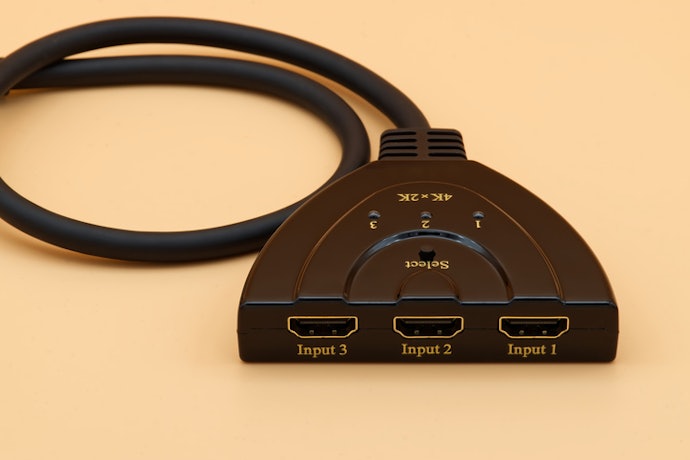
HDMI splitters follow different versions, and each version unlocks certain features. For example, HDMI 1.4 supports 1080p and basic 4K at 30Hz, while HDMI 2.0 can handle 4K at 60Hz. The latest HDMI 2.1 even supports 8K and higher refresh rates. Choosing a splitter with a newer HDMI version gives you more flexibility and ensures your setup is ready for future devices.
Go for a Powered Splitter for Best Performance
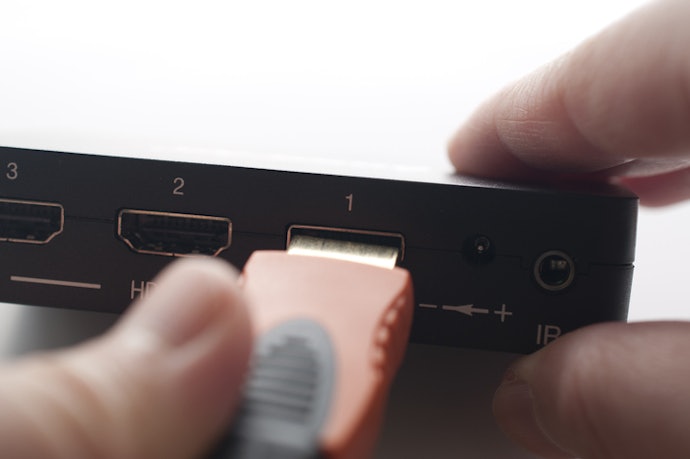
When deciding between a passive and powered splitter, a powered one is generally the better option. Powered splitters use an external power source, which helps maintain signal strength across multiple displays and longer cables.
This is especially useful if you are running 4K content, connecting several TVs, or dealing with cable runs longer than 5 meters. A passive splitter might work for very simple setups with short cables, but for stable and consistent performance, a powered splitter is the safer choice.
10 Best HDMI Splitters to Buy Online
| Products | Image | Click to purchase | Popularity | Details | ||||||||
|---|---|---|---|---|---|---|---|---|---|---|---|---|
Type | Number of Ports | Supported Resolution | Supported Audio Formats | HDMI Version Compatibility | Extra Features | Refresh Rate | Supports HDCP | |||||
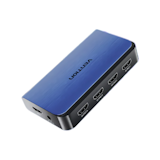
1 | HDMI Splitter 1 In 4 Out |4K60Hz Vention |  | No.1 | Powered | 1x4 | 4K@60Hz | Dolby-AC3、DTS、DSD | HDMI 2.0 | HDR | 60Hz | ||
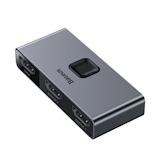
2 | HDMI Splitter Baseus |  | No.2 | Passive | 1x2、2x1 | 4K@60Hz、4K@30Hz、1080P@60Hz | unknown | HDMI 2.0 | HDR | 30Hz | unknown | |
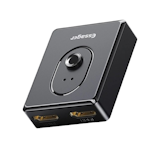
3 | HDMI Splitter Essager |  | No.3 | Powered | 1x2、2x1 | 4K@30Hz | unknown | unknown | 3D | 30Hz | ||
4 | HDMI 2.0 Splitter UGreen |  | No.4 | Passive | 1x4 | 4K@60Hz | Dolby-AC3、DTS、DSD、DTS-HD、Dolby-TrueHD、LPCM7.1、192KHz/24bit、HBR Audio | HDMI 2.0 | 3D、HDR、EDID Support | 60Hz | ||
5 | 1 In 8 Out HDMI Video Splitter|ABQB0 Vention |  | No.5 | Powered | 1x8 | 1080P@60Hz、4K@30Hz | Dolby-AC3、DTS、DTS-HD、Dolby-TrueHD、DSD | HDMI 1.4 | 3D | 30Hz | unknown | |
6 | 1 In 2 Out HDMI Splitter UGreen |  | No.6 | Powered | 1x2 | 4K@60Hz | unknown | HDMI 2.0 | 3D、HDR | 60Hz | ||
7 | 1 In 4 Out HDMI Splitter Vention |  | No.7 | Powered | 1x4 | 4K@30Hz | Dolby-AC3、DTS、DSD | HDMI 1.4 | 3D、HDR | 30Hz | ||
8 | 1 In 4 Out Box Hub Phonebox |  | No.8 | Powered | 1x4 | 1080P@60Hz | Dolby-AC3、DSD、DTS-HD、Dolby-TrueHD、LPCM7.1、DTS | HDMI 1.4 | 3D | 60Hz | ||
9 | HDMI Splitter CWH |  | No.9 | Powered | 1x4 | 4K@30Hz | DTS-HD、DTS Digital、Dolby Digital、Dolby-TrueHD | HDMI 1.4b | 3D | 30Hz | ||
10 | 2-in-1 Bidirectional HDMI Switch Baseus |  | No.10 | Passive | 1x2、2x1 | 4K@60Hz | unknown | HDMI 2.0 | 3D | 60Hz | ||

Vention HDMI Splitter 1 In 4 Out | 4K60Hz
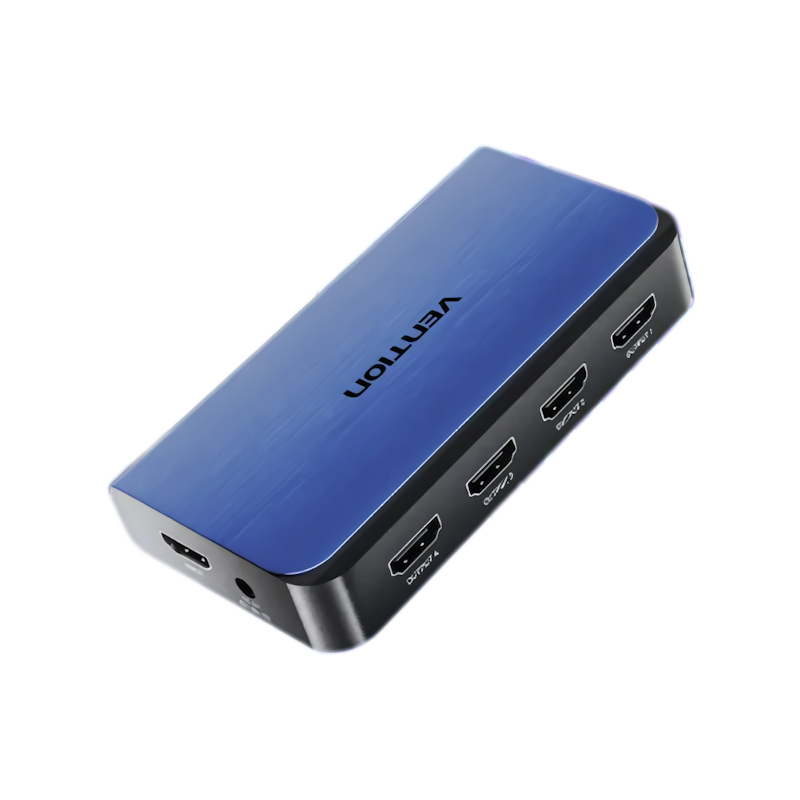
Reviews mention:
Users appreciate the crisp video quality and reliable connection across multiple screens. Many find it easy to set up and use without technical issues. Some mention minor suggestions on cable length, but overall satisfaction is positive.
| Type | Powered |
|---|---|
| Number of Ports | 1x4 |
| Supported Resolution | 4K@60Hz |
| Supported Audio Formats | Dolby-AC3、DTS、DSD |
| HDMI Version Compatibility | HDMI 2.0 |
| Extra Features | HDR |
| Refresh Rate | 60Hz |
| Supports HDCP |
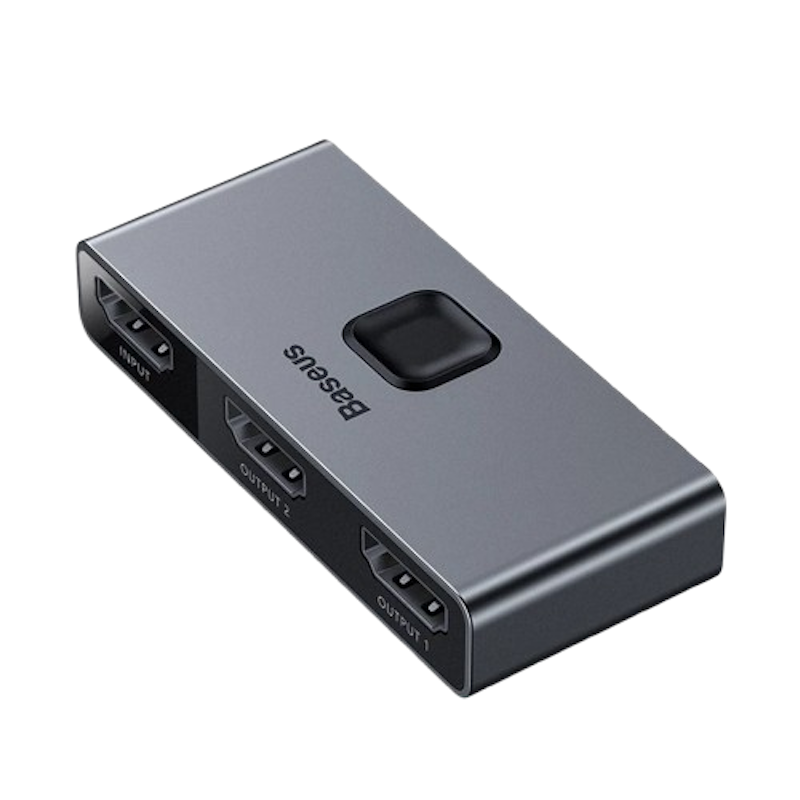
Reviews mention:
Customers appreciate the consistent and stable signal quality that reduces signal loss and interference. Many find it effective for improving the performance of their home entertainment setups. A few mentions ease of use could be improved with clearer instructions.
| Type | Passive |
|---|---|
| Number of Ports | 1x2、2x1 |
| Supported Resolution | 4K@60Hz、4K@30Hz、1080P@60Hz |
| Supported Audio Formats | unknown |
| HDMI Version Compatibility | HDMI 2.0 |
| Extra Features | HDR |
| Refresh Rate | 30Hz |
| Supports HDCP | unknown |
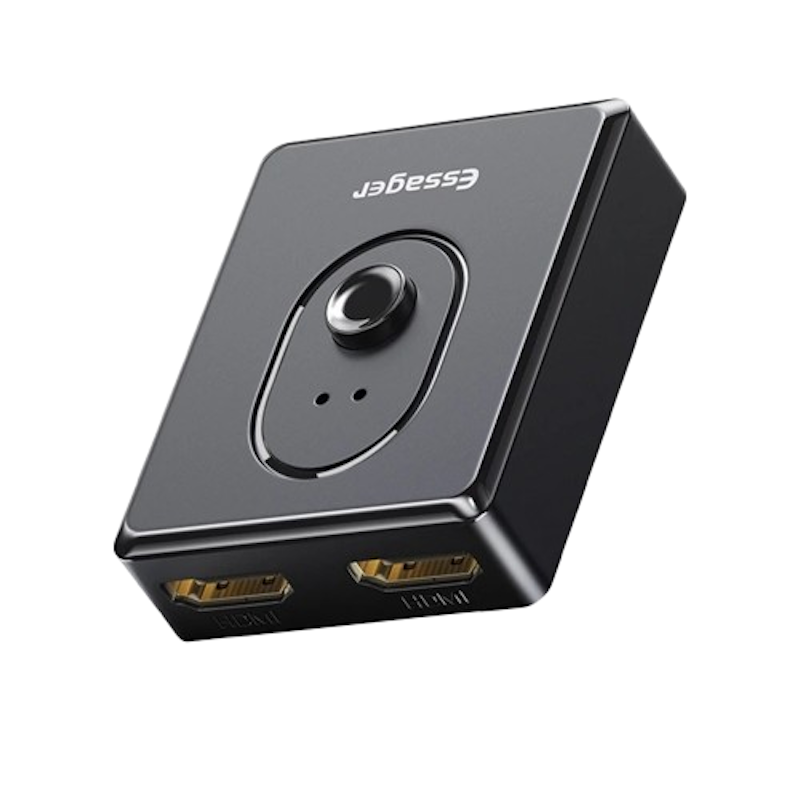
Reviews mention:
Reviews praise the device for its reliable switching between multiple devices and stable performance. Many note it works well for gaming and streaming needs. Some suggest additional cable length or more detailed instructions would be helpful, but overall reviews are positive.
| Type | Powered |
|---|---|
| Number of Ports | 1x2、2x1 |
| Supported Resolution | 4K@30Hz |
| Supported Audio Formats | unknown |
| HDMI Version Compatibility | unknown |
| Extra Features | 3D |
| Refresh Rate | 30Hz |
| Supports HDCP |

Reviews mention:
Users appreciate the reliable signal transmission and smooth multi-device connectivity. Many praise the sharp image quality and straightforward setup. Some suggest clearer instructions, but overall express satisfaction with the product’s performance.
| Type | Passive |
|---|---|
| Number of Ports | 1x4 |
| Supported Resolution | 4K@60Hz |
| Supported Audio Formats | Dolby-AC3、DTS、DSD、DTS-HD、Dolby-TrueHD、LPCM7.1、192KHz/24bit、HBR Audio |
| HDMI Version Compatibility | HDMI 2.0 |
| Extra Features | 3D、HDR、EDID Support |
| Refresh Rate | 60Hz |
| Supports HDCP |
Vention1 In 8 Out HDMI Video Splitter | ABQB0
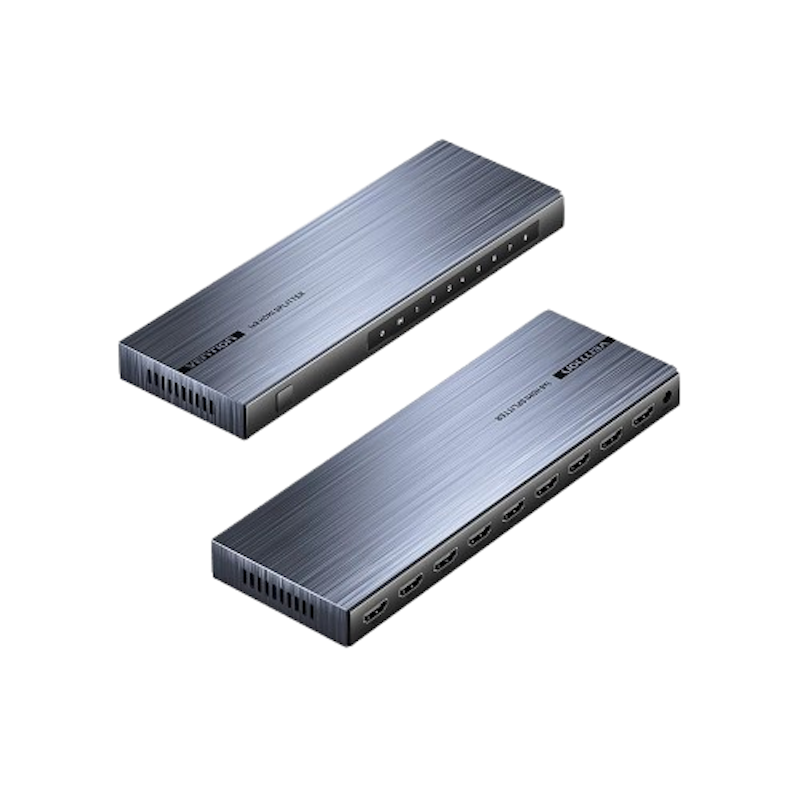
Reviews mention:
Customers appreciate the high-quality video output and the convenience of connecting many screens simultaneously. Many note the device is reliable and easy to use. Some mention the need for clearer instructions, but overall feedback is positive and practical.
| Type | Powered |
|---|---|
| Number of Ports | 1x8 |
| Supported Resolution | 1080P@60Hz、4K@30Hz |
| Supported Audio Formats | Dolby-AC3、DTS、DTS-HD、Dolby-TrueHD、DSD |
| HDMI Version Compatibility | HDMI 1.4 |
| Extra Features | 3D |
| Refresh Rate | 30Hz |
| Supports HDCP | unknown |
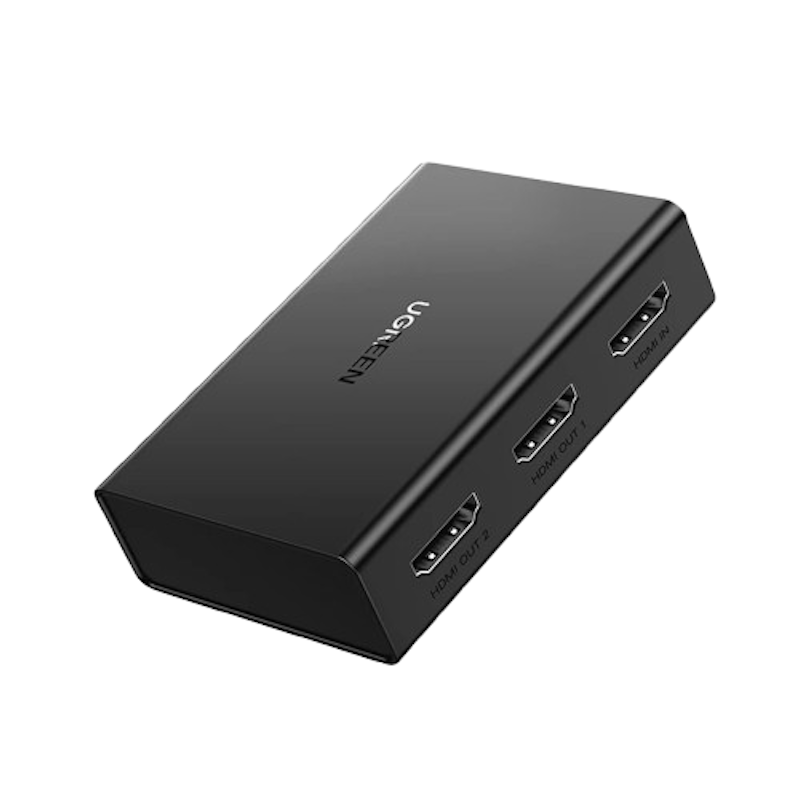
Reviews mention:
Users praise the sharp image quality and lag-free performance, especially for gaming. Many highlight its simple setup for streaming or presentations. Some feel the device offers good value, though a few suggest longer cable options would improve convenience.
| Type | Powered |
|---|---|
| Number of Ports | 1x2 |
| Supported Resolution | 4K@60Hz |
| Supported Audio Formats | unknown |
| HDMI Version Compatibility | HDMI 2.0 |
| Extra Features | 3D、HDR |
| Refresh Rate | 60Hz |
| Supports HDCP |

Reviews mention:
Customers appreciate the crisp picture quality and smooth performance when handling 3D content. Many find it reliable for gaming and streaming with little to no lag. Some mention that longer cable options would be helpful, but overall feedback is very positive.
| Type | Powered |
|---|---|
| Number of Ports | 1x4 |
| Supported Resolution | 4K@30Hz |
| Supported Audio Formats | Dolby-AC3、DTS、DSD |
| HDMI Version Compatibility | HDMI 1.4 |
| Extra Features | 3D、HDR |
| Refresh Rate | 30Hz |
| Supports HDCP |
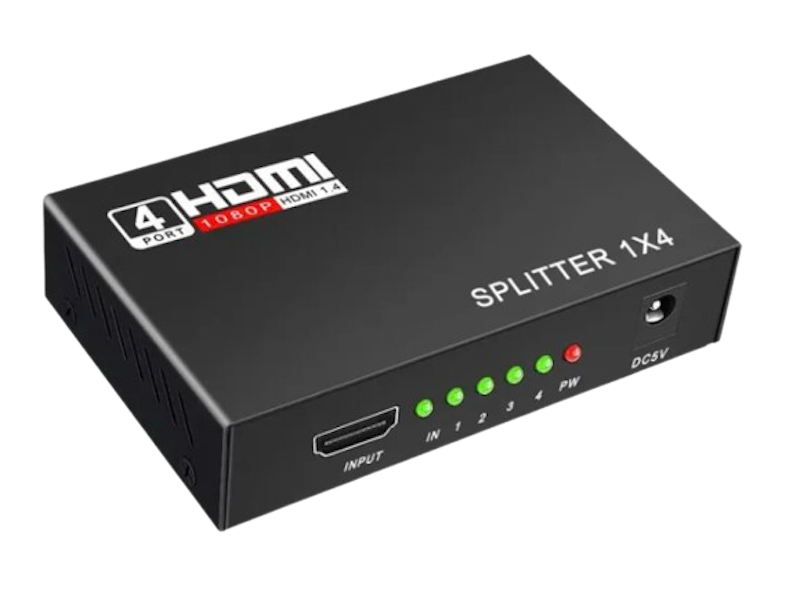
Reviews mention:
Users appreciate the clear video output even over extended cable lengths. Many commend the device’s stable performance and ease of use in connecting multiple displays. Some suggest improvements in the power supply design, but overall feedback is positive.
| Type | Powered |
|---|---|
| Number of Ports | 1x4 |
| Supported Resolution | 1080P@60Hz |
| Supported Audio Formats | Dolby-AC3、DSD、DTS-HD、Dolby-TrueHD、LPCM7.1、DTS |
| HDMI Version Compatibility | HDMI 1.4 |
| Extra Features | 3D |
| Refresh Rate | 60Hz |
| Supports HDCP |
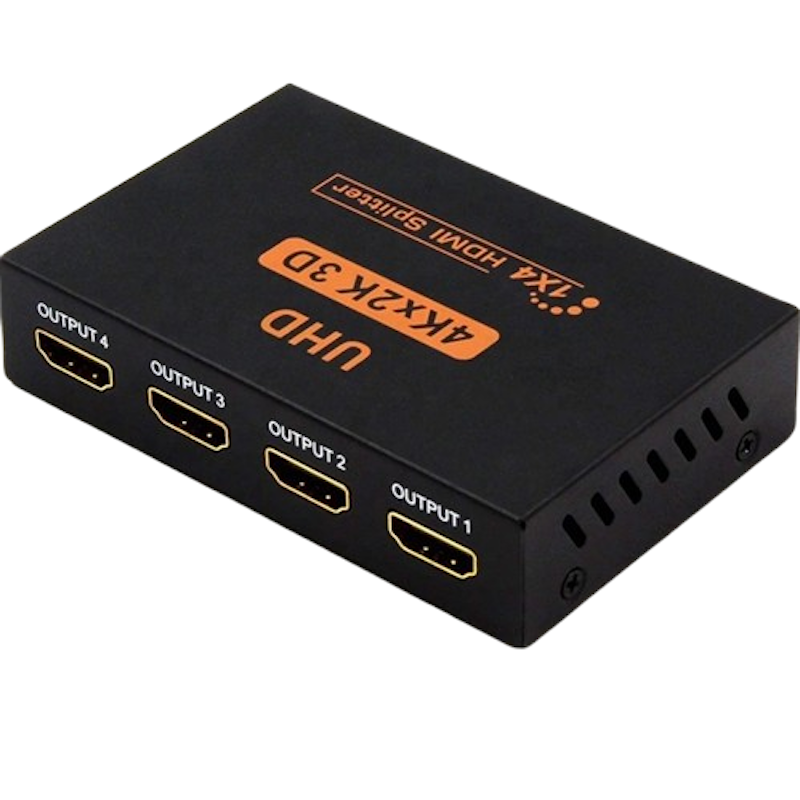
Reviews mention:
Reviews highlight the splitter’s straightforward setup and reliable signal amplification for stable viewing. Many find it effective for connecting multiple devices without lag or distortion. A few suggest clearer port labeling, but overall, it's considered dependable and convenient.
| Type | Powered |
|---|---|
| Number of Ports | 1x4 |
| Supported Resolution | 4K@30Hz |
| Supported Audio Formats | DTS-HD、DTS Digital、Dolby Digital、Dolby-TrueHD |
| HDMI Version Compatibility | HDMI 1.4b |
| Extra Features | 3D |
| Refresh Rate | 30Hz |
| Supports HDCP |
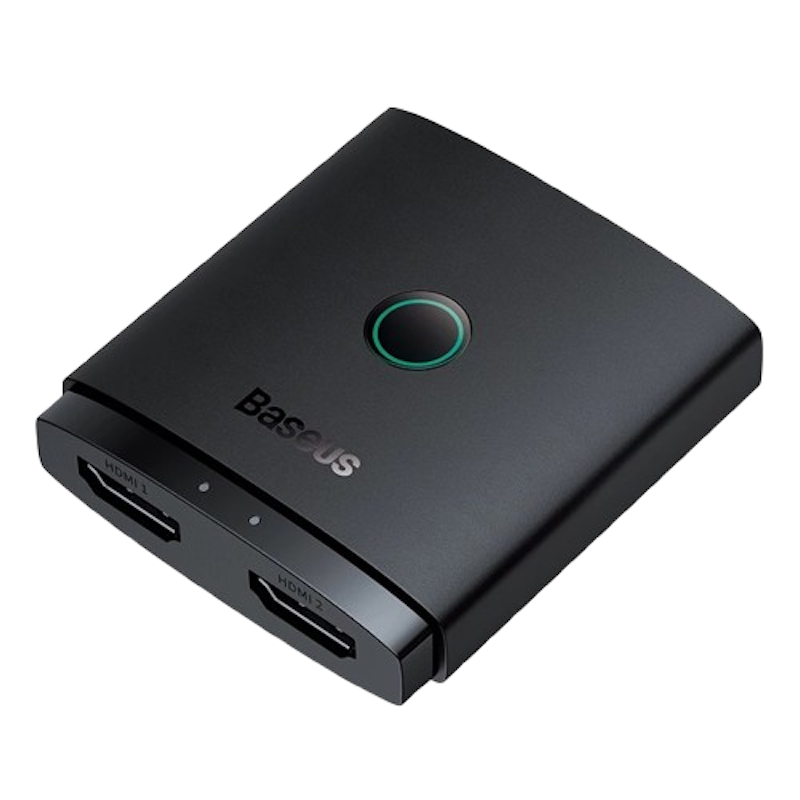
Baseus 2-in-1 Bidirectional HDMI Switch
Reviews mention:
Users value the automatic switching feature for its ease of use. Many highlight the reliable connection quality and wide device compatibility. Some also like the compact size that fits neatly into entertainment setups.
| Type | Passive |
|---|---|
| Number of Ports | 1x2、2x1 |
| Supported Resolution | 4K@60Hz |
| Supported Audio Formats | unknown |
| HDMI Version Compatibility | HDMI 2.0 |
| Extra Features | 3D |
| Refresh Rate | 60Hz |
| Supports HDCP |
Frequently Asked Questions
Below are some of the most asked questions on the web answered by the mybest team.
Can an HDMI Splitter Extend the Display?
No, HDMI splitters only duplicate the signal. If you want to extend your display, you’ll need an HDMI adapter or docking station.
Why Does an HDMI Splitter Need Power?
Some splitters need power to keep the signal strong across multiple outputs. Powered models are more reliable, especially for long cables or multiple displays.
Can an HDMI Splitter Damage a TV?
No, HDMI splitters are safe to use. Just make sure to buy a good quality splitter to avoid signal issues.
Boost Your Viewing Experience


How We Chose and Ranked Our Product Recommendations
Our buying guide was carefully researched and crafted by the mybest team of writers and editors. We used the buying guide as a basis for choosing and ranking the product recommendations, and we looked at reviews and ratings from different E-commerce sites like Lazada, Shopee, and more.
The descriptions of each product are referenced from content available on manufacturer, brand, and e-commerce sites.