10 Best 4K TVs in the Philippines 2026 | Xiaomi, Samsung, and More
With the latest technological innovations, televisions have evolved to capture lifelike images with 4K resolution. This means that the device can output almost 4,000 horizontal pixels, adding better color, sharpness, and depth to what it projects. However, with the limitless 4K TV options from brands, like Samsung, Toshiba, and Xiaomi, it can get tricky to choose one.
That's why we have handpicked the best products and listed them in our Top 10 recommendations below. Hopefully, this will make shopping for your new 4K TV easier, though if you want to personalize your choices further, you can also check out our buying guide for help.

Our recommendation articles are carefully researched and crafted by the mybest Philippines team of writers and editors. To stay true to our company’s mission and vision to help users’ selection process easier, we also collaborate with experts from various fields to ensure that our content stays factual and useful.
Why You Can Trust Us
Every mybest article is crafted with hours of in-depth research and interviews with experts. Each month, we are continually expanding our database of products based on our research. By emphasizing user insight and reliable information, we deliver trustworthy content to readers.
How to Choose a 4K TV – Buying Guide
Here are some key points to consider:
- Choose a TV size that matches the available space in your home
- Go over the TV’s specifications
- Take note of the input lag if you play video games
For more detailed information, read through our buying guide below.
Choose a TV Size That Matches the Available Space in Your Home

The first thing to note about TV screen sizes is that it is measured diagonally, so if a TV is stated as a 50-inch TV, that indicates the diagonal measurement, not the height or the width. In determining the optimal screen size, you can measure the distance between where you will place the TV and where you will be seated.
Convert the measurement to inches, the standard measurement for TVs, and multiply the distance to 0.6667 to get an approximate size of what your TV should be. Of course, this is only a suggestion. If you already have a designated space where the TV should be, measure the area, and determine what size fits perfectly.
Go Over the TV’s Specifications
Knowing the features and specifications of your TV is a must for all buyers. Not only does this ensure that you get a product that you'll enjoy, but it also means that it fits your use case. Here are some common specifications people look for in a 4K TV.
LED, OLED, or QLED: Know Which Display Type It Uses
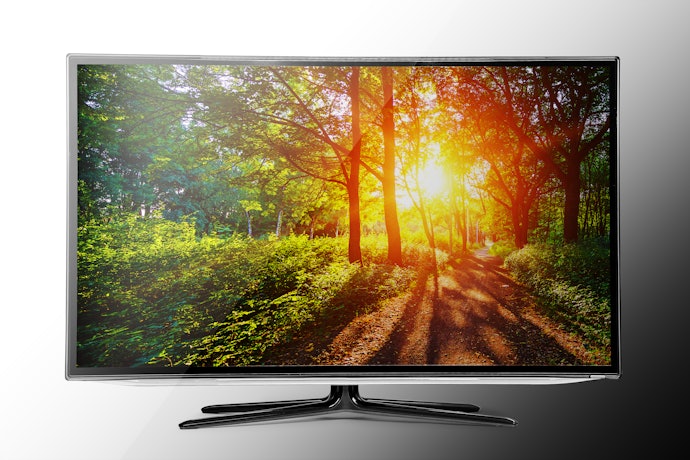
4K TVs come in either LED, QLED, or OLED configurations. LED types are the most affordable of the bunch and are renowned for their longevity. However, they suffer from poorer viewing angles, with black visuals appearing more grey.
On the other hand, OLEDs can display perfect blacks thanks to their individually-lit pixels. This also gives them the widest range of contrast among the types. Now, QLEDs are a middle ground; they're not as color-accurate as OLED but come close enough to compete. Plus, they have no risk of burn-in, so they're bound to last longer.
Look at Its HDR Options to Gauge if It Can Deliver Lifelike Image Quality

High Dynamic Range or HDR is the TV's ability to display more life-like images, and there are two kinds of HDR technology: HDR10 and Dolby Vision. The former is the standard format, with most modern TVs coming with the feature. It's also supported by common content and streaming providers such as Netflix, Amazon, and Blu-Ray!
On the other hand, Dolby Vision is a propriety format, and only a select few manufacturers offer it. Image-wise, it provides better quality by achieving higher brightness levels and a wider array of colors. Just note that even in 2022, TVs still don't fully use the technology. That said, if you want to future-proof your device, it's a great feature to have.
Opt for a 120 Hz Refresh Rate to Prevent Motion Blurs and Lags

If you're a gamer, you want to consider the refresh rate of your TV. This is how quickly a display changes from one frame to the next, so a higher refresh rate leads to a smoother viewing experience. You're also less likely to experience common display problems like motion blur and screen tearing.
Before, the golden standard was a 60 Hz refresh rate. Nowadays, though, TVs can go up to 120 or even 240 Hz! If you have a current-gen console like PS5 or XBOX Series X, you'd want these higher refresh rates to fully utilize your device's power.
When It Comes to HDMI Ports and Connections, Go for More

If you have many input devices, you want to get a TV with a higher number of ports. This is so you won't have to connect your appliance repeatedly and put stress on the port. It's more convenient like this as well! Most TVs come with two HDMI ports, though if you have an older device, you may want to look for one with a VGA.
Most advancements nowadays come to HDMI. For instance, the recent HDMI 2.1 allows faster data transfer, meaning it can display 4K at 120 frames per second. Powerful gaming rigs benefit from this, though if you just plan on using your TV for watching shows, then HDMI 2.0 or even 1.4 will suffice.
Take Note of the Input Lag If You Play Video Games

The input lag refers to how much time it requires for your input signal, like a console, to reach the TV. An acceptable input lag is 20 milliseconds, though for gamers, getting 15 milliseconds or less is necessary to get a good experience.
The input lag is not usually displayed on the TV's specification sheet, so you must check it on review sites or comm. Remember that input lag is not a factor to consider when watching movies or shows.
10 Best 4K TVs to Buy Online
| Products | Image | Click to purchase | Popularity | Details | |||||
|---|---|---|---|---|---|---|---|---|---|
Screen Size | Display Technology | HDR Type | Refresh Rate | Input Ports | |||||
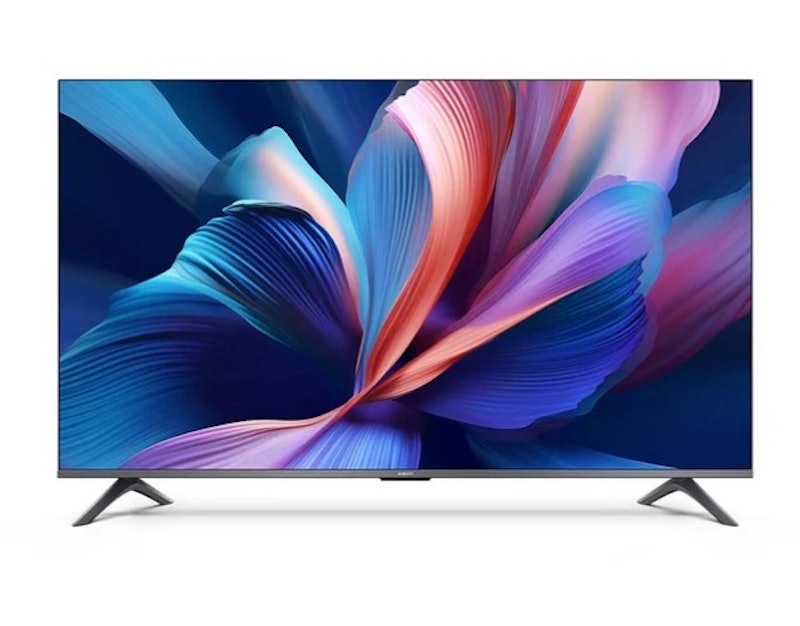
1 | TV A Pro 75 (2026) Xiaomi |  | No.1 | 75 in | QLED | HDR10, HDR10+, HLG | 50 Hz | 5 | |
2 | 43 Inch 4K QLED|TV A Pro 2026 Xiaomi |  | No.2 | 43 in | QLED | HDR10+, HLG | 60 Hz | 3 | |
3 | 55 Inch QLED TV |55P7K TCL |  | No.3 | 55 in | QLED | HDR10, HDR10+, Dolby Vision | 60 Hz | 4 | |
4 | 65" OLED 4K AI Smart TV (2025) |S95F, QA65S95FAGXXP Samsung |  | No.4 | 65 in | OLED | OLED HDR Pro, HDR10+ | 165 Hz | 4 | |
5 | 55" Neo QLED 4K AI Smart TV (2025) |QN90F Samsung |  | No.5 | 55 in | QLED | HDR10+ | 165 Hz | 8 | |
6 | 55" QLED 4K AI Smart TV (2025) |QEF1, QA55QEF1AGXXP Samsung |  | No.6 | 55 in | QLED | HDR10+, Quantum HDR, HLG | 60 Hz | 5 | |
7 | 55P6L 4K UHD TV 55" TCL |  | No.7 | 55 in | LCD/LED | HDR10 | 60 Hz | 7 | |
8 | 65 Inch 4K Google TV |65Y72+ Coocaa |  | No.8 | 65 in | LCD/LED | HDR10 | 60 Hz | 5 | |
9 | 55 inches 4K QLED Smart TV |55Q6Q Hisense |  | No.9 | 55 in | QLED | Dolby Vision, HDR10, HDR10+ | 60 Hz | 8 | |
10 | 4K Smart TV 58E300NS Toshiba |  | No.10 | 58 in | LED | HDR10, Dolby Vision | 60 Hz | 9 | |

Reviews mention:
User reviews commonly note support for Dolby Audio and DTS:X audio, along with a user-friendly remote that includes a numeric keypad. Many reviewers describe the TV as a strong value for a 75-inch screen, citing its suitability for streaming and everyday viewing. However, recurring feedback mentions low brightness, which can result in washed-out HDR content.
| Screen Size | 75 in |
|---|---|
| Display Technology | QLED |
| HDR Type | HDR10, HDR10+, HLG |
| Refresh Rate | 50 Hz |
| Input Ports | 5 |
Xiaomi 43 Inch 4K QLED | TV A Pro 2026

Reviews mention:
Reviews frequently reference the wide color gamut, reported at 94% DCI-P3, noting improvements over the previous model with deeper blacks and better SDR calibration. Reviewers also mention Google Assistant integration and personalized features as well suited for streaming and smart home use. However, many users describe the sound quality as lacking bass and depth, often characterizing it as flat.
| Screen Size | 43 in |
|---|---|
| Display Technology | QLED |
| HDR Type | HDR10+, HLG |
| Refresh Rate | 60 Hz |
| Input Ports | 3 |
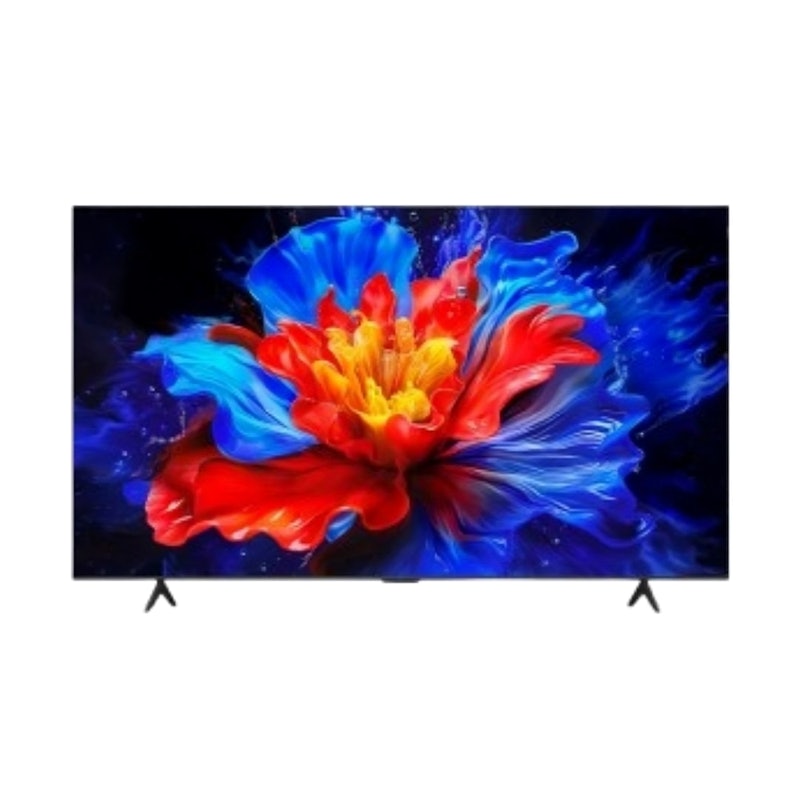
Reviews mention:
Customer feedback frequently praise the TV’s sharp 4K picture quality, balanced colors, and comprehensive HDR support. Reviewers also note easy navigation, a smooth Google TV interface, wide viewing angles from the HVA panel, and strong value for money as a budget QLED option. Common concerns mentioned include backlight inconsistencies.
| Screen Size | 55 in |
|---|---|
| Display Technology | QLED |
| HDR Type | HDR10, HDR10+, Dolby Vision |
| Refresh Rate | 60 Hz |
| Input Ports | 4 |
Samsung65" OLED 4K AI Smart TV (2025) | S95F, QA65S95FAGXXP
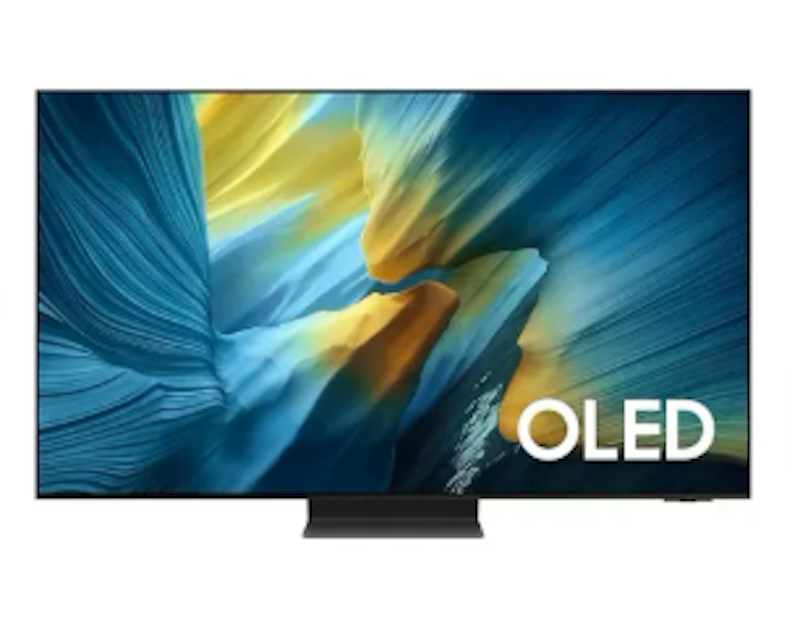
Reviews mention:
Buyers frequently highlight exceptional brightness, vibrant colors, and near-perfect blacks in dark-room viewing, noting that HDR content appears especially lifelike. Gamers commonly praise the low input lag, high refresh rate, and VRR support for smooth and responsive 4K gameplay. However, some users report hardware-related issues, including occasional screen blackouts.
| Screen Size | 65 in |
|---|---|
| Display Technology | OLED |
| HDR Type | OLED HDR Pro, HDR10+ |
| Refresh Rate | 165 Hz |
| Input Ports | 4 |
Samsung 55" Neo QLED 4K AI Smart TV (2025) | QN90F

Reviews mention:
User reviews consistently emphasize standout picture quality, citing vibrant colors, true blacks, high contrast, and lifelike HDR performance that is often described as “window-like” for sports and movies. Many reviewers also appreciate the easy setup, improved built-in speakers with Dolby Atmos support, and gaming features such as low input lag. However, motion processing receives frequent criticism, with users reporting stuttering or lag across streaming apps and external devices.
| Screen Size | 55 in |
|---|---|
| Display Technology | QLED |
| HDR Type | HDR10+ |
| Refresh Rate | 165 Hz |
| Input Ports | 8 |
Samsung 55" QLED 4K AI Smart TV (2025) | QEF1, QA55QEF1AGXXP

Reviews mention:
Reviews on e-commerce sites frequently praise the vibrant picture quality, highlighting crisp 4K resolution, accurate colors, and strong brightness. Reviewers also note the ease of setup, smooth navigation within the Tizen operating system. Some users mention drawbacks, including weaker brightness or contrast in certain scenes, limited viewing angles associated with the VA panel, and a small remote.
| Screen Size | 55 in |
|---|---|
| Display Technology | QLED |
| HDR Type | HDR10+, Quantum HDR, HLG |
| Refresh Rate | 60 Hz |
| Input Ports | 5 |
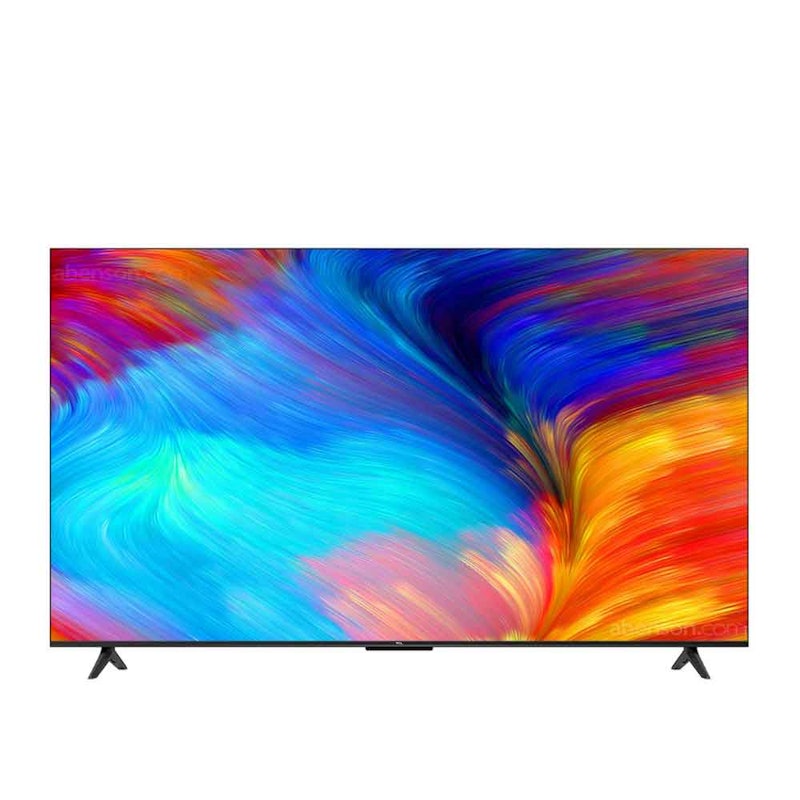
| Screen Size | 55 in |
|---|---|
| Display Technology | LCD/LED |
| HDR Type | HDR10 |
| Refresh Rate | 60 Hz |
| Input Ports | 7 |
Coocaa65 Inch 4K Google TV | 65Y72+

Reviews mention:
Users commonly highlight sharp picture quality, strong built-in speakers, and smooth performance across streaming apps. Many reviewers appreciate clear 4K upscaling even for standard-definition channels, wide viewing angles, and hands-free control through Google Assistant. Some users note drawbacks such as a flimsy remote and limited support for gaming features.
| Screen Size | 65 in |
|---|---|
| Display Technology | LCD/LED |
| HDR Type | HDR10 |
| Refresh Rate | 60 Hz |
| Input Ports | 5 |
Hisense 55 inches 4K QLED Smart TV | 55Q6Q
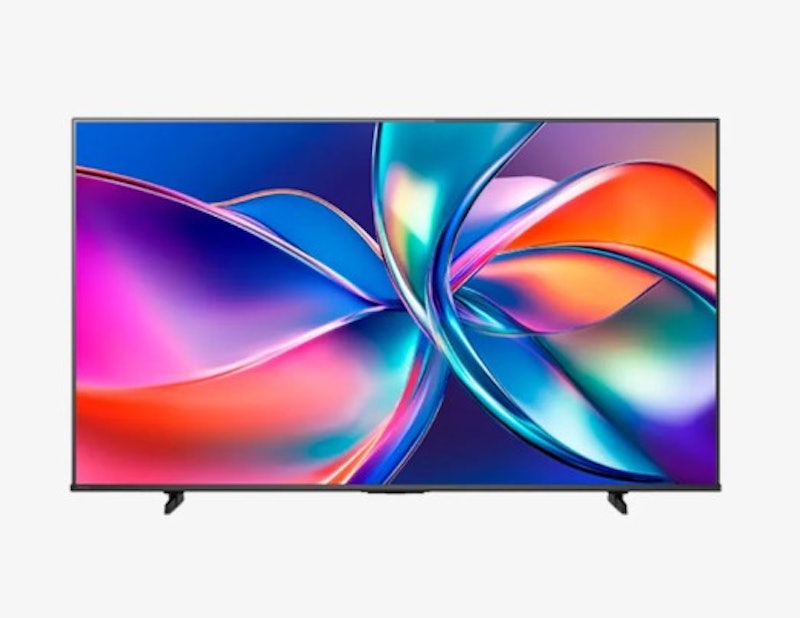
Reviews mention:
Buyer feedback often highlight the smooth motion handling during fast-paced action and note that voice control adds convenience for everyday use. Many users report solid gaming performance and describe the picture quality as a noticeable upgrade from smaller 1080p TVs, particularly for bedroom or casual viewing. Some reviewers mention drawbacks such as a slow Fire TV operating system, occasional Ethernet port shutdowns, and reduced picture quality when viewed off axis.
| Screen Size | 55 in |
|---|---|
| Display Technology | QLED |
| HDR Type | Dolby Vision, HDR10, HDR10+ |
| Refresh Rate | 60 Hz |
| Input Ports | 8 |
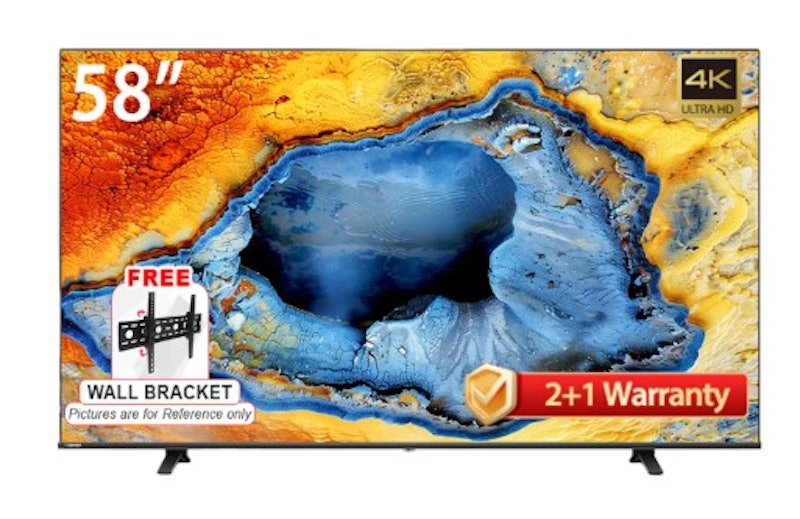
| Screen Size | 58 in |
|---|---|
| Display Technology | LED |
| HDR Type | HDR10, Dolby Vision |
| Refresh Rate | 60 Hz |
| Input Ports | 9 |
Frequently Asked Questions
Below are some of the most asked questions on the web answered by the mybest team.
What Does 4K TV Mean?
A 4K TV simply means that your TV can display a horizontal resolution close to 4,000 pixels. In most consumer-grade products, 3840 × 2160 pixels is the standard.
Does a 4k TV Upscale 1080p?
Most 4K TVs are equipped with an upscaling engine. This allows them to upscale 1080p content to 4K—sometimes even automatically, depending on the product! However, upscaling isn't magic. While 1080p videos will definitely look crisper, don't expect the level of realism seen in native 4K.
Can You Use a 4K TV as a Monitor?
Yes, modern TVs can be easily hooked up to PCs with an HDMI cable. Just note that their image quality can decrease since TVs use YCBC signals to process color while computers use RGB. Additionally, ensure your input device can run in 4K as it can lead to lagging otherwise.
Thoroughly Enjoy Your TV Specs With These Peripherals
To make the most of your TV, you can utilize its display specs by connecting your TV to the Wi-Fi, watching different shows and movies on Netflix, or playing online video games. You can also amp up your watching and gaming experience with quality sound.


Author: Khrisanta Rea
Re-editor: Dane Lozano
How We Chose and Ranked Our Product Recommendations
Our buying guide was carefully researched and crafted by the mybest team of writers and editors. We used the buying guide as a basis for choosing and ranking the product recommendations, and we looked at reviews and ratings from different E-commerce sites like Lazada, Shopee, and more.
The descriptions of each product are referenced from content available on manufacturer, brand, and e-commerce sites.