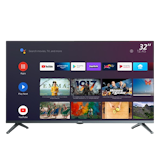
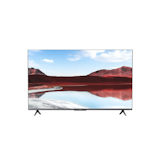
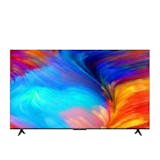
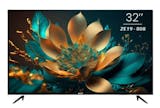
10 Best Smart TVs in the Philippines 2026 | Samsung, TCL, and More
Whether you are a first-time buyer furnishing a bedroom or condo, or upgrading your living room with a bigger 4K screen, finding the right smart TV can feel overwhelming with so many brands and specs to compare. A smart TV connects to WiFi, letting you stream shows, browse apps, and mirror your phone without cable, giving you access to entertainment beyond regular channels.
You can easily shop for the best new smart TV in the Philippines on Lazada or Shopee, comparing screen sizes, resolutions, and prices to find the perfect fit for your space, needs, and budget without the guesswork.

Hazel is a content planner and writer dedicated to simplifying your online shopping experience. With a passion for research and a keen eye for quality, she digs into the details to bring you trustworthy and insightful buying guides you can rely on.
Why You Can Trust Us
Every mybest article is crafted with hours of in-depth research and interviews with experts. Each month, we are continually expanding our database of products based on our research. By emphasizing user insight and reliable information, we deliver trustworthy content to readers.
What Can a Smart TV Do?
A smart TV makes everyday entertainment easier by combining multiple activities on one screen, letting you watch shows, stream videos, mirror your phone, or use apps and voice search with a few clicks. Unlike a traditional TV, which only plays cable or antenna channels, a smart TV connects to WiFi for streaming, browsing, and casting. Filipino families use smart TVs for movie nights, YouTube, online classes, karaoke, and even light gaming.
Popular Smart TV Brands in the Philippines

Filipinos have many smart TV options to choose from, with brands offering a range of features, sizes, and price points. The market is broadly divided between global innovators and reliable budget-friendly options that cater to different household needs.
Here are some of the most common choices:
- Samsung: Wide availability, strong service network, vibrant displays
- LG: OLED technology, reliable smart platform, easy access to streaming apps
- TCL: Affordable 4K models, Roku or Android TV built-in
- Sony: Excellent color accuracy, smooth interface, strong HDR performance
- Devant: Budget-friendly options, compact designs, ideal for small homes
Whichever brand you lean toward, the right pick comes down to matching the features you value most.
How to Choose a Smart TV – Buying Guide
Choosing the perfect smart TV is no longer just about finding the biggest screen at the lowest price. This buying guide simplifies the technical specs to help you identify the best smart TV for your specific needs.
Match Your Smart TV Screen Size and Budget to Your Room
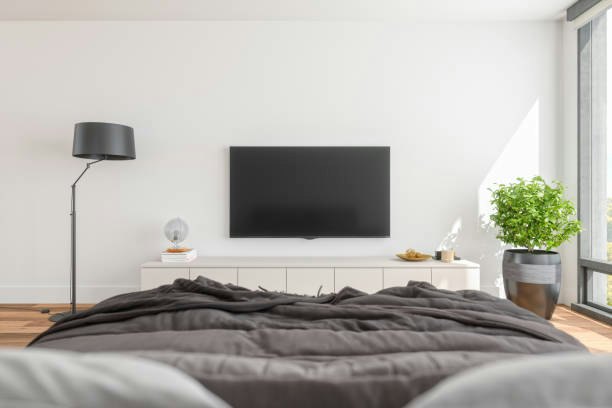
Start by measuring your room and setting a budget before comparing brands. Match your screen size to your space, since an oversized TV overwhelms a small condo while an undersized one gets lost in a big sala.
- For a bedroom, condo, or dorm: Choose a 32-43-inch smart TV worth PHP 7,000-PHP 15,000.
- For the shared living room: Pick a 50-55-inch smart TV worth PHP 20,000-PHP 45,000.
- For home cinema or large living spaces: Opt for a 65-inch or larger QLED/OLED smart TV priced above PHP 50,000.
Use this as your filter for every other decision below, narrowing your options to a shortlist you can compare.


Pick 4K Resolution if Your Smart TV Screen Is 43 Inches or Larger
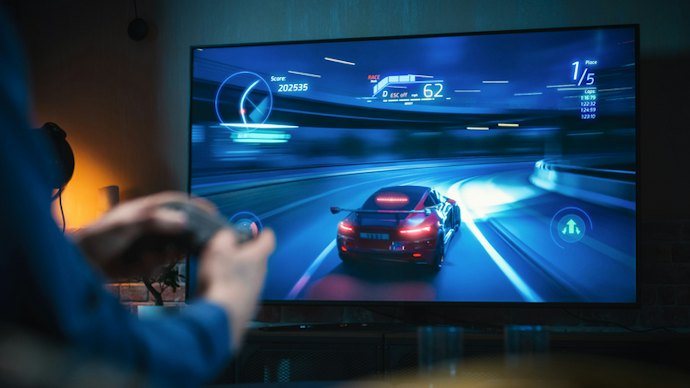
If you are eyeing a smart TV screen 43 inches or bigger, prioritize 4K UHD resolution over Full HD. Check the product specs for "4K" or "Ultra HD" before adding to cart, especially when comparing listings online where sellers sometimes highlight screen size more than resolution.
Larger smart TV screens make pixels more visible up close, so Full HD content can look soft or blurry once you pass the 43-inch mark. For anything smaller, like a 32-inch bedroom smart TV, Full HD still looks sharp and saves you money, since the difference is harder to notice on a compact screen.
Choose a Smart TV Platform Based on the Apps and Voice Features You Actually Use
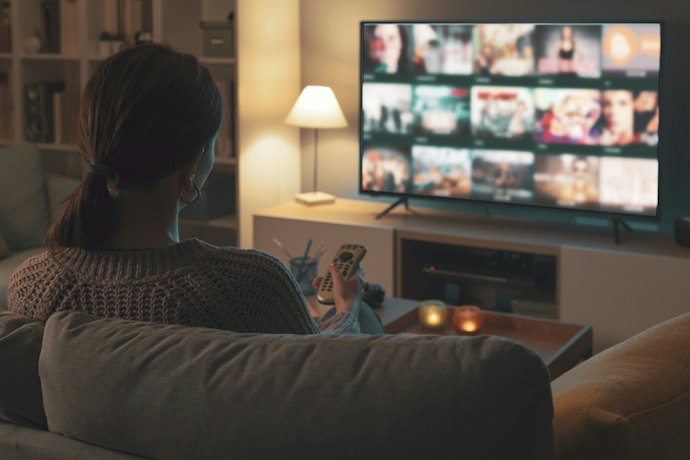
Think about which apps, voice assistants, and remote features you use daily, since the platform shapes your everyday experience more than the screen itself.
- Google TV/Android: For those who rely on Google Assistant and want the widest app library
- LG webOS: For those who want an intuitive remote and Netflix/Disney+ shortcuts
- Samsung Tizen: For those who already own other Samsung devices
- Proprietary system (VIDAA, Coolita): For those who prefer a simple, lightweight interface
No platform is objectively best, so choose the smart TV operating system that fits your habits rather than the one that simply comes with your preferred brand.
Select a Smart TV Brand With Local Service Support if You Want Long-Term Peace of Mind

Buyers living outside Metro Manila or far from major appliance centers should choose a smart TV brand with a strong service network in the Philippines. Look up authorized service centers near your city or check whether the smart TV brand has partner repair shops in your province before finalizing your purchase.
Smart TVs can develop panel or software issues after the warranty period, and getting parts or repairs from an unsupported brand can mean long waits or costly shipping. Established smart TV brands like Samsung and Sony generally offer wider service coverage across the country than newer or import-only names.
Check Your Ports and WiFi Band if You Plan to Connect Multiple Devices to Your Smart TV
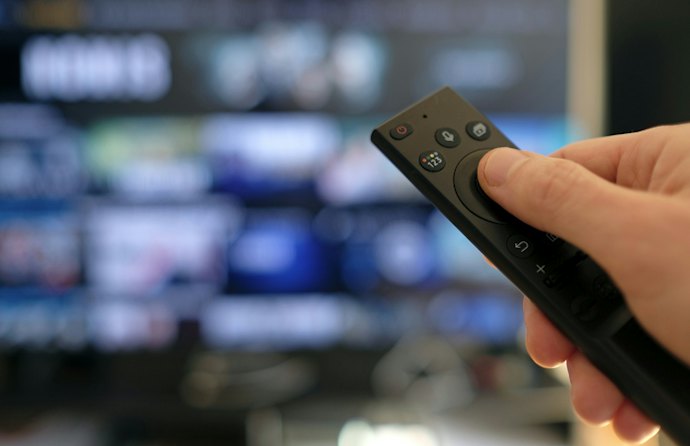
If you plan to hook up a soundbar, gaming console, or cable box, count the smart TV’s HDMI ports before buying. Look for a smart TV with at least 3 HDMI ports and 5GHz Wi-Fi support, especially if your router is far from the living room.
Budget smart TVs sometimes come with only one or two HDMI ports, which forces you to unplug and replug devices every time you switch. A stronger 5 GHz WiFi band also means smoother streaming with less buffering, particularly for 4K content on platforms like Netflix or iWantTV.
Add Dolby Vision and Atmos Only if You're a Frequent Movie or Gaming Viewer
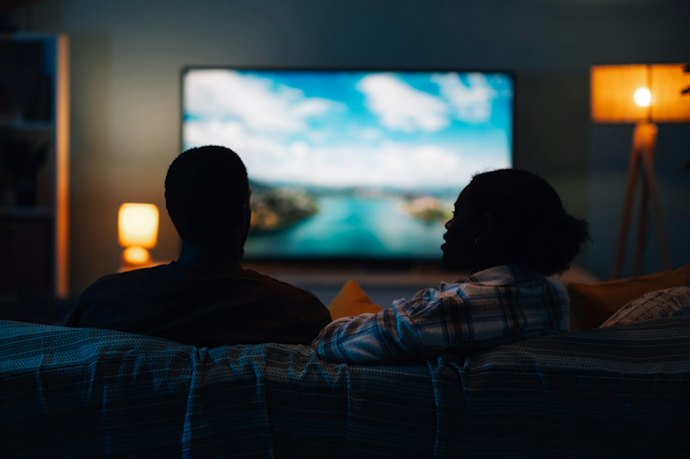
Frequent movie watchers, sports fans, and console gamers should look for Dolby Vision and Dolby Atmos support when comparing smart TV models. These features sharpen contrast during dark scenes and deliver fuller, more immersive sound without needing a separate soundbar.
Casual viewers who mostly watch teleseryes or YouTube will not notice much difference and can skip paying extra for it. If dialogue often gets drowned out by background music or sound effects, also check for a Clear Voice or Dialogue Enhancement mode, which is useful for households that watch with the volume low at night.
10 Best Smart TVs to Buy Online
| Products | Image | Click to purchase | Popularity | Details | ||||||
|---|---|---|---|---|---|---|---|---|---|---|
Screen Size | Best for | Operating System | Full HD or 4K | Connectivity Options | Audio/Video Enhancements | |||||
1 | 43UHD206 UHD TV Devant |  | No.1 | 43" | Condos and Smaller Rooms | VIDAA OS | HDMI, USB | 4K UHD, Netflix, YouTube | ||
2 | P7L Series QLED 4K Smart Google TV TCL |  | No.2 | 55" | Living Rooms or Larger Homes | Google TV | HDMI, USB, Bluetooth, Wi-Fi, Ethernet (LAN), eARC/ARC | QLED, 4K UHD, HDR, AiPQ Processor, Dolby Audio | ||
3 | 55" Crystal UHD UE100F Samsung |  | No.3 | 55" | Living Rooms or Larger Homes | Tizen OS | HDMI, USB, Bluetooth, Wi-Fi, Ethernet (LAN), eARC/ARC | Crystal Processor 4K, HDR10+, 4K Upscaling, Motion Xcelerator | ||
4 | Google TV QLED 65" |H65M80FUX Haier |  | No.4 | 65" | Home Cinemas | Google TV | HDMI, USB, Ethernet (LAN), eARC/ARC | QLED, 4K UHD, Dolby Vision, Dolby Atmos, MEMC | ||
5 | 4K Smart TV 58E300NS Toshiba |  | No.5 | 58" | Living Rooms or Larger Homes | VIDAA OS, Regza | HDMI, USB | 4K UHD, HDR | ||
6 | 50" 4K UHD Smart TV 50E6Q Hisense |  | No.6 | 50" | Living Rooms or Larger Homes | VIDAA OS | HDMI, USB, Bluetooth, Wi-Fi, Ethernet (LAN), eARC/ARC | 4K UHD, HDR, Dolby Vision | ||
7 | 43" Smart Google TV ACE |  | No.7 | 43" | Condos and Smaller Rooms | Google TV, Android 14 | HDMI, USB, Bluetooth, Wi-Fi | Google Assistant, Chromecast | ||
8 | Smart Android TV 32" Nvision |  | No.8 | 32" | Condos and Smaller Rooms | Android 12, Android OS | HDMI, USB, Bluetooth, Wi-Fi | Video Noise Reduction, 3D Comb Filter, Equalizer Presets | ||
9 | TV A 2026 32 Inch Smart Google TV Xiaomi |  | No.9 | 32" | Condos and Smaller Rooms | Google TV | HDMI, USB, Bluetooth, Wi-Fi, Ethernet (LAN), AV Input | HDR10, Dolby Audio, DTS:X, DTS Virtual:X | ||
10 | 55P6L 4K UHD TV 55" TCL |  | No.10 | 55" | Living Rooms or Larger Homes | Google TV | HDMI, USB, Bluetooth, Wi-Fi, Ethernet (LAN), eARC/ARC | 4K UHD, HDR, Dolby Vision, Dolby Audio | ||

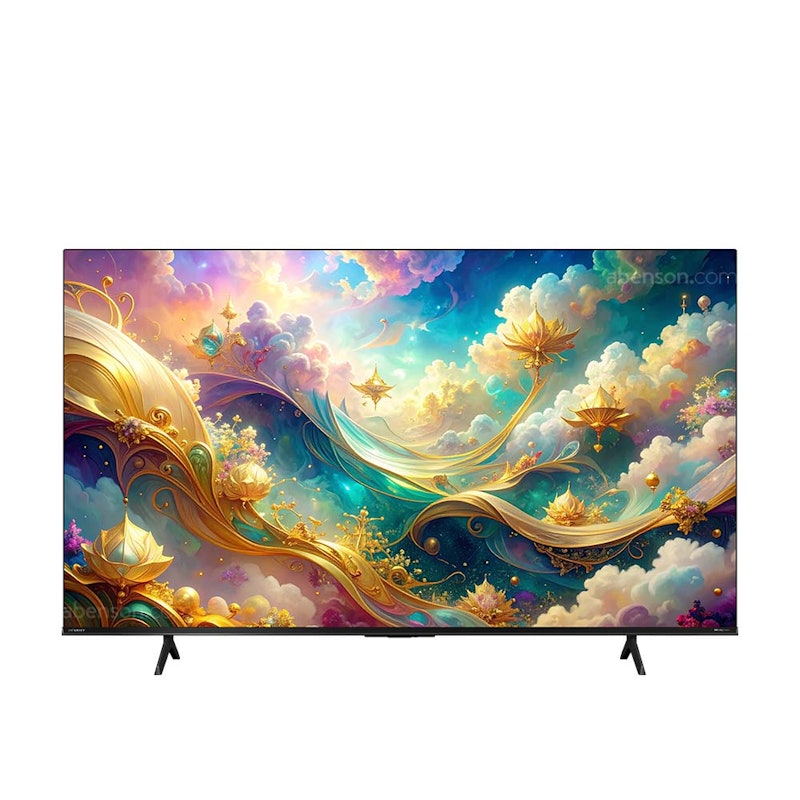
| Screen Size | 43" |
|---|---|
| Best for | Condos and Smaller Rooms |
| Operating System | VIDAA OS |
| Full HD or 4K | |
| Connectivity Options | HDMI, USB |
| Audio/Video Enhancements | 4K UHD, Netflix, YouTube |
TCLP7L Series QLED 4K Smart Google TV
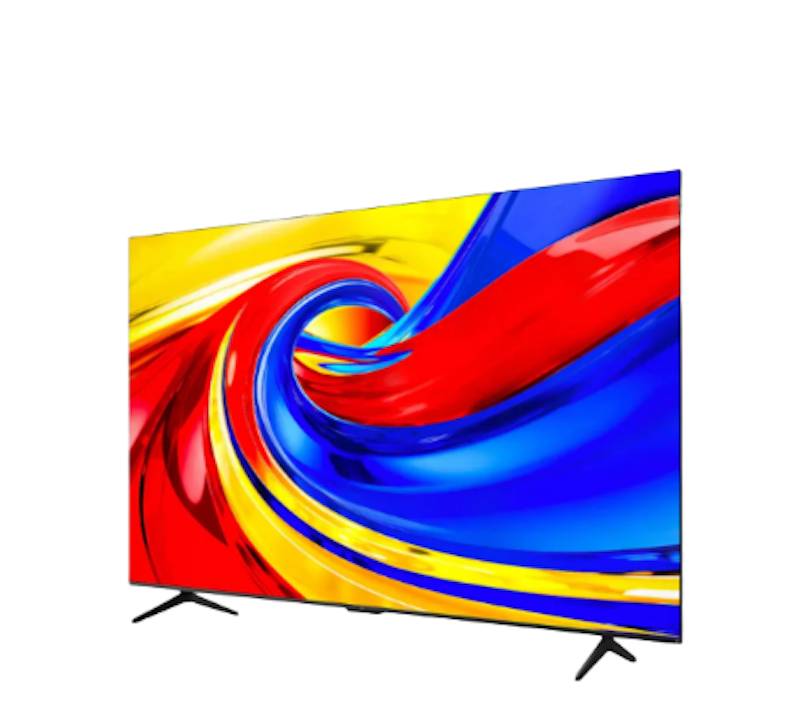
| Screen Size | 55" |
|---|---|
| Best for | Living Rooms or Larger Homes |
| Operating System | Google TV |
| Full HD or 4K | |
| Connectivity Options | HDMI, USB, Bluetooth, Wi-Fi, Ethernet (LAN), eARC/ARC |
| Audio/Video Enhancements | QLED, 4K UHD, HDR, AiPQ Processor, Dolby Audio |
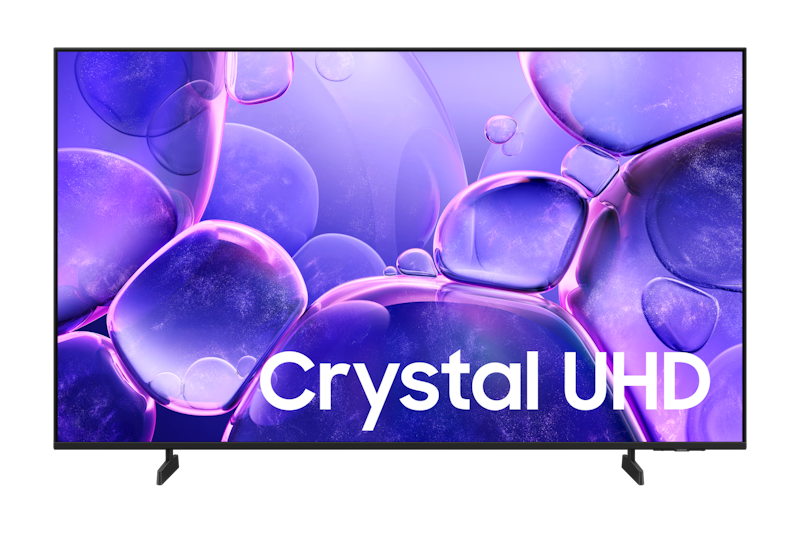
| Screen Size | 55" |
|---|---|
| Best for | Living Rooms or Larger Homes |
| Operating System | Tizen OS |
| Full HD or 4K | |
| Connectivity Options | HDMI, USB, Bluetooth, Wi-Fi, Ethernet (LAN), eARC/ARC |
| Audio/Video Enhancements | Crystal Processor 4K, HDR10+, 4K Upscaling, Motion Xcelerator |
HaierGoogle TV QLED 65" | H65M80FUX
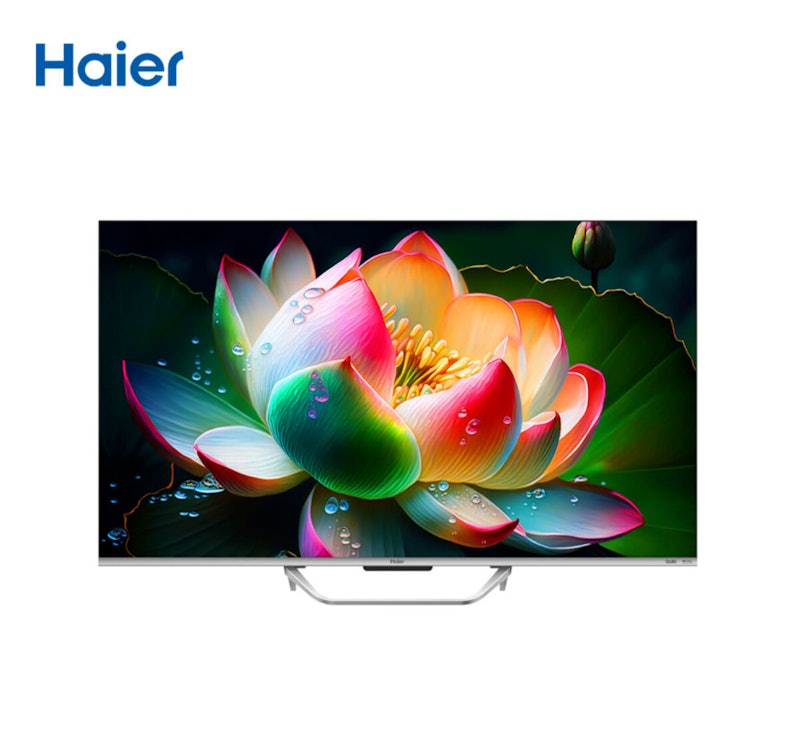
| Screen Size | 65" |
|---|---|
| Best for | Home Cinemas |
| Operating System | Google TV |
| Full HD or 4K | |
| Connectivity Options | HDMI, USB, Ethernet (LAN), eARC/ARC |
| Audio/Video Enhancements | QLED, 4K UHD, Dolby Vision, Dolby Atmos, MEMC |
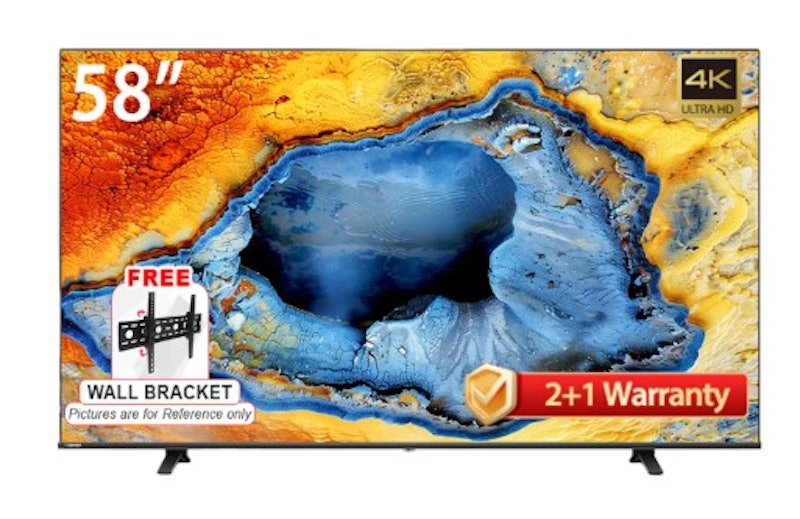
| Screen Size | 58" |
|---|---|
| Best for | Living Rooms or Larger Homes |
| Operating System | VIDAA OS, Regza |
| Full HD or 4K | |
| Connectivity Options | HDMI, USB |
| Audio/Video Enhancements | 4K UHD, HDR |
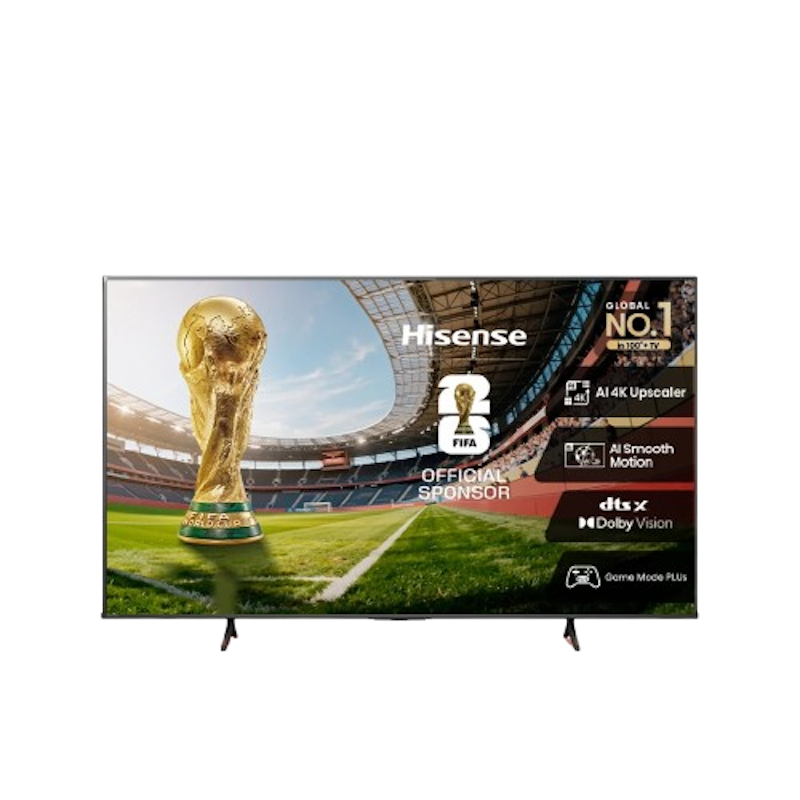
| Screen Size | 50" |
|---|---|
| Best for | Living Rooms or Larger Homes |
| Operating System | VIDAA OS |
| Full HD or 4K | |
| Connectivity Options | HDMI, USB, Bluetooth, Wi-Fi, Ethernet (LAN), eARC/ARC |
| Audio/Video Enhancements | 4K UHD, HDR, Dolby Vision |
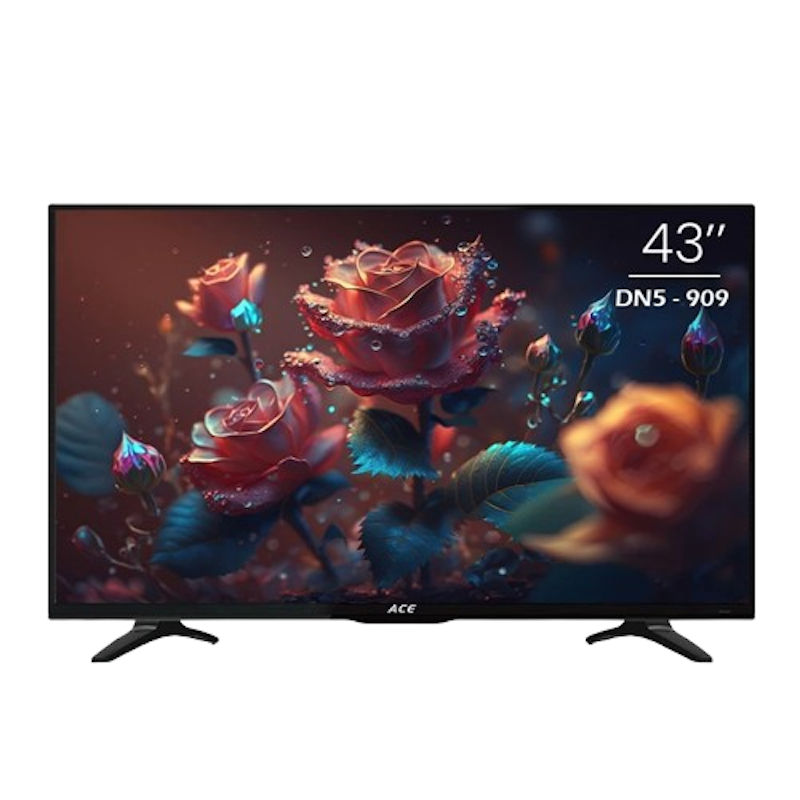
| Screen Size | 43" |
|---|---|
| Best for | Condos and Smaller Rooms |
| Operating System | Google TV, Android 14 |
| Full HD or 4K | |
| Connectivity Options | HDMI, USB, Bluetooth, Wi-Fi |
| Audio/Video Enhancements | Google Assistant, Chromecast |
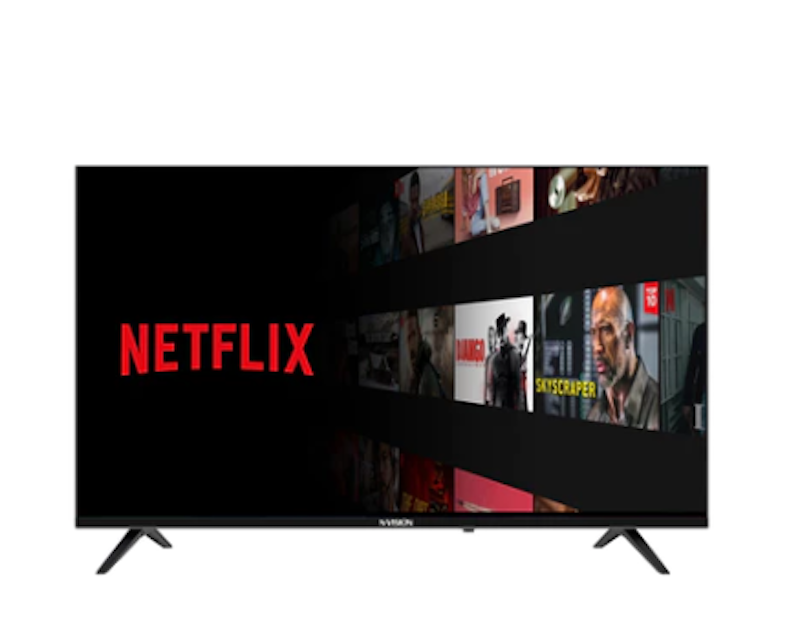
| Screen Size | 32" |
|---|---|
| Best for | Condos and Smaller Rooms |
| Operating System | Android 12, Android OS |
| Full HD or 4K | |
| Connectivity Options | HDMI, USB, Bluetooth, Wi-Fi |
| Audio/Video Enhancements | Video Noise Reduction, 3D Comb Filter, Equalizer Presets |
XiaomiTV A 2026 32 Inch Smart Google TV
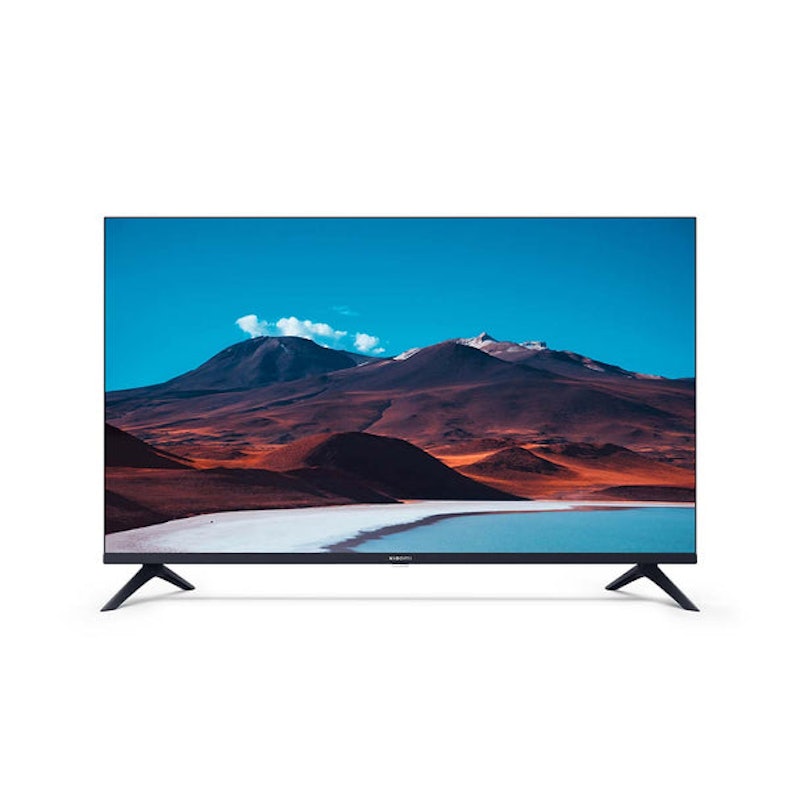
| Screen Size | 32" |
|---|---|
| Best for | Condos and Smaller Rooms |
| Operating System | Google TV |
| Full HD or 4K | |
| Connectivity Options | HDMI, USB, Bluetooth, Wi-Fi, Ethernet (LAN), AV Input |
| Audio/Video Enhancements | HDR10, Dolby Audio, DTS:X, DTS Virtual:X |
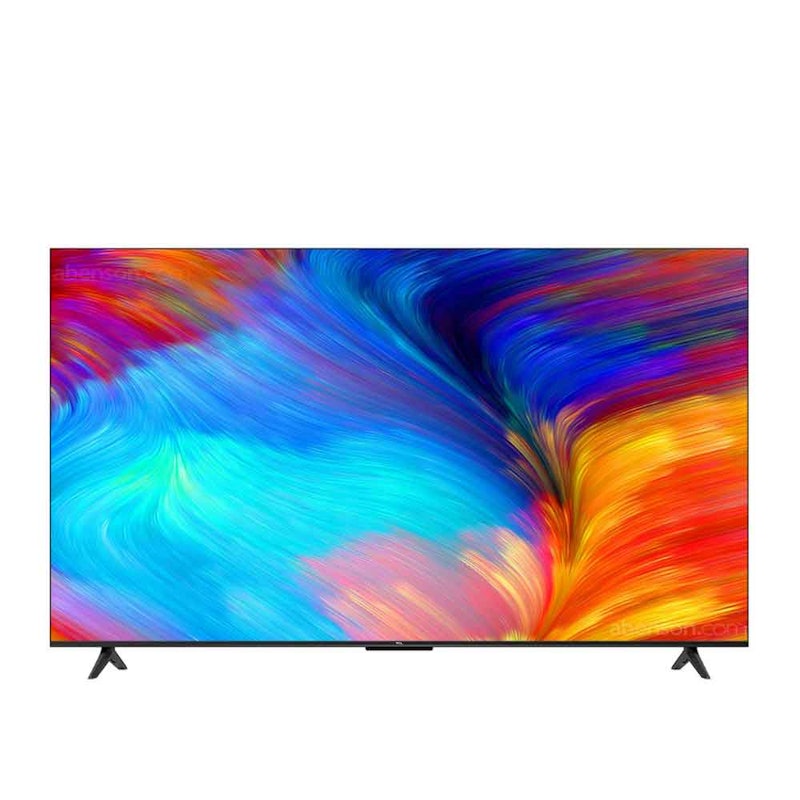
| Screen Size | 55" |
|---|---|
| Best for | Living Rooms or Larger Homes |
| Operating System | Google TV |
| Full HD or 4K | |
| Connectivity Options | HDMI, USB, Bluetooth, Wi-Fi, Ethernet (LAN), eARC/ARC |
| Audio/Video Enhancements | 4K UHD, HDR, Dolby Vision, Dolby Audio |
Frequently Asked Questions
Below are some of the most asked questions on the web answered by the mybest team.
Do Smart TVs Need Internet All the Time?
Smart TVs only need an internet connection when you want to stream, browse apps, or update the software. Without WiFi, you can still watch regular channels through cable, antenna, or satellite, and play content from a USB drive or HDMI device like a gaming console. The smart features simply stay unused until you connect. If your home has spotty WiFi, prioritize a smart TV with strong built-in WiFi reception or connect an ethernet cable directly to your router for a more stable signal. For the smoothest streaming experience, pair your smart TV with a reliable home internet plan of at least 25 Mbps.
Can I Use a Smart TV Without a Cable Subscription?
Yes, a smart TV works perfectly well without a cable subscription. Since it connects to WiFi, you can stream shows and movies through free apps like YouTube or paid platforms like Netflix, Disney+, and iWant, replacing the need for cable channels entirely. Many Filipino households now use smart TVs this way to cut down on monthly cable bills while still watching local and international content. If you rely mostly on streaming, skip the cable add-on when buying and put that budget toward a faster internet plan instead, since your streaming quality depends more on WiFi speed than on the TV itself.
Can I Cast Media From My Phone to a Smart TV?
Yes, most smart TVs let you cast photos, videos, or your entire phone screen using built-in features like Google Cast, AirPlay, or Miracast, depending on the platform. This works over your home WiFi network, so both devices need to be connected to the same router. It is a convenient way to watch social media videos, video calls, or personal photos on a bigger screen without extra cables. Before buying, check whether the smart TV supports the casting method that matches your phone (Google Cast for Android or AirPlay for iPhone) so you can mirror your screen right out of the box.
Why Won’t My Smart TV Connect to WiFi?
If your smart TV does not connect to WiFi, the issue is often related to weak signals, incorrect passwords, or router problems. Restart your modem and smart TV, check your network settings, and ensure you are connected to a stable WiFi network. Avoid using VPNs, as they can interfere with smart TV connections.
More Home Entertainment Must-Haves
Investing in home entertainment by buying a smart TV may be the beginning of your household improvement. Replacing your old gadgets with newer and better models will take your user experience to another level. Find out the latest gizmos to splurge on with the links provided below.


How We Chose and Ranked Our Product Recommendations
Our buying guide was carefully researched and crafted by the mybest team of writers and editors. We used the buying guide as a basis for choosing and ranking the product recommendations, and we looked at reviews and ratings from different E-commerce sites like Lazada, Shopee, and more.
The descriptions of each product are referenced from content available on manufacturer, brand, and e-commerce sites.