10 Best Budget Tablets below Php 20,000 in the Philippines 2026 | Buying Guide Reviewed by IT Consultant, Developer, and Instructor
Whether you're looking for the best budget tablet for gaming, studying, or working on the go, tablets have become great alternatives over the years. Only slightly larger than your average smartphone, these affordable handheld devices also perform functions equivalent to that of the typical multi-component computer.
On top of sticking to a strict tablet budget price and aesthetic preference, a long list of specifications to consider awaits in finding the best tablet below 20k. But, worry not, we've got you covered! Our in-depth buying guide, reviewed by IT Consultant, Developer, and Instructor Kevin Lee Cardoza, is guaranteed to give you a head start on your search for the best affordable tablet in the Philippines.

Kevin Lee is an educator who specializes in Information Technology (IT). He also has years of experience as a technical support specialist and is well-versed in programming, application development, software testing, and user experience design. Furthermore, his passion for building custom computers and creating electronic devices and systems keeps him up-to-date with the latest trends and information.

Jame Clarisse is a freelance writer with a degree in Civil Engineering who joined the myBest PH team in December 2022. Her passion for writing sparked during her early elementary school days as a campus journalist. A crafter by heart, she also enjoys crocheting, sewing, and jewelry-making.
The expert oversees the Buying Guide only, and does not determine the products and services featured.
Why You Can Trust Us
Every mybest article is crafted with hours of in-depth research and interviews with experts. Each month, we are continually expanding our database of products based on our research. By emphasizing user insight and reliable information, we deliver trustworthy content to readers.
How to Choose a Budget Tablet - Buying Guide
Here are some key points to consider:
- Choose the tablet dimensions that fit your preference
- Go for tablets with 4 GB RAM and above for smooth and lag-free use
- Look for a tablet that has an expandable ROM
- Opt for above 5 MP tablet cameras for attending meetings on the go
- Look for a tablet with 5000 mAh for longer battery life
- Consider the tablet's SIM card readiness to access 5G and LTE features
For more detailed information, read through our buying guide below.
Choose the Tablet Dimensions That Fit Your Preference

Tablet sizes can go from anything larger than the average mobile phone to ones as close to the dimensions of a laptop. Choosing the right proportions depends mostly on how you want to use your gadget. For light social media browsing or e-book reading, a pocket-size, 8-inch tablet is a great option. This size also makes it lightweight and easy to carry around.
If you prefer to get a tablet for editing or multitasking, options that are 10 inches or higher can get the job done. Do remember that tablet measurements are usually denoted by just one number, which refers to the device’s length when measured diagonally. If you want to know its actual dimensions, look for values written as length x width.

Depending on the use-case scenario, a tablet's dimensions can be a deal-breaker. Are you going to buy a tablet for reading? Then go for a tablet that favors portrait or vertical usage. Are you a digital artist looking for a large screen to draw on or are you just buying a tablet to consume media? Then a widescreen would be great.
Go for Tablets With 4 GB RAM and Above for Smooth and Lag-free Use
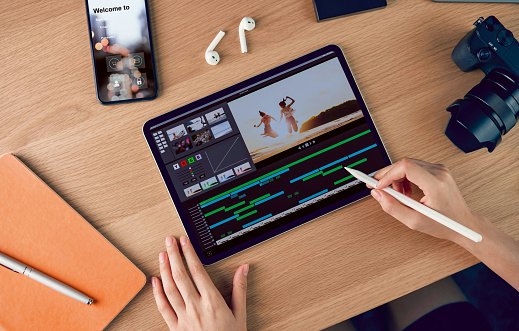
In the tech world, you would often come across the term RAM, which stands for random access memory. It refers to the storage utilized by your tablet when it begins to run any type of application on your device. Once the applications are closed, your RAM storage is cleared. Since RAM is not expandable, choosing a high-capacity one is a great investment.
Tablet RAMs typically start at 2 GB, but if you wish to use your gadget for activities like gaming, editing, or attending virtual meetings, splurging on 4 GB and above options can save you more money in the long run. In some cases, having inadequate RAM may also lead to a major system crash, on top of its tendency to be laggy. A 4 GB of RAM should be sufficient for your device to steer clear from overloading while in use.
Most apps would not be enough to put a strain on a tablet's performance, but high-performance programs like the current generation games popular nowadays and audio and video editing apps would struggle if a tablet's RAM capacity is insufficient. A decent baseline if you are an everyday casual user would be 4GB.
Look for a Tablet That Has an Expandable ROM

Brands often carry multiple Read-Only Memory or ROM options for the same tablet model. This could easily bump up the price should you go for one with a bigger capacity. However, it would be best to purchase a unit that has expandable memory. Having the feature to insert a MicroSD card as expandable storage is a great alternative to prolong the use of your tablet instead of upgrading to a new one.
These memory cards come in many sizes and are widely available in tech or gadget shops, so you won’t have trouble looking for them. It is also an ideal feature for photographers and digital artists since they can easily transfer files in and out of their tablets. Take note, on the other hand, that the expandable memory capacity of tablets also varies so it's important to check your device specifications first.
Apps, photos, and recorded videos easily build up files over time to consume most of our tablet's storage capacity. If you are the type that takes lots of photos and videos or has a penchant for installing lots of apps that take up lots of space, consider buying a Class 1 SD card as your storage expansion.
Opt for Above 5 MP Tablet Cameras for Attending Meetings On The Go
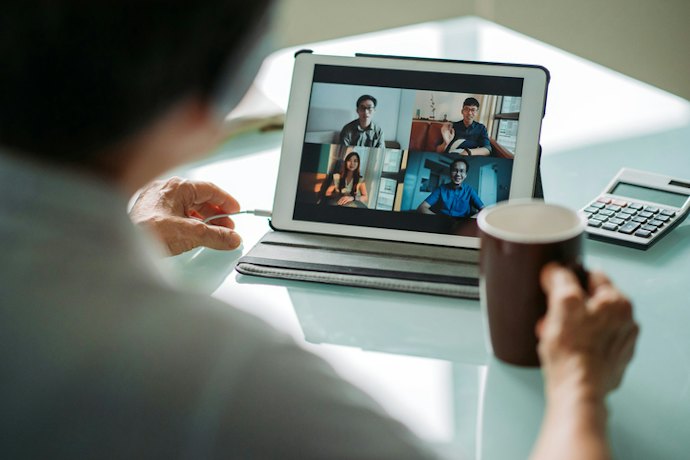
Getting a budget-friendly tablet doesn't mean that you can only take low-quality pictures and videos with it. Nowadays, you can get tablets that have HD cameras despite the lower price tag. Just make sure that the gadget you're eyeing has both a front and rear camera. This way, you can easily attend your online meetings, make video calls with your family, or take snapshots.
With a higher megapixel rate, a clearer and crisper image can be seen. In today’s market, a good camera for a mobile device starts at 5 MP. This means there are 5 million pixels taken every time you capture an image. Do note that the front and rear cameras have different MPs, with the latter usually having better quality.
Back and front-facing cameras are usually never equal in performance. Some tablets have front-facing cameras with high-definition performance for better selfies while others favor the contrary. When buying a tablet, check the cameras' specifications if this would be an issue.
Look for a Tablet With 5000 mAH and Above for Longer Battery Life
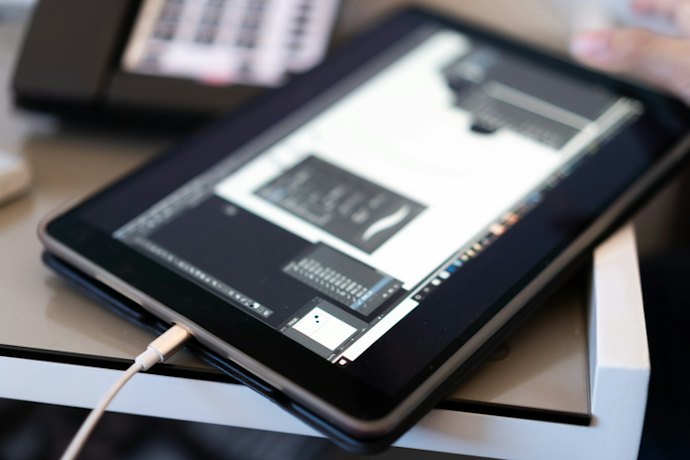
A tablet is a great portable device that is best paired with a large battery capacity. This decreases the need to sit next to a power outlet all day or carry around a heavy battery pack to keep your gadget working.
Make sure to look for tablets that have a 5000 mAh battery capacity or bigger. This should be enough to run strong apps the whole day. You can also look for ones that are fast-charging. This convenient upgrade lets you get a full charge for half the time it would usually take.
A tablet with a high-capacity battery is nothing to a heavy user that is going to use the tablet for playing games. It is therefore advisable to carry a battery bank with you if the tablet's charge doesn't last long enough for you to enjoy it whenever.
Consider the Tablet’s SIM Card Readiness to Access 5G and LTE Features

Many manufacturers release budget-friendly tablets with 4G, 5G, or LTE compatibility along with the usual Wi-Fi support. However, it's not a guaranteed feature and still widely depends on the brand and model. If you're looking into having a backup internet connection when you're out and about, you should consider getting a tablet with a SIM card slot to access mobile data features.
Having a SIM card-ready tablet allows you to gain cellular connectivity. Enabling this varies on the network brand of your SIM card, but the process remains as straightforward as inserting one on your regular smartphone. After opening the SIM card slot cover, with the notch matching the shape of your SIM card, you should be able to push in on the card until it locks in place.
10 Best Budget Tablets to Buy Online
| Products | Image | Click to purchase | Popularity | Details | ||||||||||
|---|---|---|---|---|---|---|---|---|---|---|---|---|---|---|
Display | Resolution | Storage | RAM | Battery | OS | Processor | Camera | SIM-Card Ready | Weight | |||||
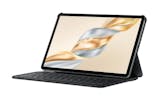
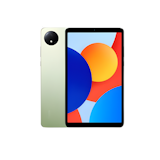
1 | XPAD 30E |X1102B Infinix |  | No.1 | 11 in | 1200 × 1920 | 128 GB / 256 GB | 4 GB / 8 GB | 7,200 mAh | Android 15 | MediaTek Helio G80 | 8 MP / 5 MP | 498 g | ||
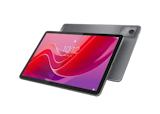
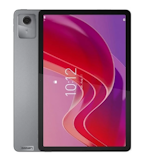
2 | Tab M11 Lenovo |  | No.2 | 11 in | 1920 × 1200 | 64 GB / 128 GB | 4 GB / 8 GB | 7,040 mAh | Android 13 | MediaTek Helio G88 | 13 MP / 8 MP | 465 g | ||
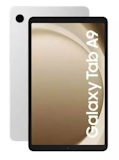
3 | LTE/Wi-Fi Galaxy Tab A9 Tablet |SM-X115 Samsung |  | No.3 | 8.7 in | 1340 × 800 | 64 GB / 128 GB | 4 GB / 8 GB | 5,100 mAh | Android 13 | MediaTek Helio G99 | 8 MP / 2 MP | 333 g | ||
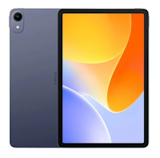
4 | Pad M1 Poco |  | No.4 | 12.1 in | 2560 × 1600 | 256 GB | 8 GB | 2560 × 1600 | Xiaomi HyperOS 2 | Snapdragon 7s Gen 4 Mobile Platform | 8 MP / 8 MP | 610 g | ||
5 | VistaTab 30S|P11002L itel |  | No.5 | 11 in | 2000 × 1200 | 128 GB | 4 GB | 7,000 mAh | Android 15 | MediaTek Helio G88 | 8 MP / 5 MP | 510.5 g | ||
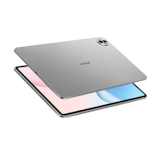
6 | Pad X8b|NDL2-W09 Honor |  | No.6 | 11 in | 1920 × 1200 | 128 GB | 4 GB | 10,100 mAh | MagicOS 10 | Qualcomm Snapdragon 680 4G | 5 MP / 5 MP | 496 g | ||
7 | Pad Pro 12" TechLife |  | No.7 | 12 in | 2400 × 1600 | 256 GB | 8 GB | 10,000 mAh | Android 16 | MediaTek Helio G200 | 13 MP / 8 MP | 622 g | ||
8 | 11" MatePad SE Tablet |AGS6-W09 Huawei |  | No.8 | 11 in | 1920 × 1200 | 128 GB | 4 GB / 6 GB / 8 GB | 7,700 mAh | HarmonyOS 2.0 | Huawei Kirin 710A | 8 MP / 5 MP | 475 g | ||
9 | Pad SE Oppo |  | No.9 | 11 in | 1920 × 1200 | 128 GB | 4 GB | 9,340 mAh | ColorOS 15.0.1 | MediaTek Helio G100 | 5 MP / 5 MP | 530 g | ||
10 | Redmi Pad 2 Wi-Fi Tablet |2603ARP14G Xiaomi |  | No.10 | 11 in | 2560 × 1600 | 128 GB / 256 GB | 4 GB / 6 GB / 8 GB | 9,000 mAh | Xiaomi HyperOS 2 | MediaTek Helio G100-Ultra | 8 MP / 5 MP | 510 g | ||

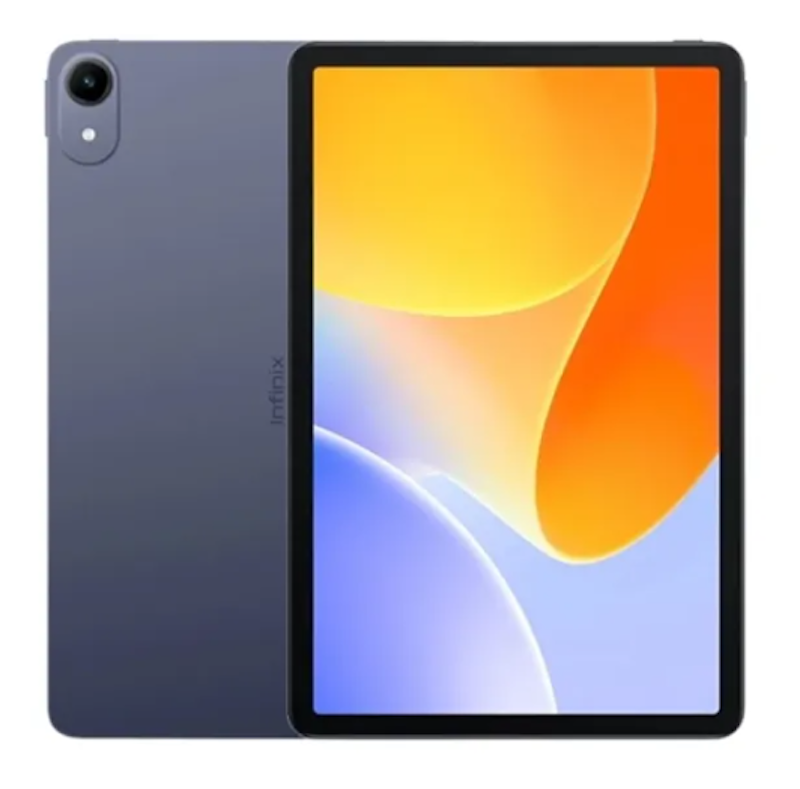
| Display | 11 in |
|---|---|
| Resolution | 1200 × 1920 |
| Storage | 128 GB / 256 GB |
| RAM | 4 GB / 8 GB |
| Battery | 7,200 mAh |
| OS | Android 15 |
| Processor | MediaTek Helio G80 |
| Camera | 8 MP / 5 MP |
| SIM-Card Ready | |
| Weight | 498 g |
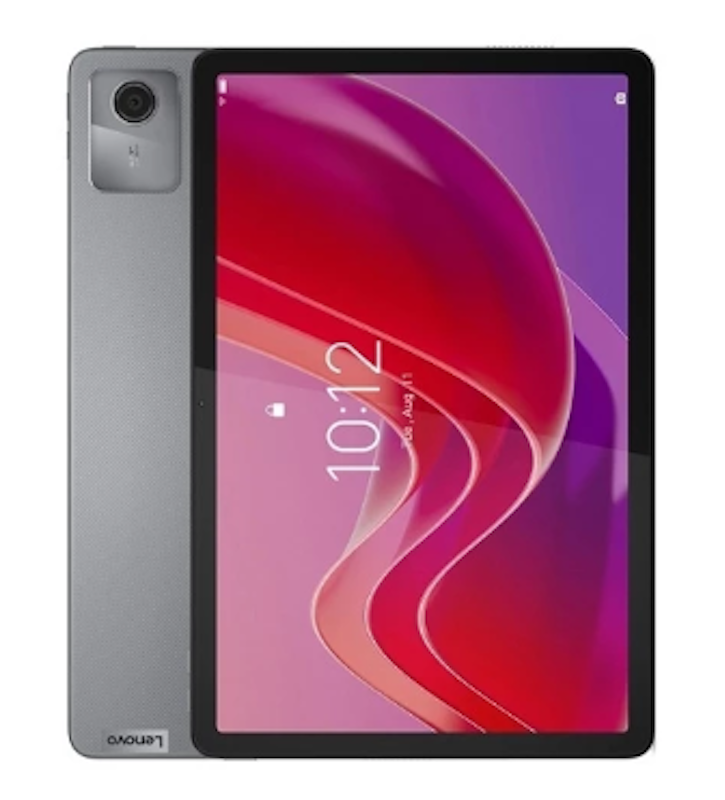
| Display | 11 in |
|---|---|
| Resolution | 1920 × 1200 |
| Storage | 64 GB / 128 GB |
| RAM | 4 GB / 8 GB |
| Battery | 7,040 mAh |
| OS | Android 13 |
| Processor | MediaTek Helio G88 |
| Camera | 13 MP / 8 MP |
| SIM-Card Ready | |
| Weight | 465 g |
Samsung LTE/Wi-Fi Galaxy Tab A9 Tablet | SM-X115
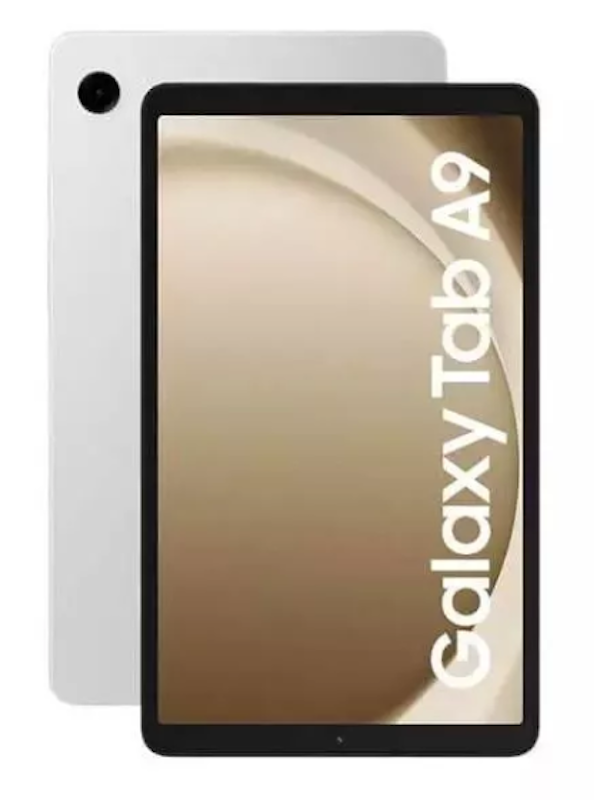
| Display | 8.7 in |
|---|---|
| Resolution | 1340 × 800 |
| Storage | 64 GB / 128 GB |
| RAM | 4 GB / 8 GB |
| Battery | 5,100 mAh |
| OS | Android 13 |
| Processor | MediaTek Helio G99 |
| Camera | 8 MP / 2 MP |
| SIM-Card Ready | |
| Weight | 333 g |
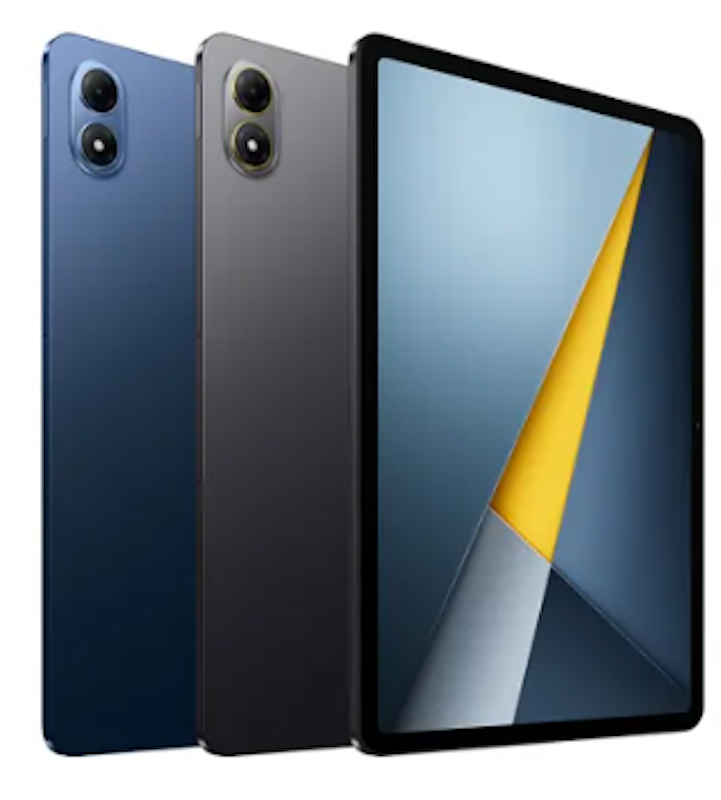
| Display | 12.1 in |
|---|---|
| Resolution | 2560 × 1600 |
| Storage | 256 GB |
| RAM | 8 GB |
| Battery | 2560 × 1600 |
| OS | Xiaomi HyperOS 2 |
| Processor | Snapdragon 7s Gen 4 Mobile Platform |
| Camera | 8 MP / 8 MP |
| SIM-Card Ready | |
| Weight | 610 g |
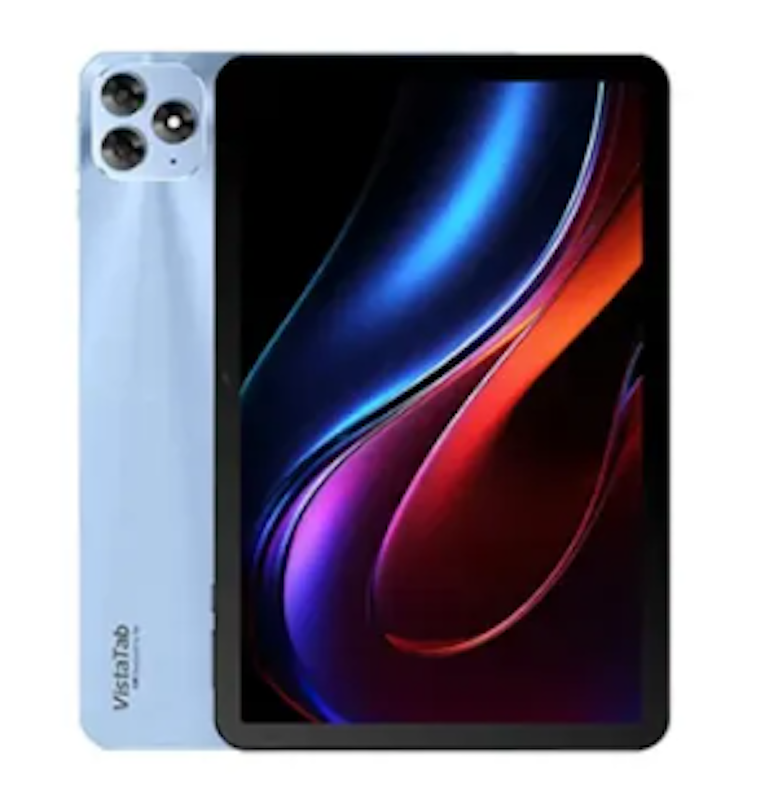
| Display | 11 in |
|---|---|
| Resolution | 2000 × 1200 |
| Storage | 128 GB |
| RAM | 4 GB |
| Battery | 7,000 mAh |
| OS | Android 15 |
| Processor | MediaTek Helio G88 |
| Camera | 8 MP / 5 MP |
| SIM-Card Ready | |
| Weight | 510.5 g |
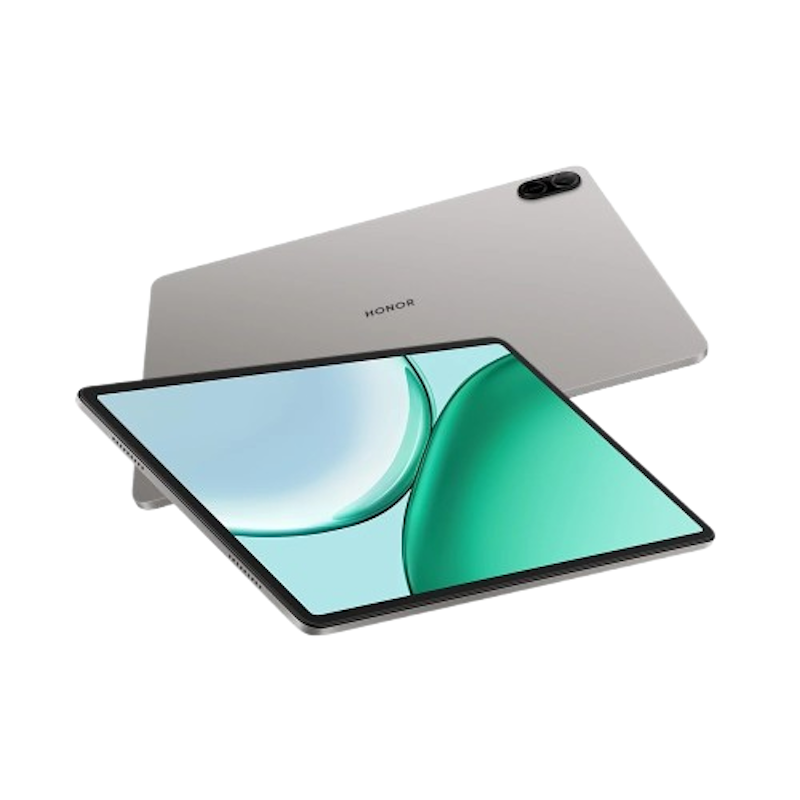
| Display | 11 in |
|---|---|
| Resolution | 1920 × 1200 |
| Storage | 128 GB |
| RAM | 4 GB |
| Battery | 10,100 mAh |
| OS | MagicOS 10 |
| Processor | Qualcomm Snapdragon 680 4G |
| Camera | 5 MP / 5 MP |
| SIM-Card Ready | |
| Weight | 496 g |
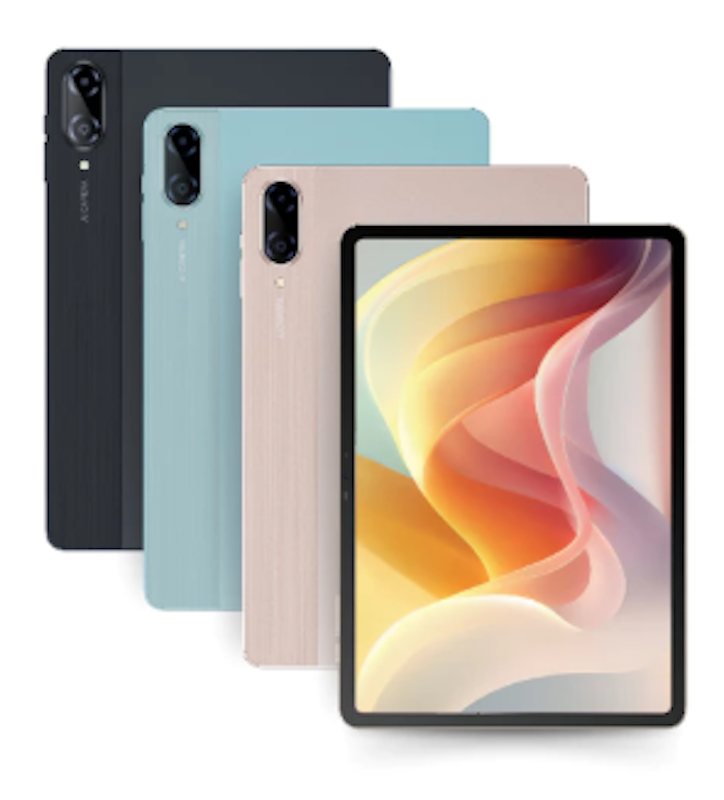
| Display | 12 in |
|---|---|
| Resolution | 2400 × 1600 |
| Storage | 256 GB |
| RAM | 8 GB |
| Battery | 10,000 mAh |
| OS | Android 16 |
| Processor | MediaTek Helio G200 |
| Camera | 13 MP / 8 MP |
| SIM-Card Ready | |
| Weight | 622 g |
Huawei 11" MatePad SE Tablet | AGS6-W09
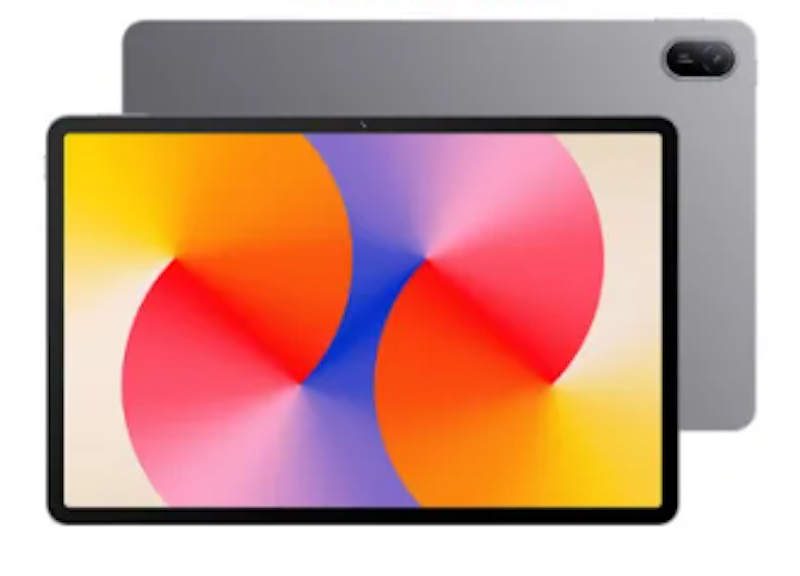
| Display | 11 in |
|---|---|
| Resolution | 1920 × 1200 |
| Storage | 128 GB |
| RAM | 4 GB / 6 GB / 8 GB |
| Battery | 7,700 mAh |
| OS | HarmonyOS 2.0 |
| Processor | Huawei Kirin 710A |
| Camera | 8 MP / 5 MP |
| SIM-Card Ready | |
| Weight | 475 g |
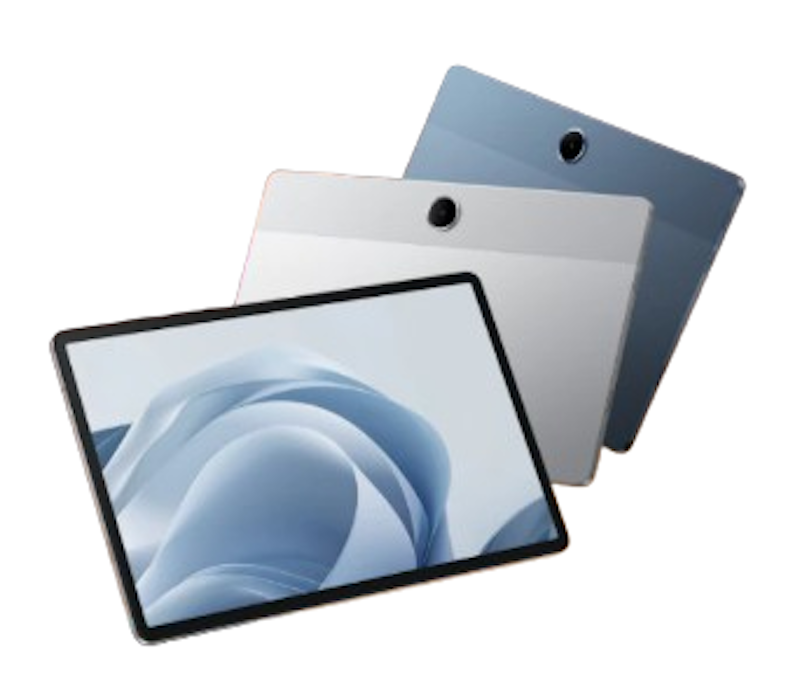
| Display | 11 in |
|---|---|
| Resolution | 1920 × 1200 |
| Storage | 128 GB |
| RAM | 4 GB |
| Battery | 9,340 mAh |
| OS | ColorOS 15.0.1 |
| Processor | MediaTek Helio G100 |
| Camera | 5 MP / 5 MP |
| SIM-Card Ready | |
| Weight | 530 g |
Xiaomi Redmi Pad 2 Wi-Fi Tablet | 2603ARP14G
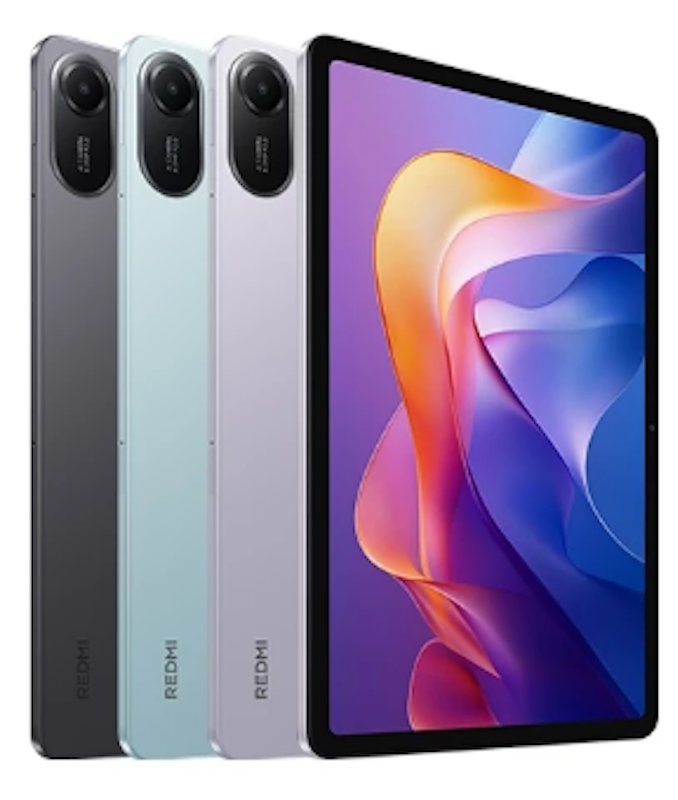
| Display | 11 in |
|---|---|
| Resolution | 2560 × 1600 |
| Storage | 128 GB / 256 GB |
| RAM | 4 GB / 6 GB / 8 GB |
| Battery | 9,000 mAh |
| OS | Xiaomi HyperOS 2 |
| Processor | MediaTek Helio G100-Ultra |
| Camera | 8 MP / 5 MP |
| SIM-Card Ready | |
| Weight | 510 g |
Frequently Asked Questions Answered by Kevin Lee Cardoza
Below are some of the most asked questions on the web answered by IT Consultant, Developer, and Instructor Kevin Lee Cardoza.
Will Budget Tablets Have Lower Quality Cameras?
Is It Better to Get a Bigger Tablet?
Can You Use the Tablet While Charging?
More Accessories to Improve Your Tablet Experience
Now that you've got your brand-new device, getting these practical tools can help you make the most out of your budget tablet's performance. Check out some of the articles below to know more.


Author: Roxanne A.
Re-editor: Jame Clarisse Trinidad
How We Chose and Ranked Our Product Recommendations
Our buying guide was carefully researched and crafted by the mybest team of writers and editors, in collaboration with the expert featured in this article. We used the buying guide as a basis for choosing and ranking the product recommendations, and we looked at reviews and ratings from different E-commerce sites like Lazada, Shopee, and more.
The descriptions of each product are referenced from content available on manufacturer, brand, and e-commerce sites.