9 Best Gaming Tablets Under 10K in the Philippines 2026 | Redmi, Lenovo, and More
Gaming remains a favorite pastime in the Philippines, with popular titles like Mobile Legends, Roblox, and Call of Duty Mobile attracting players of all ages. Whether you're looking for an affordable tablet for casual gaming or a more capable option for longer gaming sessions, this list covers a range of gaming tablets under ₱10,000.
With plenty of budget-friendly options available on Shopee and Lazada, finding a gaming tablet that fits your needs is easier than ever. To help you choose, we've put together a buying guide and ranked some of the best price-to-performance options available today.

Jason is a content planner and writer with four years of experience across lifestyle, publishing, tech, real estate, marketing, and entertainment. Focused on consumer needs and SEO, they craft clear, engaging content that helps people make informed decisions. Jason is passionate about words that connect, empower, and resonate.
Why You Can Trust Us
Every mybest article is crafted with hours of in-depth research and interviews with experts. Each month, we are continually expanding our database of products based on our research. By emphasizing user insight and reliable information, we deliver trustworthy content to readers.
What Kind of Games Can Gaming Tablets Under ₱10K Handle?

Gaming tablets under ₱10,000 generally struggle with graphically demanding games. Titles like Genshin Impact, PUBG Mobile, Call of Duty Mobile, and Fortnite may require lower graphics settings and can experience lag or reduced frame rates.
However, tablets in this price range can still provide a smooth experience for popular games like Mobile Legends, Roblox, and Free Fire. They are best suited for casual gamers and budget-conscious buyers who prioritize value over maximum performance.
How to Choose a Gaming Tablet Under 10K - Buying Guide
Finding a great gaming tablet under ₱10,000 can be tough, but not impossible. This guide breaks down the best budget options so you can enjoy excellent performance, visuals, and portability without breaking the bank.
Prioritize Performance to Handle Popular Games
For Smooth Gaming: Focus on 4 GB RAM and a Balanced Mid-Range GPU for Stable Performance

At this price point, RAM plays a key role in keeping games stable and responsive, especially for everyday titles like Mobile Legends and Roblox. Tablets with at least 4 GB RAM generally provide smoother multitasking, faster app loading, and fewer interruptions during gameplay.
Devices with lower RAM (such as 3 GB) are more likely to experience lag, slower switching between apps, and frame drops during heavier gameplay or background activity. For most users under ₱10,000, 4 GB RAM is the minimum practical standard for a reliable gaming experience.
For Demanding Games: Expect Limits Even With Higher RAM and Mali-G52 or Equivalent GPUs
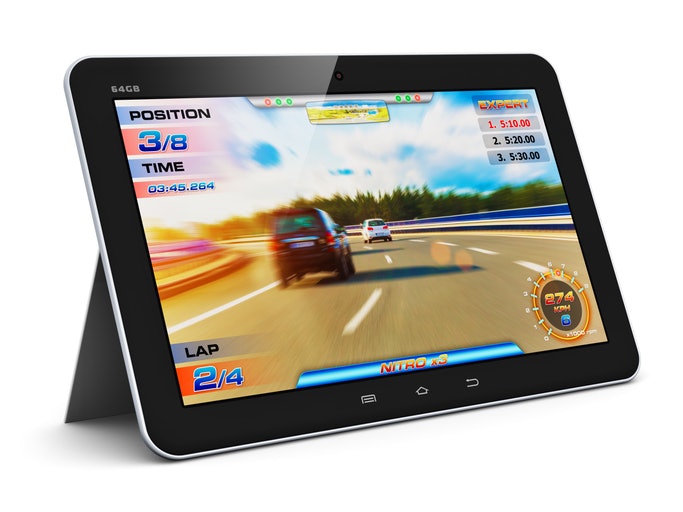
If you play more demanding games like PUBG Mobile or Call of Duty: Mobile, even tablets with 4 GB of RAM and GPUs like the Mali-G52 or PowerVR GE8320 will require compromises, such as lower graphics settings and reduced frame rates.
At this level, performance is still limited by overall system balance rather than GPU branding alone. While these specs can handle gameplay, you should still expect lag spikes or reduced smoothness during intense combat scenes or graphically heavy moments.
Choose a Full HD Display With Balanced Size and Refresh Rate
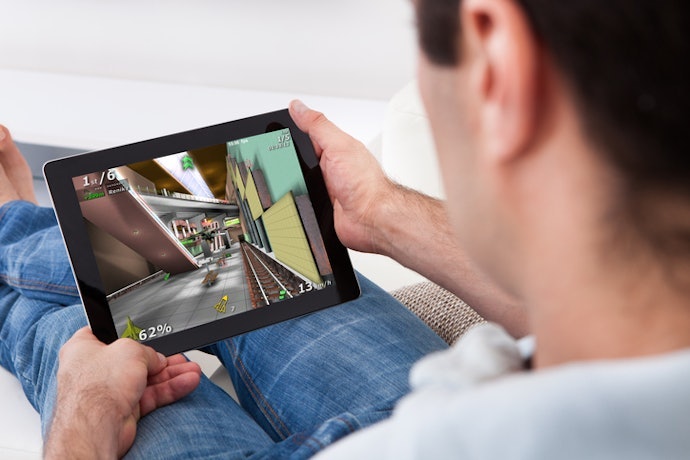
A good display improves visual clarity and immersion, but it should come after performance when choosing a gaming tablet under ₱10,000. A Full HD (1920x1200) display with an 8–10.5-inch screen size offers the best balance of sharpness and portability for gaming, videos, and everyday use.
For smoother visuals in fast-paced games, a 90 Hz or 120 Hz refresh rate can make motion feel more fluid and responsive. However, high refresh rates are only beneficial if the tablet already delivers stable performance, since weak hardware will still cause lag and frame drops regardless of the screen's capabilities.
Look for Tablets With at Least 5,000 mAh Battery for Longer Gaming Sessions

Battery capacity determines how long you can play without interruption, making it important for users who game for extended periods. A minimum of 5,000 mAh is recommended, while 6,000–7,000 mAh batteries provide better endurance for heavier use.
Expect around 4–6 hours of gameplay, depending on the game and brightness settings, with faster drain in graphically demanding titles like PUBG Mobile. Battery size should be considered after performance and display, as it mainly affects usage duration rather than gameplay quality.
Get 64 GB or Expandable Storage for Large Game Libraries
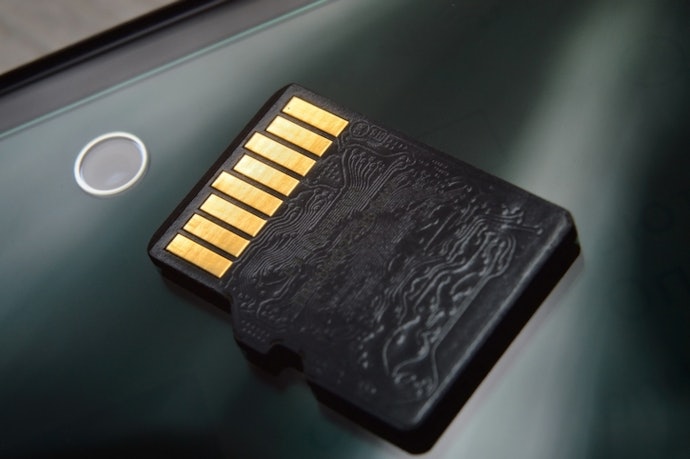
Storage becomes important if you regularly install multiple games or switch between apps. A minimum of 64 GB storage is recommended, as modern mobile games can take several gigabytes each and fill space quickly.
If you want flexibility for long-term use, choose a tablet with expandable microSD support, which allows you to add storage as needed. This is especially useful for users who frequently download new games or keep multiple large titles installed.
Select a Lightweight and Portable Design for Comfort

If you prefer gaming on the go, choose a lightweight tablet, as portability affects comfort during long gaming sessions. Budget gaming tablets are generally lighter and easier to carry, making them suitable for casual gaming, travel, and everyday use.
At this price range, focus on a comfortable weight and adequate heat management rather than premium build materials. A lighter design can improve portability and reduce hand fatigue, but gaming performance still depends primarily on the tablet’s processor, RAM, and graphics capabilities.
Choose Reputable Brands With Reliable Support

If after-sales reliability and software stability matter to you, then prioritize reputable brands like Lenovo or Samsung, as they typically offer more consistent updates, service accessibility, and build quality. In this price range, brand choice is mainly a risk-reduction factor rather than a performance advantage. Focus on specs first, then use brand reputation as a final consideration.
9 Gaming Tablets Under 10,000 to Buy Online
| Products | Image | Click to purchase | Popularity | Details | ||||||||
|---|---|---|---|---|---|---|---|---|---|---|---|---|
Processor | Graphics | RAM | Screen Size | Display Resolution | Refresh Rate | Battery | Storage | |||||
1 | XPAD 30E |X1102B Infinix |  | No.1 | MediaTek Helio G80 | Mali-G52 MC2 | 4 GB, 8 GB | 11 Inches | 1920 x 1200 Pixels | 60 Hz | 7000 mAh | 128 GB, 256 GB | |
2 | Tablet |Xiaoxin Pad 11 Lenovo |  | No.2 | MediaTek Dimensity 6300 | Mali-G57 MC2 | 6 GB, 8 GB | 11 Inches | 2560 x 1600 Pixels | 90 Hz | 7040 mAh | 128 GB, 256 GB | |
3 | Tablet|Pad 6 Pro Xiaomi |  | No.3 | Snapdragon 8+ Gen 1 | Adreno 730 | 8 GB, 12 GB | 11 Inches | 2880 × 1800 Pixels | 144 Hz | 8600 mAh | 128 GB, 256 GB, 512 GB | |
4 | Android Tablet |Pad SE 8 Redmi |  | No.4 | MediaTek Helio G85 | Mali-G52 MC2 | 4 GB, 6 GB | 8.7 Inches | 1340 x 800 Pixels | 90 Hz | 6650 mAh | 64 GB, 128 GB | |
5 | Mini Lite Tablet |iPlay 50 Alldocube |  | No.5 | Unisoc T606 | Mali-G57 MP1 | 4 GB | 8.4 Inches | 1340 x 800 Pixels | 60 Hz | 5100 mAh | 64 GB | |
6 | Gaming Tablet |Pad Neo TechLife |  | No.6 | Unisoc T612 | Mali-G57 MP1 | 4 GB, 8 GB, 16 GB Virtual | 10.1 Inches | 1280 × 800 Pixels | 60 Hz | 6,000 mAh | 64 GB, 128 GB | |
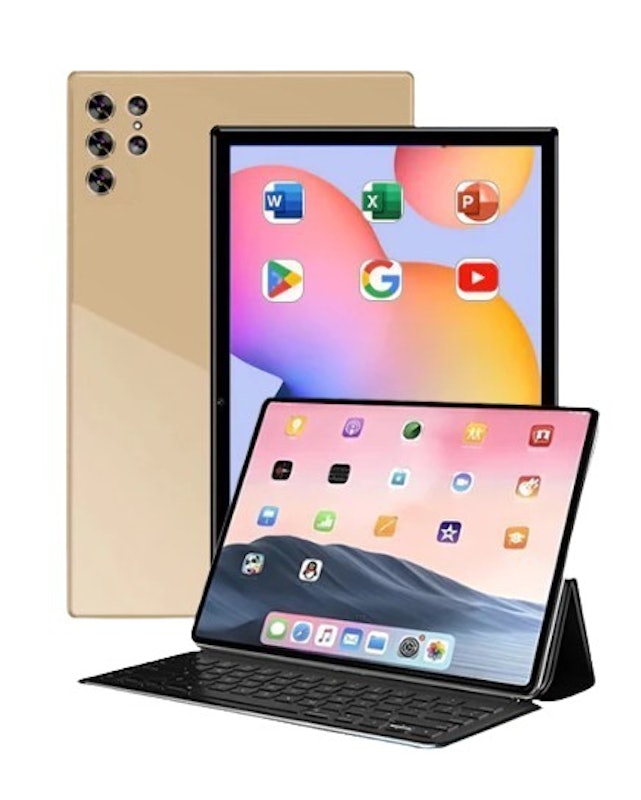
7 | Gaming Tablet Spark Pro |  | No.7 | unknown | unknown | 12 GB | 10.1 Inches | unknown | unknown | unknown | 512 GB | |
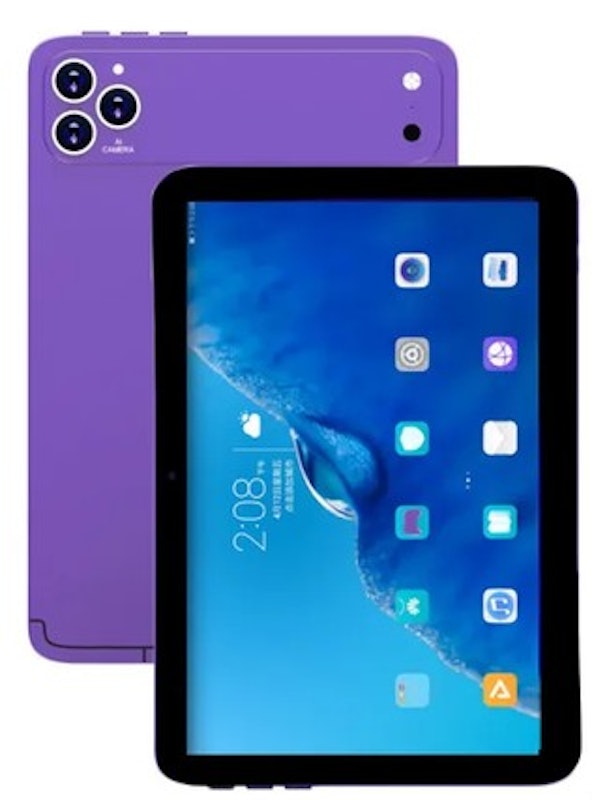
8 | Gaming Tablet |S26 Ultra Yookie |  | No.8 | unknown | unknown | 12 GB | unknown | unknown | unknown | 6000 mAh | 512 GB | |
9 | Gaming Tablet |i17 Max Yookie |  | No.9 | unknown | unknown | 16 GB | 10 Inches | unknown | unknown | 6000 mAh | 1 TB | |

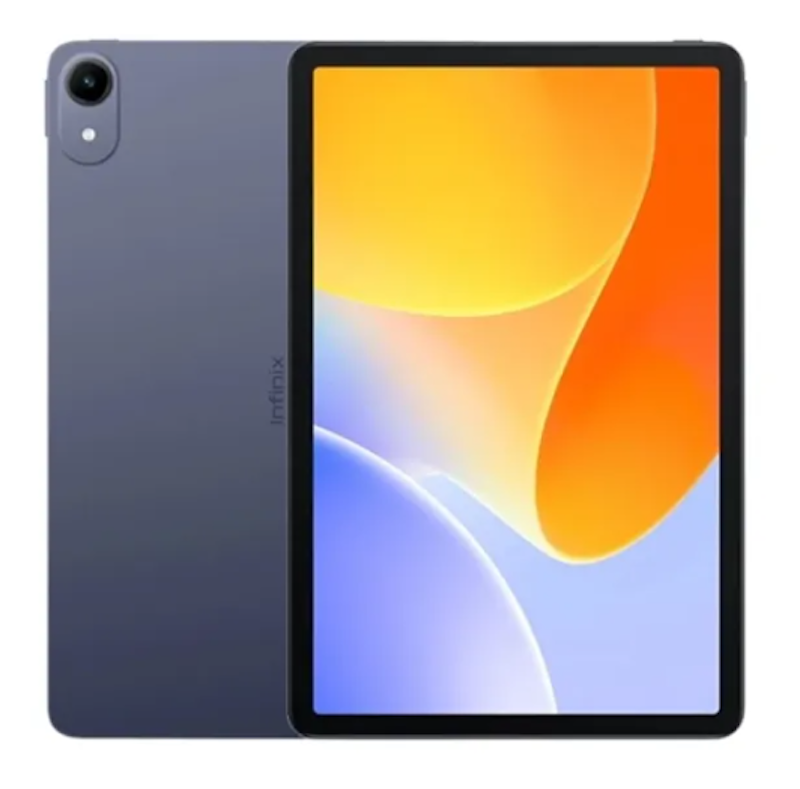
| Processor | MediaTek Helio G80 |
|---|---|
| Graphics | Mali-G52 MC2 |
| RAM | 4 GB, 8 GB |
| Screen Size | 11 Inches |
| Display Resolution | 1920 x 1200 Pixels |
| Refresh Rate | 60 Hz |
| Battery | 7000 mAh |
| Storage | 128 GB, 256 GB |
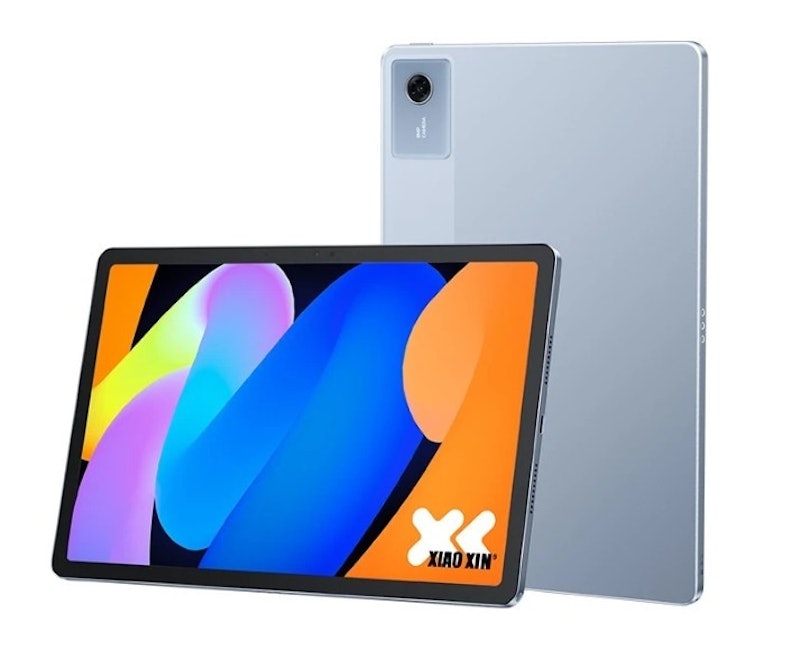
| Processor | MediaTek Dimensity 6300 |
|---|---|
| Graphics | Mali-G57 MC2 |
| RAM | 6 GB, 8 GB |
| Screen Size | 11 Inches |
| Display Resolution | 2560 x 1600 Pixels |
| Refresh Rate | 90 Hz |
| Battery | 7040 mAh |
| Storage | 128 GB, 256 GB |
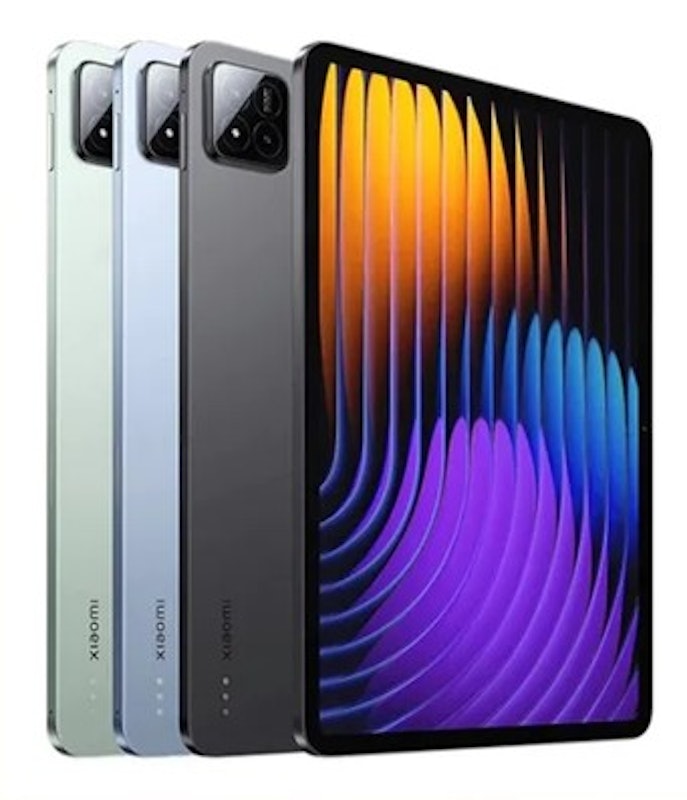
| Processor | Snapdragon 8+ Gen 1 |
|---|---|
| Graphics | Adreno 730 |
| RAM | 8 GB, 12 GB |
| Screen Size | 11 Inches |
| Display Resolution | 2880 × 1800 Pixels |
| Refresh Rate | 144 Hz |
| Battery | 8600 mAh |
| Storage | 128 GB, 256 GB, 512 GB |
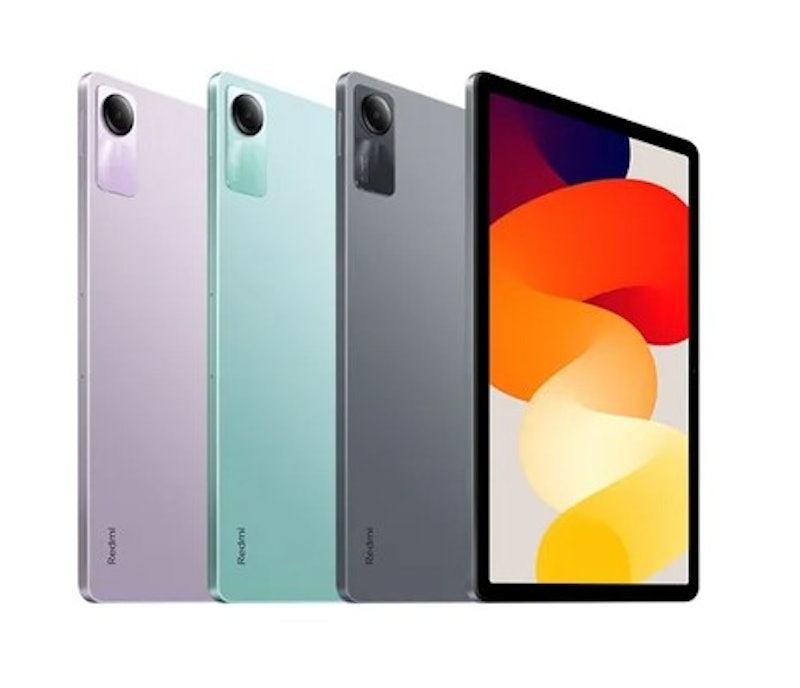
| Processor | MediaTek Helio G85 |
|---|---|
| Graphics | Mali-G52 MC2 |
| RAM | 4 GB, 6 GB |
| Screen Size | 8.7 Inches |
| Display Resolution | 1340 x 800 Pixels |
| Refresh Rate | 90 Hz |
| Battery | 6650 mAh |
| Storage | 64 GB, 128 GB |
Alldocube Mini Lite Tablet | iPlay 50
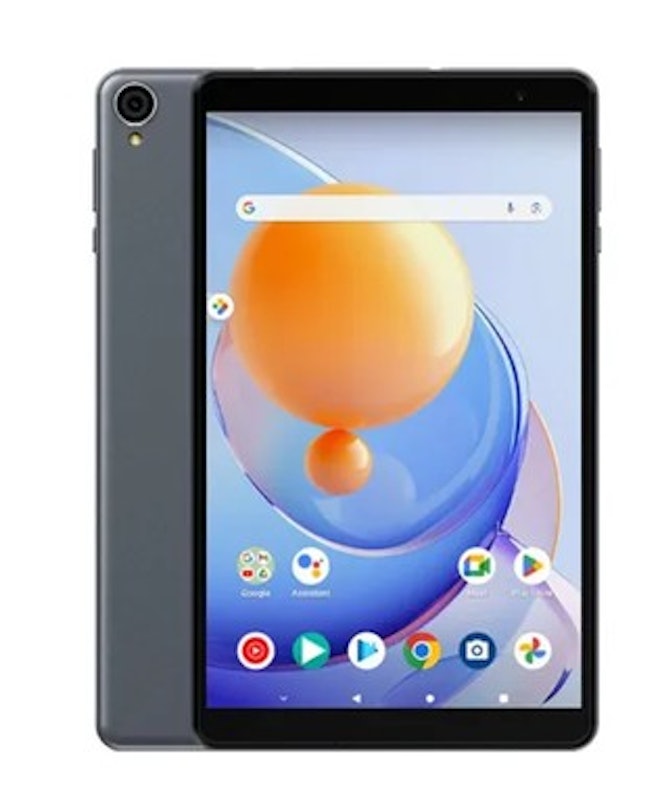
| Processor | Unisoc T606 |
|---|---|
| Graphics | Mali-G57 MP1 |
| RAM | 4 GB |
| Screen Size | 8.4 Inches |
| Display Resolution | 1340 x 800 Pixels |
| Refresh Rate | 60 Hz |
| Battery | 5100 mAh |
| Storage | 64 GB |
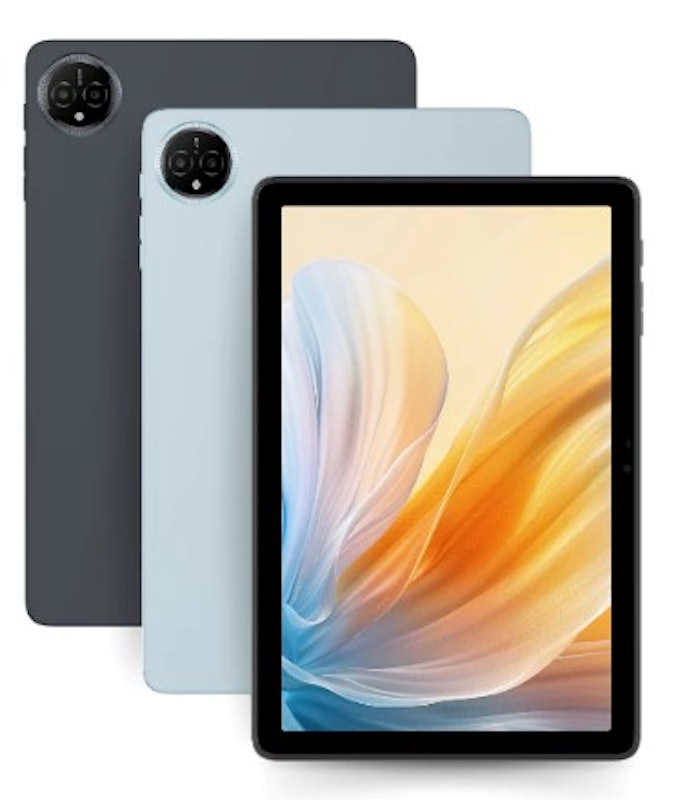
| Processor | Unisoc T612 |
|---|---|
| Graphics | Mali-G57 MP1 |
| RAM | 4 GB, 8 GB, 16 GB Virtual |
| Screen Size | 10.1 Inches |
| Display Resolution | 1280 × 800 Pixels |
| Refresh Rate | 60 Hz |
| Battery | 6,000 mAh |
| Storage | 64 GB, 128 GB |
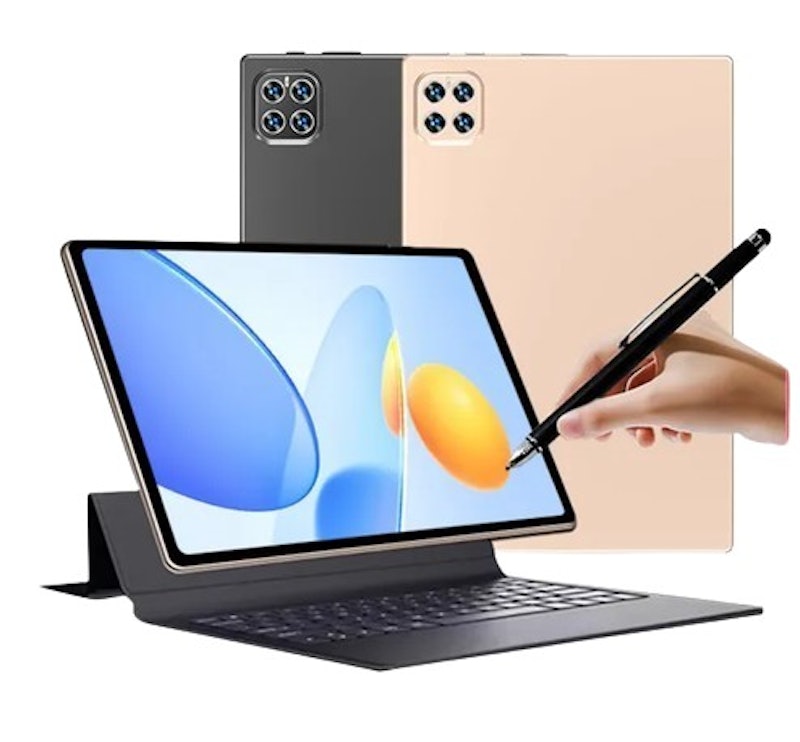
| Processor | unknown |
|---|---|
| Graphics | unknown |
| RAM | 12 GB |
| Screen Size | 10.1 Inches |
| Display Resolution | unknown |
| Refresh Rate | unknown |
| Battery | unknown |
| Storage | 512 GB |
| Processor | unknown |
|---|---|
| Graphics | unknown |
| RAM | 12 GB |
| Screen Size | unknown |
| Display Resolution | unknown |
| Refresh Rate | unknown |
| Battery | 6000 mAh |
| Storage | 512 GB |
| Processor | unknown |
|---|---|
| Graphics | unknown |
| RAM | 16 GB |
| Screen Size | 10 Inches |
| Display Resolution | unknown |
| Refresh Rate | unknown |
| Battery | 6000 mAh |
| Storage | 1 TB |
Frequently Asked Questions
Below are some of the most asked questions on the web answered by the mybest team.
Can I Use a Gaming Tablet Controller With Budget Gaming Tablets Under PHP 10K?
Many budget tablets support game controllers, but the experience may vary depending on the tablet’s operating system (Android, for instance) and hardware. Bluetooth controllers could be a safe bet, but for wired controllers, you will need a USB OTG adaptor.
What Is the Best Gaming Tablet for Call of Duty Mobile Under PHP 10K?
Since Call of Duty Mobile requires a mid-range CPU and GPU, at least 3-4 GB of RAM, and around 3 GB of internal storage, these are the factors to consider when purchasing a device for a specific game. The Realme Pad, Xiaomi Redmi Pad, and Samsung Galaxy Tab A8 could potentially fit the bill.
Are There Gaming Tablets With Keyboard and Mouse Support?
Yes, there are gaming tablets that support keyboard and mouse input, but the degree of support varies depending on the operating system, the tablet's hardware capabilities, and whether you’re using a wired or wireless keyboard and mouse.
More Gaming Devices for Your Entertainment
Discover more gaming devices that will satisfy your desire for immersive interactive experiences - that are right on your budget!


How We Chose and Ranked Our Product Recommendations
Our buying guide was carefully researched and crafted by the mybest team of writers and editors. We used the buying guide as a basis for choosing and ranking the product recommendations, and we looked at reviews and ratings from different E-commerce sites like Lazada, Shopee, and more.
The descriptions of each product are referenced from content available on manufacturer, brand, and e-commerce sites.