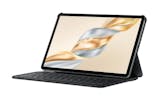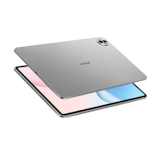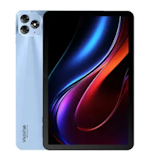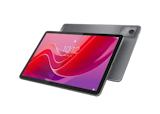


10 Best Xiaomi Tablets in the Philippines 2026 | Pad 7, Pad 7 Pro, and More
Xiaomi tablets have become practical choices for Filipino students, professionals, and everyday users seeking reliable devices for online classes, work tasks, and entertainment, all without paying flagship-level prices. From note-taking during meetings to watching shows on the commute or juggling multiple apps, Xiaomi tablets are renowned for striking a balance between performance, display quality, and everyday usability.
Finding the right Xiaomi tablet is now easier than ever through online platforms like Lazada and Shopee, where you can compare models and have them delivered straight to your doorstep. This guide highlights the best Xiaomi tablets available in the Philippines, focusing on budget-friendly options that deliver dependable performance based on processor capability, display quality, RAM capacity, and stylus support.

As a content planner, Jemanuel is fully committed to making sure that consumers can figure out the best choices with ease and convenience. He is always eager to learn new things and is always on the lookout for the latest market and industry trends that can help you make your research much easier.
Why You Can Trust Us
Every mybest article is crafted with hours of in-depth research and interviews with experts. Each month, we are continually expanding our database of products based on our research. By emphasizing user insight and reliable information, we deliver trustworthy content to readers.
How to Choose a Xiaomi Tablet – Buying Guide
Choosing the right Xiaomi tablet comes down to how you plan to use it, the level of performance you need, and your budget. Comparing Xiaomi’s products—such as the Pad series—with each line's specifications helps ensure the tablet can handle daily tasks smoothly.
Start by Choosing the Xiaomi Line That Best Fits Your Workload and Budget
Xiaomi offers three main tablet lines, each designed for different performance needs and price points. Your choice should align with your primary use case, whether it's casual browsing, moderate multitasking, or intensive creative work.
Redmi Pad Line: Good Performance for School, Media, or Light Productivity at a Lower Cost

The Redmi Pad series is designed for budget-conscious users who need dependable performance for everyday use. It handles common tasks like video streaming, social media browsing, and document editing smoothly, without noticeable lag. With long battery life and expandable storage, these tablets are well-suited for students and casual users.
While the processors aren’t as powerful as those found in higher-tier Xiaomi tablets, they are more than capable for light productivity and entertainment. For schoolwork, online classes, or media consumption at an affordable price, the Redmi Pad series offers strong value.
Xiaomi Pad Line: Faster Performance for Gaming, Online Classes, and Everyday Multitasking

Xiaomi Pad models are equipped with more powerful processors and higher RAM options, making them better suited for gaming, video calls, and multitasking. They run demanding apps and mobile games smoothly, with fewer slowdowns during extended use. Improved display quality and faster charging also contribute to a more seamless overall experience.
For users who require a tablet for moderate gaming, online meetings, or frequent app switching, the Xiaomi Pad series offers a clear performance upgrade over the Redmi Pad line.
Xiaomi Pad Pro Line: Laptop-Like Power for Creative and Design Work, or Serious Productivity

The Xiaomi Pad Pro line delivers near-flagship performance with high-end processors, premium displays, and full support for stylus and keyboard accessories. Designed for creative professionals and power users, these tablets handle digital drawing, video editing, and heavy multitasking with ease. High refresh rate screens, larger batteries, and expanded storage options further enhance productivity.
If you’re looking for a tablet that can function as a laptop alternative for work or creative projects, the Xiaomi Pad Pro series offers the power and features needed for more demanding tasks.
Choose 6–8 GB RAM if You Want Smoother HyperOS Multitasking and Fewer Slowdowns

For smoother multitasking on HyperOS, choosing a Xiaomi tablet with 6–8 GB of RAM makes a noticeable difference. Higher RAM enables apps to remain active in the background, reducing lag when switching between tasks or utilizing split-screen features. This is especially helpful for online classes, work apps, and light gaming, where multiple apps are often used at once.
Tablets with only 4 GB of RAM can handle basic browsing and streaming, but are more likely to experience slowdowns when running multiple apps simultaneously. To avoid app reloads and performance dips during daily use, a 6–8 GB RAM configuration provides a more stable and responsive overall experience.
Pick a Xiaomi Tablet With a 90–144 Hz Display for Smoother Performance

Display refresh rate affects how smooth scrolling, animations, and on-screen movements feel during daily use. Higher refresh rates make actions like swiping through apps, browsing social media, and navigating menus feel more responsive and seamless. While standard 60 Hz displays are fine for basic tasks, they don’t offer the same fluid experience as higher refresh rate screens.
Xiaomi tablets with displays ranging from 90 Hz to 120 Hz offer noticeably smoother visuals, particularly when scrolling through lengthy feeds or switching between apps. Models with 144 Hz refresh rates are best suited for mobile gaming, offering faster response and smoother motion in fast-paced titles. For a more comfortable and enjoyable viewing experience, consider getting a tablet with a display refresh rate of at least 90 Hz.
Select the Right Storage Option Based on the Size of Your Files and Apps
Storage capacity determines how much content you store directly on your tablet. Your choice should match the size and number of apps, games, videos, and documents you plan to keep locally.
64 GB–128 GB for Casual Use, 256 GB+ for Gaming and Offline Content

Tablets with 64 GB to 128 GB of storage are suitable for users who mostly stream content and rely on cloud storage for documents and photos. They can accommodate essential apps, a few games, and moderate media files without quickly running out of space, making them a good fit for students and casual users.
If you play mobile games with large file sizes or download movies and shows for offline viewing, opting for 256 GB or more storage is a better choice. Higher storage capacity reduces the need to frequently delete files, making it easier to manage apps and media over time.
Go for Redmi Pad Models If You Need microSD Expansion
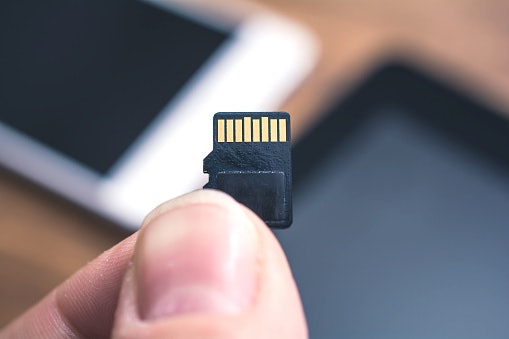
Redmi Pad tablets feature microSD card slots, enabling you to expand storage beyond the built-in capacity. This is useful for storing extra photos, videos, or documents without paying more for higher internal storage. With support for microSD cards of up to 1 TB, you can easily add space as your file library grows.
If you want the flexibility to expand storage later or prefer a more budget-friendly option, Redmi Pad models offer a practical advantage over higher-tier Xiaomi tablets.
Look for Smart Pen and Keyboard Compatibility if Needed for Notes, Drawing, or Work

Stylus and keyboard support can turn a tablet into a more capable tool for note-taking, digital drawing, and document work. Xiaomi offers Smart Pen and keyboard accessories designed to work with specific tablet models.
The Xiaomi Smart Pen features pressure sensitivity and palm rejection, making it ideal for handwriting notes, sketching, and annotating documents. Similarly, keyboard accessories offer a more comfortable typing experience, enabling the tablet to serve as a lightweight laptop alternative. Since not all Xiaomi tablets support these accessories, confirming model compatibility ensures you get the most out of your device and avoid unnecessary purchases.
10 Best Xiaomi Tablets to Buy Online
| Products | Image | Click to purchase | Popularity | Details | ||||||||
|---|---|---|---|---|---|---|---|---|---|---|---|---|
Best For | RAM | Storage | Refresh Rate | Smart Pen and Keyboard Compatibility | MicroSD Expansion | Screen Size | Xiaomi Line | |||||
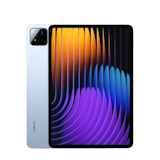
1 | Pad 7|256GB Xiaomi |  | No.1 | Gaming & Offline Content | 8GB | 256GB | 144Hz | 11.2" | Xiaomi Pad | |||
2 | Pad 7 Pro|512GB Xiaomi |  | No.2 | Gaming & Offline Content | 12GB | 512GB | 144Hz | 11.5" | Xiaomi Pad Pro | |||
3 | Redmi Pad Pro 5G|256GB Xiaomi |  | No.3 | Gaming & Offline Content | 8GB | 256GB | 120Hz | 12.1" | Redmi Pad | |||
4 | Pad 7S Pro|256GB Xiaomi |  | No.4 | Gaming & Offline Content | 8GB | 256GB | 144Hz | 12.5" | Xiaomi Pad Pro | |||
5 | Tablet|Pad 6 Pro Xiaomi |  | No.5 | Gaming & Offline Content | 12GB | 256GB | 144Hz | 11" | Xiaomi Pad Pro | |||
6 | Pad 6S Pro|512GB Xiaomi |  | No.6 | Gaming & Offline Content | 12GB | 512GB | 144Hz | 12.4" | Xiaomi Pad Pro | |||
7 | Pad 8 Pro|256GB Xiaomi |  | No.7 | Gaming & Offline Content | 8GB | 256GB | 144Hz | 11.2" | Xiaomi Pad Pro | |||
8 | Redmi Pad SE 8.7"|64GB Xiaomi |  | No.8 | Casual Use | 4GB | 64GB | 90Hz | 8.7" | Redmi Pad | |||
9 | Redmi Pad 2 Pro 5G|256GB Xiaomi |  | No.9 | Gaming & Offline Content | 8GB | 256GB | 120Hz | 12.1" | Redmi Pad | |||
10 | Pad Mini|256GB Xiaomi |  | No.10 | Gaming & Offline Content | 8GB | 256GB | 165Hz | 8.8" | Xiaomi Pad | |||

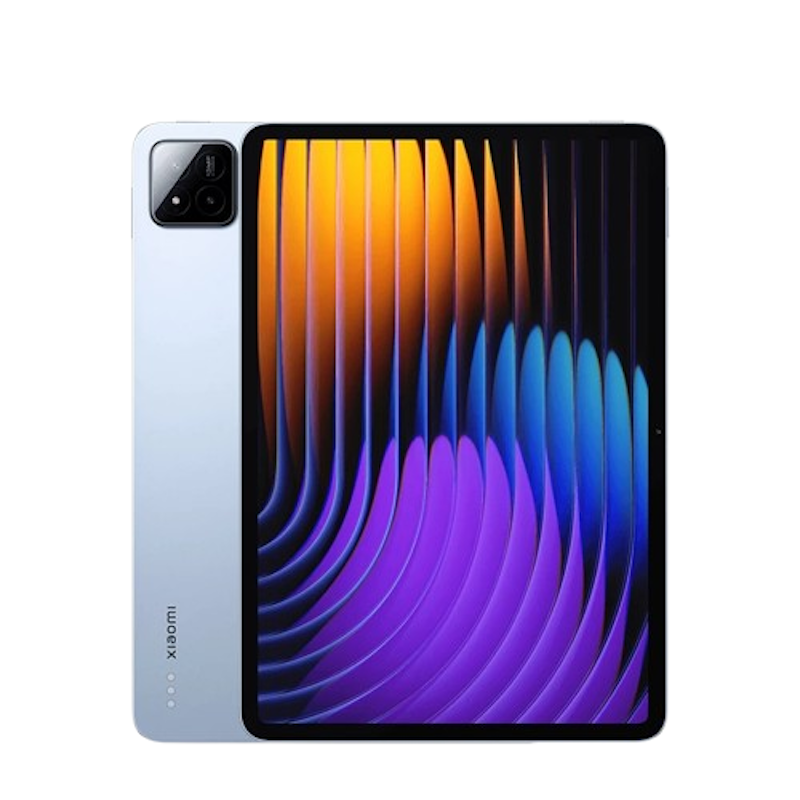
Reviews mention:
Users frequently praise the smooth performance for daily tasks, including streaming and light gaming. Many highlight the long battery life, noting it comfortably lasts a full day. Reviewers also comment that the camera works well for document scanning and casual photos, though it is best suited for basic tablet photography rather than advanced use.
| Best For | Gaming & Offline Content |
|---|---|
| RAM | 8GB |
| Storage | 256GB |
| Refresh Rate | 144Hz |
| Smart Pen and Keyboard Compatibility | |
| MicroSD Expansion | |
| Screen Size | 11.2" |
| Xiaomi Line | Xiaomi Pad |
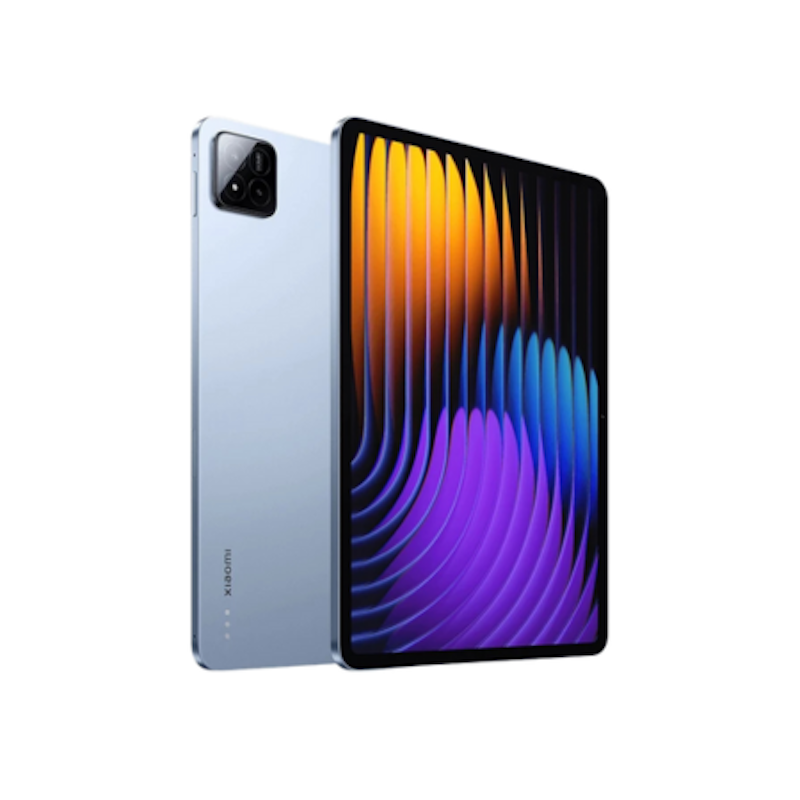
Reviews mention:
Customers praise the vibrant display and snappy performance for video editing and gaming, often noting how the high refresh rate makes scrolling feel buttery smooth. Several also highlight the lightweight build as ideal for portability during travel or work. Some just wish for expandable storage, though the ample internal space satisfies most.
| Best For | Gaming & Offline Content |
|---|---|
| RAM | 12GB |
| Storage | 512GB |
| Refresh Rate | 144Hz |
| Smart Pen and Keyboard Compatibility | |
| MicroSD Expansion | |
| Screen Size | 11.5" |
| Xiaomi Line | Xiaomi Pad Pro |

Reviews mention:
Buyers appreciate the convenience of mobile data support, especially when using the tablet outside the house. Reviews often note that it feels reliable for daily tasks like video watching, online classes, and casual gaming. Some mention it works best when paired with Wi-Fi at home and 5G on the go for consistent performance.
| Best For | Gaming & Offline Content |
|---|---|
| RAM | 8GB |
| Storage | 256GB |
| Refresh Rate | 120Hz |
| Smart Pen and Keyboard Compatibility | |
| MicroSD Expansion | |
| Screen Size | 12.1" |
| Xiaomi Line | Redmi Pad |
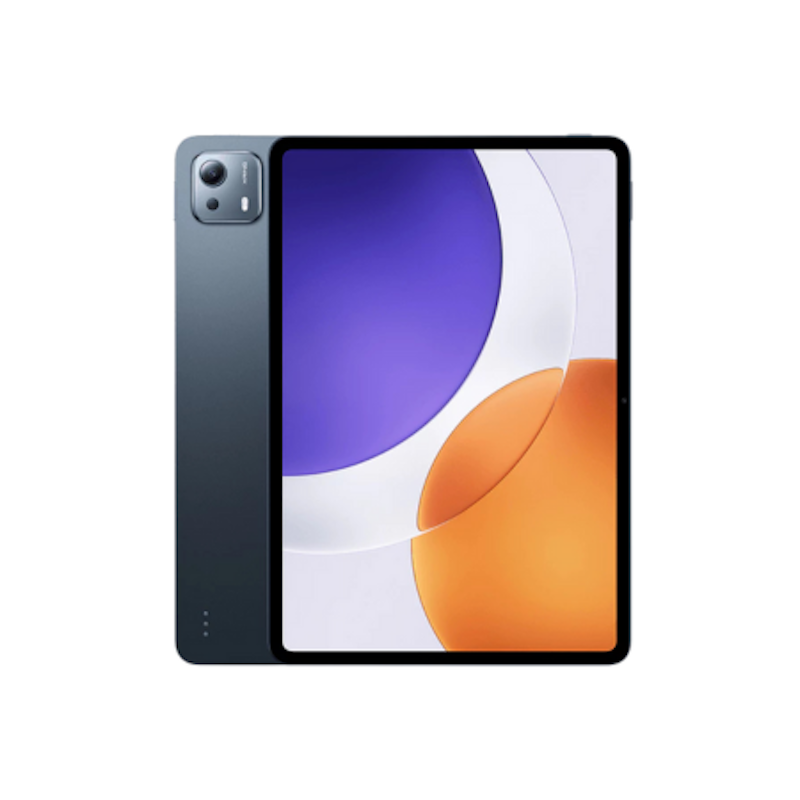
Reviews mention:
Users often say photos come out sharp enough for schoolwork, receipts, and various documents. Many also like how fast the camera focuses compared to older tablets. They also note the excellent battery life and display quality for productivity, though some wish for cellular connectivity options. Several feedback highlights a smooth HyperOS experience as well, but mentions occasional software tweaks needed for optimal accessory pairing.
| Best For | Gaming & Offline Content |
|---|---|
| RAM | 8GB |
| Storage | 256GB |
| Refresh Rate | 144Hz |
| Smart Pen and Keyboard Compatibility | |
| MicroSD Expansion | |
| Screen Size | 12.5" |
| Xiaomi Line | Xiaomi Pad Pro |
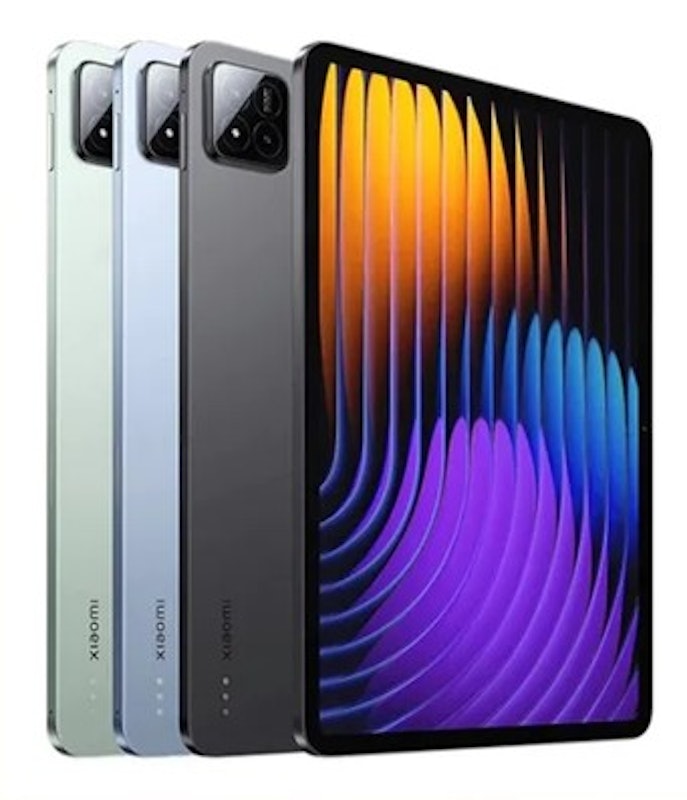
| Best For | Gaming & Offline Content |
|---|---|
| RAM | 12GB |
| Storage | 256GB |
| Refresh Rate | 144Hz |
| Smart Pen and Keyboard Compatibility | |
| MicroSD Expansion | |
| Screen Size | 11" |
| Xiaomi Line | Xiaomi Pad Pro |
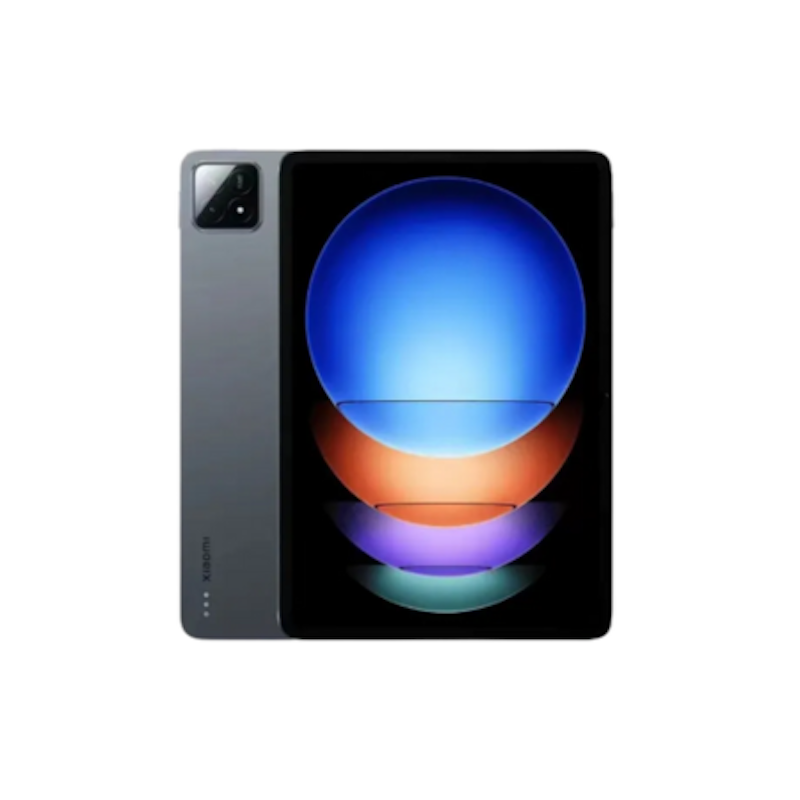
Reviews mention:
Users appreciate the stable and fast Wi-Fi connection for streaming, work, and online classes. Many highlight its clear, immersive sound from the built-in speakers for videos and music. They also like the stylus compatibility for notetaking, though some note occasional HyperOS bloatware. Several feedback praises camera quality for casual shots as well, but suggests an external keyboard for heavy typing.
| Best For | Gaming & Offline Content |
|---|---|
| RAM | 12GB |
| Storage | 512GB |
| Refresh Rate | 144Hz |
| Smart Pen and Keyboard Compatibility | |
| MicroSD Expansion | |
| Screen Size | 12.4" |
| Xiaomi Line | Xiaomi Pad Pro |
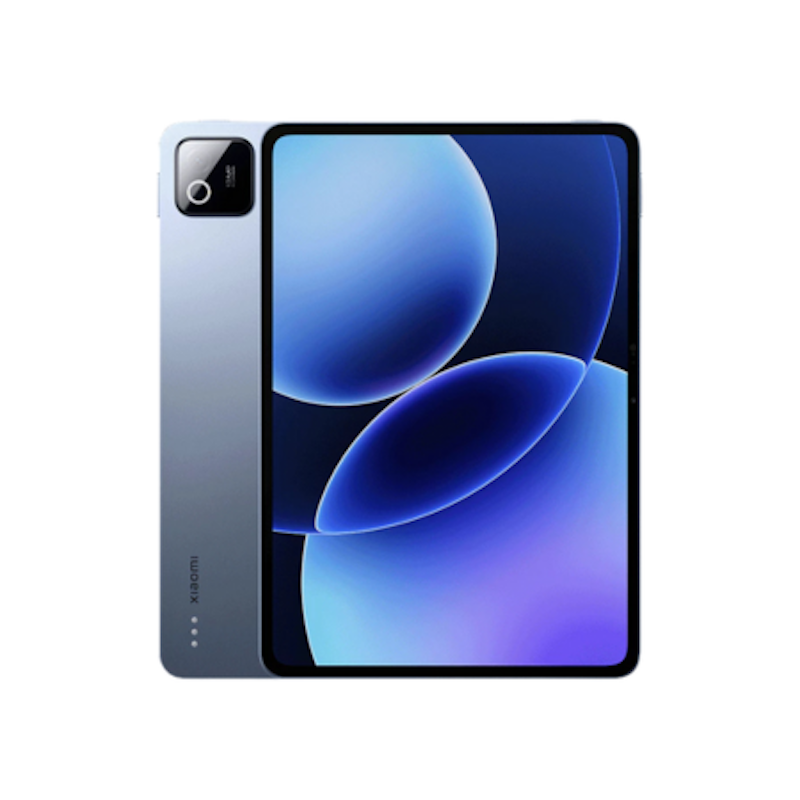
Reviews mention:
Buyers love the tablet’s smooth performance and responsiveness for apps, gaming, and streaming. They often highlight its clear, fluid display and immersive sound quality for entertainment. Some note that the tablet is large, making it best suitable to be used on a desk or table instead of handheld for hours.
| Best For | Gaming & Offline Content |
|---|---|
| RAM | 8GB |
| Storage | 256GB |
| Refresh Rate | 144Hz |
| Smart Pen and Keyboard Compatibility | |
| MicroSD Expansion | |
| Screen Size | 11.2" |
| Xiaomi Line | Xiaomi Pad Pro |
Xiaomi Redmi Pad SE 8.7" | 64GB
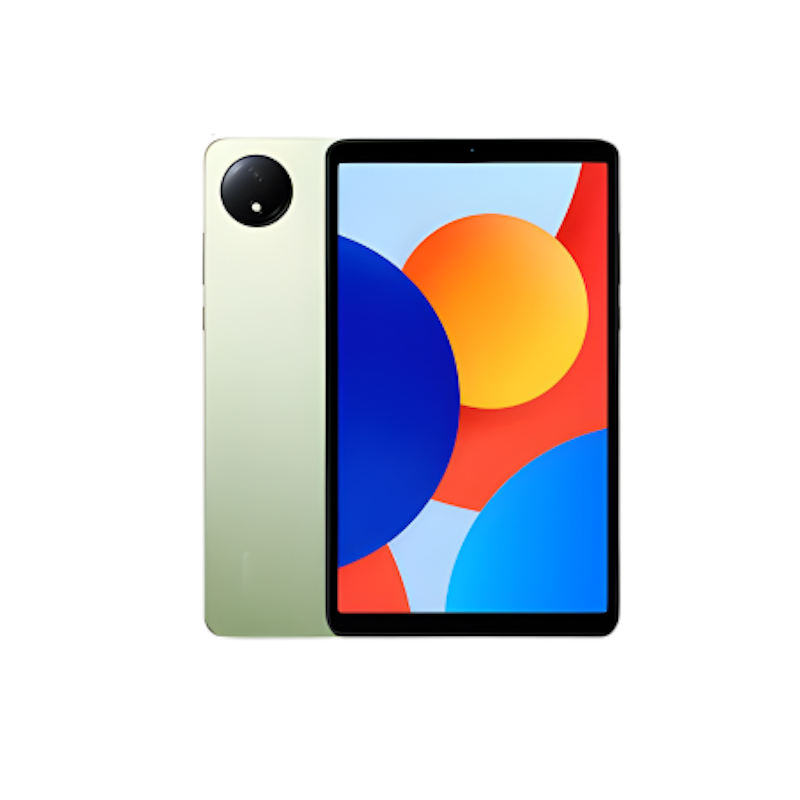
Reviews mention:
Many users like how portable and lightweight this tablet feels, making it convenient for travel and commuting. Reviews also often mention that having mobile data support is highly useful, especially for students and casual users. Plus, some note that the smaller screen works best for media and browsing rather than multitasking.
| Best For | Casual Use |
|---|---|
| RAM | 4GB |
| Storage | 64GB |
| Refresh Rate | 90Hz |
| Smart Pen and Keyboard Compatibility | |
| MicroSD Expansion | |
| Screen Size | 8.7" |
| Xiaomi Line | Redmi Pad |

Reviews mention:
Many users appreciate the convenience of built-in 5G, especially when using the tablet outside the home. Many also like the long battery life, saying it easily lasts through extended classes or work sessions. Some just mention that its larger size feels best suited for bag carry rather than frequent handheld use.
| Best For | Gaming & Offline Content |
|---|---|
| RAM | 8GB |
| Storage | 256GB |
| Refresh Rate | 120Hz |
| Smart Pen and Keyboard Compatibility | |
| MicroSD Expansion | |
| Screen Size | 12.1" |
| Xiaomi Line | Redmi Pad |
Reviews mention:
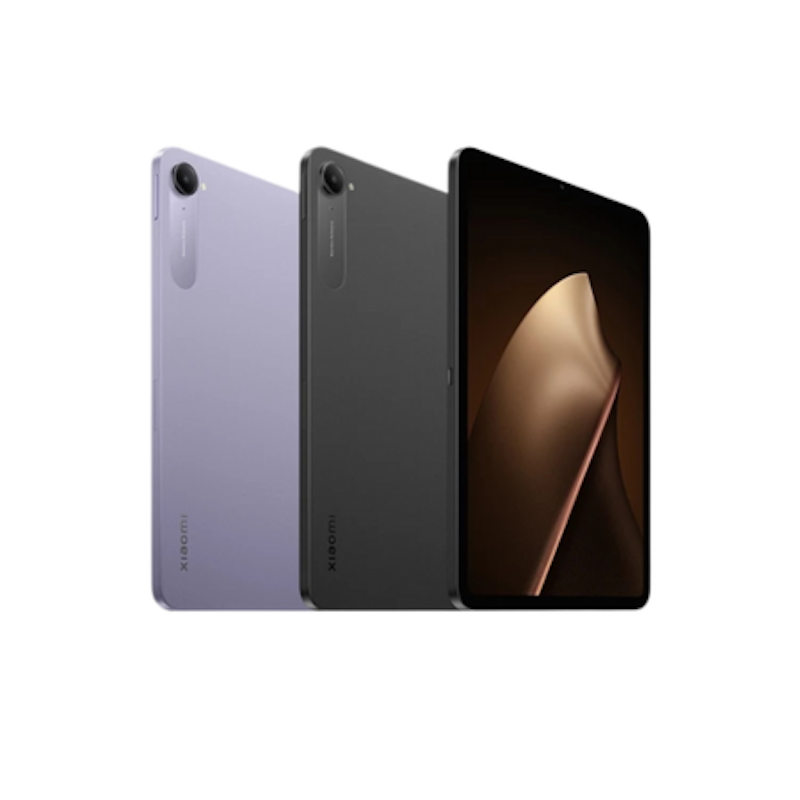
Users love how responsive the tablet feels and how well it handles multitasking and apps. Many love the bright, smooth display for videos and reading in a compact size. Some simply note that the small size is perfect for one-handed use, but larger content can feel tight for extended work sessions. Overall, this tablet works best for personal use rather than professional work or heavy multitasking.
| Best For | Gaming & Offline Content |
|---|---|
| RAM | 8GB |
| Storage | 256GB |
| Refresh Rate | 165Hz |
| Smart Pen and Keyboard Compatibility | |
| MicroSD Expansion | |
| Screen Size | 8.8" |
| Xiaomi Line | Xiaomi Pad |
Frequently Asked Questions
Below are some of the most asked questions on the web answered by the mybest team.
What’s the Difference Between Xiaomi Pad and Redmi Pad Models?
Xiaomi Pad models feature faster processors, higher RAM options, and better displays compared to Redmi Pad tablets. Redmi Pad devices prioritize budget-friendly pricing and extended battery life, making them ideal for casual use. Xiaomi Pad and Xiaomi Pad Pro models target users who need more power for gaming, multitasking, or creative work.
Do Xiaomi Tablets Get HyperOS Updates?
Most Xiaomi tablets receive HyperOS updates for at least two to three years after release. Updates bring new features, security patches, and performance improvements. Check the product page or Xiaomi's official website to confirm update support for your specific model before making a purchase.
Does the Xiaomi Smart Pen Work on All Xiaomi Tablets?
No, the Xiaomi Smart Pen only works with compatible models, typically in the Xiaomi Pad and Xiaomi Pad Pro lines. Redmi Pad models generally do not support stylus input. Verify compatibility on the product listing or Xiaomi's website before buying a Smart Pen accessory.
Do HyperOS Multitasking Features Make a Big Difference When Using Xiaomi Tablets?
Yes, HyperOS offers split-screen multitasking, floating windows, and app pairing features designed for productivity. These tools enable faster switching between apps and allow you to work on multiple tasks simultaneously. If you plan to use your tablet for work or online classes, HyperOS multitasking features improve efficiency and reduce the time spent switching between apps.
Expand Your Xiaomi Experience
Enhance your tablet setup with accessories and gadgets designed to complement your device. Discover our curated Xiaomi earphones, power banks, and stylus pens to help you get the most out of your new tablet.


How We Chose and Ranked Our Product Recommendations
Our buying guide was carefully researched and crafted by the mybest team of writers and editors. We used the buying guide as a basis for choosing and ranking the product recommendations, and we looked at reviews and ratings from different E-commerce sites like Lazada, Shopee, and more.
The descriptions of each product are referenced from content available on manufacturer, brand, and e-commerce sites.