
10 Best Tablets For Students in the Philippines 2026 | Buying Guide Reviewed by IT Consultant, Developer, and Instructor
Nowadays, students are no longer solely dependent on desktops or laptops, with many now using tablets for studying due to their portability, affordability, and versatility for note-taking, online classes, and everyday schoolwork.
To help students and parents find the best tablet for students, we’ve outlined the key features to consider, highlighted ideal specifications personally verified by an IT professional, and rounded up some of the best options you can directly buy from Lazada and Shopee.

Kevin Lee is an educator who specializes in Information Technology (IT). He also has years of experience as a technical support specialist and is well-versed in programming, application development, software testing, and user experience design. Furthermore, his passion for building custom computers and creating electronic devices and systems keeps him up-to-date with the latest trends and information.

Our recommendation articles are carefully researched and crafted by the mybest Philippines team of writers and editors. To stay true to our company’s mission and vision to help users’ selection process easier, we also collaborate with experts from various fields to ensure that our content stays factual and useful.
The expert oversees the Buying Guide only, and does not determine the products and services featured.
Why You Can Trust Us
Every mybest article is crafted with hours of in-depth research and interviews with experts. Each month, we are continually expanding our database of products based on our research. By emphasizing user insight and reliable information, we deliver trustworthy content to readers.
How to Choose a Tablet for Student - Buying Guide
The best tablet for students depends on how it will be used. Some only need a device for note-taking and online classes, while others require enough power for multitasking, editing, or design work. Here are the key features to prioritize before buying, reviewed by an IT consultant and instructor.
Choose a Display Size Based on Your Schoolwork and Aim for at Least 1080p Resolution
Display size affects portability and comfort, while resolution determines how sharp text and images appear. Choosing the right balance can make studying, reading, and multitasking more comfortable.
8–11 Inches: Best for Everyday Schoolwork and Portability

Smaller tablets around 8 inches are easy to carry and work well for note-taking, reading, and basic school tasks. Meanwhile, 10–11-inch models offer more screen space for multitasking, attending online classes, and editing documents while remaining portable. Larger 12–13-inch tablets may suit students who draw digitally, edit videos, or want a laptop-like experience.

A larger screen size would be better in an educational context. It allows you to digest visual multimedia better, which is great, considering since lockdowns and the easing of restrictions, our country's education systems have gradually pivoted to remote and hybrid systems of learning.
Aim for Full HD (1080p) Resolution or Higher for Sharper Text

A higher-resolution display helps make documents, presentations, and digital textbooks easier to read. Choosing at least Full HD (1080p) can improve viewing comfort during long study sessions and make videos, spreadsheets, and learning materials appear clearer.
Higher resolution would be another factor to consider in education. Being able to see pictures and videos in the intended quality or being able to create one is something a student, especially those in ICT, would find great value in.
Evaluate Processor and RAM Specifications for Multitasking

The processor and RAM operate independently but must work together: the processor acts as the tablet's brain, determining how fast tasks execute, while RAM acts as your workspace, dictating how many apps can remain open simultaneously.
Processor: An 8-core processor is ideal for smoothly handling heavy academic tasks, ensuring that everything from exporting presentations to fast app switching happens without delays.
RAM: If you use less than the ideal amount of RAM, your tablet will freeze, lag, or force-close apps when you switch between them. But if you invest in at least 6 GB of RAM, you will benefit from seamless app transitions, keeping your workflow uninterrupted and your productivity high.
This combination is especially helpful if you often multitask, attend online classes, or work on school requirements using different apps.
Though most apps would not be enough to put a strain on a tablet's performance, some educational tools make use of a high amount of RAM to provide a great experience to the learners. Apps with AR (Augmented Reality) delivered content will struggle if a tablet's RAM capacity is inadequate
Choose 64–256 GB Storage Depending on Your Files and Apps

When choosing storage, remember that the advertised capacity is not your actual usable space, as the tablet's operating system and pre-installed apps will immediately consume a noticeable chunk of it. A 64 GB model is perfectly fine for basic note-taking and light web research, but if you handle media-heavy files like video projects, large design assets, or bulky digital textbooks, then stepping up to 256 GB is necessary.
Securing a larger storage capacity offers unmatched value and peace of mind, especially if the tablet will double as a primary personal device for saving photos, downloading offline movies, and even installing games.
Online and hybrid classes require you to be able to download and store school materials on demand, regardless of their file size. I would say 128 GB would be a sweet spot for educational use. If your tablet storage capacity is lower than this, buy a Class 1 SD card to use as your memory expansion or have a cloud storage subscription.
Prioritize Battery Life That Can Last Through a School Day
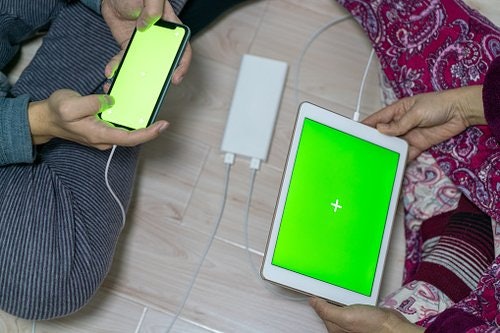
Students may not always have access to charging outlets during classes, commuting, or study sessions outside the home. Choosing a tablet with at least a 7,000 mAh battery capacity can provide enough power for note-taking, browsing, online classes, and assignments throughout the day.
However, battery capacity alone does not determine performance. Actual battery life, often around 8–10 hours or more, still depends on screen brightness, video calls, gaming, and how many apps are running simultaneously.
What's the use of all the performance your student's tablet has if its battery life only lasts for 2 hours in heavy load? The tablet you would have for your student should have enough juice for it to last at least half a day before recharging. Another aspect you should look into is the tablet's fast/rapid charge capability. It would be useful in emergency charging situations.
Consider Pen and Keyboard Compatibility for Better Productivity
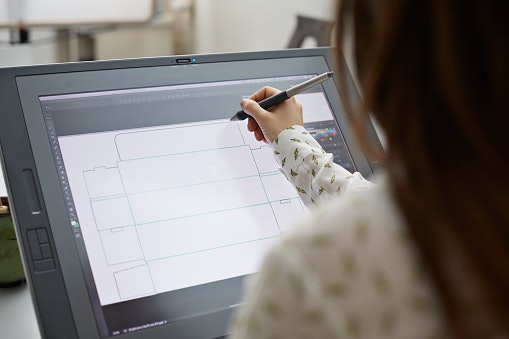
This is just a bonus feature, but if you want to get the most out of your next tablet purchase, pick one that you can use with a pen or a keyboard, much better if both. You might think of them as additional expenses, but they actually do wonders in boosting productivity.
Pen: Compatible styluses, many of which are now affordable, are useful for handwritten notes, annotating readings, solving equations, or creating diagrams and illustrations.
Keyboard: Students who frequently write essays, research papers, or reports, or do light coding, may benefit from a physical keyboard, as it can improve typing speed and comfort compared to using an on-screen keyboard for long periods.
While these accessories are not always necessary, they can help turn a basic tablet into a more flexible study tool. Before buying, check if the tablet supports official or third-party pens and keyboards, and whether these accessories are included or sold separately.
There are accessories that give a student's tablet more utility if needed. Bluetooth keyboards and mice provide you an alternative to carrying laptops, and a stylus for digipen-capable tablets gives your student the capability to create digital content.
10 Best Tablets for Students to Buy Online
| Products | Image | Click to purchase | Popularity | Details | |||||||||
|---|---|---|---|---|---|---|---|---|---|---|---|---|---|
Weight | Dimensions | Screen Size | Resolution | Storage | MicroSD Slot | Processor | RAM | Battery | |||||
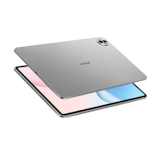
1 | Pad 8 Pro Xiaomi |  | No.1 | 485 g | 251.22 × 173.42 × 5.75 mm | 11.2 in | 3200 × 2136 | 256 GB | Snapdragon 8 Elite | 8 GB, 12 GB, 16 GB | 9,200 mAh | ||
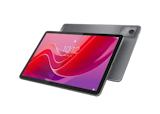
2 | Pad 7 Xiaomi |  | No.2 | 500 g | 251.22 × 173.42 × 6.18 mm | 11.2 in | 3200 × 2136 (3.2K) | 128 GB, 256 GB | Snapdragon 7+ Gen 3 | 8 GB, 12 GB | 8,850 mAh | ||
3 | MatePad 12 X 2026 Huawei |  | No.3 | 555 g | 270 × 183 × 5.9 mm | 12 in | 2800 × 1840 | 256 GB | Kirin T92B | 12 GB | 10,100 mAh | ||
4 | Galaxy Tab S9 Samsung |  | No.4 | 498 g | 165.8 × 254.3 × 5.9 mm | 11 in | 2560 × 1600 | 128 GB, 256 GB | Snapdragon 8 Gen 2 | 8 GB, 12 GB | 8,400 mAh | ||
5 | MatePad SE 11 Huawei |  | No.5 | 475 g | 252.3 × 163.8 × 6.9 mm | 11 in | 1920 × 1200 | 128 GB | Kirin 710A | 4 GB, 6 GB, 8 GB | 7,700 mAh | ||
6 | Galaxy Tab S10 FE Samsung |  | No.6 | 497 g | 254.3 × 165.8 × 6.0 mm | 10.9 in | 2304 × 1440 (WUXGA+) | 128 GB | Exynos 1580 | 8 GB | 8,000 mAh | ||
7 | iPad 11th Generation Apple |  | No.7 | 477 g (Wi-Fi) / 481 g (Cellular) | 248.6 × 179.5 × 7 mm | 11 in | 2360 × 1640 | 128 GB, 256 GB, 512 GB | A16 Chip | unknown | ≈7,698 mAh | ||
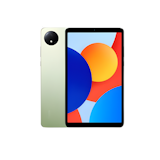
8 | Pad 2 Redmi |  | No.8 | 510 g | 255.53 × 167.08 × 7.36 mm | 11 in | 2560 × 1600 | 128 GB, 256 GB | MediaTek Helio G100-Ultra | 4 GB, 6 GB, 12 GB | 9,000 mAH | ||
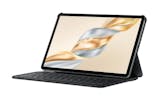
9 | Pad X9a Honor |  | No.9 | 475 g | 267.3 × 167.4 × 6.77 mm | 11.5 in | 2508 × 1504 | 128 GB, 256 GB | Qualcomm Snapdragon 685 | 8 GB | 8,300 mAh | ||
10 | XPAD 30E |X1102B Infinix |  | No.10 | 498 g | 257.67 × 169.22 × 7.9 mm | 11 in | 1200 × 1920 | 128 GB | MediaTek Helio G80 | 4 GB | 7,200 mAh | ||

Features and benefits:
Reviews mention:
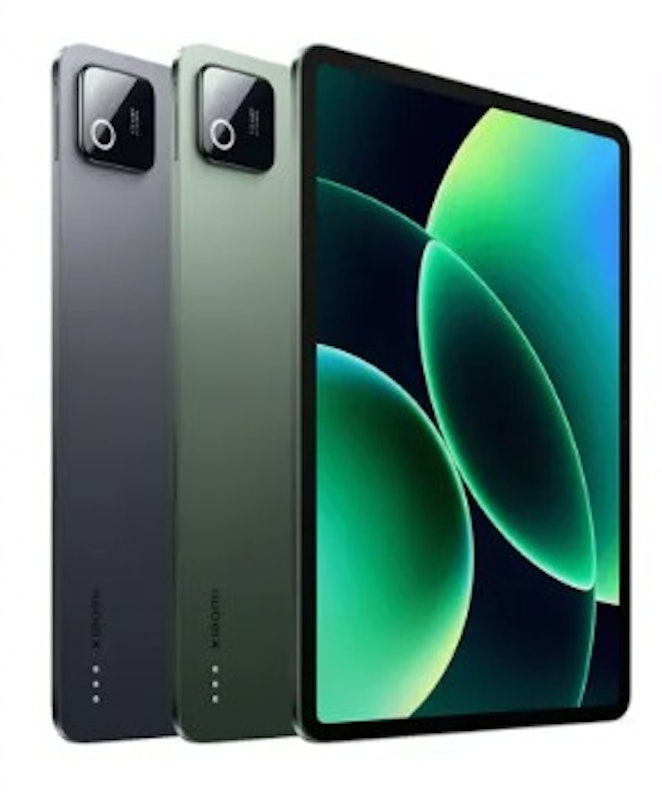
Several praise the Pad 8 Pro for its flagship-level performance powered by the Snapdragon 8 Elite chip. Many highlight the impressive battery life and fast charging. People appreciate the vibrant 11.2-inch 144Hz display, noting its high-quality colors.
| Weight | 485 g |
|---|---|
| Dimensions | 251.22 × 173.42 × 5.75 mm |
| Screen Size | 11.2 in |
| Resolution | 3200 × 2136 |
| Storage | 256 GB |
| MicroSD Slot | |
| Processor | Snapdragon 8 Elite |
| RAM | 8 GB, 12 GB, 16 GB |
| Battery | 9,200 mAh |
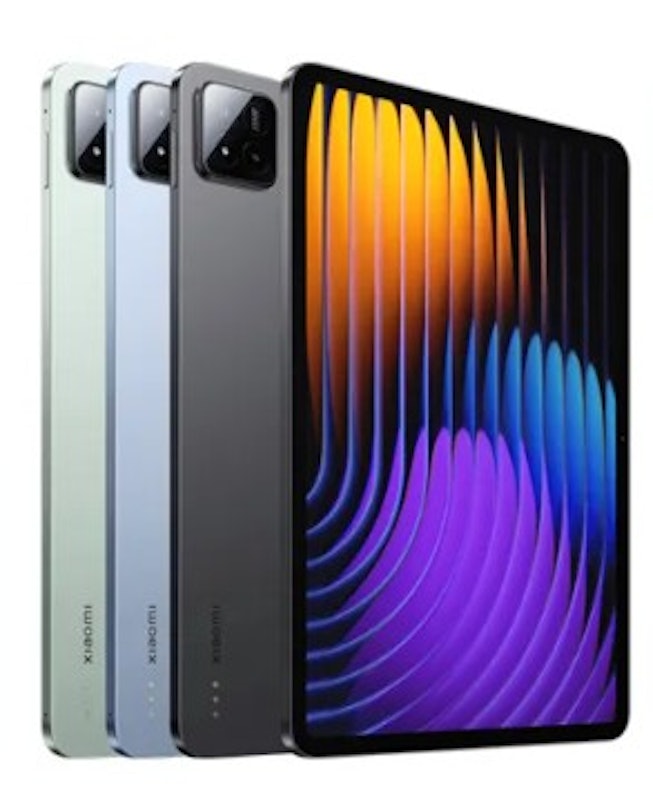
| Weight | 500 g |
|---|---|
| Dimensions | 251.22 × 173.42 × 6.18 mm |
| Screen Size | 11.2 in |
| Resolution | 3200 × 2136 (3.2K) |
| Storage | 128 GB, 256 GB |
| MicroSD Slot | |
| Processor | Snapdragon 7+ Gen 3 |
| RAM | 8 GB, 12 GB |
| Battery | 8,850 mAh |
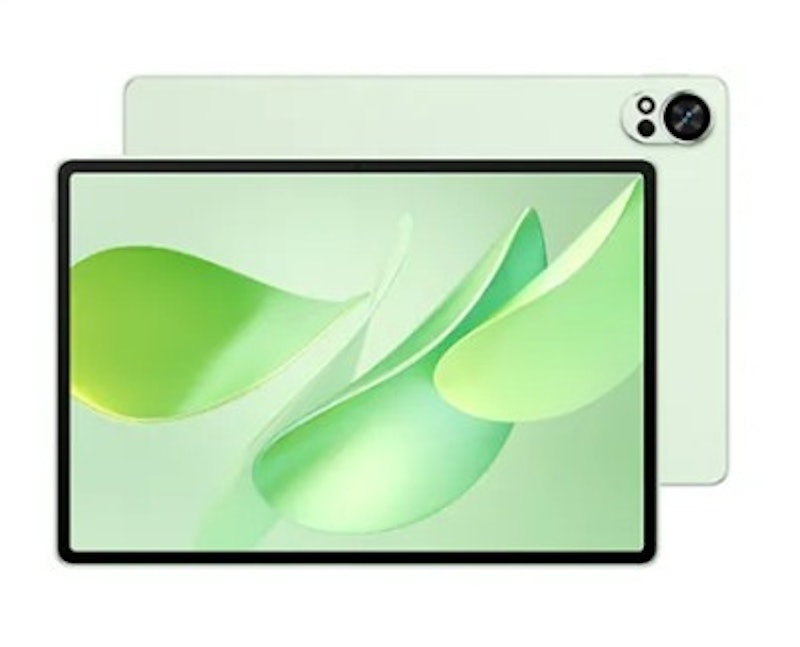
Reviews mention:
People express satisfaction with the tablet's overall build quality, describing it as slim, lightweight, and premium. Several appreciate the responsiveness of the M-Pencil Pro and the intuitive features found in the pre-loaded GoPaint app. Many find the device to be a vital study companion, citing the excellent handwriting enhancement tools and the device's ability to handle everyday academic tasks.
| Weight | 555 g |
|---|---|
| Dimensions | 270 × 183 × 5.9 mm |
| Screen Size | 12 in |
| Resolution | 2800 × 1840 |
| Storage | 256 GB |
| MicroSD Slot | |
| Processor | Kirin T92B |
| RAM | 12 GB |
| Battery | 10,100 mAh |
Features and benefits:
Reviews mention:
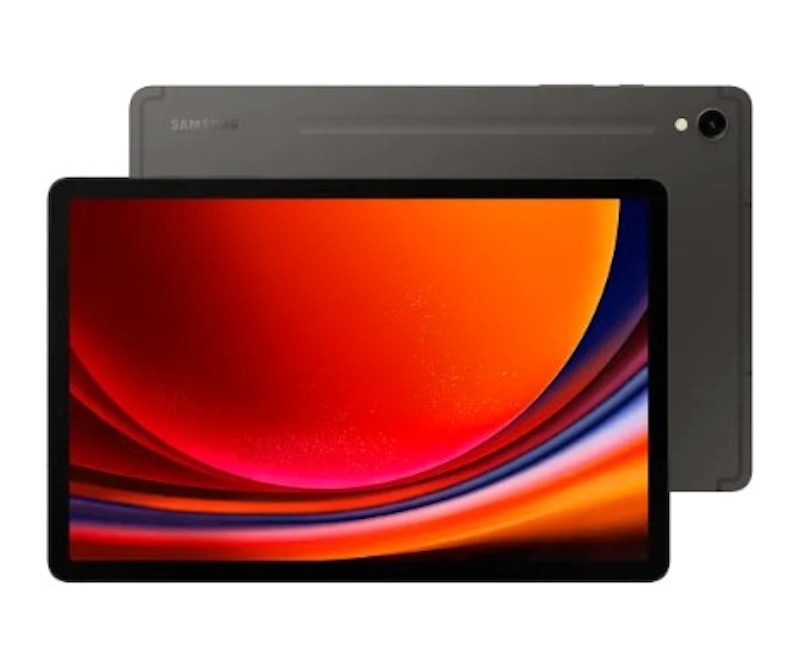
Several appreciate the inclusion of the IP68-rated S Pen in the box. People highlight the powerful performance of the Snapdragon 8 Gen 2 chipset. Many noted that the quad-speaker system, tuned with Dolby Atmos, delivers loud and clear audio.
| Weight | 498 g |
|---|---|
| Dimensions | 165.8 × 254.3 × 5.9 mm |
| Screen Size | 11 in |
| Resolution | 2560 × 1600 |
| Storage | 128 GB, 256 GB |
| MicroSD Slot | |
| Processor | Snapdragon 8 Gen 2 |
| RAM | 8 GB, 12 GB |
| Battery | 8,400 mAh |
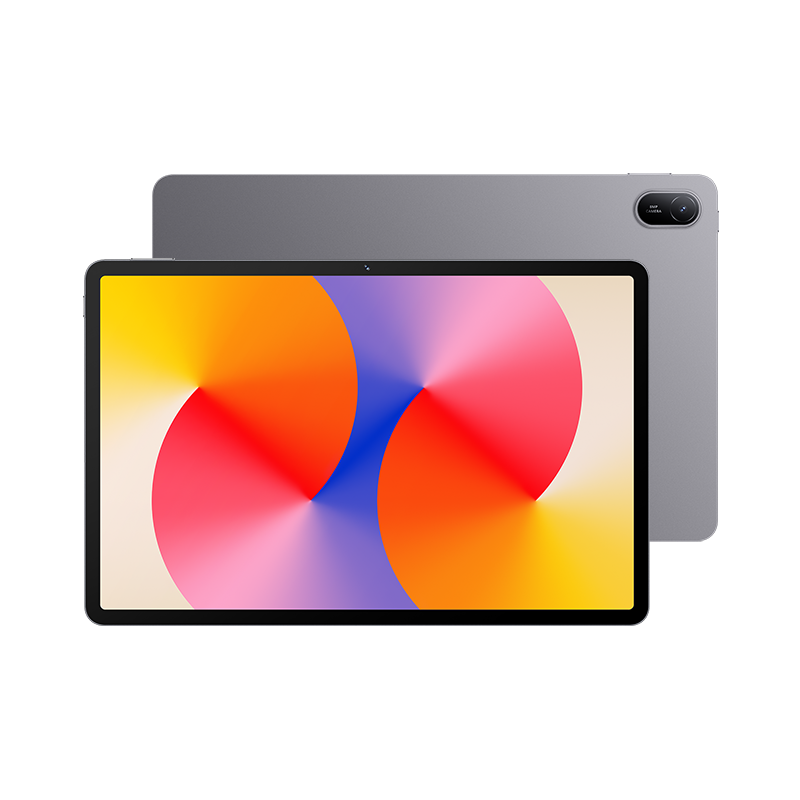
| Weight | 475 g |
|---|---|
| Dimensions | 252.3 × 163.8 × 6.9 mm |
| Screen Size | 11 in |
| Resolution | 1920 × 1200 |
| Storage | 128 GB |
| MicroSD Slot | |
| Processor | Kirin 710A |
| RAM | 4 GB, 6 GB, 8 GB |
| Battery | 7,700 mAh |
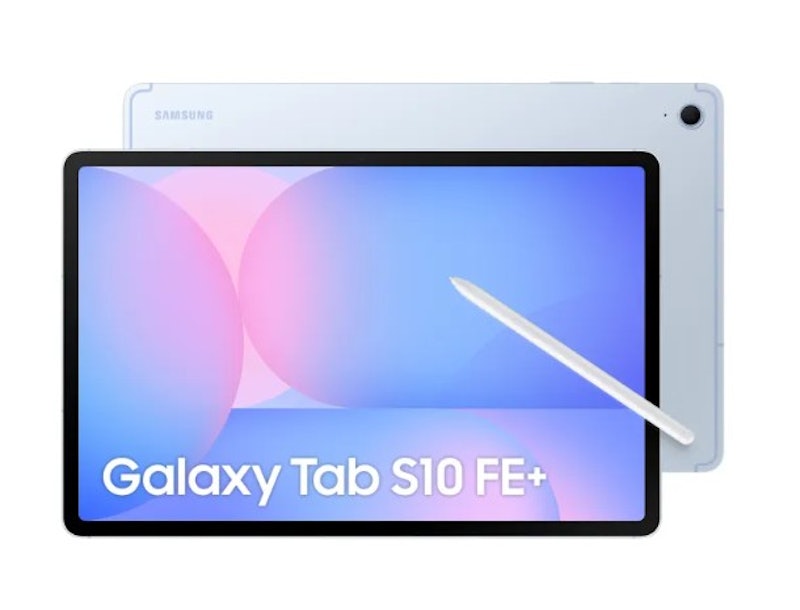
| Weight | 497 g |
|---|---|
| Dimensions | 254.3 × 165.8 × 6.0 mm |
| Screen Size | 10.9 in |
| Resolution | 2304 × 1440 (WUXGA+) |
| Storage | 128 GB |
| MicroSD Slot | |
| Processor | Exynos 1580 |
| RAM | 8 GB |
| Battery | 8,000 mAh |
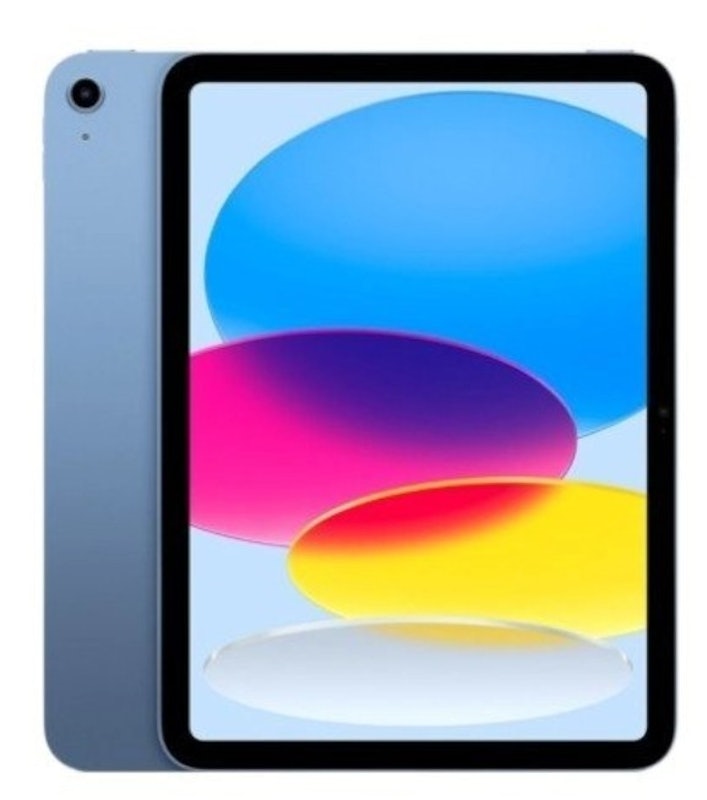
Reviews mention:
Several praise its smooth performance powered by the A16 chip. Many highlight the vibrant 11-inch display with True Tone technology. People commend the impressive battery life, often lasting 9–11 hours on a single charge.
| Weight | 477 g (Wi-Fi) / 481 g (Cellular) |
|---|---|
| Dimensions | 248.6 × 179.5 × 7 mm |
| Screen Size | 11 in |
| Resolution | 2360 × 1640 |
| Storage | 128 GB, 256 GB, 512 GB |
| MicroSD Slot | |
| Processor | A16 Chip |
| RAM | unknown |
| Battery | ≈7,698 mAh |
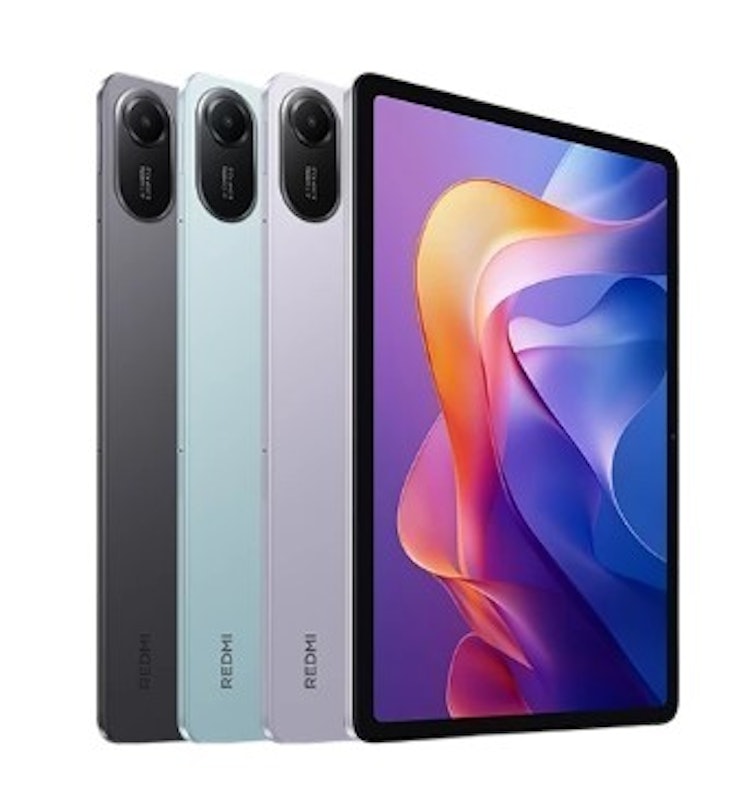
| Weight | 510 g |
|---|---|
| Dimensions | 255.53 × 167.08 × 7.36 mm |
| Screen Size | 11 in |
| Resolution | 2560 × 1600 |
| Storage | 128 GB, 256 GB |
| MicroSD Slot | |
| Processor | MediaTek Helio G100-Ultra |
| RAM | 4 GB, 6 GB, 12 GB |
| Battery | 9,000 mAH |
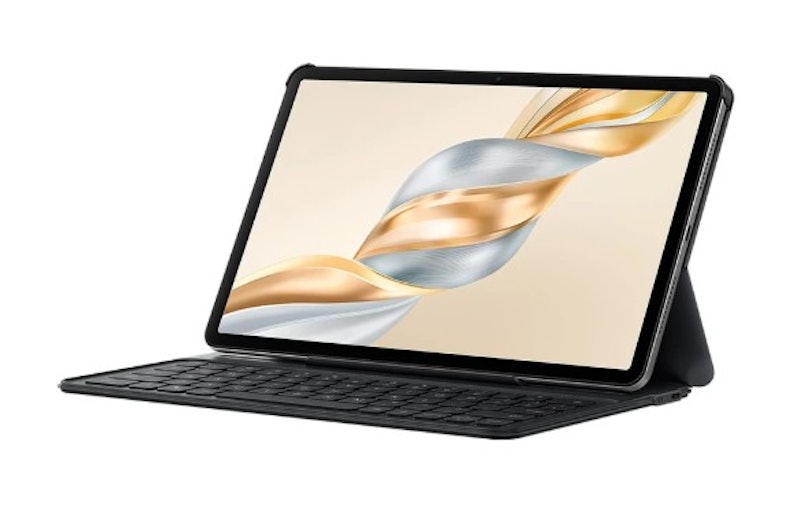
Reviews mention:
People appreciate its comfortable design, solid build quality, and long battery life. Several commend the clean, seamless multitasking, split-screen features, and minimal bloatware. Many note decent performance for browsing and light gaming.
| Weight | 475 g |
|---|---|
| Dimensions | 267.3 × 167.4 × 6.77 mm |
| Screen Size | 11.5 in |
| Resolution | 2508 × 1504 |
| Storage | 128 GB, 256 GB |
| MicroSD Slot | |
| Processor | Qualcomm Snapdragon 685 |
| RAM | 8 GB |
| Battery | 8,300 mAh |
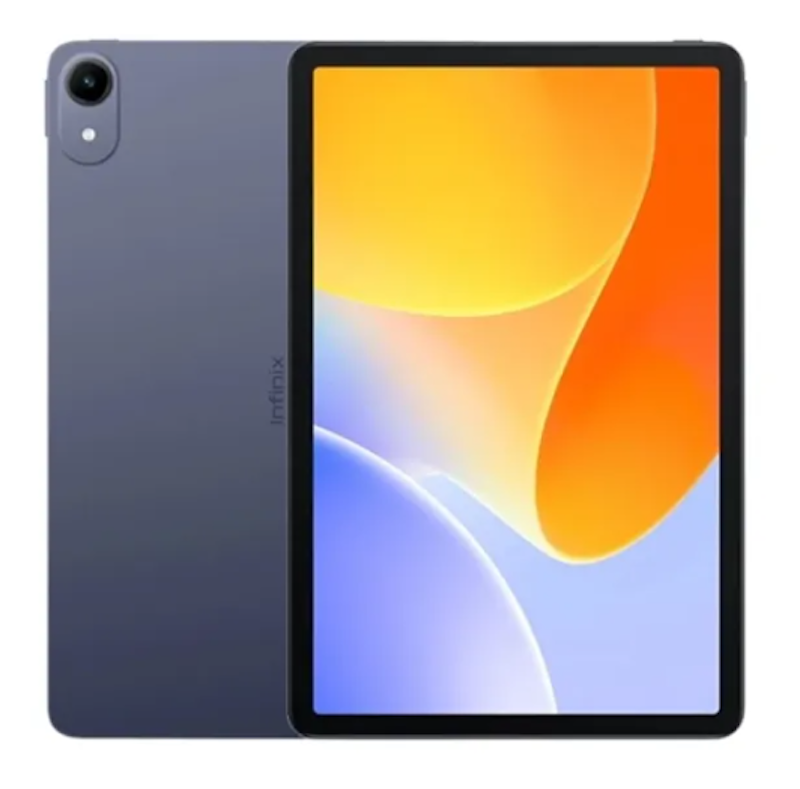
| Weight | 498 g |
|---|---|
| Dimensions | 257.67 × 169.22 × 7.9 mm |
| Screen Size | 11 in |
| Resolution | 1200 × 1920 |
| Storage | 128 GB |
| MicroSD Slot | |
| Processor | MediaTek Helio G80 |
| RAM | 4 GB |
| Battery | 7,200 mAh |
Frequently Asked Questions Answered by Kevin Lee Cardoza
Below are some of the most asked questions on the web answered by IT Consultant, Developer, and Instructor Kevin Lee Cardoza.
What Are the Advantages of Tablets for Students?
Laptop vs Tablet for Students: Which One Is Better?
Are Tablets Good for Note-Taking?
More Devices to Help Increase Your Productivity
There are many other items that you might need to complete your classroom at home. Here are some articles you might want to check.


Author: Laura Mercado
Re-editors: Andrei Merino, Katrina Balingit
How We Chose and Ranked Our Product Recommendations
Our buying guide was carefully researched and crafted by the mybest team of writers and editors, in collaboration with the expert featured in this article. We used the buying guide as a basis for choosing and ranking the product recommendations, and we looked at reviews and ratings from different E-commerce sites like Lazada, Shopee, and more.
The descriptions of each product are referenced from content available on manufacturer, brand, and e-commerce sites.