10 Best TV Boxes in the Philippines 2026 | Amazon, NVIDIA, Xiaomi, and More
Gone were the days when cable companies were the only source of content for your television. Nowadays, TV boxes are great alternatives for consuming content. These devices offer plenty of advantages over traditional cable, from being more affordable in the long run to having access to all your preferred streaming sites on one device. Most even give you the option of installing apps and playing games!
A TV box can do wonders for your home entertainment system if you pick the right one. In this article, we’ll enumerate some of the best TV boxes in the market right now. Do read on until the end to learn about the important considerations that you should make when picking your very own TV box. We will also share some tips on how to binge-watch without compromising your health.

Our recommendation articles are carefully researched and crafted by the mybest Philippines team of writers and editors. To stay true to our company’s mission and vision to help users’ selection process easier, we also collaborate with experts from various fields to ensure that our content stays factual and useful.
Why You Can Trust Us
Every mybest article is crafted with hours of in-depth research and interviews with experts. Each month, we are continually expanding our database of products based on our research. By emphasizing user insight and reliable information, we deliver trustworthy content to readers.
How to Choose a TV Box - Buying Guide
Admittedly, there are a lot of considerations to be made when choosing a TV box. Hopefully, we could make the buying process much easier by discussing them with you one by one.
Pick From the Different Types of TV Boxes
While it is evident that most TV boxes that are available in the Philippines are Android-based, there are still plenty of other alternatives. Apple, Amazon, and Roku have TV boxes that offer a different experience with mostly the same features. Digital TV receivers, on the other hand, are best for those who want a traditional TV setup.
If You Want Customizability, Go Android
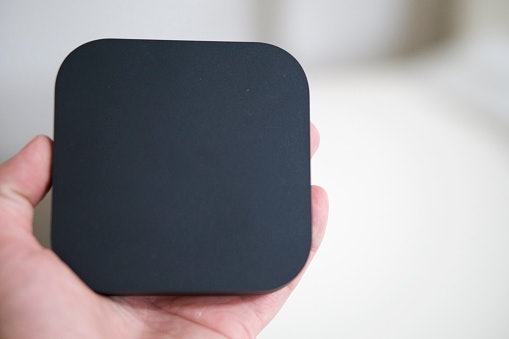
This type of TV box has Android TV as its main operating system. It is linked to Google Services, which means you get access to Google-owned software, such as Youtube, Google Play Movies and Music, and the Play Store, which provides a larger selection of apps compared to other online app stores.
Android TV shares the typical customizability and freedom that you get with Android phones and tablets. Most Android TV boxes also support expandable storage, either through micro-SD cards or USB, so you have the choice of accessing local files stored on your thumb drives in case your Wi-Fi is down.
All boxes with Android TV can double as a Chromecast, which is useful if you want to mirror your audio and video content from your Android phones to your TV. They'll have no problems integrating with Google Home devices, such as smart speakers, too, if you want to control them via voice commands!
Invest in an Apple TV for an Easy-to-Use Interface
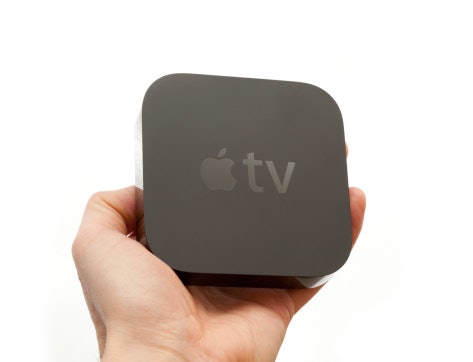
Apple TV boxes get the smooth and easy-to-use interface of all Apple devices. You get to enjoy the streamlined TVOS software that supports all major streaming services like Netflix and Disney Plus. They give you access to all Apple services which makes them great if you're deeply invested in the Apple Ecosystem.
Have an Voice-Controlled Assistant With Amazon's Fire TV Series
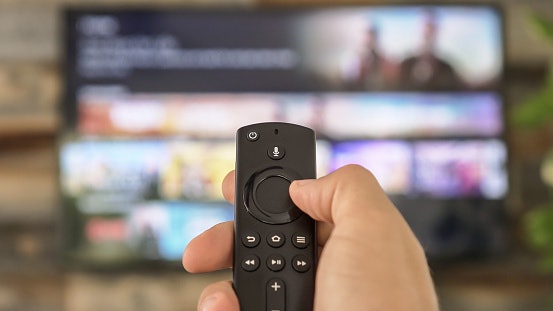
If you prefer dealing with Amazon's services like Alexa and Prime Video, you'll be happy to know that Amazon also offers its own TV box in the form of the Fire TV series. Aside from giving you access to all streaming apps, Alexa is also deeply integrated into these devices, which is great if you're a fan of having voice-controlled assistants.
Try a Roku TV Box for Versatility

For an all-around streamer, Roku devices are the way to go. Being one of the companies that pioneered the internet TV box, Roku offers some of the widest collections of both free and paid streaming content with its devices.
It also offers some of the most platform-neutral TV boxes, which means they're designed to work well for both Apple and Android users.
Get a Digital TV Receiver if You Want a Simple Device
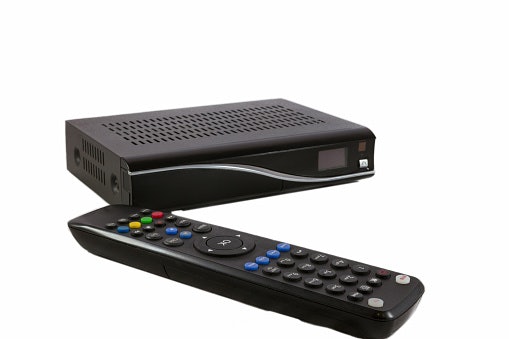
If you just want to be able to watch TV without all the frills and need for an internet connection, digital TV receivers are for you. Just like regular cable television, digital TV receivers offer different channels that you can choose from.
Some channels come pre-installed out of the box, while others may be availed on a pay-per-view or subscription basis. Different brands of TV receivers offer different channels, though.
Many digital TV receivers can also read USB drives and serve as simple media players. Additionally, they commonly have recording features, allowing you to save some of your favorite cable TV shows, in case you don’t want to miss them.
Consider the Specs of the TV Box
The specs of the TV box will give you an idea of how it will perform when doing simple tasks and when outputting videos. While looking at specs sheets may be daunting at first, we'll discuss each spec one by one to make things easier for you. Read on to learn more.
Opt for a TV Box With at Least 2 GB of RAM
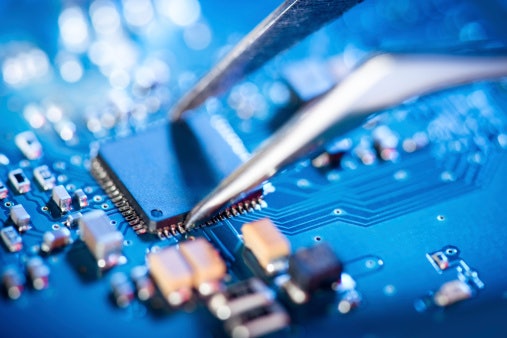
Any interface, regardless of how well-designed and user-friendly it is, will be underwhelming if it doesn't perform snappily. The TV box's performance will largely depend on its processor and RAM. At least a 1.5 GHz quad-core processor and 2 GB of RAM are a must if you want your TV box to perform at least satisfactorily.
Be sure to match the internals of the TV box with your use case. If you plan on doing more demanding activities, such as gaming and opening high-resolution videos, you'll definitely want something faster, for example, those with an octa-core processor and around 4 GB of RAM. However, do take note that speedier TV boxes will be more expensive.
Choose a 4K TV Box for Higher Resolution
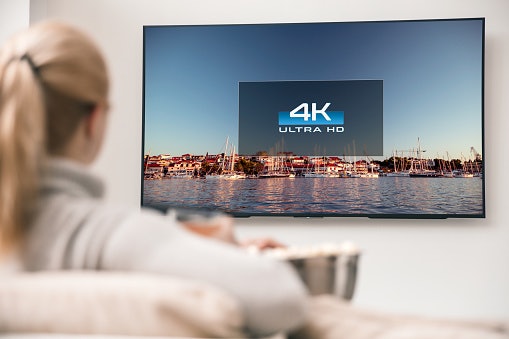
TV boxes vary in the video resolution that they are able to output. You'll want to match the TV box's output resolution to that of your television. For example, if you have a full HD TV, then you'll want to have a TV box that can output at least full HD. This ensures that you get the clearest possible picture that your television can handle.
You could also consider going for a TV box that can output a higher resolution than your television, such as going for a 4K TV box for your full HD TV. While you won't be able to enjoy 4K content on your current television, at least it won't be outdated once you do decide to upgrade your television in the future.
Enhance Your Viewing Experience With a Built-In HDR

Aside from the clarity, some picture-enhancing technologies can also determine how immersive your experience can get. Go for TV boxes with some form of HDR or High Dynamic Range built-in for better contrast and more realistic colors.
Some TV boxes also feature their own proprietary color-improving technology, such as those with automatic color calibrations, so make sure to consider these as well.
Select Between Fixed and Expandable Storage
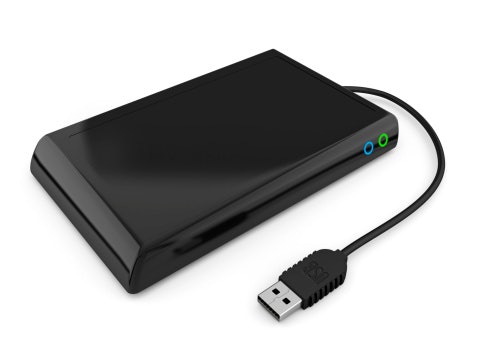
The storage of your TV box will dictate how many movies, games, and other files you can store on it. Some TV boxes, such as those from Apple, come with fixed storage options. They're great if you only predominantly stream your media and don't plan on installing a lot of apps on your TV box.
Most Android TV boxes, on the other hand, have expandable storage. These TV boxes can read and write on either micro-SD cards or USB hard drives, giving you the flexibility of having more storage space. These are perfect if you have large catalogs of content stored offline
HDMI, USB, Wifi, Bluetooth: Check the Connectivity Options
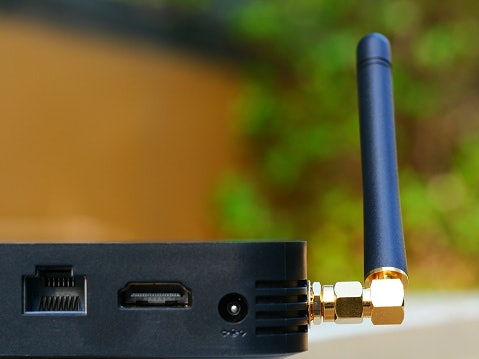
Make sure to check both the ports and wireless connectivity options of the device. Most TV boxes will have at least an HDMI port for connecting to your TV and a power port for plugging into a socket. You might want something with a USB port if you want to use it to access your external hard drive.
The TV box should have at least Wi-Fi for connecting to your router. Bluetooth connectivity, on the other hand, is convenient for file transfers and connecting with wireless accessories. Remember that a TV box with plenty of connectivity capabilities can level up your device from being a simple TV accessory to a powerful, all-around entertainment device.
10 Best TV Boxes Ranking
| Products | Image | Click to purchase | Popularity | Details | ||||
|---|---|---|---|---|---|---|---|---|
Type | Processor | RAM | Storage | |||||
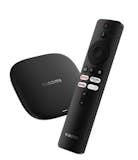
1 | TV Box S 3rd Gen Xiaomi |  | No.1 | Google TV | Quad-Core (up to 2.5 GHz) | 2 GB | 32 GB | |
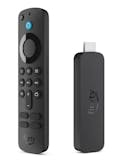
2 | Fire TV Stick Amazon |  | No.2 | Fire OS (With Fire TV Ambient Experience) | Quad-Core 2.0 GHz (4 × ARM Cortex-A55) | 2 GB | 16 GB | |
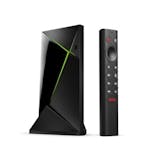
3 | Android TV Pro NVIDIA Shield |  | No.3 | Android TV | NVIDIA® Tegra® X1+ | 3 GB | 16 GB | |
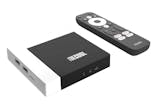
4 | TV Box KM7 PLUS Mecool |  | No.4 | Android 11 TV OS (Google Certified) | Amlogic S905Y4 Quad-Core ARM Cortex-A35 | 2 GB | 16 GB | |
5 | Google TV Box Leap S3 Skyworth |  | No.5 | Google TV (Android 11 Framework) | Amlogic S905Y4 Quad-Core Cortex-A35 (2.0 GHz) | 2 GB | 16 GB | |
6 | KM2 PLUS DELUXE Mecool |  | No.6 | Android 11 TV OS (Google & Netflix 4K Certified) | Amlogic S905X4-J Quad-Core ARM Cortex-A55 | 4 GB | 32 GB | |
7 | TV Box G96 Mini |  | No.7 | Android 13.0 | Rockchip RK3528 Quad-Core 64-Bit Cortex-A53 | 2 GB, 4 GB | 16 GB, 32 GB, 64 GB | |
8 | Wi-Fi 6 Smart TV Box Ugoos AM6B Plus |  | No.8 | Android 9.0 | Amlogic S922X-J | 4 GB | 32 GB | |
9 | 4K Android Smart TV Box MXQ PRO |  | No.9 | Android 11.0 | Allwinner H3 Quad-Core 1.3 GHz | 1 GB | 8 GB | |
10 | Android TV Box H96 MAX RK3528 |  | No.10 | Android 13.0 | Rockchip RK3528 Quad-Core ARM Cortex-A53 | 2 GB, 4 GB | 16 GB, 32 GB, 64 GB | |

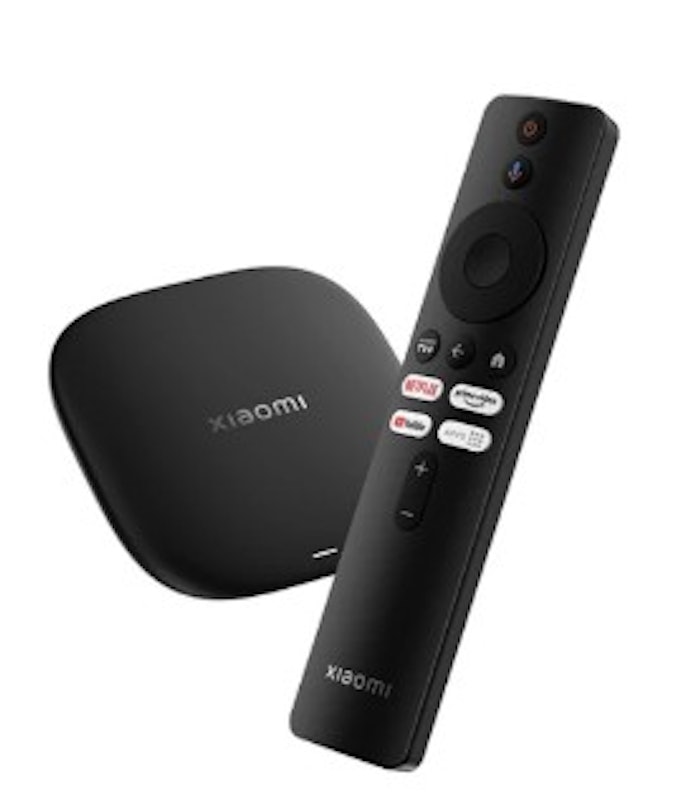
| Type | Google TV |
|---|---|
| Processor | Quad-Core (up to 2.5 GHz) |
| RAM | 2 GB |
| Storage | 32 GB |
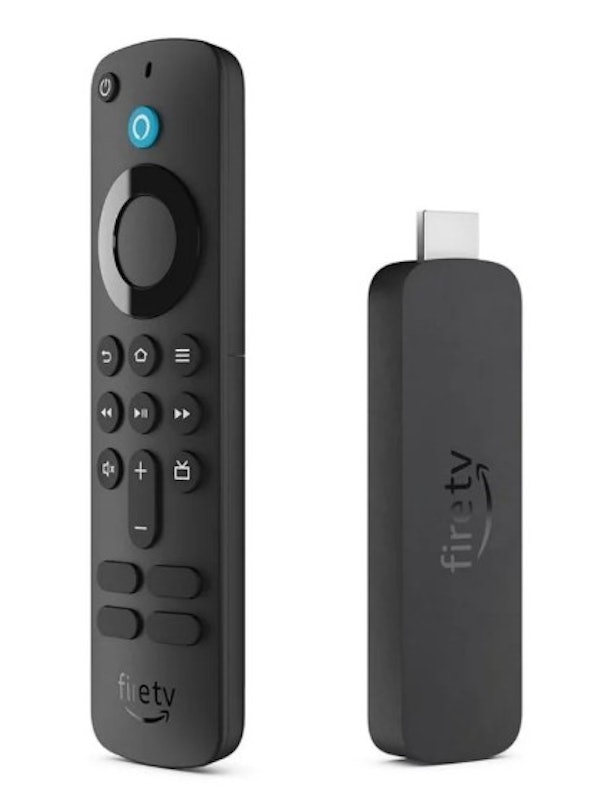
| Type | Fire OS (With Fire TV Ambient Experience) |
|---|---|
| Processor | Quad-Core 2.0 GHz (4 × ARM Cortex-A55) |
| RAM | 2 GB |
| Storage | 16 GB |
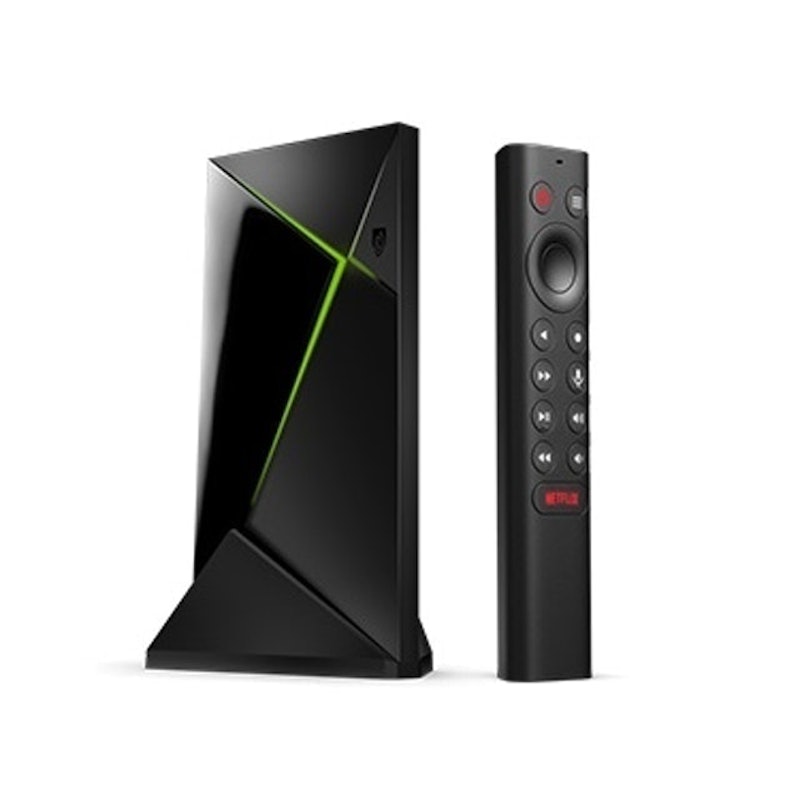
| Type | Android TV |
|---|---|
| Processor | NVIDIA® Tegra® X1+ |
| RAM | 3 GB |
| Storage | 16 GB |
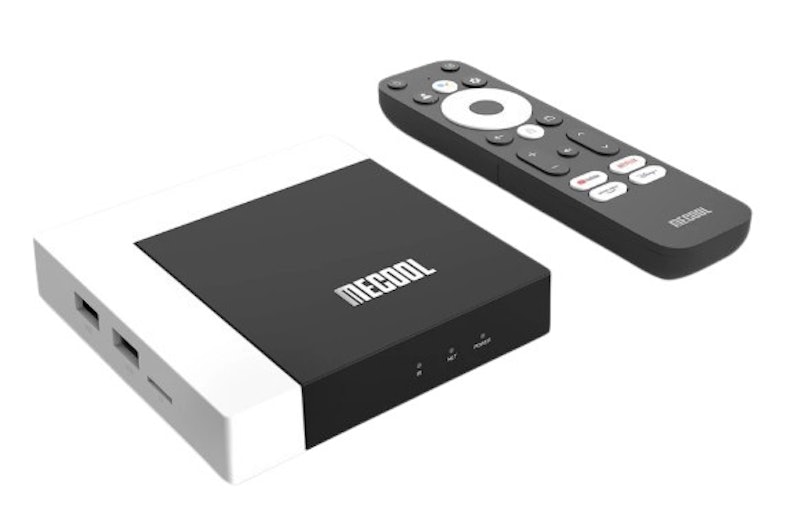
| Type | Android 11 TV OS (Google Certified) |
|---|---|
| Processor | Amlogic S905Y4 Quad-Core ARM Cortex-A35 |
| RAM | 2 GB |
| Storage | 16 GB |
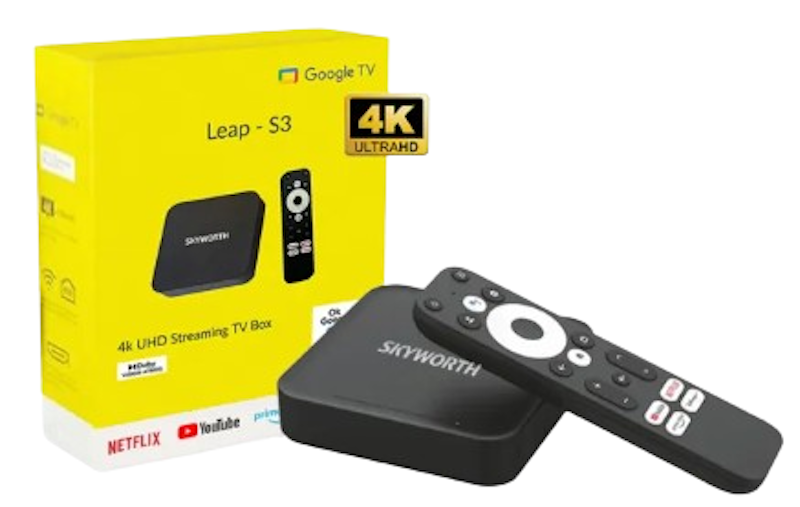
| Type | Google TV (Android 11 Framework) |
|---|---|
| Processor | Amlogic S905Y4 Quad-Core Cortex-A35 (2.0 GHz) |
| RAM | 2 GB |
| Storage | 16 GB |
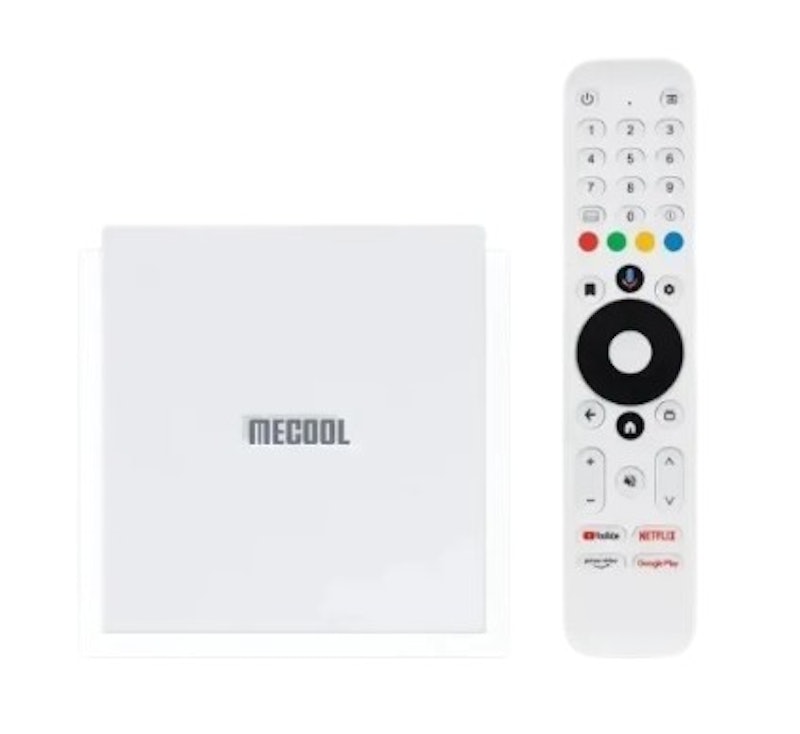
| Type | Android 11 TV OS (Google & Netflix 4K Certified) |
|---|---|
| Processor | Amlogic S905X4-J Quad-Core ARM Cortex-A55 |
| RAM | 4 GB |
| Storage | 32 GB |
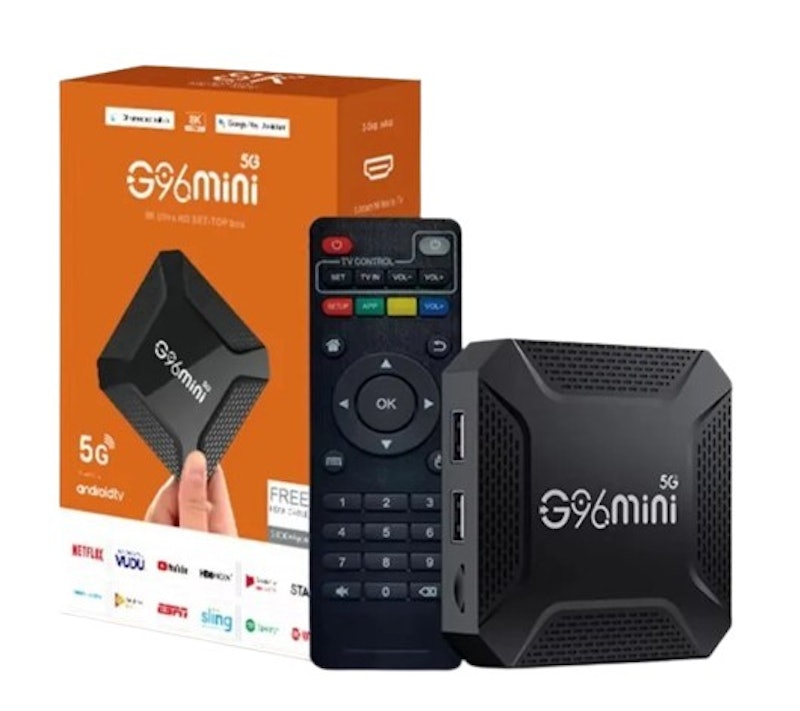
| Type | Android 13.0 |
|---|---|
| Processor | Rockchip RK3528 Quad-Core 64-Bit Cortex-A53 |
| RAM | 2 GB, 4 GB |
| Storage | 16 GB, 32 GB, 64 GB |
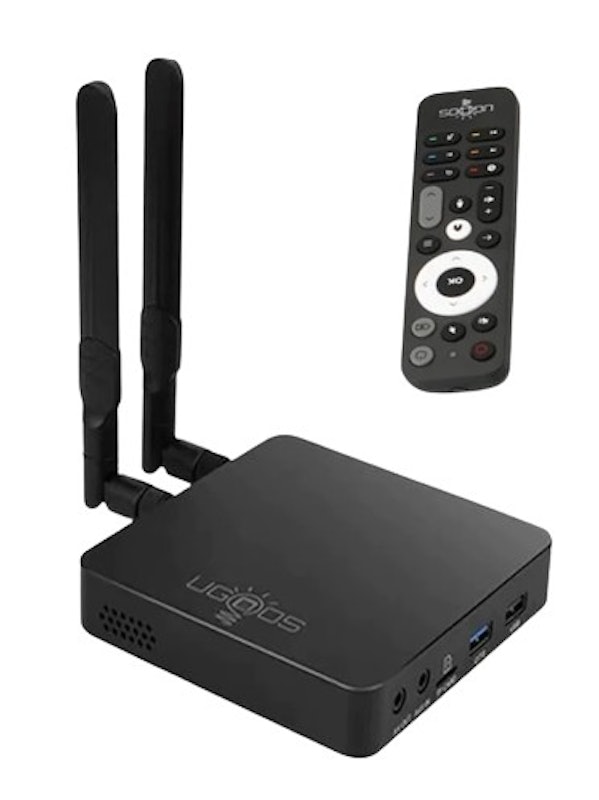
| Type | Android 9.0 |
|---|---|
| Processor | Amlogic S922X-J |
| RAM | 4 GB |
| Storage | 32 GB |
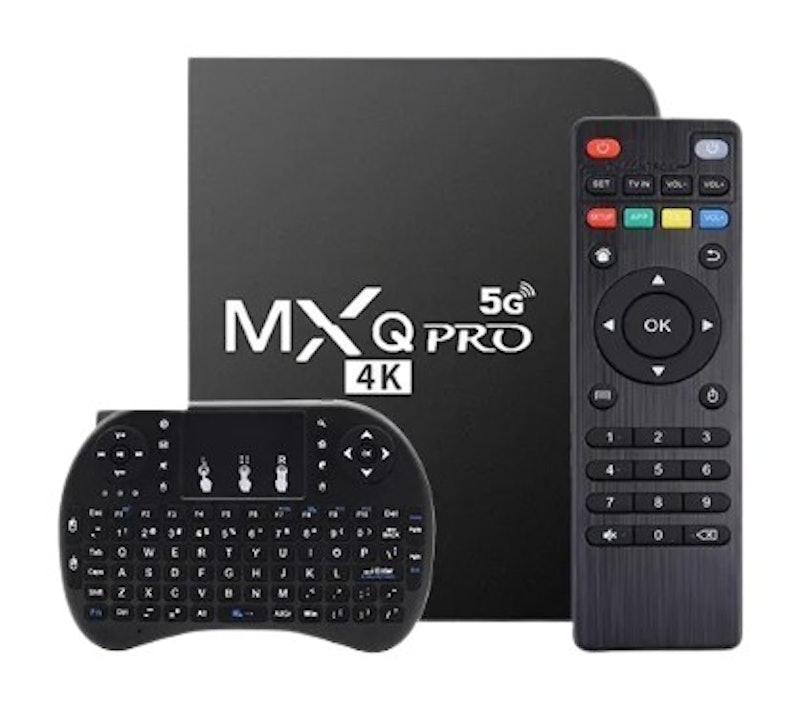
| Type | Android 11.0 |
|---|---|
| Processor | Allwinner H3 Quad-Core 1.3 GHz |
| RAM | 1 GB |
| Storage | 8 GB |
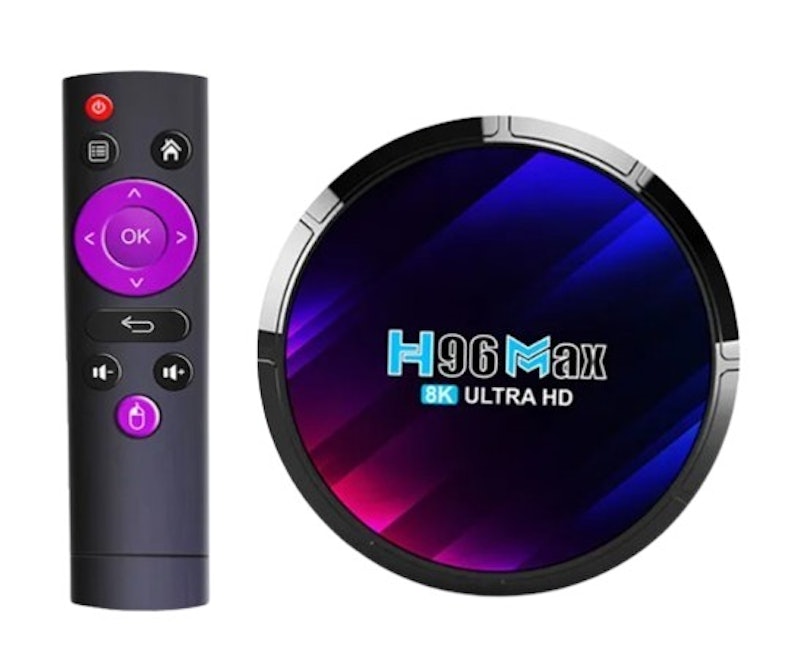
| Type | Android 13.0 |
|---|---|
| Processor | Rockchip RK3528 Quad-Core ARM Cortex-A53 |
| RAM | 2 GB, 4 GB |
| Storage | 16 GB, 32 GB, 64 GB |
Make the Most Out of Your Brand New TV Box
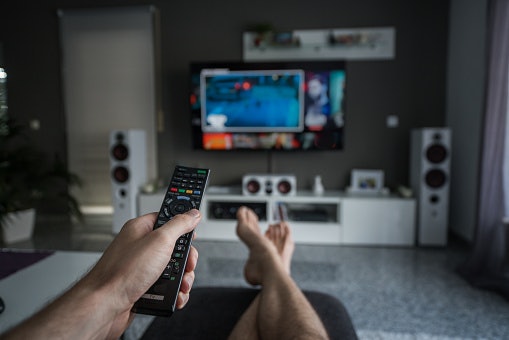
A high-quality TV box won't do you any good if you don't have high-quality equipment to make the most out of it. Here are some of the best 4K TVs and home theater systems for an excellent audio-visual experience. And don't forget to pair your TV box with one of the best routers for lag-free streaming!


Summary
Grabbing a high-quality TV box is a great way to level up your home theater system. From providing you with local and international TV channels to giving you access to all the streaming sites out there, you'll have all the content you could ever want. Some TV boxes even have apps and games, making the best all-around entertainment machines!
We hope you found this article helpful in choosing the perfect TV box to purchase for your home. If it did, consider sharing your thoughts and tagging us through our Instagram and Facebook page!
Author: A. Coseip
Editor: A. Mangulabnan
The descriptions of each product are referenced from content available on manufacturer, brand, and e-commerce sites.