10 Best Cheap TVs in the Philippines 2026 | CHiQ, Xiaomi, and More
Shopping for a TV on a tight budget doesn't mean you have to settle for poor picture quality or limited features. Many cheap TVs offer practical options for everyday viewing, streaming, and gaming, with some models also providing smart TV functionality.
If you're looking for a cheap TV in the Philippines, this guide compares options available on Shopee and Lazada across different sizes, displays, and features to help you find a model that fits your budget and viewing setup. Continue reading to see our 10 recommended models and learn how to choose the right TV for your needs.

Mary is a content writer who has been writing professionally for around a decade. As a self-proclaimed Renaissance woman, her interests include music, fashion, sports, and cooking. She’s also the proud mom of two cats.
Why You Can Trust Us
Every mybest article is crafted with hours of in-depth research and interviews with experts. Each month, we are continually expanding our database of products based on our research. By emphasizing user insight and reliable information, we deliver trustworthy content to readers.
How Much Is a Cheap TV in the Philippines?
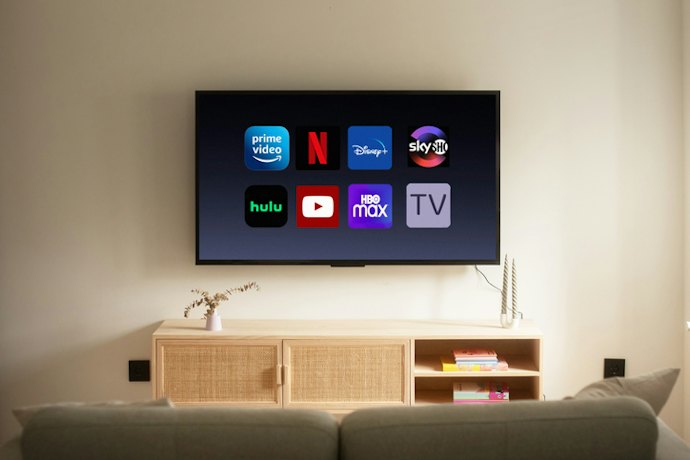
Cheap TVs in the Philippines are available across a range of screen sizes and price points. Use the ranges below as a quick reference when setting your budget.
32–43 inches: ₱6,000–₱15,000
Entry-level TVs in this size range are commonly available at lower prices, while smart features and higher resolutions can increase the cost.
50–55 inches: ₱15,000–₱35,000
Affordable TVs in this size range are widely available, with prices varying based on resolution, display technology, and other features.
60–65 inches: ₱20,000–₱45,000
Larger TVs can fall within this range, while QLED and other higher-end models may exceed it depending on the brand and features.
These ranges can help you set a realistic budget before comparing specific models. Keep in mind that prices may vary depending on the brand, specifications, and available deals.
How to Choose Cheap TVs - Buying Guide
Choosing a cheap TV starts with identifying the features that matter most for your viewing setup. Below, we’ll cover key factors such as screen size, display type, resolution, connectivity, and smart features to help you narrow down your options.
Select a TV Size That Fits Your Space
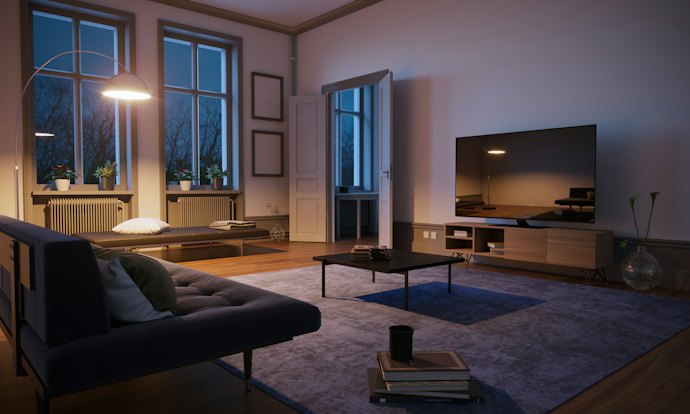
When purchasing a new television, choose a screen size that suits both your room and your usual viewing distance. A larger TV can provide a more immersive viewing experience, while a smaller screen may be more practical for compact spaces.
Most cheap TVs come in smaller sizes, ranging from 32 to 55 inches diagonally. For a small room or a viewing distance of around 2 to 5 feet, a 32- to 40-inch TV may be suitable. For larger spaces where you'll sit more than 6 feet away, you may prefer a 48-inch or larger TV.
Choose Between LED and QLED Display Technology
Most cheap TVs use LED-backlit LCD displays, while some affordable models also offer QLED technology. LED TVs are widely available at lower price points, while QLED TVs can offer enhanced color and brightness at a slightly higher price, depending on the model.
LED TVs Are a Budget-Friendly Option
If you're looking to save money on your TV purchase, an LED model can provide good picture quality for everyday viewing at a lower price. LED TVs are widely available in different sizes and resolutions, making them a practical choice for budget-conscious buyers.
QLED TVs Offer More Color and Brightness

If picture quality is a higher priority, go for a QLED model when your budget allows. QLED TVs use a quantum-dot layer that can produce brighter images and a wider range of colors than standard LED models, although the exact picture quality varies by model. Some affordable QLED TVs are available, so compare their features and prices with LED models of the same size.
HD or UHD: Pick a TV Resolution That You Prefer
TV resolution refers to the number of pixels that make up the images your TV produces. Higher resolutions can display more image detail, which can be especially noticeable on larger screens.
Most cheap TVs sport HD or Full HD resolution, but there are also affordable TVs with 4K Ultra High Definition (UHD) resolution.
HD or Full HD can be a practical choice for smaller screens and tighter budgets, while 4K UHD offers greater image detail for a higher price. At the lower end of the price range, true 4K models are relatively rare, especially among major brands.
Look for HDR TVs for More Realistic Images and Videos
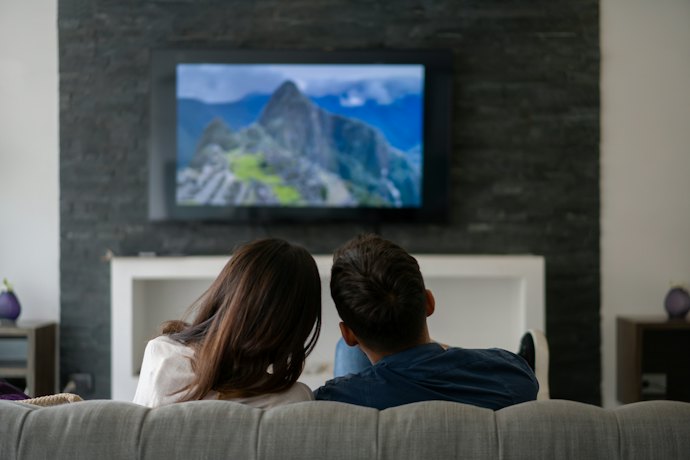
Although High Dynamic Range (HDR) is frequently confused with TV resolution, it is a separate feature that can improve contrast and color range. HDR is available on both high-end and some affordable TV models, although the quality of the HDR experience varies by TV.
If you regularly stream HDR-compatible movies and shows, look for a TV with HDR compatibility to take advantage of the content. Check the TV's specifications to see which HDR formats it supports, as compatibility varies between models.
Pick a Cheap TV With Quality Audio for an Immersive Viewing Experience
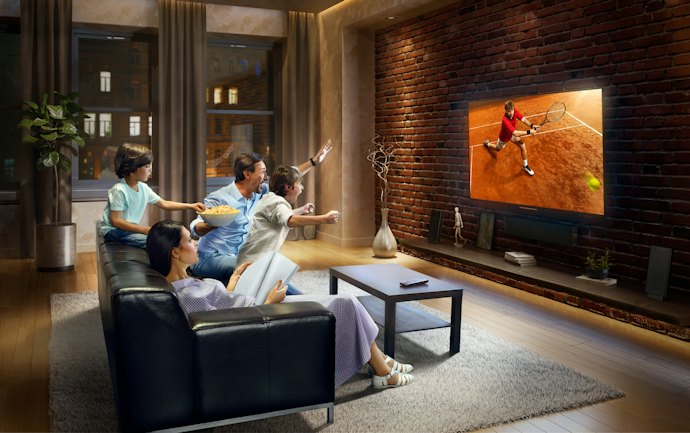
Built-in TV speakers can vary in sound quality, so check the TV's audio specifications before buying. Some models support technologies such as Dolby Audio or Dolby Atmos, which can enhance the sound experience when paired with compatible content and equipment.
If you mainly watch movies and shows using the TV's built-in speakers, look for a model with audio features that suit your viewing habits. For a more immersive setup, you can also pair the TV with compatible external speakers or a soundbar.
Check Your TV’s Available Ports Like HDMI, LAN, or VGA
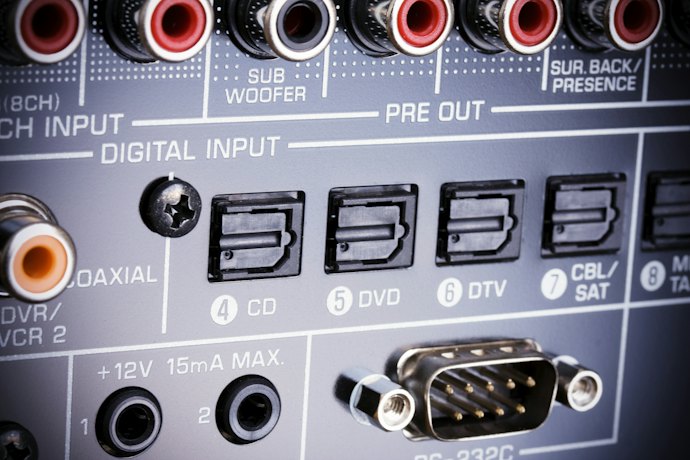
To maximize the use of your TV, check its available ports and connections to make sure they are compatible with your other devices. For example, an HDMI port can connect your TV to a laptop, streaming device, or gaming console such as an Xbox or PlayStation. If you plan to connect multiple devices, having more than one HDMI port can also be useful.
If you prefer to watch cable or local channels, check whether the TV supports the necessary antenna or satellite connection. Some models may also have VGA ports for connecting older computers, while Wi-Fi and LAN connections can provide access to the Internet.
Take Note of the TV’s Additional Features
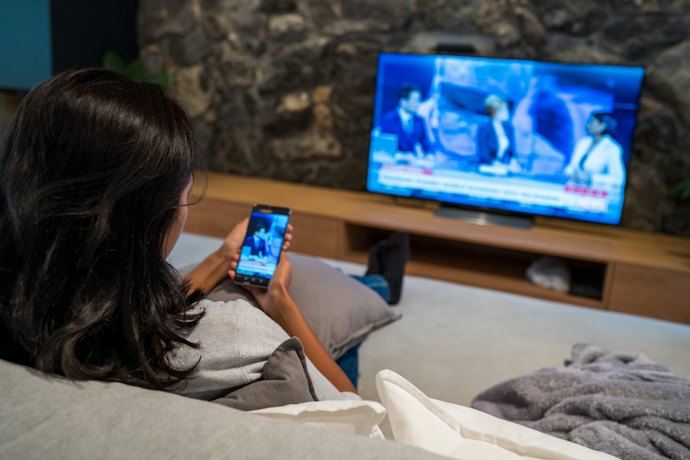
Most TVs today, especially those powered by Android, offer features that can make everyday use more convenient. When choosing a cheap smart TV, check whether its operating system supports the streaming apps you use. You may also want to look for these additional features:
Voice Control: TVs with Google Assistant can let you browse shows and movies, adjust the volume, and perform other functions using voice commands.
Screen Mirroring: Lets you project your phone, laptop, or tablet screen onto the TV, provided your devices are compatible.
Bluetooth: Bluetooth-enabled TVs can connect to compatible devices, such as speakers or headphones, for wireless audio.
Choose features based on how you plan to use your TV, as not every extra feature will be necessary for your setup.
10 Best Budget TVs to Buy Online
| Products | Image | Click to purchase | Popularity | Details | |||||
|---|---|---|---|---|---|---|---|---|---|
TV Size | Display | Resolution | Connectivity | Special Features | |||||
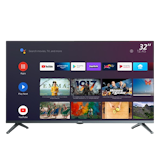
1 | TV A 32 Inch 2026 HD Google TV Xiaomi |  | No.1 | 32" | LED | HD | WiFi, Bluetooth, HDMI, USB, LAN | Voice Control, Mobile Screen Mirroring, Dolby Audio, DTS VIrtual: X | |
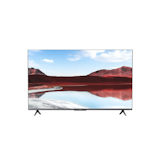
2 | TV A Pro 43" 2026 Xiaomi |  | No.2 | 43" | QLED | UHD, 4K | WiFi, Bluetooth, HDMI, USB | Voice Control, Mobile Screen Mirroring, HDR, Dolby Audio, DTS VIrtual: X | |
3 | QLED TV S5K Series Google TV 32" TCL |  | No.3 | 32" | QLED | Full HD | WiFi, HDMI, USB | HDR, Dolby Audio | |
4 | 32 Inch Smart TV |32Z75 COOCAA |  | No.4 | 32" | LED | HD | Wi-Fi, HDMI, USB, LAN | Voice Control, Dolby Audio, Multiple Eye Care, Smart Home Control Hub, Sleep Timer | |
5 | Smart Google TV 32 inch|L32SN1 CHiQ |  | No.5 | 32" | LED | Full HD | WiFi, Bluetooth, HDMI, USB, LAN, RF In, AV | Voice Control, HDR, Dolby Audio | |
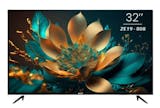
6 | 32" Smart Google TV|ZE19 Ace |  | No.6 | 32" | LED | HD | Wi-Fi, HDMI, USB, LAN, RF In, AV | Voice Control, Mobile Screen Mirroring, Smart Home Control Hub, Sleep Timer | |
7 | 40" Smart Google TV|LED-707 ACE |  | No.7 | 40" | LED | HD | WiFi, Bluetooth, HDMI, USB, LAN, RF In, AV | Mobile Screen Mirroring | |
8 | Smart TV Icon |  | No.8 | 42" | LED | HD | HDMI, USB, LAN, RF In, AV | Voice Control, HDR, Dolby Audio, Multiple Eye Care | |
9 | Google TV|H40K85EFX Haier |  | No.9 | 40" | LED | Full HD | WiFi, HDMI, USB, LAN, RF In | Voice Control, Mobile Screen Mirroring, HDR, Dolby Audio | |
10 | 2K QLED Google TV|32QF63K Skyworth |  | No.10 | 32" | QLED | HD | WiFi, Bluetooth, HDMI, USB, RF In, AV | Voice Control, HDR, Dolby Audio | |

| TV Size | 32" |
|---|---|
| Display | LED |
| Resolution | HD |
| Connectivity | WiFi, Bluetooth, HDMI, USB, LAN |
| Special Features | Voice Control, Mobile Screen Mirroring, Dolby Audio, DTS VIrtual: X |
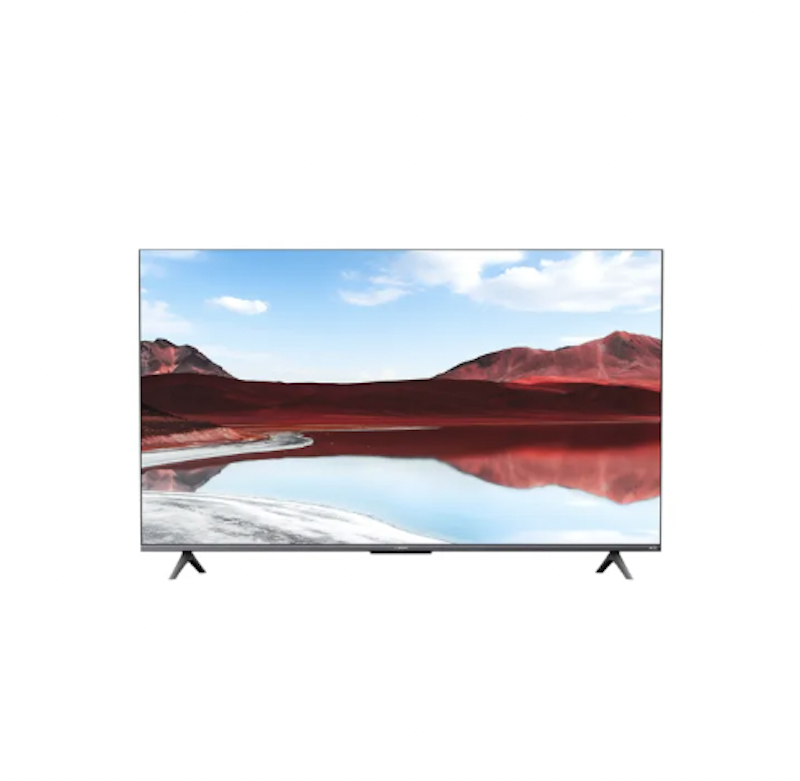
| TV Size | 43" |
|---|---|
| Display | QLED |
| Resolution | UHD, 4K |
| Connectivity | WiFi, Bluetooth, HDMI, USB |
| Special Features | Voice Control, Mobile Screen Mirroring, HDR, Dolby Audio, DTS VIrtual: X |
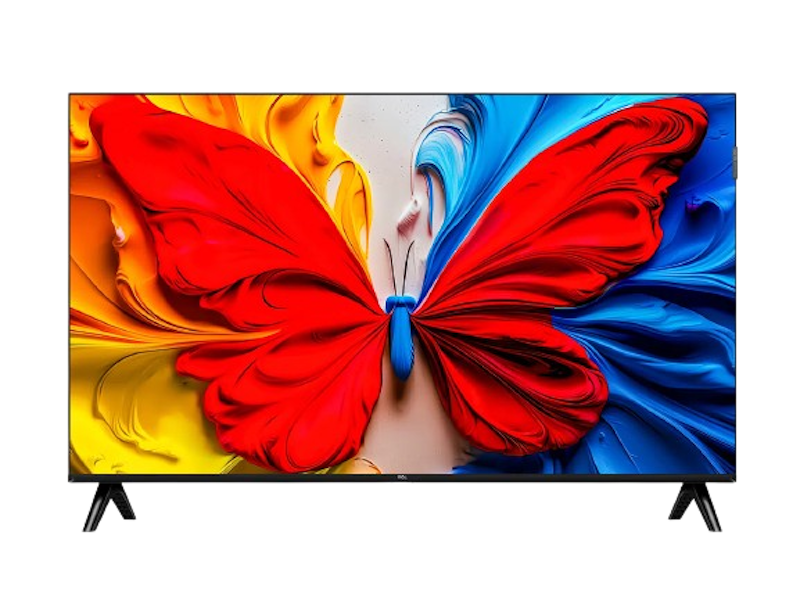
| TV Size | 32" |
|---|---|
| Display | QLED |
| Resolution | Full HD |
| Connectivity | WiFi, HDMI, USB |
| Special Features | HDR, Dolby Audio |
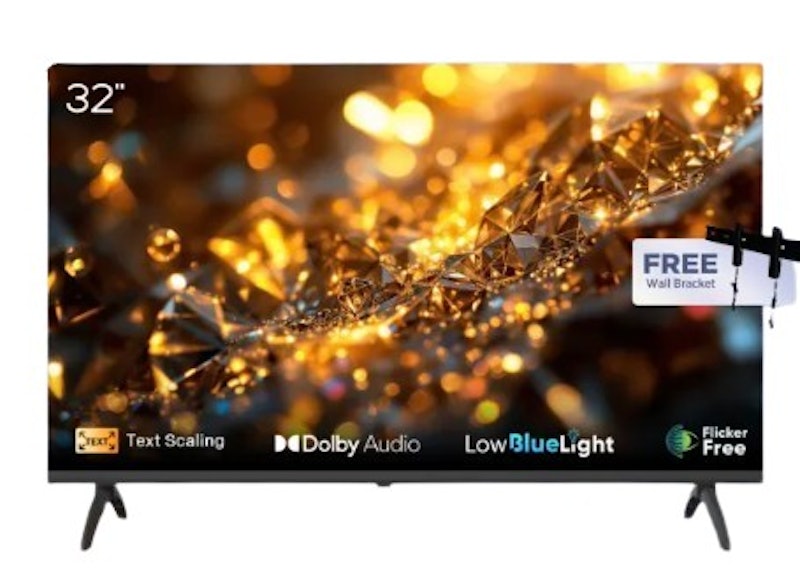
| TV Size | 32" |
|---|---|
| Display | LED |
| Resolution | HD |
| Connectivity | Wi-Fi, HDMI, USB, LAN |
| Special Features | Voice Control, Dolby Audio, Multiple Eye Care, Smart Home Control Hub, Sleep Timer |
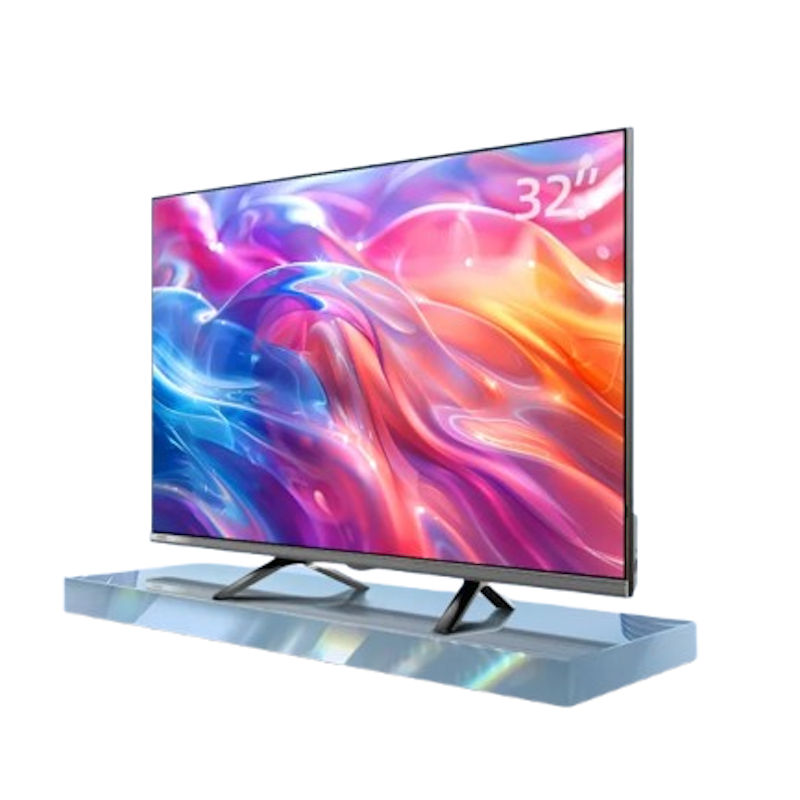
| TV Size | 32" |
|---|---|
| Display | LED |
| Resolution | Full HD |
| Connectivity | WiFi, Bluetooth, HDMI, USB, LAN, RF In, AV |
| Special Features | Voice Control, HDR, Dolby Audio |
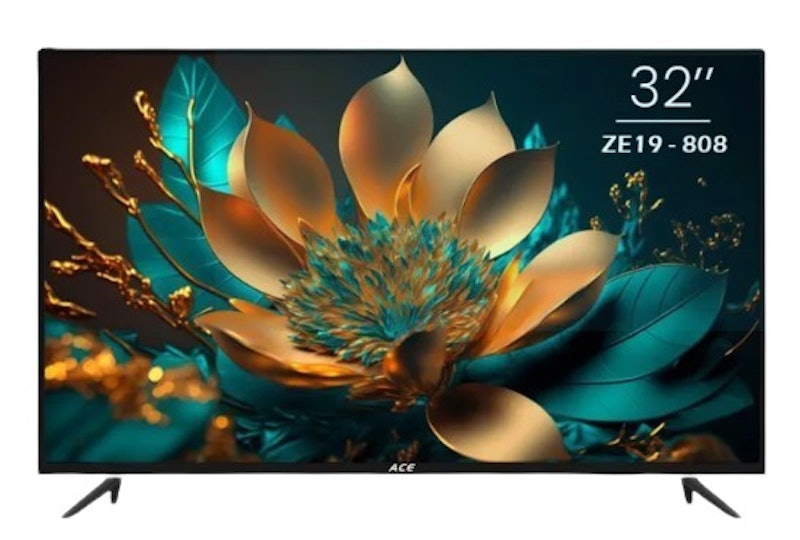
| TV Size | 32" |
|---|---|
| Display | LED |
| Resolution | HD |
| Connectivity | Wi-Fi, HDMI, USB, LAN, RF In, AV |
| Special Features | Voice Control, Mobile Screen Mirroring, Smart Home Control Hub, Sleep Timer |
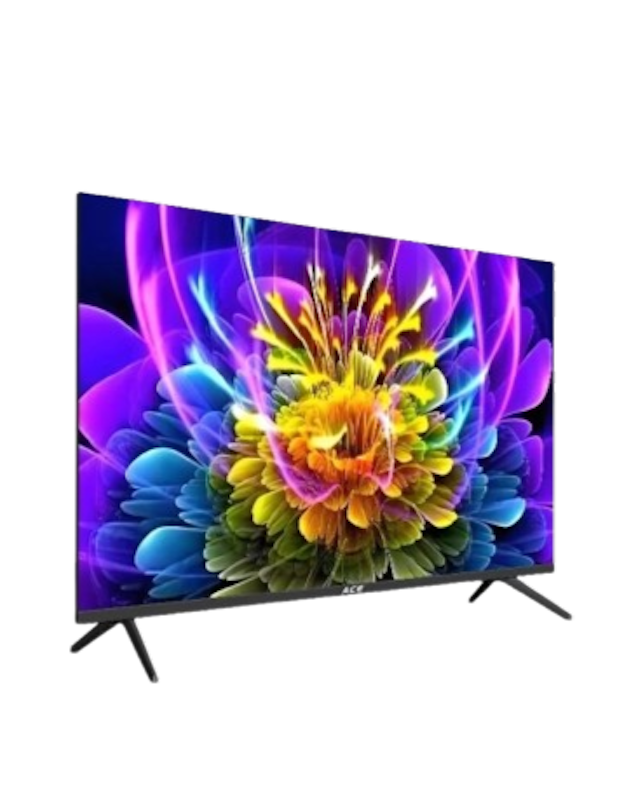
| TV Size | 40" |
|---|---|
| Display | LED |
| Resolution | HD |
| Connectivity | WiFi, Bluetooth, HDMI, USB, LAN, RF In, AV |
| Special Features | Mobile Screen Mirroring |
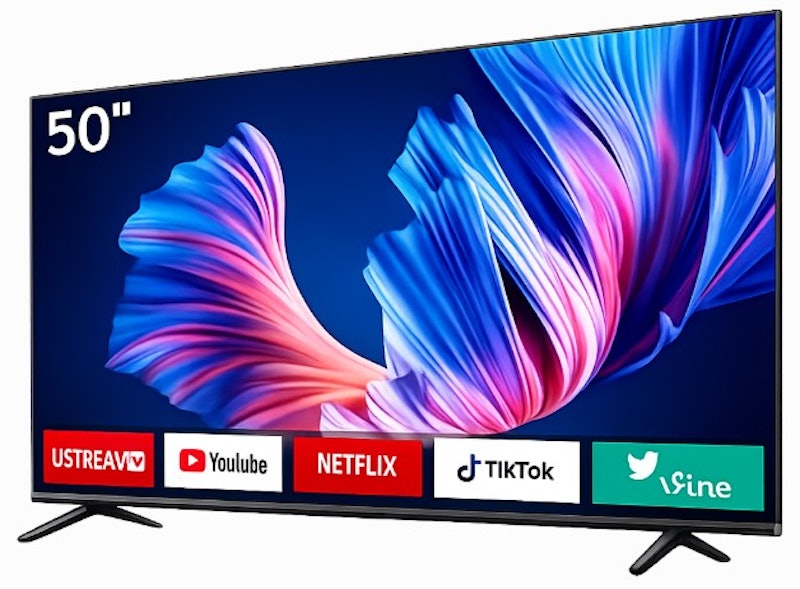
| TV Size | 42" |
|---|---|
| Display | LED |
| Resolution | HD |
| Connectivity | HDMI, USB, LAN, RF In, AV |
| Special Features | Voice Control, HDR, Dolby Audio, Multiple Eye Care |
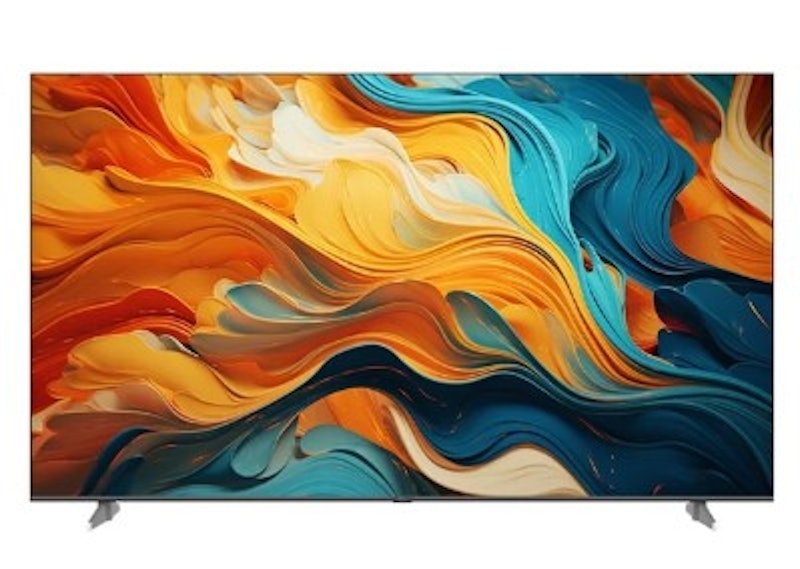
| TV Size | 40" |
|---|---|
| Display | LED |
| Resolution | Full HD |
| Connectivity | WiFi, HDMI, USB, LAN, RF In |
| Special Features | Voice Control, Mobile Screen Mirroring, HDR, Dolby Audio |
Skyworth2K QLED Google TV | 32QF63K
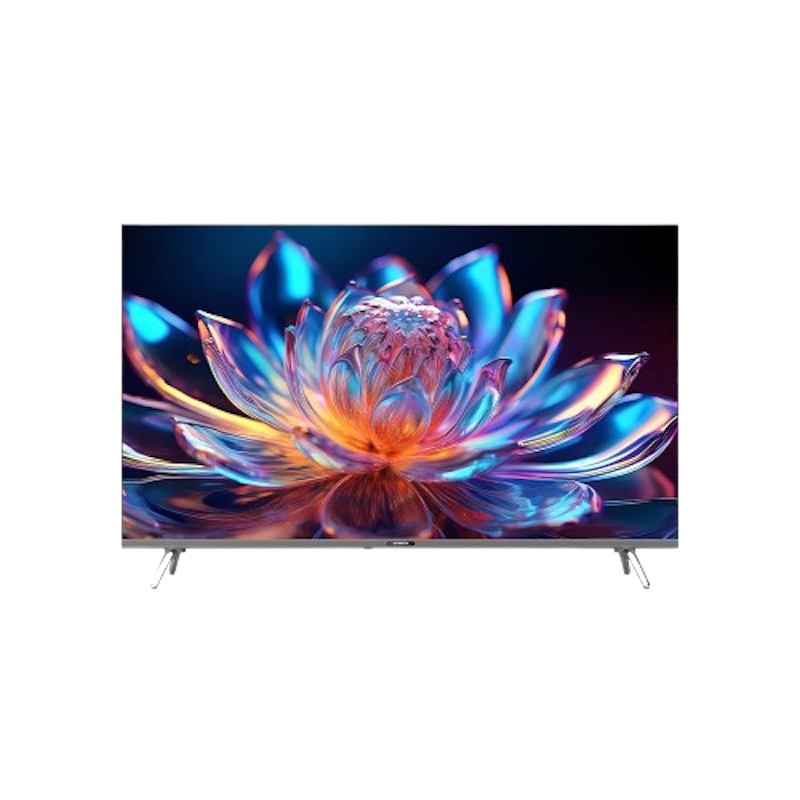
| TV Size | 32" |
|---|---|
| Display | QLED |
| Resolution | HD |
| Connectivity | WiFi, Bluetooth, HDMI, USB, RF In, AV |
| Special Features | Voice Control, HDR, Dolby Audio |
Frequently Asked Questions
Below are some of the most asked questions on the web answered by the mybest team.
What Are Recommended TV Brands in the Philippines?
Some popular, affordable TV brands in the Philippines include TCL, Xiaomi, CHiQ, and Coocaa, which offer models in various sizes, resolutions, and price points. Start with the brands that offer the screen size and features you need within your budget.
Can I Get a Good TV Under ₱10,000?
Yes, you can find good TVs under ₱10,000 in the Philippines, particularly in smaller sizes such as 32 to 43 inches. Many models in this price range offer HD or Full HD resolution, while some may also include smart TV features for streaming apps and online content. Set your preferred screen size first, then use your ₱10,000 budget as a guide when browsing available models.
What's the Best Budget TV for Gaming?
For gaming, look for a cheap TV with the connectivity and features your console needs, such as HDMI and gaming-focused features like Auto Low Latency Mode (ALLM). For fast-paced games, prioritize models that support features such as ALLM, higher refresh rates, or HDMI 2.1.
More Items to Enjoy Your Movie Nights
Movie nights, whether alone or with your loved ones, are one of the few things we look forward to after a long day. Check out these links below to make your movie nights better and more enjoyable!


Author: Kate Basa
Editor: R. Victoriano
How We Chose and Ranked Our Product Recommendations
Our buying guide was carefully researched and crafted by the mybest team of writers and editors, in collaboration with the expert featured in this article. We used the buying guide as a basis for choosing and ranking the product recommendations, and we looked at reviews and ratings from different E-commerce sites like Lazada, Shopee, and more.
The descriptions of each product are referenced from content available on manufacturer, brand, and e-commerce sites.