10 Best Label Makers in the Philippines 2026 | Brother, Epson, and More
Identifying and organizing items become quicker and more effective when they have labels. Whether it's for home use or commercial purposes, a label maker will go a long way in ramping up your productivity. This machine lets you create labels on adhesive paper or label maker tape and may even allow personalization of tags.
With the right kind of label maker, you can print shipping labels, bar codes, QR codes, and even tags with a logo or image on them. To help you sift through the options in online marketplaces like Lazada and Shopee, we've created a buying guide and a list of the best models we can recommend. Read on to know more about the different types of label makers and which one would be most useful for you.

Our recommendation articles are carefully researched and crafted by the mybest Philippines team of writers and editors. To stay true to our company’s mission and vision to help users’ selection process easier, we also collaborate with experts from various fields to ensure that our content stays factual and useful.
Why You Can Trust Us
Every mybest article is crafted with hours of in-depth research and interviews with experts. Each month, we are continually expanding our database of products based on our research. By emphasizing user insight and reliable information, we deliver trustworthy content to readers.
How to Choose a Label Maker – Buying Guide
Here are some key points to consider:
- Choose the type of label maker according to your needs
- Opt for the width and thickness that matches the size of label you want
- For thermal label makers, go for those with broad compatibility options to ensure connectivity
- Look for features that add more value
For more detailed information, read through our buying guide below.
Choose the Type of Label Maker According to Your Needs
Label makers come in two main categories: manual and thermal. Aside from style, your choice would depend on your organizational needs and level of usage. Read on to know more about each type.
Manual Label Makers for Minimal Usage
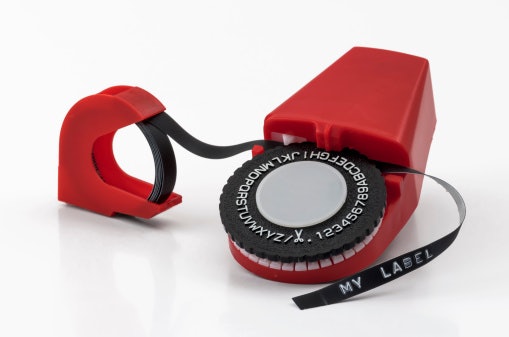
A manual label maker is a handheld tool with a wheel to create labels on an adhesive tape. You select the character you want to use by turning the wheel. Once it's in place, you press on a lever to emboss the character on the tape. Most manual label makers include two wheelsーone for upper case letters, and another for lower case.
This type is best for simple organizing tasks or minimal usage, since it takes a longer time and more effort to produce labels. The upside is that the adhesive tapes are easy to replace, and you can take your pick from different colors. Thus, you can create a color-coded labeling system for your items.
Thermal Label Makers for Printing Shipping Labels and Custom Designs
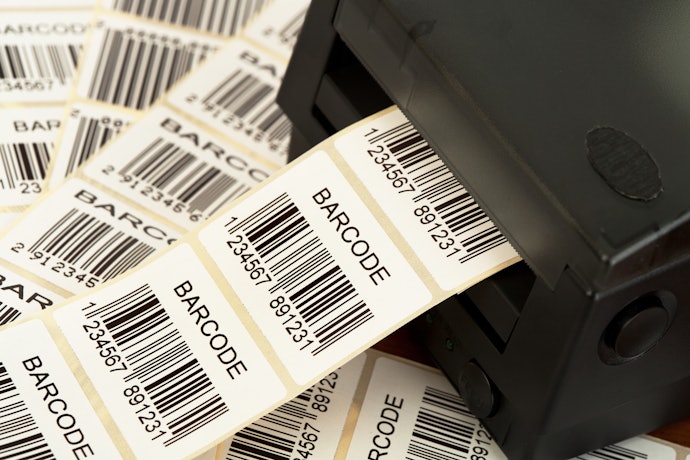
A thermal printer has two different kinds of printing methodsーdirect thermal and thermal transfer. The direct thermal printing method uses the machine's direct heat to print sharp black print that's easy to scan. However, direct thermal labels fade easily and won't last long, which is why it's commonly used in shipping labels, receipts, and other labels that don't need to be preserved.
On the other hand, thermal transfer printing uses the machine's heat to melt the wax ribbon in specific areas and print the text or image on the label. With the right combination of media and ribbon, this type can withstand different changes in temperature and environmental conditions. Thus, it has a longer life than direct thermal printed labels.
Opt for the Width and Thickness That Match the Size of Label You Want
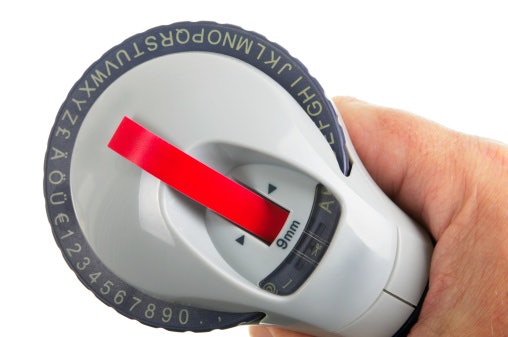
Another thing to consider is the label size that the label maker supports. With manual label makers, this is easy to determine because they typically come with their own ribbons. Thermal label makers, on the other hand, can support a range of widths, usually between 9 to 12 mm. Depending on the size you want, you can then easily switch between widths.
Label thickness is also worth looking into, since a tape that's too thick may clog the printhead, or worse, damage the machine. The tape thickness that a machine can support varies from brand to brand, but the typical range is from 0.03 to 0.08 mm.
For Thermal Label Makers, Go for Those With Broad Compatibility Options to Ensure Connectivity
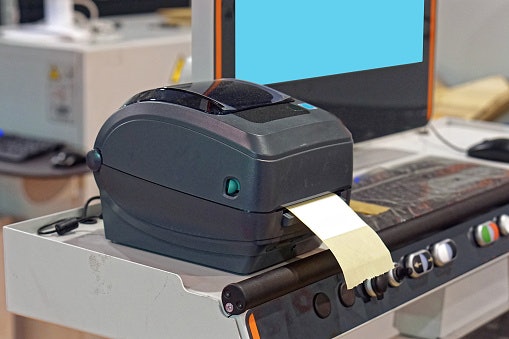
Before making a purchase, make sure that your label maker has a number of connectivity options. Look for those that support both wired and wireless connections and check their compatibility with your smartphone OS. For wireless models, the most common connectivity used is Bluetooth. Make sure that the label maker supports the latest Bluetooth version for a fast and stable connection.
Look for Features That Add More Value
Aside from the points mentioned above, you may also want to check out other features that make your label maker even more effective and convenient to use. Here are some of the most common extra touches that give you more value for your money.
A Wide Selection of Fonts and Text Styles Lets You Customize Labels
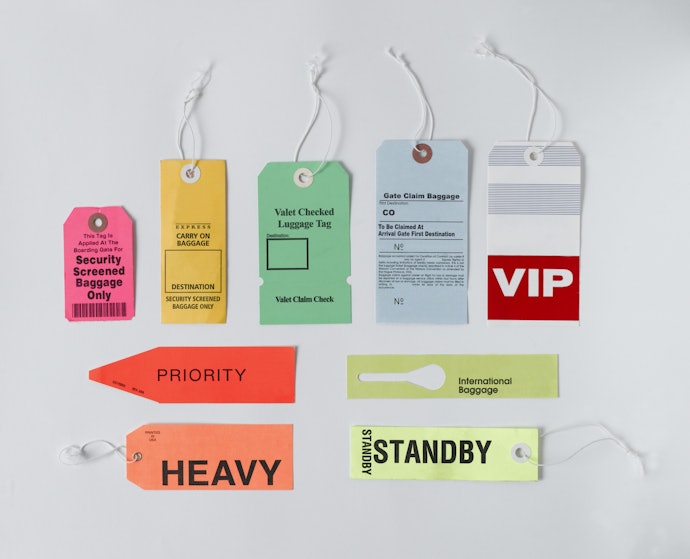
You don't have to stick to plain and boring texts for your labels. Features like a wide range of fonts, symbols, bar codes, box styles, and icons allow you to be as creative as you want to be. Some brands also allow you to customize logos for an even more unique design with your personal touch!
A Wireless and Portable Option Offers More Convenience
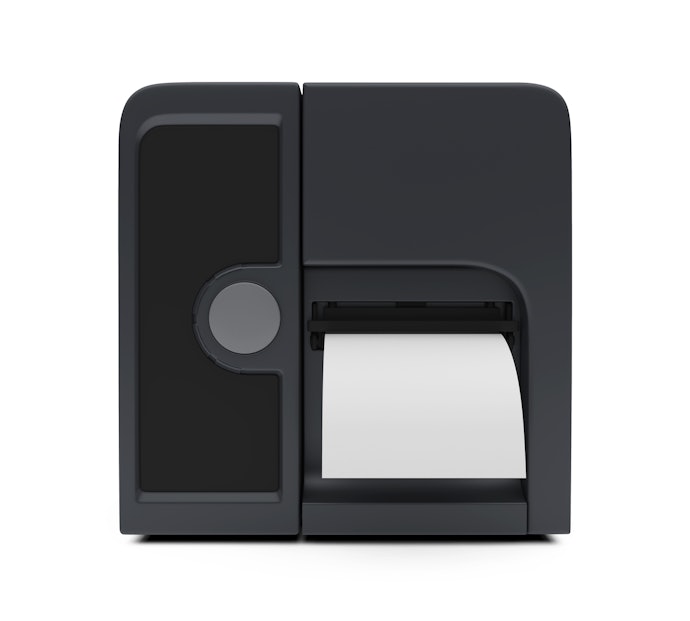
A wireless thermal printer's functions and processes are similar to the heavy-duty corded type, only much smaller in size and way more convenient. It can be powered using batteries or via USB port connection.
You also need to download an application on your phone to customize labels. After downloading, simply connect the two devices via Bluetooth, and it's ready for bulk printing.
A Large LCD Screen and Keyboard for Thermal Label Makers Are User-Friendly

If you want to make your labeling process go faster and smoother, check out thermal printers with a large LCD screen and a wide QWERTY keyboard. These features give users a more comfortable experience and help them make fewer errors when creating their labels. Some brands also offer a touch screen for even more ease of use.

10 Best Label Makers to Buy Online
| Products | Image | Click to purchase | Popularity | Details | |||||
|---|---|---|---|---|---|---|---|---|---|
Type | Supported Label Width | Supported Label Thickness | Connectivity | Features | |||||
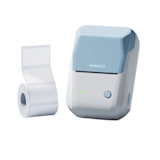
1 | B21 Label Printer Niimbot |  | No.1 | Thermal | 2.0-5.0 cm (20-50 mm) | 0.06-0.25 mm (Standard Thermal Paper) | Bluetooth (iOS, Android), USB | Inkless Printing, Portable Size, Auto Label Recognition, 1200 mah Battery | |
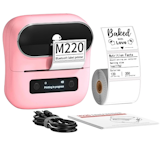
2 | Mini Thermal Label Printer|M220 Phomemo |  | No.2 | Thermal | 2.0-8.0 cm (20-80 mm) | 0.06-0.25 mm | Bluetooth 4.2, USB | Inkless Printing, Wireless and USB Connectivity, Long Battery Life (2200 mah) | |
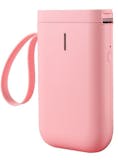
3 | Bluetooth Label Printer|B1 Niimbot |  | No.3 | Thermal | 2.0-5.0 cm (20-50 mm) | 0.06-0.25 mm | Bluetooth, USB-C | Inkless Printing, Pocket Size, 1500 mah Battery | |
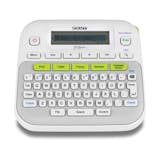
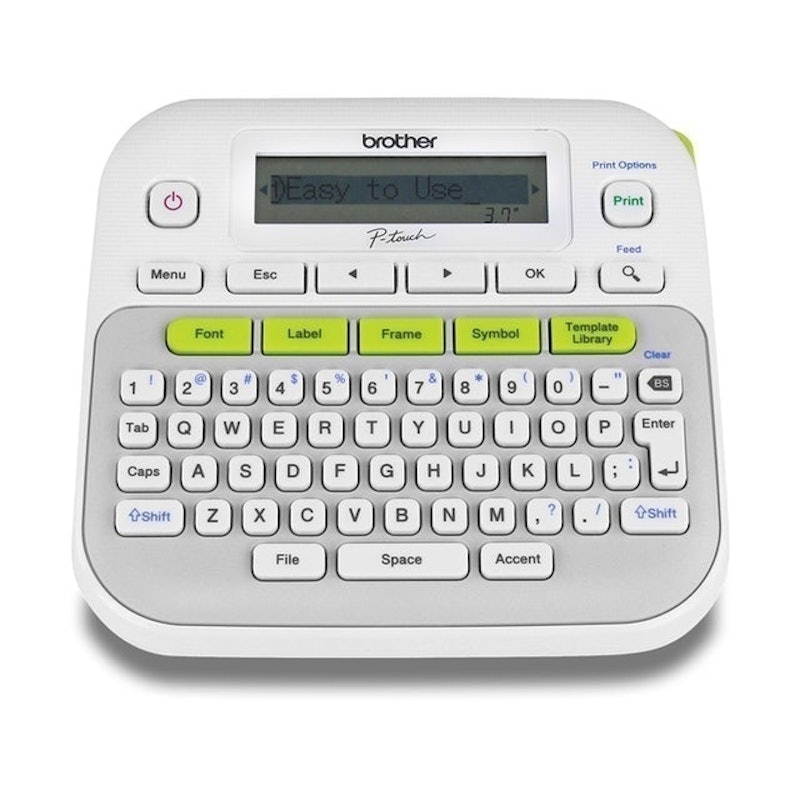
4 | Label Printer|PT-D210 Brother |  | No.4 | Thermal | 0.35-1.2 cm (3.5-12 mm) | 0.23 mm | Manual | Laminated Durable Labels, Qwerty Keyboard, 97 Frames/Fonts, Battery Powered | |
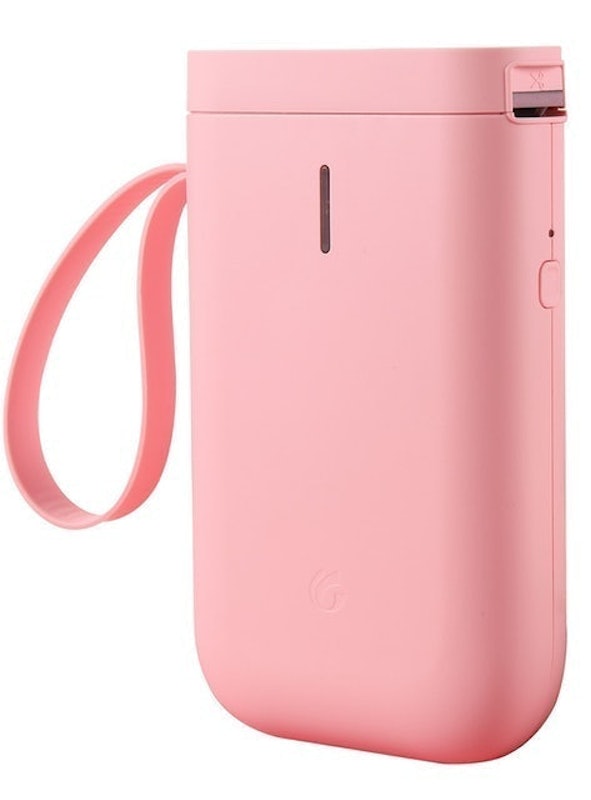
5 | Label Printer|D11 Niimbot |  | No.5 | Thermal | 1.2-1.5 cm (12-15 mm) | 0.06-0.20 mm | Bluetooth 4.0 | 300 Dpi High Resolution, Inkless, Rewind Feature, Compact Design | |
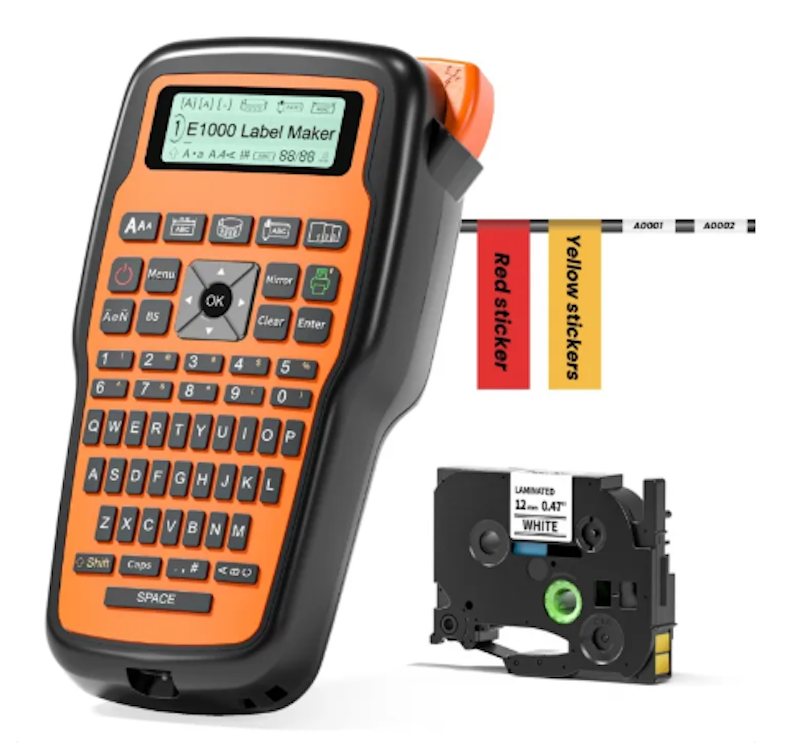
6 | Pro Keyboard Label Maker Machine With Tapes|E1000 Phomemo |  | No.6 | Thermal | 0.6-1.2 cm (6-12 mm) | 0.15-0.25 mm | Manual | Multi-Line Printing (Up to 4 Lines), Portable, USB-C and Battery Powered | |
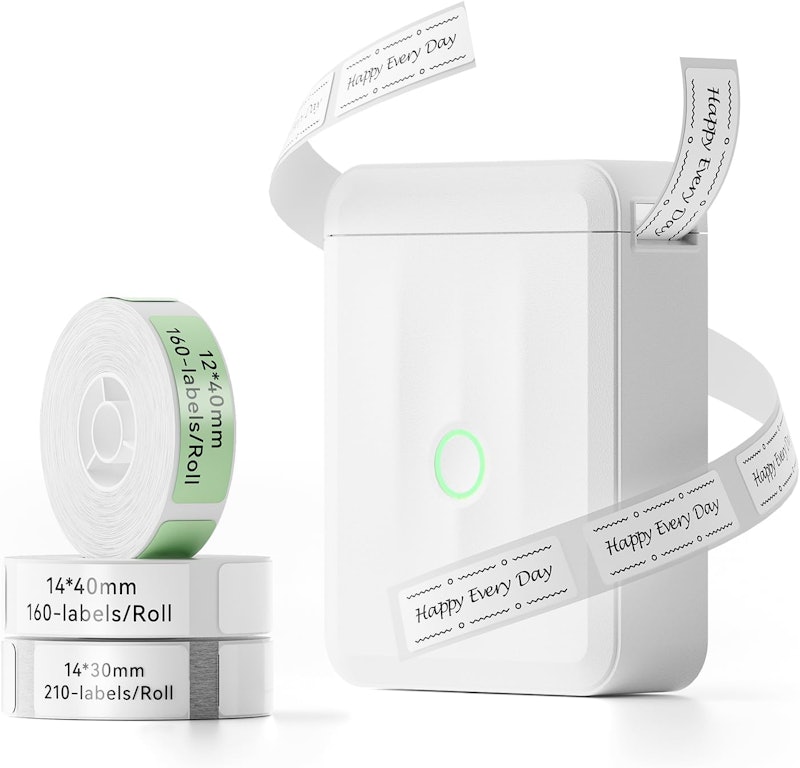
7 | Label Printer Portable|D110 Niimbot |  | No.7 | Thermal | 1.5-2.0 cm (15-20 mm) | 0.06-0.25 mm | Bluetooth 5.0, USB-C | Inkless, Multi-Language Support, 1200 mah Battery | |
8 | Thermal Label Printer|M110 Phomemo |  | No.8 | Thermal | 2.0-5.0 cm (20-50 mm) | 0.06-0.25 mm | Bluetooth 4.0 | OCR Text Recognition, Waterproof Labels, 1200 mah Battery | |
9 | Barcode Label Printer|221B Clabel |  | No.9 | Thermal | 2.0-5.0 cm (20-50 mm) | 0.06-0.25 mm | Bluetooth, USB-C | Fast Printing, App Control, Serrated Cutter | |
10 | Label Works Bluetooth Label Printer|LW-C410 Epson |  | No.10 | Thermal | 0.6-1.8 cm (6-18 mm) | 0.23-0.25 mm | Bluetooth | Auto Cutter, Mobile App/PC Software Compatible, Battery Powered | |

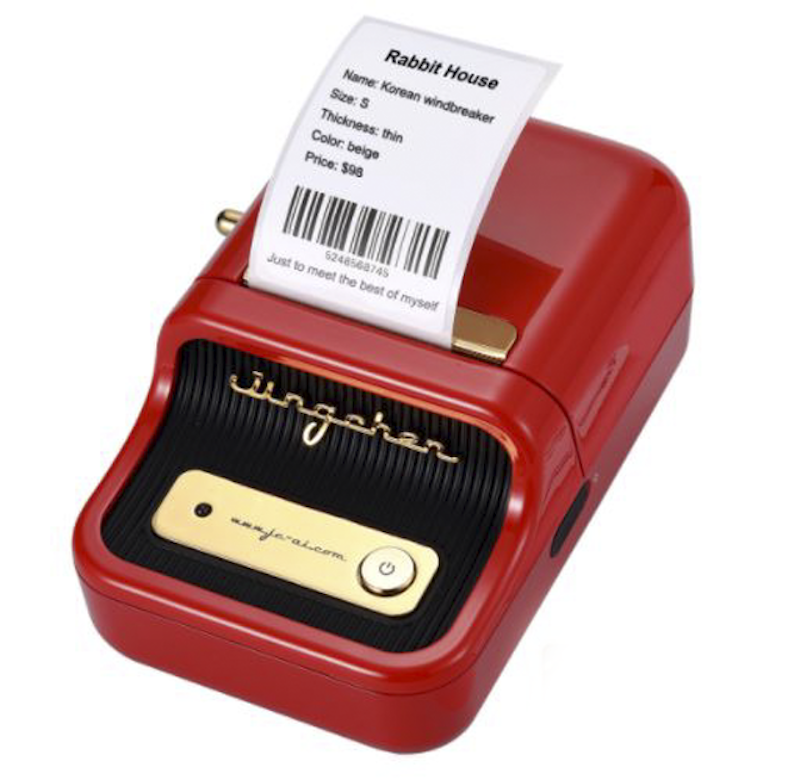
Reviews mention:
Users praise its compact size and quick Bluetooth pairing for home organization and small business tasks such as price tagging. Some note occasional app glitches on older phones but appreciate the included label roll and batch printing from Excel. Overall, buyers highlight the durability of labels and value for money, despite minor paper jam issues during initial use.
| Type | Thermal |
|---|---|
| Supported Label Width | 2.0-5.0 cm (20-50 mm) |
| Supported Label Thickness | 0.06-0.25 mm (Standard Thermal Paper) |
| Connectivity | Bluetooth (iOS, Android), USB |
| Features | Inkless Printing, Portable Size, Auto Label Recognition, 1200 mah Battery |
PhomemoMini Thermal Label Printer | M220
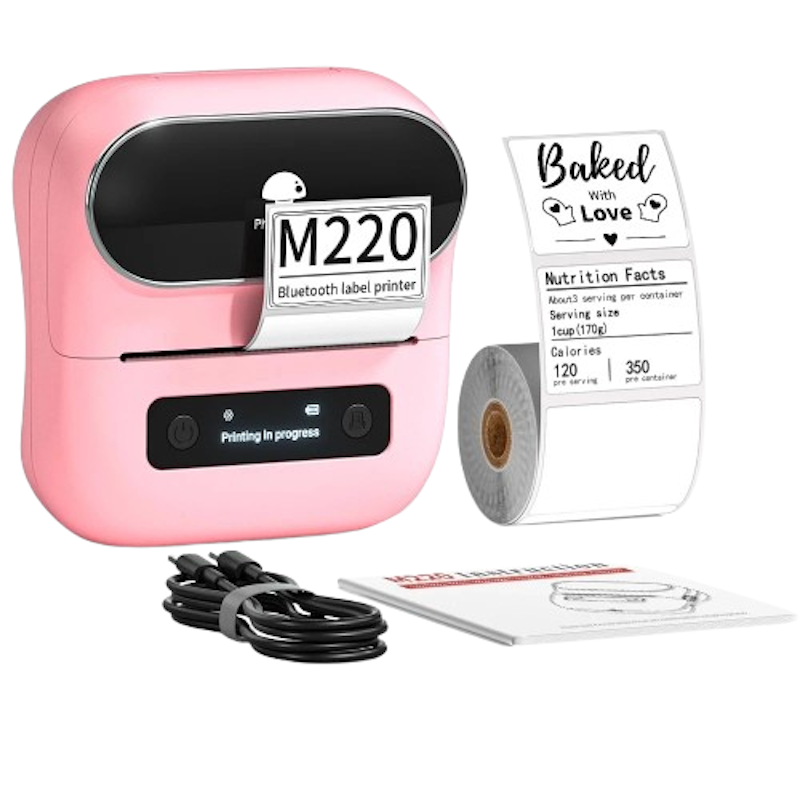
Reviews mention:
Customers appreciate this printer's compact size and fast connection for sorting household items and crafting custom tags. A few report brief linking issues initially but praise the starter labels and multi-device support. Users commend its sturdy output and affordability for frequent small-scale projects.
| Type | Thermal |
|---|---|
| Supported Label Width | 2.0-8.0 cm (20-80 mm) |
| Supported Label Thickness | 0.06-0.25 mm |
| Connectivity | Bluetooth 4.2, USB |
| Features | Inkless Printing, Wireless and USB Connectivity, Long Battery Life (2200 mah) |
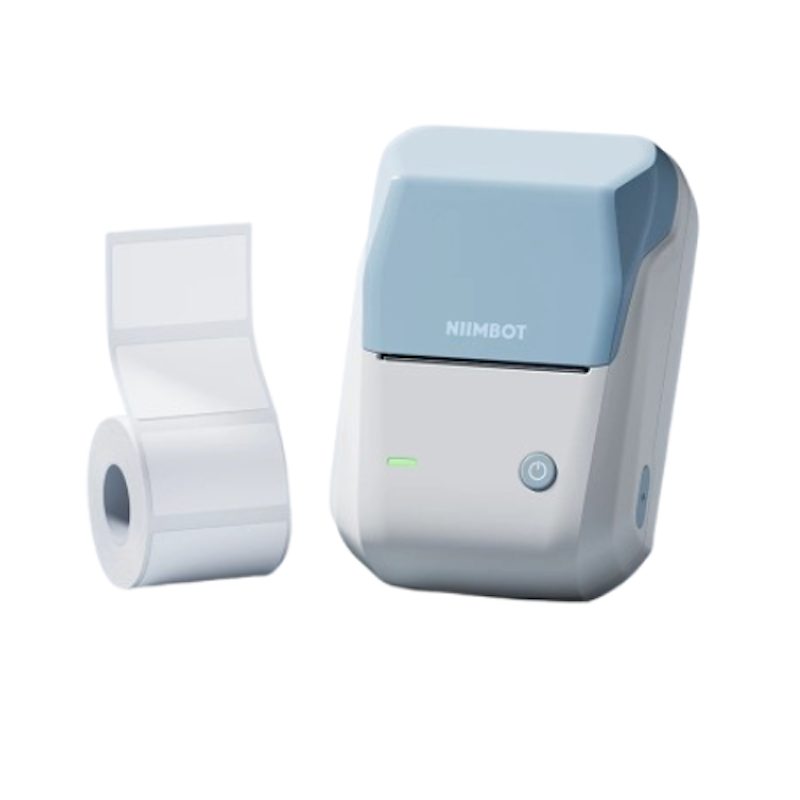
Reviews mention:
Users praise this printer's compact build and smooth app pairing for organizing shelves and labeling items. Some experience brief sync delays initially but appreciate the included tape and variety of templates. Reviewers highlight the strong adhesive labels and reasonable pricing for routine home or small business tasks.
| Type | Thermal |
|---|---|
| Supported Label Width | 2.0-5.0 cm (20-50 mm) |
| Supported Label Thickness | 0.06-0.25 mm |
| Connectivity | Bluetooth, USB-C |
| Features | Inkless Printing, Pocket Size, 1500 mah Battery |
Reviews mention:
Owners appreciate this unit's straightforward keys and frame options for neat office filing and craft projects. A few note that tape costs are higher but still praise the reliable cutter and symbol library. Users highlight its sturdy feel and quick printing, making it suitable for daily home or work routines.
| Type | Thermal |
|---|---|
| Supported Label Width | 0.35-1.2 cm (3.5-12 mm) |
| Supported Label Thickness | 0.23 mm |
| Connectivity | Manual |
| Features | Laminated Durable Labels, Qwerty Keyboard, 97 Frames/Fonts, Battery Powered |
Reviews mention:
Buyers highlight this printer's compact size and crisp output for organizing craft supplies and planters. Several note minor app adjustments are needed and early Bluetooth quirks occur, but they appreciate the included waterproof rolls. Users praise its fine details and portability for beauty or hobby labeling.
| Type | Thermal |
|---|---|
| Supported Label Width | 1.2-1.5 cm (12-15 mm) |
| Supported Label Thickness | 0.06-0.20 mm |
| Connectivity | Bluetooth 4.0 |
| Features | 300 Dpi High Resolution, Inkless, Rewind Feature, Compact Design |
PhomemoPro Keyboard Label Maker Machine With Tapes | E1000
Reviews mention:
Operators appreciate this label maker's full keyboard and multi-line capability for wiring jobs and storage setups. Some mention that ribbon swaps can be fiddly but praise the symbol sets and tape grip strength. Users emphasize its rugged portability and font options for shop or fieldwork.
| Type | Thermal |
|---|---|
| Supported Label Width | 0.6-1.2 cm (6-12 mm) |
| Supported Label Thickness | 0.15-0.25 mm |
| Connectivity | Manual |
| Features | Multi-Line Printing (Up to 4 Lines), Portable, USB-C and Battery Powered |
Reviews mention:
Users adore this printer's slim profile and app templates for labeling jars and school supplies. A few experience initial pairing delays but value the no-waste feed and sticker variety. Reviewers praise its consistent print quality and battery life for daily household tasks.
| Type | Thermal |
|---|---|
| Supported Label Width | 1.5-2.0 cm (15-20 mm) |
| Supported Label Thickness | 0.06-0.25 mm |
| Connectivity | Bluetooth 5.0, USB-C |
| Features | Inkless, Multi-Language Support, 1200 mah Battery |
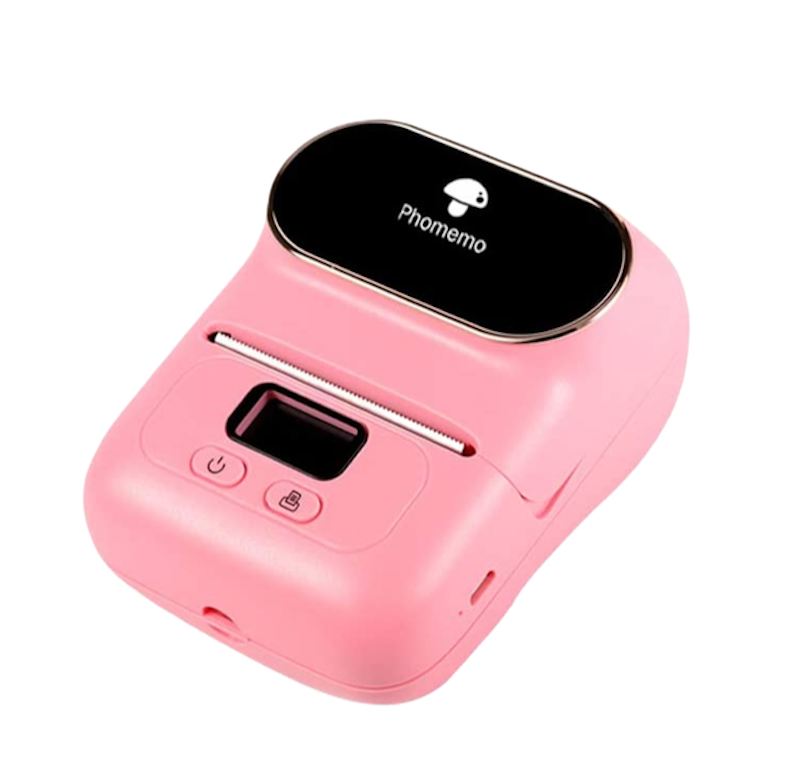
Reviews mention:
Buyers love this printer's lightweight design and quick app connection for sorting cabinets and product tags. Some experience brief connectivity stutters initially but value the OCR feature and included template packs. Users highlight its jam-free rolls and versatility for busy home or shop labeling tasks.
| Type | Thermal |
|---|---|
| Supported Label Width | 2.0-5.0 cm (20-50 mm) |
| Supported Label Thickness | 0.06-0.25 mm |
| Connectivity | Bluetooth 4.0 |
| Features | OCR Text Recognition, Waterproof Labels, 1200 mah Battery |
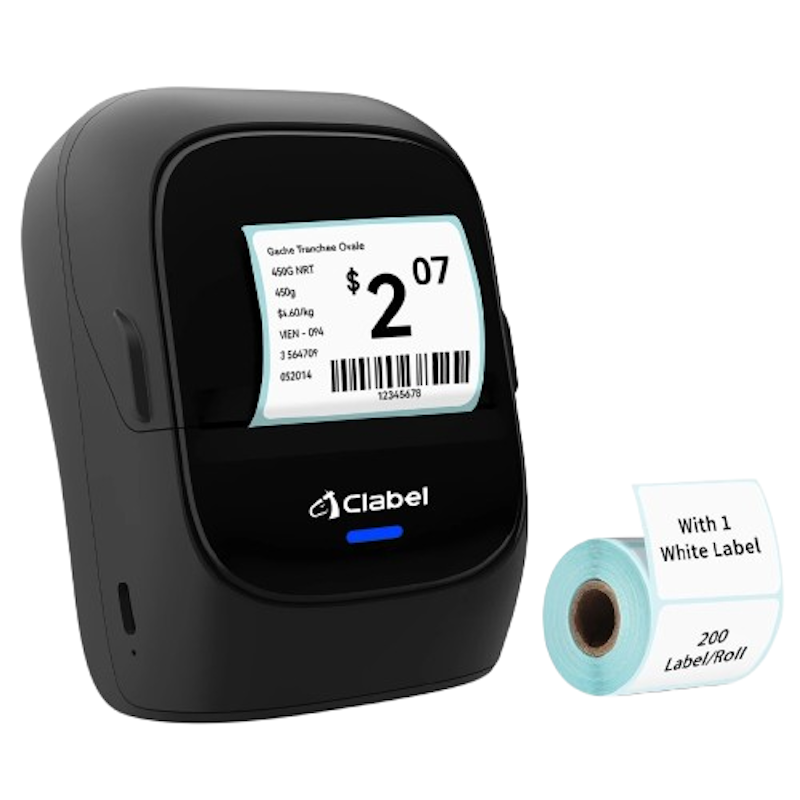
Reviews mention:
Users appreciate this printer's fast output and app templates for shop pricing and inventory tags. A few note that initial setup scans are required but value the barcode scanner and inkless printing. They highlight its lightweight design and multi-device sync for daily retail tasks.
| Type | Thermal |
|---|---|
| Supported Label Width | 2.0-5.0 cm (20-50 mm) |
| Supported Label Thickness | 0.06-0.25 mm |
| Connectivity | Bluetooth, USB-C |
| Features | Fast Printing, App Control, Serrated Cutter |
EpsonLabel Works Bluetooth Label Printer | LW-C410
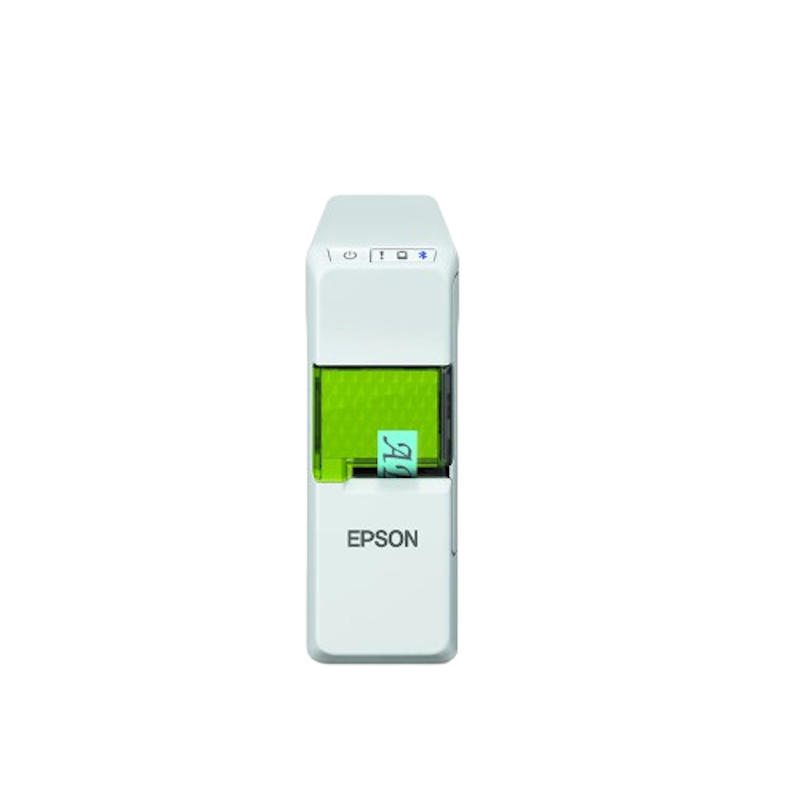
Reviews mention:
Users praise this printer's app versatility and tape variety for craft projects and file organization. Some note that the lower dpi limits fine details but still appreciate the cutter and battery freedom. Reviewers highlight its solid build and quick wireless setup for everyday labeling tasks.
| Type | Thermal |
|---|---|
| Supported Label Width | 0.6-1.8 cm (6-18 mm) |
| Supported Label Thickness | 0.23-0.25 mm |
| Connectivity | Bluetooth |
| Features | Auto Cutter, Mobile App/PC Software Compatible, Battery Powered |
Frequently Asked Questions
Below are some of the most asked questions on the web answered by the mybest team.
How to Make Waterproof Sticker Labels?
The best way to get waterproof labels is by starting out with the right material and waterproof print. However, these factors depend on the kind of label maker you have. If your label maker isn't capable of churning out waterproof labels, you can still protect your stickers from moisture by sealing them with a clear gloss overcoat spray or a clear plastic film with an adhesive side.
Where Can I Put Labels?
You can put labels on just about anythingーfrom kitchen containers like spice jars to office supplies and packages for shipping. You are free to put labels anywhere you want, but if you're using labels specifically for shipping parcels, it matters where you place them.
Make sure your shipping label is on the widest surface of the box or package, either on the top or on the side. The barcode needs to be unobstructed so that it can be easily scannable for tracking and inventory purposes.
Set Up Your Work Station With These Items
A neat workspace will enhance your productivity level and keep you from feeling exhausted and overwhelmed when faced with multiple tasks. For more ideas on how to make your work station efficient, check out the links below!


Summary
Having an organized home and workplace increases our productivity and sets us up for success. With label makers, you can have a fun way to organize your tools and make them easy to find when you need them. You can even create personalized designs that work for your purposes. We hope our buying guide and top 10 list have helped narrow down your options for the best label maker that works for you!
Author: Roel Pillas Malubay
Re-editor: R. Umlas
The descriptions of each product are referenced from content available on manufacturer, brand, and e-commerce sites.