10 Best USB Flash Drives for iPhones in the Philippines 2026 | SanDisk, BAVIN, and More
If you're an iPhone user, you don't have to worry about storage issues with the availability of USB flash drives. By simply plugging in a flash drive to your iPhone, you can now transfer important files and documents without purchasing additional iCloud storage or even a new phone!
To help you choose the best flash drive for your iPhone, we've discussed some important points to consider in the buying guide below. We've also listed down the 10 best flash drives available online and made sure to include options from trusted brands like SanDisk, BAVIN, and more.

Ace John is a freelance writer and editor who joined the myBest PH team in September 2022. He is interested in anything technology-related that shapes the lifestyle of consumers. An avid reader, he can be found in nooks and corners with a book that usually discusses performance efficiency, systems productivity, or the future of work. He also has a degree in Education and is pursuing a Master's in English.
Why You Can Trust Us
Every mybest article is crafted with hours of in-depth research and interviews with experts. Each month, we are continually expanding our database of products based on our research. By emphasizing user insight and reliable information, we deliver trustworthy content to readers.
What Is a USB Flash Drive for iPhones?

Unlike Android phones, iPhones do not have a slot for an SD card. Instead of buying extra iCloud storage, you can opt for a USB flash drive built for this brand. This device has a lightning connector on one end and a USB-A connector on the other. This makes it possible to sync your data from your iPhone to the flash drive easily—or you can transfer or view it on a laptop or another device.
How to Choose a USB Flash Drive for iPhones – Buying Guide
Here are some key points to consider:
- Check the flash drive's compatibility with your phone's model and iOS version
- Choose a memory capacity depending on your storage needs
- Consider the USB standard for transfer speed
- Pick a flash drive that's MFi-certified
For more detailed information, read through our buying guide below.
Check the Flash Drive’s Compatibility With Your Phone's Model and iOS Version

Furthermore, some USB memory drives may not be compatible with certain iOS versions. Therefore, you should get a flash drive that's compatible with the iOS system you're using, especially if it is not the latest one or if you don't plan on updating your iPhone.
Choose a Memory Capacity Depending on Your Storage Needs
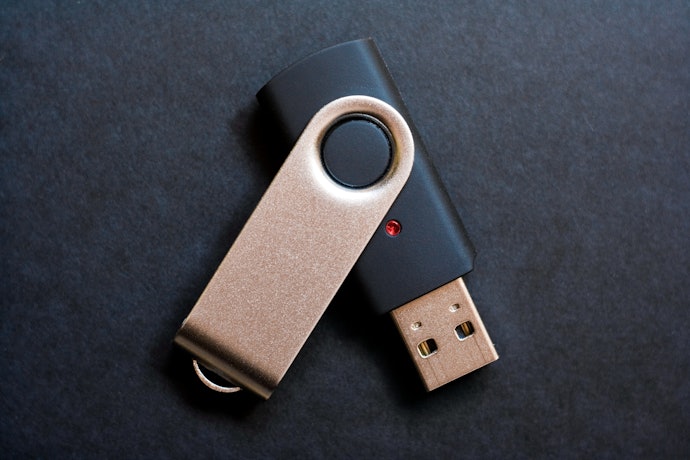
The first thing to consider when choosing a USB flash drive is its storage capacity. These vary per device, but typically, external storage capacities range from 16 GB all the way up to 1 TB.
If you're on a budget and just want an extra storage device, a flash drive with 16 to 32GB may be enough for you. However, if you're looking to save thousands of files, a USB with 100 GB to 1 TB storage is recommended. Do remember that the higher the storage, the more expensive the flash drive is.
Consider the USB Standard for Transfer Speed

However, before buying a flash drive, check your gadgets' USB ports. If your device has a USB 2.0 port, even if you have a USB 3.0 flash drive, it will only go as fast as the USB 2.0 port allows. Keep this in mind to maximize the flash drive that you will buy since USB 3.0 devices are more expensive.
Pick a Flash Drive That's MFi-Certified

Third-party accessories that are compatible with Apple's devices have a certification system called an MFi, which means "Made for iPhone/iPad." Basically, any gadget that has this certification is compatible with iOS mobile devices. Note that a flash drive (e.g. Sandisk) can be compatible with a model (e.g. iPhone 13) without being MFi-certified.
However, choosing a USB flash drive that is not MFi-certified can be a risky choice as it might not be compatible with your Apple device or might cause some problems. Even though an MFi-certified device costs more, it's worth the extra pesos to ensure the safety of your gadgets.
10 Best USB Flash Drives for iPhones to Buy Online
| Products | Image | Click to purchase | Popularity | Details | ||||
|---|---|---|---|---|---|---|---|---|
Compatibility | Built-In Memory | USB Standard | MFi-Certified | |||||
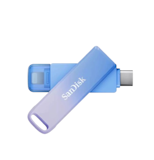
1 | iXpand Flip SanDisk |  | No.1 | iOS (Lightning), Android via OTG, PC/Mac | 32 GB, 64 GB, 128 GB, 256 GB | USB 3.0 | ||
2 | iXpand Go 128GB OTG Flash Drive|SDIX60N-128G-GN6NE SanDisk |  | No.2 | iPhone, iPad, Android, PC/Mac | 64 GB, 128 GB, 256 GB | USB 3.0 | ||
3 | Creator Phone Drive (128GB / 256GB) Sandisk |  | No.3 | iOS, USB-C, Android, PC/Mac | 128 GB , 256 GB | USB 3.2 Gen 1 | ||
4 | 2in1 Type-C Lightning Flash Drive|F385 Fanxiang |  | No.4 | iPhone, iPad, Android, Windows, Mac OS | 64 GB, 128 GB, 256 GB | USB 3.2 Gen1 | ||
5 | JumpDrive Dual Drive USB 3.1 Type-C Metal Housing Flash Drive|D400 Lexar |  | No.5 | Android, macOS, Windows Devices | 32 GB, 64 GB, 128 GB, 256 GB | USB 3.1 | ||
6 | Dual Interface USB 3.2 & Type-C Flash Drive High-Speed Plug & Play for Fast Data Transfer|UF02 BAVIN |  | No.6 | USB-A, USB-C devices, Windows, Mac, Android | 16 GB, 32 GB, 64 GB, 128 GB, 256 GB | USB 3.2 | ||
7 | Iphone to USB 3.2 High Speed Flash Drive EAGET |  | No.7 | iPhone, iPad, PC, Android | 64 GB, 128 GB, 256 GB, 512 GB | USB 3.2 | ||
8 | USB Flash Drive OTG 2 in 1 High Speed Pendrive Usams |  | No.8 | Android, USB-C, USB-A Devices | 16 GB, 32 GB, 64 GB, 128 GB | USB 2.0 | ||
9 | USB 3.2 Flash Drive Hiksemi |  | No.9 | USB-A, USB-C, Android, PC/Mac | 32 GB, 64 GB, 128 GB | USB 3.2 | ||
10 | 1TB Dual Flash Drive USB 3.2|G202 ORICO |  | No.10 | iPhone, Android, Tablets, Laptops | 1 TB | USB 3.2 Gen2 | ||

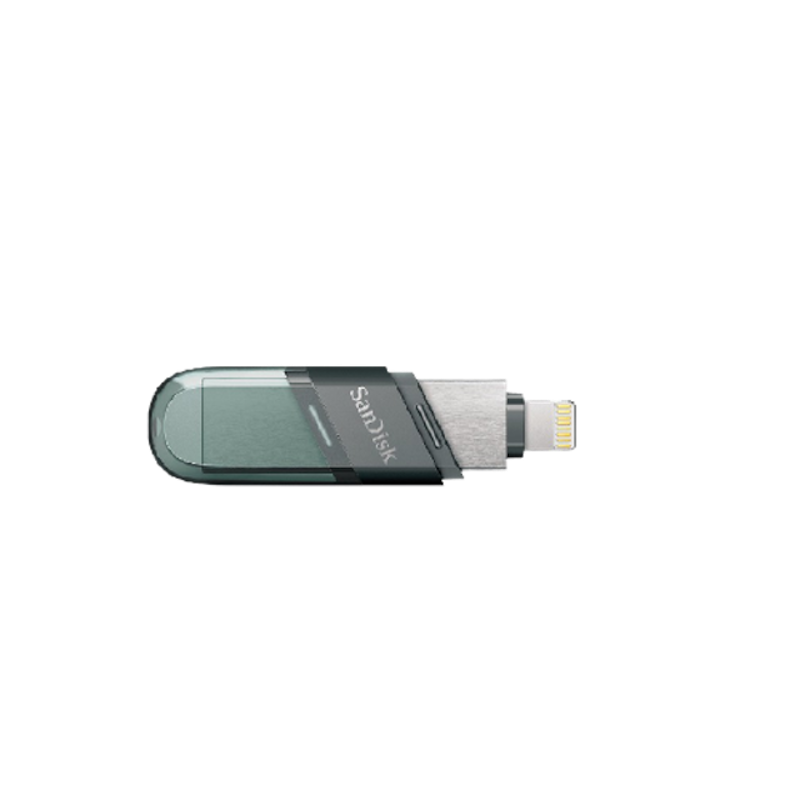
Reviews mention:
People like the flip‑design that avoids extra cables or hubs. Reviewers note the iPhone‑compatible tip is a big plus for Apple users. Several users mention it’s convenient for backing up large photo and video libraries.
| Compatibility | iOS (Lightning), Android via OTG, PC/Mac |
|---|---|
| Built-In Memory | 32 GB, 64 GB, 128 GB, 256 GB |
| USB Standard | USB 3.0 |
| MFi-Certified |
SanDiskiXpand Go 128GB OTG Flash Drive | SDIX60N-128G-GN6NE
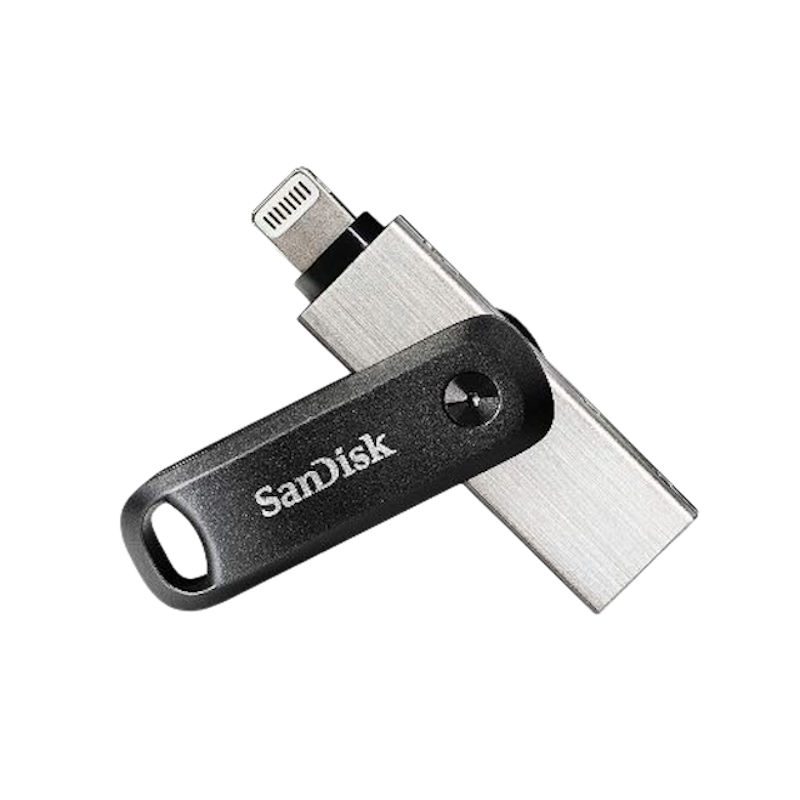
Features and benefits:
Reviews mention:
Customers appreciate that the drive plugs in easily and begins backing up files seamlessly across both iOS and Android devices. Reviewers praise the swivel mechanism for its durability during daily use, despite noting minor app issues on older devices. Many also highlight the password protection and fast transfer speeds as standout features for regular backups and file management.
| Compatibility | iPhone, iPad, Android, PC/Mac |
|---|---|
| Built-In Memory | 64 GB, 128 GB, 256 GB |
| USB Standard | USB 3.0 |
| MFi-Certified |
Sandisk Creator Phone Drive (128GB / 256GB)

Reviews mention:
Reviewers note that the dual connectors simplify file transfers between mobile devices and computers while offering ample capacity for large media libraries. Users appreciate the app support for quick backups and basic edits, and many highlight the metal body for helping prevent overheating during extended sessions. Buyers describe the drives as reliable and portable, though some report minor app delays when processing very large batches that improve over time.
| Compatibility | iOS, USB-C, Android, PC/Mac |
|---|---|
| Built-In Memory | 128 GB , 256 GB |
| USB Standard | USB 3.2 Gen 1 |
| MFi-Certified |
Fanxiang 2in1 Type-C Lightning Flash Drive | F385
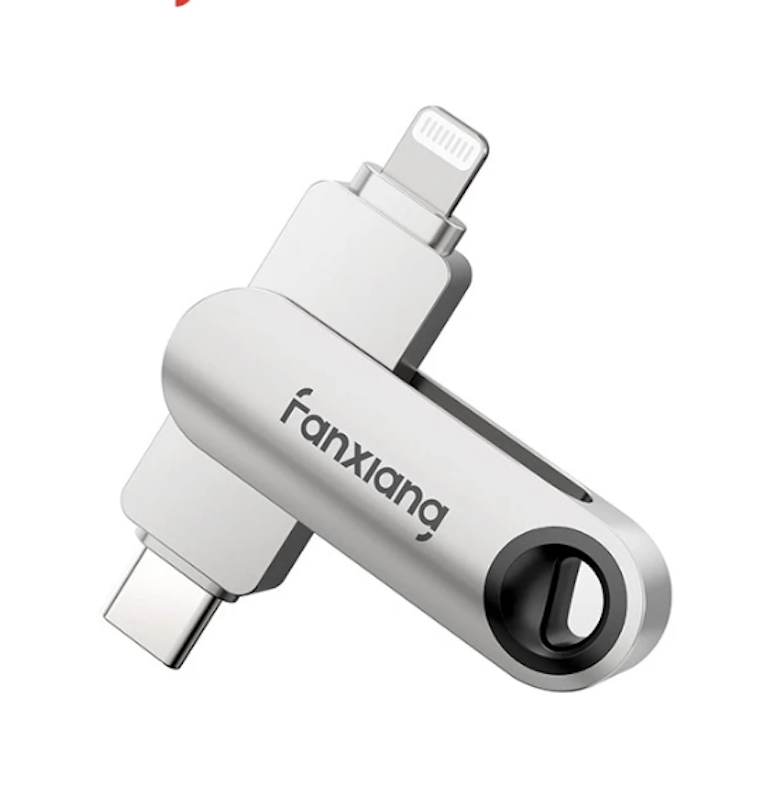
Reviews mention:
Owners highlight seamless connectivity for transferring files between mobile devices and PCs, supported by ample storage for photos and videos. Reviewers praise the rugged metal casing for withstanding daily travel, along with the app’s ability to organize content efficiently. Feedback emphasizes consistent performance and portability, with only mild warmth reported during extended transfers that subsides quickly.
| Compatibility | iPhone, iPad, Android, Windows, Mac OS |
|---|---|
| Built-In Memory | 64 GB, 128 GB, 256 GB |
| USB Standard | USB 3.2 Gen1 |
| MFi-Certified |
LexarJumpDrive Dual Drive USB 3.1 Type-C Metal Housing Flash Drive | D400
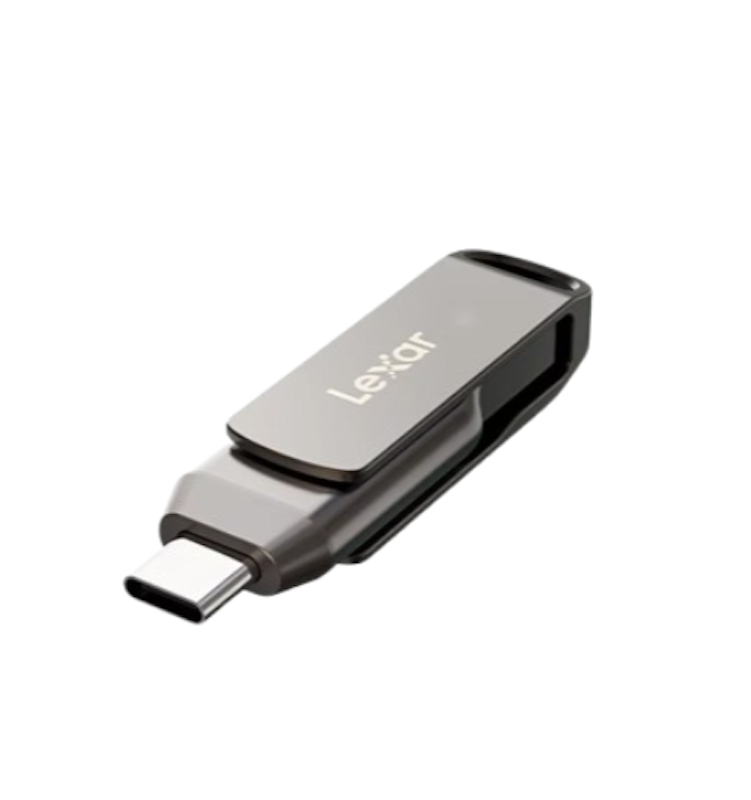
Features and benefits:
Reviews mention:
Users note that the drive connects USB Type-C and Type-A devices seamlessly, allowing quick content transfers supported by strong read speeds for media files. Users appreciate the durable metal swivel design for travel and the added security of password encryption when handling sensitive data. Owners frequently praise its reliability and compact size, with some mentioning slightly slower write speeds for very large transfers that still outperform older USB drives.
| Compatibility | Android, macOS, Windows Devices |
|---|---|
| Built-In Memory | 32 GB, 64 GB, 128 GB, 256 GB |
| USB Standard | USB 3.1 |
| MFi-Certified |
BAVIN Dual Interface USB 3.2 & Type-C Flash Drive High-Speed Plug & Play for Fast Data Transfer | UF02
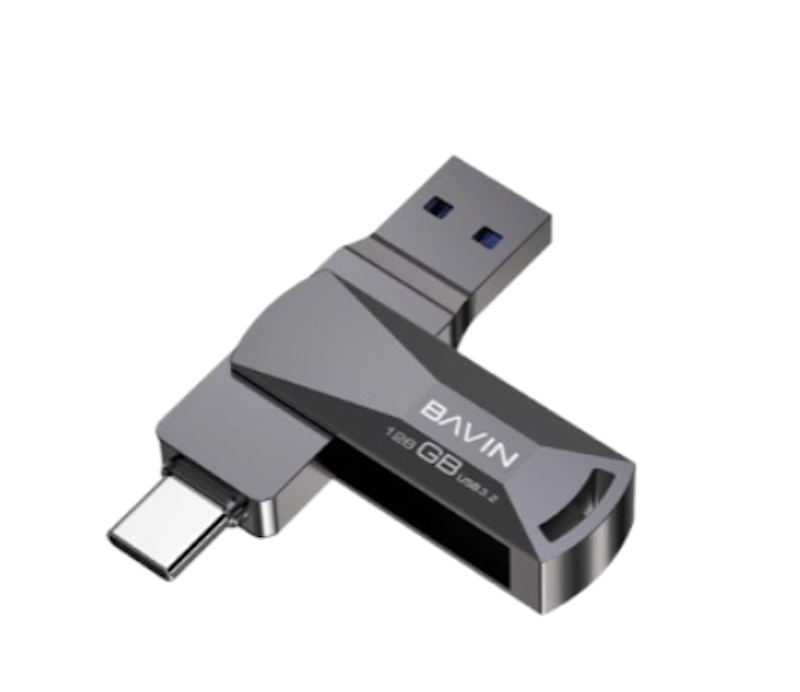
Reviews mention:
Buyers love the effortless switching between devices for daily file transfers, describing the speeds as a noticeable upgrade over traditional cables. Many highlight the durable metal body, noting that it withstands bumps during travel, although a few mention slight warmth during extended transfers. Reviewers also praise the zero-setup convenience, calling it ideal for quick backups on the go. Its compact, keychain-friendly size earns repeat purchases for handling photos and documents reliably.
| Compatibility | USB-A, USB-C devices, Windows, Mac, Android |
|---|---|
| Built-In Memory | 16 GB, 32 GB, 64 GB, 128 GB, 256 GB |
| USB Standard | USB 3.2 |
| MFi-Certified |
EAGET Iphone to USB 3.2 High Speed Flash Drive

Reviews mention:
Many reviewers note that the drive connects phones seamlessly to PCs for rapid media transfers, with MFi certification ensuring reliable compatibility with iOS devices. Users appreciate the sturdy metal swivel design for protecting connectors during daily use, while the companion app simplifies backups of photos and contacts. Many owners praise the fast speeds and solid build quality, with a few mentioning mild warmth during extended transfers that subsides quickly.
| Compatibility | iPhone, iPad, PC, Android |
|---|---|
| Built-In Memory | 64 GB, 128 GB, 256 GB, 512 GB |
| USB Standard | USB 3.2 |
| MFi-Certified |
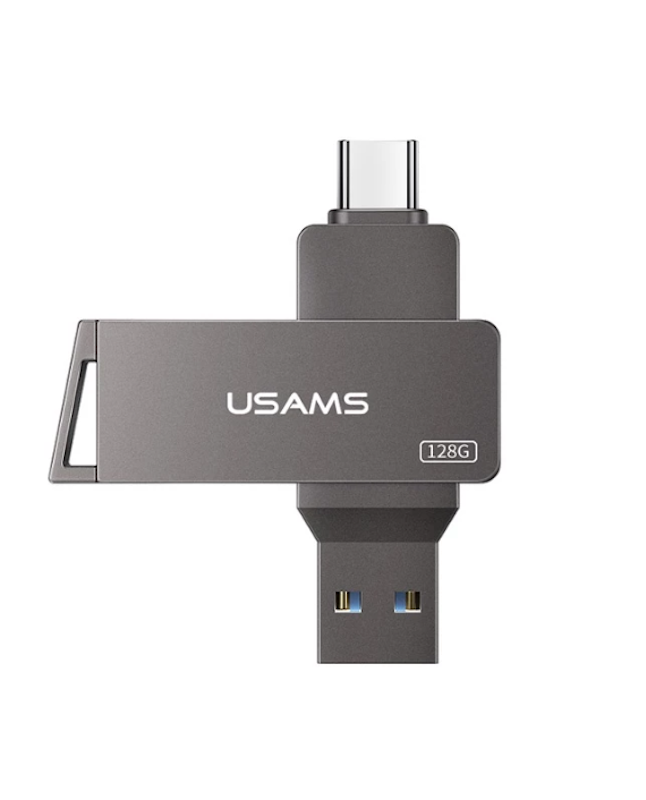
Usams USB Flash Drive OTG 2 in 1 High Speed Pendrive
Reviews mention:
Several users describe the flash drive as a dependable option for connecting Type-C devices to standard USB ports, making file access convenient while on the move. Users appreciate the rotatable metal shell for keeping connectors protected and easy to access during travel. Many note that it delivers consistent performance for everyday backups and remains firmly connected during use. Some reviewers mention slower write speeds with very large files, which may require additional time for bulk transfers.
| Compatibility | Android, USB-C, USB-A Devices |
|---|---|
| Built-In Memory | 16 GB, 32 GB, 64 GB, 128 GB |
| USB Standard | USB 2.0 |
| MFi-Certified |

Reviews mention:
Owners praise the drive for bridging legacy and modern ports, providing dependable storage for routine data transfers. Reviewers highlight the durable alloy housing, noting that it withstands daily travel while maintaining fast file access. Feedback also emphasizes the convenience of plug-and-play use and overall toughness, with some users observing reduced speeds during very large transfers that improve with lighter workloads.
| Compatibility | USB-A, USB-C, Android, PC/Mac |
|---|---|
| Built-In Memory | 32 GB, 64 GB, 128 GB |
| USB Standard | USB 3.2 |
| MFi-Certified |
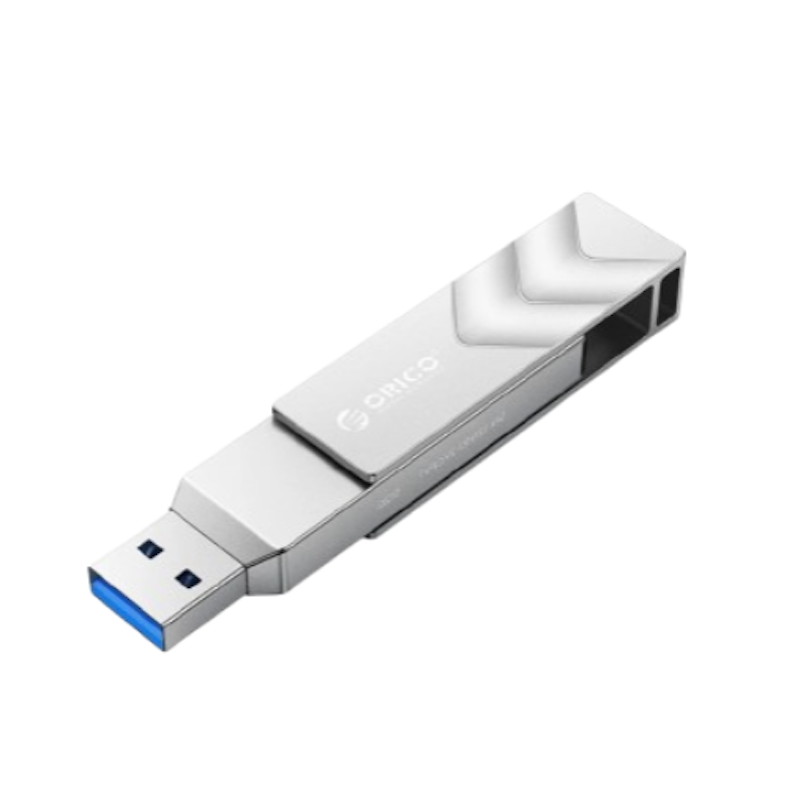
ORICO 1TB Dual Flash Drive USB 3.2 | G202
Reviews mention:
Customers appreciate the fast transfers between mobile devices and PCs, noting that even large amounts of high-resolution content move smoothly. Reviewers highlight the rugged metal housing, which protects the connectors while the swivel design keeps them secure. Many commend the consistent performance for professional tasks and the convenient keyring-friendly size. Some note mild heat buildup during extended write sessions, which dissipates quickly after use.
| Compatibility | iPhone, Android, Tablets, Laptops |
|---|---|
| Built-In Memory | 1 TB |
| USB Standard | USB 3.2 Gen2 |
| MFi-Certified |
Frequently Asked Questions
Below are some of the most asked questions on the web answered by the mybest team.
How Much Are USB Flash Drives?
The price of a USB flash drive usually depends on the storage capacity and speed of transfer. The higher the GB or TB, the more expensive it is. USBs from known brands also have extra security features that add to the cost. In most E-commerce sites in the Philippines, you can purchase a good USB flash drive for as low as ₱400. Meanwhile, premium flash drives go by ₱2,000-6,000.
How to Backup My iPhone Using a USB Flash Drive?
There is no single way to back up the files in your iPhone using a USB flash drive. Each brand has its own application to manage your files. This is why you first need to install the recommended or compatible app for your flash drive. After this, just plug in your flash drive and navigate through the interface.
Do USB Flash Drives for iPhones Get Viruses?
Yes. However, Apple is known for its security features. With iPhone, you can only download applications from the App Store, so there's a slim chance for viruses to corrupt your device. In buying USB flash drives, you have to purchase only from trusted brands. We also recommend purchasing an MFi-certified product, so you won't face errors and issues.
Check Out the Best Accessories for Your iPhone
Aside from a USB flash drive, you might need other accessories for your iPhone. In the articles below, we've reviewed the best iPhone cases, lightning cables, wireless chargers, and power banks that'll help you have the best experience with your Apple device.


How We Chose and Ranked Our Product Recommendations
Our buying guide was carefully researched and crafted by the mybest team of writers and editors. We used the buying guide as a basis for choosing and ranking the product recommendations, and we looked at reviews and ratings from different E-commerce sites like Lazada, Shopee, and more.
The descriptions of each product are referenced from content available on manufacturer, brand, and e-commerce sites.