10 Best Affordable Dash Cams in the Philippines 2026 | Lenovo, Hikvision, and More
The best dashcam provides reliable video evidence when accidents, road disputes, or unexpected incidents occur while driving. Whether you're a daily commuter navigating traffic or a grab driver spending long hours behind the wheel, a reliable dash cam adds an extra layer of protection and peace of mind every time you drive.
To help you find the right one, we’ve rounded up the best affordable dash cams available on Lazada and Shopee. Our picks include models with 1080p recording, loop recording, night vision, and even dual-lens coverage for added security. Whether you're looking for a budget-friendly option under PHP 1,000 or a more advanced setup without overspending, there’s a dash cam here that fits your needs and budget.

Hazel is a content planner and writer dedicated to simplifying your online shopping experience. With a passion for research and a keen eye for quality, she digs into the details to bring you trustworthy and insightful buying guides you can rely on.
Why You Can Trust Us
Every mybest article is crafted with hours of in-depth research and interviews with experts. Each month, we are continually expanding our database of products based on our research. By emphasizing user insight and reliable information, we deliver trustworthy content to readers.
How to Choose an Affordable Dash Cam – Buying Guide
Choose a Video Quality That Holds Up Day and Night
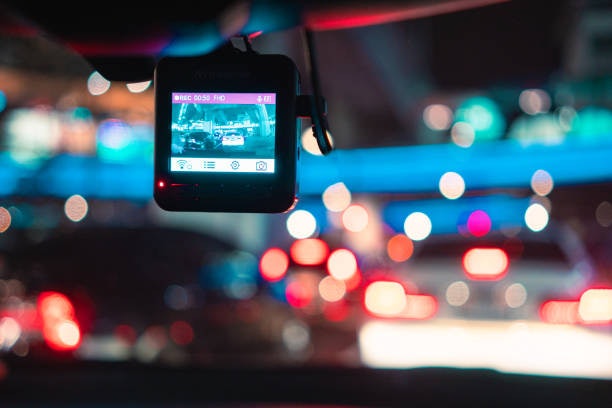
Video quality has the biggest impact on how useful your dash cam footage will be. For most drivers, clear and stable recording matters more than extra features, especially when reviewing incidents or filing claims.
- At least 1080p Resolution: Ensures clear footage for reading plate numbers and road details; higher resolutions offer sharper images but use more storage.
- Night Vision or WDR: Improves visibility in low-light conditions by balancing bright headlights and dark areas.
- Wide-Angle Lens (140°–170°): Captures more of the road, reducing blind spots in multi-lane traffic.
- Minimum 30 FPS: Provides smooth, stable recordings, with higher frame rates helping reduce motion blur.
Higher video quality is especially helpful for daily driving in busy areas, where fast-moving vehicles, poor lighting, and unpredictable traffic conditions can make it harder to capture details.
Pick a Camera Setup That Matches How You Use Your Car
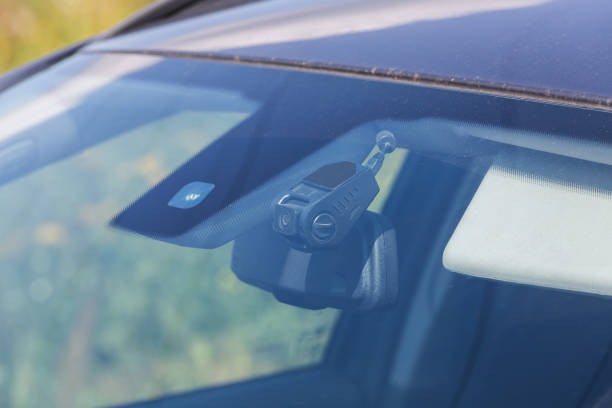
The right camera configuration depends on how and where you drive. Not every driver needs the same setup, so choose from the following based on your daily use instead of the most feature-packed option available:
- Single Front Camera: Best for personal vehicle owners who primarily want to document what happens ahead. It's affordable and covers common incident scenarios.
- Dual-Lens Setup: Ideal for drivers who want front and rear coverage, especially on busy roads.
- Interior-Facing Lens: A practical choice for Grab drivers or TNVS operators who need a record of both the road and the passenger cabin for added accountability.
Choosing the right setup can help you avoid paying for features you may not actually use. Instead of focusing only on advanced functions, consider your usual driving conditions, vehicle type, and whether you need additional coverage for passengers or rear traffic.
Make Sure Storage and Recording Work Without Manual Effort
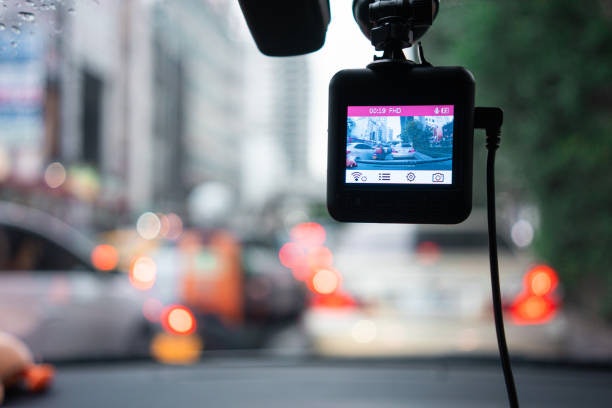
Drivers who use their dash cam daily need a setup that can run on its own without constant file management. Features like loop recording help ensure continuous recording by automatically overwriting the oldest footage when storage becomes full, so the dash cam doesn’t suddenly stop recording mid-drive. This is especially useful for drivers who keep their dash cam running throughout the day.
Another helpful feature is a G-sensor, which detects sudden impacts or hard braking and automatically locks the current clip to prevent it from being overwritten. This makes it easier to preserve important footage during accidents or unexpected road incidents, even if the driver is unable to save the recording manually.
Ensure That the Dash Cam Can Handle Philippine Driving Conditions
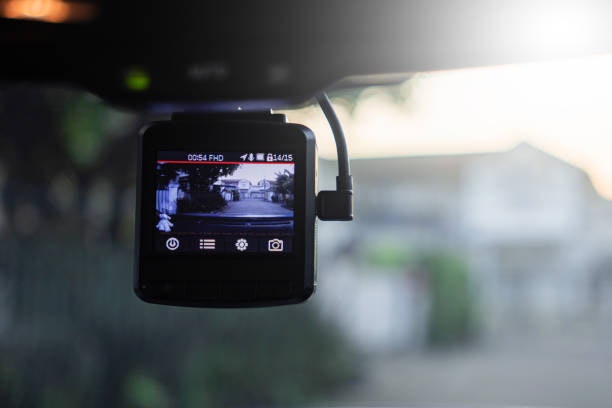
Filipino drivers face heat levels that most dash cams aren't built for. Cars parked under direct sunlight in Metro Manila can reach extreme interior temperatures, which can damage battery-powered dash cams over time.
Look for a capacitor-based model instead of one with a built-in lithium-ion battery, as capacitors handle heat far better and last longer. A sturdy ABS plastic or metal casing also helps protect the unit from dust and humidity, which are common concerns, especially during the rainy season.
Look for a Setup You Can Actually Install and Use on Your Own
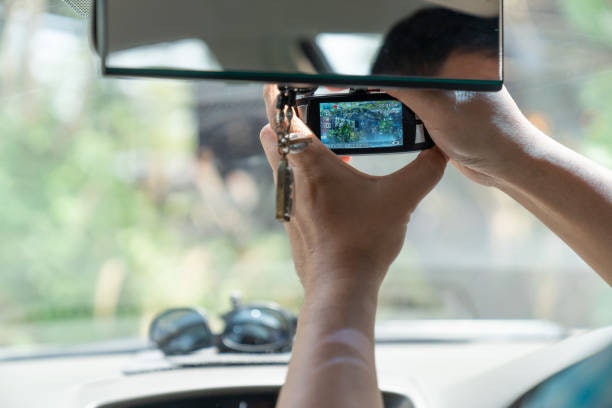
For budget buyers who want a no-hassle experience, ease of setup matters as much as features. Plug-and-play models are often the easiest option since they connect directly to the car’s cigarette lighter and automatically start recording when the engine turns on, eliminating the need for complicated installation.
It’s also helpful to choose a dash cam with a built-in screen, as thislets you review footage directly on the unit without a phone or laptop. This can be especially useful for checking clips immediately after an accident or unexpected road incident.
10 Best Affordable Dash Cams to Buy
| Products | Image | Click to purchase | Popularity | Details | ||||||||
|---|---|---|---|---|---|---|---|---|---|---|---|---|
Resolution | Frame Rate | Video Quality | External Storage Supported | Recording Features | Mounting | Plug-and-Play | Security Features | |||||
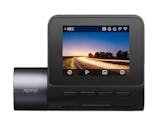
1 | Dash Cam |N1 Pro DDPAI |  | No.1 | 1296p Front, 1080p Rear | 30 FPS Front, 25 FPS Rear | Night Vision, Wide Angle, WDR | microSD Up to 256 GB | Loop Recording, G-Sensor, Reverse Image | Adhesive | Dual Camera, Parking Mode, Motion Detection, Audio Recording | ||
2 | Dashcam |A410, A410-1 70mai |  | No.2 | 1440p Front, 1080p Rear | 30 FPS Front, 25 FPS Rear | Night Vision, Wide Angle, High Dynamic Range (HDR) | microSD Up to 256 GB | Loop Recording, G-Sensor, Time Lapse | Adhesive | Dual Camera, Parking Mode, Motion Detection, Audio Recording | ||
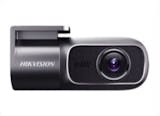
3 | Dash Cam |D1 Pro Hikvision |  | No.3 | 1440p | 30 FPS | Night Vision, Wide Angle, High Dynamic Range (HDR) | TF Card Up to 256 GB | Loop Recording, G-Sensor | Adhesive | Parking Mode, Motion Detection, Audio Recording | ||
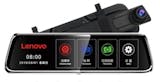
4 | Dashcam |V7 Lenovo |  | No.4 | 1080p Front, 720p Rear | 30 FPS | Night Vision, Wide Angle | TF Card up to 64 GB | Loop Recording, G-Sensor, Reverse Image | Suction | Dual Camera, Parking Mode, Motion Detection, Audio Recording | ||
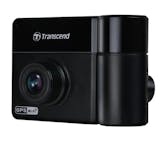
5 | DrivePro Dashcam |TS-DP550B Transcend |  | No.5 | 1440p Front, 1080p Rear | 30 FPS | Night Vision, Wide Angle, Wide Dynamic Range (WDR) | microSD Up to 256 GB | Loop Recording, G-Sensor, Time Lapse | Suction | Dual Camera, Parking Mode, Motion Detection, Audio Recording | ||
6 | Dashcam |A70 QCY |  | No.6 | 1080p Front, 720p Rear | 30 FPS | Night Vision, Wide Angle | TF Card up to 32 GB | Loop Recording, G-Sensor, Reverse Image | Suction | Dual Camera, Parking Mode, Motion Detection, Audio Recording | ||
7 | Dash Camera |  | No.7 | 720p Rear, 1080p Front | 30 FPS | Night Vision, Wide Angle | TF Card up to 64 GB | Loop Recording, G-Sensor, Reverse Image | Adhesive | Dual Camera, Parking Mode, Motion Detection, Audio Recording | ||
8 | 3 Lens Dash Camera |  | No.8 | 1080p Front | 30 FPS | Night Vision, Wide Angle | TF Card up to 64 GB | Loop Recording, Reverse Image, Time Lapse | Suction | 3-Lens Camera, Parking Mode, Motion Detection | ||
9 | Dash Cam |Q7 |  | No.9 | 1080p Front, 720p Rear | 30 FPS | Night Vision, Wide Angle, Wide Dynamic Range (WDR) | TF Card up to 64 GB | Loop Recording, G-Sensor, Reverse Image, Time Lapse | Adhesive | Dual Camera, Parking Mode, Motion Detection, Audio Recording | ||
10 | Dash Cam|A5 Asawin |  | No.10 | 1080p Front, 480p Rear | 30 FPS | Night Vision,Wide Angle, Wide Dynamic Range (WDR) | microSD up to 32 GB | Loop Recording, G-Sensor, Reverse Image | Suction | Dual Camera, Parking Mode, Motion Detection, Audio Recording | ||

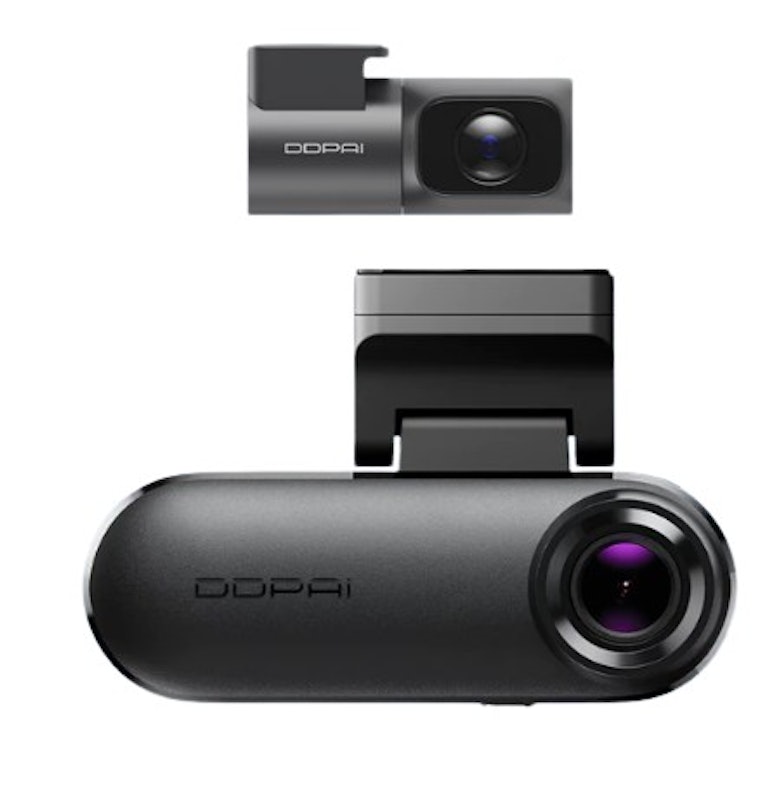
| Resolution | 1296p Front, 1080p Rear |
|---|---|
| Frame Rate | 30 FPS Front, 25 FPS Rear |
| Video Quality | Night Vision, Wide Angle, WDR |
| External Storage Supported | microSD Up to 256 GB |
| Recording Features | Loop Recording, G-Sensor, Reverse Image |
| Mounting | Adhesive |
| Plug-and-Play | |
| Security Features | Dual Camera, Parking Mode, Motion Detection, Audio Recording |
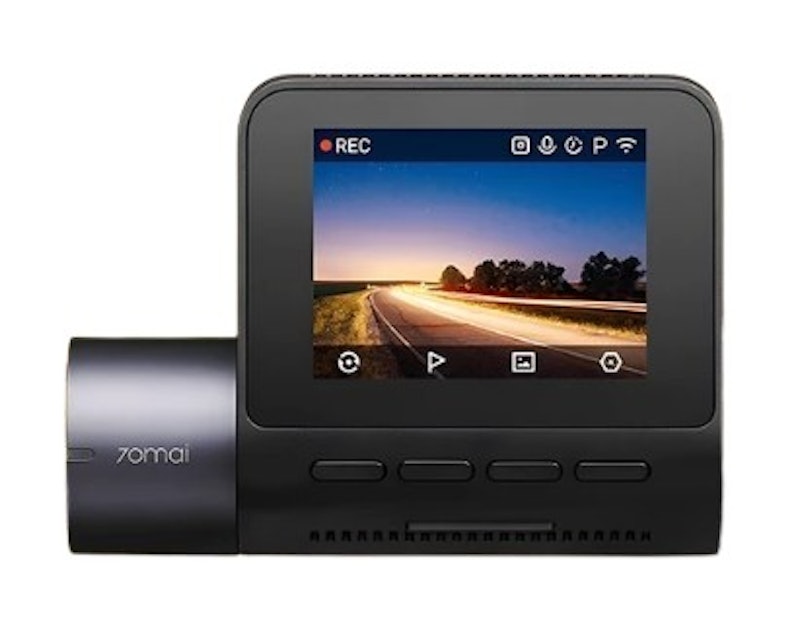
| Resolution | 1440p Front, 1080p Rear |
|---|---|
| Frame Rate | 30 FPS Front, 25 FPS Rear |
| Video Quality | Night Vision, Wide Angle, High Dynamic Range (HDR) |
| External Storage Supported | microSD Up to 256 GB |
| Recording Features | Loop Recording, G-Sensor, Time Lapse |
| Mounting | Adhesive |
| Plug-and-Play | |
| Security Features | Dual Camera, Parking Mode, Motion Detection, Audio Recording |

| Resolution | 1440p |
|---|---|
| Frame Rate | 30 FPS |
| Video Quality | Night Vision, Wide Angle, High Dynamic Range (HDR) |
| External Storage Supported | TF Card Up to 256 GB |
| Recording Features | Loop Recording, G-Sensor |
| Mounting | Adhesive |
| Plug-and-Play | |
| Security Features | Parking Mode, Motion Detection, Audio Recording |
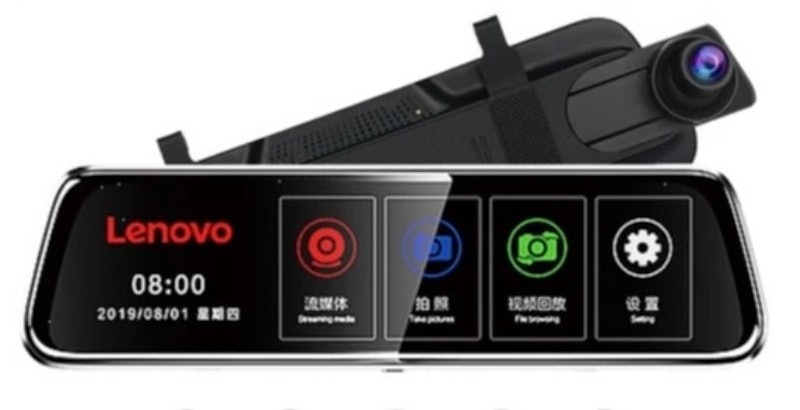
| Resolution | 1080p Front, 720p Rear |
|---|---|
| Frame Rate | 30 FPS |
| Video Quality | Night Vision, Wide Angle |
| External Storage Supported | TF Card up to 64 GB |
| Recording Features | Loop Recording, G-Sensor, Reverse Image |
| Mounting | Suction |
| Plug-and-Play | |
| Security Features | Dual Camera, Parking Mode, Motion Detection, Audio Recording |
Transcend DrivePro Dashcam | TS-DP550B
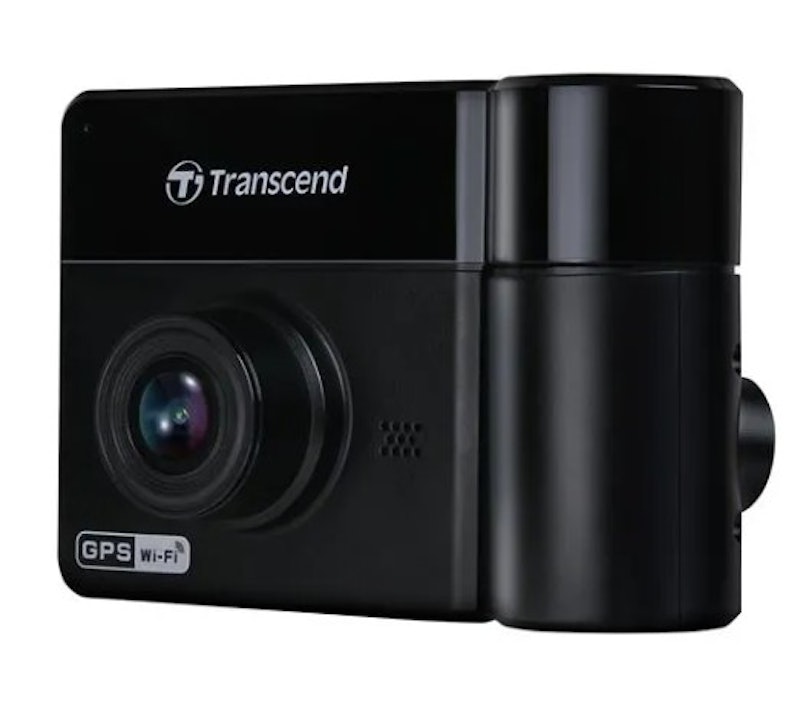
| Resolution | 1440p Front, 1080p Rear |
|---|---|
| Frame Rate | 30 FPS |
| Video Quality | Night Vision, Wide Angle, Wide Dynamic Range (WDR) |
| External Storage Supported | microSD Up to 256 GB |
| Recording Features | Loop Recording, G-Sensor, Time Lapse |
| Mounting | Suction |
| Plug-and-Play | |
| Security Features | Dual Camera, Parking Mode, Motion Detection, Audio Recording |
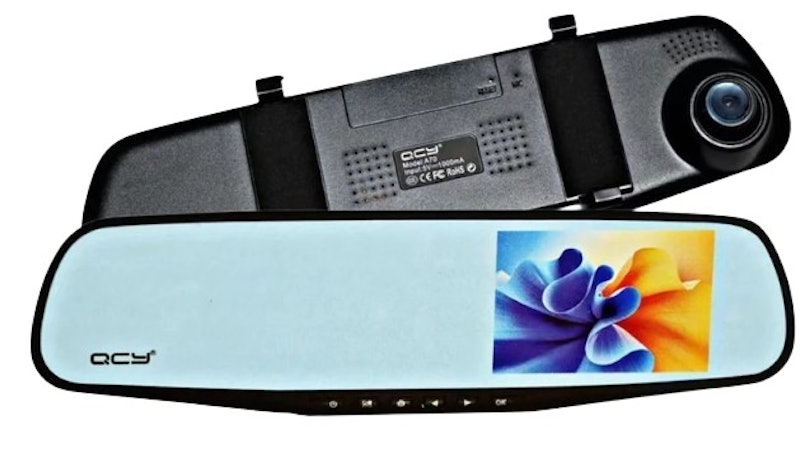
| Resolution | 1080p Front, 720p Rear |
|---|---|
| Frame Rate | 30 FPS |
| Video Quality | Night Vision, Wide Angle |
| External Storage Supported | TF Card up to 32 GB |
| Recording Features | Loop Recording, G-Sensor, Reverse Image |
| Mounting | Suction |
| Plug-and-Play | |
| Security Features | Dual Camera, Parking Mode, Motion Detection, Audio Recording |
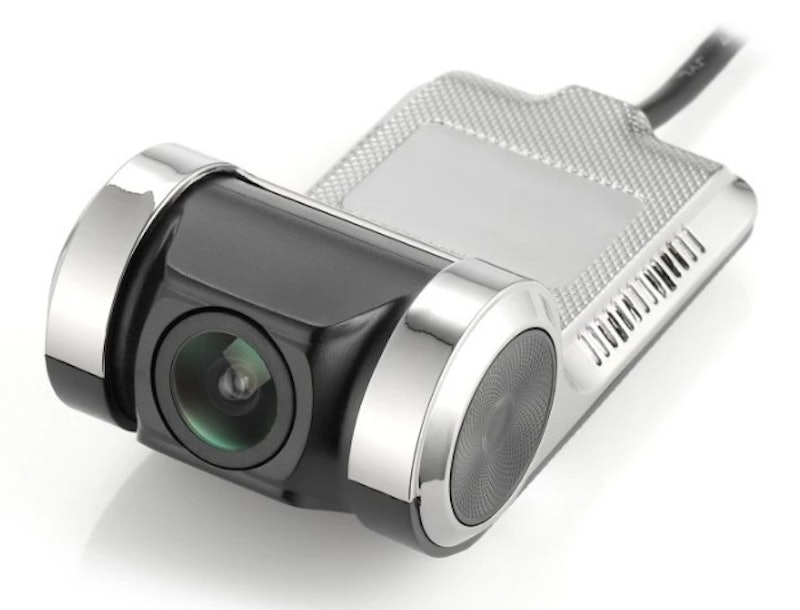
| Resolution | 720p Rear, 1080p Front |
|---|---|
| Frame Rate | 30 FPS |
| Video Quality | Night Vision, Wide Angle |
| External Storage Supported | TF Card up to 64 GB |
| Recording Features | Loop Recording, G-Sensor, Reverse Image |
| Mounting | Adhesive |
| Plug-and-Play | |
| Security Features | Dual Camera, Parking Mode, Motion Detection, Audio Recording |
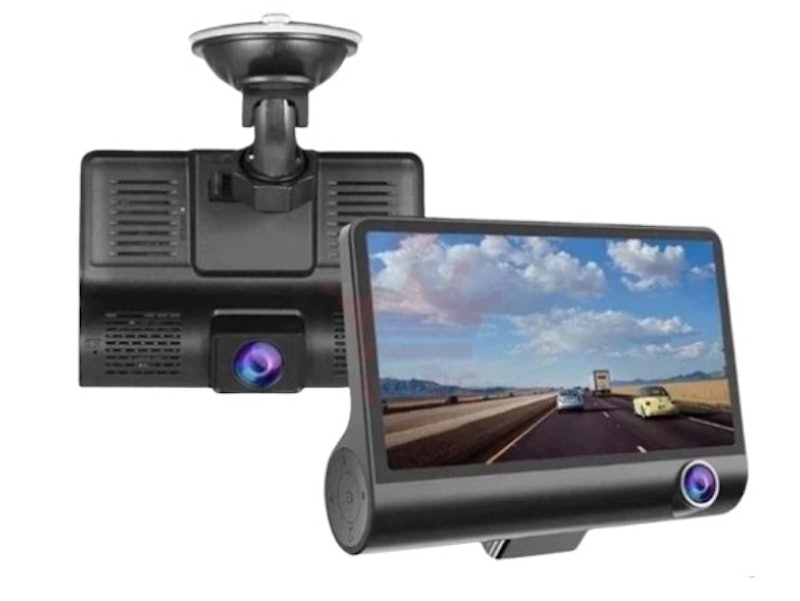
| Resolution | 1080p Front |
|---|---|
| Frame Rate | 30 FPS |
| Video Quality | Night Vision, Wide Angle |
| External Storage Supported | TF Card up to 64 GB |
| Recording Features | Loop Recording, Reverse Image, Time Lapse |
| Mounting | Suction |
| Plug-and-Play | |
| Security Features | 3-Lens Camera, Parking Mode, Motion Detection |
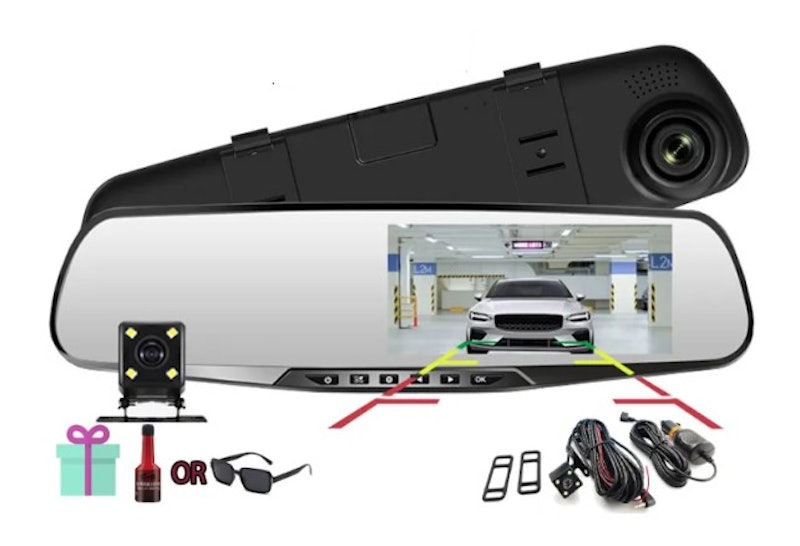
| Resolution | 1080p Front, 720p Rear |
|---|---|
| Frame Rate | 30 FPS |
| Video Quality | Night Vision, Wide Angle, Wide Dynamic Range (WDR) |
| External Storage Supported | TF Card up to 64 GB |
| Recording Features | Loop Recording, G-Sensor, Reverse Image, Time Lapse |
| Mounting | Adhesive |
| Plug-and-Play | |
| Security Features | Dual Camera, Parking Mode, Motion Detection, Audio Recording |
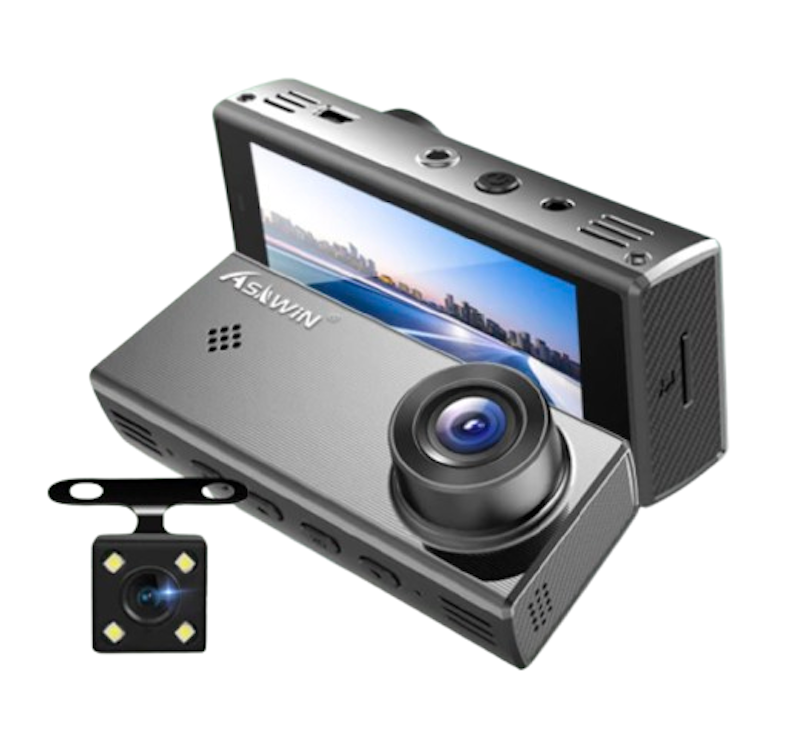
| Resolution | 1080p Front, 480p Rear |
|---|---|
| Frame Rate | 30 FPS |
| Video Quality | Night Vision,Wide Angle, Wide Dynamic Range (WDR) |
| External Storage Supported | microSD up to 32 GB |
| Recording Features | Loop Recording, G-Sensor, Reverse Image |
| Mounting | Suction |
| Plug-and-Play | |
| Security Features | Dual Camera, Parking Mode, Motion Detection, Audio Recording |
Frequently Asked Questions
Where Is the Best Place to Put a Dash Cam?
How Do I Install a Dash Cam?
- Choose your mount type. Suction mounts are easier to remove, while adhesive mounts offer stronger stability.
- Position the camera. Mount it behind the rearview mirror.
- Manage the wiring. Route the power cable along the car’s trim.
- Insert an SD card. Ensure it has sufficient storage.
- Power it up and configure settings. Adjust the resolution, loop recording, and date/time settings.
How Do Dash Cams Work When the Car Is Off?
Other Product Guides Similar to Dash Cams to Check Out


How We Chose and Ranked Our Product Recommendations
The descriptions of each product are referenced from content available on manufacturer, brand, and e-commerce sites.