



10 Best Digital Photo Frames in the Philippines 2026 | Kodak, Frameo, and More
A digital photo frame is a simple way to display your favorite moments in the Philippines, cycling through your photos one at a time instead of leaving them buried in your phone. It shows as many photos as its memory allows, and some models even come pre-loaded with an SD card or USB connector so you can start displaying your memories right away.
Digital photo frames vary widely in screen size, storage, and connectivity, so picking the right one can feel overwhelming. To help you decide, we listed our top 10 digital photo frames available on Shopee and Lazada, based on display quality, storage capacity, and various features that fit different needs.

Our recommendation articles are carefully researched and crafted by the mybest Philippines team of writers and editors. To stay true to our company’s mission and vision to help users’ selection process easier, we also collaborate with experts from various fields to ensure that our content stays factual and useful.
Why You Can Trust Us
Every mybest article is crafted with hours of in-depth research and interviews with experts. Each month, we are continually expanding our database of products based on our research. By emphasizing user insight and reliable information, we deliver trustworthy content to readers.
How to Choose a Digital Photo Frame – Buying Guide
Ready to pick out a digital photo frame? Before you hit "Add to Cart," it helps to know which features matter most. Keep on reading for a quick guide to choosing the right one!
Choose the Right Screen Size and Display Quality for Your Viewing Space
Screen size and display quality go hand in hand — a bigger frame won't look its best without a sharp, glare-free display, and even a high-resolution screen loses its impact if it's the wrong size for where you plan to put it. Here's what to look for on both fronts.
Select a Screen Size Based on Where You'll Place It

The screen and frame size are critical when selecting a digital photo frame. The frame's screen is measured diagonally, with 10 inches now the most common size on the market. Compact models start around 7 inches, while larger displays can reach up to 20 inches or more.
Consider the room and location where you want to put the frame to help you with your purchase. If you intend to place it on top of your desk, a smaller size of less than 7 inches should suffice due to the closer proximity. If you want to put it at a distance, something larger may be preferable for a much clearer view of the display.
Pick a High-Resolution Display With Anti-Glare Features

To get the best image quality, check the frame's screen resolution by looking at its horizontal and vertical pixel count. Choose a High-Res or HD model with a resolution of at least 800 × 480 to enjoy sharper, more detailed photos, especially when viewed up close or on larger displays.
Also consider the screen surface. A matte or anti-glare finish helps reduce reflections for better visibility, while some models include a protective glass cover and may still benefit from an anti-glare coating. This is especially useful if you enjoy displaying detailed family portraits or scenic travel photos.
Choose the Right Aspect Ratio Based on the Photos You Want to Display

Consider the aspect ratio when choosing a digital photo frame. It determines the image's height and width. The two most prevalent aspect ratios are 4:3 and 16:9. If you're capturing images with a compact digital camera, a 4:3 ratio is the ideal option. It will take up the entire digital photo frame and accommodate most print sizes.
On the other hand, a 16:9 ratio is appropriate for photographs taken with a DSLR, especially if you intend to present short movies alongside still pictures. Some recent digital photo frames already offer variable aspect ratios. It will be convenient for you when picking out the perfect digital photo frame for you.
Consider the Storage Options Based on Your Photo Collection

If your device has built-in storage, you won't need to buy an SD card. However, it is recommended that you buy one because the reading process is faster and easier for the device. The only thing left to do is upload the image files into the digital photo frame, and you're ready to go.
If you plan to display hundreds of photos, consider using an SD card or USB drive for additional storage. This gives you more space for your photo collection, although you'll need to transfer the files manually before inserting the storage device into the digital photo frame.
Check Connectivity Features for Easier Photo Transfers

Almost all electronic devices today offer wireless connectivity via USB, Wi-Fi, and Bluetooth, allowing you to transfer photos directly from your PC to a USB flash drive, or send them wirelessly from a mobile device or digital camera straight to the frame. Some frames can even pull photos from photo-sharing sites automatically.
If you mostly upload photos from a computer, USB is the simplest option. If you'd rather send photos wirelessly from your phone or a family member's device without any cables, look for a frame with Wi-Fi support instead.
Look for Smart Features for a More Convenient Experience
Beyond the basics, many digital photo frames come with extra features that make day-to-day use easier and more enjoyable. From automatic power settings to media playback and handy display options, these small touches can make a big difference in how convenient your frame feels to live with.
Look for a Motion Sensor for Automatic On/Off

A motion sensor allows the digital photo frame to turn on automatically when someone is nearby and switch off when it is not being used. This eliminates the need to manually power the device on and off while also helping save energy. Some models can also resume slideshows or video playback automatically, making them more convenient for everyday use.
Consider Video and Audio Playback Support

If you enjoy reliving memories through more than just photos, consider a digital photo frame with video and audio playback. It lets you display photos, play video clips with sound, and even listen to music, making it a great choice for your desk or wall and a simple way to turn your favorite moments into a more engaging display.
Look for Calendar, Clock, and Slideshow Settings

Many digital photo frames include extra features like a built-in clock, calendar, and slideshow customization, allowing you to adjust how long each photo stays on screen. Some models even display weather updates, making them more than just a photo display. If you plan to place the frame in a living room, kitchen, or office, these features add everyday convenience while showcasing your favorite memories.
10 Best Digital Photo Frames to Buy Online
| Products | Image | Click to purchase | Popularity | Details | ||||||
|---|---|---|---|---|---|---|---|---|---|---|
Screen Size | Aspect Ratio | Resolution | Built-In Storage | Connectivity | Additional Features | |||||
1 | 10.1 Inch Digital Photo Frame Frameo |  | No.1 | 10.1 Inches | 16:10 | 1280 x 800 Pixels | 32 GB | Wi-Fi, Frameo App | Calendar, Clock, Weather Updates, Brightness Adjustment, Sleep Mode, Auto-rotate, Display Caption | |
2 | Digital Picture Frame|D14 ARZOPA |  | No.2 | 10.1 Inches | 16:10 | 1280 x 800 Pixels | 32 GB | Wi-Fi, Frameo App | Calendar, Clock, Weather Updates, Music Playback, Auto-rotate | |
3 | Pexar 11" Digital Picture Frame|PX-110BLKGLR Lexar |  | No.3 | 10.1 Inches | 5:3 | 2000 x 1200 Pixels | 32 GB | WiFi, USB, App | Anti-glare Touch Display, Auto Photo Rotation, Weather Information, Clock, Sleep Mode, Expandable Storage Up to 256 Gb via Sd Card or USB | |
4 | Digital Photo Frame|RCF-1012W Kodak |  | No.4 | 10.1 Inches | 16:10 | 1280 x 800 Pixels | 32 GB | Wi-Fi, USB, Mini USB | Calendar, Clock, Weather Updates, Music Playback, Video Playback, Brightness Adjustment, Sleep Mode | |
5 | Digital Photo Frame|D10 Arzopa |  | No.5 | 10.1 Inches | 16:10 | 1280 × 800 Pixels | 32GB | Wi-Fi, USB | 5‑point Touchscreen, Auto‑rotate (Portrait/Landscape), Arzopa Mobile App for Remote Photo/Video Sharing and Multi‑user Accounts | |
6 | WiFi Digital Photo Frame |RWF-109 Kodak |  | No.6 | 10.1 Inches | 16:10 | 1920 x 200 Pixels | 32 GB | Wi-Fi, Mini USB, USB, 3.5mm Headphone Jack | Capacitive Touchscreen With 3‑key Physical Controls; Stereo Speakers, Slideshow With Music; Calendar, Clock, Alarm, Weather/Location Updates via Wi‑fi | |
7 | 7 inch Digital Photo Frame |RDPF-708C Kodak |  | No.7 | 7 Inches | 16:9 | 1024 x 600 Pixels | USB, 3.5mm Headphone Jack | Slideshow With Background Music; Clock, Calendar, and Alarm Functions, Auto‑rotate for Portrait/Landscape Orientation | ||
8 | Digital Frame |DP-7010 Xenon |  | No.8 | 7 Inches | 16:9 | unknown | unknown | USB | Calendar, Clock, Music Playback, Brightness Adjustment | |
9 | Andoer Digital Photo Frame |  | No.9 | 10.1 Inches | 16:10 | 1280 x 800 Pixels | 16 GB | Wi-Fi, USB | Clock, Calendar, Slideshow With Music, Multi‑language Menu | |
10 | 10.1 inch Electronic Picture Frame |DPF-1028C Kodak |  | No.10 | 10.1 Inches | 16:10 | 1280 x 800 Pixels | Mini USB, USB, 3.5mm Headphone Jack | Slideshow With Background Music; Clock, Calendar, Alarm/Timer Functions; Auto‑Rotate for Portrait/Landscape; Brightness Adjustment; Programmable Auto On/Off | ||

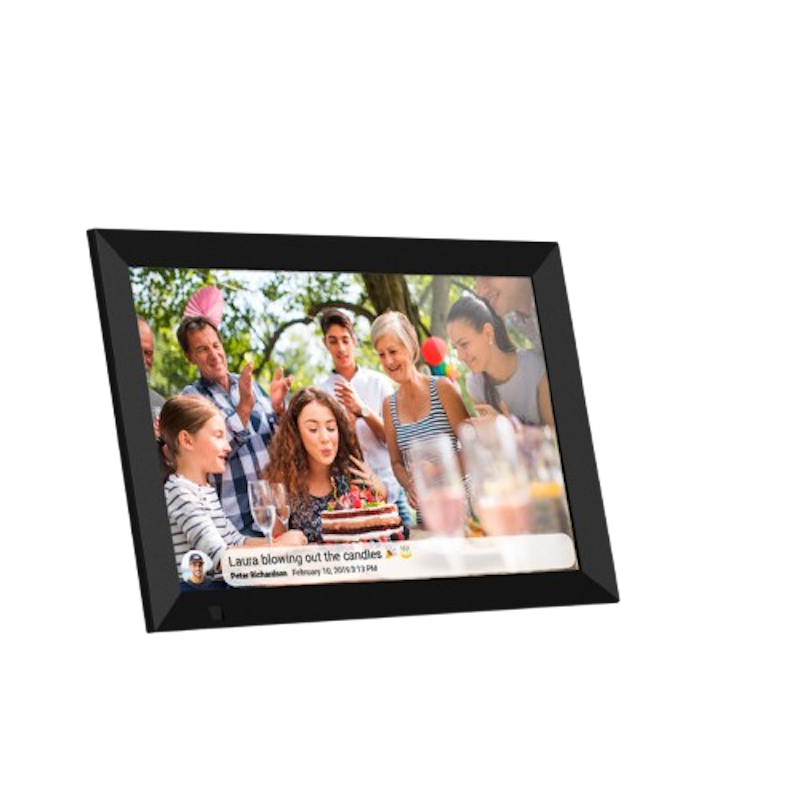
| Screen Size | 10.1 Inches |
|---|---|
| Aspect Ratio | 16:10 |
| Resolution | 1280 x 800 Pixels |
| Built-In Storage | 32 GB |
| Connectivity | Wi-Fi, Frameo App |
| Additional Features | Calendar, Clock, Weather Updates, Brightness Adjustment, Sleep Mode, Auto-rotate, Display Caption |
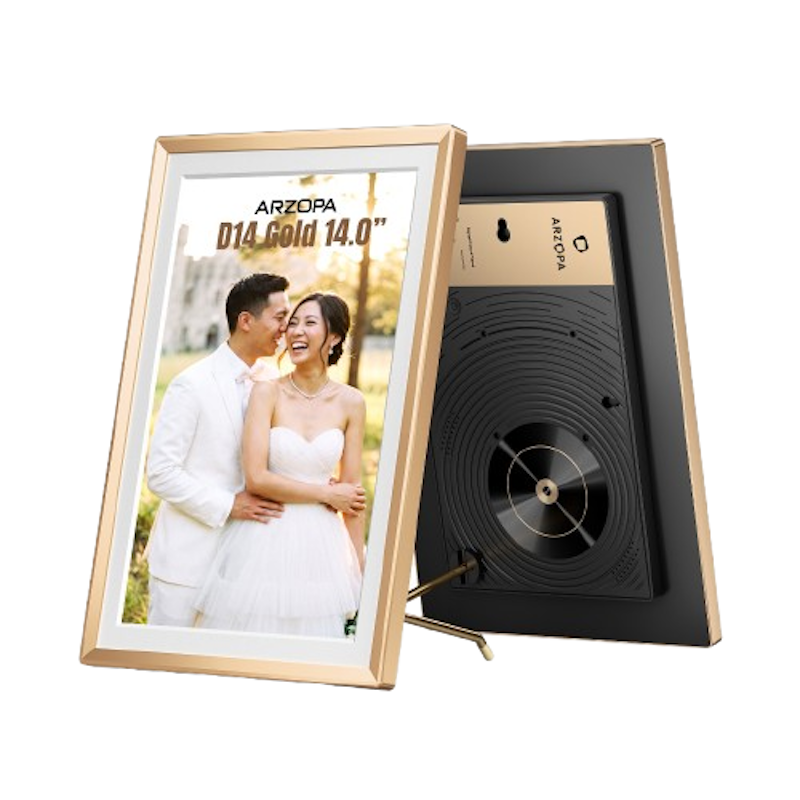
| Screen Size | 10.1 Inches |
|---|---|
| Aspect Ratio | 16:10 |
| Resolution | 1280 x 800 Pixels |
| Built-In Storage | 32 GB |
| Connectivity | Wi-Fi, Frameo App |
| Additional Features | Calendar, Clock, Weather Updates, Music Playback, Auto-rotate |
LexarPexar 11" Digital Picture Frame | PX-110BLKGLR

| Screen Size | 10.1 Inches |
|---|---|
| Aspect Ratio | 5:3 |
| Resolution | 2000 x 1200 Pixels |
| Built-In Storage | 32 GB |
| Connectivity | WiFi, USB, App |
| Additional Features | Anti-glare Touch Display, Auto Photo Rotation, Weather Information, Clock, Sleep Mode, Expandable Storage Up to 256 Gb via Sd Card or USB |

| Screen Size | 10.1 Inches |
|---|---|
| Aspect Ratio | 16:10 |
| Resolution | 1280 x 800 Pixels |
| Built-In Storage | 32 GB |
| Connectivity | Wi-Fi, USB, Mini USB |
| Additional Features | Calendar, Clock, Weather Updates, Music Playback, Video Playback, Brightness Adjustment, Sleep Mode |
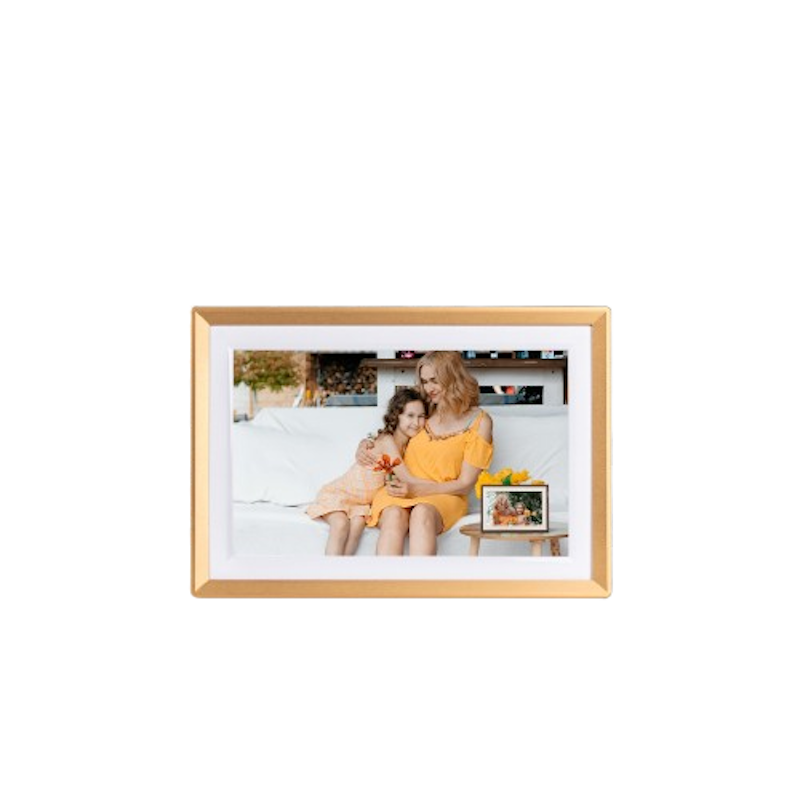
| Screen Size | 10.1 Inches |
|---|---|
| Aspect Ratio | 16:10 |
| Resolution | 1280 × 800 Pixels |
| Built-In Storage | 32GB |
| Connectivity | Wi-Fi, USB |
| Additional Features | 5‑point Touchscreen, Auto‑rotate (Portrait/Landscape), Arzopa Mobile App for Remote Photo/Video Sharing and Multi‑user Accounts |
KodakWiFi Digital Photo Frame | RWF-109
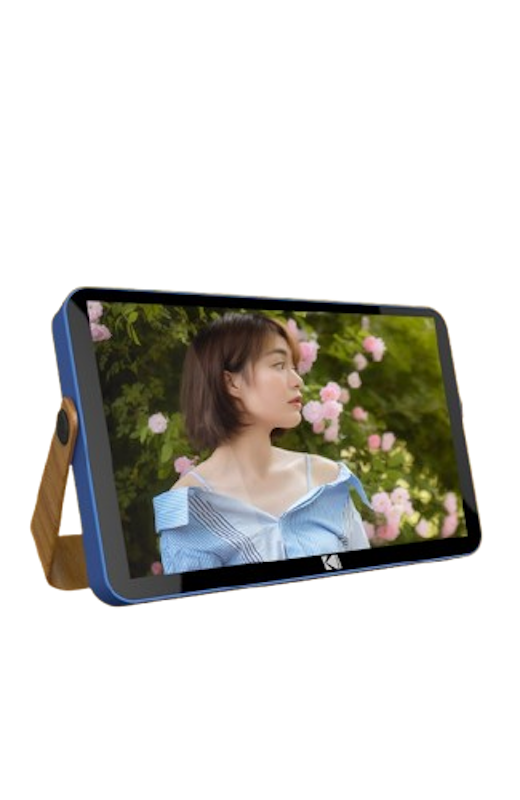
| Screen Size | 10.1 Inches |
|---|---|
| Aspect Ratio | 16:10 |
| Resolution | 1920 x 200 Pixels |
| Built-In Storage | 32 GB |
| Connectivity | Wi-Fi, Mini USB, USB, 3.5mm Headphone Jack |
| Additional Features | Capacitive Touchscreen With 3‑key Physical Controls; Stereo Speakers, Slideshow With Music; Calendar, Clock, Alarm, Weather/Location Updates via Wi‑fi |
Kodak7 inch Digital Photo Frame | RDPF-708C

| Screen Size | 7 Inches |
|---|---|
| Aspect Ratio | 16:9 |
| Resolution | 1024 x 600 Pixels |
| Built-In Storage | |
| Connectivity | USB, 3.5mm Headphone Jack |
| Additional Features | Slideshow With Background Music; Clock, Calendar, and Alarm Functions, Auto‑rotate for Portrait/Landscape Orientation |
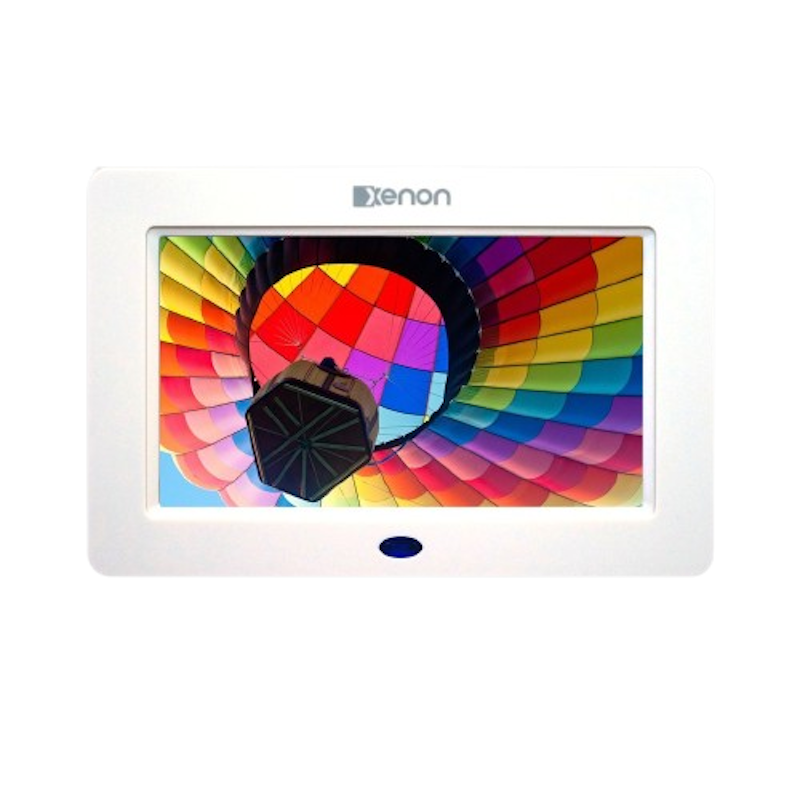
| Screen Size | 7 Inches |
|---|---|
| Aspect Ratio | 16:9 |
| Resolution | unknown |
| Built-In Storage | unknown |
| Connectivity | USB |
| Additional Features | Calendar, Clock, Music Playback, Brightness Adjustment |

| Screen Size | 10.1 Inches |
|---|---|
| Aspect Ratio | 16:10 |
| Resolution | 1280 x 800 Pixels |
| Built-In Storage | 16 GB |
| Connectivity | Wi-Fi, USB |
| Additional Features | Clock, Calendar, Slideshow With Music, Multi‑language Menu |
Kodak10.1 inch Electronic Picture Frame | DPF-1028C

| Screen Size | 10.1 Inches |
|---|---|
| Aspect Ratio | 16:10 |
| Resolution | 1280 x 800 Pixels |
| Built-In Storage | |
| Connectivity | Mini USB, USB, 3.5mm Headphone Jack |
| Additional Features | Slideshow With Background Music; Clock, Calendar, Alarm/Timer Functions; Auto‑Rotate for Portrait/Landscape; Brightness Adjustment; Programmable Auto On/Off |
Frequently Asked Questions
Below are some of the most asked questions on the web answered by the mybest team.
Can a Digital Photo Frame Be Used as a Monitor?
Yes, digital image frames were originally designed to show photo files. Thanks to technological advancements, many digital picture frames can now function as a color display monitor for your computer via a direct peripheral connection.
How Many Pictures Can You Display in a Digital Photo Frame?
Most digital photo frames today offer internal storage ranging from a few GB up to 32GB or more, so the number of photos varies quite a bit. Generally, the higher the storage and the more compressed your images are, the more photos you can fit — anywhere from a few thousand to tens of thousands.
Can I Use My Smartphone to Send Pictures to the Digital Photo Frame?
Yes, it is possible. However, it is dependent on the sort of digital photo frame you have. You can send photos from your phone's gallery to the digital frame. It is vital to constantly verify the digital photo frame specifications to see if it is appropriate for displaying your captured moments with loved ones.
Capture Precious Moments With the Best Cameras Around
If you're looking to replace your old, beaten-up camera, you're in for a treat. We have several products that could pique your interest, whether it may be mirrorless, waterproof, or disposable. We might have the right model for you if you'll just check out the articles below.


How We Chose and Ranked Our Product Recommendations
Our buying guide was carefully researched and crafted by the mybest team of writers and editors. We used the buying guide as a basis for choosing and ranking the product recommendations, and we looked at reviews and ratings from different E-commerce sites like Lazada, Shopee, and more.
The descriptions of each product are referenced from content available on manufacturer, brand, and e-commerce sites.