10 Best Budget Gaming Chairs in the Philippines 2026 | TTRacing, Musso, and More
Long hours of gaming can take a toll on your back and neck. So, it's important to get a great gaming chair as it is designed to provide support to your body, particularly your neck and spine, as you sit in front of the computer. However, gaming chairs can be costly. That's why in this article, we'll be showing you the 10 best budget gaming chairs you can buy.
Aside from gamers, those working from home and attending online classes will also benefit from getting a gaming chair since it's made for long hours of sitting down. If you don't know how to choose the right one, don't worry, because we will also be showing you all that you need to know when shopping for a budget gaming chair through our buying guide.

Our recommendation articles are carefully researched and crafted by the mybest Philippines team of writers and editors. To stay true to our company’s mission and vision to help users’ selection process easier, we also collaborate with experts from various fields to ensure that our content stays factual and useful.
Why You Can Trust Us
Every mybest article is crafted with hours of in-depth research and interviews with experts. Each month, we are continually expanding our database of products based on our research. By emphasizing user insight and reliable information, we deliver trustworthy content to readers.
How to Choose a Budget Gaming Chair - Buying Guide
A gaming chair is often an overlooked part of any gaming, studying, or work from home (WFH) set-up, due to its slightly expensive price but it’s one of the most important pieces you should have. To help you find the best gaming chair that will fit your budget, check out our guide below.
Choose Between a PC Gaming Chair and Console Gaming Chair
There are two types of gaming chairs: a PC gaming chair and a console gaming chair. The best one for you will depend on your setup. For example, consider whether or not your gaming area doubles as your work from home station or online learning space or if it's meant to be a lounge where you can hang out even if you're not playing.
Use PC Gaming Chairs for WFH or Online Learning
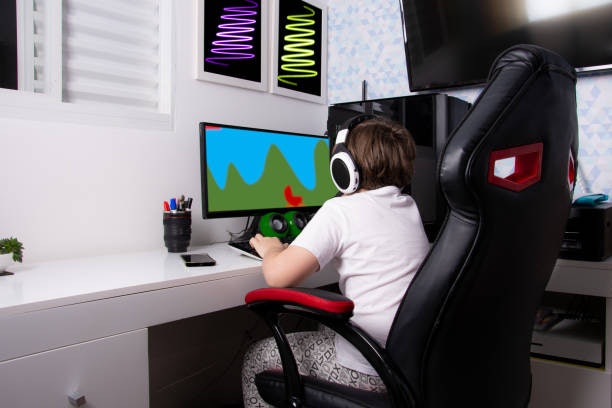
PC gaming chairs are the most common types of gaming chairs, reminiscent of a typical computer chair, complete with back support, wheels, and armrests. What makes them special, though, is that they have extra layers of cushioning and more adjustment options for maximum comfort.
This is why they’re also useful to incorporate in your work from home or online learning setup since they will support your back and neck so that you can work and study for many hours without any strain or pain. There are also many affordable options for these types of chairs because they’re very popular.
Lounge Comfortably for Long Periods in Console Gaming Chairs

From their name, console gaming chairs were made with console users in mind, built with a shorter height and a stationary base. These chairs will allow you to be closer to your console setup and are comfortable to lounge in. Some of them can even rock back and forth.
This is recommended if you’re someone who likes to hang out and play games in one position or if you like comfortable chairs where you can sit for long periods of time. Some chairs even come with speakers or steering wheels for playing games, but those options tend to be more expensive.
Decide Whether to Get a Small or Large Gaming Chair
Another important factor that you should consider is whether or not to get a small or large gaming chair. Each has its own advantages and disadvantages, so make sure to check the dimensions of the product that you’re planning to buy. Don’t forget to check its weight capacity, too.
For those Who Have Small Spaces, Small Gaming Chairs Fit Perfectly

If you have a small room or live in a condo and want to save space, a small gaming chair is better for you. Smaller gaming chairs have a shorter height and more compact form, so they will easily fit in the corner of your room without interrupting foot traffic. Something with a 40 to 50 cm back rest size would do the trick.
You don’t have to worry, though, because even if they’re smaller, they’re still comfortable since they still provide support, especially for your lower back. The only thing that you should keep in mind is that it may not have the best support for your neck area. If you’re particular about that, consider getting a bigger gaming chair.
Large Gaming Chairs Provide More Support
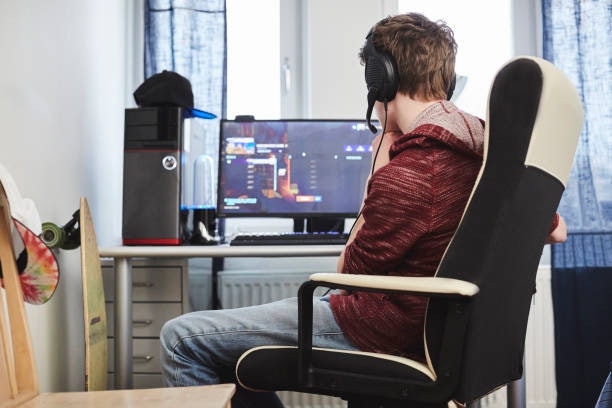
Larger gaming chairs tend to have a longer backrest and take up more space, so they’re ideal for those who have a dedicated gaming room or a bigger desk area. Because of its size, it’s able to provide more support, especially on the neck and shoulder area for more comfortable gaming or working.
For this reason, they also tend to be more adjustable and have better backrests. Since they have a larger form, though, they may disrupt the flow of your room and interrupt foot traffic, so be careful where you position them. If you're looking for a larger product, get one with a 60 to 70 cm back rest.
Take Note of the Features of the Gaming Chair
The most important features that a gaming chair should have are its back support and armrests. There are also ones with additional features like built-in speakers or pop-out footrests, but these tend to be more expensive, so your priority should be these two characteristics.
Go for One With Ample Cushioning on Its Backrest

Your gaming chair should have ample cushioning and should provide support to the curve of your lower back so that you can sit comfortably and improve your posture. Its backrest should also be wide enough to offer neck and back support at the same time.
You can also check if it can be adjusted in terms of height, back angle, and tilting mechanism for maximum comfort. This will be useful if you want to take breaks from gaming and lay down or lounge for a while; you can easily tilt your chair back and do so comfortably.
Buy a Gaming Chair With Armrests
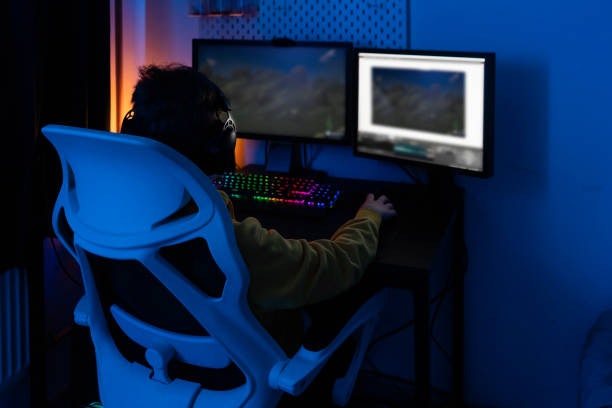
You should also take note of the gaming chair’s armrests, so that your arms don’t get strained while you’re playing games or typing. You can also check if they’re adjustable, so you can alter them to your liking.
You will be leaning on them a lot, so make sure to take note of the armrests’ dimensions. Check how wide they are and try to envision if you can comfortably rest your arms on them without any discomfort or difficulty.
Check the Seat Material of Your Chair
The materials used to build the seat of your chair will dictate how comfortable and durable your chair will be, as well as how it will look in your space. Here are the most common materials used in gaming chairs.
For a Luxurious Look, Go for Faux Leather
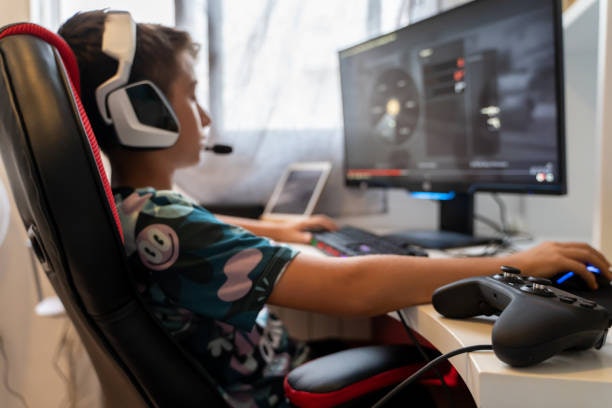
Faux leather is a commonly used finish for gaming chairs because it looks luxurious and is relatively easy to clean and maintain. It’s also more budget-friendly than getting a genuine leather option—you can get a sleek chair without the hefty price tag. However, faux leather tends to crack over time, so make sure to take care of your chair.
For Affordability, Opt for Fabric

Gaming chairs using a fabric finish are the most affordable and are usually the most lightweight. Depending on the type of fabric used, they can have a polished look or a more colorful one, meaning they will have no trouble matching your interior design or set-up. Because they’re so light, though, they’re not the most durable option, and they may not offer ample cushioning.
For Breathability and Comfortability, Try Mesh

If you’re looking for something breathable, you can’t go wrong with mesh. You can game for hours without feeling stuffy or warm, which is perfect given our hot climate. It also provides great back support, which is useful for many hours of sitting. Watch out, though, because this material can feel a bit rough after a while.
Make Sure Your Gaming Chair’s Color Matches Your Set-Up

For an aesthetically pleasing setup, you need to choose the color of your gaming chair wisely. Gaming chairs usually come in black, but most have red, white, blue, and pink accents, which match many people's gaming setups. However, there are also nude, grey, or white ones that are nice for those who have a more office-like space.
It's recommended to match the color of your gaming chair to the rest of your gadgets so that you can have a cohesive space that will help you feel more excited and motivated to play, stream, or work. It will also make your room, which ultimately reflects your personality and character, look more coordinated.
10 Best Budget Gaming Chairs to Buy Online
| Products | Image | Click to purchase | Popularity | Details | ||||
|---|---|---|---|---|---|---|---|---|
Size | Seat Material | Weight Limit | Dimensions | |||||
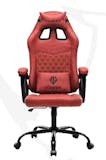
1 | Aeolus Navigator Series|Model 2 109B Musso |  | No.1 | Large | Fabric | 140 kg | 70 × 70 × 124 cm | |
2 | Retro Royal Series Gaming Chair |109FG Musso |  | No.2 | Large | PU Leather | 140 kg | 70 × 70 × 124 cm | |
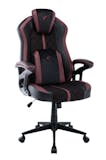
3 | Ergonomic Office Gaming Chair |Duo V3, Duo V4, Duo V4 Pro TTRacing |  | No.3 | Standard | PU Leather, Fabric | 130 kg | 51 × 50 × 112–130 cm | |
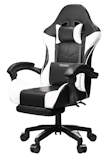
4 | Ergonomic Gaming Chair with Footrest AIODIY |  | No.4 | Standard | PU Leather | 120 kg | 64 × 65 × 118–128 cm | |
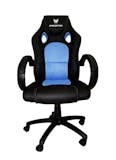
5 | Predator Gaming Chair |LK-8103A Acer |  | No.5 | Large | PU Leather | 150 kg | 66 × 68 × 124 cm | |
6 | Gaming Chair Monster |  | No.6 | Standard | PU Leather | 150 kg | 55 × 50 × 80 cm | |
7 | Ergonomic Mesh Office Chair, Gaming Chair |  | No.7 | Standard | Mesh, Fabric | 120 kg | 50–65 × 60 × 100–120 cm | |
8 | Gaming Chair |HM50 Iker |  | No.8 | Standard | PU Leather | 150 kg | 59 × 70 × 125 cm | |
9 | Living Xylo Gaming Chair Qoncept |  | No.9 | Standard | Mesh | 120 kg | 66 × 68 × 122 cm | |
10 | Gaming Chair Baierdi |  | No.10 | Standard | PU Leather | 150 kg | 59 × 70 × 125 cm | |

Musso Aeolus Navigator Series | Model 2 109B
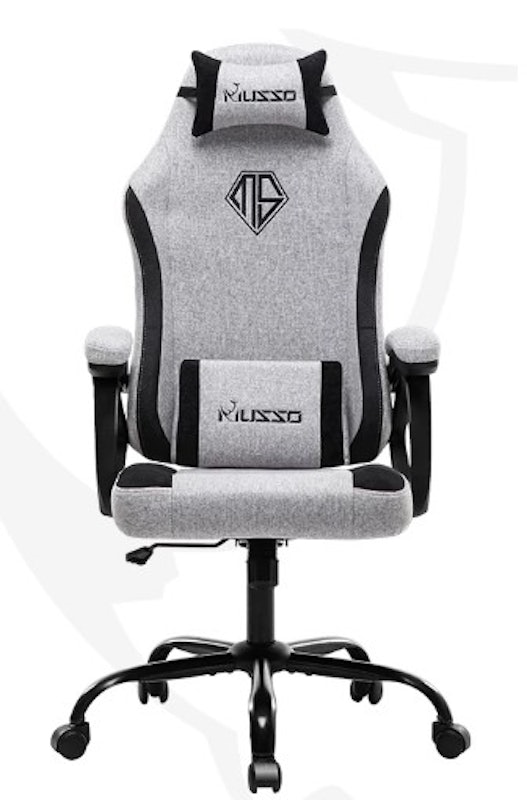
| Size | Large |
|---|---|
| Seat Material | Fabric |
| Weight Limit | 140 kg |
| Dimensions | 70 × 70 × 124 cm |
Musso Retro Royal Series Gaming Chair | 109FG
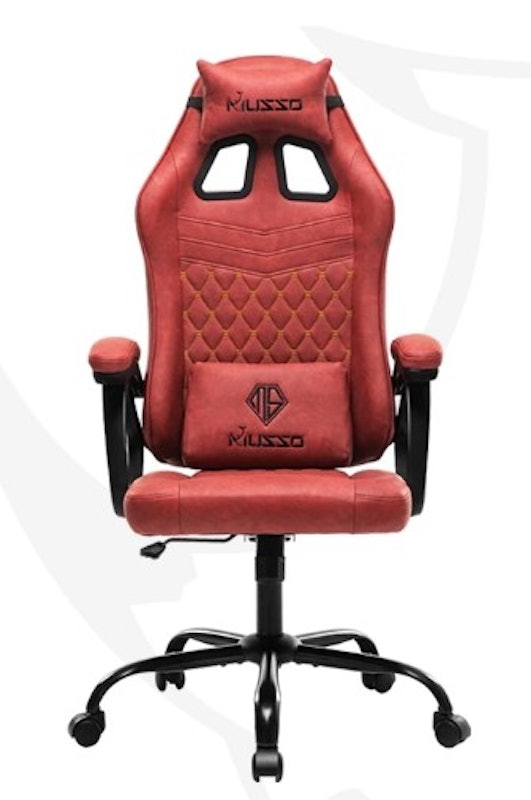
| Size | Large |
|---|---|
| Seat Material | PU Leather |
| Weight Limit | 140 kg |
| Dimensions | 70 × 70 × 124 cm |
TTRacingErgonomic Office Gaming Chair | Duo V3, Duo V4, Duo V4 Pro

| Size | Standard |
|---|---|
| Seat Material | PU Leather, Fabric |
| Weight Limit | 130 kg |
| Dimensions | 51 × 50 × 112–130 cm |
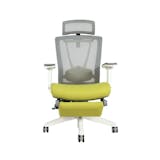
AIODIYErgonomic Gaming Chair with Footrest
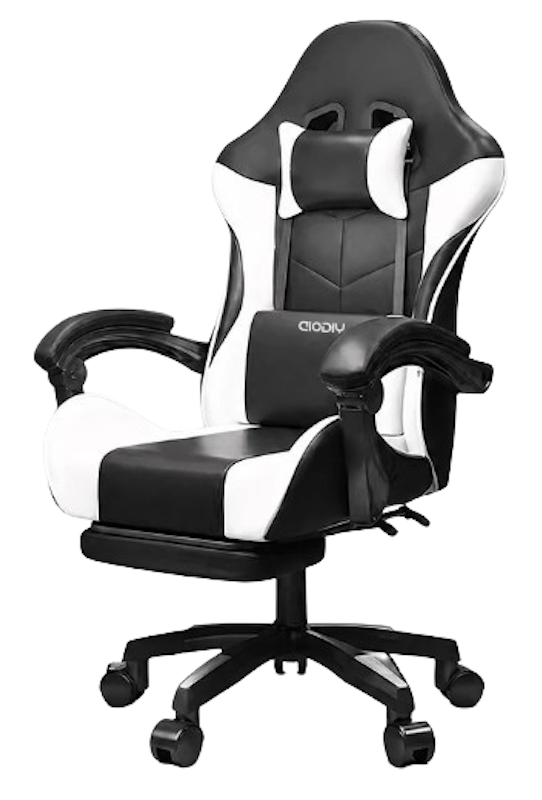
Built-in pull-out footrest lets you prop your legs up without buying a separate ottoman
Detachable headrest and lumbar pillow can be positioned for added neck and lower-back support
Reclining backrest, swivel base, and adjustable height suit home offices, dorms, and gaming setups
| Size | Standard |
|---|---|
| Seat Material | PU Leather |
| Weight Limit | 120 kg |
| Dimensions | 64 × 65 × 118–128 cm |
Acer Predator Gaming Chair | LK-8103A
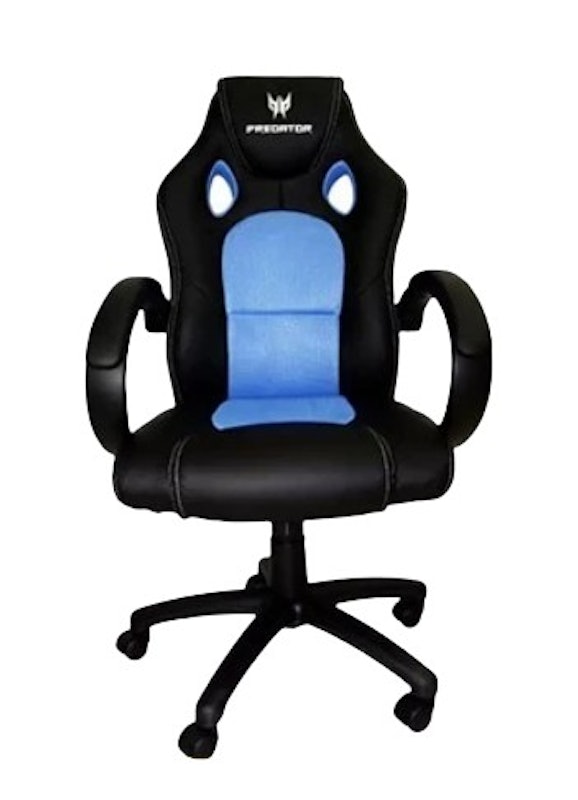
| Size | Large |
|---|---|
| Seat Material | PU Leather |
| Weight Limit | 150 kg |
| Dimensions | 66 × 68 × 124 cm |
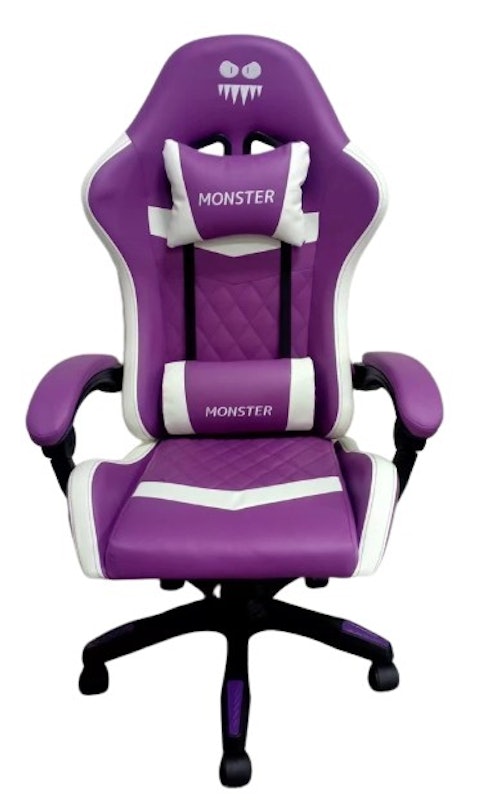
| Size | Standard |
|---|---|
| Seat Material | PU Leather |
| Weight Limit | 150 kg |
| Dimensions | 55 × 50 × 80 cm |
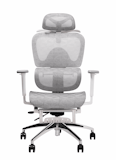
Ergonomic Mesh Office Chair, Gaming Chair
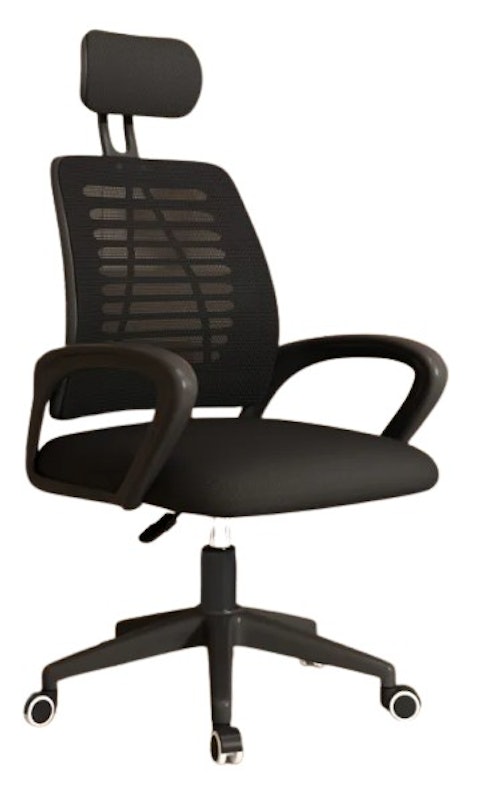
| Size | Standard |
|---|---|
| Seat Material | Mesh, Fabric |
| Weight Limit | 120 kg |
| Dimensions | 50–65 × 60 × 100–120 cm |
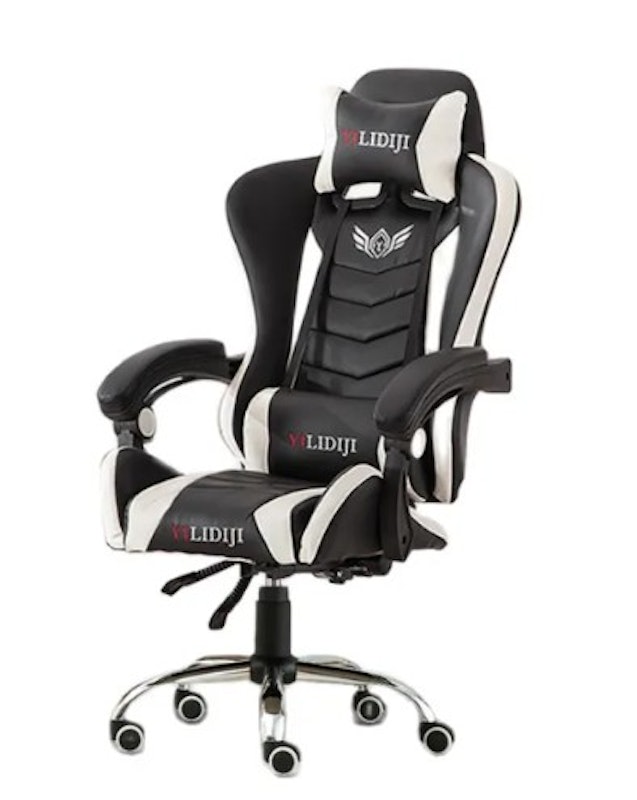
| Size | Standard |
|---|---|
| Seat Material | PU Leather |
| Weight Limit | 150 kg |
| Dimensions | 59 × 70 × 125 cm |
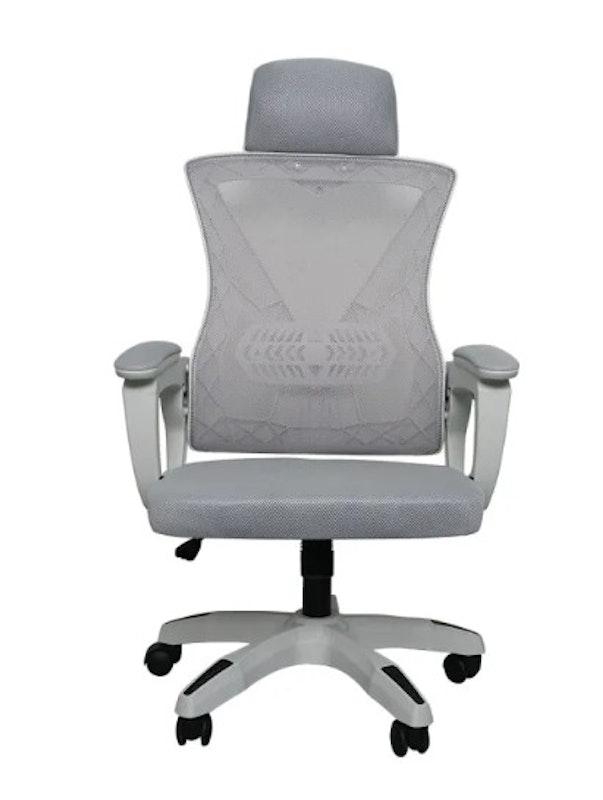
| Size | Standard |
|---|---|
| Seat Material | Mesh |
| Weight Limit | 120 kg |
| Dimensions | 66 × 68 × 122 cm |
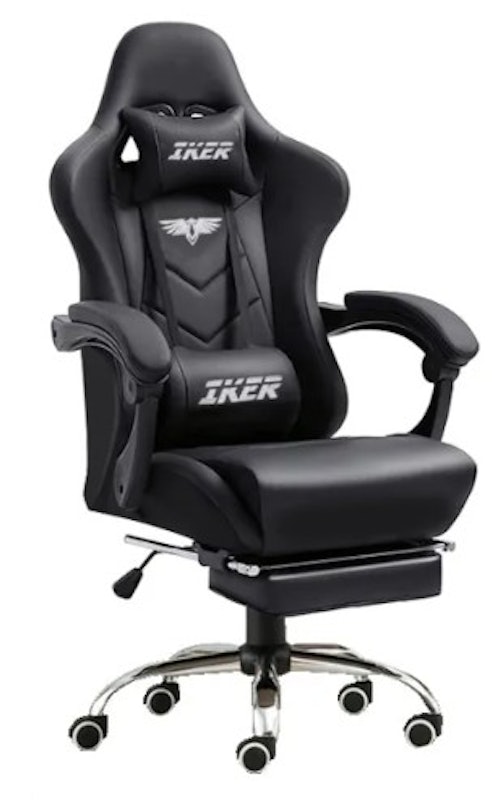
| Size | Standard |
|---|---|
| Seat Material | PU Leather |
| Weight Limit | 150 kg |
| Dimensions | 59 × 70 × 125 cm |
Complete Your Gaming Set-Up
Gaming is a fun and sometimes, even therapeutic hobby, which is why it's no surprise why a lot of people really invest in their gaming setups. If you're just starting out or are looking for new products to upgrade your set-up, check out our articles down below for the best gaming gadgets that we found online.


Summary
Getting a good gaming chair doesn't have to be expensive. There are loads of affordable yet high-quality options on the market, which is what we hope to have shown you in this article. After going through our curated list, we hope that you were able to find the perfect gaming chair for your setup. Happy gaming!
Author: Bianca Angela Dela Cruz
Editor: J. CuizonLike and follow our Instagram and Facebook page for more updates!
The descriptions of each product are referenced from content available on manufacturer, brand, and e-commerce sites.