10 Best Computer Tables in the Philippines 2026 | Inplay, TTRacing, and More
We have spent most of the past months confined in our homes. This means we’ve spent many hours in front of a computer for work or for play. The stay-home experience might have just taught you the importance of having the right computer table; one that is ergonomic and fits everything we need from working to gaming.
Your computer table should help increase productivity and performance without any pain, tension, nor discomfort. How should you choose the best computer table? We’ve got you. Read our buying guide to know the important considerations to make before purchasing a PC table, be it for a laptop or desktop. Then, continue on to our Top 10 list of the best computer tables on sale in Lazada and Shopee.

Our recommendation articles are carefully researched and crafted by the mybest Philippines team of writers and editors. To stay true to our company’s mission and vision to help users’ selection process easier, we also collaborate with experts from various fields to ensure that our content stays factual and useful.
Why You Can Trust Us
Every mybest article is crafted with hours of in-depth research and interviews with experts. Each month, we are continually expanding our database of products based on our research. By emphasizing user insight and reliable information, we deliver trustworthy content to readers.
How to Choose the Best Computer Table - Buying Guide
Now more than ever, we spend longer hours seated in front of a computer screen. And, since we are in this position most hours of our day, a computer table must be an ergonomic fit. This might necessitate added features, more than just being a plain tabletop. Read through our list below to help you decide which features of a computer table to look for.
Identify The Type Of Work You Need It For

Identify what you will use the table for, in conjunction with your PC. Rarely will you use the computer alone, especially for work. This will help you know your needs and come up with solid answers for the considerations you'll make after reading this buying guide.
You might be a writer or researcher and you need space to annotate books as well as shelves to stack them. You might be an artist and need more space to draft and draw. Maybe you're a gamer or streamer and need space for other devices such as mics, cameras, and more monitors.
Determine The Dimensions You Need

If you only use a computer and nothing more, a small table would do. Make sure your pick can accommodate all your essential PC paraphernalia without having to cram everything into a tight space. It would be important to consider, too, if you'll be using a laptop or a desktop.
For a laptop, a small desk with a 60 cm background or width would do. For desktops, it is preferable that you have about a 75 cm background to allot for the bigger, separate components.
We suggest getting a slightly larger desk than you need so you have more freedom to arrange and design your desk. Plus, you might need the extra space for writing, placing other gadgets, or reading. Rectangular tables tend to be the best choice. But, with this being said, always consider the room or floor space you have.
Look for Drawers and Shelves for Better Organization

An organized table allows you to be efficient because you'd know where to find what you need. This creates a better atmosphere for work and a more comfortable atmosphere for play and rest.
Since it is a computer table, the desktop or laptop must and will take up a good amount of space on the main tabletop. So, our advice is to look for one that allows you to organize books, mount your speakers, place your printer, or pile your paperwork on its added drawers and shelves.
These features don't only make for a neater looking computer table. They will also allow you to create a system in your work or play station that will make your tasks flow smoother.
Consider Ergonomic Features Like Keyboard Trays and Monitor Stands

Preferably, your table should have a monitor stand. This will place the computer monitor at an ergonomic height wherein there is little to no stress on your neck and upper back musculature. An adjustable table is also recommended because it will help create a level surface and add or subtract inches to the height, depending on how tall you are.
We spend a huge amount of time looking at and typing away on our computers. Therefore, we must not only make it comfortable but also healthy. An ergonomic computer table will allow you to toil for your dreams while keeping you away from the detrimental effects of posture dysfunction.
Your Preferred Materials Determine the Table's Durability

Starting off with the frame, you can never go wrong with metal frames. They do not need to be thick to be sturdy, plus they are very durable. The less space-consuming the frame is, the more floor and leg space it gives you.
The battle of materials is on the tabletops. Most manufacturers use fiberboard for this. They are lightweight and are fairly durable. Then, they are sandwiched between plastic sheets for waterproofing and to make them more durable. These types are called laminates and are the most common.
A metal tabletop can be a durable option, but they are heavier and more expensive. Wood tabletops are great for aesthetically conscious people. They are also on the heavier side. If you opt for wood ones, choose a varnished finish.
Factor in the Available Space in Your Home or Office

Your table's two main shapes would be the conventional rectangle table and then the corner L-shaped table. Regardless of which shape you opt for, make sure you maximize the floor area you have. Also, you don't want it to ruin the room's functionality by obstructing the foot traffic and blocking windows and outlets.
The rectangle table is basically a place-it-anywhere piece as it won't take up much space. They are the better choice for a really small room. You can put them in a corner, in the middle of a big room, and even beside your bed. They are the most versatile type.
An L-shaped table is best for maximizing an open corner in a room. While the default idea would be to let the L-shaped table follow the corner, you can also choose to create your own little office by creating your own square workspace.
10 Best Computer Tables to Buy Online
| Products | Image | Click to purchase | Popularity | Details | |||
|---|---|---|---|---|---|---|---|
Size | Material | Notable Features | |||||
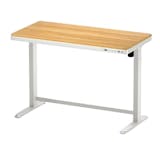
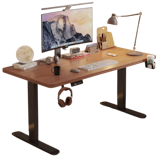
1 | Electric Standing Desk Table |EK-120A Inplay |  | No.1 | 120 × 60 cm | Wood, Metal, Steel, Particle Board | Smart Controller: Digital Display; Safety: Integrated Anti-Collision System; Ergonomic Extras: Includes a Cup Holder, Headphone Hook, Cable Management Routing | |
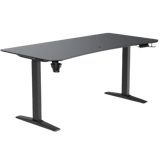
2 | Titus X Smart Gaming Desk TTRacing |  | No.2 | S: 120 × 75 cm, M: 140 × 75 cm, L: 160 × 80 cm, XL: 180 × 80 cm | MDF Wood, Metal/Steel | Smart Touchscreen Control Panel (Titus X Branded); Memory Presets: 3–4 Programmable Height Settings; Dual-Hook Retractable Mug and Headphone Holders; BIFMA Safety Standards | |
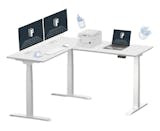
3 | L-Shaped Standing Desk |E7L Pro FlexiSpot |  | No.3 | ≈139.7 × 63.5 cm, 193.04 × 60.96 cm; Height Range: 65–127 cm | Steel Frame; Bamboo, Solid Wood, or High-Density MDF Tabletop Options | Multi-Motor/Multistage Lifting Columns, Anti-Collision (Auto-Reverse) Safety, and Three-Leg/Three-Pillar Frame for Stability | |
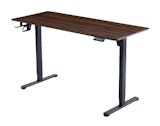
4 | Gaming Desk |RO3 MUSSO |  | No.4 | Adjustable: 120/140 cm L, ~72–121 cm H | E0-Grade Child-Friendly Solid-Wood Desktop, Steel Frame | Smart Controller: LCD Real-Time Height Display With 3-Position Memory Presets, Child Safety Lock, Rebound on Resistance (Anti-Collision), Headphone Holder, Cup Holder | |
5 | Gaming Table|WS414 Fantech |  | No.5 | 110 × 60 cm; 140 × 70 cm | MDF Wood, Carbon Fiber, Steel/Metal | Built-In Dual Cable Management Grommets, Cup Holder, Headset Hook, Curved Front Edge, Adjustable Leveling Feet | |
6 | Work Station BUBLIN Gaming Table |DW114 Fantech |  | No.6 | 140 × 70 × 73–122 cm | Iron Plate, Particle Board, Carbon Fiber, Steel | Dual Motors; 120 kg Load Capacity; 4 Height Memory Presets; Magnetic RGB Light Strip, Mouse Pad, Auto-Pause Obstacle Detection, ±45 dB Noise, Cable Management | |
7 | L-Shaped Gaming Table Xpanse |  | No.7 | ≈160/180 × 60–80 × 71–117 cm | Composite Board, Carbon Fiber, Steel | Electric Height Adjustment, Cable Management Holes, Headphone Hook, Cup Holder, Safety: Anti-Collision Sensors, Arc-Rounded Corners | |
8 | Furniture Computer Table |405317 San-Yang |  | No.8 | 90 × 50 × 74.5 cm | PVC, Particle Board | Easy to Assemble, Stylish, Multifunctional, Durable | |
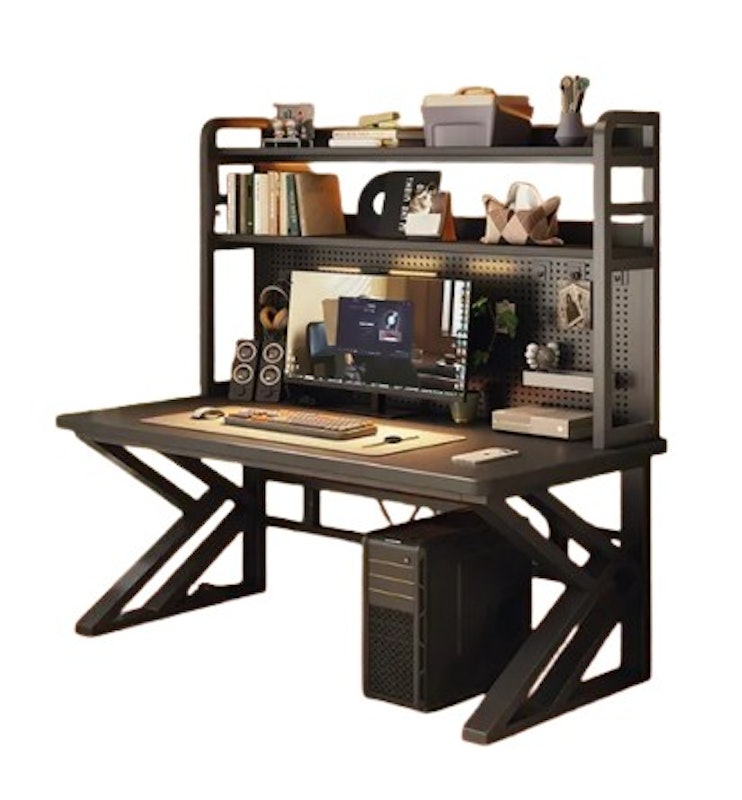
9 | Gaming Table TABLETROVE |  | No.9 | 60 × 32 × 90 cm, 80 × 32 × 100 cm, 100 × 32 × 100 cm, 120 × 32 × 100 cm | Wood, Metal | Integrated Multi-Layer Bookshelves, Customizable Pegboards, Industrial Aesthetics | |
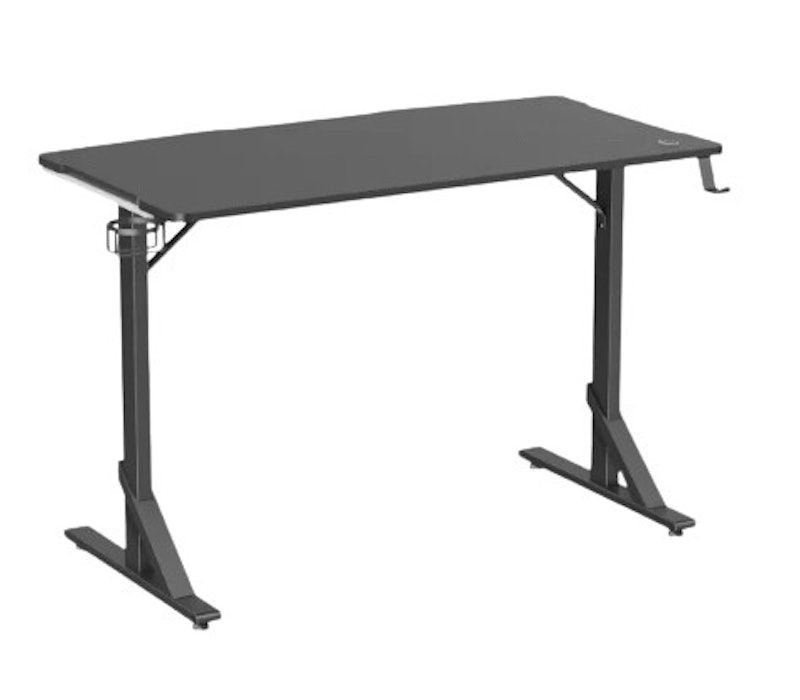
10 | RGB Gaming Desk |TVGMDHE-1 True Vision |  | No.10 | 112 × 60 × 74 cm | MDF, Steel | RGB Multi-Color Gradient Breathing LED Lights, Under-Desk Headphone Hook, Drink Holder, Textured Surface, Built-In Lighting Control, Curved Rear Edge for Cable Management; Round Protective Edges; 100 kg Capacity | |

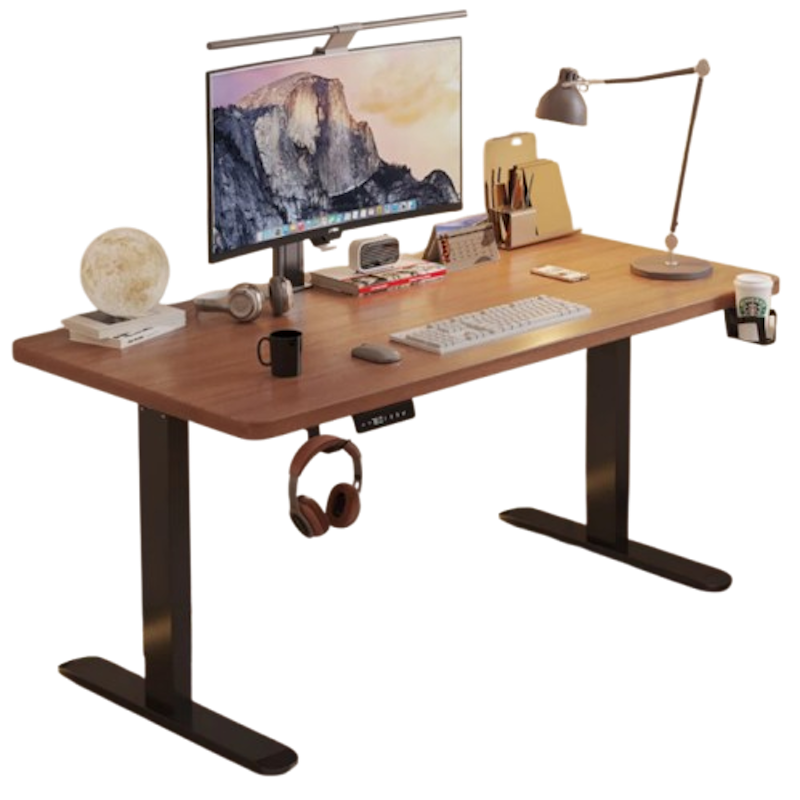
Inplay Electric Standing Desk Table | EK-120A
Reviews mention:
Several note its spacious 120 × 60 cm surface and easy assembly. Many highlight the sturdy steel frame and aerospace-grade lifting columns. People appreciate the thoughtful extras like the digital memory settings for personalized heights, built-in cable management clips, a cup holder, and a headset hook.
| Size | 120 × 60 cm |
|---|---|
| Material | Wood, Metal, Steel, Particle Board |
| Notable Features | Smart Controller: Digital Display; Safety: Integrated Anti-Collision System; Ergonomic Extras: Includes a Cup Holder, Headphone Hook, Cable Management Routing |
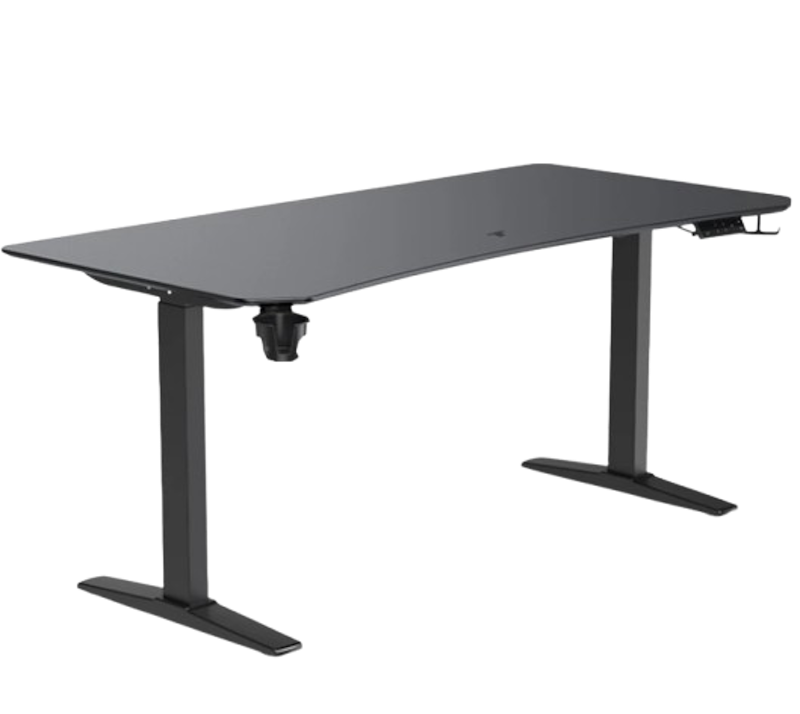
TTRacing Titus X Smart Gaming Desk
Reviews mention:
Many highlight the smooth and stable height adjustment; it keeps items perfectly steady. People appreciate the memory presets on the intuitive touchscreen, allowing one-touch personalization. Several emphasize its premium features, including a scratch-resistant thermoformed surface.
| Size | S: 120 × 75 cm, M: 140 × 75 cm, L: 160 × 80 cm, XL: 180 × 80 cm |
|---|---|
| Material | MDF Wood, Metal/Steel |
| Notable Features | Smart Touchscreen Control Panel (Titus X Branded); Memory Presets: 3–4 Programmable Height Settings; Dual-Hook Retractable Mug and Headphone Holders; BIFMA Safety Standards |
FlexiSpot L-Shaped Standing Desk | E7L Pro

Reviews mention:
People find that the large L-shaped surface easily fits multiple monitors, gaming peripherals, and a full work setup without feeling cramped. Many note the smooth, quiet height adjustment and three-leg tripod base, which keep the desk stable and wobble-free even at standing height. Several appreciate the built-in cable management and high load capacity, making it practical for heavy-gear setups and all-day use in home-office or gaming spaces.
| Size | ≈139.7 × 63.5 cm, 193.04 × 60.96 cm; Height Range: 65–127 cm |
|---|---|
| Material | Steel Frame; Bamboo, Solid Wood, or High-Density MDF Tabletop Options |
| Notable Features | Multi-Motor/Multistage Lifting Columns, Anti-Collision (Auto-Reverse) Safety, and Three-Leg/Three-Pillar Frame for Stability |
Reviews mention:
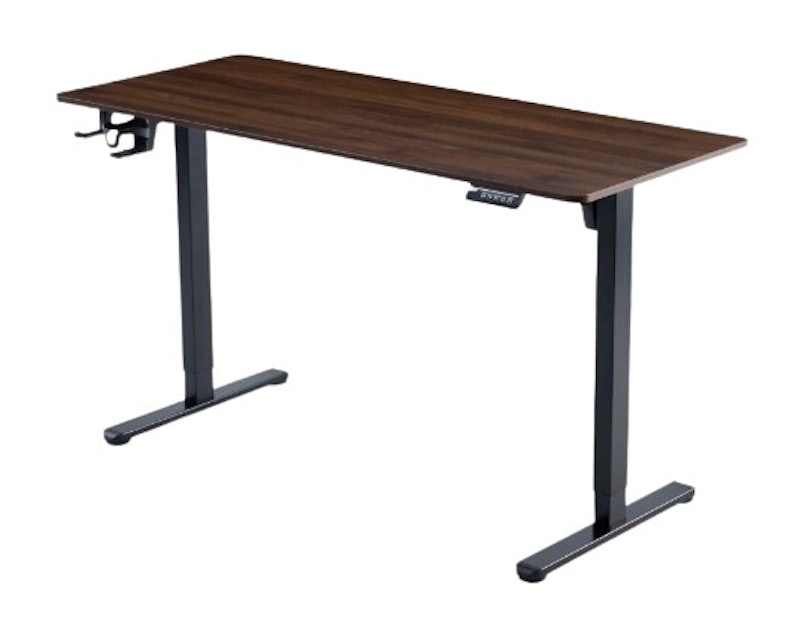
Several praise its smooth and quiet electric height adjustment, making it easy to switch between sitting and standing positions. Many highlight the desk’s sturdy build and spacious surface, comfortably fits multiple monitors, a keyboard, and gaming peripherals. People mention that the ergonomic sit‑stand design helps reduce back and neck strain.
| Size | Adjustable: 120/140 cm L, ~72–121 cm H |
|---|---|
| Material | E0-Grade Child-Friendly Solid-Wood Desktop, Steel Frame |
| Notable Features | Smart Controller: LCD Real-Time Height Display With 3-Position Memory Presets, Child Safety Lock, Rebound on Resistance (Anti-Collision), Headphone Holder, Cup Holder |
Features and benefits:
Reviews mention:
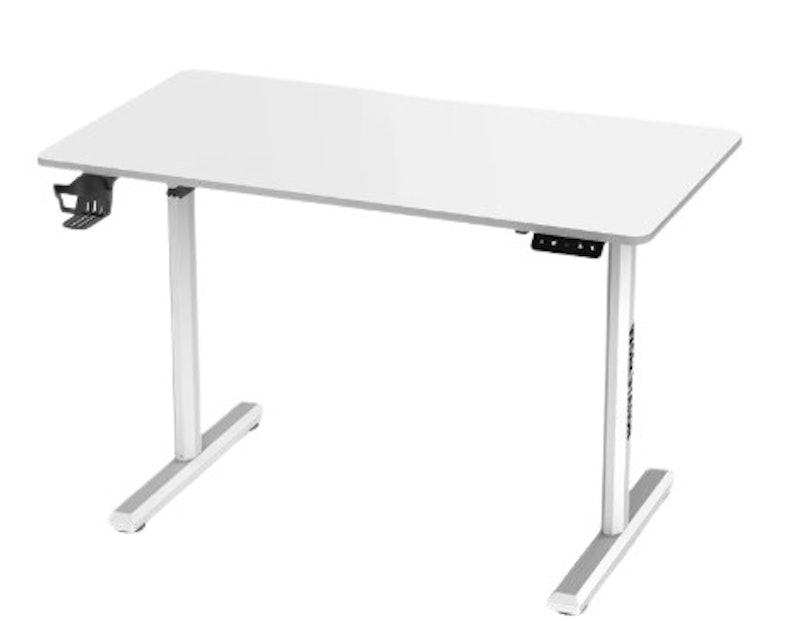
Many highlight the sturdy steel frame and 80 kg load capacity, noting minimal wobble even at full height. People appreciate the built-in cable management, foldable cup and headset holders, and sedentary reminder feature. Several praise its smooth electric height adjustment from 74 cm to 118 cm, making it easy to switch between sitting and standing positions.
| Size | 110 × 60 cm; 140 × 70 cm |
|---|---|
| Material | MDF Wood, Carbon Fiber, Steel/Metal |
| Notable Features | Built-In Dual Cable Management Grommets, Cup Holder, Headset Hook, Curved Front Edge, Adjustable Leveling Feet |
Fantech Work Station BUBLIN Gaming Table | DW114
Features and benefits:
Reviews mention:
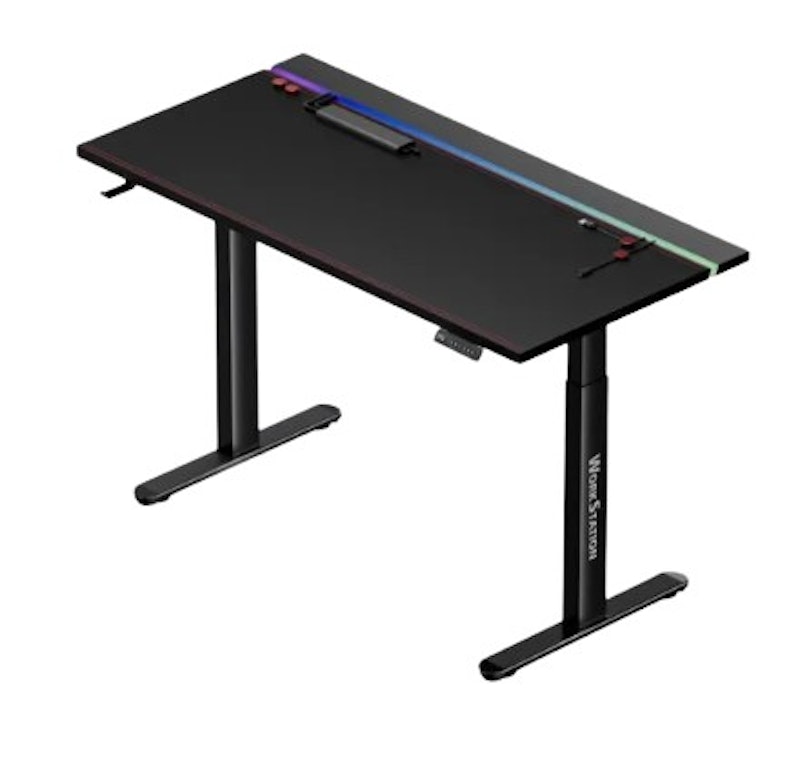
People appreciate the spacious 140 × 70 cm magnetic tabletop, saying it easily fits a full gaming setup. Several mention the built-in magnetic RGB light strip and magnetic mouse pad as standout features. Many are happy with the desk’s smart safety features, such as auto-pause obstacle detection and height-memory presets.
| Size | 140 × 70 × 73–122 cm |
|---|---|
| Material | Iron Plate, Particle Board, Carbon Fiber, Steel |
| Notable Features | Dual Motors; 120 kg Load Capacity; 4 Height Memory Presets; Magnetic RGB Light Strip, Mouse Pad, Auto-Pause Obstacle Detection, ±45 dB Noise, Cable Management |
Reviews mention:
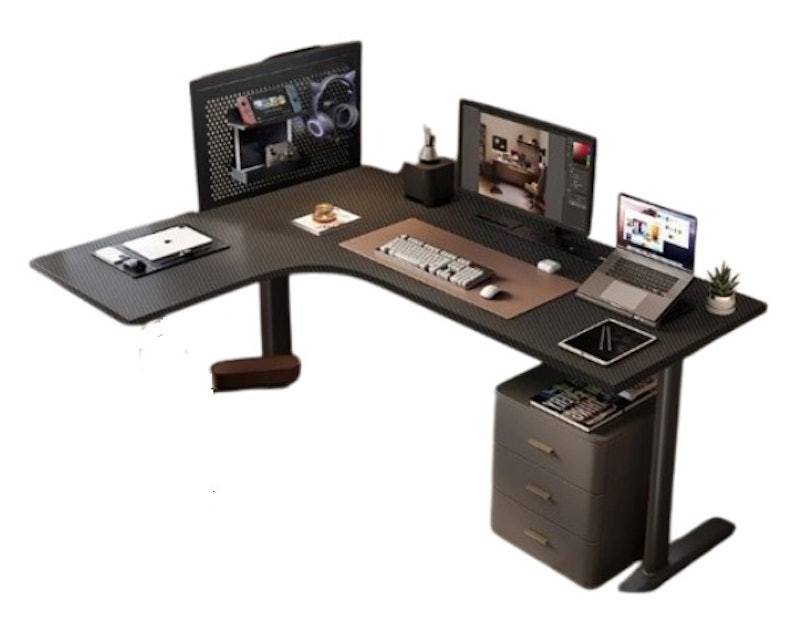
Several appreciate its ability to effectively fulfill its intended purpose while remaining budget-friendly. Many highlight the straightforward and manageable assembly process. People who use the desk for dual-monitor setups or work-from-home arrangements report that it provides ample space for their equipment and daily tasks.
| Size | ≈160/180 × 60–80 × 71–117 cm |
|---|---|
| Material | Composite Board, Carbon Fiber, Steel |
| Notable Features | Electric Height Adjustment, Cable Management Holes, Headphone Hook, Cup Holder, Safety: Anti-Collision Sensors, Arc-Rounded Corners |
San-Yang Furniture Computer Table | 405317
Features and benefits:
Reviews mention:
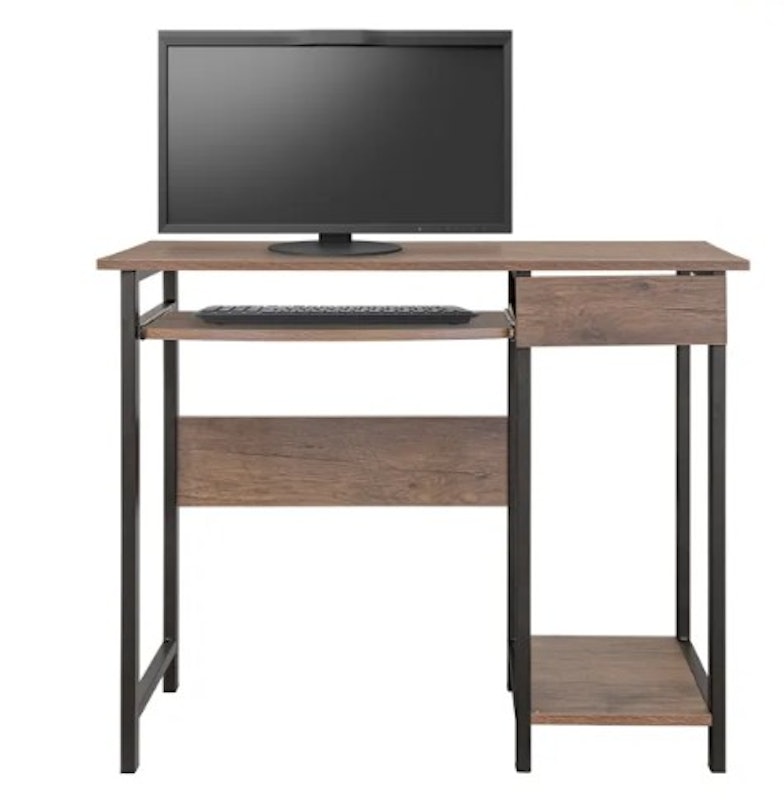
Many appreciate its stylish dark oak finish and compact size, ideal for small spaces. People highlight its durability, noting it holds up well for years of regular use without issues. Several praise its straightforward assembly process.
| Size | 90 × 50 × 74.5 cm |
|---|---|
| Material | PVC, Particle Board |
| Notable Features | Easy to Assemble, Stylish, Multifunctional, Durable |
Reviews mention:
People appreciate the large desktop surface that accommodates multiple monitors and equipment comfortably. Several praise its sturdy solid wood construction and ergonomic design, noting its reliability for long gaming sessions. Many highlight the multi-layer bookshelves and pegboard for flexible storage, keeping peripherals and accessories organized without clutter.
| Size | 60 × 32 × 90 cm, 80 × 32 × 100 cm, 100 × 32 × 100 cm, 120 × 32 × 100 cm |
|---|---|
| Material | Wood, Metal |
| Notable Features | Integrated Multi-Layer Bookshelves, Customizable Pegboards, Industrial Aesthetics |
True Vision RGB Gaming Desk | TVGMDHE-1
Features and benefits:
Reviews mention:
Several praise its cool ambient lighting; the multi-color gradient and breathing LED strips add a vibrant, “gamer-room” vibe to their setup. Many highlight the under-desk headphone and cup holders as a major plus. People like the textured tabletop surface, saying it gives the desk a more high-tech and premium look.
| Size | 112 × 60 × 74 cm |
|---|---|
| Material | MDF, Steel |
| Notable Features | RGB Multi-Color Gradient Breathing LED Lights, Under-Desk Headphone Hook, Drink Holder, Textured Surface, Built-In Lighting Control, Curved Rear Edge for Cable Management; Round Protective Edges; 100 kg Capacity |
Tabletop Items You Might Need
Although your chosen computer table might already have shelves, you'd still want to be able to divide those spaces. Especially if you use your PC table for work, organization is important so you don't get lost and drown in the paperwork.
These tabletop items will make you better organized and make all your items easily accessible, making you focus better on the task at hand.


Summary
A powerful computer is not an assurance that you will be able to work at a very high rate with overflowing productivity. While it will immensely help, it would be of no use if only after a few hours you already feel sore and uncomfortable. This is why you should invest in the best computer table you can.
It helps you organize your computer and work items, provide you ample and optimized space, and lets you sit in an ergonomic position. Keep your spine healthy, your muscles limber, and your work rate high by choosing the best-matched computer table for you.
Author: Petre Baliton
The descriptions of each product are referenced from content available on manufacturer, brand, and e-commerce sites.